
12 Best AI Book Writer Tools 2026 — Drafts, KDP & Fiction
Compare 12 AI book writer tools for fiction, nonfiction and KDP workflows, including pricing, export limits, story memory and real editing risks.

On this page
You do not need another chatbot that can produce 1,500 decent words and then forget what chapter two was about. If you are comparing AI book writer tools in 2026, the real decision is whether the software can help you finish a manuscript without wrecking voice, continuity, KDP formatting, or reader trust. Indie authors are under pressure from both sides: AI can shorten the first-draft grind, but readers, reviewers, narrators, and marketplaces are more suspicious of generic AI prose than they were a year ago.
This guide is written for self-published authors, nonfiction operators turning expertise into books, and fiction writers who need a structured assistant rather than a ghostwriter they cannot control. We used the existing ToolWorthy ChatGPT Deep Research file from May 10, 2026, then ran a fresh June 2026 search-intent and user-feedback pass focused on pricing friction, AI-sounding prose, context memory, export workflow, and KDP readiness. For adjacent writing workflows, our AI writing assistants guide is broader; this roundup focuses specifically on long-form book production.
| Tool | Best For |
|---|---|
| AIWriteBook | Fastest full-stack KDP-ready workflow with cover and audiobook options |
| Inkfluence AI | Low-cost prompt-to-ebook creation with commercial rights |
| BookBud.ai | Self-publishers building a catalog and exporting publish-ready files |
| MasterProse | Fiction writers who need canon, continuity and translation controls |
| Youbooks | Nonfiction authors turning source material into long manuscripts |
| Novelcrafter | Power fiction writers who want story memory and BYOK control |
| SidekickWriter | Co-authors and teams matching voice across chapters |
| ProseEngine | Revision-heavy novelists checking craft, canon and drift |
| Sudowrite | Fiction writers who want established brainstorming and scene tools |
| Squibler | Authors drafting novels, screenplays and outlines in one workspace |
| Auctore | Beta-tolerant writers who like guided wizards and voice setup |
| NovelAI | Privacy-focused creative writing and uncensored story exploration |
How We Selected and Tested
We selected these AI book writer tools based on measurable criteria: they had to support long-form book or novel workflows, provide enough public product information to assess fit, show active availability in 2026, and offer either public pricing or a clear entry plan in the May 2026 research file. We excluded generic article generators, one-shot ebook lead magnet tools, and tools that only rewrite paragraphs without manuscript structure. When a product had weak third-party review coverage but strong book-specific workflow depth, we kept it in the list and marked the evidence limits clearly.
Our research methodology combined the May 10, 2026 ChatGPT Deep Research file with a June 2026 search pass across official websites, Trustpilot pages, Reddit writing communities, and recent independent reviews. The search-intent pass showed that buyers are not only asking "which AI writes a book fastest?" They are asking whether AI drafts survive human editing, whether KDP workflows create disclosure or quality risk, whether credit-based subscriptions become expensive, and whether story memory holds up beyond a few chapters. Those concerns shaped the Cons sections below.
Evaluation Dimensions: We evaluated each tool across six dimensions tied to what authors actually decide on:
- Manuscript Workflow Depth — whether the tool handles outline, chapter drafting, revision, metadata, export and optional cover/audio steps.
- Voice and Continuity Control — whether it keeps characters, facts, sources and style consistent over a full manuscript.
- Publishing Readiness — whether outputs can move into EPUB, PDF, DOCX, KDP metadata, cover, audiobook or distribution workflows.
- Editing Burden — how much human review remains before a reader would accept the book as authored rather than machine-filled.
- Pricing Predictability — subscription, credit, BYOK or per-book costs, including where the visible entry price hides real scale cost.
- Reader Trust Risk — whether the workflow encourages disclosure, originality checks, and enough human intervention to avoid "AI slop" signals.
Note on Testing Scope: We did not claim full end-to-end publication testing for every tool. For the tools with public demos or free tiers, we reviewed interface claims, export paths and trial limits. For paid-only or closed workflows, we relied on official documentation, pricing pages and recent user feedback rather than inventing hands-on results. Screenshot references in this article are interface targets for the later ToolWorthy capture workflow.
Transparency & Limitations: Pricing and feature claims can change quickly in this category. The base ranking comes from ToolWorthy's May 10, 2026 research file; user-feedback and search-intent checks were refreshed on June 2, 2026. Where review volume is thin, we say so. We do not fabricate star ratings, benchmark scores or KDP approval outcomes.
Top 12 AI Book Writer Tools Compared
The table below is designed for shortlisting, not declaring one universal winner. A nonfiction consultant repurposing 50,000 words of notes needs a different AI book writer than a fantasy author protecting a series bible or a KDP publisher trying to create multiple catalog titles per month. Start with workflow fit, then check pricing and editing burden before paying.
| Tool | Best For | Starting Price | Book Workflow | Persona-Critical Risk |
|---|---|---|---|---|
| AIWriteBook | KDP-ready book pipeline | Free; Plus $12/mo billed yearly; Pro $30/mo; Ultra $120/mo | Outline, chapters, cover, EPUB/PDF/DOCX, KDP metadata, audiobook | Credit limits and editing workload still matter |
| Inkfluence AI | Budget prompt-to-ebook flow | Free; Creator $9.99/mo; Premium $19.99/mo | Ebook/PDF workflow, PDF/EPUB/DOCX on paid plans, audiobook allowances | Free plan is personal-use/PDF-limited; public review footprint is thin |
| BookBud.ai | Self-publishing catalog builders | Free 25,000 credits; Starter $19/mo; Publisher Basic $49/mo; Pro $99/mo | Drafting, editing, cover, ebook export, optional distribution | Book quotas and quality control shape the real workflow |
| MasterProse | Continuity-heavy fiction | Free; Author $14.99/mo or $19.99/book; Professional $39.99/mo | Canon checks, illustrations, exports; full translation is Professional-tier | Smaller ecosystem and review base |
| Youbooks | Source-grounded nonfiction | Fan €9.97/mo; Pro €24.97/mo; Enterprise €199.97/mo; top-ups from €5 | Long nonfiction, source input, style training, DOCX/EPUB/Markdown/RTF export | Premium projects can take days and still need edits |
| Novelcrafter | Power fiction and series writers | $4/mo Scribe; BYOK from $8/mo | Codex, scenes, series memory, model choice | BYOK setup has a learning curve |
| SidekickWriter | Co-author and team workflows | Free; Starter $12/mo or $10/mo annual; Plus $24/$20; Pro $99/$82.50; Agency $199/$165.83 | Voice matching, chapters, characters, DOCX/EPUB export, collaboration | Less independent feedback than mature tools |
| ProseEngine | Revision and quality checks | Free; Writer €9/mo; Author €19/mo; Studio €29/mo | 14-metric scoring, canon enforcement, drift detection, BYOK model choice | API/model costs may be separate; best after or during a draft |
| Sudowrite | Fiction brainstorming and scenes | Hobby & Student $10/mo annual or $19/mo monthly; Professional $22/$29; Max $44/$59 | Story Bible, Describe, Rewrite, Brainstorm | Credit limits and rollover rules drive real cost |
| Squibler | Authors drafting novels, screenplays and outlines in one workspace | Free 1,000 credits/mo; Plus $29.99/mo or $15.83/mo annual; Pro $89.99/mo or $49.17/mo annual | Outline, draft, revise, screenplay support | Less focused on deep fiction memory |
| Auctore | Beta-tolerant writers who like guided wizards and voice setup | Public beta currently free; pricing page shows Writer $12/mo, Pro $22/mo, Lifetime $249 once | Wizards, Voice DNA, Chapter Score, multi-format editors | Public beta maturity and pricing-state risk |
| NovelAI | Private creative writing and story exploration | Paper free trial; Tablet $10/mo; Scroll $15/mo; Opus $25/mo | Storytelling, Lorebook, TTS, image generation | Not a KDP production workflow; long-project context still needs management |
Detailed Reviews
AIWriteBook

Authors who want to publish, not just brainstorm, usually get stuck when the AI draft has to become a real book file. AIWriteBook is strongest for that production step: its workflow connects book details, outline generation, chapter writing, cover design, KDP metadata, EPUB/PDF/DOCX exports and audiobook generation in one environment. The May 2026 research file ranked it first because it covers more of the self-publishing chain than most writing assistants.
Key Features
- KDP-oriented production flow: Instead of leaving you with raw paragraphs, AIWriteBook pushes toward publishable assets: book outline, chapters, cover, metadata and export files. That matters if your blocker is formatting and upload preparation.
- Voice and manuscript input: The platform can import partial manuscripts and learn from your style, which reduces the "generic AI chapter" problem when used with enough author material.
- Multiformat export and audiobook options: EPUB, print-oriented PDF, DOCX and audiobook generation make it more complete than tools that stop at a text editor.
- Book-specific extras: KDP keyword research, competitor analysis and cover design are useful for self-publishers who do not want to stitch together five separate tools.
Pricing & Plans
AIWriteBook currently lists Free at $0 with 100 credits, Plus at $12/month billed yearly with 1,000 credits/month, Pro at $30/month billed yearly with 5,000 credits/month, and Ultra at $120/month billed yearly with 25,000 credits/month. Plus includes chapter writing, cover design, KDP metadata, and PDF/EPUB/DOCX export; Pro adds audiobook generation, priority support, book-series support, grammar/style checks, and an Author Page. The free tier is useful for testing the outline and first chapter, not for finishing a full manuscript. The real cost is not just the subscription; it is the editing time needed to remove repetitive patterns, verify claims, and make the book sound like you.
Pros & Cons
Pros: Strongest all-in-one KDP workflow in this list; includes outline, chapters, cover, metadata, EPUB/PDF/DOCX export, and audiobook generation; supports voice training and manuscript import. Cons: Credit limits affect real output volume; speed can encourage under-edited books; less suitable for authors already committed to Scrivener, Vellum, or editor-first workflows. Public review volume is positive but still small compared with older writing tools. AIWriteBook is also best for authors who accept an all-in-one workflow; writers with an existing Scrivener, Vellum or editor-first process may prefer a narrower assistant.
Best For
Choose AIWriteBook if you want one workspace that moves from idea to KDP-oriented files quickly. It is not the right fit if you already have a professional publishing stack and only need scene-level critique or prose rewriting.
Get started with AIWriteBook
Inkfluence AI
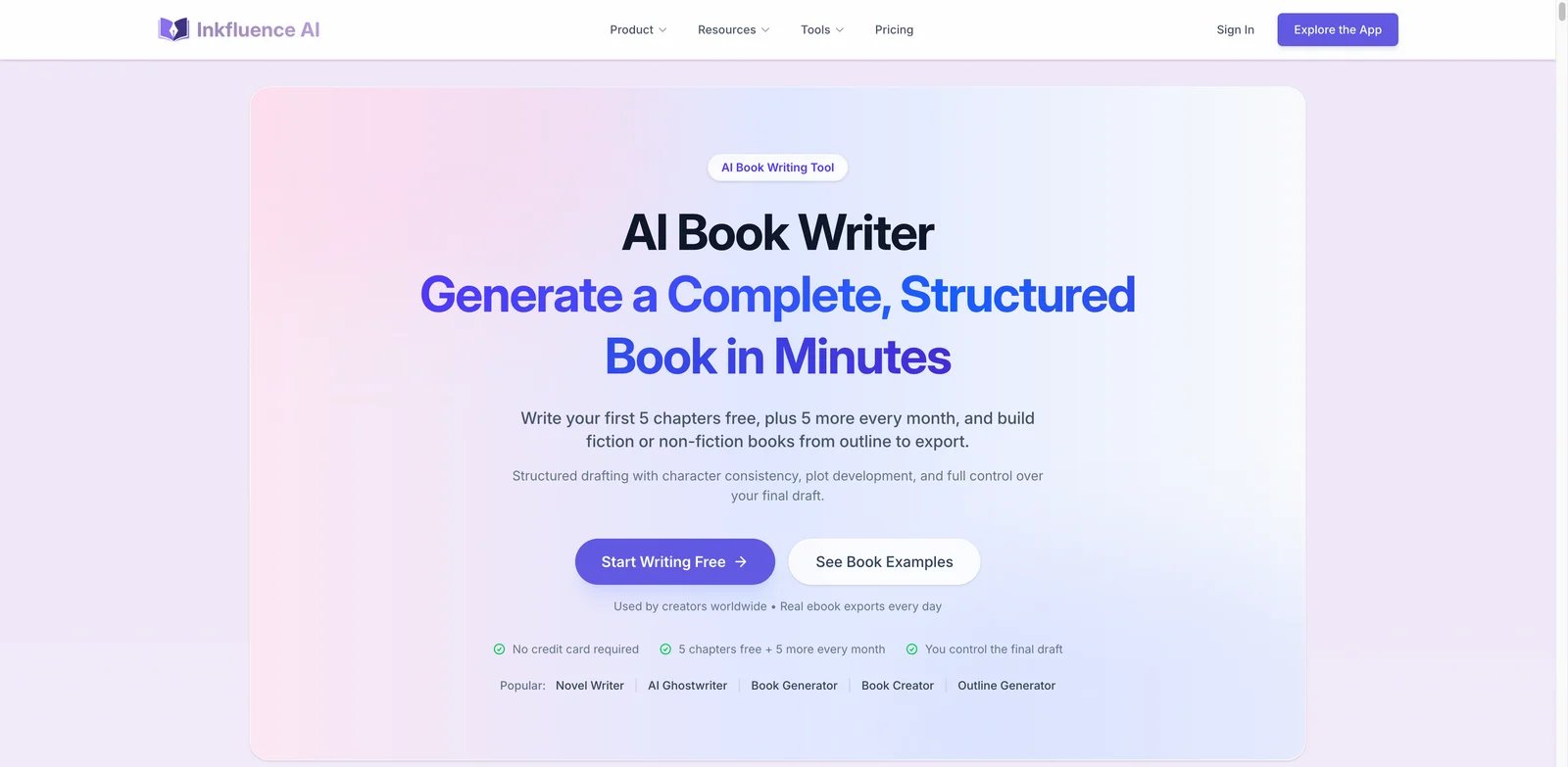
First-time authors often want a finished-looking ebook before they understand how much editorial work a serious manuscript requires. Inkfluence AI sits in that entry-level, low-friction lane: it turns a prompt into an export-ready ebook-style project and positions itself around simple pricing, commercial rights and rapid creation. It is especially attractive for creators making short nonfiction guides, lead magnets or lightweight educational books.
Key Features
- Prompt-to-book workflow: Inkfluence reduces the setup burden for users who do not want to build a detailed outline manually before seeing a draft.
- Commercial-rights positioning: The research file flags commercial rights as part of its appeal, which matters for creators selling guides or using books as business assets.
- Audiobook-style expansion: Its differentiation includes audio support, so authors can think beyond a single ebook file.
- Low entry price: At $9.99 per month in the research file, it is one of the least expensive full-stack book tools.
Pricing and Real Cost
Inkfluence AI currently lists Free, Creator at $9.99/month, and Premium at $19.99/month, with annual billing discounts. Free includes 5 chapters plus 5 more monthly, basic templates, PDF export only, and personal-use rights. Creator includes 35 chapters/month, PDF/EPUB/DOCX export, advanced cover tools, and audiobook allowances. Premium adds unlimited chapters, higher audiobook allowance, branding/watermark controls, writing analytics, batch operations, and the highest-tier AI model. The real cost appears after draft generation: editing, fact-checking, cover polish, formatting review and market positioning still sit with the author.
Limitations
Pros: Low-cost entry point; Free plan lets users test the workflow; paid plans include structured ebook creation, cover tools, PDF/EPUB/DOCX export, and audiobook allowances. Cons: Free plan is personal-use/PDF-limited; independent review coverage is thinner than mature writing tools; prompt-to-book workflows can produce generic structure without strong source material. if you need mature community knowledge, tutorials, or third-party troubleshooting. Prompt-to-book tools also tend to overproduce generic structure unless you bring strong source material and editorial direction.
Best For
Choose Inkfluence AI if you want an inexpensive way to create short ebooks, PDF guides or first drafts for business content. It is not the right fit if you are writing a complex novel, need deep continuity controls, or want a heavily validated author community.
Get started with Inkfluence AI
BookBud.ai
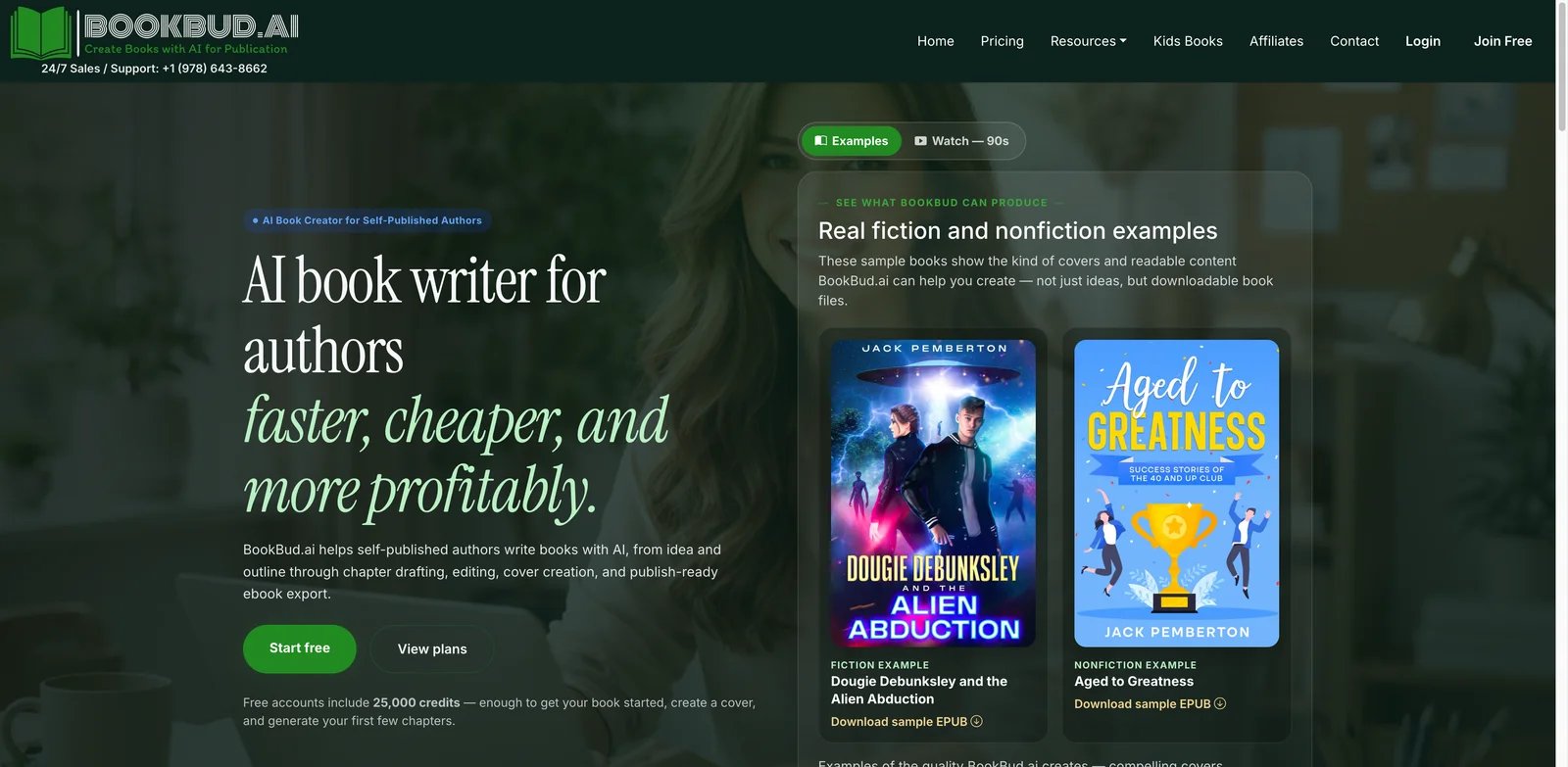
Self-publishers building a catalog need repeatable economics, not one inspirational draft. BookBud.ai is built around that production mindset: free starter credits, monthly plans tied to book volume, fiction and nonfiction workflows, ebook export, cover creation, and optional distribution paths. Its official site also publishes current product updates, which is useful in a category where many tools quietly disappear.
Key Features
- Catalog-oriented plans: Starter, Publisher Basic and Pro tiers map to monthly book volume, which is more practical for KDP publishers than a vague "unlimited writing" promise.
- Publish-ready export path: BookBud focuses on downloadable book files, not just editor text. That helps authors move into upload, formatting and distribution steps.
- Fiction and nonfiction support: The tool is not locked into one genre lane, so it can serve both story-driven books and practical guides.
- Optional distribution workflow: Distribution support can reduce handoff friction for authors who want to publish through multiple retailers.
Pricing and Real Cost
BookBud.ai currently advertises free accounts with 25,000 credits, a $19 per month Starter plan for up to three books per month, a $49 per month Publisher Basic plan for up to 15 books, and a $99 per month Pro plan for up to 50 books. Annual billing may reduce effective cost. The hidden cost is quality control at scale: the faster you generate catalog titles, the more disciplined your editing and reader review process needs to be.
Limitations
Pros: Clear catalog-oriented plans; free starter credits; supports fiction and nonfiction workflows, cover creation, publish-ready ebook export, and optional distribution. Cons: Monthly book quotas may encourage volume over quality; one-click distribution terms should be checked before relying on it; generated catalog titles still require strong editing and reader QA. without editorial systems. Reader backlash against obvious AI books is a real market risk, especially in crowded KDP categories. Authors should also confirm distribution terms and export ownership before relying on the platform as a central publishing hub.
Best For
Choose BookBud.ai if you are a self-publisher trying to build a repeatable catalog workflow with defined monthly output. It is not the right fit if your main goal is literary craft feedback, deep scene revision, or slow single-book development.
Get started with BookBud.ai
MasterProse
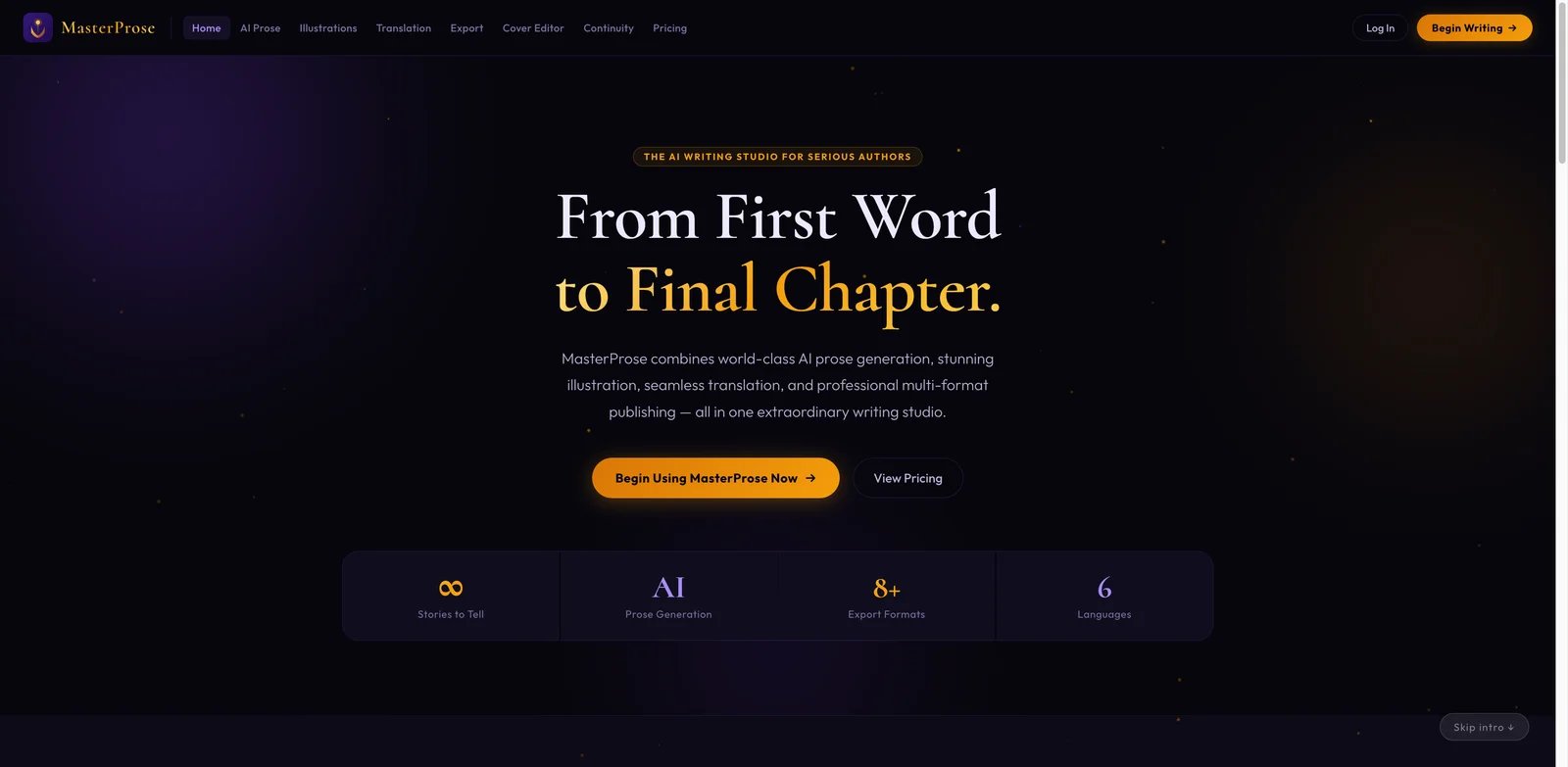
Fiction writers do not fail because they cannot generate more words; they fail because chapter seven contradicts chapter two and no one notices until beta readers do. MasterProse is aimed at that continuity problem. Its differentiator in the research file is canon enforcement, illustration, translation and export support, making it more fiction-aware than simple AI document generators.
Key Features
- Continuity and canon controls: MasterProse is designed around keeping story facts, characters and world details aligned across chapters.
- Per-book pricing option: The $19.99 per-book option in the research file is useful for authors who dislike monthly subscriptions.
- Illustration and export support: MasterProse Author includes unlimited AI generation, all export formats, 5 illustrations per chapter, Cover Editor, Continuity & Canon checking, and manuscript audit. Full manuscript translation and unlimited illustrations are Professional-tier features, so do not present translation as included in the Author plan.
- Multiple export formats: DOCX, EPUB, PDF and HTML exports support different downstream editing and publishing paths.
Pricing and Real Cost
The research file lists $14.99 per month or $19.99 per book. The per-book option is attractive for one-off projects, but authors should compare export quality, revision limits and whether extra assets consume additional allowances. Editing cost remains significant because continuity tools reduce contradictions; they do not replace line editing.
Limitations
Pros: Strong canon and continuity positioning; Free plan includes 3 generated chapters and in-app preview; Author plan includes exports, illustrations, Cover Editor, and manuscript audit. Cons: Full manuscript translation is Professional-tier, not Author-tier; public community feedback is thinner than larger fiction tools; long-term reliability is harder to judge. It is also more attractive if you value canon controls; nonfiction authors with source-heavy workflows may get more from Youbooks or BookBud.
Best For
Choose MasterProse if your biggest fear is losing continuity across a novel, series, or illustrated story project. It is not the right fit if you want a large user community, mature marketplace reputation, or nonfiction research grounding.
Get started with MasterProse

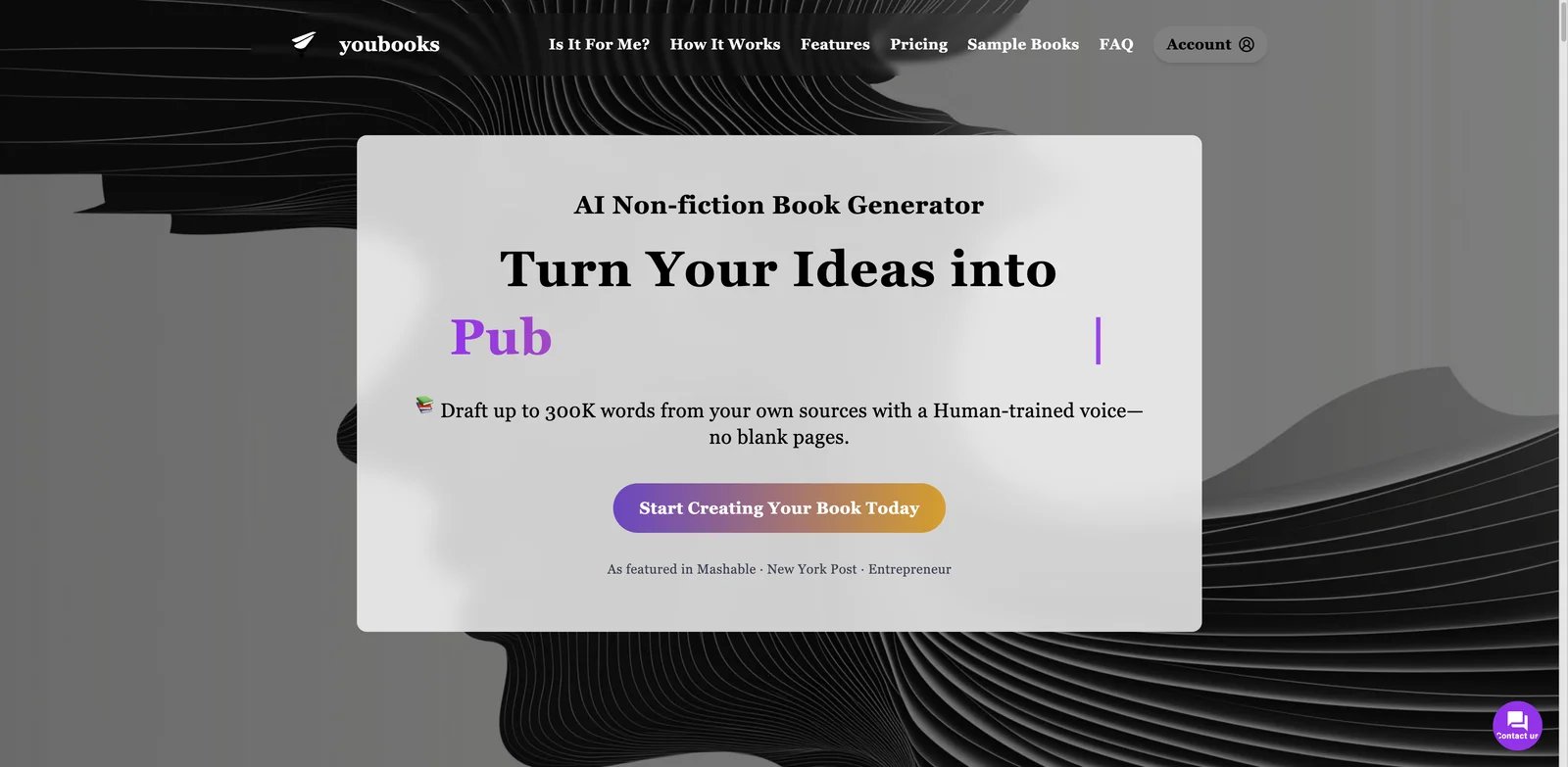
Nonfiction authors often have the opposite problem from novelists: they have too much raw material and no clean manuscript architecture. Youbooks is built for turning notes, source documents and expertise into long nonfiction drafts. Search results and user feedback describe it as more of a co-author and research-to-manuscript system than a quick paragraph generator.
Key Features
- Source-grounded nonfiction flow: Youbooks is best when you feed it existing material, not when you expect it to invent authority from a short prompt.
- Long manuscript ambition: The research file notes support for large nonfiction projects up to 300K words, which separates it from short ebook tools.
- Voice training: Style training helps consultants, coaches and subject-matter experts preserve a recognizable tone.
- Multi-model generation: Public reviews mention use of multiple AI models, which can improve depth compared with a single generic model.
Pricing and Real Cost
Youbooks currently lists Fan at €9.97/month with 200K credits, Pro at €24.97/month with 500K credits and Human Model training, and Enterprise at €199.97/month with 700K credits, BYOK, and an 80% BYOK credit discount. Credit top-ups start at €5 for 50K credits. Premium projects can take days because Youbooks runs a multi-step research, structuring, writing, and editing process. The low entry price is compelling, but budget for human fact-checking, citations, examples, permissions and a professional edit if the book will represent your expertise.
Limitations
Pros: Strong fit for source-grounded nonfiction; supports DOCX, EPUB, Markdown, and RTF export; uses source input, internet research, and style/Human Model options. Cons: Premium books may take days, not minutes; credits reset monthly on subscriptions; non-English or highly formatted source material can still require cleanup. It is also less suited to fiction authors who need character arcs, emotional continuity and scene craft.
Best For
Choose Youbooks if you are turning course notes, essays, interviews or consulting frameworks into a nonfiction manuscript. It is not the right fit if you want a polished novel workflow or a one-click finished book with no editorial review.
Get started with Youbooks

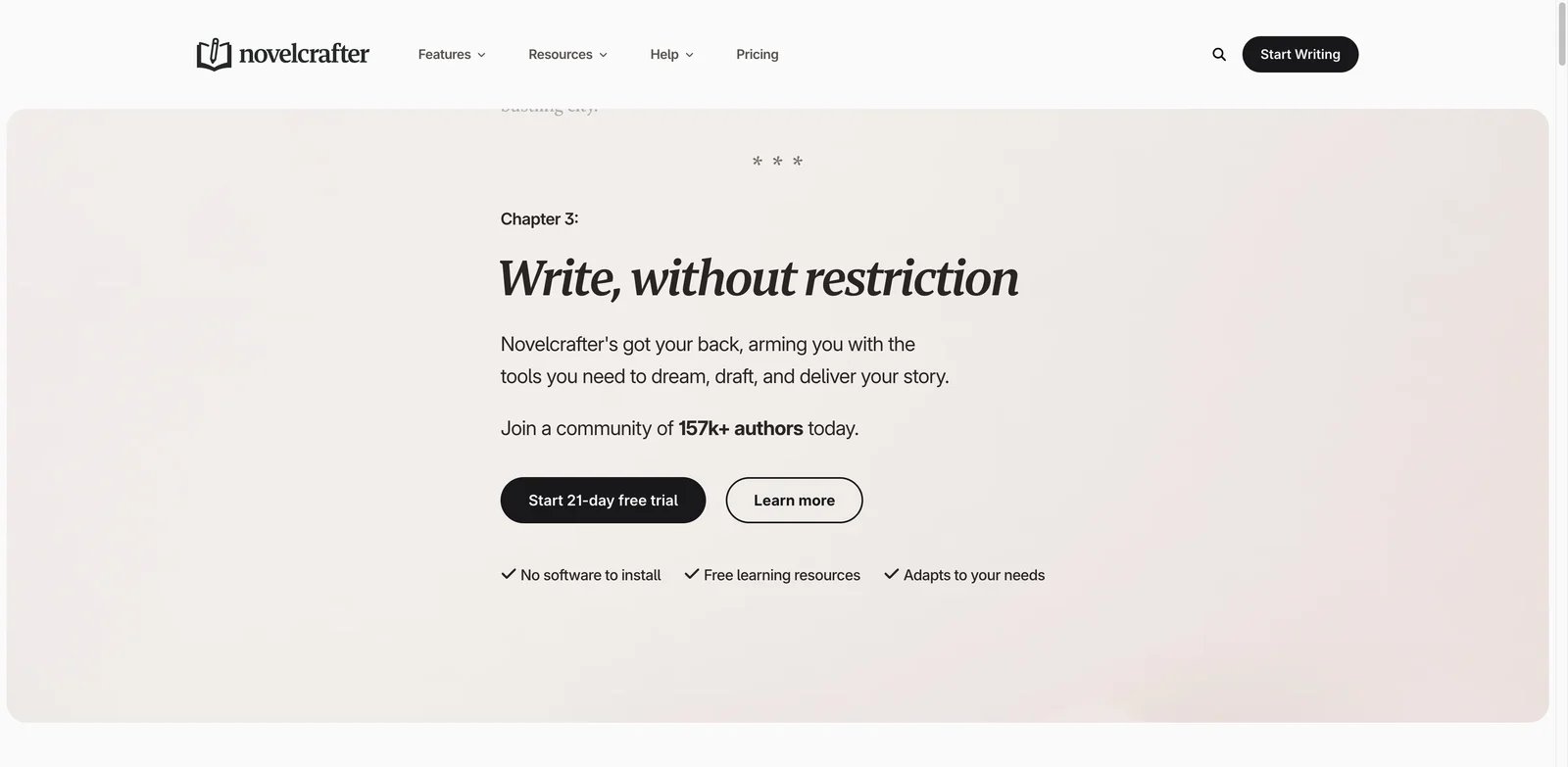
Power fiction writers often outgrow all-in-one generators because they want control over models, context and story memory. Novelcrafter is built for that audience. Its Codex and series-oriented workflow help writers maintain characters, lore, locations and plot context, while BYOK support lets experienced users manage AI costs and model choice more directly.
Key Features
- Codex and series memory: Novelcrafter's biggest advantage is persistent story knowledge, which helps prevent the continuity drift that generic chatbots create.
- BYOK pricing control: Bring-your-own-key support allows model-aware writers to separate platform cost from inference cost.
- Scene-based writing workflow: Rather than asking for a whole novel at once, authors can work through scenes with context attached.
- Community and ecosystem maturity: Novelcrafter has more public discussion than many newer book generators, making it easier to learn from other writers.
Pricing and Real Cost
The research file lists Scribe at $4 per month and BYOK from $8 per month. That looks inexpensive, but BYOK means your model usage costs may live outside the subscription. Heavy drafting with premium models can cost more than the platform fee. The benefit is transparency and control; the tradeoff is complexity.
Limitations
Pros: Codex and series memory are strong for fiction continuity; BYOK gives advanced users model and cost control; Scribe starts at $4/month for planning without AI. Cons: AI requires Hobbyist or higher plus separate provider/API costs; BYOK setup and model choice create a learning curve; it is not a full KDP packaging workflow. Novelcrafter is also less of a one-click publishing tool: you still need formatting, cover, metadata, proofreading and KDP preparation elsewhere.
Best For
Choose Novelcrafter if you write fiction seriously, care about story memory, and are willing to manage model choices. It is not the right fit if you want a beginner-friendly tool that generates a finished KDP package in one sitting.
Get started with Novelcrafter
SidekickWriter
Co-authored books fail when each chapter sounds like it came from a different person. SidekickWriter targets that problem with voice matching, chapter and character workspaces, and team collaboration. It is positioned as a writing system rather than a simple AI text box, which makes it more relevant for small editorial teams, ghostwriting businesses, and creators working with collaborators.
Key Features
- Voice matching: The tool's main promise is helping chapters stay closer to a chosen voice, reducing cleanup work after AI generation.
- Chapter and character workspace: Dedicated book structures make it more useful than generic document AI for longer projects.
- Team collaboration: Collaboration features matter when a book involves a co-author, editor, client or content team.
- Workflow framing: SidekickWriter's public materials emphasize avoiding the generic AI KDP generator trap, which aligns with the market's trust concerns.
Pricing and Real Cost
SidekickWriter currently lists a Free plan with limited usage, up to 2 projects with 2 chapters each, Lite Model output, TXT/Markdown export, import, sharing, team collaboration, character creation, and voice matching. Paid plans are Starter at $12/month or $10/month billed annually, Plus at $24/month or $20/month billed annually, Pro at $99/month or $82.50/month billed annually, and Agency at $199/month or $165.83/month billed annually. The real cost is coordination: voice tools help, but teams still need editorial rules, approval workflow and version control.
Limitations
Pros: Free plan exists; paid plans support DOCX/EPUB export, voice matching, character creation, team collaboration, and series/sequel workflows; Plus adds Auto Deep Search & Citation. Cons: Independent review coverage is thinner than mature tools; voice matching should be tested on real writing samples; high-volume Pro and Agency plans are much more expensive than entry pricing suggests. It may also be too structured for solo writers who prefer a minimalist drafting environment.
Best For
Choose SidekickWriter if your book process includes collaborators, client voice matching or a shared chapter workspace. It is not the right fit if you only need private exploratory fiction writing or highly technical BYOK control.
Get started with SidekickWriter
ProseEngine
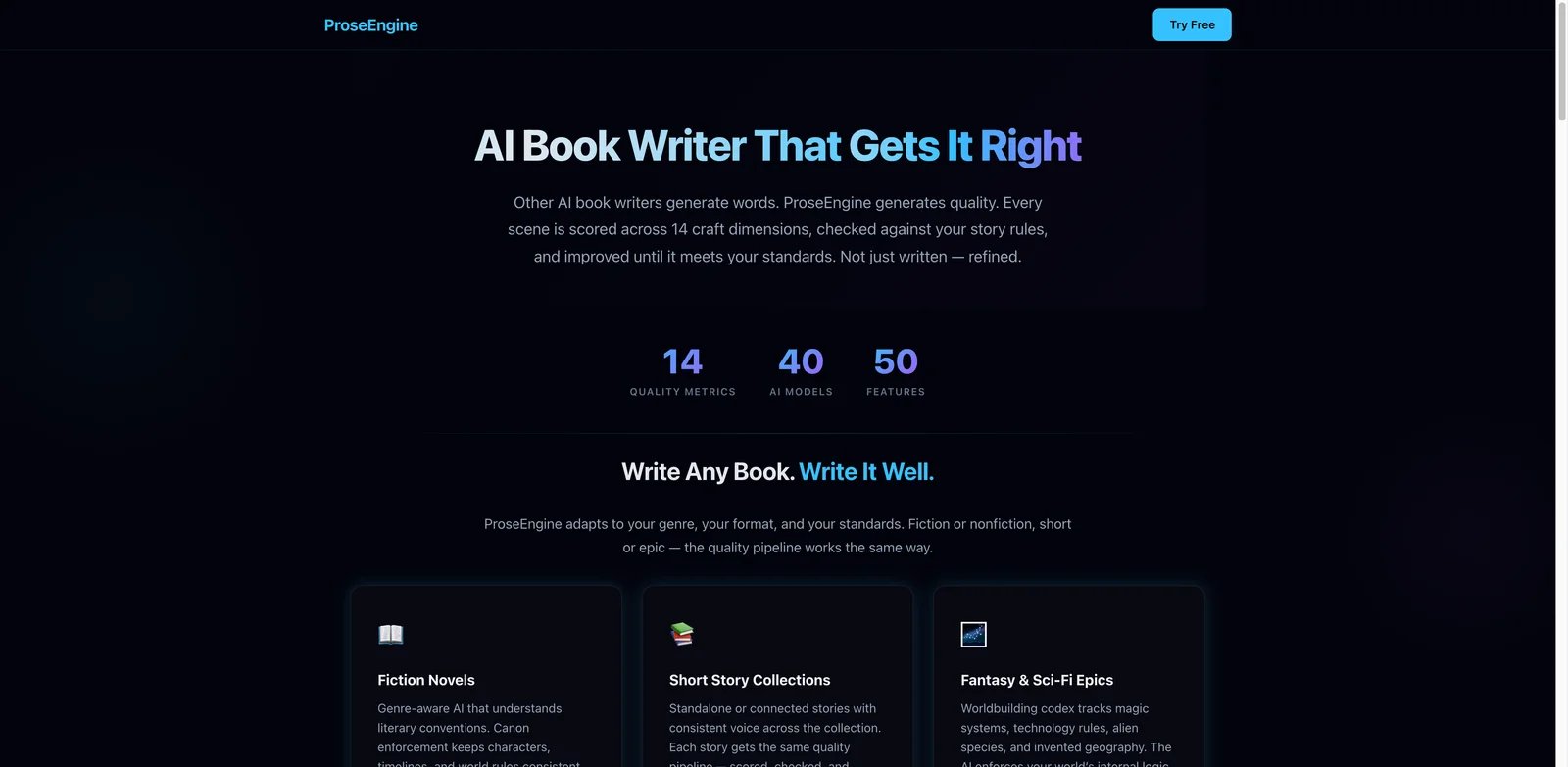
Some authors do not need AI to write more; they need help finding what is weak in the draft they already have. ProseEngine is strongest in that revision lane. Its public positioning emphasizes 14 craft dimensions, canon and style drift detection, scene audits, model choice and quality scoring. That makes it more useful after a draft exists than before an idea is formed.
Key Features
- 14-metric manuscript scoring: ProseEngine evaluates craft dimensions instead of only generating new paragraphs.
- Canon and style drift detection: These checks target the continuity and voice problems that readers notice in AI-assisted fiction.
- Large model choice: Access to many model options helps advanced authors test different drafting and critique behavior.
- Revision-first workflow: The tool is built around improving a manuscript, not simply producing a fast first draft.
Pricing and Real Cost
ProseEngine currently lists Free, Writer at €9/month, Author at €19/month, and Studio at €29/month, with 14-day free trials on paid tiers. The Free tier includes 3 books, scene editor, Focus Mode, Find & Replace, Scene Finder, charts, and DOCX export. Paid tiers add AI generation, quality scoring, Story Codex, canon enforcement, analytics, collaboration, and audiobook features depending on plan. BYOK/model usage can create separate API costs. Compared with a human developmental editor, ProseEngine can be cheaper, but it should not be treated as a full replacement for professional editorial judgment.
Limitations
Pros: Strong revision and quality-control feature set; includes 14-metric scoring, canon enforcement, drift detection, Story Codex, and BYOK model flexibility; Free plan supports basic drafting and DOCX export. Cons: Best value appears during revision or structured drafting, not one-click publishing; BYOK/API usage can add separate costs; authors still need to act on the feedback.; a score does not improve a manuscript unless you act on it. Public third-party review coverage is still developing.
Best For
Choose ProseEngine if you have a draft and want help diagnosing pacing, canon drift, weak scenes and style problems. It is not the right fit if your primary need is a complete publishing package or nonfiction source synthesis.
Get started with ProseEngine

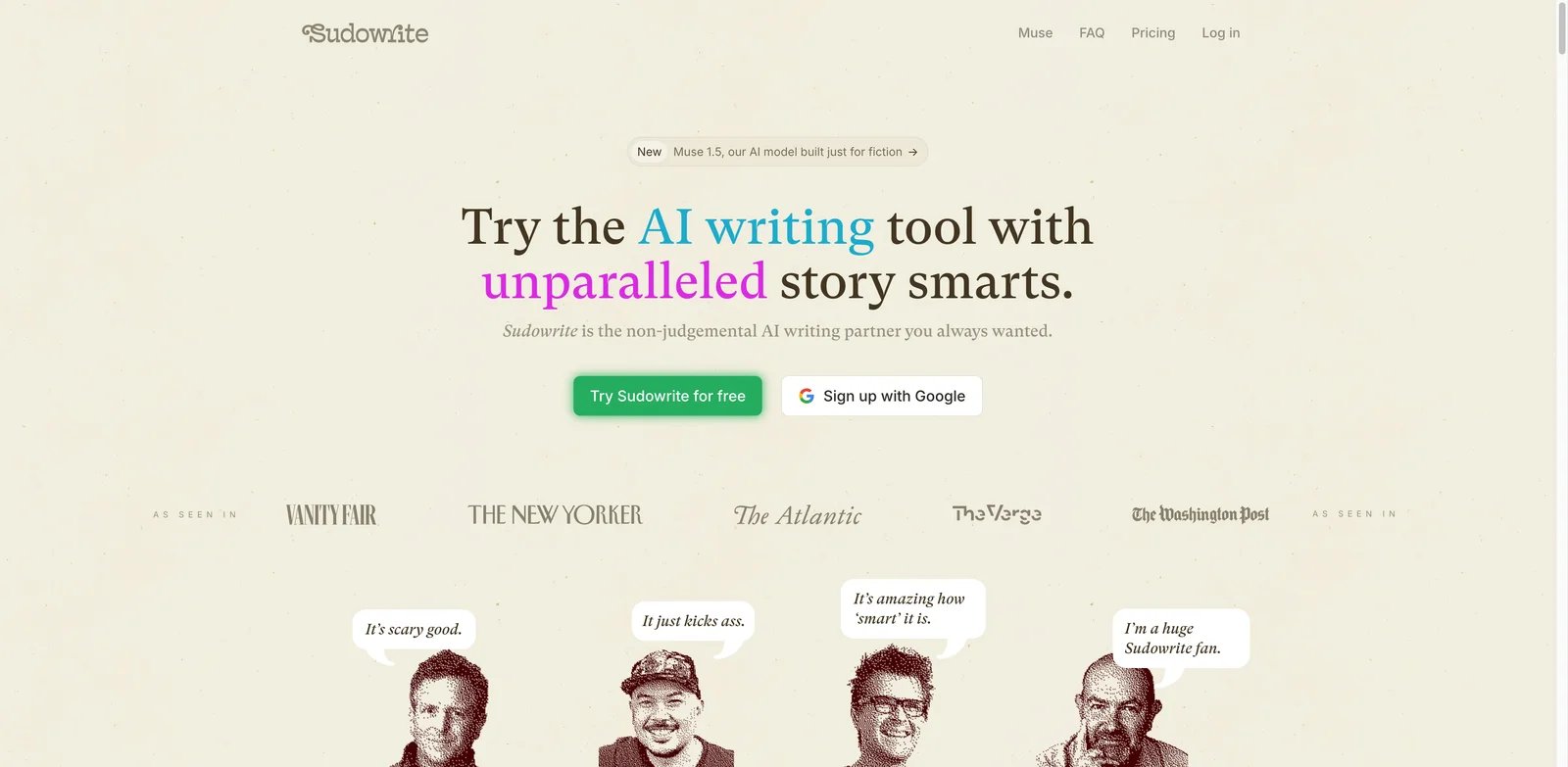
Fiction writers who distrust full-book generators often still want help with scenes, sensory description, alternative phrasing and plot turns. Sudowrite remains one of the most established tools in that creative-assistant lane. ToolWorthy also has a dedicated Sudowrite review if you want a narrower pricing and feature breakdown before deciding.
Key Features
- Story Bible and fiction focus: Sudowrite is built around fiction rather than generic marketing copy, which helps with character, world and plot context.
- Scene-level tools: Describe, Rewrite, Brainstorm and related features are useful when the author wants options, not a finished ghostwritten book.
- Community maturity: Sudowrite has a larger public footprint than most AI book tools, including Discord activity and many third-party reviews.
- Model variety: Access to multiple model behaviors gives writers more tonal options.
Pricing and Real Cost
The research file lists Sudowrite from $10 per month, while recent pricing discussions and reviews point to credit limits as the key cost issue. The visible subscription is not the whole story; heavy scene generation can burn credits faster than casual users expect. If you draft at volume, calculate credits per chapter before committing.
Limitations
Pros: Mature fiction-focused workflow; all tiers include core features; Story Bible, Describe, Rewrite, and Brainstorm are useful for scene-level work. Cons: Credits expire on Hobby & Student and Professional; Max is the only tier with 12-month rollover credits; direct model/BYOK workflows may be cheaper for heavy users. It is also fiction-first, so nonfiction authors creating source-grounded business books may find it inefficient.
Best For
Choose Sudowrite if you write fiction and want a mature assistant for brainstorming, sensory detail and scene revision. It is not the right fit if you need low-cost bulk book generation, nonfiction source grounding or complete KDP packaging.
Get started with Sudowrite

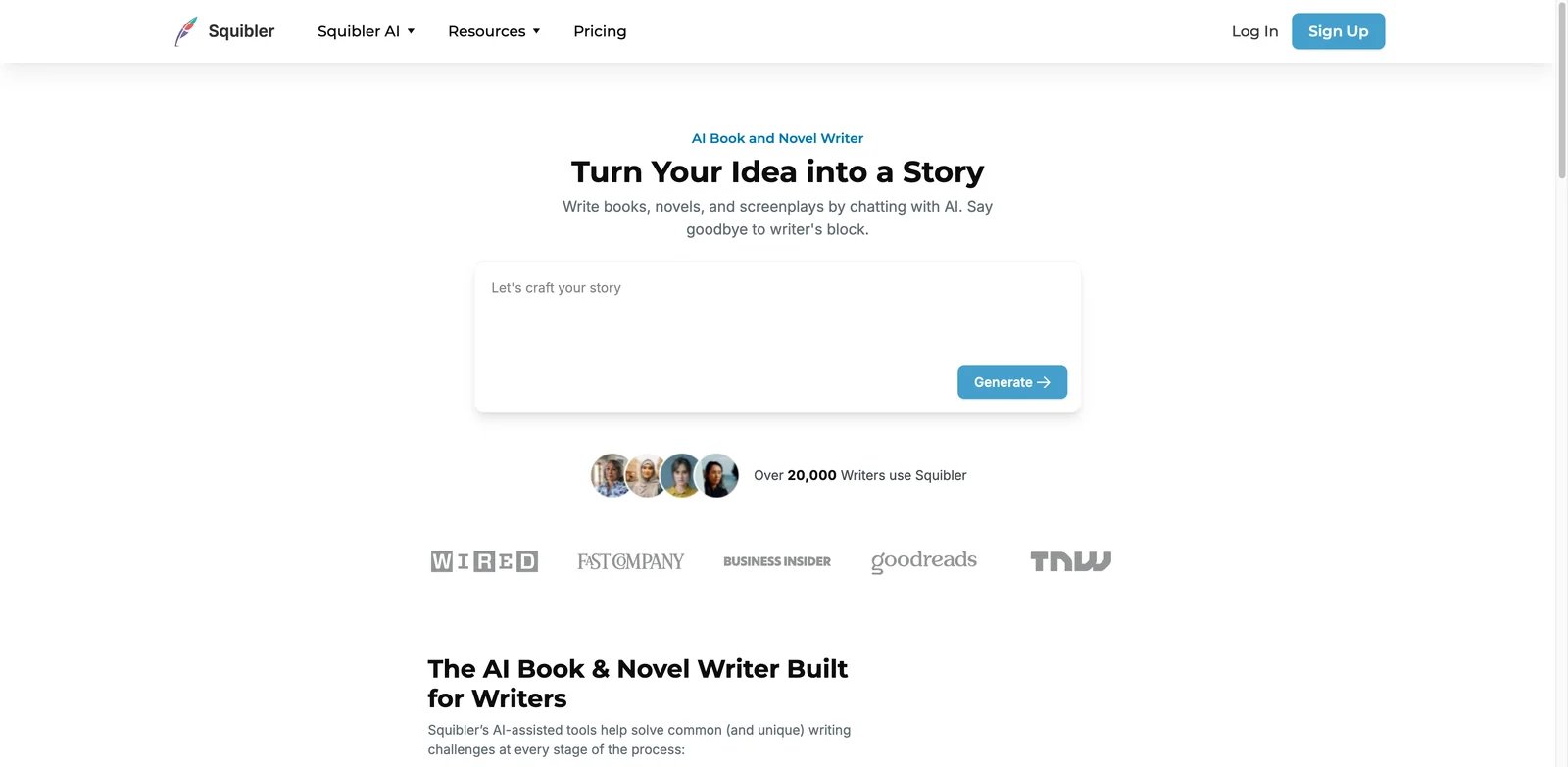
Writers who move between novels, short stories and screenplays need a flexible workspace more than a genre-specific AI lab. Squibler fits that mixed-format author: it supports outline-to-draft workflows, revision loops and screenplay-style use cases. It is simpler than Novelcrafter for deep series memory but broader for writers who do not live inside one fiction structure.
Key Features
- Outline to draft loop: Squibler is useful for writers who want structure before prose, not only reactive rewriting.
- Novel and screenplay support: Format breadth matters if your writing projects vary between books, scripts and story development.
- Revision workflow: The platform is positioned around drafting and revising rather than only one-shot generation.
- Beginner accessibility: Squibler is easier to approach than BYOK-heavy tools for authors who want fewer technical decisions.
Pricing and Real Cost
Squibler currently lists Free at $0 with 1,000 AI credits/month, Plus at $29.99/month or $15.83/month billed annually with 10,000 AI credits/month, and Pro at $89.99/month or $49.17/month billed annually with unlimited AI credits. Compare those limits against how much you will use its mixed-format workspace. If you only need AI-assisted prose, a broader text generator or writing assistant may be cheaper.
Limitations
Pros: Free plan available; Plus supports full-length manuscripts, 200–300 page books, AI editing, and screenplay-style workflows; Pro removes AI credit limits. Cons: Deep canon enforcement is weaker than Novelcrafter or ProseEngine; model-cost optimization is not the main value proposition; the practical value depends on whether you use the mixed-format workspace. and whether outputs really save time after revision. Test it on your actual genre before assuming its general workflow will fit your manuscript.
Best For
Choose Squibler if you want a friendly author workspace for novels, screenplays and structured drafting. It is not the right fit if you need advanced story memory, source-heavy nonfiction, or a complete publishing/distribution workflow.
Get started with Squibler
Auctore
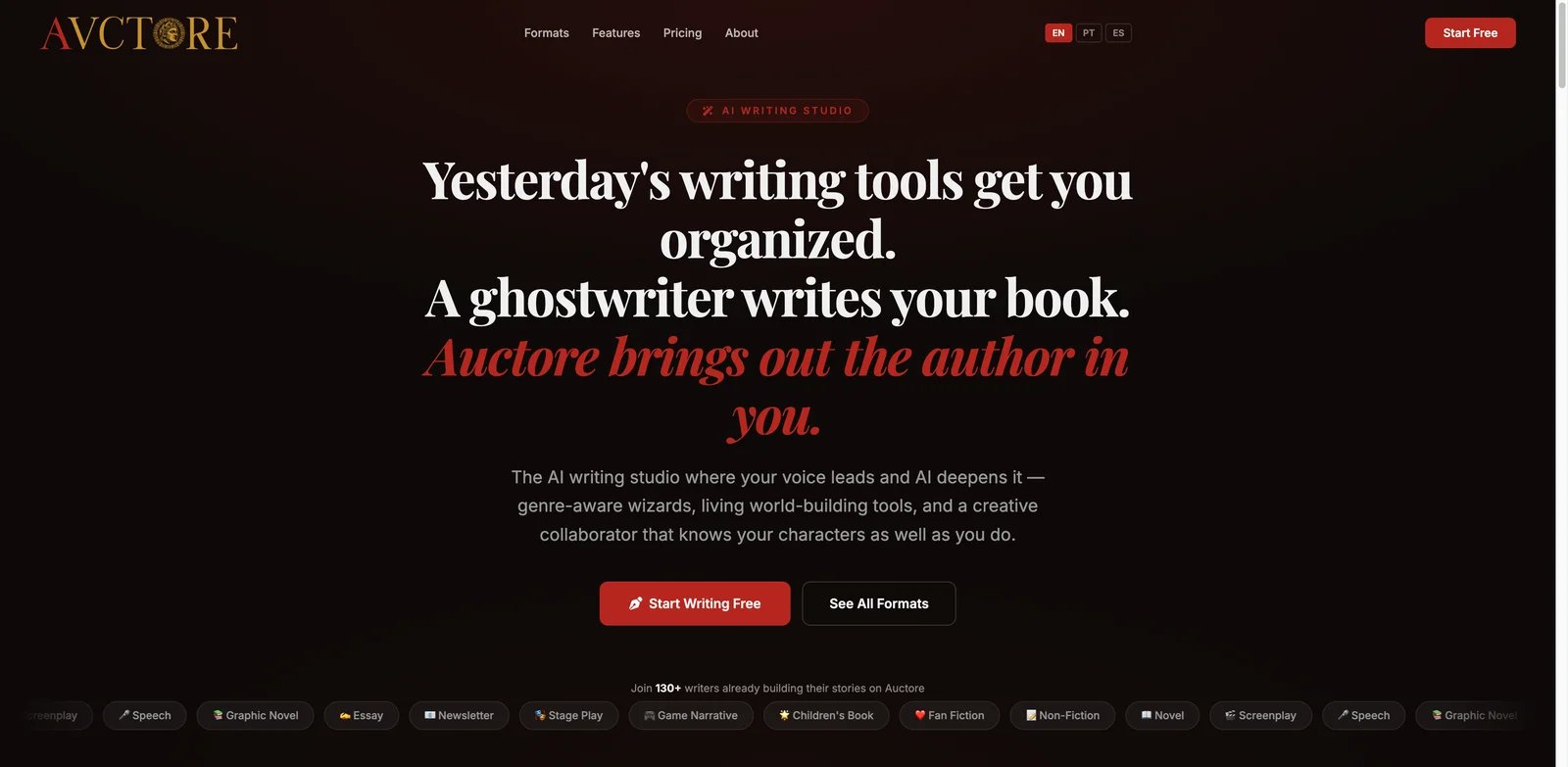
Some writers need a guided sequence more than a blank editor. Auctore is interesting because it combines guided wizards, Voice DNA and Chapter Score while still being early enough that the research file marks beta maturity as part of the product story. That makes it promising for writers who enjoy structured prompts and do not mind a product that is still proving itself.
Key Features
- Guided writing wizards: Auctore's wizard approach reduces decision fatigue for users who freeze at a blank page.
- Voice DNA: Voice setup helps authors avoid generic AI prose if they feed the system enough useful examples.
- Chapter Score: Chapter scoring can make revision more concrete for beginners who do not know what to fix first.
- Freemium access: The research file lists a freemium model, which helps users test fit before paying.
Pricing and Real Cost
Auctore’s pricing page lists Writer at $12/month, Pro at $22/month, and Lifetime at $249 once, but the site also displays a public-beta notice saying the full AI writing suite is currently free during beta. Treat the $12/month Writer price as listed pricing, not necessarily the active checkout state for every user. The real cost is workflow risk: an unfinished product can cost more time than it saves if you depend on it for a launch date.
Limitations
Pros: Broad format coverage; guided wizards, Voice DNA, Chapter Score, multi-format editors, and TTS create a richer writing studio than a plain generator. Cons: Public-beta state means features and pricing may change; public review evidence is still limited; complex manuscript workflows should be tested on one chapter before migration. on scoring systems without human editorial backup. It is best tested on one chapter before moving a full book into it.
Best For
Choose Auctore if you like guided systems, voice setup and chapter-level feedback at a modest price. It is not the right fit if you need mature production reliability, a large community, or full KDP packaging.
Get started with Auctore

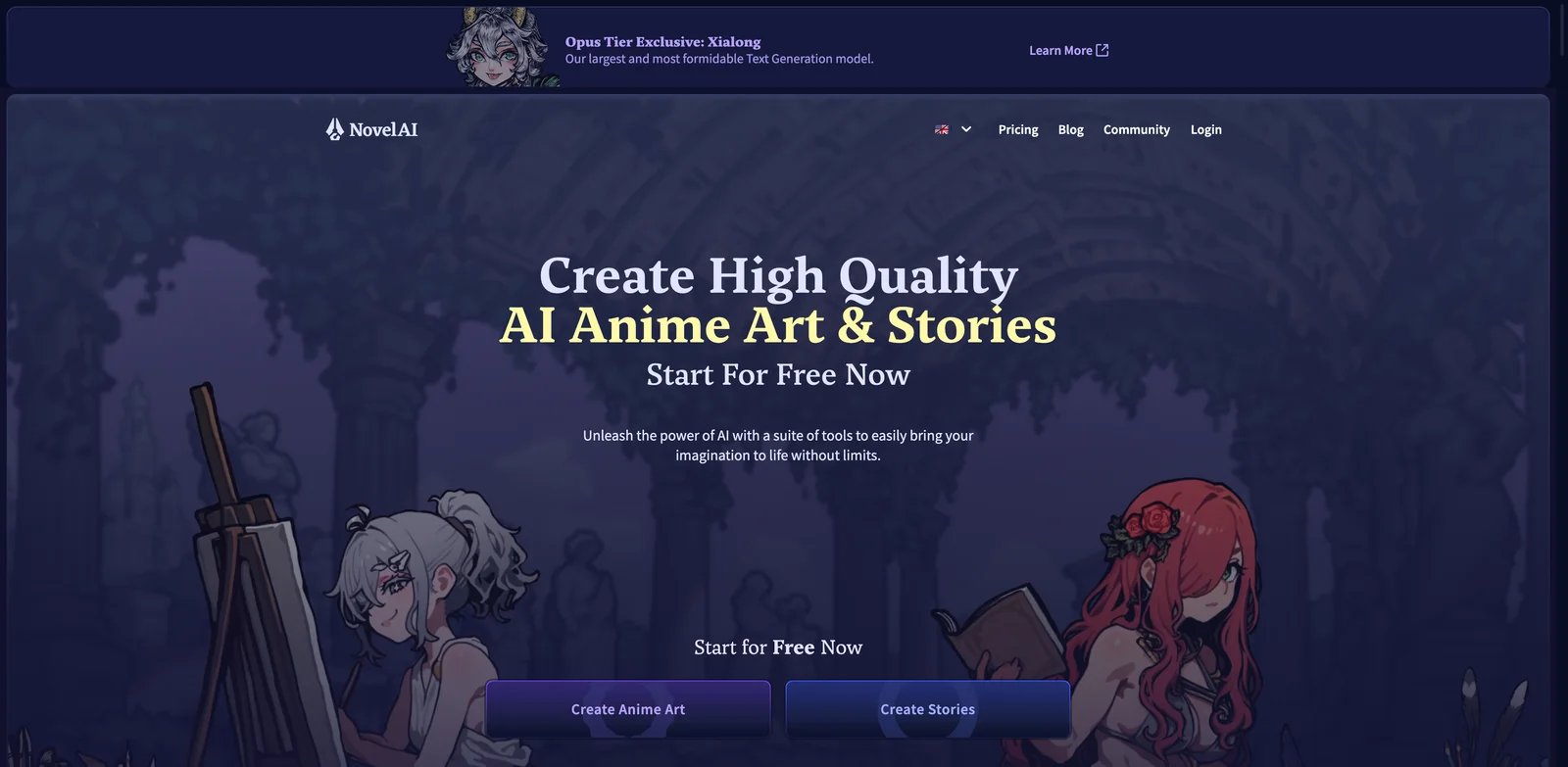
Privacy-focused creative writers often value freedom more than publishing workflow. NovelAI occupies that niche: it is a paid storytelling and image-generation environment with a long-running community, lorebook-style memory concepts and fewer business-publishing ambitions than KDP-focused tools. It is useful for exploration, roleplay-like story development and private drafting.
Key Features
- Privacy-oriented storytelling: NovelAI appeals to writers who want private creative exploration rather than client-facing publishing workflows.
- Lorebook-style context: Story memory tools help users keep recurring details available, though context limits still matter.
- Unfiltered creative niche: The platform is often valued by users who dislike over-restrictive content filters.
- Image generation companion: Visual generation can help with characters and atmosphere, even if it is not a book-production feature.
Pricing and Real Cost
NovelAI currently lists a Paper free trial, Tablet at $10 per month, Scroll at $15 per month, and Opus at $25 per month. Some users praise subscription predictability; others compare it unfavorably with newer model-access options. If your primary use is text generation, evaluate current model quality and context size before paying for image-heavy tiers.
Limitations
Pros: Established creative-writing and image-generation platform; Tablet includes unlimited text and TTS generation plus 1,000 Anlas; Lorebook and context tools support private story exploration. Cons: Not built for KDP files, metadata, or distribution; Scroll/Opus are needed for larger context; writers comparing against newer LLM workflows may find long-form control less modern. Some users also complain about restrictive context for long stories. NovelAI is not a KDP preparation tool, and it will not handle metadata, EPUB export, cover layout or distribution for you.
Best For
Choose NovelAI if you want private creative writing, exploratory storytelling and a familiar subscription environment. It is not the right fit if your goal is a polished book-production pipeline or the strongest long-context fiction workflow in 2026.
Get started with NovelAI
Best AI Book Writer Tools by Use Case
For KDP Authors Who Need Publishable Files Fast
If your bottleneck is moving from idea to upload-ready assets, AIWriteBook and BookBud.ai are the strongest shortlist. AIWriteBook covers metadata, cover, export and audiobook-style expansion in one workflow, while BookBud.ai maps pricing to monthly book output and optional distribution. Use either only if you have a clear editing process; speed without quality control is exactly what creates reader complaints about AI-generated books.
For Fiction Writers Protecting Continuity
Novelcrafter, MasterProse and ProseEngine are stronger than prompt-to-book tools when characters, lore and long story memory matter. Novelcrafter gives advanced users model and Codex control, MasterProse focuses on canon enforcement, and ProseEngine helps detect drift after a draft exists. If your story is a series, do not choose purely by monthly price; choose by how well the system preserves facts across chapters.
For Nonfiction Experts Turning Source Material Into a Book
Youbooks is the clearest fit when the book starts from notes, posts, course material or consulting frameworks. BookBud.ai can also work if you need a broader publishing workflow. Avoid fiction-first tools like Sudowrite if your main challenge is source organization, citations, examples and authority; they are better at scene and prose work than nonfiction architecture.
For Budget-Conscious First-Time Authors
Inkfluence AI, Auctore and Novelcrafter's lower tiers are the most approachable starting points. Inkfluence is better for quick ebook-style outputs, Auctore for guided writing, and Novelcrafter for writers willing to learn a more technical fiction workflow. Test with one chapter or one short guide before committing your main manuscript.
For Writers Who Need Creative Help, Not Autopublishing
Sudowrite and NovelAI are better treated as creative assistants than publishing systems. Sudowrite is stronger for fiction brainstorming, rewriting and sensory description; NovelAI is better for private exploratory storytelling. Neither should be your only tool if your final destination is KDP, print, audiobook or retailer distribution.
How to Choose the Right AI Book Writer Tools
-
Decide whether you need drafting, revision or publishing output. If you need EPUB/PDF/DOCX and KDP metadata, start with AIWriteBook or BookBud.ai. If you already have a draft, ProseEngine may be more useful than a generator.
-
Test one chapter before testing one book. AI book writer tools can look impressive in a demo and fail over 60,000 words. Run a real chapter with recurring characters, facts or sources, then check whether the tool remembers details without constant correction.
-
Calculate the cost per finished manuscript, not the monthly fee. A $10 subscription can become expensive if credits vanish quickly or if BYOK usage sits outside the plan. A higher subscription can be cheaper if it prevents export, formatting and cover-tool sprawl.
-
Check your reader-trust risk. If the draft has repetitive phrasing, overused punctuation, bland examples or fake citations, readers may notice. AI assistance is safest when you preserve author judgment and edit every chapter.
-
Match the tool to your source material. Use Youbooks for nonfiction material, Novelcrafter or MasterProse for continuity-heavy fiction, Sudowrite for scene help, and BookBud.ai or AIWriteBook for self-publishing production.
-
Keep export ownership boring and obvious. Before moving a manuscript into any platform, confirm that you can export usable files, keep commercial rights, and continue editing outside the tool.
Frequently Asked Questions
What is the best AI book writer for KDP in 2026?
Can AI book writer tools create a complete publishable book?
Which AI book writer is best for fiction writers?
Which AI book writer is best for nonfiction?
Are AI-generated books allowed on Amazon KDP?
How much editing do AI-written books need?
Is Sudowrite better than Novelcrafter?
Should I use an AI humanizer after generating a book?
Get ToolWorthy Weekly
New AI tools, practical guides, and selected AI signals in one weekly brief.
Related Posts
- 10 Best Book Cover Generators 2026 — Genre-Right & KDP-Ready
We tested 10 book cover generators on what actually sinks indie authors: genre fit, thumbnail legibility, KDP print specs, and real one-time vs subscription cost.
- 12 Best AI Writing Tools in 2026 — Tested for Real Writing Workflows
We tested 30+ AI writing tools and kept 12. Each one picked for a specific job — so you don't overpay for features you'll never use.
- 12 Best AI Paraphrasing Tools 2026 — Tested for Quality & Billing Traps
We tested 12 AI paraphrasing tools on rewrite quality, word limits, and billing practices — from free tools like Scribbr and Semrush to premium options like QuillBot and Wordtune.
For AI tool founders
Built a tool that belongs in this decision set?
Request an editorial evaluation for possible inclusion in ToolWorthy.
Submit your tool for reviewPaid submission does not guarantee a ranking, recommendation, inclusion, or editorial outcome.