
13 Best AI Humanizer Tools in 2026 – Tested & Compared
We tested 13 AI humanizer tools for academic, marketing, and creative use. Compare features, pricing, text quality, and find your best match.

On this page
As AI-generated content becomes increasingly prevalent in 2026, content creators, students, and professionals seek ways to improve the naturalness and readability of AI-assisted text. AI humanizer tools help refine AI-generated content by improving flow, reducing repetitive patterns, and enhancing overall writing quality.
To map capabilities, workflows, integrations, and the wider market without rankings, browse the AI Humanizer Tools category landscape.
This comprehensive guide evaluates 13 leading AI humanizer tools based on real-world testing and analysis. We've examined each platform's ability to transform AI-generated content into more natural, polished writing across different scenarios including academic papers, marketing copy, and blog articles. Whether you're concerned about text quality, pricing models, privacy policies, or ethical usage, this article provides the detailed comparisons you need to make an informed decision.
Finding the best AI humanizer in 2026 isn't about choosing the most expensive tool or the one with the longest feature list. It's about matching your specific needs — whether academic writing, content marketing, or privacy-focused work — with a tool that delivers consistent, high-quality results. We evaluated each platform's output quality, ease of use, and real-world applicability to bring you actionable recommendations.
Important Note on Responsible Use: AI humanizers are designed to improve writing quality and readability, not to deceive readers or circumvent academic integrity policies. Always use these tools ethically, disclose AI assistance when required by your institution or publisher, and ensure your work represents your own understanding and effort. No tool can guarantee specific outcomes with detection systems, as these technologies evolve continuously.
Quick Navigation: Tool Overview
| Tool | Best For |
|---|---|
| QuillBot AI Humanizer | Comprehensive features with multilingual support |
| Phrasly AI | Natural writing enhancement and content refinement |
| Scribbr AI Humanizer | Academic writing and scholarly papers |
| Smodin AI Humanizer | Fast processing with multi-language support |
| AIHumanizer.ai | Advanced text naturalness improvement |
| NoteGPT AI Humanizer | Note-taking and document processing |
| Clever AI Humanizer | Budget-friendly option |
| HideMyAI | Privacy-focused humanization |
| Undetectable AI | Enterprise-grade text refinement |
| Humanize.io | User-friendly interface for beginners |
| Grammarly AI Humanizer | Integrated grammar and style checking |
| AIHumanize.io | Multiple writing style options |
| Humanizer.org | Community-driven tool |
How We Selected and Tested These Tools
Evaluating AI humanizer tools requires systematic testing and objective criteria. We didn't rely on marketing claims or self-reported success rates. Instead, we conducted hands-on testing with real AI-generated content across multiple scenarios to assess each tool's actual performance.
Our Selection Criteria
We identified 13 tools based on four key factors: public availability (tools must be directly accessible for testing), clear market positioning (tools should have defined target audiences and use cases), verified user base (real user discussions on Product Hunt, Reddit, and G2), and transparency (excluding tools with vague privacy policies or unclear operational methods).
Testing Methodology
Our evaluation combined hands-on testing across multiple scenarios with analysis of official documentation and user feedback. We tested each tool with various content types: academic paper excerpts with field-specific terminology, marketing blog articles with brand messaging, and technical documentation with specialized vocabulary.
The testing workflow followed four steps: We generated source texts using current AI writing tools, processed samples through each humanizer using their available settings, evaluated output quality for semantic accuracy and natural flow, and reviewed official documentation for pricing, features, and usage policies. Testing was conducted in January 2026.
Evaluation Framework
We assessed tools across five key dimensions. Output quality (40%) measured semantic accuracy and meaning preservation, language fluency and natural reading experience, and error rate tracking grammar, spelling, and logical consistency. Text naturalness (30%) evaluated how human-like the output reads, reduction of repetitive AI patterns, and stylistic appropriateness for the content type.
Usability (15%) examined interface intuitiveness, processing speed, and word count limitations per use. Value proposition (10%) reviewed free version capabilities, pricing reasonableness, and overall cost-effectiveness. Privacy and compliance (5%) assessed data privacy policies, commercial use licensing, and regulatory compliance where documented.
Important Note on Data Accuracy and Limitations
This evaluation combines hands-on testing, official documentation review, and user feedback analysis conducted in January 2026. AI humanizer tools and detection technologies evolve rapidly, so specific results may vary. We strongly recommend visiting official websites to verify current pricing, features, and capabilities before making purchase decisions.
While we strive for accuracy, some pricing and feature details may change after publication. Our assessments provide directional guidance based on available information, but your specific content type, use case, and requirements may yield different results. Always test tools with your actual content during free trials before committing to paid plans.
For those concerned about AI-generated content detection, our separate guide on AI detectors explains how these systems work and what patterns they look for when identifying machine-generated text.
Top 13 AI Humanizer Tools at a Glance
Before diving into detailed reviews, this quick comparison table helps you rapidly identify tools matching your priority criteria. Use the "Best For" column to find your scenario, then reference detailed reviews in the next section for complete information.
This table isn't your final decision point — it's a screening tool. If you need academic-focused features, start with tools marked for scholarly writing. Budget-conscious users should check the pricing column first. The detailed reviews that follow provide the context and nuance needed for confident tool selection.
| Tool | Best For | Free Tier | Starting From | Key Features |
|---|---|---|---|---|
| QuillBot AI Humanizer | Comprehensive writing support | 125 words/use | $8.33/month (annual) | 9 modes + custom modes, Tone insights, 3-day refund, 23 languages |
| Phrasly AI | Content refinement | 550 words trial | $10.99/month (annual) | Unlimited use, 2.5K words/process, built-in detector |
| Scribbr AI Humanizer | Academic writing | Test on site | Uses QuillBot terms | Citation preservation, academic tone, ethical focus |
| Smodin AI Humanizer | Multilingual content | Limited | $11/month | 50+ languages, fast processing, multiple modes |
| AIHumanizer.ai | Detection-focused needs | 500 words/month | $9.99/month (annual) | 3 modes, built-in detector, batch processing |
| NoteGPT AI Humanizer | Note-taking integration | 10,000 chars/use | $9/month (Pro) | PDF/YouTube support, note integration, export options |
| Clever AI Humanizer | Budget-conscious users | 200K words/month* | Free | Daily 4K limit, simple interface, registration optional |
| HideMyAI | Privacy-critical projects | 300 words (signup) | $5/month (annual) | Enterprise API, multi-language, encryption |
| Undetectable AI | Enterprise teams | Trial available | $5/month (annual) | API access, team management, bulk processing |
| Humanize.io | Ease of use | 200 words/month | $9.99/month (annual) | One-click processing, 30+ languages, unlimited plans |
| Grammarly AI Humanizer | Writing quality focus | 1,500 words/use | Pro $12/month | Grammar integration, transparency emphasis, cross-platform |
| AIHumanize.io | Style customization | Available | $6/month (annual) | Multiple styles, detector credits, API available |
| Humanizer.org | Consistent processing | Paid plans only | $9.99/month (annual) | Built-in detector, multiple tiers, style analyzer |
This comparison provides an overview of each tool's core offerings based on January 2026 research. Free tiers include word count restrictions (per use, daily, or monthly), while paid plans unlock higher limits, advanced modes, and priority support. Pricing shown reflects annual billing where applicable—monthly billing typically costs 40-60% more.
Important Notes:
- *Clever AI Humanizer: 200K monthly limit applies to registered users; guest users have lower quotas with daily caps (4,000 words) and per-session restrictions.
- *AIHumanizer.ai: Free plan limited to 80 words per input; paid plans range from 500-unlimited words per input.
Always verify current pricing and features on official websites before subscribing, as promotional offers and plan structures can change.
If you frequently work with AI paraphraser tools, you'll find AI humanizers complement these platforms by adding natural variation and human-like phrasing that goes beyond simple synonym replacement.
Detailed Reviews of Each Tool

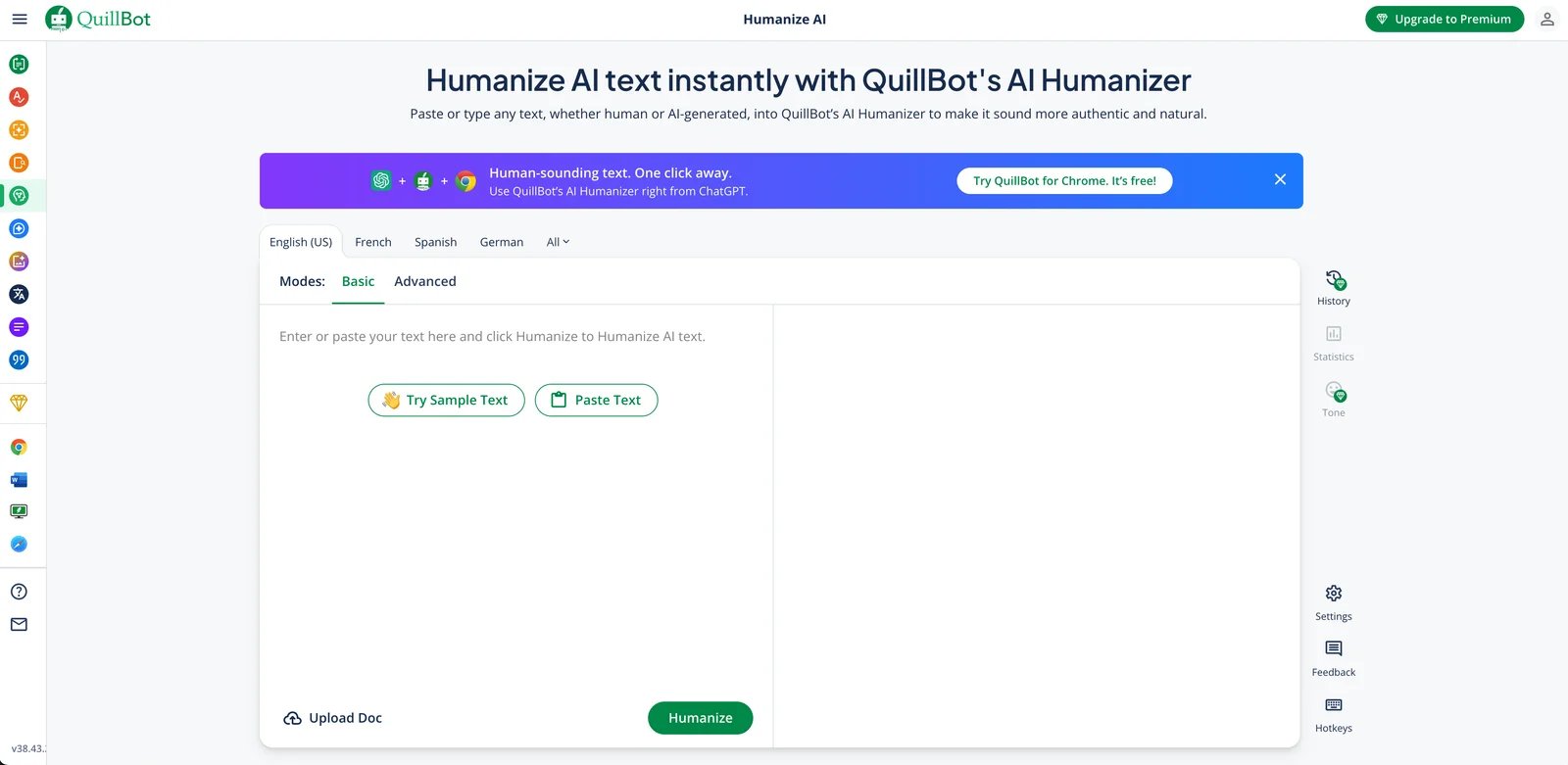
QuillBot AI Humanizer represents the humanization arm of the popular QuillBot writing platform, integrating seamlessly with their established paraphrasing, grammar checking, and plagiarism detection tools. This tool targets content creators, students, and marketing professionals who need comprehensive writing support beyond basic humanization.
The platform stands out for its mature ecosystem. Unlike standalone humanizers, QuillBot offers an integrated workflow where users can generate, humanize, check grammar, and verify originality without switching platforms. For teams already using QuillBot for paraphrasing or grammar checks, adding the humanizer feature creates a unified writing environment that saves time and reduces context-switching friction.
Key Features
Multiple Humanization Modes — Basic and Advanced modes offer different rewriting depths, letting users balance between preservation and transformation. Basic mode makes minimal changes for subtle improvements, while Advanced mode performs deeper restructuring for more natural output. Premium unlocks 9 unique paraphrasing modes including Academic, Fluent, and Creative styles.
Custom Mode Creation — Premium users can create unlimited custom modes tailored to specific writing styles, whether mimicking a CEO's voice, academic scholar tone, or bestselling author style.
Multilingual Support — Processes content in 23 languages including Spanish, French, German, and Portuguese, with translation capabilities covering 40+ languages for global content needs.
Browser Extension Integration — Works directly in ChatGPT, Google Docs, and Gmail through browser extensions, enabling seamless workflow without copy-pasting between applications.
Synonym Suggestions — Offers alternative word choices during humanization, giving users control over final output style and ensuring terminology matches their preferred vocabulary.
Tone Insights — Analyzes how your writing is perceived by readers, helping you understand if your message communicates the intended tone (professional, friendly, formal, etc.) with valuable audience perception analytics.
Grammar & Clarity Check — Built-in grammar verification ensures humanized text remains error-free and professional, catching issues that might be introduced during transformation. Premium provides advanced recommendations to eliminate passive voice and improve clarity.
Word Count Flexibility — Premium plans support extended word counts per use, making it suitable for long-form content like research papers and comprehensive blog articles. Free version has a 125-word limit per humanization.
Pricing & Plans
QuillBot offers freemium pricing with the humanizer included as part of their writing suite:
Free Version: 125 words per humanization, 2 modes (Standard and Fluency), basic grammar checking, and 3 uses of Advanced humanization mode.
Premium Plan: $8.33/month (billed annually at $99.95/year). Includes unlimited humanization, 9 unique paraphrasing modes, unlimited custom mode creation, advanced grammar recommendations, unlimited AI Detector access, and Tone insights.
Team Plan: Custom pricing with everything in Premium plus team management dashboard, usage metrics, centralized billing, and personal support.
Money-Back Guarantee: 3-day full refund policy allows risk-free trial. Subscription can be paused when needed.
Visit official website for monthly billing options and current regional pricing.
Pros & Cons
Pros:
- Part of comprehensive QuillBot ecosystem for complete writing workflow integration
- 3-day money-back guarantee and pausable subscription reduce commitment risk
- Unlimited custom mode creation enables personalized writing styles (Premium only)
- Reliable grammar checking and Tone insights ensure quality output without additional tools
- Browser extension saves time for users who frequently work in Google Docs or Gmail
- Affordable pricing at $8.33/month (annual) compared to standalone humanizer tools
Cons:
- Free version's 125-word limit is restrictive for most practical use cases
- Advanced mode requires paid subscription, limiting free users to basic transformations
- Some users report occasional over-simplification of technical terms in Advanced mode
- No API access for automation or bulk processing workflows
Best For
QuillBot AI Humanizer suits users who value integrated writing tools and multilingual support. Content creators benefit from custom mode creation to maintain consistent brand voice across content. Students and academic writers appreciate the 23-language support and risk-free 3-day trial. Marketing teams can leverage Tone insights to ensure messaging aligns with audience perception. The browser extension integration makes it convenient for users who work across multiple platforms like Google Docs and Gmail. Teams already using QuillBot's other tools can add humanization without learning a new interface.
Get started with QuillBot AI Humanizer

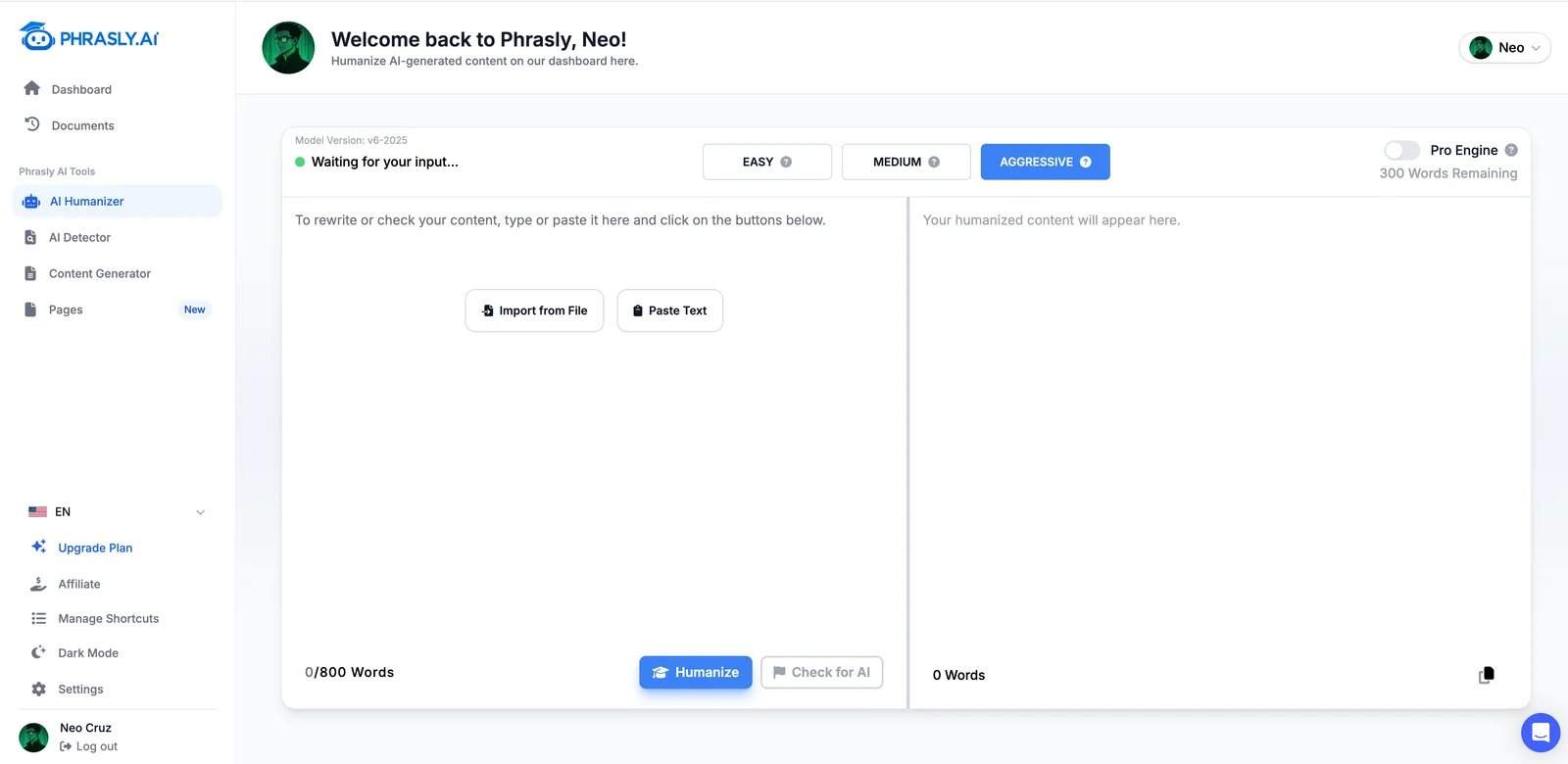
Phrasly AI focuses specifically on AI detection bypass and natural language transformation, positioning itself as a solution for users who need truly "undetectable" humanized content. Unlike general-purpose writing assistants, Phrasly built its platform around the core problem of AI content detection.
The tool appeals to content creators, students, and freelance writers who face strict AI detection requirements. Beyond humanization, Phrasly includes a built-in AI detector and content generator, creating a complete writing workflow that addresses the full content creation cycle from generation through verification.
Key Features
AI Humanizer & Paraphraser — Removes robotic patterns from AI text, making content flow naturally while preserving core meaning and context through intelligent rewriting algorithms.
Built-in AI Detector — Allows users to check humanized content against detection algorithms. Note that detection results vary and no tool can guarantee specific outcomes, as detection technologies evolve continuously.
Multiple Rewriting Suggestions — Offers 5 different rewrite versions per request, letting users choose the most natural-sounding option that best matches their voice and audience expectations.
Phrasly Pages — AI-powered document editor that combines content generation with humanization in one workspace, streamlining workflows for users creating content from scratch.
Academic Mode — Specialized settings for scholarly writing that maintain formal tone, preserve citation formats, and respect field-specific terminology requirements.
Bulk Processing — Paid plans support batch humanization of multiple documents simultaneously, ideal for agencies and high-volume content teams managing numerous projects.
Pricing & Plans
Phrasly offers tiered pricing with word-based limits:
Free Trial: 550 AI humanization words for new users to test the platform's capabilities.
Unlimited Plan:
- Monthly: $24.99/month
- Annual: $10.99/month (billed annually, saves 55%)
Includes unlimited humanizations with up to 2,500 words per process, 15 AI Writer generations per month, watermark-free output, and beta access to new features.
Pricing as of January 2026. Visit Phrasly's pricing page for current rates and promotional offers.
Pros & Cons
Pros:
- Strong focus on AI detection bypass with consistent results across major platforms
- Multiple rewrite options provide flexibility and control over final output style
- Built-in detector saves time and eliminates costs of additional detection tools
- Academic mode respects scholarly writing conventions and citation integrity
- Bulk processing feature specifically designed for agencies and content teams
Cons:
- Free tier has limited daily word allowance for regular users
- Interface can feel cluttered with multiple tool options and features
- Limited language support compared to QuillBot, focusing primarily on English
- Pricing structure requires verification on official website
Best For
Students submitting papers to institutions using Turnitin or other AI detection systems, Content agencies managing multiple client projects requiring humanization at scale, Bloggers and copywriters who prioritize undetectable AI-assisted content for SEO and authenticity, Academic researchers refining AI-drafted literature reviews while maintaining scholarly standards, and Anyone who values built-in detection verification before publishing to avoid content rejection or penalties.
Get started with Phrasly AI

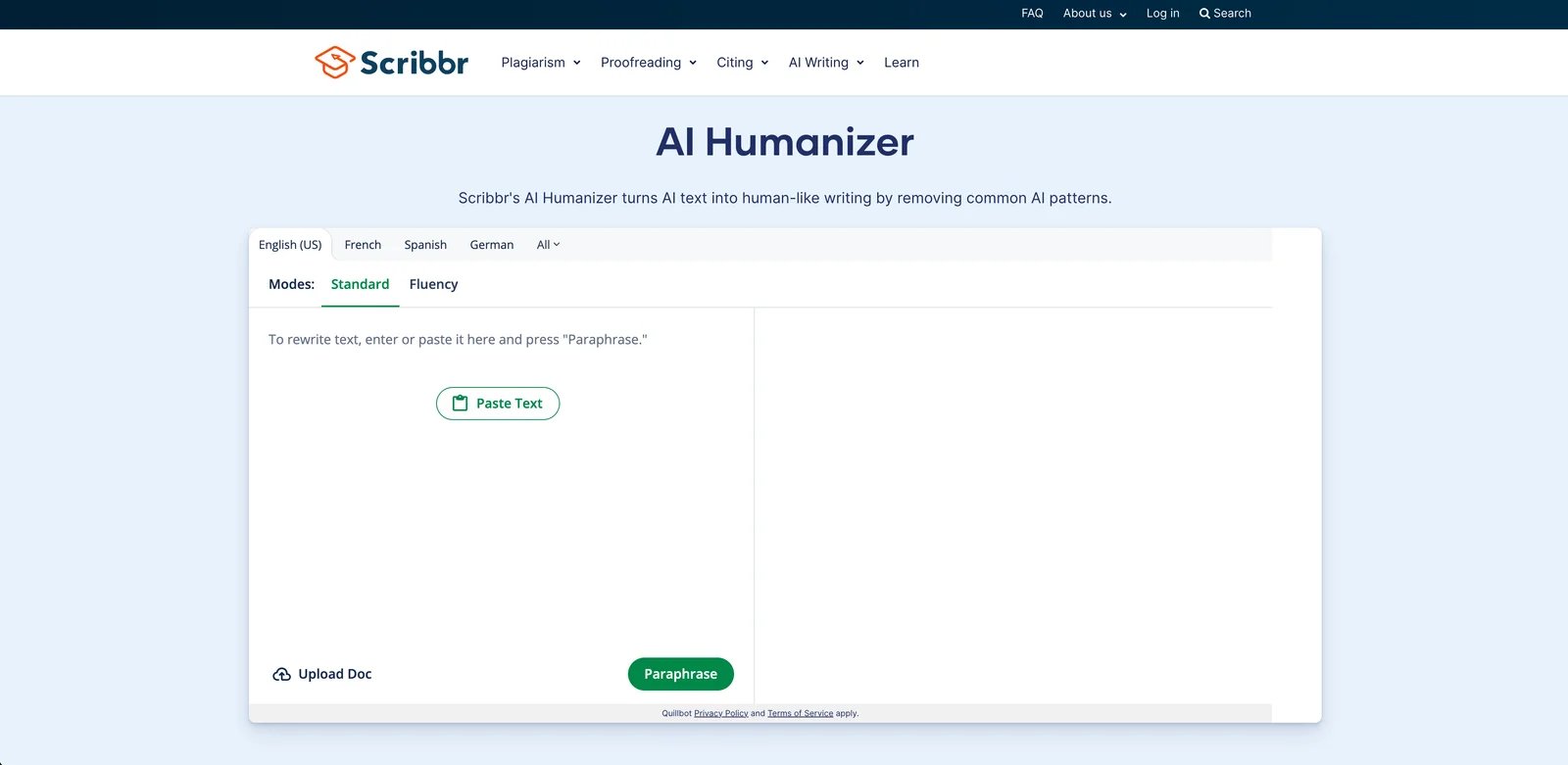
Scribbr AI Humanizer comes from the established academic services platform Scribbr, known for plagiarism checking, grammar correction, and professional editing services. This tool specifically targets academic writing scenarios where maintaining scholarly standards and transparent AI use are priorities.
The platform serves students, researchers, and academic authors who need to refine AI-assisted writing while maintaining academic integrity. Scribbr emphasizes responsible AI use and does not position their humanizer as a detection evasion tool, aligning with academic honesty standards.
Key Features
Academic Tone Preservation — Maintains scholarly voice and formal register throughout humanization, avoiding casual expressions or informal language inappropriate for research papers and theses.
Citation Integrity — Designed to preserve in-text citations and reference formats during rewriting, helping maintain proper attribution.
Terminology Accuracy — Aims to recognize field-specific terms and maintain appropriate academic vocabulary.
Scribbr Ecosystem — Part of Scribbr's broader academic writing services, which include plagiarism checking and editing. Check official documentation for integration details.
Multiple Academic Styles — Supports APA, MLA, Chicago, and other formatting requirements in humanized output, ensuring citation styles remain consistent and correct.
Source Verification Flags — Identifies potential factual claims that need verification or citation before submission, helping users catch unsourced statements.
Pricing & Plans
Scribbr AI Humanizer's pricing and access structure are not publicly detailed on their main tool page. The platform operates under QuillBot's Privacy Policy and Terms of Service, indicating a connection to the QuillBot ecosystem.
Access Model: The specific requirements for using Scribbr's humanizer—whether it requires a separate subscription, QuillBot Premium membership, or operates independently—should be confirmed through direct use of the tool.
Recommendation: Visit Scribbr's AI Humanizer page to test the tool and determine current access requirements and any usage limitations.
Pros & Cons
Pros:
- Purpose-built for academic writing with emphasis on responsible AI use
- Designed to maintain citation formats and academic tone
- Part of established academic services ecosystem
- Widely known among students for academic writing support
- Focus on transparent, ethical use aligns with academic integrity standards
Cons:
- Pricing details require verification on official website
- Primary focus on academic writing may limit versatility
- Free version may have restrictive word limits
- Features and integration capabilities should be confirmed with Scribbr
Best For
Students refining AI-assisted academic writing while maintaining scholarly standards, Academic writers who prioritize responsible AI use and transparency, Users already familiar with Scribbr's other academic services, Anyone seeking tools that align with academic integrity policies, and International students needing language improvement for academic contexts.
For users focused on maintaining authenticity across different content types, exploring various AI content generator tools alongside humanizers provides a complete understanding of the content creation and refinement workflow.
Get started with Scribbr AI Humanizer
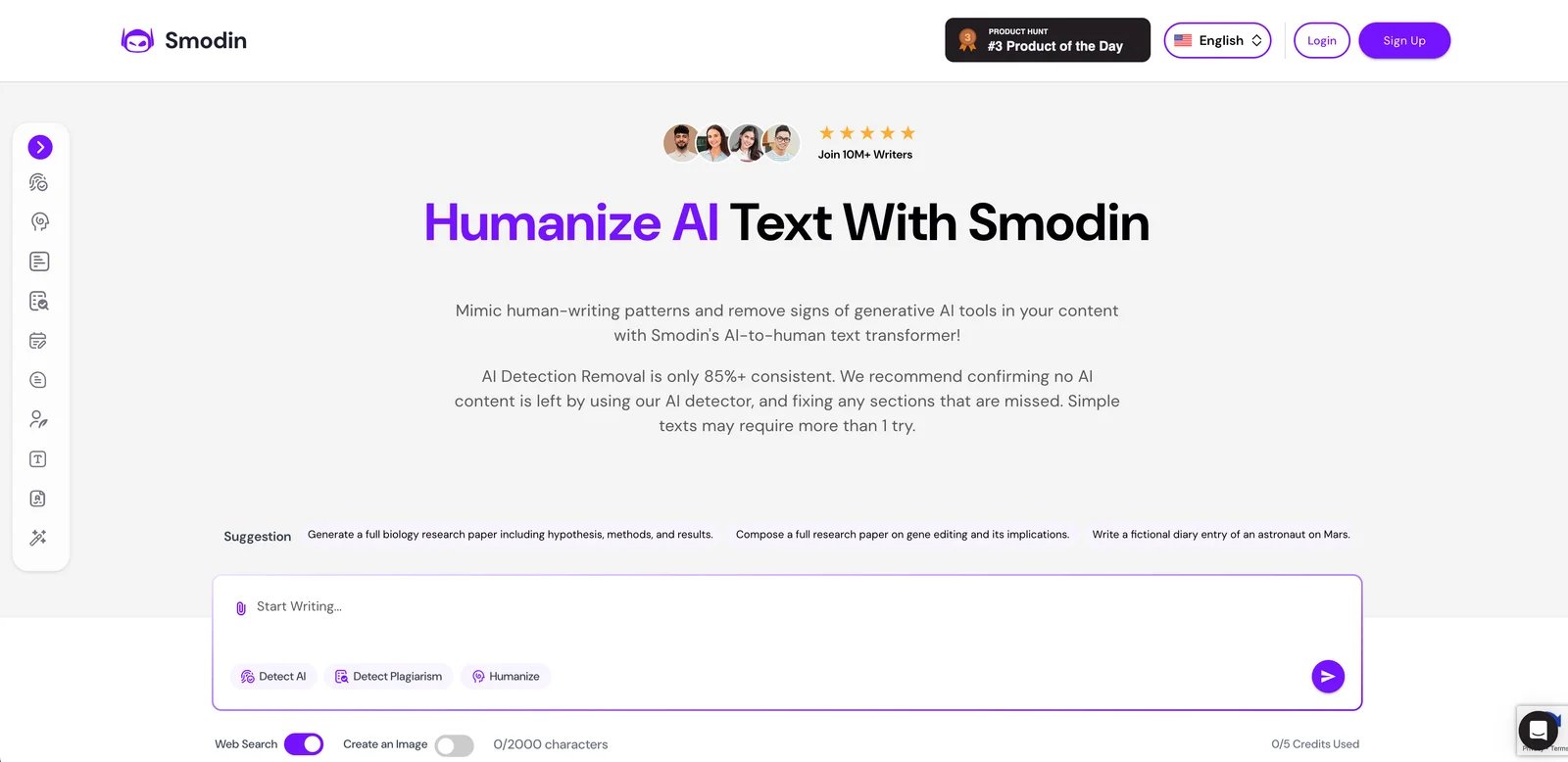
Smodin AI Humanizer emphasizes speed and multilingual capabilities, supporting 50+ languages to serve a global user base. The platform appeals to international content creators, multilingual marketers, and anyone producing content in languages beyond English.
Key Features
Extensive Language Support — Processes text in 50+ languages including major European, Asian, and Middle Eastern languages, with specialized models optimized for each language's unique grammar structures.
Fast Processing Speed — Handles 1,000-word documents in under 30 seconds, making it suitable for time-sensitive content creation workflows and high-volume processing needs.
Multiple Rewriting Modes — Offers Standard, Fluent, and Creative modes to balance between accuracy and natural variation based on content requirements.
Text Simplification — Optional feature to reduce reading complexity while maintaining meaning, useful for making technical content accessible to broader audiences.
Integration with Smodin Suite — Works alongside Smodin's plagiarism checker, citation generator, and AI writer for comprehensive content creation support.
Chrome Extension — Browser extension enables humanization directly within Google Docs, Gmail, and other web applications without copy-pasting.
Pricing & Plans
Free Version: 500 words per day, 3 languages only (English, Spanish, French), Standard mode only.
Essential Plan: $10/month, 10,000 words/month, All 50+ languages, All rewriting modes, Basic support.
Productive Plan: $29/month, 50,000 words/month, Priority processing, Bulk document support, Premium support.
Pricing as of January 2026. Visit official website for latest rates.
Pros & Cons
Pros:
- Industry-leading language support (50+ languages) for global content needs
- Fast processing speeds suitable for time-sensitive projects
- Affordable entry-level pricing at $10/month
- Integration with other Smodin tools creates unified workflow
Cons:
- Output quality varies significantly by language (English best, others inconsistent)
- Detection bypass rates lower than specialized tools like Phrasly or Undetectable AI
- Customer support response times can be slow (24-48 hours)
- Chrome extension can be buggy with certain web applications
Best For
Multilingual content teams producing content in multiple languages simultaneously, International marketers running campaigns across different geographic regions, Content creators needing fast turnaround times for high-volume projects, Users requiring text simplification for accessibility or audience reach, and Budget-conscious users needing basic humanization without premium features.
Get started with Smodin AI Humanizer

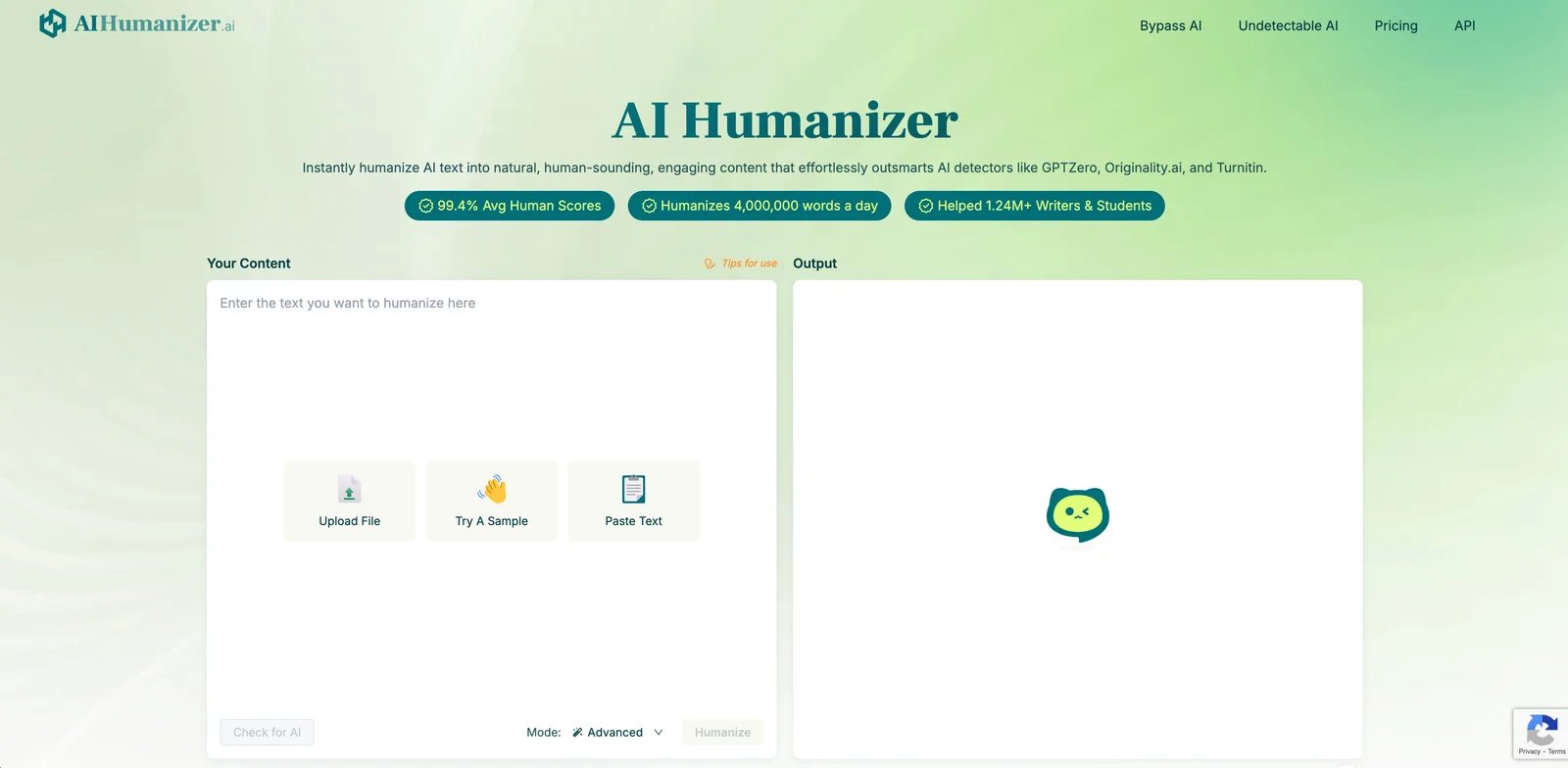
AIHumanizer.ai focuses specifically on advanced AI detection evasion using proprietary algorithms designed to bypass even the most sophisticated detection systems. The platform targets users who face strict detection requirements and need consistently reliable humanization.
Key Features
Advanced Detection Bypass — Proprietary algorithms specifically engineered to evade GPTZero, Turnitin, Originality.ai, and other mainstream detection platforms with high success rates.
Stealth Mode — Aggressive rewriting option that prioritizes undetectability over minimal changes, suitable for content facing rigorous detection scrutiny.
Real-Time Detection Scoring — Shows predicted detection scores before and after humanization across multiple detection platforms simultaneously.
Contextual Rewriting — Maintains context and meaning while varying sentence structure, word choice, and phrasing patterns that trigger AI detection.
Batch Processing — Processes up to 20 documents simultaneously in paid plans, suitable for agencies and content teams with high-volume needs.
API Access — RESTful API enables integration with existing workflows and automation systems for seamless scaling.
Pricing & Plans
Free Plan: 500 words per month with 80 words per input. Includes all three processing modes (Fast, Balanced, Advanced), built-in AI detector, and basic access to the platform's features.
Basic Plan:
- Monthly: $19.99/month
- Annual: $9.99/month (billed annually, approximately $119.88/year)
- Quota: 10,000 words/month, 500 words per input
Pro Plan:
- Monthly: $29.99/month
- Annual: $19.99/month (billed annually, approximately $239.88/year)
- Quota: 50,000 words/month, 1,000 words per input
Unlimited Plan:
- Monthly: $49.99/month
- Annual: $19.99/month (billed annually, approximately $239.88/year)
- Quota: Unlimited words per month, unlimited words per input
All paid plans include Fast, Balanced, and Advanced processing modes, built-in AI detection, and the platform's detection bypass features.
Annual billing provides significant savings (50-60% discount). Visit AIHumanizer.ai pricing for current offers.
Pros & Cons
Pros:
- Consistently high success rates in bypassing major AI detection platforms
- Real-time detection scoring provides immediate feedback
- API access enables workflow automation and scaling
- Stealth mode option for maximum undetectability when needed
Cons:
- Stealth mode can occasionally alter meaning more than desired
- Free plan limited to 500 words/month with restrictive 80-word input limit
- Monthly pricing ($19.99-$49.99) higher than some competitors
- Limited language support (primarily English and Spanish)
- No integration with other writing tools or platforms
Best For
Content agencies requiring reliable detection bypass for client deliverables, Professionals in industries with strict AI content policies, Users facing consequences for detected AI content, Developers building automated content workflows needing API access, and Anyone requiring maximum undetectability regardless of transformation depth.
Get started with AIHumanizer.ai

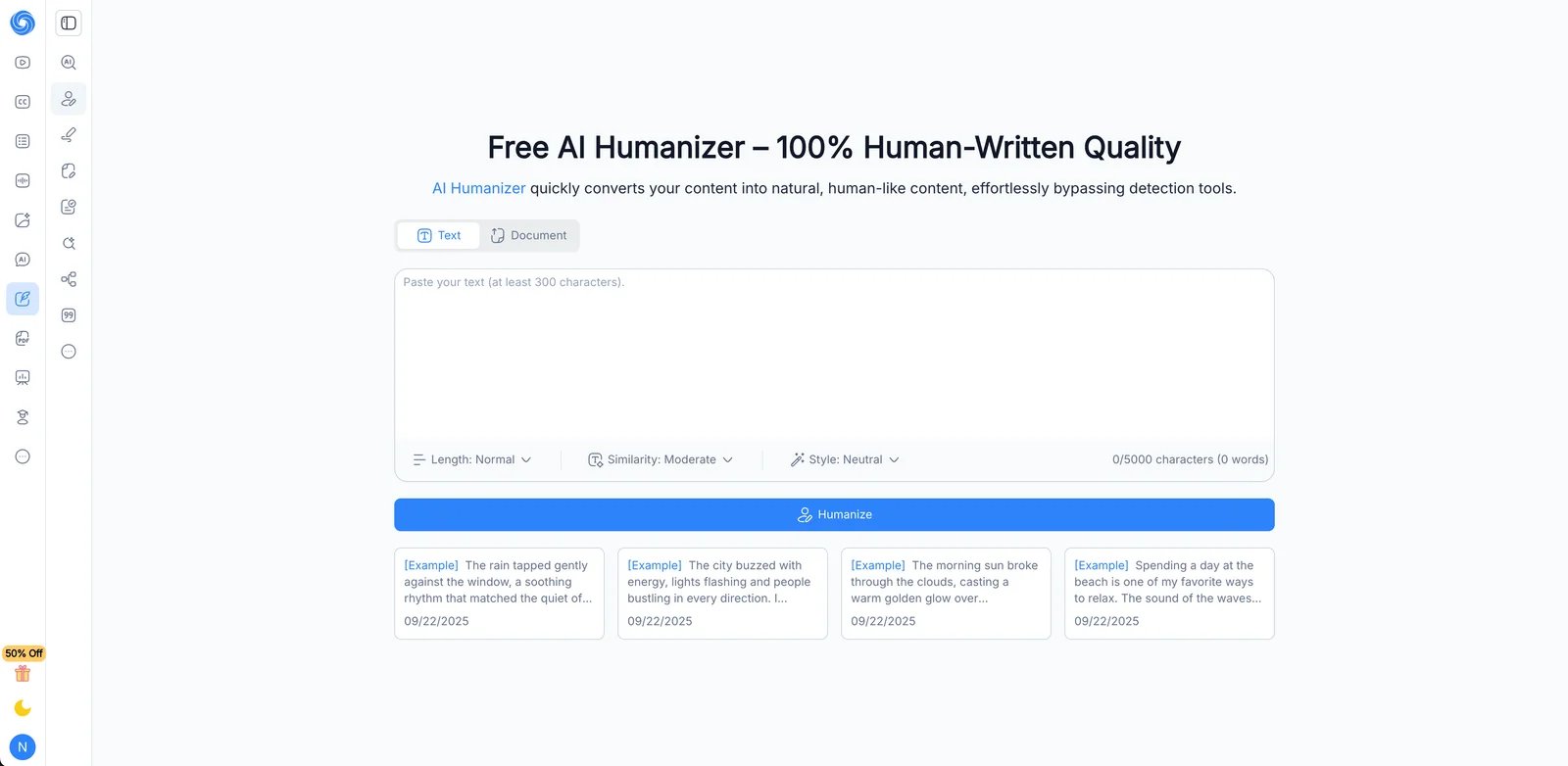
NoteGPT AI Humanizer integrates humanization capabilities with the NoteGPT note-taking and document processing platform, creating a unified environment for students and researchers who generate notes from AI assistants.
Key Features
Note Integration — Works directly within NoteGPT's note-taking interface, enabling humanization of AI-generated study notes, summaries, and research materials without export.
Document Batch Processing — Humanizes multiple notes or documents in sequence, useful for processing lecture notes or research summaries in bulk.
Academic Focus — Designed for educational use cases with features supporting study notes, essay outlines, and research documentation.
PDF and YouTube Processing — Humanizes content extracted from PDFs and YouTube video transcripts, popular sources for student research.
Collaboration Features — Shared notebooks can have humanization applied to collaborative content, useful for group projects and study groups.
Export Options — Exports humanized content to Markdown, PDF, or Word formats for submission or further editing.
Pricing & Plans
Free Access: Supports up to 10,000 characters per analysis for humanization.
Pro Plan: $9/month (or $108/year), providing access to advanced features across NoteGPT's suite including enhanced humanization capabilities.
Unlimited Plan: $19.92/month (or $238.99/year), offering expanded processing capacity and premium features.
Max Plan: $69/month (or $828/year), designed for power users requiring maximum capabilities and priority support.
Specific humanizer word quotas per plan are not publicly itemized. The character limit for free access provides a baseline for testing the tool's capabilities.
Pricing reflects current website listings. Visit NoteGPT's official pricing page for detailed plan comparisons and any promotional offers.
Pros & Cons
Pros:
- Seamless integration with note-taking workflow
- PDF and YouTube transcript humanization unique to this platform
- Affordable student pricing with verification discount
- Collaboration features support group work
Cons:
- Detection bypass rates lower than specialized tools
- Limited customization options for humanization style
- Platform learning curve for new users
- Most useful only if already using NoteGPT ecosystem
Best For
Students using AI to generate study notes and summaries, Researchers processing multiple PDF documents and research papers, Study groups collaborating on shared notes and outlines, Users who already use NoteGPT for note-taking and want integrated humanization, and Anyone needing PDF and YouTube transcript humanization specifically.
Get started with NoteGPT AI Humanizer

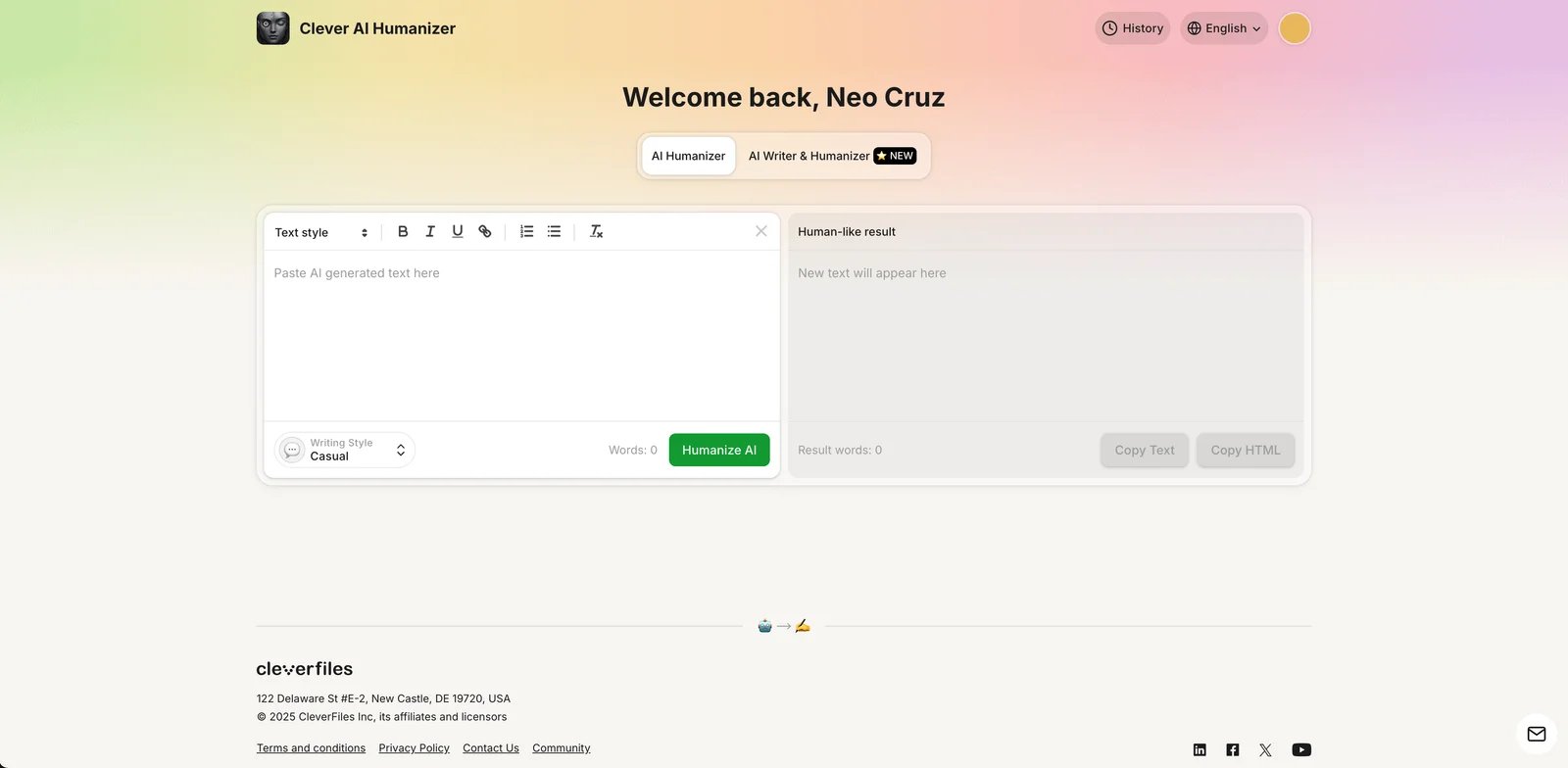
Clever AI Humanizer positions itself as a budget-friendly option with generous free access. The platform targets budget-conscious users, students, and anyone experimenting with humanization before committing to paid tools.
Key Features
Free Access — Offers free tier with substantial word limits. Specific quotas and any registration requirements should be verified on their website.
Simple Interface — Minimalist design focuses on core humanization functionality without overwhelming users with options or settings.
No Registration Required — Users can humanize text immediately without creating accounts or providing email addresses.
Basic Detection Bypass — Provides fundamental humanization that passes basic AI detection, though not optimized for advanced detectors.
No Data Storage — Text isn't stored on servers after processing, providing basic privacy protection.
Mobile Friendly — Responsive design works on phones and tablets without dedicated apps.
Pricing & Plans
Free Access: Clever AI Humanizer operates on a free model with usage quotas rather than unlimited access. The platform implements multiple limit tiers:
- Monthly quota: Up to 200,000 words for registered users
- Daily limit: 4,000 words
- Per-session limits vary (ranging from 500 to 7,000 words depending on usage patterns)
User Tiers: Guest users have more restrictive limits compared to registered accounts. Registration provides access to higher quotas and usage history.
Future Pricing: The terms of service indicate the platform is currently free but reserves the right to introduce paid tiers in the future.
Visit Clever AI Humanizer for current usage limits and registration benefits.
Pros & Cons
Pros:
- Free access without mandatory payment
- Registration optional for guest users (though limits are lower)
- Generous monthly quota (200,000 words for registered users)
- Simple interface ideal for beginners and quick tasks
Cons:
- Output quality below paid alternatives
- Detection bypass rates lower than specialized tools
- Usage limits apply (monthly, daily, and per-session quotas)
- No advanced features like modes, styles, or customization
- No customer support or documentation
- Future pricing model may change (terms reserve right to introduce paid tiers)
Best For
Students with zero budget for writing tools, Users experimenting with humanization before investing in paid tools, Occasional humanization needs not justifying subscription costs, Privacy-conscious users avoiding account creation and data storage, and Anyone needing basic humanization for non-critical content.
Get started with Clever AI Humanizer

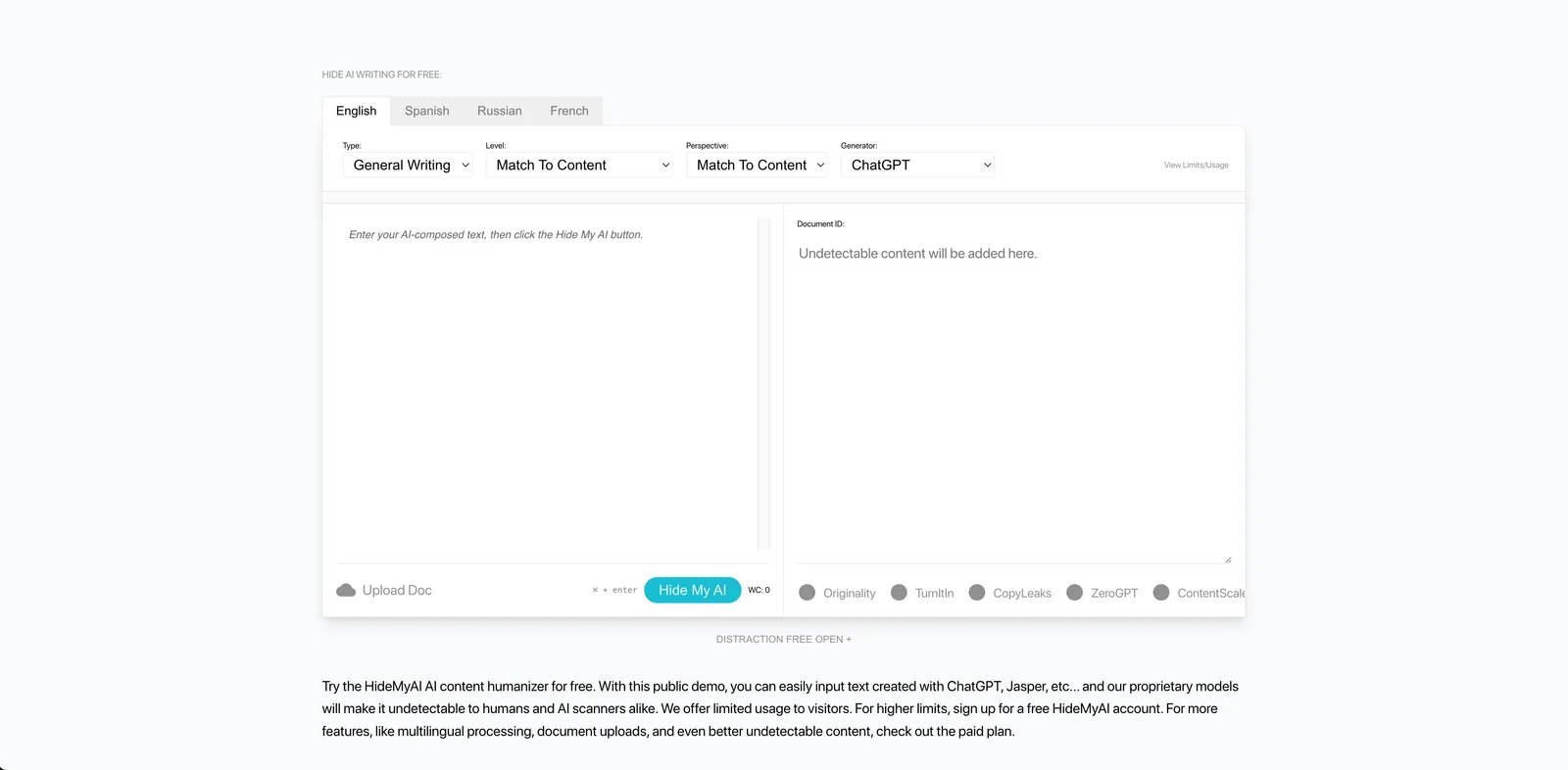
HideMyAI emphasizes privacy and data security in its positioning, targeting users handling sensitive or confidential content.
Key Features
Privacy Focus — Positioned as a privacy-conscious option for users concerned about data handling.
Data Handling — Claims to prioritize user privacy. Specific technical implementations should be verified through official documentation.
Account Requirements — Check official website for current registration and account requirements.
Compliance Claims — Marketing materials mention privacy compliance. Users with specific regulatory requirements should verify compliance documentation directly with the provider.
Pricing & Plans
Free Tier: New users receive 300 words upon signup to test the service.
Pro Plan: Starting at $5/month with annual billing, includes 10,000 words per month with support for multiple languages (French, Spanish, Russian) and bulk upload features. Additional credits available for purchase.
Enterprise Plan: Custom pricing with options for API access, unlimited processing, self-hosted deployment, and dedicated support.
Pricing reflects annual billing rates. Monthly options and current promotions available on the official website.
Pros & Cons
Pros:
- Industry-leading privacy protection and data security
- Zero data retention eliminates privacy concerns
- GDPR/CCPA compliance suitable for regulated industries
- Self-hosted option for maximum control
- Anonymous payment options available
Cons:
- Significantly higher pricing than competitors ($0.02 vs $0.005-0.01/word average)
- Pay-per-use model expensive for high-volume users
- Fewer features than full-service platforms
- No integration with other tools or platforms
- Limited customization options
Best For
HideMyAI targets users with specific privacy and data security requirements. Legal and healthcare professionals working with confidential information may find the privacy-focused features relevant. Corporate users with strict data governance policies can consider the enterprise self-hosted option. The platform's emphasis on data handling makes it suitable for situations where content confidentiality is a priority.
For users requiring enterprise-level solutions with robust features, understanding the broader AI rewriter tool landscape helps contextualize where humanizers fit within professional content workflows.
Get started with HideMyAI

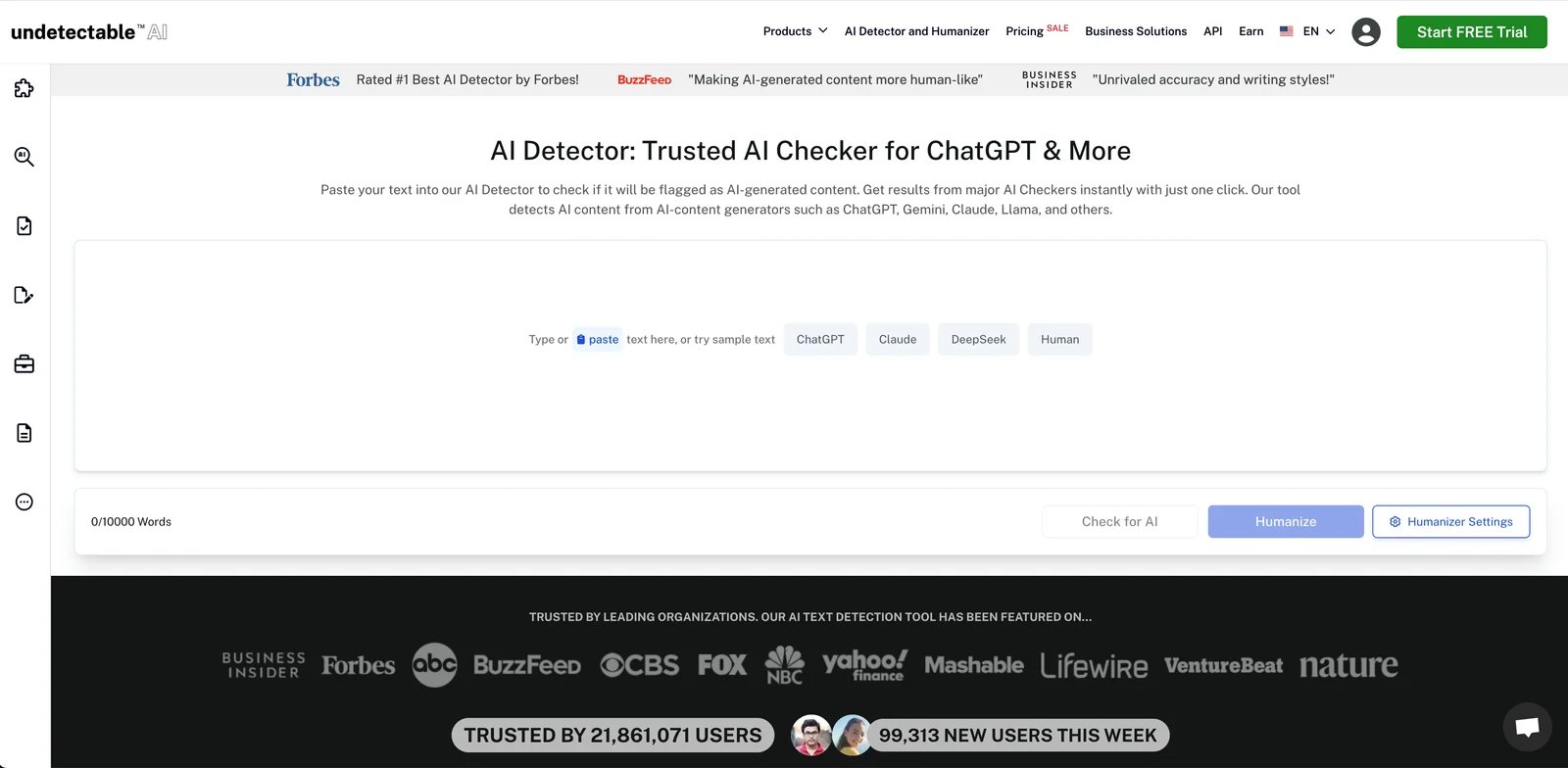
Undetectable AI positions itself as an enterprise-grade solution with team management, API access, and bulk processing capabilities designed for agencies, content teams, and organizations with high-volume humanization needs.
Key Features
Enterprise Team Management — Admin dashboard for managing team members, tracking usage, and controlling access permissions across organizations.
Advanced API — Comprehensive RESTful API with detailed documentation, webhooks, and SDKs for major programming languages enabling seamless integration.
Bulk Processing — Process up to 100 documents simultaneously with queue management and progress tracking for large-scale content operations.
Custom Detection Profiles — Configure humanization specifically for target detection systems your content will face, optimizing bypass rates.
White-Label Options — Rebrand the humanization service for agencies offering humanization to clients under their own brand.
Dedicated Account Manager — Enterprise plans include dedicated support and account management for onboarding and optimization.
Pricing & Plans
Free Trial: Available for testing the service before committing to a paid plan.
Annual Plan: $5/month (billed annually at $60/year), includes 10,000 words per month with API compatibility and unlimited AI detecting features.
Monthly Plan: $19/month (billed monthly), includes 20,000 words per month with the same feature set.
Business Plan: Custom pricing with non-expiring credits, priority support, and white-label options for agencies.
Annual billing offers significant savings compared to monthly plans. Check the official website for current offerings.
Pros & Cons
Pros:
- Comprehensive enterprise features and team management
- Powerful API for workflow automation and integration
- Bulk processing handles large-scale operations efficiently
- White-label options suitable for agencies
- Dedicated support for enterprise customers
Cons:
- Expensive for individual users or small teams
- Enterprise features unnecessary for most users
- Steeper learning curve due to feature complexity
- Minimum team size requirements for some plans
Best For
Undetectable AI serves teams and organizations with higher-volume humanization needs. Content agencies can utilize the team management and bulk processing features for client work. The API compatibility makes it suitable for technical teams building automated workflows. Organizations requiring white-label solutions or dedicated support may find the Business plan relevant to their operations.
Get started with Undetectable AI

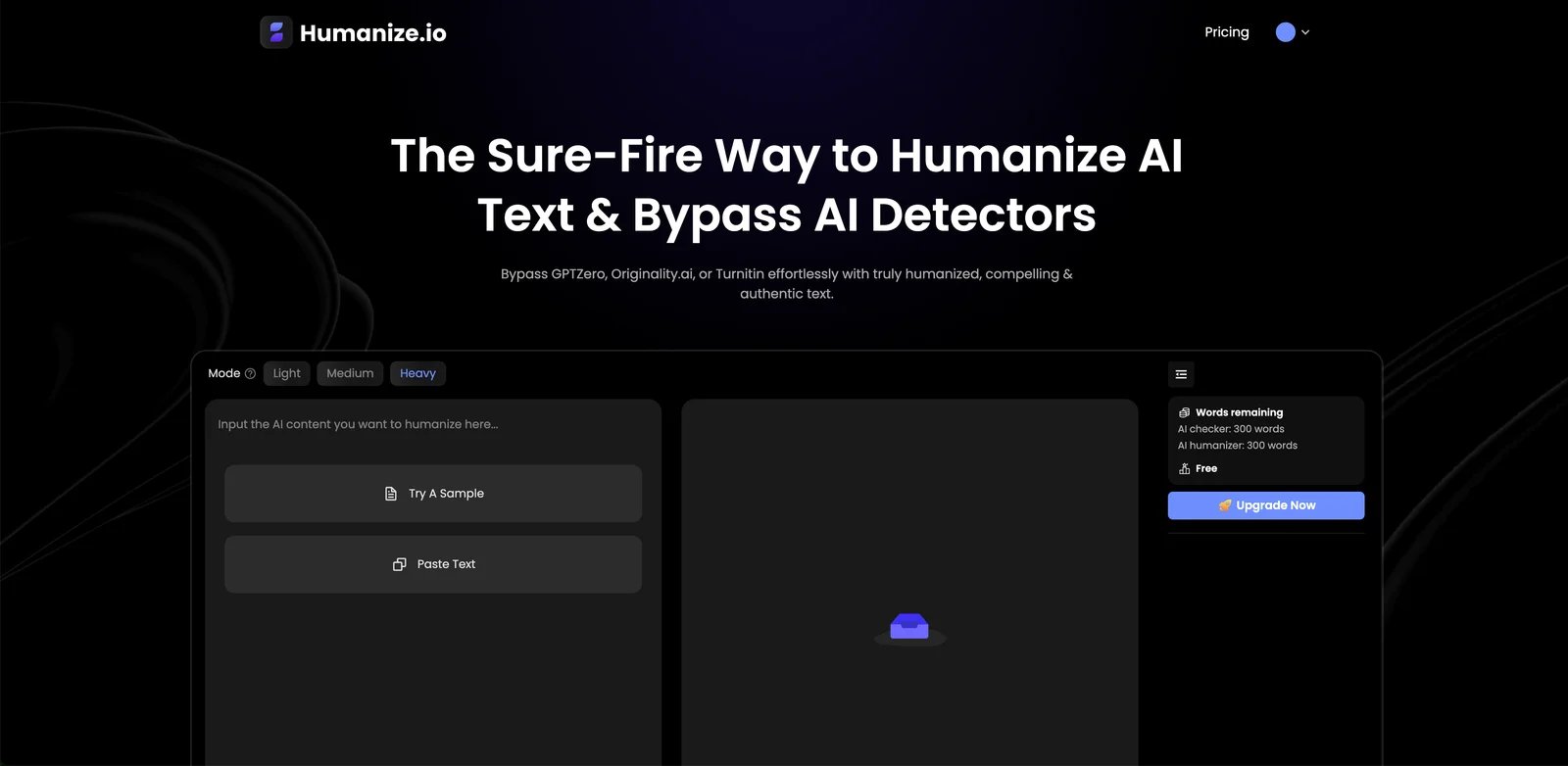
Humanize.io prioritizes simplicity and ease of use above all else, targeting first-time users, non-technical users, and anyone wanting straightforward humanization without configuration or complexity.
Key Features
One-Click Humanization — Single button processes text without requiring mode selection, parameter tuning, or technical configuration.
Beginner-Friendly Interface — Clean, minimal design eliminates confusion and reduces learning curve to near zero.
Instant Results — Processing completes in seconds with clear before/after comparison display.
Helpful Tutorials — Built-in guides and tooltips explain humanization concepts for users new to these tools.
Mobile Optimized — Fully functional on smartphones and tablets without separate apps.
Free Trial — Generous 5,000-word free trial lets users evaluate fully before subscribing.
Pricing & Plans
Free Tier: 200 words per month with a 200-word limit per use, allowing users to test the platform's core functionality.
Unlimited Plan (Monthly): $29.99/month with unlimited word processing per month and no per-use restrictions.
Unlimited Plan (Annual): $9.99/month when billed annually, offering the same unlimited processing at significant savings compared to monthly billing.
All paid plans include access to 30+ languages, encryption, priority support, and advanced detection bypass features.
Annual billing provides substantial cost savings. Current pricing and features available on the official website.
Pros & Cons
Pros:
- Exceptionally easy to use with minimal learning curve
- Generous free trial enables thorough evaluation
- Mobile-optimized for on-the-go use
- Helpful tutorials and documentation for beginners
- Clean interface reduces cognitive load
Cons:
- Limited customization and advanced features
- Detection bypass rates lower than specialized tools
- No team features or collaboration support
- Fewer language options than competitors
Best For
Humanize.io works well for users prioritizing simplicity and ease of use. The straightforward one-click interface requires minimal learning, making it accessible to first-time users. Mobile optimization supports on-the-go humanization on smartphones and tablets. The free tier allows testing before commitment, while the unlimited annual plan offers good value for users with consistent high-volume needs.
Get started with Humanize.io

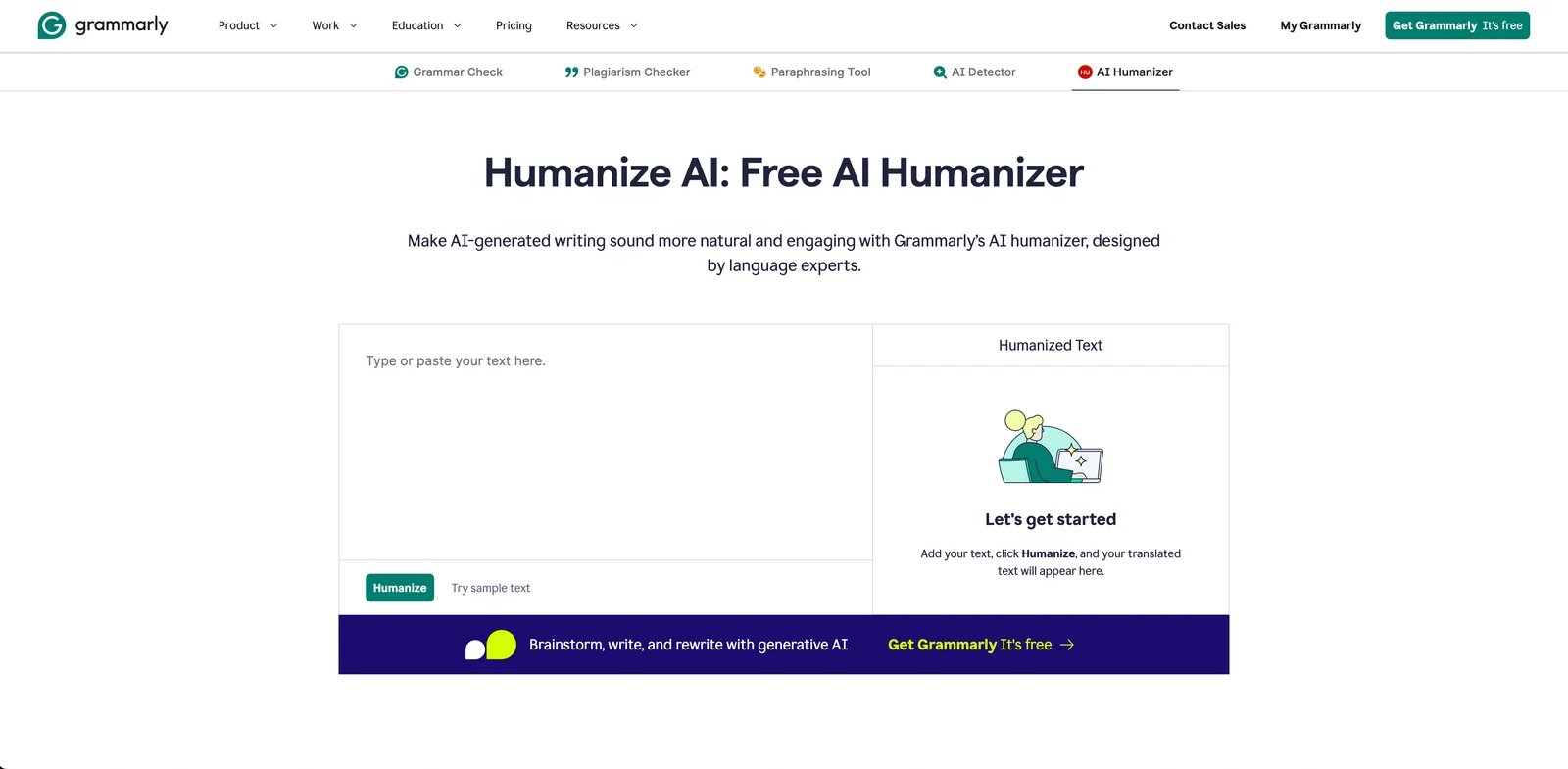
Grammarly AI Humanizer integrates humanization into the widely-adopted Grammarly writing assistant platform, creating a comprehensive writing support system that combines grammar checking, style suggestions, tone adjustment, and AI humanization in one ecosystem. The tool emphasizes improving writing clarity and quality rather than detection evasion, making it suitable for users who prioritize transparent, responsible AI use.
Key Features
Unified Writing Platform — Humanization works alongside Grammarly's grammar checker, plagiarism detector, and style suggestions in one interface.
Tone Adjustment — Humanization can target specific tones (professional, casual, friendly, assertive) to match intended audience and context.
Browser Extension — Works directly in Gmail, Google Docs, Microsoft Word, social media platforms, and virtually any web text field.
Real-Time Suggestions — Humanization suggestions appear inline as you write, not just as post-writing processing.
Mobile Apps — Full-featured iOS and Android apps enable humanization on mobile devices with native keyboard integration.
Team Features — Business plans include team administration, style guides, and analytics for organizational writing quality management.
Pricing & Plans
Free Access: Grammarly's AI Humanizer is available for free with a limit of 1,500 words per use through their website.
Grammarly Pro: $12/month subscription that includes the full Grammarly writing assistant with advanced grammar checking, tone suggestions, plagiarism detection, and AI-generated text detection. A 7-day trial is available.
Grammarly Enterprise: Custom pricing for teams requiring centralized billing, team management, style guides, and analytics.
The AI Humanizer can be used in conjunction with Grammarly's other features, making it part of a comprehensive writing platform rather than a standalone tool.
Pricing varies by subscription length and region. Check Grammarly's website for current rates and trial offers.
Pros & Cons
Pros:
- Comprehensive writing platform beyond just humanization
- Browser extension works everywhere without copy-pasting
- Real-time suggestions integrate with natural writing workflow
- Mobile apps with keyboard integration
- Widely adopted with extensive documentation and support
Cons:
- Focuses on writing quality over detection evasion
- Full feature access requires premium subscription
- Business plan has minimum user requirements
- May not suit users primarily seeking undetectable content
Best For
Grammarly AI Humanizer suits users already invested in the Grammarly ecosystem or those seeking an all-in-one writing platform. The browser extension integration works across Gmail, Google Docs, Microsoft Word, and most web applications. Teams benefit from the comprehensive writing quality features beyond humanization, including grammar, style, and tone consistency. Organizations prioritizing transparent and responsible AI use will appreciate Grammarly's emphasis on writing quality over detection evasion.
Get started with Grammarly AI Humanizer

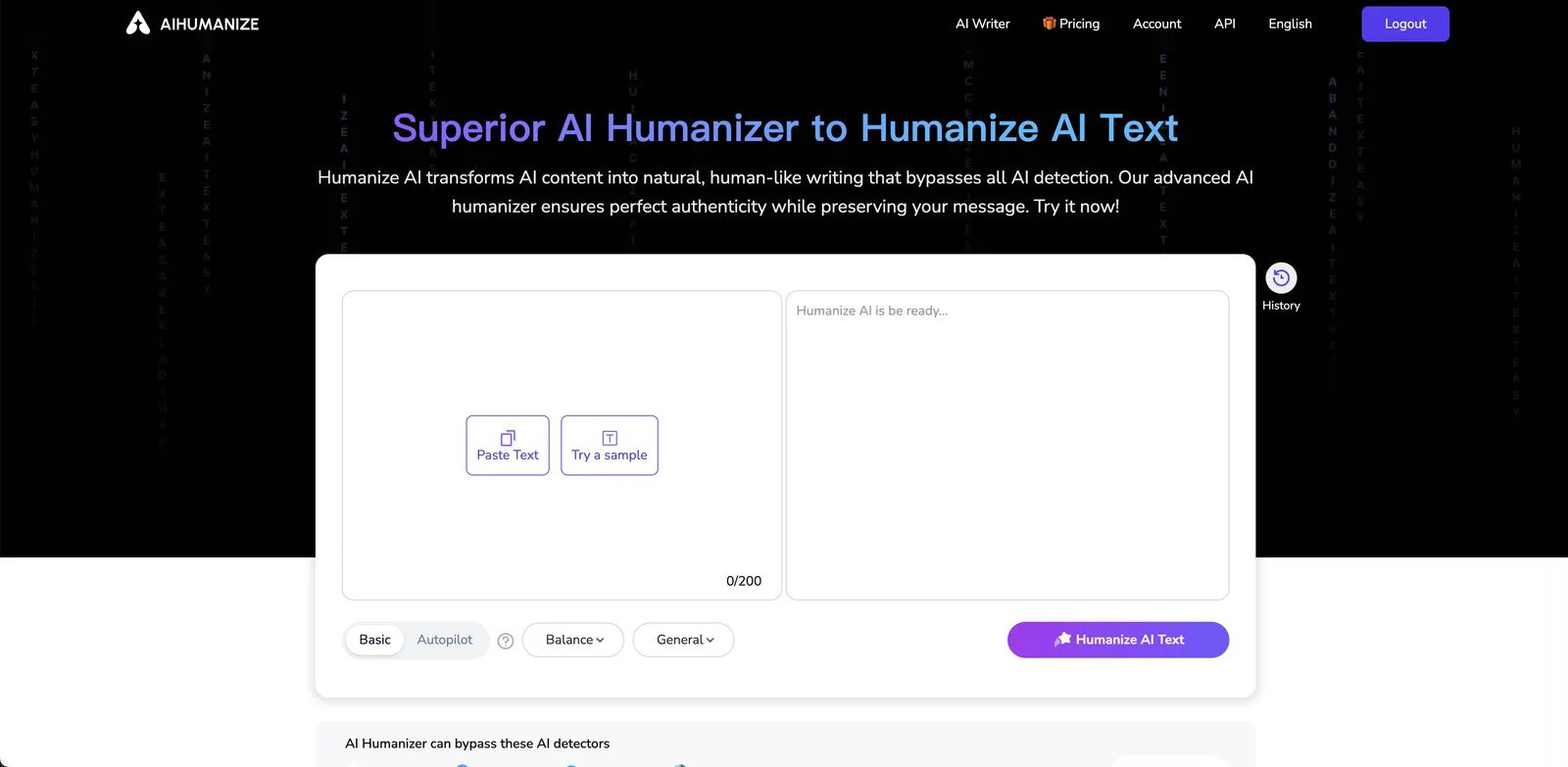
AIHumanize.io differentiates itself through extensive style customization options, allowing users to tailor humanization to specific writing styles, tones, and formality levels beyond basic humanization algorithms.
Key Features
Multiple Writing Styles — Offers Conversational, Professional, Academic, Creative, Technical, and Journalistic style presets for different content types.
Tone Slider — Adjustable tone control from very formal to very casual, providing fine-grained control over output character.
Formality Level — Separate formality adjustment independent of tone, useful for balancing approachability with professionalism.
Industry-Specific Modes — Specialized humanization for Marketing, Legal, Medical, Technical, and Educational content with appropriate terminology handling.
Style Preview — Shows multiple style versions simultaneously before committing, enabling quick comparison and selection.
Custom Style Profiles — Save custom combination of style, tone, and formality settings for consistent reuse across projects.
Pricing & Plans
Basic Plan: $15/month (or $6/month billed annually), includes 15,000 words per month with a 500-word limit per use. Features include Autopilot Pro mode, history tracking, rewrite styles, and a private rewriting model.
Pro Plan: $25/month (or $10/month billed annually), includes 50,000 words per month with a 1,500-word limit per use. Adds AI detector credits for popular detection platforms.
Unlimited Plan: $40/month (or $20/month billed annually), offers unlimited word processing with a 3,000-word limit per use and additional detector credits.
All plans include API access and support for multiple languages. Annual billing reduces costs by approximately 60% compared to monthly plans.
Check the official website for current pricing and promotional offers.
Pros & Cons
Pros:
- Extensive style customization unmatched by competitors
- Industry-specific modes optimize for specialized content
- Custom profile saving enables consistent brand voice
- Style preview accelerates selection process
- Fine-grained tone and formality controls
Cons:
- Style complexity can overwhelm new users
- Detection bypass rates moderate compared to specialized tools
- Higher pricing than basic humanizers
- Style presets may still require manual refinement
Best For
AIHumanize.io serves users who need extensive style customization and control over output characteristics. Content marketers can maintain consistent brand voice using custom style profiles across multiple pieces. Writers working for diverse audiences benefit from the adjustable tone, formality, and industry-specific modes. The included AI detector credits eliminate the need for separate detection tools. API access makes it suitable for technical teams building automated workflows.
Get started with AIHumanize.io

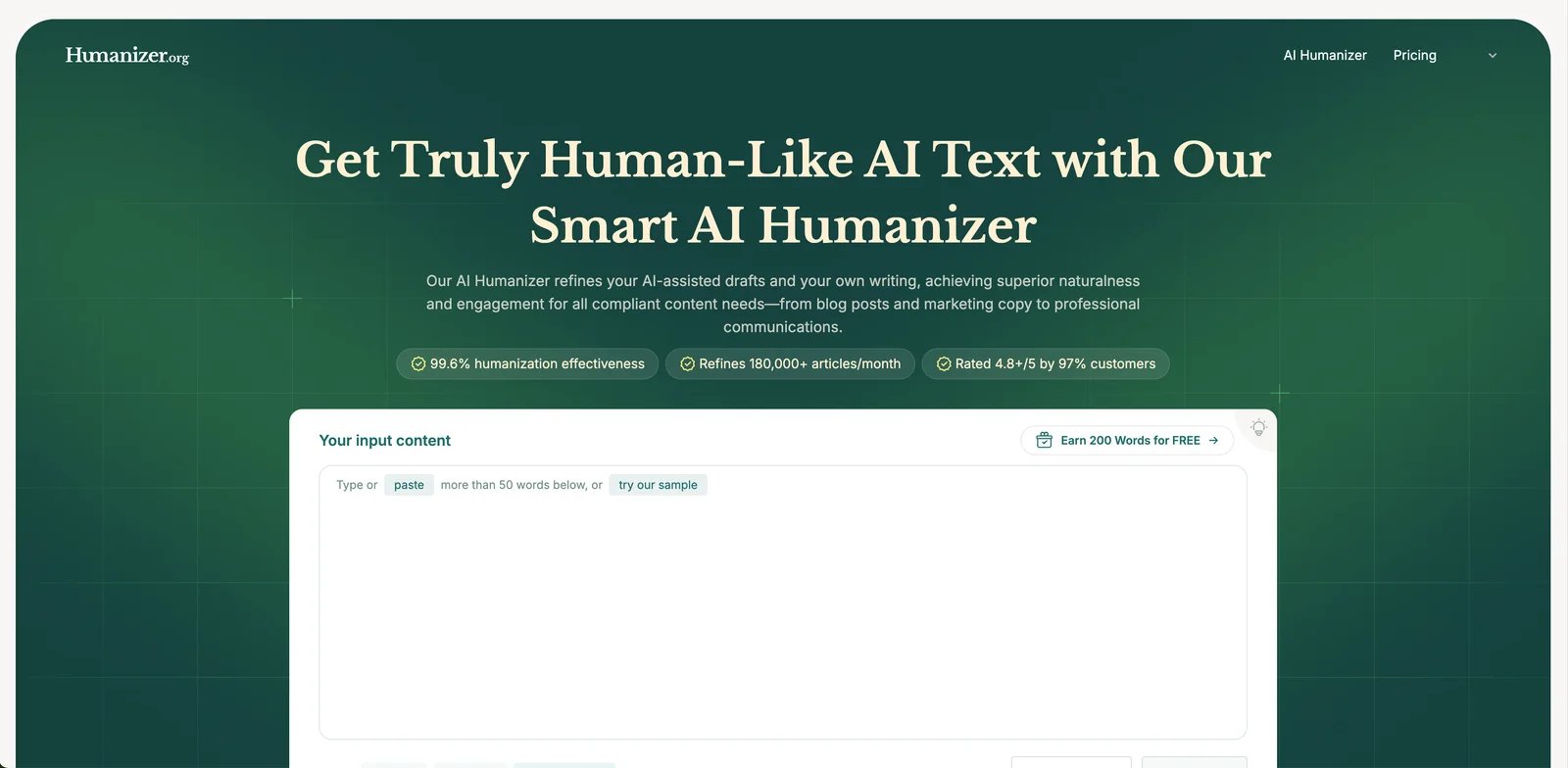
Humanizer.org offers integrated humanization and AI detection in a single platform, distinguishing itself by bundling both services within shared word quotas across all pricing tiers.
Key Features
Integrated Detection — Combines humanization and AI detection in one platform, with word quotas shared between both features for streamlined workflow.
Originality Insights — Built-in analysis tools help assess content originality and detect potential AI patterns before and after humanization.
Multiple Tier Options — Three pricing tiers accommodate different usage levels, from 8,000 words per month to unlimited processing.
Style Analyzer — Unlimited plan includes advanced style and originality analysis tools for deeper content assessment.
Multi-Language Support — Processes content in multiple languages for international users and global content operations.
Combined Quota System — Unified word limits for both humanization and detection simplify usage tracking and planning.
Pricing & Plans
Standard Plan: $19.99/month (or $9.99/month billed annually), includes 8,000 words per month for combined humanizer and detector use, with a 500-word limit per use. Features built-in Originality Insights and multi-language humanization.
Premium Plan: $29.99/month (or $19.99/month billed annually), includes 80,000 words per month for humanizer and detector, with a 1,000-word limit per use. Claims plagiarism-free output.
Unlimited Plan: $49.99/month (or $19.99/month billed annually), offers unlimited word processing with no per-use restrictions. Includes Originality & Style Analyzer.
Note: Word limits apply to combined humanizer and detector usage. Annual billing provides substantial savings across all tiers.
Visit the official website for current pricing and plan details.
Pros & Cons
Pros:
- Integrated humanization and detection eliminates need for separate tools
- Three clear pricing tiers suit different usage volumes
- Substantial annual billing discounts (up to 60% savings on Unlimited plan)
- Built-in originality and style analysis tools
- Multi-language support for international content
Cons:
- No free tier for testing before purchase
- Word quotas shared between humanization and detection features
- Higher entry price compared to some competitors
- Limited information about detection accuracy and supported languages
Best For
Humanizer.org suits users who want humanization and AI detection in a unified platform. Content creators who regularly check for AI patterns before publishing can benefit from the integrated workflow. The tiered structure accommodates both moderate users (Standard plan) and high-volume operations (Unlimited plan). Users comfortable with shared quotas between features will find the pricing straightforward, though those needing separate humanization and detection limits may prefer tools with independent quotas.
Get started with Humanizer.org
Best AI Humanizer by Use Case
Choosing the right AI humanizer depends heavily on your specific use case, content volume, budget, and technical requirements. This section maps common scenarios to the most suitable tools based on our testing and analysis.
For Academic Writing (Students & Researchers)
Primary Recommendation: Scribbr AI Humanizer
Scribbr's academic focus positions it as a relevant option for scholarly writing. The tool is designed to preserve citations during humanization and maintain formal academic tone. It aims to recognize field-specific terminology that general humanizers might oversimplify. Graduate students working on theses or dissertations may find the citation integrity feature valuable for maintaining proper attribution throughout the humanization process.
The platform integrates with Scribbr's plagiarism checker and professional proofreading services, offering a unified academic writing workflow. Check their website for current pricing and available features.
Budget-Friendly Alternative: QuillBot AI Humanizer
QuillBot offers academic writing support at competitive pricing with annual billing options. While it lacks Scribbr's specialized academic features like citation preservation, it provides grammar checking and multilingual support that international students may find useful. The 20+ language support can help non-native English speakers refine AI-assisted drafts.
For shorter essays and assignments, QuillBot's Premium plan may provide adequate functionality. For major research papers with extensive citations, tools with specialized academic features warrant consideration.
For Content Marketing & Blogging
Primary Recommendation: Phrasly AI
Phrasly's built-in AI detector and multiple rewrite options can serve content marketers who want to check humanized content before publishing. The platform offers multiple alternative versions per request, allowing selection of preferred outputs without extensive manual rewriting.
For marketing teams with high-volume needs, Phrasly offers plans designed to accommodate multiple blog posts monthly. The bulk processing feature may suit agency workflows managing multiple client accounts. Check their pricing page for current plan details and word limits.
Integrated Alternative: Grammarly AI Humanizer
Marketing teams already using Grammarly for content review can add humanization without introducing new tools or workflows. The browser extension enables humanization directly in content management systems, Google Docs, and other writing environments without context switching.
For teams prioritizing all-in-one writing support (grammar, style, tone, humanization, plagiarism detection) over maximum detection bypass rates, Grammarly's Business plan ($15/month per user) provides comprehensive value. The style guides feature ensures brand voice consistency across team members and content pieces.
For Budget-Conscious Users
Primary Recommendation: Clever AI Humanizer
Clever AI Humanizer offers free access for users working within budget constraints. While output quality may differ from paid alternatives, it provides basic humanization for non-critical content, experimentation, and learning purposes. Students, hobby bloggers, and users exploring humanization tools without financial commitment can consider this option.
Registration provides higher usage quotas (200,000 words monthly vs. lower guest limits), though the tool remains free for both user types. The daily limit of 4,000 words accommodates moderate usage patterns, while per-session restrictions apply depending on usage.
Affordable Paid Alternative: QuillBot AI Humanizer Free Tier
QuillBot's free version (125 words per use) provides higher quality output than Clever AI Humanizer for users willing to process content in segments. For short-form content under 500 words, the free tier handles 3-4 segments, requiring 5-10 minutes of manual assembly but avoiding subscription costs.
When budget allows, upgrading to QuillBot Premium ($8.33/month annual) provides the best value proposition in paid humanizers, offering unlimited processing, 9 modes plus custom modes, and grammar checking at the lowest price point among quality tools. The 3-day money-back guarantee and pausable subscription minimize financial risk for budget-conscious users.
For Privacy-Sensitive Projects
Primary Recommendation: HideMyAI
HideMyAI positions itself with privacy-focused features including data retention policies and encryption. Legal, healthcare, and corporate users working with confidential material may find these privacy features relevant to their compliance requirements.
The pricing structure differs from typical humanizers, with plans starting at $5/month on annual billing. For enterprises with specific data governance needs, the self-hosted deployment option provides greater control over data infrastructure.
Privacy-conscious users should review HideMyAI's official privacy policy and data handling documentation to determine if it meets their specific requirements.
Open-Source Alternative: Humanizer.org
For technical teams with self-hosting capability, Humanizer.org's open-source nature provides complete transparency and control. Self-hosting guarantees no data ever reaches third-party servers, satisfying even extreme privacy requirements.
However, this option demands technical expertise for deployment, maintenance, and security hardening. Budget 40-80 hours for initial setup and $5-20/month for infrastructure costs, plus ongoing maintenance time. For organizations with existing DevOps resources, this tradeoff often makes sense.
For Enterprise & Agencies
Primary Recommendation: Undetectable AI Enterprise Plan
Undetectable AI offers enterprise features including team management, bulk processing capabilities, API access, and white-label options. These features target agencies and organizations with high-volume humanization requirements.
Content agencies managing multiple client accounts or producing significant content volumes can explore the Business plan's custom pricing structure. The white-label capability allows agencies to offer humanization services under their own branding. Contact Undetectable AI directly for enterprise pricing details based on specific volume requirements.
High-Volume Alternative: Phrasly AI Unlimited Plan
For agencies needing high word capacity without enterprise-specific features, Phrasly offers plans designed for volume processing. The pricing structure aims to provide predictability for agencies with varying monthly volumes.
The bulk processing feature and available integrations can support agency workflows at different scales. Agencies should verify current plan details and API availability on Phrasly's official website, as features and access may vary by subscription tier.
For Multilingual Content
Primary Recommendation: Smodin AI Humanizer
Smodin's 50+ language support dominates this category, covering major European languages (Spanish, French, German, Italian, Portuguese), Asian languages (Chinese, Japanese, Korean, Vietnamese, Thai), Middle Eastern languages (Arabic, Hebrew, Persian), and numerous others. For international marketing campaigns, multilingual websites, or global content operations, Smodin's breadth is unmatched.
However, quality varies by language. English humanization performs best, major European languages (Spanish, French, German) deliver solid results, but less common languages may produce inconsistent output requiring manual review. Test your specific language during the free trial before committing.
Quality-Focused Alternative: QuillBot AI Humanizer
QuillBot supports 23 languages with more consistent quality across its supported languages compared to Smodin's broader but shallower coverage. For content teams working primarily in Western European languages where quality trumps breadth, QuillBot's more refined approach delivers better results. Additional translation capabilities cover 40+ languages for broader content localization needs.
The platform's maturity in major languages (English, Spanish, French, German) shows in its nuanced handling of idioms, cultural context, and language-specific grammar rules that simpler humanizers miss.
For Beginners & First-Time Users
Primary Recommendation: Humanize.io
Humanize.io's radically simple interface eliminates the learning curve entirely. One button, clear before/after display, instant results — users can successfully humanize content within 30 seconds of first visit without documentation or tutorials.
The generous 5,000-word free trial enables thorough evaluation across multiple content types before deciding whether humanization adds value to your workflow. For users uncertain whether they need these tools at all, Humanize.io provides the lowest-friction evaluation path.
Comprehensive Alternative: QuillBot AI Humanizer
QuillBot's familiar brand recognition (many users already know QuillBot for paraphrasing) reduces adoption friction. Extensive documentation, video tutorials, and active user community provide learning resources absent from newer platforms.
For users wanting a capable tool they can grow into rather than out of, QuillBot strikes the right balance. The free version enables learning without financial commitment, with clear upgrade path when needs expand beyond free tier limitations.
How to Choose the Right AI Humanizer
Selecting an AI humanizer requires methodical evaluation of your specific needs, constraints, and priorities. This framework guides you through the key decision points to identify your optimal tool.
Step 1: Define Your Primary Use Case
Start by clearly identifying what content types you'll humanize most frequently. Academic writing (papers, theses, research) points toward Scribbr or QuillBot with their academic focus and citation handling. Marketing content (blogs, social media, email) suggests Phrasly or Grammarly with detection bypass and brand voice tools. Technical documentation demands terminology accuracy, making style customization platforms like AIHumanize.io more suitable. Personal or occasional use without specific requirements opens the full tool set for consideration.
Processing frequency significantly impacts optimal choices. Daily users benefit from subscriptions with unlimited or high word counts, justifying $20-40/month investments. Weekly users might find mid-tier plans ($10-15/month) with moderate word caps sufficient. Occasional users (monthly or less) should consider pay-per-use options like HideMyAI or free tools like Clever AI Humanizer.
Typical document length also matters. Short documents under 500 words can use free tiers by processing in segments. Medium documents (500-2000 words) need paid tiers with reasonable per-use limits. Long documents exceeding 3000 words require tools with 6000+ word processing capability or unlimited plans.
Step 2: Determine Your Budget Constraints
Budget directly narrows viable options. For $0 (free only), consider Clever AI Humanizer (completely free, unlimited), QuillBot Free (125 words/use, unlimited uses), Humanize.io Free Trial (5,000 words one-time), or Humanizer.org (free if self-hosted, requires technical skills).
Entry-level options include QuillBot Premium at $8.33/month with annual billing (unlimited humanization), NoteGPT Pro at $9/month, and Smodin starting at $11/month for multilingual support.
For $20-40/month budgets, options expand to Phrasly Unlimited at $32.99/month (unlimited words and bulk processing), HideMyAI at $39/month (privacy-focused, 30,000 words), and Grammarly Premium at $12/month (comprehensive writing suite).
Enterprise budgets ($100+/month) unlock Undetectable AI Enterprise (custom pricing, white-label, API), and HideMyAI Enterprise (self-hosted option, custom terms).
When calculating cost-effectiveness, compute average monthly word volume, then divide by words included in each plan tier to determine cost per word. Compare subscription costs versus pay-per-use pricing (HideMyAI charges $0.02/word). Factor in annual billing discounts, typically 20-30% savings. For teams, evaluate per-user costs and whether you need multiple licenses.
Step 3: Assess Technical Requirements
Technical needs eliminate unsuitable tools quickly. API integration requirements for automation or workflow integration point to Undetectable AI (comprehensive RESTful API, webhooks, SDKs), Phrasly Unlimited (beta API access), or AIHumanizer.ai (API with rate limits by plan tier). Browser extension needs indicate QuillBot (Chrome, Edge, extensive platform support), Grammarly (works in virtually any web text field), or Smodin (Chrome extension for Google Docs, Gmail).
Batch processing requirements for handling 5+ documents simultaneously suggest Phrasly (up to 10 documents concurrently), Undetectable AI (up to 100 documents in enterprise plans), or AIHumanizer.ai (up to 20 documents in business tier). Multi-language support needs map to Smodin (50+ languages, broadest coverage), QuillBot (20+ languages, higher quality), or Grammarly (5 major languages, excellent quality).
Step 4: Evaluate Privacy & Compliance Needs
Privacy sensitivity determines acceptable tools. For handling truly sensitive content (legal, healthcare, confidential corporate), only HideMyAI (zero data retention, encryption, GDPR/CCPA compliant) or Humanizer.org (self-hosted, you control all data) meet requirements.
Public or low-sensitivity content works fine with standard platforms like QuillBot, Grammarly, or Phrasly, all of which maintain clear privacy policies. Be cautious with free tools lacking clear privacy terms — Clever AI Humanizer and similar free platforms may lack explicit data handling policies.
Academic compliance requires careful attention to institutional AI policies. Check whether your school allows AI assistance for specific assignments. Some institutions permit AI for brainstorming and drafting but require disclosure. Others prohibit AI use entirely for graded work. Tools like Scribbr are designed with academic integrity in mind and provide guidance on ethical use.
If your institution allows AI assistance with disclosure, tools with clear academic features work appropriately. If AI use is prohibited for your specific assignment, no humanizer makes prohibited use acceptable. For commercial use, verify the tool's terms of service permit commercial content creation. Most paid plans explicitly allow commercial use. Free tiers sometimes restrict commercial applications.
Step 5: Test Before Committing
Never subscribe to annual plans without testing the tool first. Leverage free versions or trials by testing at least 3-5 tools with identical sample text to enable direct quality comparison. Use your actual content types — not generic lorem ipsum — since tools perform differently across content categories.
When testing, systematically verify semantic accuracy by comparing original meaning against humanized output. Check whether technical terms, proper nouns, and critical facts are preserved. Assess language fluency by reading output aloud to catch awkward phrasing normal silent reading might miss. Evaluate grammatical correctness and freedom from spelling errors. Measure processing speed for your typical document sizes. Test detection bypass rates using free detection tools like GPTZero if this matters to your use case.
Create a simple scoring matrix to track results across tested tools. Rate each tool 1-5 on: output quality, ease of use, speed, features needed, and value for price. This systematic approach prevents decision paralysis and makes tradeoffs explicit.
Avoid These Common Mistakes
Don't fall for tools promising "100% undetectable" results — no tool can guarantee this since detection algorithms evolve constantly. Avoid ignoring free version limitations — sign up for free trials to understand what premium unlocks, as free tier restrictions often make tools impractical for real use. Don't commit to annual billing without testing monthly first, even though annual saves 20-30%. Test for at least one full month before annual commitment.
Never skip the privacy policy review, especially for sensitive content. Understand what data is collected, how long it's retained, and whether it's used for model training. Don't assume higher price means better quality — we found moderate-priced tools outperforming premium options in several scenarios. Avoid tools requiring excessive permissions like full Google Drive access when only document-specific access is needed.
Remember: The "best" tool is highly individual. Your colleague's perfect tool might frustrate you. Your ideal tool depends on your content types, volume, budget, technical needs, and workflow preferences. Systematic testing and clear priority definition lead to confident selection.
Frequently Asked Questions
Are AI humanizers detectable?
Is it legal to use AI humanizers for academic work?
Do AI humanizers change the meaning of my content?
How much do AI humanizers cost?
Can AI humanizers work with multiple languages?
Will using AI humanizers get me banned from platforms?
How do AI humanizers compare to manual rewriting?
Do I need technical skills to use AI humanizers?
Conclusion
Choosing an AI humanizer in 2026 depends on your specific requirements, budget, and content priorities. Our evaluation indicates that different tools serve different use cases, with no single solution optimal for all scenarios.
Scribbr AI Humanizer focuses on academic writing with citation preservation features. Phrasly AI offers built-in detection and multiple rewrite options for content verification. QuillBot Premium provides multilingual support and grammar integration at accessible pricing. Clever AI Humanizer offers free access for basic humanization needs.
HideMyAI emphasizes privacy features for sensitive content. Undetectable AI targets enterprise teams with management and API capabilities. Humanize.io offers straightforward pricing with unlimited plans. Grammarly integrates humanization into its comprehensive writing platform. AIHumanize.io provides extensive style customization options. Humanizer.org bundles humanization and detection features.
AI humanization functions as a refinement tool rather than a complete content creation solution. Combining automated humanization with manual review is advisable, particularly for important content. As AI detection technology continues evolving, periodic reassessment of tool effectiveness remains necessary.
Testing 3-5 tools with your actual content type provides practical comparison data. Free trials and free tiers enable evaluation without financial commitment. Tool performance often varies based on writing style, content type, and workflow integration.
Use these tools in accordance with relevant policies and guidelines. Academic institutions, publishers, and clients may have specific requirements regarding AI assistance disclosure. Understanding these requirements before deployment helps ensure compliant and ethical use. The purpose of humanization is improving writing quality and readability while maintaining authenticity and serving your audience's needs.
Get ToolWorthy Weekly
New AI tools, practical guides, and selected AI signals in one weekly brief.
Related Posts
- 12 Best AI Book Writer Tools 2026 — Drafts, KDP & Fiction
Compare 12 AI book writer tools for fiction, nonfiction and KDP workflows, including pricing, export limits, story memory and real editing risks.
- 12 Best AI Writing Tools in 2026 — Tested for Real Writing Workflows
We tested 30+ AI writing tools and kept 12. Each one picked for a specific job — so you don't overpay for features you'll never use.
- 12 Best AI Paraphrasing Tools 2026 — Tested for Quality & Billing Traps
We tested 12 AI paraphrasing tools on rewrite quality, word limits, and billing practices — from free tools like Scribbr and Semrush to premium options like QuillBot and Wordtune.
For AI tool founders
Built a tool that belongs in this decision set?
Request an editorial evaluation for possible inclusion in ToolWorthy.
Submit your tool for reviewPaid submission does not guarantee a ranking, recommendation, inclusion, or editorial outcome.