
Best AI Text Generator 2026 - 13 Tools Tested & Compared
We tested 13 AI text generators for quality, SEO, and pricing. Find the best tool for blogs, marketing, or fiction—with real examples and cost breakdowns.

On this page
If you're searching for the best AI text generator to streamline your writing workflow, you're likely overwhelmed by the sheer number of options available. From marketing copywriters needing quick ad variations to bloggers seeking SEO-optimized content, the right AI writing assistant can save hours of work while maintaining quality and authenticity.
To map capabilities, workflows, integrations, and the wider market without rankings, browse the AI Text Generators category landscape.
We evaluated 13 leading AI text generators across multiple dimensions—writing quality, SEO capabilities, pricing transparency, and ease of use. This comparison helps you identify which tool matches your specific needs, whether you're a solo content creator on a budget or an enterprise team requiring advanced collaboration features.
| Tool | Best For |
|---|---|
| Jasper | Enterprise marketing teams |
| Copy.ai | Sales and GTM automation |
| Grammarly | Writing enhancement and editing |
| Notion AI | Workspace-integrated writing |
| Wordtune | Sentence-level rewriting |
| Anyword | Performance-driven marketing copy |
| Surfer | SEO content optimization |
| Frase | Content research and briefs |
| Writesonic | Full-stack SEO content creation |
| Scalenut | AI-powered content at scale |
| Rytr | Budget-friendly short-form content |
| QuillBot | Paraphrasing and academic writing |
| Sudowrite | Fiction and creative writing |
How We Selected and Tested
We selected these AI text generators based on measurable criteria: active development with 2025-2026 updates, transparent pricing information, and demonstrated market traction through user reviews and industry recognition. Tools without publicly disclosed pricing were included only if they showed significant adoption in their target markets.
Our research methodology combined multiple data sources to ensure accuracy. We analyzed official product documentation and pricing pages, cross-referenced information from third-party review platforms like G2 and Capterra, and reviewed user feedback from professional communities. This multi-source approach helped identify discrepancies between marketing claims and actual user experiences.
Evaluation Dimensions: We evaluated each tool across 5 key dimensions:
- Writing Quality — Assessed output coherence, grammar accuracy, and natural language flow across different content types
- SEO Capabilities — Evaluated built-in optimization features, keyword integration, and content scoring tools
- Pricing Transparency — Analyzed clarity of pricing tiers, hidden costs, and value for money at each level
- Ease of Use — Tested interface intuitiveness, learning curve, and workflow efficiency
- Feature Depth — Compared templates, integrations, collaboration tools, and unique capabilities
Note on Testing Scope: We conducted hands-on testing of free tiers and trial versions for all tools. For premium features and enterprise capabilities, we relied on official documentation and verified user testimonials to ensure balanced coverage.
Transparency & Limitations: All information comes from official sources and credible third-party platforms—we don't fabricate ratings, rankings, or performance claims. Pricing may vary by region and is subject to change. Research conducted in January-February 2026.
Top 13 AI Text Generators Compared
The following comparison table provides a quick overview of each tool's positioning, core strengths, and pricing structure. Use this to narrow down your options before diving into detailed reviews.
| Tool | Best For | Starting Price | Free Plan | SEO Features | Collaboration |
|---|---|---|---|---|---|
| Jasper | Enterprise marketing | $59/mo | Trial | Basic | Yes |
| Copy.ai | GTM automation | $29/mo | No | Limited | Yes |
| Grammarly | Writing enhancement | Free | Yes | No | Yes |
| Notion AI | Workspace integration | $20/mo (full) | Trial | No | Yes |
| Wordtune | Sentence rewriting | $6.99/mo | Yes | No | Limited |
| Anyword | Performance marketing | $49/mo | Trial | Basic | Limited |
| Surfer | SEO optimization | $99/mo | Trial | Advanced | Yes |
| Frase | Content research | $39/mo | Trial | Advanced | Yes |
| Writesonic | Full-stack SEO | $49/mo | Trial | Advanced | Yes |
| Scalenut | Content at scale | $49/mo | No | Advanced | Yes |
| Rytr | Budget short-form | $9/mo | Yes | Basic | No |
| QuillBot | Paraphrasing | $8.33/mo | Yes | No | Team plan |
| Sudowrite | Fiction writing | $10/mo | No | No | No |
Starting Price reflects the lowest advertised per-month price; some tools require annual billing to access that rate.
Detailed Reviews

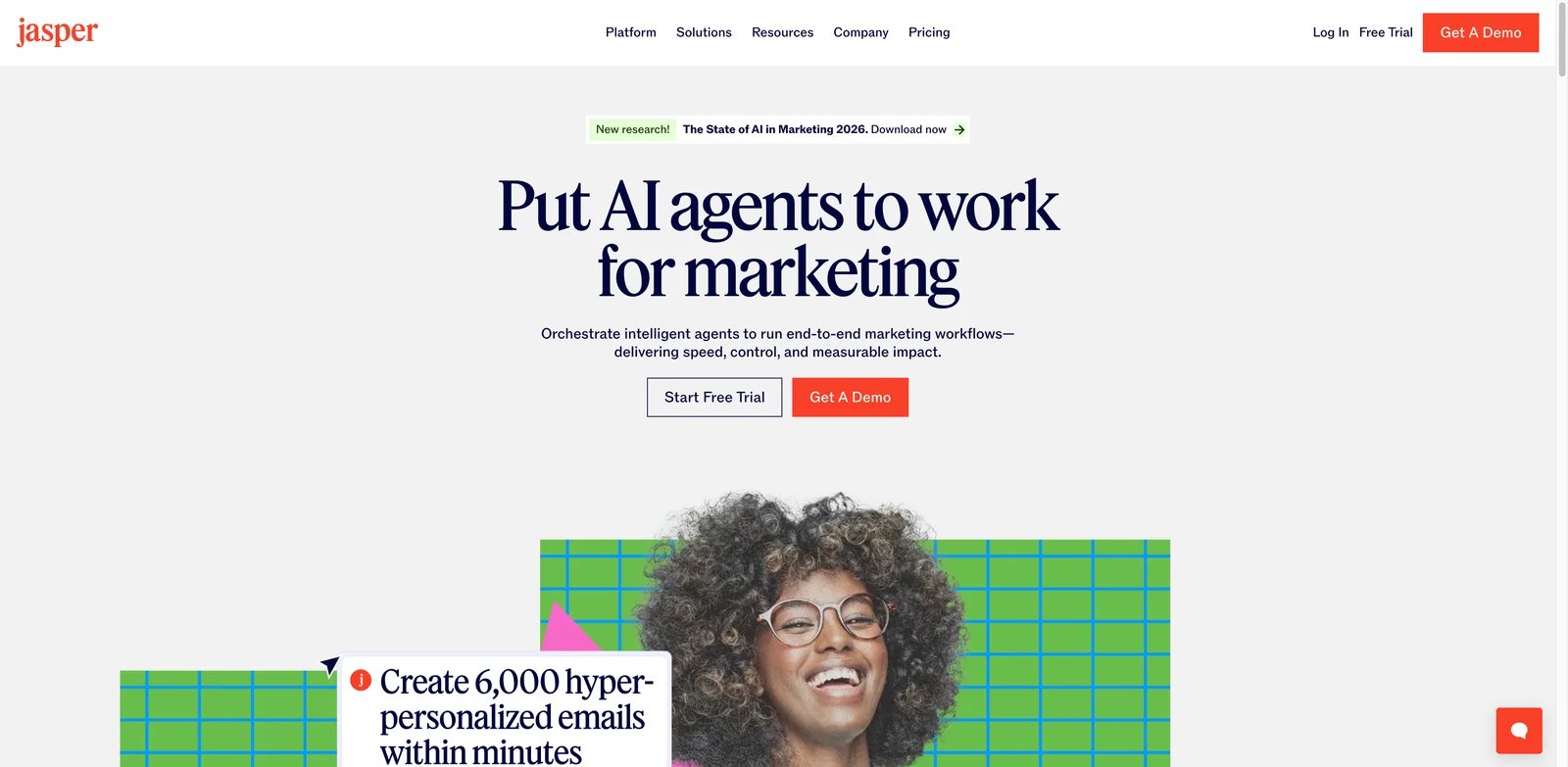
Jasper is an AI content platform built specifically for marketing teams, offering enterprise-grade features for brand consistency and campaign management. The platform emphasizes marketing-first capabilities with Brand IQ for maintaining voice consistency across all generated content and Marketing IQ for strategic guidance.
Key Features
- Brand IQ — Trains AI on your brand voice, style guidelines, and product information to ensure consistent messaging across all content
- Marketing IQ — Provides marketing strategy guidance and best practices integrated directly into the content generation workflow
- Canvas — Collaborative workspace for teams to create, edit, and approve content together in real-time
- Content Pipelines — Automates content lifecycle from ideation through publishing with customizable workflows
- Image Suite — Generates and edits images within the same platform for cohesive visual content
- API Access — Enables custom integrations with existing marketing tech stacks and workflows
Pricing & Plans
- Pro Plan: $59/month (billed annually) — Includes 1 user seat, Brand IQ, and core features
- Business Plan: Custom pricing — Team collaboration, advanced security, dedicated support
- 7-day free trial available (requirements may vary by region)
Pros & Cons
Pros:
- Strong brand voice consistency through dedicated training features
- Comprehensive marketing-focused template library
- Robust team collaboration and approval workflows
- Regular feature updates and model improvements
Cons:
- Higher price point compared to general-purpose tools
- Learning curve for maximizing Brand IQ capabilities
- Business plan pricing not publicly disclosed
Best For
- Marketing teams needing brand-consistent content at scale
- Agencies managing multiple client accounts and voice profiles
- Enterprise organizations with established brand guidelines
- Content teams requiring approval workflows and governance
Get started with Jasper

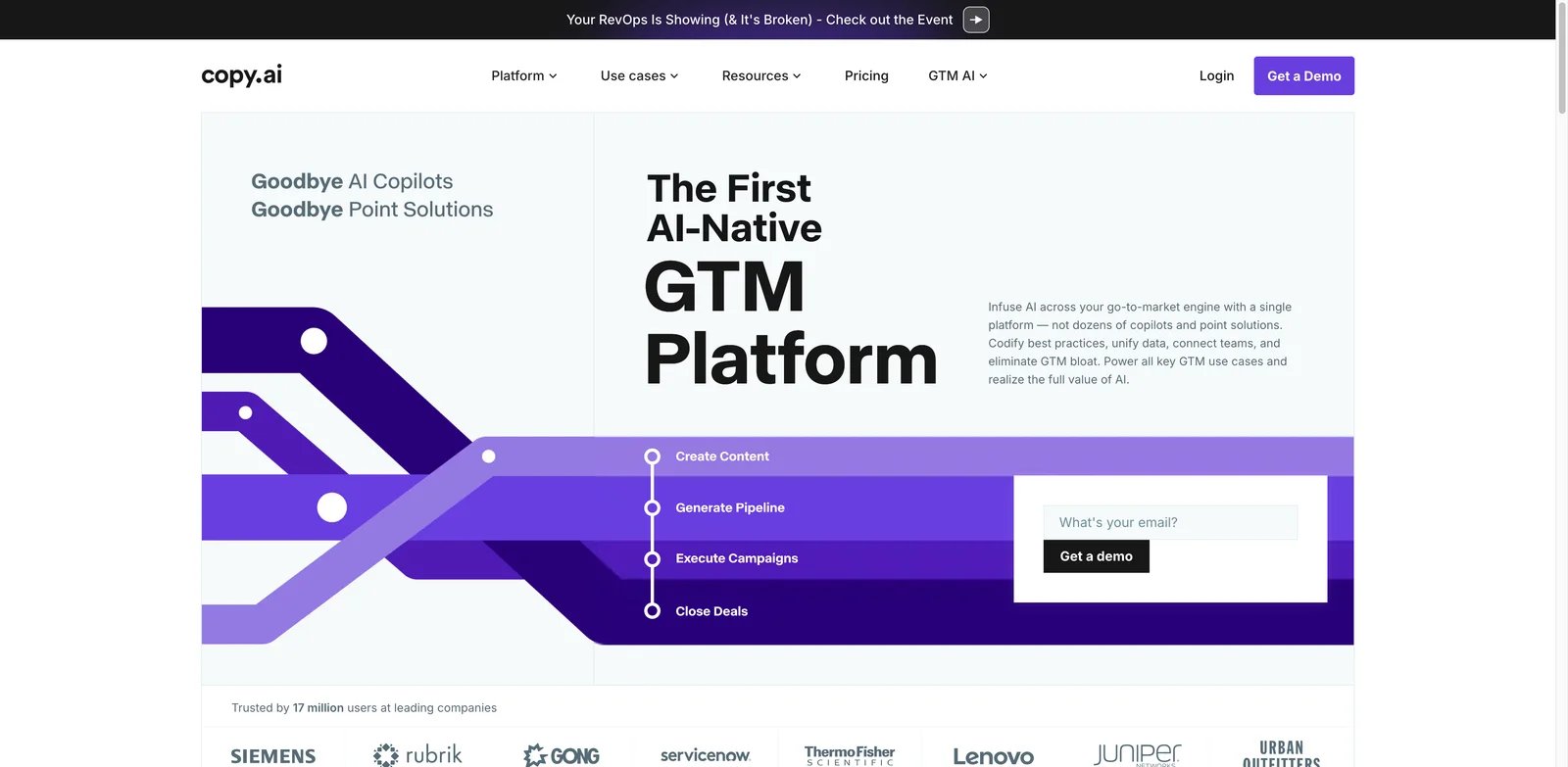
Copy.ai has evolved from a simple copywriting tool into a comprehensive go-to-market (GTM) AI platform. The tool now focuses heavily on workflow automation for sales and marketing teams, with access to multiple AI models including OpenAI, Anthropic, and Gemini.
Key Features
- Workflow Automation — Creates multi-step automated content workflows for consistent output across campaigns
- Multi-Model Access — Leverages GPT, Claude, and Gemini models for varied content generation approaches
- 20+ Tech Integrations — Connects with CRM, email, and marketing platforms for seamless data flow
- Customizable Templates — Offers extensive template library with options for custom template creation
- Chat Interface — Provides conversational AI for brainstorming and iterative content refinement
- Bulk Operations — Processes large content batches efficiently for high-volume needs
Pricing & Plans
Copy.ai's pricing is organized around different products (e.g., Chat vs Agents) plus higher-tier team plans:
- Chat: $29/month ($24/month annual) — 5 seats, unlimited chat, multi-model access
- Agents: Higher starting price for AI agent workflows (check official pricing page for current rates)
- Growth/Expansion/Scale: $1,000–$3,000/month (annual) — Team plans with workflow credits
- Enterprise: Custom pricing with SSO, API access, dedicated support
Note: Copy.ai has discontinued its free plan. Limits and included credits vary by plan.
Pros & Cons
Pros:
- Powerful workflow automation for repetitive content tasks
- Access to multiple AI models in one platform
- Strong integration ecosystem with common GTM tools
- Generous seat counts in higher-tier plans
Cons:
- No free plan available
- Significant price jump from Chat to Growth tier
- Workflow credits may limit usage on lower plans
Best For
- Sales teams needing automated outreach content
- Marketing operations requiring workflow automation
- GTM teams managing multi-channel campaigns
- Organizations already using integrated platforms (Salesforce, HubSpot)
Get started with Copy.ai

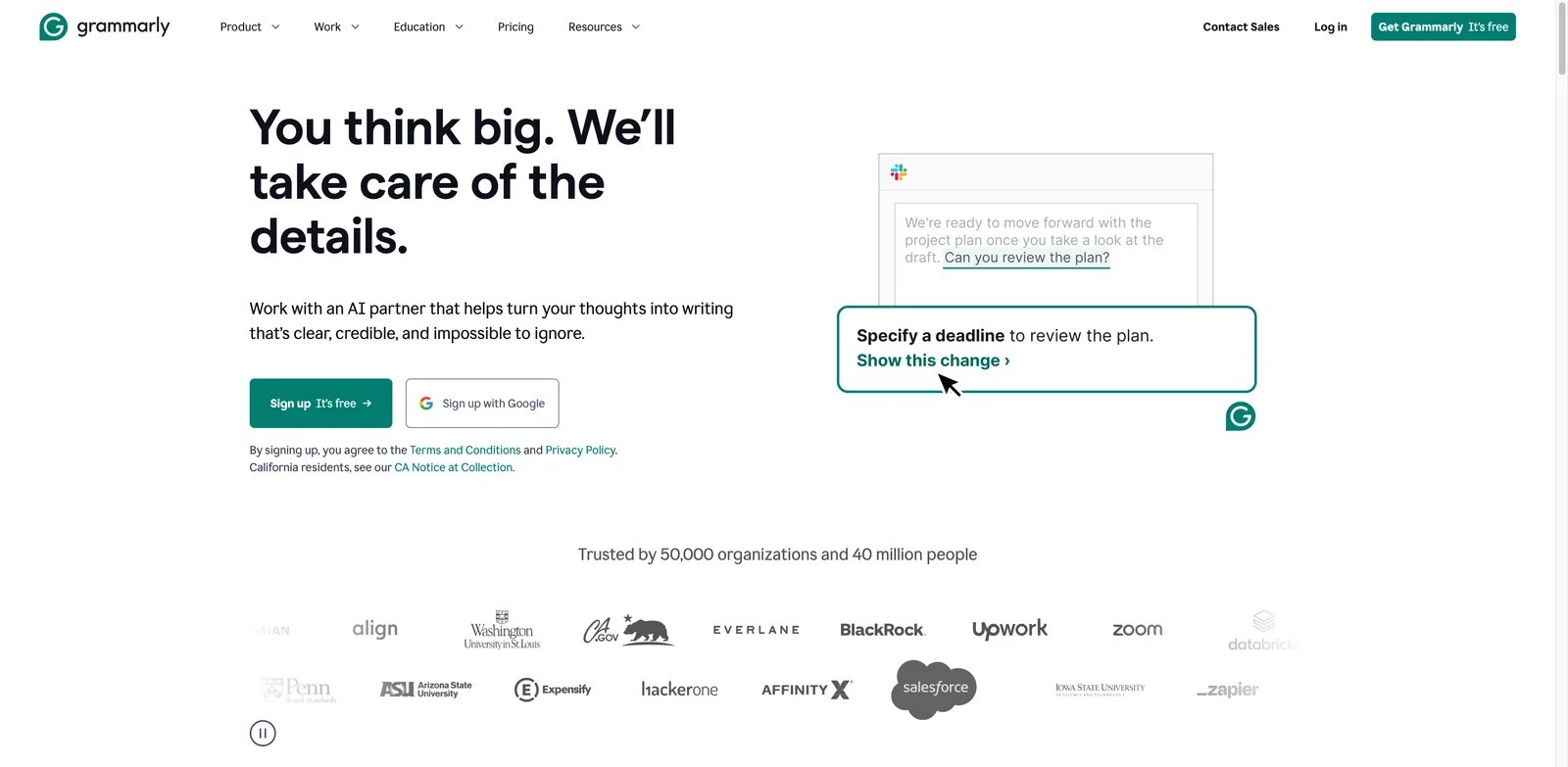
Grammarly is a comprehensive writing assistant that goes beyond grammar checking to offer AI-powered content generation and rewriting. The platform works across virtually all writing contexts through browser extensions, desktop apps, and integrations with popular tools.
Key Features
- AI Writing Assistance — Generates drafts, rewrites sentences, and provides full-sentence suggestions based on context
- Tone Detection & Adjustment — Analyzes writing tone and offers suggestions to match intended communication style
- Plagiarism Detection — Scans content against billions of web pages to ensure originality
- AI Detection — Identifies AI-generated content within documents for transparency
- Style Guides — Allows teams to create custom style rules for consistent brand voice
- Snippets — Saves and reuses frequently used text blocks across the organization
Pricing & Plans
- Free: $0/month — Basic grammar, spelling, punctuation, 100 AI prompts/month
- Pro: $12/month (annual billing, $144/year) — Full rewrites, tone adjustment, plagiarism checker, 2,000 AI prompts/month
- Enterprise: Custom pricing — Unlimited AI prompts, SSO, custom roles, advanced security
Pro plan also available at $30/month (monthly), $60/quarter (quarterly).
Pros & Cons
Pros:
- Works everywhere with comprehensive browser and app integrations
- Generous free tier covers basic writing improvement needs
- Industry-leading grammar and style correction accuracy
- Strong privacy and security features for enterprise
Cons:
- AI content generation less powerful than dedicated generators
- Higher per-user cost for team deployments
- Some advanced features require Pro subscription
Best For
- Writers prioritizing grammar and style consistency
- Professionals needing writing assistance across multiple platforms
- Teams requiring style guide enforcement and analytics
- Non-native English speakers improving writing fluency
Get started with Grammarly

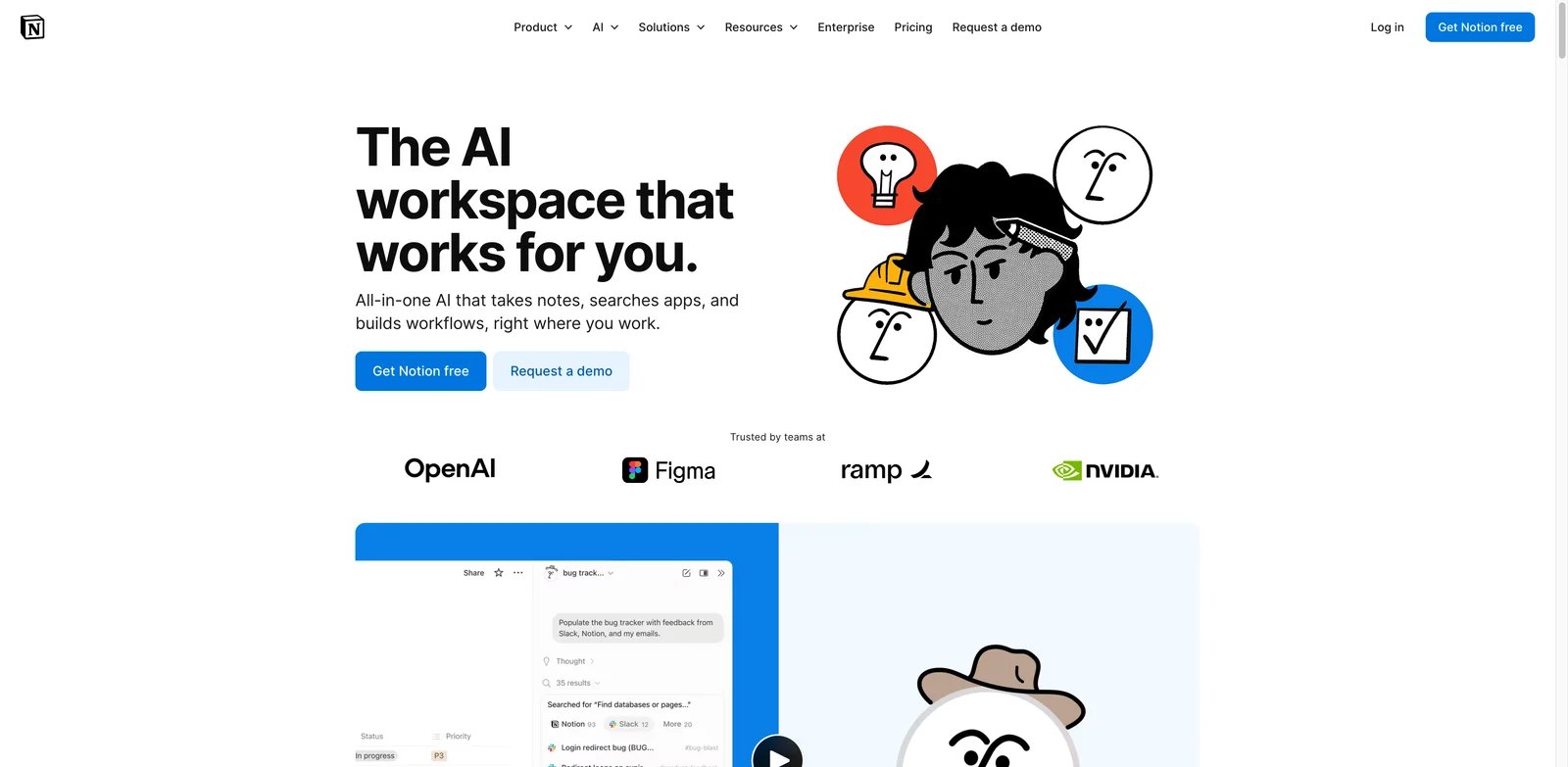
Notion AI integrates AI capabilities directly into Notion's popular workspace platform, enabling content generation, summarization, and task automation without leaving your existing workflow. The AI functionality supports multiple AI models through Notion's model picker feature.
Key Features
- AI Agents — Executes complex, multi-step tasks using context from Notion pages, connected apps, and web search
- AI Meeting Notes — Automatically transcribes, summarizes, and extracts action items from meetings
- Enterprise Search — Searches across connected apps like Slack and GitHub from within Notion
- Document Autofill — Generates content based on existing document context and templates
- Research Mode — Auto-drafts documents by gathering and synthesizing information
- Model Picker (where available) — Notion AI supports choosing between multiple AI models/providers. Available model options can vary by plan, region, and rollout stage—check Notion's in-product model picker or official release notes for the latest list
Pricing & Plans
- Free: $0/member/month — Basic Notion features, Trial of Notion AI
- Plus: $10/member/month — Standard Notion features, Trial of Notion AI
- Business: $20/member/month (Recommended) — Full Notion AI with Agent, Enterprise search, AI meeting notes
- Enterprise: Custom pricing — Full Notion AI features plus zero data retention with LLM providers, advanced security
Annual billing saves up to 20%. Business and Enterprise plans include full Notion AI capabilities; Free and Plus plans offer a trial experience. Pricing may vary by region.
Pros & Cons
Pros:
- Seamlessly integrated into existing Notion workflows
- Access to multiple frontier AI models
- AI agents can execute complex multi-step tasks
- Strong value for existing Notion Business/Enterprise users
Cons:
- Requires Notion adoption for value—not standalone
- Full AI features require Business or Enterprise plan
- Learning curve for non-Notion users
Best For
- Existing Notion users seeking integrated AI capabilities
- Teams using Notion as their primary workspace
- Organizations needing AI agents within documentation workflows
- Businesses on Notion Business/Enterprise plans
Get started with Notion AI

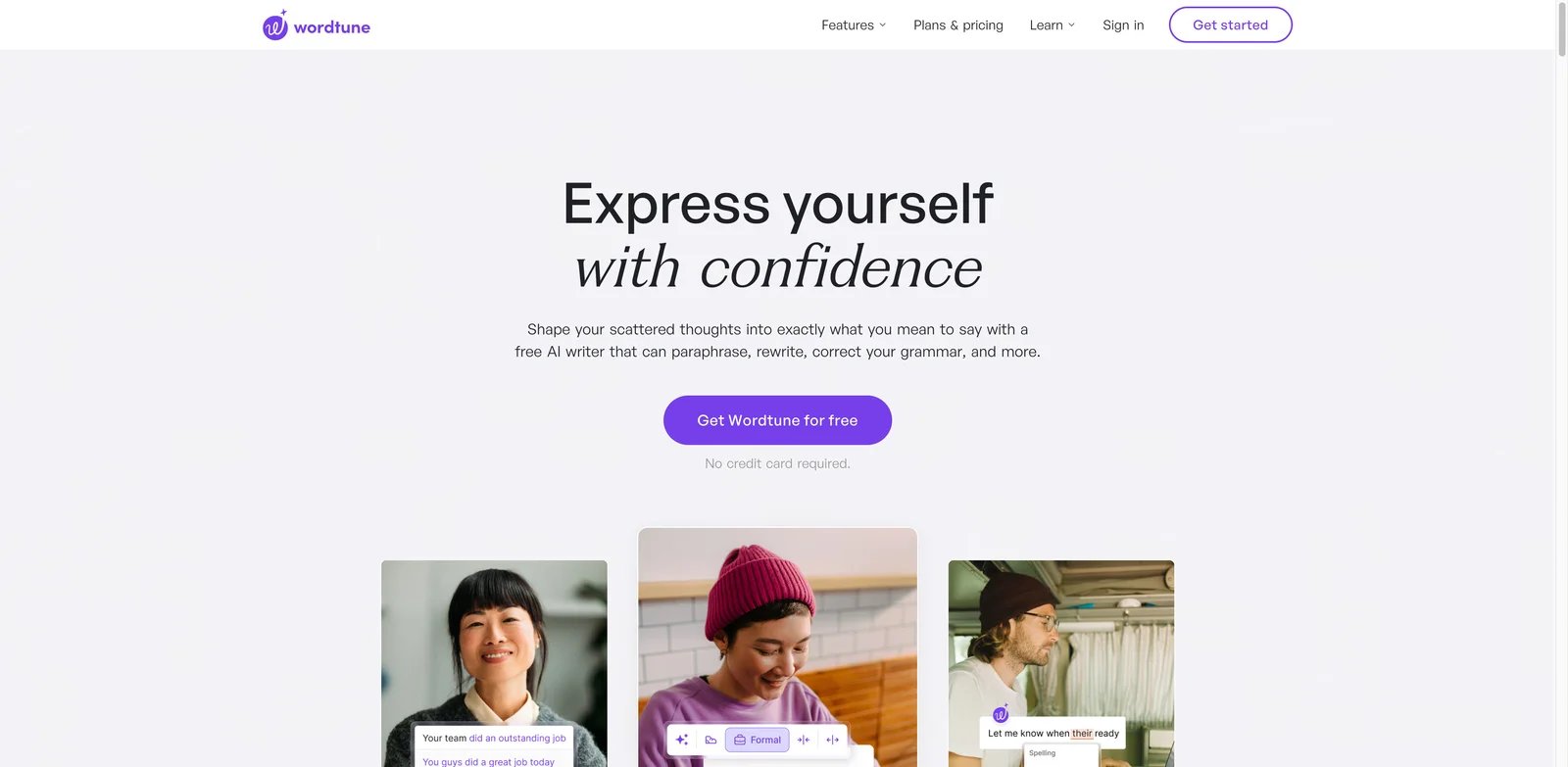
Wordtune specializes in sentence-level rewriting and refinement, making it ideal for polishing existing content rather than generating from scratch. The tool excels at offering multiple rewording options with different tones and styles.
Key Features
- Contextual Rewrites — Offers multiple rewrite options that maintain original meaning while varying expression
- Tone Adjustment — Transforms text between casual and formal tones with one click
- Spices 2.0 — Co-writer feature that adds examples, statistics, and counterarguments to strengthen content
- AI Summarizer — Condenses PDFs, articles, and videos into digestible summaries
- Smart Paste — Integrates source content into your writing with automatic template formatting
- Chrome Extension — Works across Gmail, Google Docs, social media, and other web applications
Pricing & Plans
- Basic (Free): $0/month — 10 rewrites/day, 3 AI summaries/month, unlimited grammar corrections
- Advanced: $6.99/month ($4.89/month annual, 50% off) — Limited daily use, 3-day trial
- Unlimited: $9.99/month ($6.99/month annual, 50% off) — Unlimited rewrites, recommended plan
Enterprise plans include SAML SSO and centralized billing.
Pros & Cons
Pros:
- Excellent for refining and varying existing content
- Multiple rewrite options provide genuine choice
- Affordable pricing with generous annual discounts
- Intuitive interface with minimal learning curve
Cons:
- Not designed for long-form content generation
- Limited SEO and research capabilities
- Free tier restrictions may frustrate regular users
Best For
- Writers seeking to improve and vary their expression
- Non-native English speakers refining language
- Content editors polishing client work
- Social media managers repurposing content across platforms
Get started with Wordtune

Anyword focuses on performance-driven marketing copy, offering predictive scoring that estimates how well content will perform before publishing. The platform recently eliminated per-word limits, offering unlimited generation across all plans.
Key Features
- Performance Predictions — Scores generated content based on predicted engagement and conversion rates
- Performance Data Rows — Analyzes historical marketing data to improve future content predictions
- Custom AI Models — Trains on your brand's successful content for tailored generation (Business plan and above)
- Blog Wizard — Creates long-form blog content with built-in plagiarism checking
- 100+ Marketing Templates — Covers ads, emails, landing pages, social posts, and more
- A/B Testing Insights — Provides recommendations based on predicted performance variations
Pricing & Plans
- Starter: $49/month — 50 performance predictions, 50 data rows, 1 seat, unlimited copy generation, 1 brand voice, Blog Wizard with plagiarism checker, Chrome extension
- Data-Driven: $99/month — 100 predictions, 50 data rows, 3 seats, real-time performance predictions for manual edits
- Business: Custom pricing — 250 predictions, 5,000 data rows, 3 seats, custom-built AI models, real-time content intelligence
- Enterprise: Custom pricing — 500+ predictions, 10,000+ data rows, enterprise-grade security & SSO, private LLM, full API access
7-day free trial available for Starter and Data-Driven plans.
Pros & Cons
Pros:
- Unique performance prediction helps prioritize content variations
- Unlimited word generation across all paid plans
- Custom model training for brand-specific optimization
- Strong focus on conversion-oriented copy
Cons:
- Performance predictions limited by plan tier
- Requires performance data to maximize prediction accuracy
- Higher entry price than general-purpose tools
Best For
- Performance marketers optimizing ad copy and landing pages
- E-commerce teams testing product descriptions and CTAs
- Agencies managing data-driven campaigns for clients
- Marketing teams with historical performance data to leverage
Get started with Anyword
Surfer
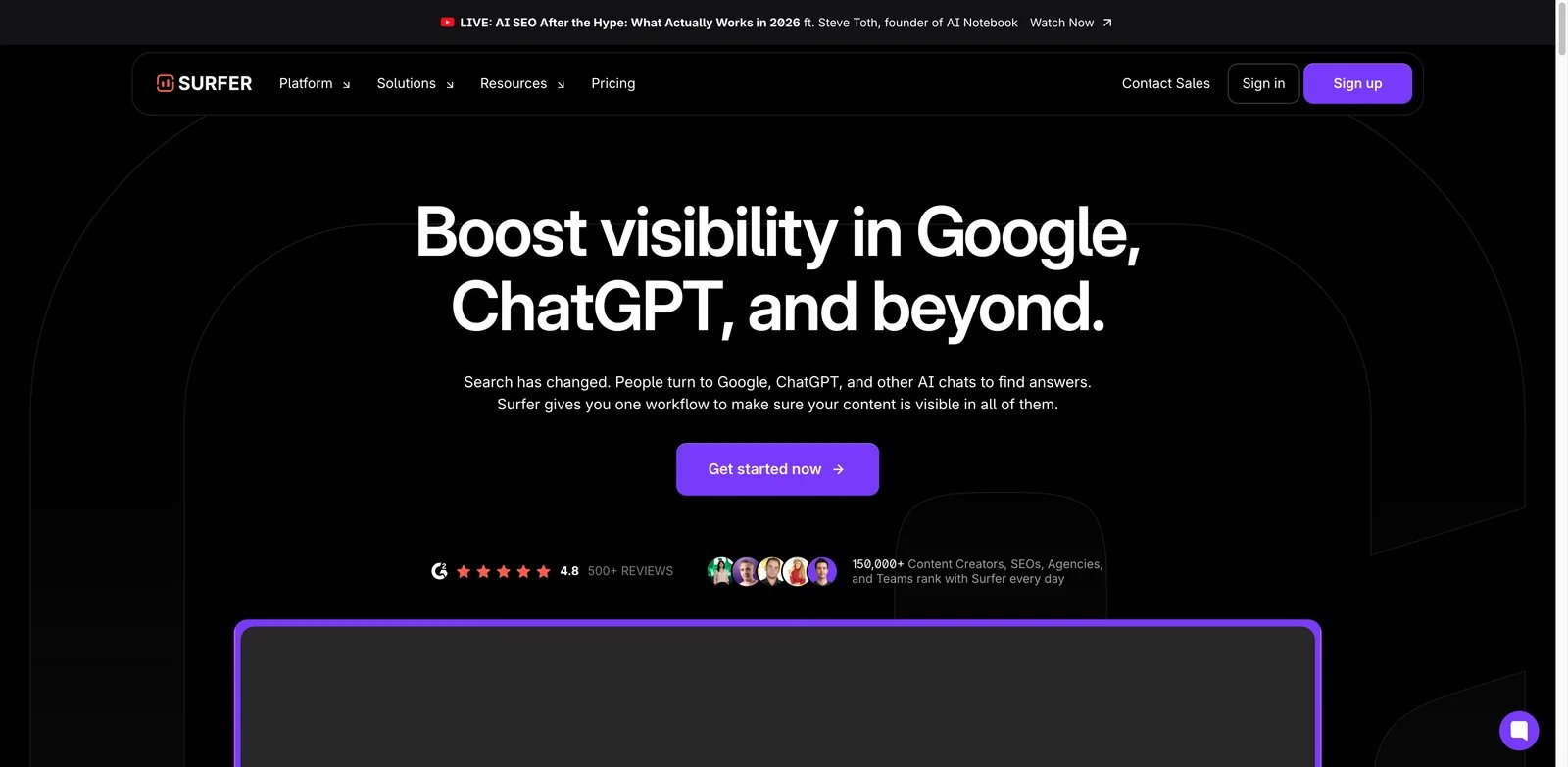
Surfer SEO is a content optimization platform that combines AI writing with data-driven SEO recommendations. The tool analyzes top-ranking pages for your target keywords and provides actionable guidelines for competitive content.
Key Features
- Content Editor — Provides real-time SEO scoring based on SERP analysis and keyword optimization
- AI Article Generation — Creates SEO-optimized articles using Surfy AI assistant with brand voice options
- Keyword Research — Identifies content opportunities with search volume and difficulty metrics
- Site Audit — Analyzes existing content for optimization opportunities across your domain
- Topical Mapping — Plans content clusters for comprehensive topic coverage
- WordPress & Google Docs Integration — Seamlessly connects with common publishing workflows
Pricing & Plans
- Standard: $99/month (billed yearly saves $240) — 360 documents, Track AI Visibility, 25 AI prompts weekly, WordPress integration, 1-click content optimization, plagiarism checker
- Pro (Recommended): $182/month (billed yearly saves $444) — 360 documents, 50 AI prompts daily, 1-click internal linking, Content Ideas & Coverage Gap, Templates & Custom Voices, Rank Drop Detection
- Peace of Mind: $299/month (billed yearly saves $720) — Unlimited documents, 100 AI prompts daily, Advanced SERP Analysis, Dedicated Success Manager, API access
7-day free trial available. Annual billing provides significant savings.
Pros & Cons
Pros:
- Data-driven SEO recommendations based on competitive analysis
- Strong content scoring system for optimization guidance
- Built-in AI writing with SEO constraints
- Excellent for content teams focused on organic traffic
Cons:
- Higher price point than pure AI writing tools
- Learning curve for SEO newcomers
- Credit-based system may limit high-volume users
Best For
- SEO professionals creating optimized content strategies
- Content marketers targeting organic search traffic
- Agencies producing SEO-focused client content
- Bloggers prioritizing search rankings over volume
Get started with Surfer

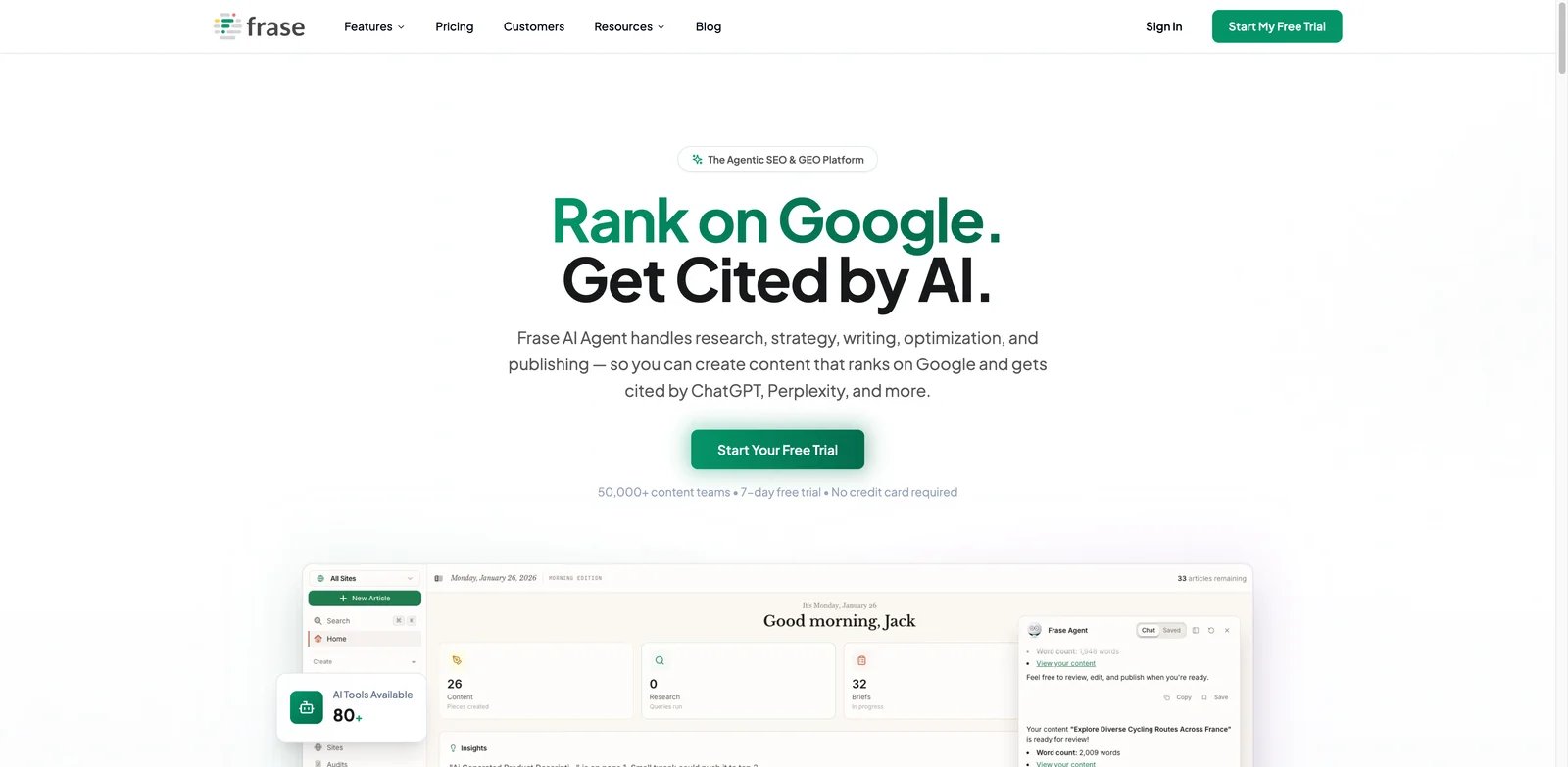
Frase combines content research, brief generation, and AI writing in a single platform designed for SEO-focused content teams. The tool emphasizes the research and planning phase while providing AI assistance for actual writing.
Key Features
- AI Content Briefs — Generates comprehensive outlines based on SERP analysis and competitor content
- AI Search Visibility — Tracks brand mentions across AI platforms like ChatGPT and Perplexity
- Content Calendar — Plans and organizes content production with team collaboration features
- Internal Linking Suggestions — Recommends link opportunities within your existing content
- Content Optimization — Scores content against top-ranking competitors with specific recommendations
- Auto Internal Linking — Automatically inserts relevant internal links based on content analysis
Pricing & Plans
- Starter: $39/month (annual) — 1 user, 10 AI articles/month, 50 audit pages, basic research
- Professional: $103/month (annual) — 3 seats, 40 articles/month, content calendar, internal linking
- Scale: $239/month (annual) — 5 seats, 100 articles/month, auto linking, omni-channel features
- Enterprise: Custom pricing — SSO, API access, white-label reports, dedicated manager
7-day free trial available with no credit card required.
Pros & Cons
Pros:
- Excellent content brief generation saves research time
- AI Search Visibility tracks emerging search platforms
- Strong internal linking automation
- Comprehensive SEO research integrated with writing
Cons:
- Interface can feel complex for simple writing tasks
- Monthly article limits on lower tiers
- Additional seat costs add up for larger teams
Best For
- Content strategists creating data-driven content plans
- SEO teams needing comprehensive research tools
- Marketing teams tracking AI search visibility
- Agencies requiring scalable content production workflows
Get started with Frase

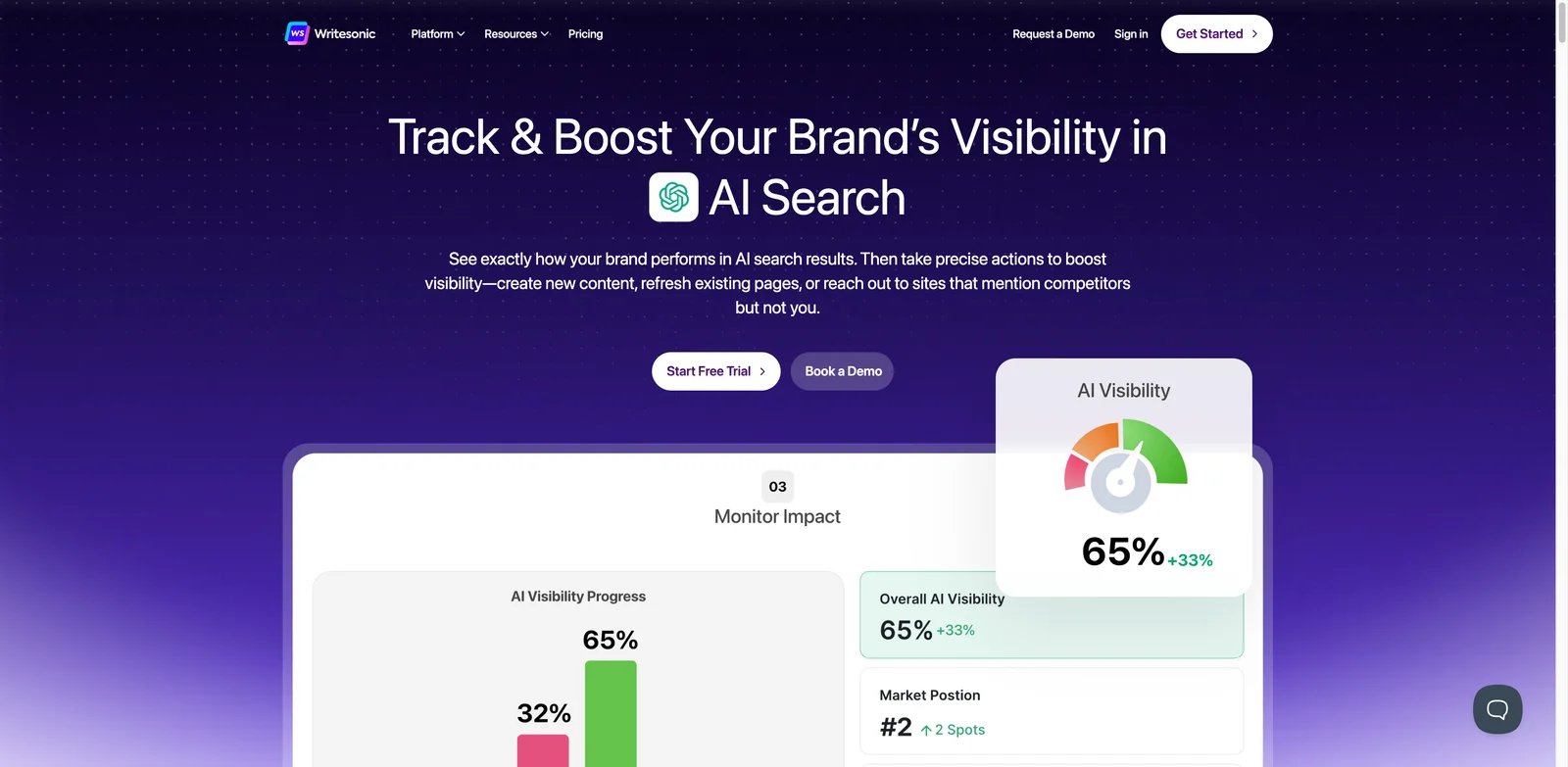
Writesonic offers a comprehensive content creation suite that spans from short-form copy to full SEO articles, with recent additions including AI search tracking (GEO) for monitoring brand visibility across AI platforms.
Key Features
- AI Article Writer — Creates long-form, SEO-optimized articles with customizable structure
- AI Search Tracking (GEO) — Monitors brand mentions across ChatGPT, Perplexity, and Google AI Overviews
- Chatsonic — Conversational AI with web search integration for research and brainstorming
- Site Audits — Analyzes existing pages for SEO optimization opportunities
- Writing Styles — Maintains consistent voice across content with customizable style profiles
- API Access — Enables programmatic content generation for custom applications
Pricing & Plans
- Lite: $49/month ($39/month annual) — 15 articles/month, 6 audits, 2 styles, unlimited Chatsonic
- Standard: $99/month ($79/month annual) — 30 articles/month, 15 audits, 5 styles, integrations
- Professional: $249/month ($199/month annual) — 100 articles/month, 2 users, API access, GEO tracking
- Advanced: $499/month ($399/month annual) — 200 articles/month, 5 users, expanded GEO tracking
- Enterprise: Custom pricing — Unlimited features, white-label, SSO
Free trial available with no credit card required.
Pros & Cons
Pros:
- Comprehensive feature set from short to long-form content
- GEO tracking for AI search visibility is forward-looking
- Chatsonic provides versatile conversational AI access
- Reasonable pricing for feature depth
Cons:
- Many feature tiers can be confusing to navigate
- GEO tracking only on Professional and above
- Article quality varies with complexity of topics
Best For
- Marketing teams needing diverse content formats
- Brands monitoring AI search visibility
- Content creators producing high-volume SEO articles
- Businesses wanting all-in-one content platforms
Get started with Writesonic


Scalenut positions itself as a full-stack GEO (Generative + Engine Optimization) platform, combining content creation with SEO tools, AI search monitoring, and even backlink marketplace features.
Key Features
- Cruise Mode — Automated long-form article generation with SEO optimization built-in
- Auto-Optimizer — Automatically enhances existing content for better search performance
- GEO Watchtower — Tracks AI-generated answers mentioning your brand across platforms
- Social UpReach — Monitors Reddit mentions and sentiment for market insights
- Backlinks Marketplace — Discovers and purchases high-authority backlinks directly
- Multi-Platform Publishing — Auto-publishes to WordPress and Shopify with integrations
Pricing & Plans
- Essential Max: $49/month — 5 articles/mo, 5 page optimizations/mo, 5 keyword clusters/mo, 25 AI images/mo, unlimited tone of voice
- Growth Max: $103/month — 30 articles/mo, 30 optimizations/mo, 30 clusters/mo, analyze 500 pages/mo, audit 200 pages/mo, 2 user seats
- Pro Max: $193/month — 75 articles/mo, 75 optimizations/mo, 75 clusters/mo, analyze 1,500 pages/mo, audit 1,000 pages/mo, 4 user seats
Annual billing saves up to 60% (limited offer): Essential Max $235/year, Growth Max $494/year, Pro Max $926/year.
Pros & Cons
Pros:
- Comprehensive platform covering content to backlinks
- Cruise Mode simplifies long-form content creation
- GEO Watchtower tracks emerging AI search landscape
- Competitive pricing for feature breadth
Cons:
- Backlink marketplace quality varies
- Platform complexity may overwhelm single users
- Lower tiers have significant article limits
Best For
- SEO agencies needing end-to-end content solutions
- Content teams scaling production with automation
- Marketers tracking AI search visibility trends
- Businesses seeking integrated content + link building
Get started with Scalenut
Rytr
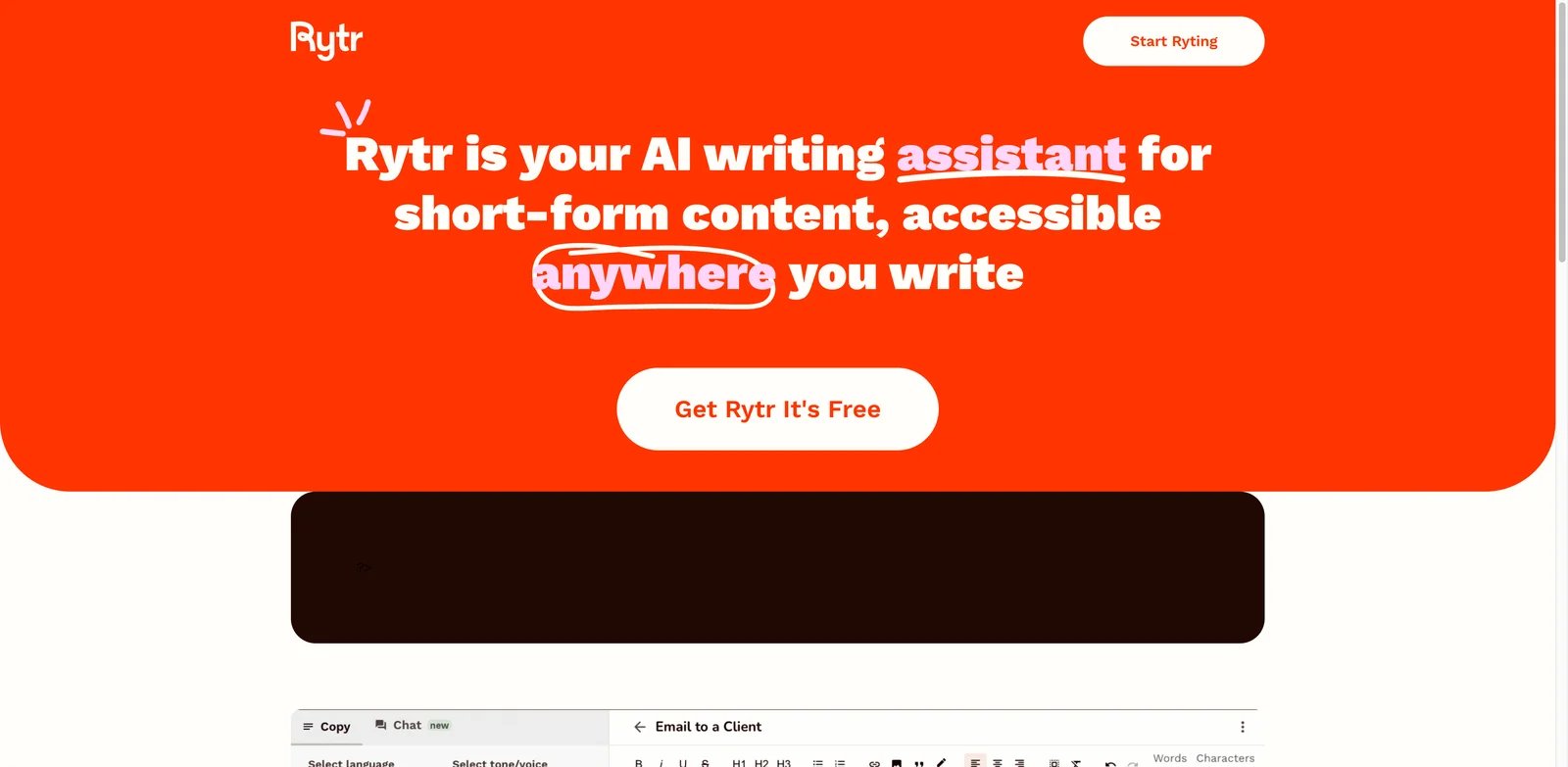
Rytr is a budget-friendly AI writing assistant designed for short-form content across 40+ use cases. The tool emphasizes accessibility and simplicity while offering core AI writing capabilities at a fraction of competitor prices.
Key Features
- 40+ Use Cases — Covers emails, social posts, product descriptions, blog outlines, and more
- 20+ Tone Options — Adjusts writing style from formal to witty to match your needs
- Custom Tone (My Voice) — Analyzes your writing samples to mirror your personal style
- Plagiarism Checker — Verifies content originality (limited by plan tier)
- Chrome Extension — Enables AI writing assistance across any website
- 40+ Language Support — Generates content in multiple languages for global reach
Pricing & Plans
- Free: $0/month — 10,000 characters/month, 40+ use cases, 20+ tones, Chrome extension
- Unlimited: $9/month (or ~$7.50/month billed annually) — Unlimited characters, 1 custom tone, 50 plagiarism checks/month
- Premium: $29/month (or ~$24.16/month billed annually) — 5 custom tones, increased input limits, 40+ languages, 100 plagiarism checks
All plans include core features; paid plans offer increased limits and customization.
Pros & Cons
Pros:
- Exceptionally affordable pricing for core AI writing
- Generous free tier for testing and light use
- Simple interface with minimal learning curve
- Wide variety of use case templates
Cons:
- Character limits on free tier restrictive for regular use
- Less sophisticated than premium competitors
- Limited long-form content capabilities
Best For
- Freelancers and solopreneurs on tight budgets
- Users needing occasional AI writing assistance
- Small businesses testing AI content workflows
- Writers seeking affordable rewriting and ideation support
Get started with Rytr

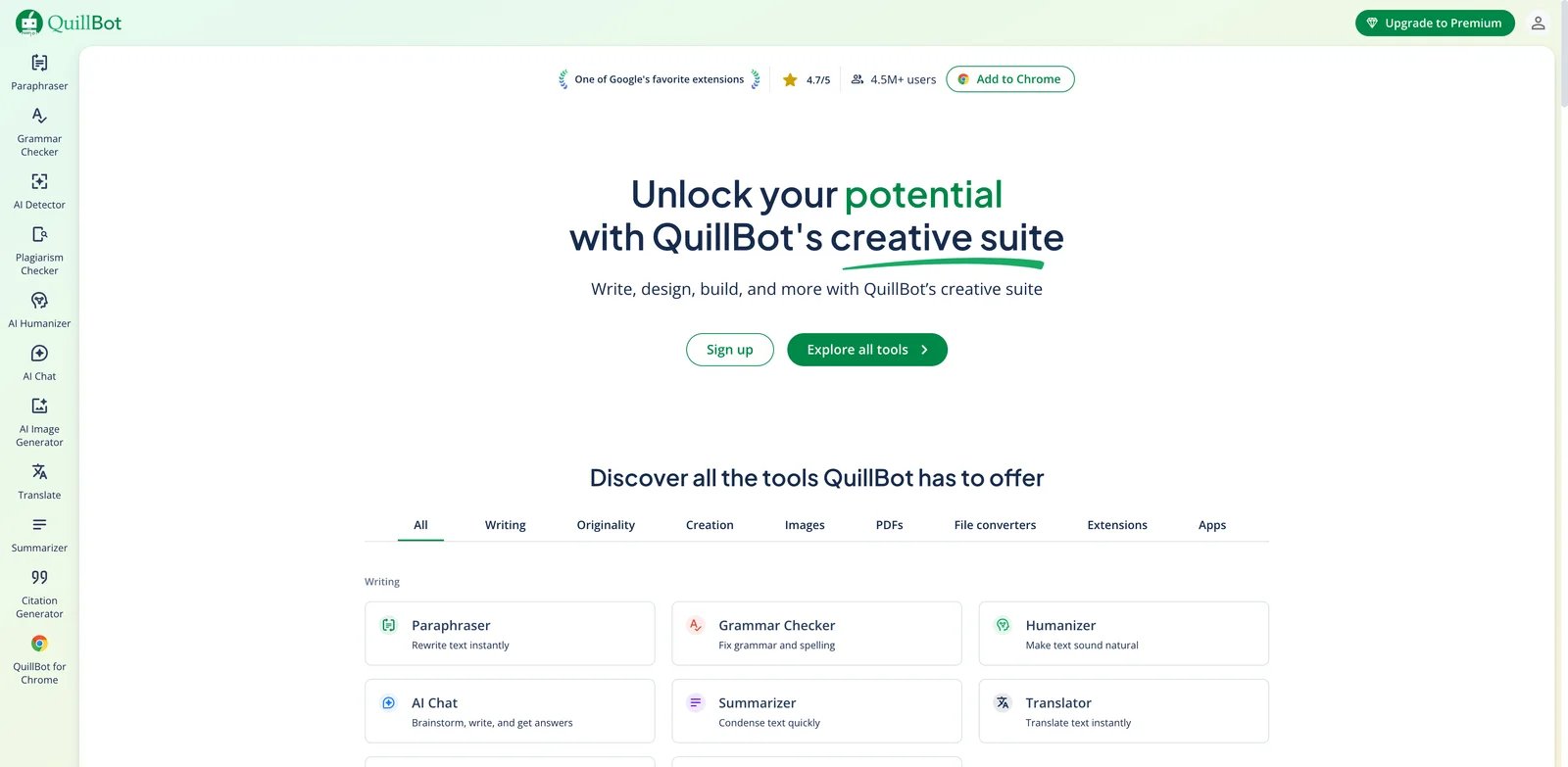
QuillBot specializes in paraphrasing and rewriting, offering multiple modes for transforming existing text while maintaining meaning. The tool has expanded to include grammar checking, summarization, and AI detection features.
Key Features
- 9 Paraphrase Modes — Offers Standard, Fluency, Formal, Creative, and other rewriting styles
- AI Humanizer — Transforms AI-generated text to sound more natural and human-written
- AI Detector — Identifies AI-generated content within documents
- Plagiarism Checker — Scans content against web sources with detailed reports
- Grammar Checker — Provides advanced grammar and style suggestions beyond basic correction
- Summarizer — Condenses long documents while preserving key information
Pricing & Plans
- Free: $0/month — 125-word paraphrase limit, 2 modes, 600-word summarizer, limited AI features
- Premium: $19.95/month, $39.95/quarter, or $99.95/year ($8.33/month) — Unlimited paraphrasing, 9 modes, 25K words plagiarism/month
- Team: $5.83-7.50/user/month — Premium features plus team management and analytics
20% discount available, reducing Premium to $79.96/year. 3-day money-back guarantee on all subscriptions.
Pros & Cons
Pros:
- Best-in-class paraphrasing with multiple style options
- AI Humanizer addresses growing AI detection concerns
- Affordable annual pricing for students and writers
- Clean, focused interface for rewriting tasks
Cons:
- Free tier word limits frustrate regular users
- Not designed for original content generation
- Plagiarism checker limits may require upgrade
Best For
- Students paraphrasing research and avoiding plagiarism
- Academic writers refining thesis and paper language
- Content marketers repurposing existing materials
- Writers concerned about AI detection in their work
Get started with QuillBot

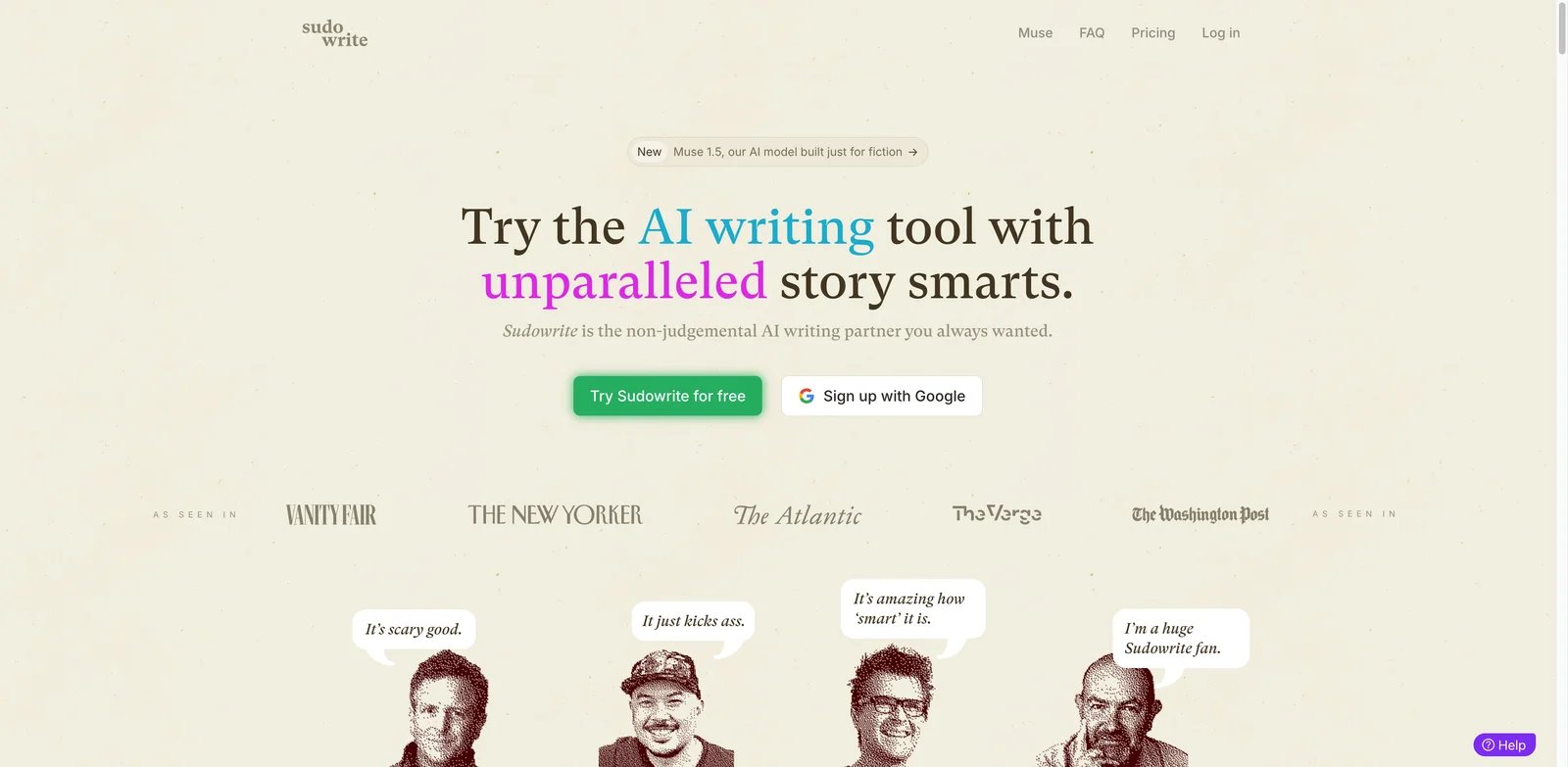
Sudowrite is purpose-built for fiction writers, offering AI tools specifically designed for novel writing, character development, and creative storytelling. Unlike marketing-focused tools, Sudowrite understands narrative structure and genre conventions.
Key Features
- Story Engine — Guides story development from concept through completed manuscript
- Character Development — Helps create consistent, multi-dimensional characters with backstories
- Plot Expansion — Suggests plot developments and resolves narrative stuck points
- Dialogue Enhancement — Improves character dialogue for authenticity and voice
- Description Generation — Creates vivid setting and scene descriptions
- Genre Specialization — Trained on romance, mystery, thriller, fantasy, sci-fi, horror, and YA conventions
Pricing & Plans
- Hobby & Student: $19/month ($10/month annual) — 225,000 monthly credits
- Professional: $29/month ($22/month annual) — 1,000,000 monthly credits, most popular
- Max: $59/month ($44/month annual) — 2,000,000 monthly credits, rollover credits
Annual billing saves up to 50%. Credits don't translate 1:1 to words—some features consume more credits. Core features like Chat and Quick Edit don't consume credits by default.
Pros & Cons
Pros:
- Purpose-built for fiction with genre-specific understanding
- Story Engine guides complete novel development
- Credit system allows flexible feature usage
- Strong community of fiction writers
Cons:
- Not suitable for non-fiction or marketing content
- Credit consumption varies unpredictably by feature
- No collaboration features for co-writing teams
Best For
- Novelists working on fiction manuscripts
- Self-publishing authors seeking productivity tools
- Creative writers exploring new genres
- Fiction enthusiasts overcoming writer's block
Get started with Sudowrite
Best AI Text Generator by Use Case
Choosing the right AI text generator depends heavily on your specific needs. Here's our recommendation breakdown by common use cases.
For Marketing Teams and Agencies
If you're producing high-volume marketing content across multiple brands, consider Jasper or Copy.ai. Jasper's Brand IQ ensures voice consistency across campaigns, while Copy.ai's workflow automation excels at repetitive GTM tasks. For teams with historical performance data, Anyword provides predictive scoring that helps optimize conversion-focused copy.
For SEO Content Creators
Surfer and Frase lead for SEO-optimized content creation. Surfer provides real-time optimization scoring during writing, while Frase excels at research and brief generation before writing begins. Writesonic and Scalenut offer more affordable alternatives with solid SEO capabilities, plus emerging GEO tracking for AI search visibility.
For Budget-Conscious Users
Rytr offers the best value for basic AI writing at $9/month (or $7.50/month billed annually) for unlimited use. Grammarly's free tier handles writing improvement needs, while Wordtune provides affordable sentence-level rewriting from $4.89/month. QuillBot is ideal for students needing paraphrasing at $8.33/month annual.
For Creative and Fiction Writers
Sudowrite is the clear choice for fiction, with genre-specific understanding and story development tools. No other tool in this comparison offers comparable fiction-focused capabilities. For general creative writing, Notion AI provides flexible assistance within a broader workspace context.
For Enterprise Teams
Jasper (Business), Grammarly (Enterprise), and Copy.ai (Enterprise) offer the security, compliance, and collaboration features large organizations require. Key differentiators include SSO, custom roles, audit logs, and dedicated support.
How to Choose the Right AI Text Generator
Selecting the best AI text generator requires honest assessment of your needs and constraints. Follow these steps to make an informed decision.
Step 1: Define Your Primary Use Case
Are you writing marketing copy, SEO articles, fiction, or general business content? Tools like Surfer and Frase optimize for SEO, while Sudowrite serves fiction writing exclusively. Jasper and Copy.ai focus on marketing, and Grammarly improves existing writing.
Step 2: Set Your Budget
Monthly costs range from free (Grammarly, Rytr, QuillBot) to $99+ (Surfer, Frase, Copy.ai). Consider annual billing discounts—Wordtune offers 50% off, making premium accessible. Factor in per-user costs for team deployments.
Step 3: Assess Required Integrations
Where do you write? Grammarly works everywhere via extensions. Notion AI requires Notion adoption. Surfer integrates with WordPress and Google Docs. Ensure your chosen tool fits existing workflows.
Step 4: Evaluate SEO Needs
If organic traffic matters, prioritize tools with SERP analysis and optimization scoring. Surfer, Frase, Writesonic, and Scalenut provide comprehensive SEO features. General writing tools like Wordtune and QuillBot lack these capabilities. For dedicated long-form content, explore our AI article writer category.
Step 5: Consider Team Requirements
Solo users can use any tool, but teams need collaboration features. Jasper, Copy.ai, and Frase offer robust team workflows. Sudowrite and Rytr are primarily individual-use tools.
Step 6: Test Before Committing
Most tools offer free trials or free tiers. Test your actual use cases—write the content you'd normally create and evaluate quality, speed, and workflow fit. A 7-day trial reveals more than any review.
Frequently Asked Questions
What is the best free AI text generator?
Which AI text generator is best for SEO content?
Can AI-generated text be detected?
Are AI text generators worth the cost for small businesses?
What's the difference between AI text generators and AI writing assistants?
Which AI text generator works best for non-English content?
How do AI text generators handle brand voice?
What are the limitations of AI text generators?
Get ToolWorthy Weekly
New AI tools, practical guides, and selected AI signals in one weekly brief.
Related Posts
- 12 Best AI Book Writer Tools 2026 — Drafts, KDP & Fiction
Compare 12 AI book writer tools for fiction, nonfiction and KDP workflows, including pricing, export limits, story memory and real editing risks.
- 12 Best AI Writing Tools in 2026 — Tested for Real Writing Workflows
We tested 30+ AI writing tools and kept 12. Each one picked for a specific job — so you don't overpay for features you'll never use.
- 12 Best AI Paraphrasing Tools 2026 — Tested for Quality & Billing Traps
We tested 12 AI paraphrasing tools on rewrite quality, word limits, and billing practices — from free tools like Scribbr and Semrush to premium options like QuillBot and Wordtune.
For AI tool founders
Built a tool that belongs in this decision set?
Request an editorial evaluation for possible inclusion in ToolWorthy.
Submit your tool for reviewPaid submission does not guarantee a ranking, recommendation, inclusion, or editorial outcome.