
16 Best AI Tools for Content Creation 2026 — Tested Stacks by Format
16 AI tools for content creation tested across design, writing, video and voice — with real pricing, tool-sprawl warnings, and picks by format.

On this page
Most content teams in 2026 do not have an "AI tool" problem — they have a tool sprawl problem. A typical 3-person marketing team is now paying for Canva, Jasper, a voiceover tool, a video editor, and a "one-stop" AI platform that quietly overlaps with all of them. The question is no longer whether to use AI for content creation. It is which two or three tools actually pay for themselves when you cancel the other five.
This guide compares 16 AI tools for content creation across four formats — design, writing, video and voice — plus the orchestration platforms that try to tie them together. Every plan price was pulled from each vendor's official pricing page in April 2026, and the Cons sections use real user-reported friction from G2, Reddit and support threads rather than generic "no free trial" filler. Use the quick-nav below to jump to the format you actually publish in.
| Tool | Best For |
|---|---|
| Canva | Solo creators and SMB teams needing design + video + social in one |
| Adobe Express | Brand teams that already live inside Creative Cloud |
| Descript | Podcast and YouTube creators who want text-based audio/video edits |
| VEED | Short-form video teams needing fast captions and translation |
| Synthesia | L&D and corporate teams producing avatar-led training videos |
| Kapwing | Social editors collaborating on short video in the browser |
| ElevenLabs | Anyone who needs studio-grade AI voice and multilingual dubbing |
| Jasper | Marketing ops teams running brand-governed content at scale |
| HeyGen | Marketers repurposing webinars into localized avatar videos |
| InVideo | Creators turning prompts or blogs into ready-to-post social video |
| Narrato | Small content agencies standardizing planning and approvals |
| Simplified | Solo creators wanting a cheaper all-in-one stack under one seat |
| Murf | Explainer video and e-learning teams needing clean voiceover |
| Anyword | Performance marketers that live and die by ad copy test scores |
| Hypotenuse AI | E-commerce merchandisers generating bulk product descriptions |
| Writesonic | SEO teams moving from content generation to AI-search optimization |
How We Selected and Tested
We started with 30+ candidates surfaced through ChatGPT deep research, G2 category leaders, and Reddit threads from r/marketing, r/SaaS and r/content_marketing. Tools were kept only if they had a public pricing page, a web-first product (mobile-only or extension-only tools were scored down), English-first support for US/CA/UK/EU users, and active updates within the last 90 days. Single-feature micro-tools and unbranded "wrapper" AI sites were excluded — every tool here has its own generation or editing stack you can be audited against.
Our research combined four sources: official pricing and feature pages pulled in April 2026, G2 and Capterra reviews filtered for posts in the last six months, Reddit threads where users actually paid and complained, and vendor changelogs to confirm each tool was still being shipped. Every price in this article was re-verified against the vendor's own pricing page; when a plan has been deprecated (HeyGen's old Team plan, for example), we flag it directly so readers don't sign up for something that no longer exists.
Evaluation Dimensions: We scored each tool across five dimensions tuned to the sprawl-control problem small teams face:
- Format coverage — how many of design, writing, video and voice it actually handles end-to-end, not just as a token feature.
- Real starting cost — the true entry price for a creator who needs watermark-free, commercial-licensed output.
- Brand control — whether there is a real brand kit, voice model or style guide, not just a logo upload field.
- Collaboration and approval — shared workspaces, comments, and review flows for teams over one seat.
- Exit friction — how hard it is to get your assets, voice models or published content out if you cancel.
Note on Testing Scope: We had hands-on experience with Canva, Adobe Express, Descript, VEED, Kapwing, ElevenLabs, Jasper, HeyGen and Notion-integrated writing tools. For Synthesia, Anyword, Hypotenuse AI and Narrato we leaned on vendor demos, trial accounts and verified user reviews rather than long-term production use.
Transparency & Limitations: All pricing and feature data was captured in April 2026 from official sources. Vendors update plans often — Canva raised Teams pricing 300%+ in 2024, HeyGen restructured its Team plan in January 2026 — so double-check the pricing page before committing annually. We do not accept payment for inclusion or ranking.
Top 16 AI Tools for Content Creation Compared
The table below is the fast-skim view. All prices are starting paid tiers in April 2026; free plans exist for most tools but come with watermarks, credit caps or feature locks noted in each review.
| Tool | Best For | Starting Paid Price | Format Coverage | Commercial Use | Free Tier |
|---|---|---|---|---|---|
| Canva | All-in-one SMB content stack | $15/mo (Pro) | Design · Video · Social | Yes | Yes |
| Adobe Express | Creative Cloud brand teams | $9.99/mo (Premium) | Design · Video · Social | Yes | Yes |
| Descript | Podcast/video text-based edits | $16/mo (Hobbyist annual) | Audio · Video · Transcripts | Yes (paid) | Yes |
| VEED | Fast captioned social video | $18/mo (Basic) | Video · Captions · Dubs | Yes (paid) | Yes |
| Synthesia | Avatar-led training content | $29/mo (Starter) | Video (avatar) | Yes (paid) | Yes (10m) |
| Kapwing | Browser video collaboration | $16/mo (Pro annual) | Video · Subtitles · Memes | Yes (paid) | Yes |
| ElevenLabs | Studio AI voice and dubbing | $6/mo (Starter) | Voice · Dubbing · Sound FX | Yes (paid) | Yes |
| Jasper | Brand-governed marketing copy | $59/mo (Pro annual) | Writing · Brand · Images | Yes | 7-day trial |
| HeyGen | Avatar video at scale | $29/mo (Creator) | Video (avatar) · Dubbing | Yes (paid) | Yes |
| InVideo | Prompt-to-social-video | $25/mo (Plus annual) | Video · Templates | Yes (paid) | Yes |
| Narrato | Content ops for small agencies | $9/mo (Pro annual) | Writing · Workflow · SEO | Yes | Yes |
| Simplified | Cheap all-in-one single seat | $24/mo (One annual) | Design · Writing · Video | Yes (paid) | Yes |
| Murf | E-learning and explainer voiceover | $19/mo (Creator annual) | Voice · Dubs | Yes (paid) | Yes |
| Anyword | Predictive ad copy testing | $39/mo (Starter annual) | Writing · Ad copy scoring | Yes | 7-day trial |
| Hypotenuse AI | Bulk product descriptions | $19/mo (Entry annual) | Writing · E-commerce | Yes | 7-day trial |
| Writesonic | AI-search and SEO content | $79/mo (Starter annual) | Writing · SEO · AI Search | Yes | Yes |
Detailed Reviews

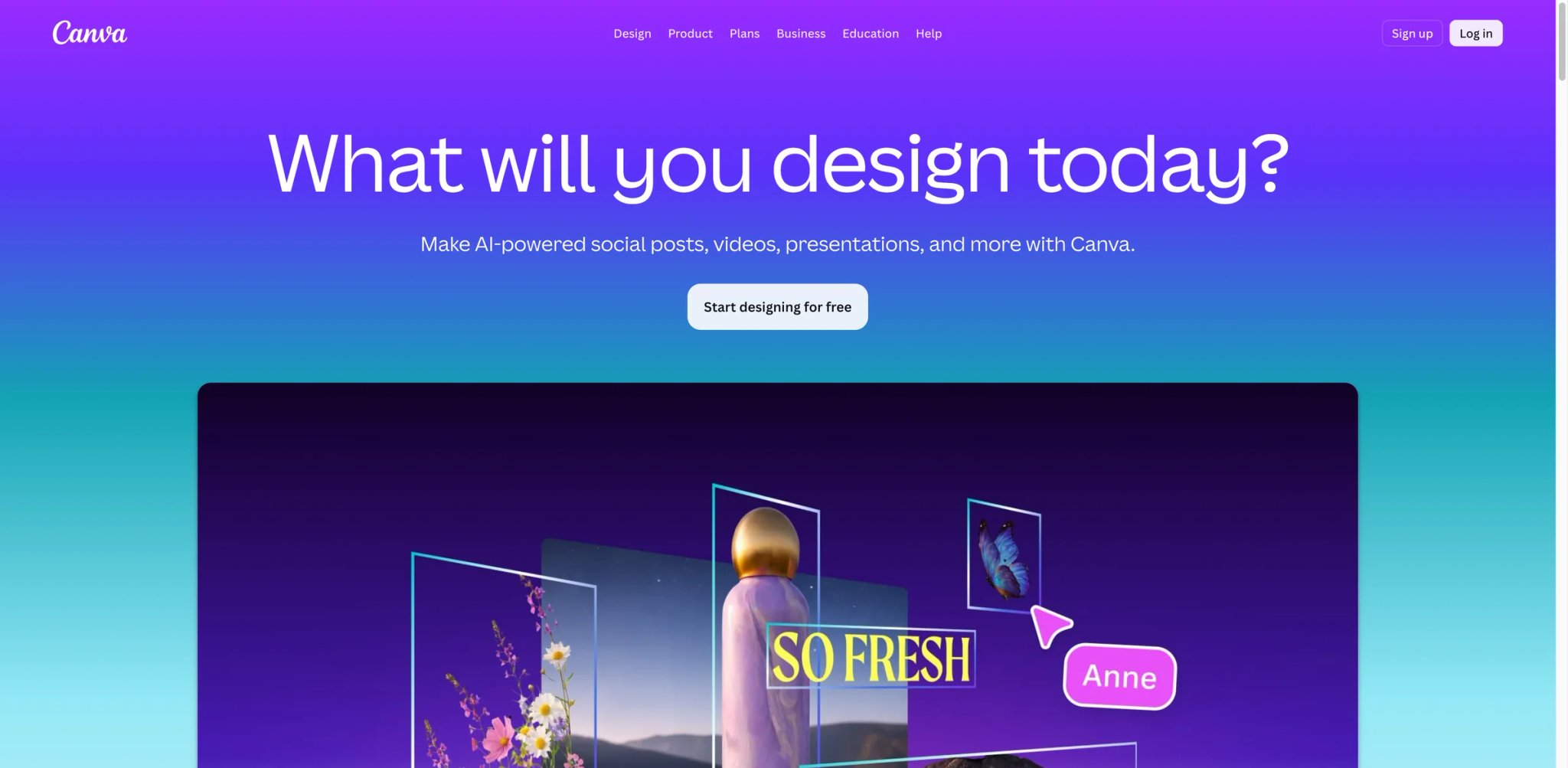
Canva has quietly become the "default content layer" for small teams that can't justify a full Adobe Creative Cloud seat and refuse to juggle five separate tools. What started as a template-heavy design app is now a Magic Studio suite with AI image, video, copy, brand voice and direct social publishing — all inside one browser tab. For most SMB marketers, Canva is the tool the others have to beat.
Magic Studio multimodal generation handles image, short video, voiceover and text inside the same canvas. You can draft a LinkedIn post, resize it into a TikTok cover, drop in an AI-generated voiceover and schedule it to publish without touching a second product. Few standalone tools on this list do more than one of those formats well.
Brand Kits with approval workflows (Pro and Teams) let you lock fonts, colors, logos and tone-of-voice rules across everyone in the workspace. Designs that break brand guidelines can be flagged before publishing — the kind of governance most "AI writers" pretend exists but don't actually ship.
Content Planner and direct publishing pushes finished assets straight to Instagram, Facebook, LinkedIn, Pinterest and X. You avoid the classic "design in Canva, re-upload to Buffer, re-upload to Later" triple-work cycle.
Pricing & Plans
Canva Free covers basic creation. Canva Pro remains $15/month billed monthly or $120/year. For teams, the current plan for new sign-ups is Canva Business at $20/person/month with no seat minimum. Canva Teams is no longer available for new sign-ups or upgrades, though existing subscribers keep their current pricing and features. Enterprise pricing is quote-based.
Limitations: The 2024 Teams pricing change was a 300%+ effective increase for small teams, and it quietly recurred for existing subscribers. Magic Studio outputs are competent but still trail best-in-class tools — Canva's AI video is not Runway, and its AI voice is not ElevenLabs. Heavy stock asset use can also push individual designs over the "Premium" threshold, where extra licensing fees appear at export.
Best For
Solo creators, freelancers, and SMB teams that want one browser-first tool for day-to-day design, video, social publishing, and brand management. Not the right fit if you need pixel-perfect print production or broadcast-grade video.
Get started with Canva

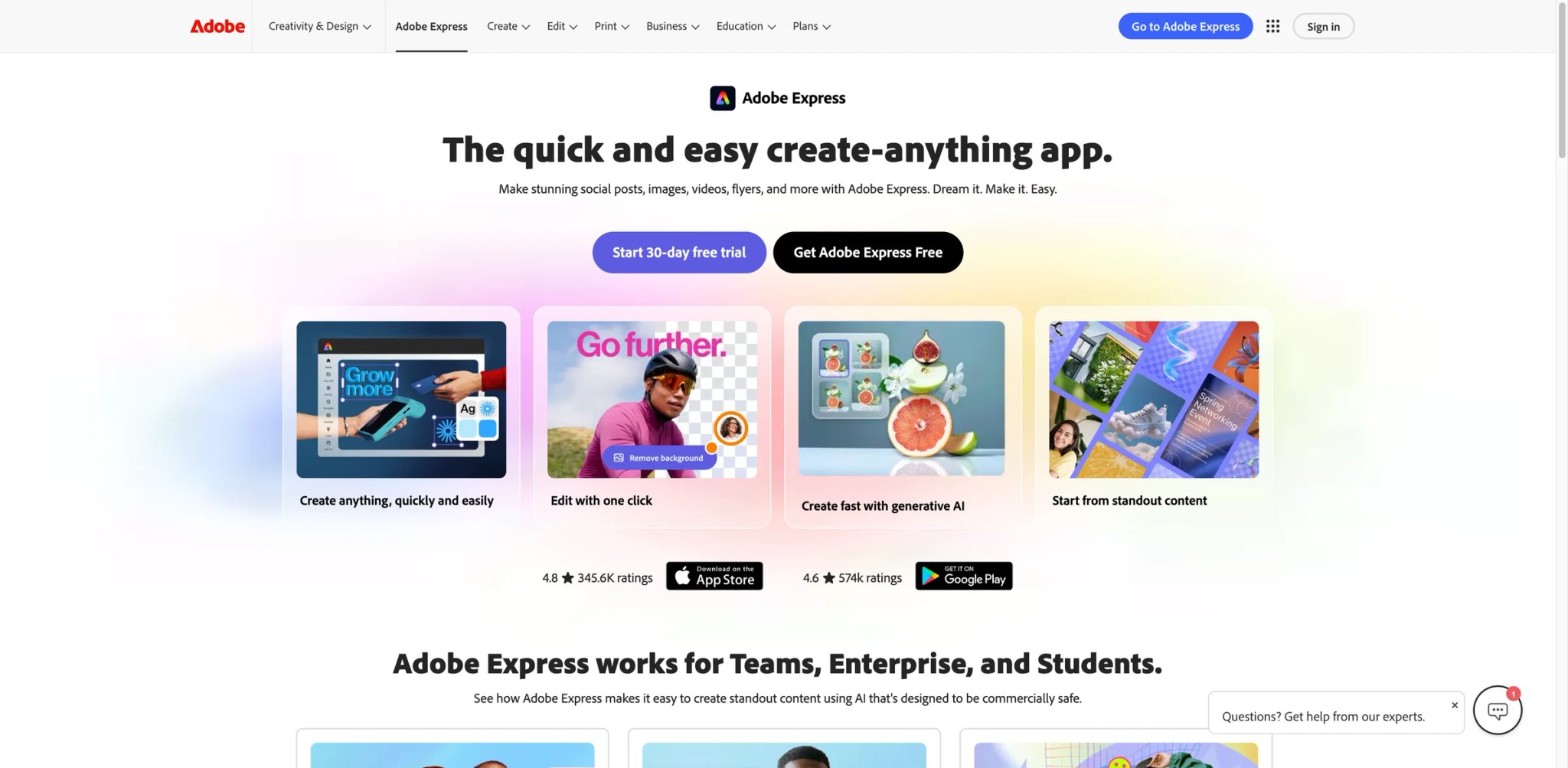
Adobe Express is the bet Adobe made when Canva started eating its SMB lunch: take Firefly image generation, strip the intimidating UI of Photoshop and InDesign, and wrap it into a browser-first content tool priced like a competitor rather than a pro suite. For brand teams that already own Creative Cloud, it plugs into Photoshop and Illustrator libraries directly, which none of the other tools on this list can match.
Firefly generative fill and text-to-image trained on Adobe Stock and licensed content, which is the quiet advantage for brands worried about AI-training-data lawsuits. Outputs ship with commercial rights included rather than "use at your own risk."
Creative Cloud bridge is the real moat: brand colors, fonts and assets created in Illustrator or Photoshop sync into Express automatically. A designer can set up a brand template in the pro tools, and a marketer can remix it in Express without breaking the source file.
Schedule and publish covers the same Instagram/Facebook/TikTok/LinkedIn/Pinterest/X lineup as Canva, with content scheduling built into Premium.
Pricing & Plans
Free includes basic creation tools. Premium is $9.99/month and includes 250 generative credits/month. Adobe Express Teams is currently $4.99/person/month on an annual subscription for the first year, then $7.99/person/month, with a 2-seat minimum. Enterprise is contact sales.
Limitations: The UI still feels two personalities stapled together — half Creative Cloud, half Express, and the switch between them is jarring. Generative credits are a hard cap on Premium, and refill packs cost extra. If you don't already use Creative Cloud, the "integration" advantage becomes "just another design tool with Adobe branding."
Best for: Brand teams already subscribing to Creative Cloud, agencies needing commercially licensed generative outputs, and marketers who want scheduled publishing without Canva's 2024 Teams repricing. Not the right fit if you live entirely in Google Workspace and don't want to touch Adobe's account system.
Get started with Adobe Express

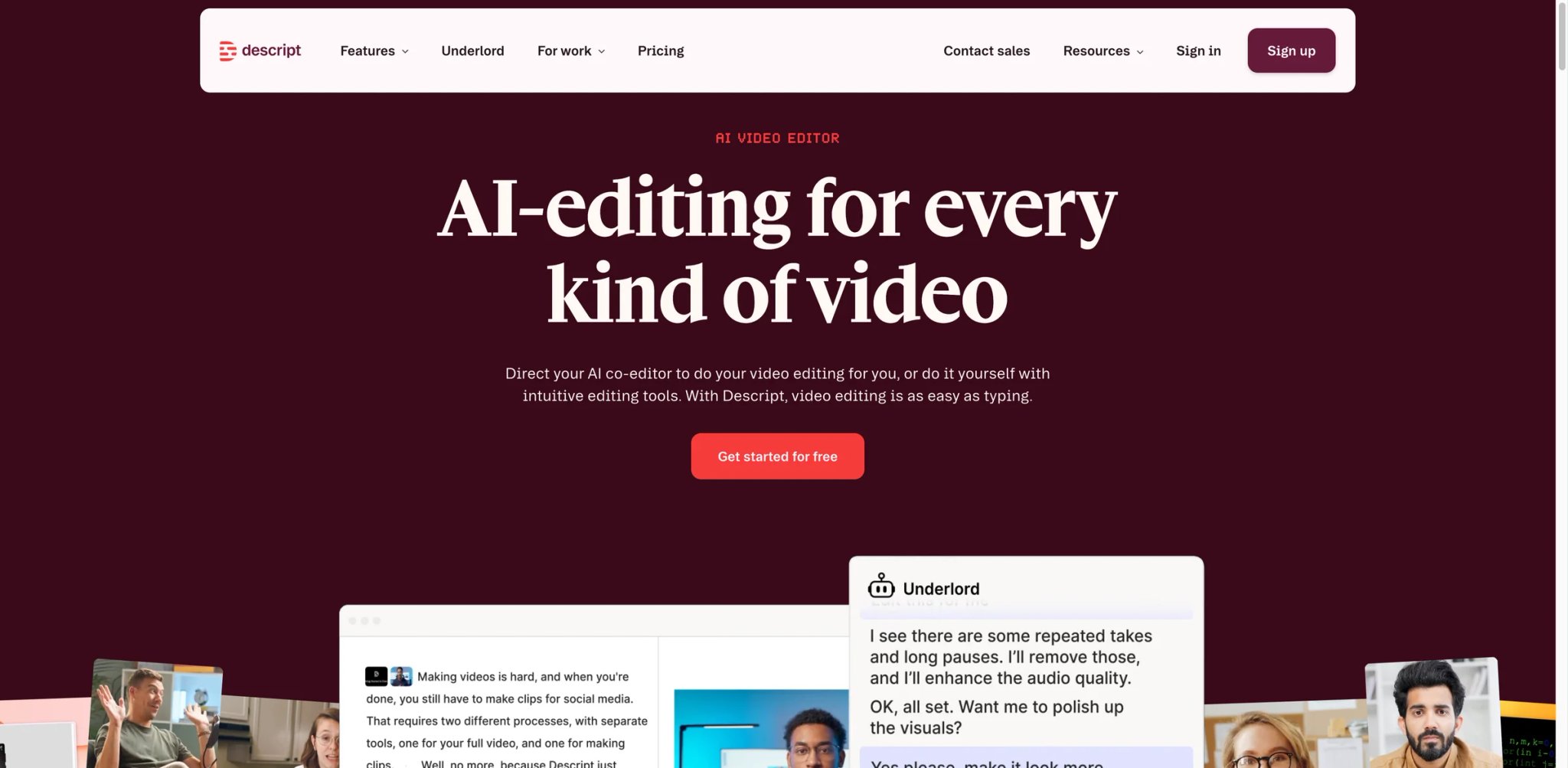
Descript rewrote how podcasters and video creators edit by turning audio and video into editable text. Delete a sentence in the transcript and the underlying video cuts itself. For creators who can write but freeze in front of Premiere or Final Cut, this single idea is the reason Descript became the default podcast studio for small creators.
Text-based video editing with Underlord — the AI co-editor — handles filler word removal, smart silence trimming, chapter generation and even rough-cut assembly from raw footage. A 45-minute interview that used to take 90 minutes in Premiere cuts down to ~15 minutes in Descript.
Overdub voice cloning lets you record a correction by typing it — the AI regenerates your voice saying the new words at the same pitch and pace as the original recording. For podcasters who misspeak a guest's name, this is a genuine time saver (and a potential minefield; Descript requires explicit consent).
Studio Sound and stock library cleans up bad mic audio and adds royalty-free music/SFX without switching tools. Creator and Business plans include unlimited stock media as part of the plan.
Pricing: Free (60 minutes/month, 100 lifetime AI credits). Hobbyist at $16/month annual ($24/mo monthly) with 10 media hours and 400 AI credits. Creator at $24/month annual ($35/mo monthly) — the most popular plan — with 30 media hours, 800 AI credits, 4K export and up to 3 team members. Business at $50/month annual ($65/mo monthly) with Brand Studio, 30+ language dubbing, custom avatars and SLA support.
Limitations: The AI credit system is the most-complained-about part of Descript on Reddit — heavy users of Underlord or Overdub burn through their monthly allowance fast, and top-ups aren't cheap. Descript's real-time collaborative editing also lags when projects exceed ~2 hours of footage, and the desktop app still outperforms the web version for heavy timelines.
Best for: Podcasters, YouTube essayists, educators and course creators who write scripts before they record. Not the right fit if you need multi-track video compositing, motion graphics, or you hate credit-based AI billing that can spike mid-month.
Get started with Descript
VEED
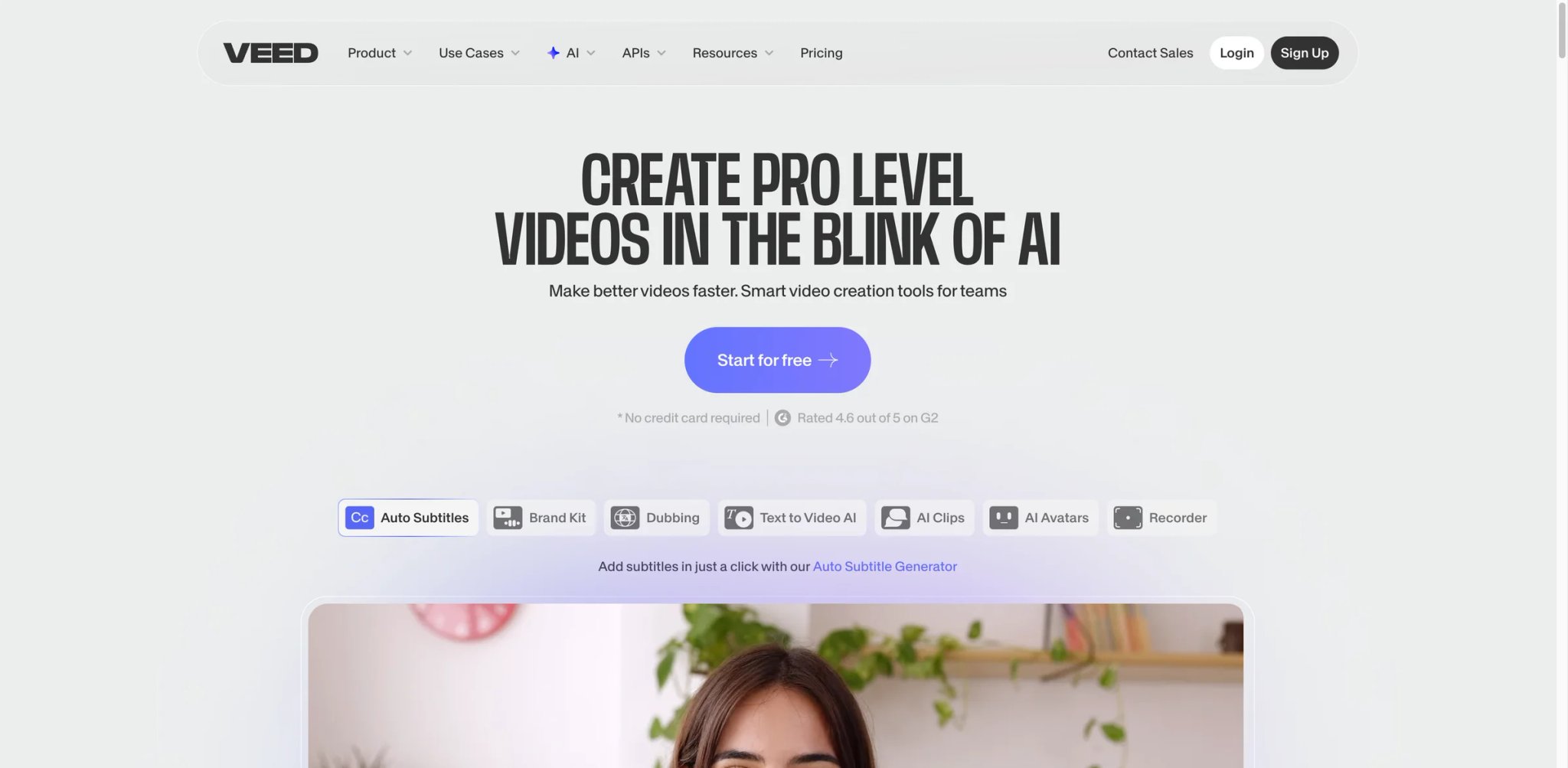
VEED is the browser-based video editor that optimized hard for one specific workflow: captioned, translated, social-ready short video. If your output is a 30-second TikTok with burned-in subtitles in three languages, VEED gets you there faster than Premiere or DaVinci — and without the install.
AI subtitles with auto-translation into 100+ languages, with word-level timing, customizable fonts and burned-in or SRT export. The accuracy on clean mic audio is good enough for most social clips without manual correction.
AI avatars and voice cloning for text-to-video generation, added to VEED's editor over the past year. Less polished than Synthesia or HeyGen, but useful for quick talking-head cuts when you can't sit on camera that day.
Magic Cut and Eye Contact auto-remove silences and re-anchor the speaker's gaze to the camera on wobbly self-recorded clips — small but noticeable quality lifts for webcam-first creators.
Pricing & Plans
Free is available with usage limits. Basic is $18/month. Pro is $30/month. Business is $59/month. Confirm annual discounts and localized billing on checkout before committing.
Limitations: VEED's AI avatars and text-to-video features still feel bolted on compared to dedicated video platforms — you use VEED for its editor, not for its generation. Storage on the Basic plan fills up fast if you work with raw 4K footage, and the pricing page has historically been slower to load specific numbers for annual discounts — double-check the cart page before you commit.
Best for: Social media managers, short-form video creators and small teams producing captioned, multi-language clips. Not the right fit if you need high-end color grading, complex audio mixing, or your workflow is primarily long-form YouTube.
Get started with VEED

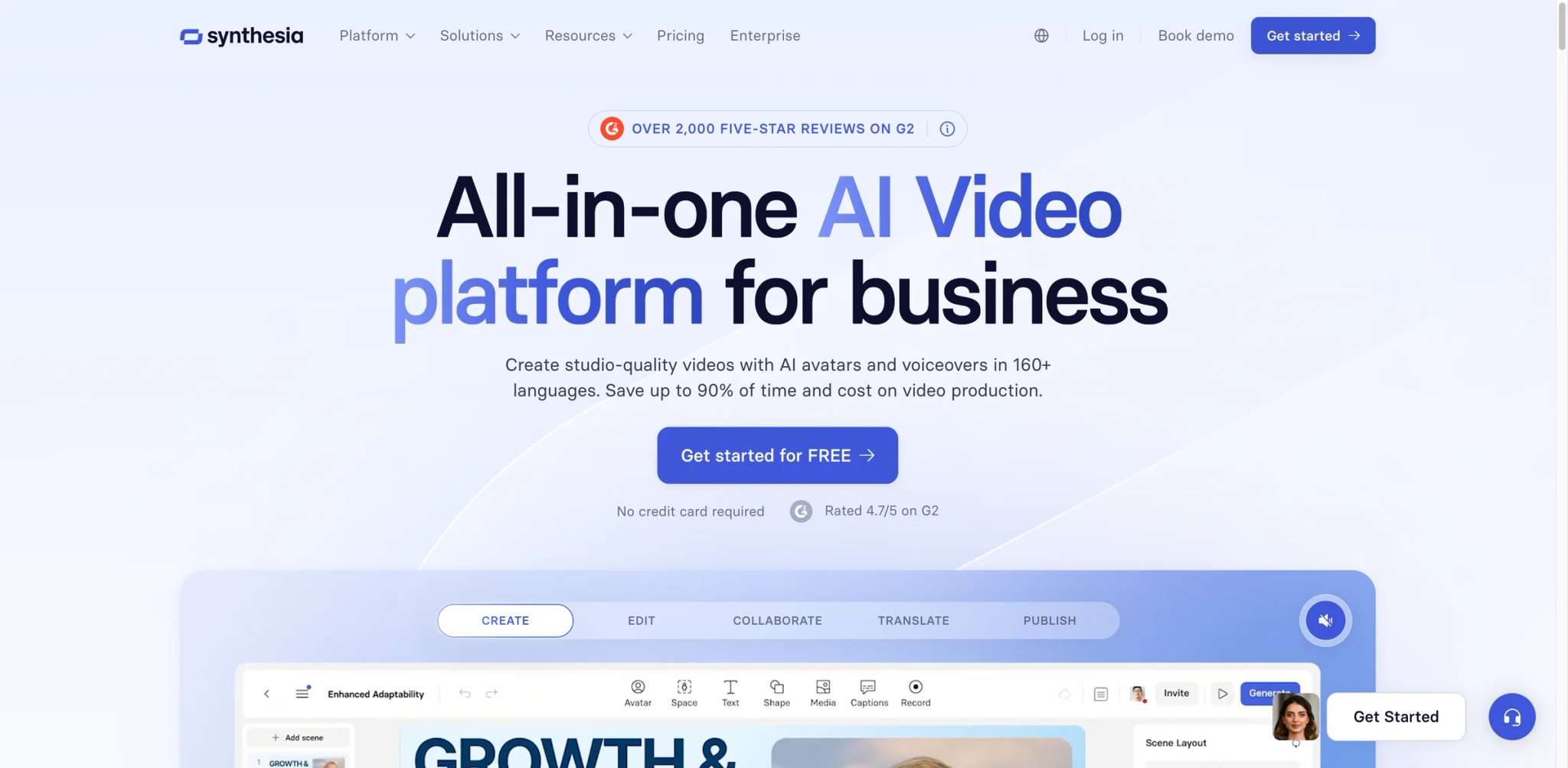
Synthesia is the quiet enterprise darling of the avatar-video world. Where HeyGen targets TikTok creators, Synthesia built its moat around L&D, corporate training and internal communications — the kind of buyer who needs SAML/SSO, SCORM export and a signed MSA before a single video gets made.
240+ stock AI avatars and 180+ languages with studio-grade lip sync and voice cloning. The Creator and Enterprise plans unlock personal avatars where employees film 3–5 minutes of reference footage and then script endless videos in their own likeness.
Interactive videos (Creator plan and above) let you branch a training video based on user clicks — the kind of feature that used to require a full e-learning authoring tool like Articulate Rise.
SCORM and LMS export on Enterprise means Synthesia slots directly into Cornerstone, Docebo, SAP SuccessFactors and other corporate LMS platforms without custom integrations.
Pricing: Free plan with 10 minutes/month, 1 editor and 9 stock avatars. Starter at $29/month (billed monthly) adds 125+ avatars, 3 personal avatars, AI dubbing and watermark removal. Creator at $89/month jumps to 30 minutes/month, 180+ avatars, API access and branded video pages. Enterprise is custom with unlimited minutes, SAML/SSO, SCORM, Brand Kits and a dedicated CSM. Annual billing starts at $18/month with a 25% discount.
Limitations: The Starter plan's 10-minute cap is punishing for anyone producing more than a single short explainer per month — real production volume pushes you quickly to Creator or Enterprise. Personal avatars require clean studio footage to look good; the "film yourself in front of a laptop webcam" demo videos don't reflect production quality. And while avatars look increasingly natural, some viewers still find the genre uncanny for external-facing marketing content.
Best for: L&D teams, enterprise internal comms, compliance training and multinational companies that need the same video in 15 languages. Not the right fit if you're producing consumer-facing marketing video, need live-action editing, or balk at $89/month for 30 minutes of output.
Get started with Synthesia
Kapwing
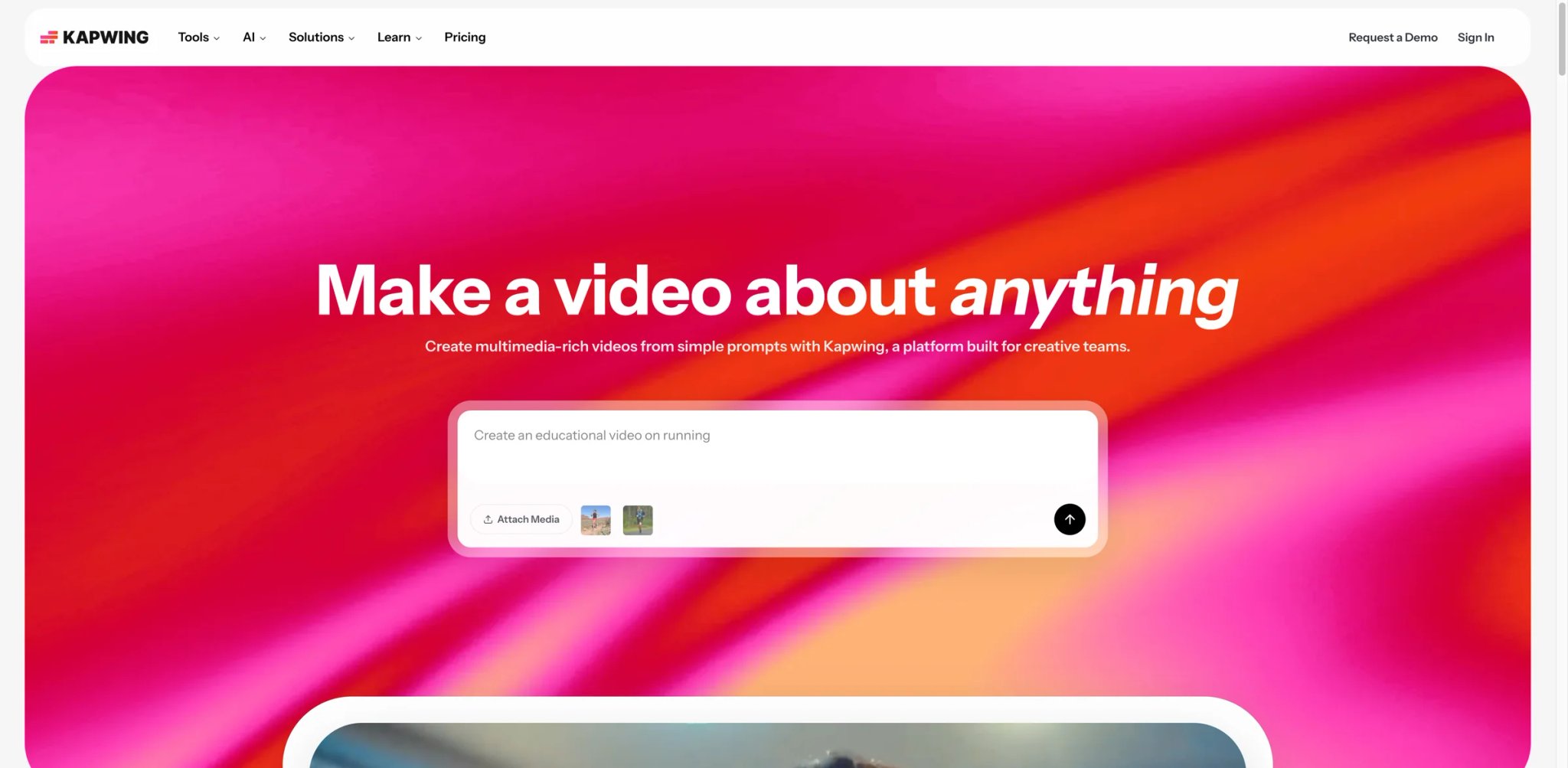
Kapwing is Descript's aggressive younger sibling for social video — browser-first, collaboration-first, and priced like a creator tool instead of an editing suite. Two marketers on different continents can co-edit the same TikTok in real time, and the entire session runs in Chrome with no install.
Real-time collaborative editor is the headline feature. You can share a Kapwing project link with a teammate and watch their cursor move, drop comments on specific frames and lock regions like a Figma file. No other tool on this list does this as cleanly for video.
Subtitler and translator handles auto-captions in 70+ languages with one-click style presets (white-with-stroke, yellow meme style, TikTok block) that work in social algorithms without manual font tweaks.
AI tools suite includes background removal, lip sync correction, voiceover generation and video-to-meme extraction. Most are built on credit-based caps, which matter a lot depending on your volume.
Pricing: Free (10 credits/month, watermark, 1-minute exports, 720p). Pro at $16/month annual ($24/mo monthly) with 1,000 credits, 4K export, 2-hour videos, brand kit and auto-subtitling up to 1,000 minutes/month. Business at $50/month annual ($64/mo monthly) with 4,000 credits, custom voice clones, lip sync and higher subtitle/dubbing caps.
Limitations: The credit system gets hit hard once you start using AI editing features — lip sync and dubbing burn credits fast, and on a busy production week Pro users can hit the cap before mid-month. Exports over 30 minutes on Pro can also queue during peak hours. If you need long-form YouTube editing, Descript and dedicated desktop tools still outpace it.
Best for: Social and content teams collaborating on short video, agencies managing multiple client accounts, and any team tired of "export the .mp4 and send it in Slack." Not the right fit if you work solo on long-form video or need frame-accurate color grading.
Get started with Kapwing

If you need AI voice that passes casual listening, ElevenLabs is currently the benchmark — everyone else on this list is working off models that are at least a generation behind. The emotional prosody, cross-lingual voice transfer and zero-shot cloning are the reasons Hollywood dubbing studios started piloting it in 2024.
Voice cloning and design — both instant (10 seconds of audio) and professional (3+ hours for broadcast-grade clones). The professional tier remains the quality bar for any AI voice used in paid media.
Multilingual dubbing in 32+ languages preserves the speaker's original voice, cadence and emotion. You upload an English podcast and download Spanish, German or Japanese versions that still sound like you rather than a generic voice-over actor.
Audio effects and long-form narration (Creator plan and above) handle 10-minute uninterrupted generations — enough for an audiobook chapter or long-form YouTube narration without stitching multiple clips together.
Pricing & Plans
Free includes 10k credits/month and does not include a commercial license. Starter is $6/month and adds a commercial license, instant voice cloning, and Dubbing Studio. Creator is currently promoted at a discounted first-month rate with $22/month list pricing. Pro is $99/month, Scale is $299/month, Business is $990/month, and Enterprise is custom.
Limitations: Credit-based pricing is the most frequent Reddit complaint — heavy users of long-form narration burn through monthly allowances in days and have to upgrade tiers rather than buy top-ups. ElevenLabs is also intentionally strict on voice cloning consent (good for ethics, frustrating for creators trying to clone their own voice quickly). And while the quality gap is real, it is closing — Murf, OpenAI's TTS and Google's Gemini voices are within striking distance for plain narration.
Best for: Audiobook creators, podcasters producing localized versions, video editors who need studio voice without a booth, and any production paying for commercial-grade voice. Not the right fit if you only need casual text-to-speech for internal videos — cheaper tools cover that at a fraction of the cost.
Get started with ElevenLabs

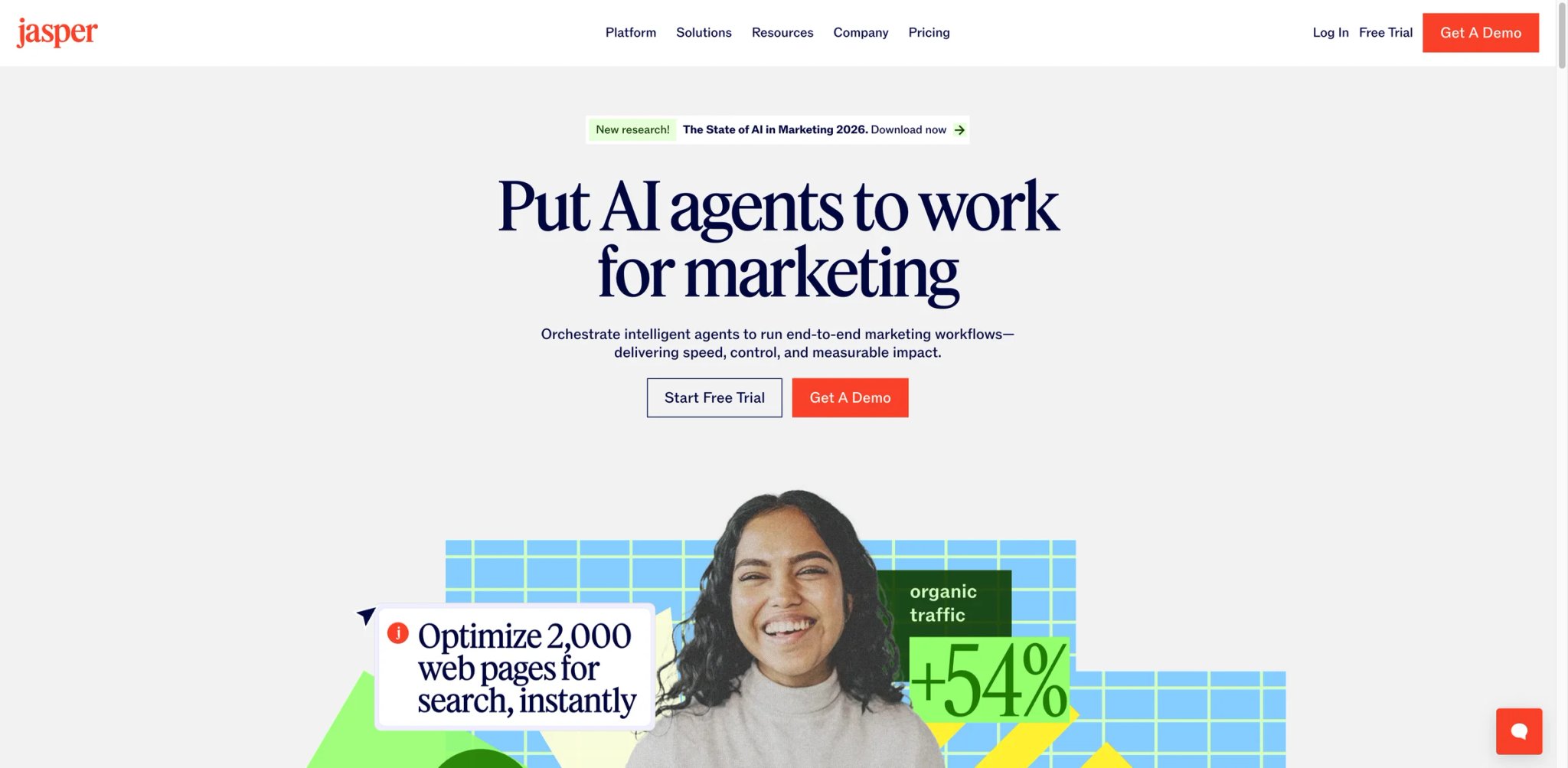
Jasper was the first AI writing tool to treat brand governance as a product, not an afterthought. Four years later, it is still the most buttoned-up option for marketing teams that need every blog post, email and ad to sound like the same company. The 2024–2026 pivot added agents and a Canvas workspace, but the real reason teams still pay for it is brand voice lock-in.
Brand Voices and Knowledge on the Pro plan lets you train the model on company style guides, approved messaging and competitor differentiation. Every output passes through that filter — so a junior marketer doesn't accidentally ship copy that contradicts last quarter's positioning.
Jasper Canvas and Agents is the 2026 bet: a shared workspace where Essential Agents run repeatable marketing workflows (blog → social → email repurposing, for example). The Business plan adds a no-code App Builder and Jasper Grid for scaled execution, which starts to look competitive with dedicated workflow tools like Zapier or n8n.
Content repurposing and image generation pulls a long-form asset into 8–12 derivative formats (tweets, LinkedIn posts, ad variants, SEO meta descriptions) in one click, with brand voice preserved across all outputs.
Pricing: Pro at $59/month per seat annual ($69/mo monthly) with 1 seat, 2 Brand Voices, 5 Knowledge assets and 3 audiences. Business is custom-priced with a 12-month minimum, unlimited Brand Voices, API access, advanced agents, the App Builder and enterprise governance. There is a 7-day free trial on Pro.
Limitations: Jasper is easily the most expensive writing tool on this list for a single user — $59–69/month prices out solo creators who could get comparable raw writing quality from Claude or ChatGPT for $20. The Business plan's 12-month minimum commitment is a lot of faith for a category where features change every quarter. Recent G2 reviews also flag slower output speeds compared to direct-API alternatives.
Best for: Mid-market marketing teams with ≥2 content producers, agencies managing multiple client brand voices, and enterprises that need SOC 2 and admin controls on AI writing. Not the right fit if you're a solo creator, if your brand voice is informal enough that a prompt handles it, or if the $60/month minimum is more than the rest of your content stack combined.
Get started with Jasper

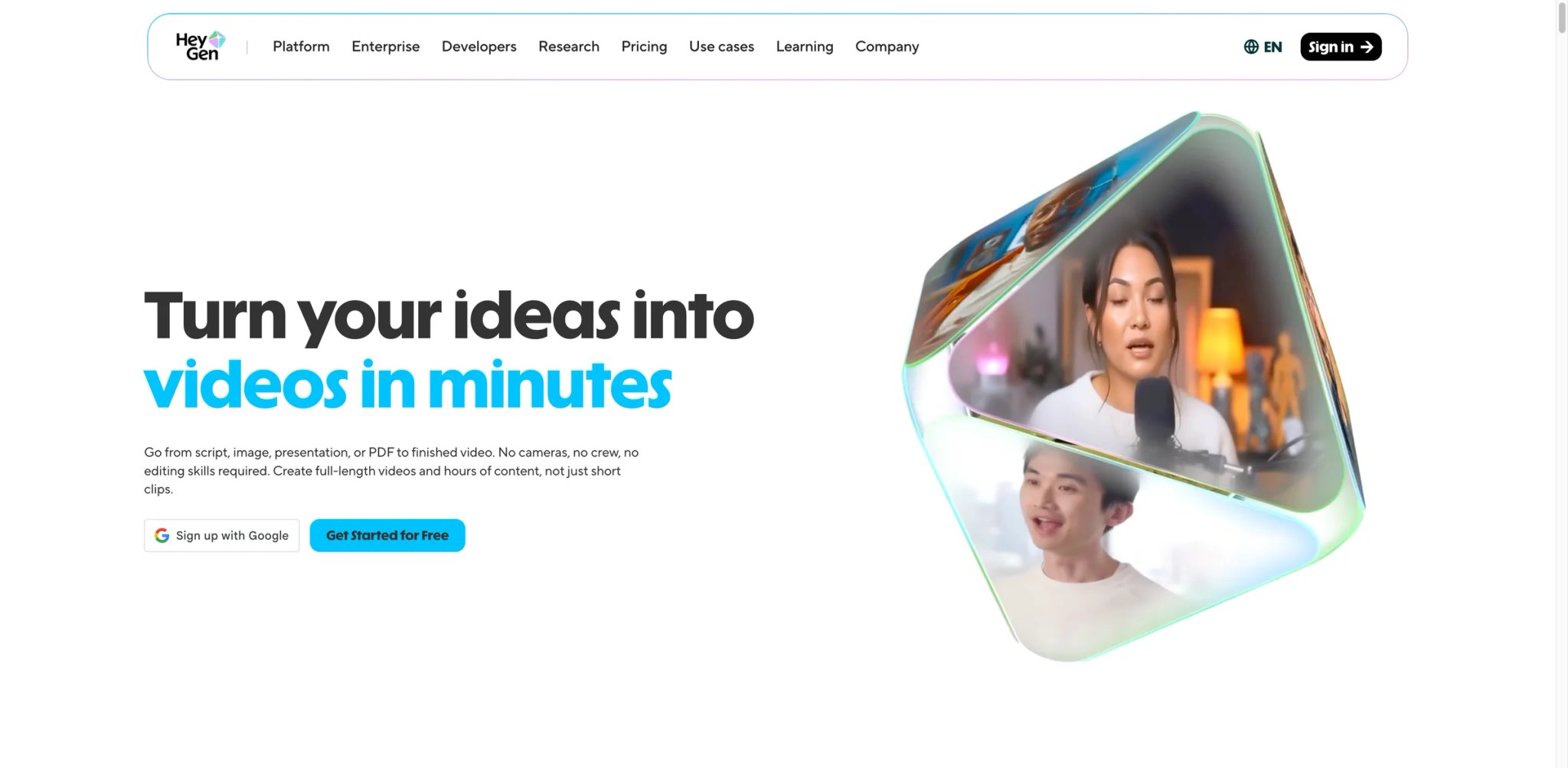
Where Synthesia targets corporate L&D, HeyGen aimed at the creator and marketing side of avatar video. The pitch is simple: record yourself once, then generate an endless stream of localized videos without re-recording, re-lighting or re-scheduling. In 2025–2026 it became a staple for SaaS companies shipping multilingual YouTube and LinkedIn video.
Instant Avatar and Avatar 4.0 requires only 2–5 minutes of reference video to create a personal avatar you can drive with a script. The current generation is convincing enough for LinkedIn and short-form video; viewers who don't know you is real might not notice.
Video Translate dubs an entire video into 175+ languages with lip-sync adjusted to the new audio. For marketers expanding into EU or APAC markets, this is the single most-ROI feature on the platform.
Brand Voice and Templates lets teams share avatars, voiceovers and templates across a workspace. Every marketer can produce the same branded video without touching the source.
Pricing: Free tier with limited access. Creator at $29/month with unlimited videos and 200 premium credits. Pro at $99/month with 2,000 credits and advanced features. Business at $149/month base + $20/seat with a shared 1,000 premium credits per workspace. HeyGen deprecated its legacy Team plan in January 2026 — existing Team subscribers are grandfathered, but new customers cannot buy it. Extra Premium Credit Packs are available at $15/month for 300 credits.
Limitations: The credit system is HeyGen's sharpest edge — long videos burn credits fast, and the jump from Creator (200 credits) to Pro (2,000 credits) is a 3.4x price increase. The January 2026 Team plan deprecation left some mid-size customers stranded on grandfathered terms with no upgrade path; migrations to Business have not been smooth according to recent Reddit threads. And while avatar quality is good, extended monologues still reveal telltale micro-stutters if you look closely.
Best for: Marketers repurposing webinars, localizing product explainers, and producing LinkedIn video at a scale solo recording can't match. Not the right fit if you need live-action interviews, documentary-style footage, or you already depend on the now-deprecated Team plan structure.
Get started with HeyGen
InVideo
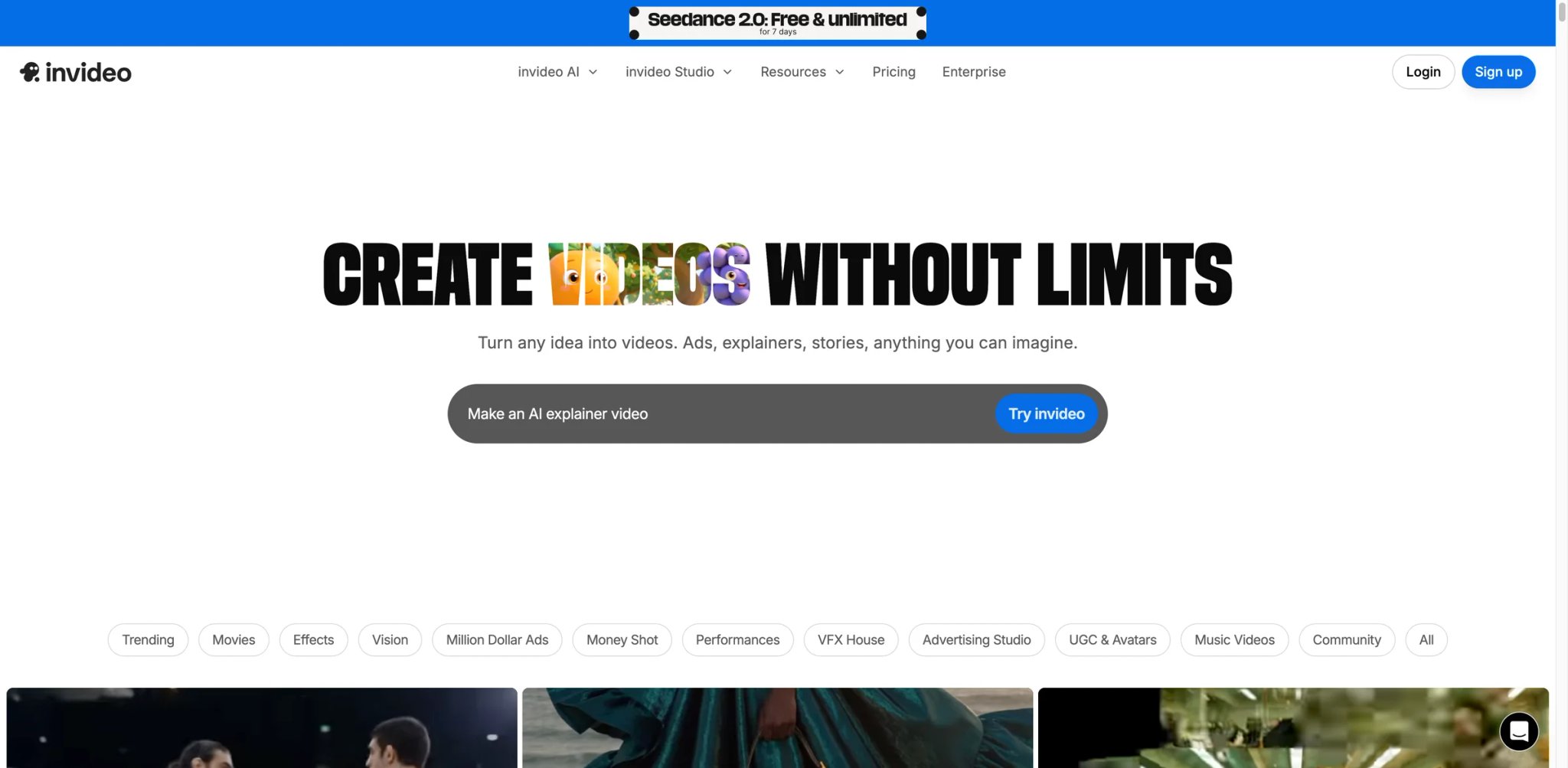
InVideo took the "give me a blog post, give me back a TikTok" workflow and made it a one-prompt flow. You type "make a 60-second ad about our Pro plan," and it assembles stock b-roll, voiceover, music and captions automatically. The result is rarely broadcast quality — but it is publishable, and it arrives in 2–3 minutes.
Prompt-to-video is the signature feature: one prompt generates a full short-form video with script, scene assembly, voiceover and music. Plus and Max plans include iterative refinement — you can tell it "slower pace, more dramatic music" and regenerate.
Stock library and brand kits include 16M+ stock clips, photos and audio, with Max plan unlocking 5 brand kits for agencies or multi-brand businesses. For anyone running client campaigns, that multi-brand support is the hidden reason to upgrade.
Templates and scene-by-scene editing cover 5,000+ pre-built templates. If prompt-to-video feels too much like a black box, you can edit the script scene by scene with full control.
Pricing & Plans
Free is available with usage limits. Plus is $25/month billed annually ($300/year) and includes 100 credits/month. Max is $60/month billed annually ($720/year) and includes 400 credits/month. There is also a higher-volume Generative tier at $200/month billed annually with 1,000 credits/month, plus Team and Enterprise options.
Limitations: AI-generated videos still look templated — stock-footage-plus-voiceover aesthetics don't fool anyone looking for bespoke production. The 50-minute cap on Plus sounds generous but can burn through quickly if you iterate on each video. Support response times have been flagged in recent Reddit threads as inconsistent compared to competitors.
Best for: Solo creators, SMB marketers and agency strategists who publish short-form social video at volume and value speed over polish. Not the right fit if your brand depends on bespoke production, high-end VFX, or detailed color grading.
Get started with InVideo
Narrato
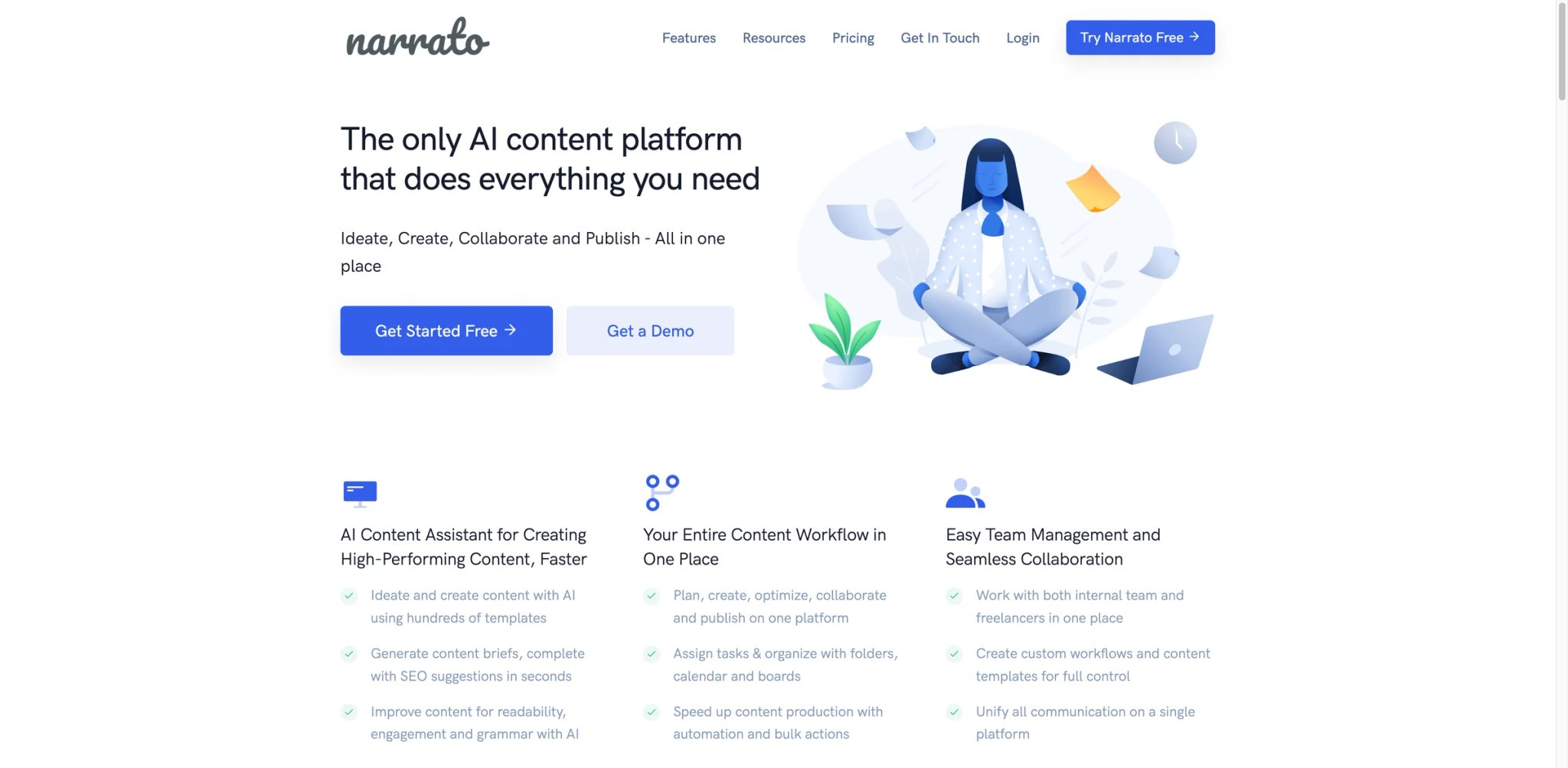
Narrato is less about AI generation than about the operations layer around content production — the task boards, briefs, approval flows and publishing pipelines that small agencies used to stitch together out of Notion, Trello, Google Docs and ChatGPT. Bundle all of that into one workspace with AI writing and you get a content ops platform at a fraction of agency tooling prices.
AI Content Genie auto-generates ongoing social content from your blog RSS or a topic list. Set it once and the calendar fills itself, with human review at the approval step.
Briefs and SEO tools cover keyword research, search intent analysis and competitor briefs inside the same workspace. No separate Surfer or Clearscope subscription needed for small teams.
Project and client management includes task boards, custom workflows, white-labeling (Business plan), unlimited guests and approval chains — the stuff that actually matters when you're running 10+ pieces a week for multiple clients.
Pricing: Free with 2 members, 2,000 AI characters/user/month, 2 AI images/user/month. Pro from $9/month annual ($12 monthly) with 4 seats, 400K AI characters/month, 80 images/month and 40 SEO briefs. Business from $24/month annual ($31 monthly) — the most popular plan — with unlimited AI writing (1.25M chars/user fair use), 200 images/month, 100 SEO briefs, brand voices, white-labeling and custom workflows. Custom tier for enterprise.
Limitations: AI writing quality is solid but not class-leading — Jasper and Claude still feel more polished on long-form brand copy. The workspace can feel overwhelming at first; new users report a 2–3 week adoption curve compared to the 30-minute "pick it up and go" experience of Simplified. Image generation is also basic compared to dedicated tools.
Best for: Boutique content agencies, freelance operators running multiple clients, and small in-house teams that need brief → draft → approve → publish in one place. Not the right fit if you need the best raw AI writing quality, or if your team already lives in Notion and refuses to migrate.
Get started with Narrato
Simplified
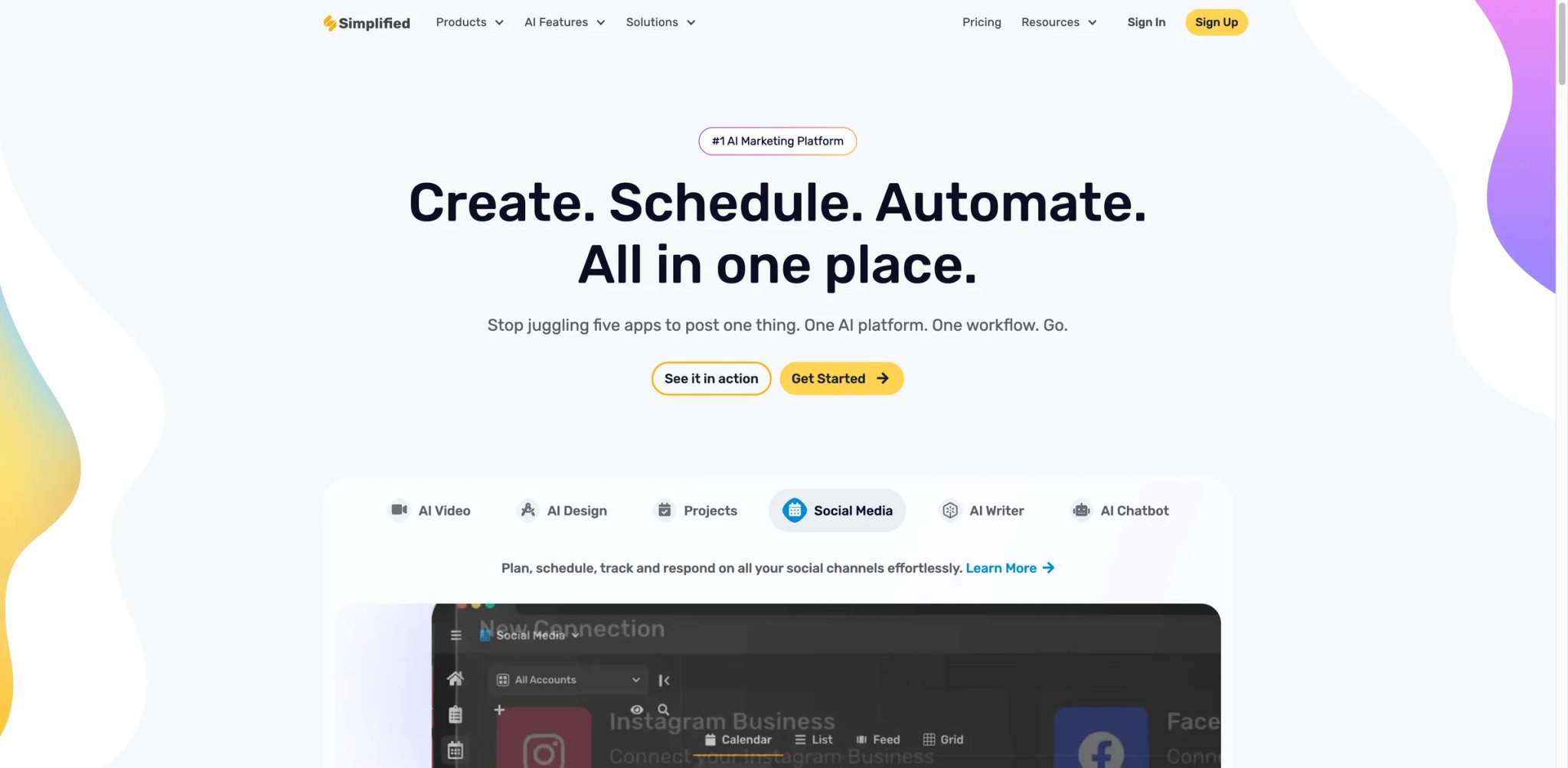
Simplified is the "good enough at everything, cheap enough to try" option. On one seat you get AI writing, design templates, video editing, social scheduling and a unified credit pool that works across all of them. No other tool on this list covers that breadth for less than $30/month.
AI Writer + Designer + Video shares a unified credit system — you spend credits across blog posts, image generation, video and social captions without fighting five separate usage meters. For a solo creator, that is meaningfully less mental overhead.
Social Media Planner with direct publishing to Instagram, Facebook, LinkedIn, TikTok, YouTube, Pinterest and X is included starting at the Pro plan, which most standalone schedulers charge $15+/month for on their own.
Brand Kits and collaborative workspace let small teams share assets and approve posts before publishing. Not as polished as Canva Teams, but included at Pro-plan pricing rather than Teams-plan pricing.
Pricing & Plans
Free remains available. The current paid entry point is Simplified One at $24/month billed annually. Simplified's current top self-serve business-facing tier shown on the pricing page is Enterprise at $399/month billed annually, with contact-sales options for larger needs.
Limitations: The "covers everything" promise comes with a quality ceiling — each module is good enough for SMB use, but none of them beats the best-in-class specialist tool (Canva for design, Descript for video, Jasper for brand writing). Credit consumption is also opaque: you don't always know how many credits a complex task will burn until after it runs. Social publishing connections occasionally break and require reauth.
Best for: Solo creators, bootstrapped founders and anyone cost-controlling their content stack under $30/month. Not the right fit if your brand requires premium production quality, or if you'd rather pay more for three specialist tools than one jack-of-all-trades.
Get started with Simplified
Murf
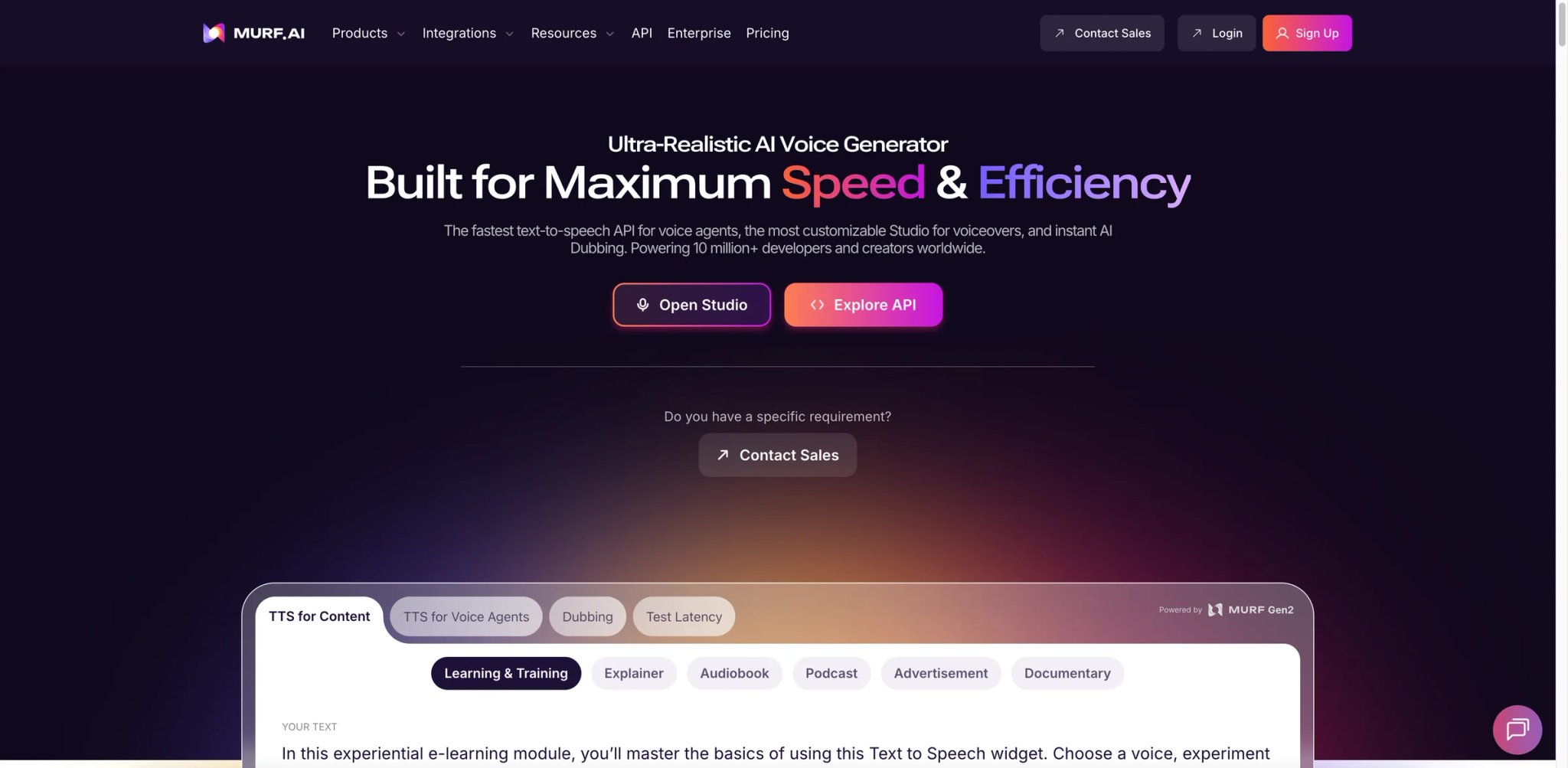
Murf is the "ElevenLabs for e-learning" — less bleeding-edge than ElevenLabs on raw quality, but built around a studio UI that actually matches how explainer video, course and training teams work. You get a script editor, voice selection, pacing controls, background music and multi-voice dialogue in one place.
Voice Studio with 200+ voices across 30+ languages covers most corporate and e-learning needs. Each voice has pitch, pace, emphasis and pause controls, so you can turn a flat TTS read into something that actually matches the script.
Dubbing and voice cloning (Business plan and above) handle multilingual video dubbing and custom voice clones with commercial rights included across all paid tiers. That "commercial rights included" line matters — Murf sidesteps ElevenLabs-style licensing confusion.
Collaboration and integrations include team workspaces, shared voice libraries and direct integrations with Canva, Google Slides and Adobe Audition for pulling voiceovers into design and video tools.
Pricing: Free with limited voice and minute allowances. Creator at $19/month annual ($29 monthly) includes roughly 2 hours of voice generation per month. Business at $66/month annual ($99 monthly) jumps to ~8 hours/month, priority rendering, collaboration and unlocked languages. Enterprise is custom.
Limitations: Voice quality is noticeably behind ElevenLabs for expressive narration — flat, neutral reads are fine, but emotional or dramatic content reveals the gap. The monthly hour cap is also restrictive for anyone producing long-form audio — a single 30-minute training video eats most of the Creator plan's allowance. And Murf's AI voice cloning requires more reference audio than ElevenLabs' instant clone.
Best for: E-learning and course teams, corporate training producers, and explainer video studios that need clean, commercially safe voiceover without ElevenLabs-tier prices. Not the right fit if you need the most natural emotional delivery, or you produce long-form audiobook/podcast content.
Get started with Murf

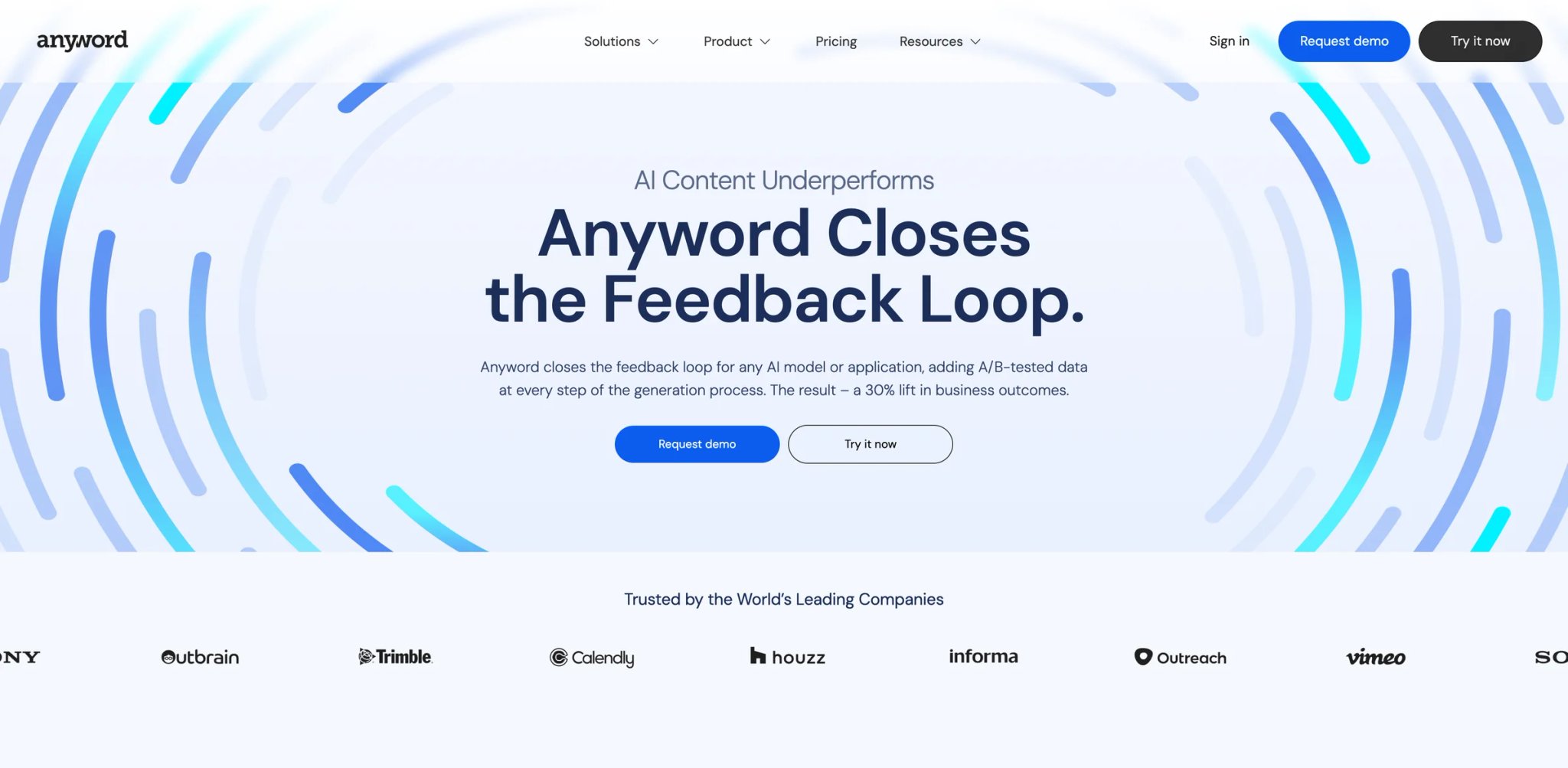
Anyword's wedge is predictive performance scoring — every piece of copy you generate comes with a data-backed score predicting how it will convert against a target audience. For performance marketers living inside Meta Ads Manager or Google Ads, that score replaces three days of A/B testing with a directional answer in thirty seconds.
Predictive Performance Scores are trained on billions of marketing text interactions. You can target a specific audience (e.g., "women 25–44 interested in yoga"), generate copy variants, and see predicted CTR before you ever spend a dollar on testing.
Brand Voice and Custom Guidelines let performance teams lock Anyword to specific messaging rules — legal disclaimers, claim restrictions, banned phrases. Crucial for regulated industries (fintech, healthcare) running AI-generated ad copy.
Channels and integrations include direct connectors for Meta, Google Ads, LinkedIn, email platforms and landing page tools. Generate, score, and push live without copy-paste.
Pricing & Plans
Starter is $39/month billed yearly or $49/month billed monthly. Data-Driven is $79/month billed yearly or $99/month billed monthly. Business and Enterprise are custom-priced. Current self-serve plans include a 7-day free trial.
Limitations: Anyword is genuinely expensive — $79/month is a hard sell for anyone who isn't running paid media at scale, and the gap to Data-Driven Unlimited at $239 is steep. Predictive scores are directional, not oracle-level — experienced performance marketers report calibration drift when industries change quickly. And the UI still feels built for a 2022 marketing-ops persona, not a 2026 agent-driven workflow.
Best for: Performance marketing agencies, in-house ad teams running >$50K/month in paid media, and regulated-industry marketers who need guardrails on AI output. Not the right fit if you're not running paid media, don't track conversions tightly, or your budget can't absorb $79–239/month for a writing tool.
Get started with Anyword

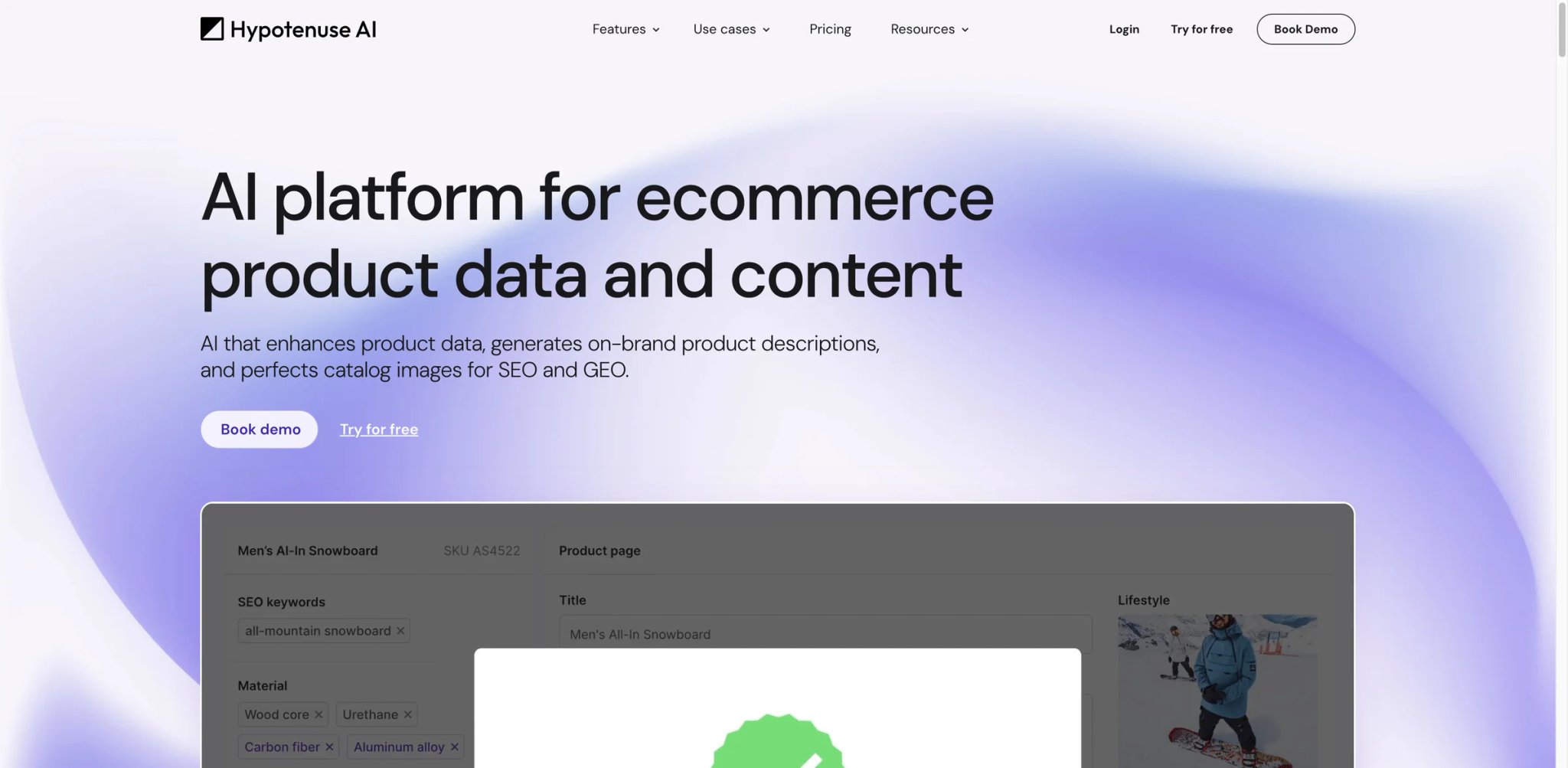
Hypotenuse AI skipped the general-purpose-writer war and went deep on one workflow: e-commerce product content. If you run a Shopify store with 500+ SKUs and spend half your week writing "materials, fit, care instructions" for each one, Hypotenuse is the tool that can do that week's work in an afternoon.
Bulk product description generator ingests a product sheet or CSV and generates unique, SEO/GEO-optimized descriptions across 40+ languages and 20+ content types. The differentiator is scale — competitors do one-at-a-time; Hypotenuse processes catalogs.
Attribute enrichment and taxonomy (Enterprise) automatically fills missing product attributes (color, size, fit, material) and classifies items into your store taxonomy. For merchandisers inheriting a messy product catalog, this alone justifies the subscription.
Blog and content workflows on the content-side plans handle long-form blog posts, keyword research and SEO optimization — a secondary use case but a real one for e-commerce brands producing content marketing alongside product pages.
Pricing & Plans
E-commerce Basic, E-commerce Pro, and E-commerce Enterprise remain custom-quoted based on catalog size. On the content side, Entry is $19/month billed annually or $29/month billed monthly with 50K words and 1 seat. Essential is $56/month billed annually or $87/month billed monthly with 250K words. Blog Pro starts at $150/month billed annually or $230/month billed monthly. Blog Custom is quote-based.
Limitations: The content-side plans are capped by word count — 50K words at Entry goes fast for anyone producing blog content at scale. Pricing on the e-commerce side is opaque (all custom-quoted), so budget predictability is weak until you talk to sales. And while product descriptions are strong, Hypotenuse's general brand writing doesn't match Jasper or Claude for voice nuance.
Best for: E-commerce merchandisers with 200+ SKU catalogs, Shopify/BigCommerce operators doing bulk content updates, and multilingual retailers localizing product pages. Not the right fit if you're producing general marketing content, you have fewer than 50 products, or you need transparent flat-rate pricing.
Get started with Hypotenuse AI


Writesonic in 2026 is a different product than the one most people remember from 2022. The rebrand pushed it from "AI writer for bloggers" to "AI-search and SEO platform" — tracking brand visibility inside ChatGPT, Google AI Overviews and Gemini, and generating content tuned for AI-answer eligibility instead of classic blue-link rankings. The content creation tools are still there, but the product's center of gravity has shifted.
AI Search tracking monitors how often your brand appears in ChatGPT, Gemini and Google AI Overviews across a tracked set of queries. For anyone watching their organic traffic decline as AI answers cannibalize SERPs, this is the category's sharpest answer.
Article generation with SEO/GEO optimization produces long-form content designed to earn citations inside AI answers — explicit FAQ schema, structured data, citation-friendly phrasing. You still get a draft, but the draft is shaped for 2026 search behavior.
Site audits (up to 100–2,500 pages depending on plan) identify AI-search optimization gaps across existing content. For teams with 50+ existing blog posts, this is the "where do I update first" answer.
Pricing: Starter at $79/month annual ($99 monthly) tracks 50 AI queries/day on ChatGPT, generates 15 articles/month and audits up to 100 pages. Basic at $199/month annual ($249 monthly) adds Google AI Overviews and Gemini tracking, 25 articles and 1,200-page audits. Growth at $399/month annual ($499 monthly) doubles almost everything. Enterprise is custom.
Limitations: Content generation quality has plateaued — existing writers complained on G2 and Reddit throughout 2025 that Writesonic's articles feel more templated than Jasper or Claude-based workflows. The pivot to AI search also means some legacy content tools get less attention. And pricing is a hard jump: $79/month is a lot for a solo blogger, but Basic at $199 is required for full AI search coverage.
Best for: SEO teams watching AI Overviews erode traffic, in-house content marketers tracking brand visibility in AI answers, and agencies auditing client sites for AI-search readiness. Not the right fit if you only need an AI writer — cheaper tools (Claude, Narrato, Simplified) do that at a fraction of the price.
Get started with Writesonic
Best AI Tools for Content Creation by Use Case
Most sprawl starts when creators try to make one tool cover every format. These are the real picks once you pick a primary output.
For Solo Creators Building One Branded Feed Across Formats
If you publish to one brand and one audience on Instagram, TikTok, LinkedIn and a newsletter, Canva Pro at $15/month is still the best single tool — Magic Studio handles design, short video and AI voice under one seat, and the Content Planner saves you a separate scheduler. Pair it with Claude or ChatGPT for long-form writing where Canva's AI copy still trails. Simplified One at $24/month billed annually is the stronger choice only if you want a lower-cost all-in-one stack and can accept a lower quality ceiling.
For Podcast and YouTube Creators Who Script Before They Record
Descript Creator at $24/month annual is the default — text-based editing, Underlord AI co-editor, Overdub voice cloning and 4K export in one tool. Add ElevenLabs Creator at $22/month if your audience expects studio-grade voice for narration segments or localized episodes. Skip the all-in-one options; their audio quality can't match this pair.
For SaaS Marketing Teams Localizing Video Content
HeyGen Creator at $29/month for instant avatars and 175+ language translation, plus ElevenLabs Creator at $22/month for human voice cloning where avatars feel too synthetic. For longer-form L&D or compliance training, Synthesia Starter at $29/month replaces HeyGen with SCORM export and corporate LMS integrations.
For Performance Marketers Running Paid Media
Anyword Data-Driven at $79/month billed annually for predictive-scored ad copy variants you can test against real audiences, paired with Canva Pro at $15/month or Adobe Express Premium at $9.99/month for the visual side. Skip the "all-in-one" tools entirely — performance marketing lives on differentiated ad variants, which cheap tools don't score.
For E-commerce Merchandisers with 500+ SKU Catalogs
Hypotenuse AI on the e-commerce plan handles bulk product descriptions, taxonomy enrichment and multilingual localization at catalog scale. Nothing else on this list handles that specific volume use case. For blog content marketing alongside the store, a $19/month annual Hypotenuse content Entry plan or a $9/month Narrato Pro plan fills the gap.
For Small Content Agencies Running Multiple Clients
Narrato Business at $24/month annual for briefs, approvals, client workspaces and AI writing in one place. Add Jasper Pro at $59/month per seat only when a specific client demands brand voice lock, SOC 2 or advanced governance — otherwise Narrato's built-in brand voices and white-labeling cover most small-agency needs. For more options, see our guides on best AI writing assistants and best AI content generators.
How to Choose the Right AI Tools for Content Creation
Start with the output, not the tool. The teams burning the most money in 2026 are the ones who bought an "AI content platform" before deciding what they publish.
-
Define your primary format, then your secondary. A creator shipping 80% short video and 20% newsletters does not need a writing-first tool. Pick your top format tool (Descript, VEED, Canva) and let a general writer fill the rest.
-
Calculate the three-tool stack price before you buy one tool. Most creators end up with a primary (design/video/voice), a secondary (writing), and an orchestration or scheduler. If the primary already includes scheduling and brand control, you may not need the third. For video-first teams, compare with our best AI video generators roundup.
-
Test the free tier for exactly one real project. Not a demo, not the vendor's template walkthrough — one actual thing you were going to publish this week. If the free tier can't get you to "good enough to post," the paid tier rarely saves it.
-
Check credit math for your expected volume. HeyGen, Descript, Kapwing and Simplified all use credit-based pricing that breaks down at scale. Multiply your weekly output by ~4 and check if the monthly credit cap actually covers it. Top-ups cost meaningfully more per credit than base plans.
-
Confirm commercial and export rights. Canva, Adobe Express, ElevenLabs and Jasper all ship commercial use with paid tiers — other tools have narrower grants or require attribution. If you're producing paid media, this matters more than the base price.
-
Assume you'll want to leave. Export your assets, voice clones and project files from each tool you try before committing annually. The tools that make export easy (Descript, Canva, Adobe Express) are the ones you'll still be using in 2028.
Frequently Asked Questions
What is the best all-in-one AI tool for content creation?
How much should a small team budget for AI content creation tools?
Are free AI content creation tools good enough for commercial use?
Which AI content creation tool has the best brand voice control?
How do I avoid tool sprawl when every AI platform claims to do everything?
What is the difference between content creation AI and AI writing assistants?
Are AI-generated content and videos allowed on YouTube and TikTok?
Get ToolWorthy Weekly
New AI tools, practical guides, and selected AI signals in one weekly brief.
Related Posts
- Best Raindance AI Video Generators for Solo and Couple Clips
Choose a Raindance AI video workflow for your photos, with clear differences in solo and duet setup, scene control, output format, audio and payment.
- 6 Best AI Story Generators — Tested for Writers
Compare six AI story generators tested across genres, long-form workflows, planning, and creative control to find the right fit for your writing process.
- Sesame AI: Transforming Conversational AI with Natural Voice
Sesame AI delivers natural, context-aware voice interactions, making AI conversations more expressive and engaging.
For AI tool founders
Built a tool that belongs in this decision set?
Request an editorial evaluation for possible inclusion in ToolWorthy.
Submit your tool for reviewPaid submission does not guarantee a ranking, recommendation, inclusion, or editorial outcome.