
10 Best AI Background Remover Tools 2026 - Tested & Compared
10 AI background removers compared for product photos, portraits, and video without green screen — free tools, API options, and paid plans all covered.

On this page
Removing backgrounds used to mean hours in Photoshop. Today, AI background remover tools process a photo in under a second — and the results are often indistinguishable from manual work. Whether you're preparing product images for an online store, isolating portraits for headshots, or stripping video backgrounds without a green screen, there's a tool built for your exact workflow.
To browse segmentation modes, batch workflows, APIs, privacy controls, and the wider inventory without rankings, explore the AI Background Remover category.
The challenge isn't finding a background remover — it's finding the right one. Free tools cap resolution. Paid plans vary wildly from €9/month for 40 credits to $60/month for unlimited AI edits. Batch processing, API access, video support, and commercial licensing differ across every platform. This guide cuts through the noise.
We evaluated 10 leading AI background removers across accuracy, speed, pricing, batch support, and output quality to help you make an informed choice.
| Tool | Best For |
|---|---|
| PhotoRoom | E-commerce sellers needing full AI product photo studio |
| remove.bg | Developers and teams needing reliable API access |
| Canva Background Remover | Designers already in the Canva ecosystem |
| Picsart Background Remover | Mobile-first creators and social media teams |
| Adobe Express Background Remover | Adobe users wanting free background removal |
| Kapwing Background Remover | Video editors needing background removal in one platform |
| Clipdrop Remove Background | Creators needing portrait and studio-quality isolation |
| Pixelcut | Solopreneurs and mobile sellers on a budget |
| Cutout.pro | High-volume users needing affordable pay-per-use credits |
| Unscreen | Video creators removing backgrounds without a green screen |
How We Selected and Tested
We selected these AI background removal tools based on measurable criteria: active development in 2025–2026, verifiable pricing from official sources, documented API or batch capabilities, and meaningful user adoption across e-commerce, design, and content creation. Tools without transparent pricing were included only when they demonstrated significant market traction and offered a usable free tier.
Our research methodology combined multiple data sources. We analyzed each tool's official pricing pages, cross-referenced third-party reviews and pricing aggregators, and reviewed user feedback from relevant communities. For tools undergoing transitions — such as Unscreen's migration from unscreen.com to unscreen.io — we prioritized the most current official information available.
Evaluation Dimensions: We evaluated each tool across 5 dimensions:
- Background Removal Accuracy — Edge quality on hair, fine details, transparent objects, and complex backgrounds
- Pricing Transparency — Clear plan structures, no hidden credit costs, honest free tier limitations
- Batch & API Capabilities — Support for high-volume processing, developer access, and automation
- Output Quality & Resolution — Maximum output resolution, file formats, and export flexibility
- Use Case Coverage — Support for photos, video, product images, and commercial licensing
Note on Testing Scope: We conducted hands-on review of publicly available free tiers and trial access for each tool. For enterprise and high-volume plans, we relied on official documentation and verified third-party sources.
Transparency & Limitations: All pricing and feature information comes from official sources and credible third-party platforms — we don't fabricate ratings or performance claims. Pricing may vary by region; Euro-denominated plans are noted where applicable. Research conducted in Q1 2026.
Top 10 AI Background Remover Tools Compared
These 10 tools represent the strongest options available in 2026, spanning one-click web apps, API-first platforms, and full creative suites. Here's how they compare at a glance.
| Tool | Best For | Free Tier | Paid Pricing | Batch Support | Video Support |
|---|---|---|---|---|---|
| PhotoRoom | E-commerce product photos | Yes (limited) | $12.99–$99/mo | Yes | No |
| remove.bg | API integration | Pay-as-you-go | $9–$89/mo | Yes (API) | No |
| Canva Background Remover | Design workflow | 1 trial | $18–$23/mo | Up to 500/day | Yes (Pro) |
| Picsart Background Remover | Mobile creators | 5 credits/week | $7–$24.5/mo | Yes | No |
| Adobe Express Background Remover | Adobe ecosystem | Yes (unlimited) | $9.99–$19.99/mo | Not disclosed | Yes (Premium) |
| Kapwing Background Remover | Video editing | 10 credits/mo | From $16/mo | Limited | Yes |
| Clipdrop Remove Background | Studio-quality isolation | 20/day | Not disclosed | Yes (API) | No |
| Pixelcut | Mobile sellers | Limited | From $10/mo | Not disclosed | No |
| Cutout.pro | High-volume credits | 1 credit | From $5/mo | Yes (API) | Yes (credits) |
| Unscreen | Video background removal | Yes (1080p, watermark-free) | From $0.99/mo | Yes | Yes |
Detailed Reviews


PhotoRoom started as a background remover but has evolved into a full AI product photo studio. The platform combines one-click background removal with AI-generated product backgrounds, shadow effects, and batch editing — making it a standout choice for e-commerce sellers who need polished product imagery at scale. The mobile app is widely used by resellers on Amazon, eBay, and Etsy.
Key Features
- One-Click Background Removal — AI instantly removes backgrounds from product photos and portraits with clean edge detection, even on complex items like jewelry and transparent objects.
- AI Backgrounds & Scenes — Replace removed backgrounds with AI-generated lifestyle settings or solid colors optimized for marketplace listings.
- Batch Editing — Process dozens of images simultaneously using a single template, maintaining consistent styling across product catalogs.
- Shadow & Lighting Control — Add realistic drop shadows, ground shadows, and AI relighting to make product photos look professionally lit.
- API Access — Developer API supports background removal, AI backgrounds, and positioning for automated workflows; priced from $0.02/image.
- Template System — Create reusable design templates for consistent branding across all product images.
Pricing & Plans
- Free: Unlimited background removals with watermark; limited export quality
- Pro: $12.99/month (or $7.50/month billed annually) — 500 batch exports/month, 1,000+ templates, high-res exports, advanced AI tools
- Max: $34.99/month (or $20.99/month billed annually) — 1,500 batch exports/month, better AI models, priority support
- Ultra: $99/month (or $82.50/month billed annually) — 5,000 batch exports/month, best AI models, advanced AI workflows
- Enterprise: Custom pricing (Let's talk) — 200K+ images/year, dedicated onboarding, SOC 2 Type 2 certified API
- API: From $0.02/image (Basic); $0.10/image (Plus with advanced editing)
Pros & Cons
Pros:
- Purpose-built for e-commerce product photography with full studio workflow
- Clean edge detection handles transparent objects and intricate product details well
- Batch processing with templates saves significant time for catalog-scale work
- Mobile app is polished and widely used by marketplace sellers
Cons:
- Full feature set requires Pro subscription; free tier adds watermark
- Video background removal is not supported
- API costs can scale quickly for high-volume use cases
Best For
- Amazon, Etsy, and eBay sellers needing consistent product photos at scale
- Small e-commerce brands replacing traditional product photography studios
- Developers building automated product image pipelines via API
- Social media managers creating product visuals quickly on mobile
Get started with PhotoRoom

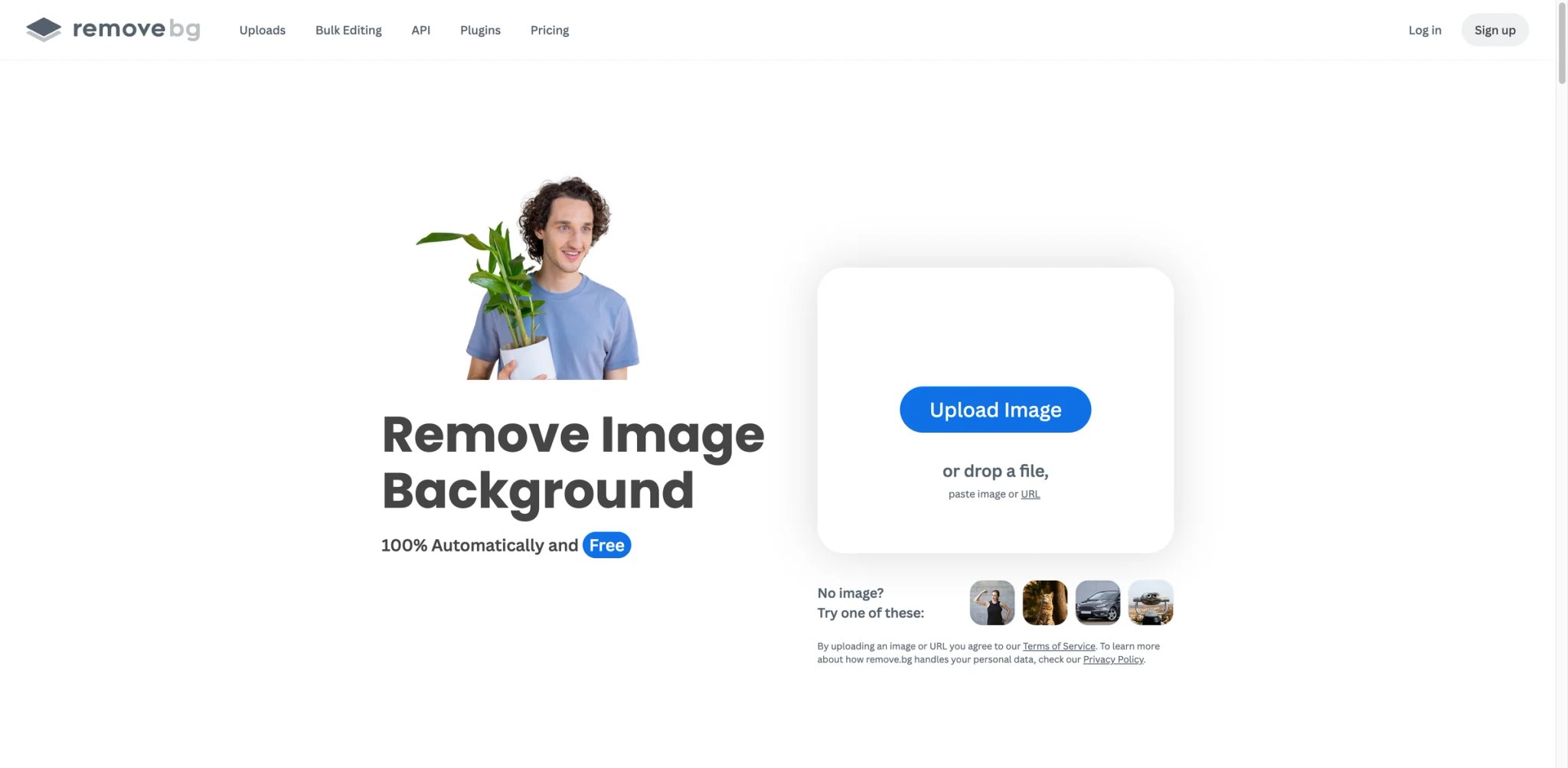
remove.bg is one of the original AI background removal services and remains the go-to choice for developers and teams needing a reliable, high-quality API. The web interface is intentionally simple — upload an image, get a clean cutout — while the API powers integrations in everything from e-commerce platforms to design tools. Edge accuracy on hair and fine details is consistently strong.
Key Features
- High-Resolution Output — Supports images up to 50 megapixels and 6400px on the longest edge, with up to 3 credits for maximum resolution.
- Developer API — Well-documented REST API with SDKs for multiple languages; widely used in automated product photography and design platforms.
- Smart Edge Detection — Handles hair, fur, and fine textures reliably; recognized industry-wide as a benchmark for accuracy.
- Preview Mode — Free full-resolution previews on the web interface; useful for testing quality before committing credits.
- App Integrations — Officially integrated with Photoshop, Figma, Canva, Shopify, and other major platforms.
- Credit Rollover — Unused subscription credits roll over as long as the subscription remains active (up to 730 days).
Pricing & Plans
- Pay-as-you-go: From $3 for 3 credits — one-off purchase, top up anytime
- Lite: $9/month (or $8.10/month billed annually) — up to 40 credits/month; AI photo editor, API & integrations
- Pro: $39/month (or $35.10/month billed annually) — up to 200 credits/month; everything in Lite plus bulk editing
- Volume+: $89/month (or $80.10/month billed annually) — 500 credits/month; custom volume for 100,000+ images/year, API custom controls
Pros & Cons
Pros:
- Industry benchmark for edge accuracy, especially on hair and complex subjects
- Robust, well-documented API with broad integration support
- Credit rollover policy is generous for irregular usage patterns
- 14-day money-back guarantee on all subscription plans
Cons:
- Credit-based pricing in Euros can be confusing for USD-based users
- No built-in design tools — output is a cutout only; editing happens elsewhere
- Free tier is limited to preview resolution via apps and API
Best For
- Developers integrating background removal into web apps or e-commerce platforms
- Design teams needing accurate cutouts to bring into Photoshop or Figma
- Shopify or WooCommerce store owners processing product photos at scale
- Businesses needing a proven, SLA-backed API for production workflows
Get started with remove.bg

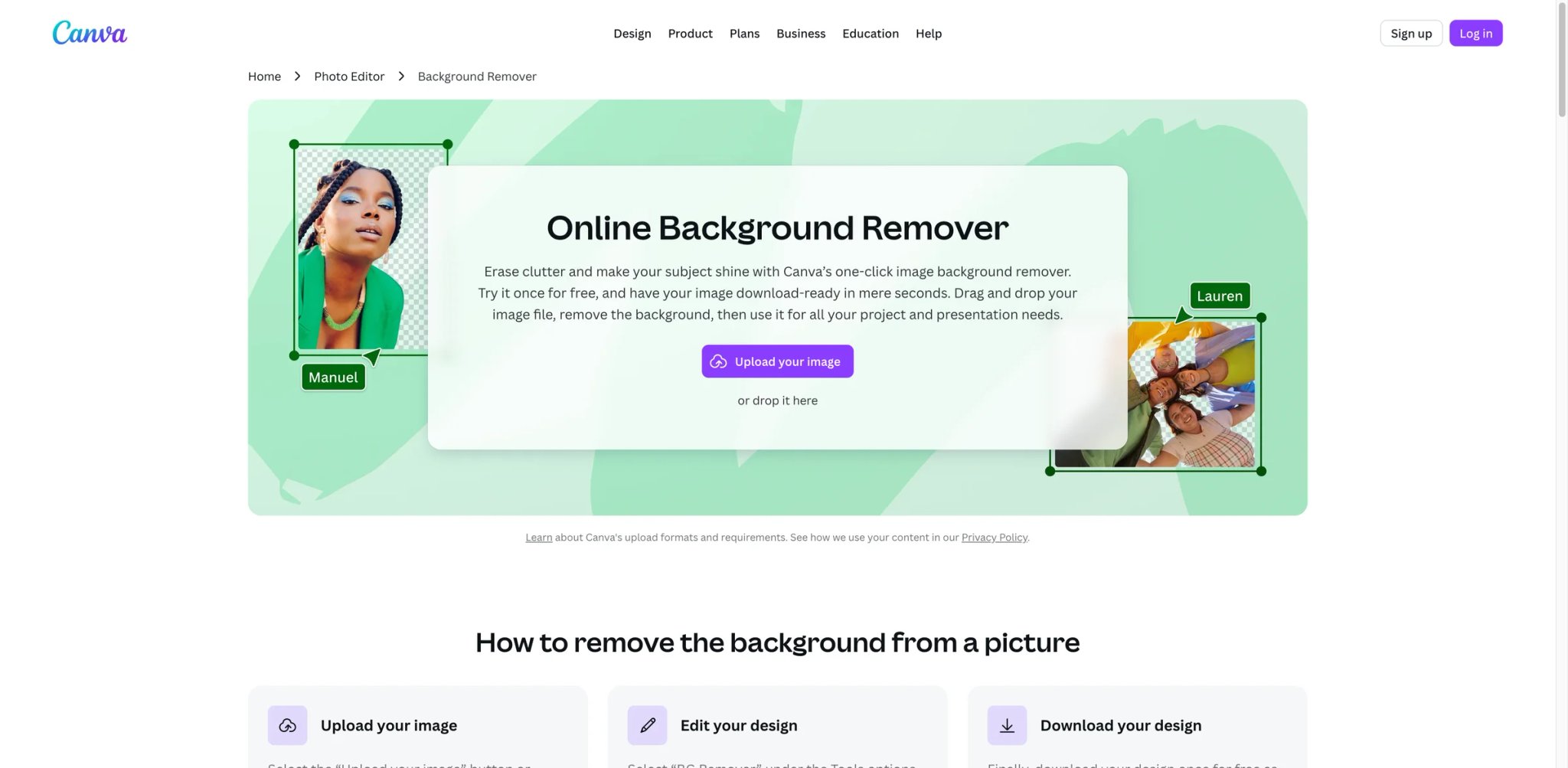
Canva's Background Remover is the most accessible option for designers already working in Canva's ecosystem. Rather than exporting images to a separate tool, Pro users can remove backgrounds directly inside their design — then immediately swap in new backgrounds, add text, or adjust compositions. The convenience factor is high, though the tool requires a paid subscription for regular use.
Key Features
- In-Editor Workflow — Background removal happens inside the Canva design canvas, eliminating the export/import loop required by standalone tools.
- Erase & Restore Brushes — Manual refinement tools let users clean up edges or restore accidentally removed foreground elements.
- Video Background Removal — Pro users can remove backgrounds from video clips up to 90 seconds, a feature uncommon in most background remover tools.
- Batch Processing — Remove backgrounds from up to 500 photos every 24 hours, suitable for small to mid-scale catalog work.
- Format Support — Works with JPG, PNG, HEIC, and HEIF; photos must be under 9MB and below 10MP (downscaled if larger).
- Magic Eraser — A complementary tool in the Pro suite for removing unwanted objects from within the frame, not just the background.
Pricing & Plans
- Free: US$0 — one free background removal trial; basic editor with 1.6M+ templates
- Pro: US$18/month (or US$144/year = $12/month) — unlimited background removals, video background removal, premium tools, 3.6M+ templates, 100GB storage
- Business: US$23/month per person (or US$230/year) — all Pro features plus collaboration, 100 Brand Kits, 500GB storage, team admin tools
- Enterprise: Let's talk — SSO, 1,000 Brand Kits, 1TB storage, dedicated success manager
Pros & Cons
Pros:
- Seamless integration with Canva's design tools removes the need for a separate editing step
- Video background removal is included in the Pro plan, a rare feature at this price point
- Batch limit of 500 images per 24 hours is generous for small businesses
- Free trial gives users a chance to test accuracy before upgrading
Cons:
- Background remover is locked behind the paid Pro plan after the single free trial
- Not suitable for users who work primarily outside of Canva
- Image file size and resolution caps limit use for professional photography workflows
Best For
- Freelance designers and marketers already using Canva for content creation
- Social media managers who need quick background removal without switching apps
- Small businesses creating product listings, banners, and promotional materials in one place
- Educators and nonprofits using Canva's discounted plans
Get started with Canva Background Remover

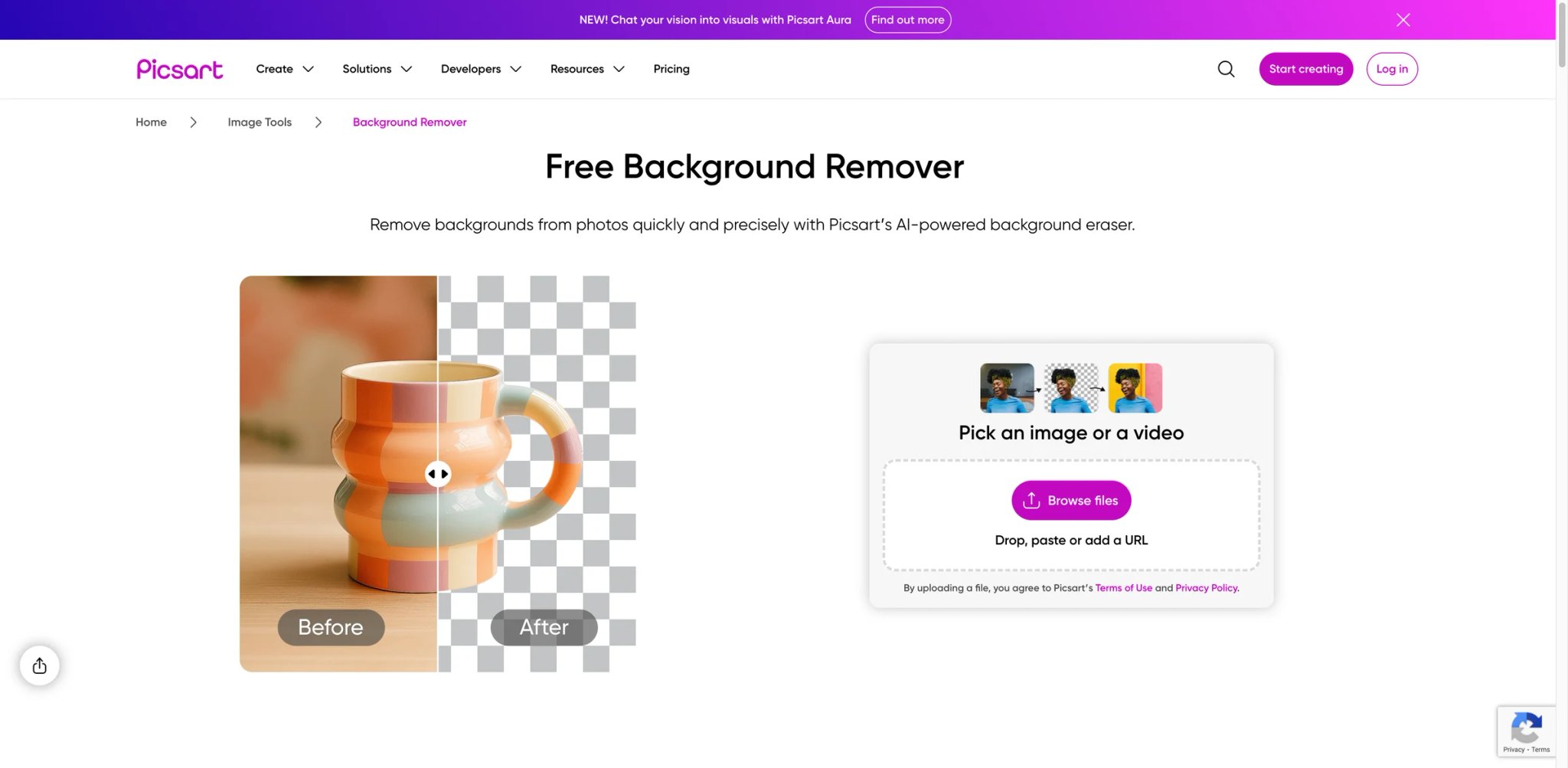
Picsart positions its background remover within a broader creative platform built for social media content creators. The tool is available on mobile, web, and via API, and the free tier — while limited to 5 credits per week — is enough for casual users. Paid plans unlock batch processing, background replacement with custom images, and stroke/shadow effects for more polished social-ready visuals.
Key Features
- Cross-Platform Availability — Works on iOS, Android, and web; background removal is consistent across all platforms.
- Background Replacement — Replace removed backgrounds with solid colors, gradient fills, or custom uploaded images directly within Picsart.
- Shadow & Stroke Effects — Add drop shadows or colored strokes to isolated subjects, useful for creating stylized social media graphics.
- API & No-Code Integrations — Background Remover API integrates with Zapier, Make.com, and major automation platforms; 5 credits per image.
- Batch Processing — Enterprise/API plans support bulk background removal for catalog or content production workflows.
- Sticker & Object Library — Access Picsart's large library of stickers, overlays, and design elements after removing the background.
Pricing & Plans
- Free: $0/mo — 5 credits/week, standard photo & video editing tools, 100 MB cloud storage
- Pro: $7/mo (billed yearly) — 500 credits/month; advanced background & object removal, bulk edit up to 50 images, millions of stock photos, 100 GB storage
- Ultra: $24.5/mo per seat (billed yearly) — 2,500 credits/month; everything in Pro plus early access to advanced AI (Nano Banana, Veo 3, Sora), bulk edit up to 100 images, 2,000 API credits, 300 GB storage per seat
- Enterprise: Custom — custom credit volume, SDKs, white-label support, dedicated account manager
Pros & Cons
Pros:
- Free tier available on mobile and web with no credit card required
- Strong mobile app experience optimized for social media creators
- API supports automation via Zapier and Make.com without coding
- Background replacement and styling tools are built in, reducing tool-switching
Cons:
- Credit consumption at 5 credits per image means even mid-tier plans don't stretch far for bulk work
- Output quality is good but trails remove.bg on complex edge cases like hair
- Some advanced features require navigation through a busy UI
Best For
- Social media creators making quick visual content for Instagram, TikTok, and Pinterest
- Mobile-first users who prefer editing on phone over desktop
- Small teams using automation platforms like Zapier to process content at scale
- Users wanting a combined editing and background removal platform on a budget
Get started with Picsart Background Remover


Adobe Express offers one of the most generous free background removal tools available: unlimited removals at no cost, with no watermarks. The feature is available directly in the browser without requiring Creative Cloud. While the free plan limits generative AI credits (25/month), the background removal itself is unlimited — a meaningful advantage for users who need reliable, no-cost cutouts without API complexity.
Key Features
- Free Unlimited Background Removal — Remove backgrounds from JPEG, JPG, PNG, or WebP files (up to 40MB) at no cost, indefinitely.
- Video Background Removal — Available on Premium plans; remove backgrounds from video clips without a green screen.
- Generative AI Integration — Replace backgrounds with AI-generated scenes using Adobe Firefly; 25 free generative credits/month on the free plan, 250 on Premium.
- Adobe Stock Access — Premium users access 195 million stock assets for background replacement directly within Express.
- No-Watermark Output — Unlike many free tools, Adobe Express adds no watermarks to exported images even on the free tier.
- Format Versatility — Accepts and exports multiple formats; supports files up to 40MB.
Pricing & Plans
- Free: US$0/month (no credit card required) — unlimited background removal, 100,000+ templates, 1M+ stock assets, basic editing tools
- Premium: US$9.99/month (no annual commitment, 30-day free trial) — video background removal, 250 generative AI credits/month, 200M+ stock assets, all premium templates, complete Adobe Fonts
- Firefly Pro: US$19.99/month (7-day free trial) — all Premium features plus 4,000 generative credits/month for AI video & audio, unlimited Generative Fill in Photoshop
- Teams: US$7.99/month per person (annual subscription, 2 seat minimum; US$4.99/month first year discount) — all Premium features plus advanced collaboration and security
- Enterprise: Contact sales (100+ users)
Pros & Cons
Pros:
- Unlimited free background removal with no watermarks is a genuine standout offer
- Clean web interface requires no software installation
- Tight integration with Adobe Firefly for AI-generated background replacement
- No credit card required for the free plan
Cons:
- Generative AI features are credit-limited on the free plan (25 credits/month)
- Video background removal is locked behind the paid Premium plan
- Not ideal for API or high-volume automated workflows — designed for individual use
Best For
- Students and educators needing unlimited background removal at zero cost
- Marketers and designers who occasionally need quick cutouts without a paid subscription
- Adobe Creative Cloud users who want a lighter, browser-based option
- Anyone replacing backgrounds with AI-generated scenes via Adobe Firefly
Get started with Adobe Express Background Remover


Kapwing is primarily a video editing platform, but its background remover handles both images and video clips — making it the strongest option for content creators who need background removal as one step in a broader video production workflow. Rather than switching tools, Kapwing users can remove a background and immediately cut, trim, add subtitles, and export — all in one browser-based editor.
Key Features
- Video & Image Background Removal — Removes backgrounds from both static images and video clips within the same editing timeline.
- Browser-Based Editor — No downloads required; works entirely in the browser with real-time collaboration support for teams.
- AI-Powered Subtitles & Dubbing — Background removal is one feature within a broader AI video toolkit that includes auto-subtitling and dubbing.
- 4K Export — Pro and Business plans support 4K video export; free plan is limited to 720p.
- Collaborative Workspace — Team members can edit projects together with shared workspaces, useful for content teams.
- Up to 2-Hour Video Exports — Pro plan supports long-form video exports, significantly longer than most AI editing tools.
Pricing & Plans
- Free: 10 credits/month, 720p export, 1-minute video max, watermarked
- Pro: $16/month (billed annually) or $24/month — 1,000 credits/month, 4K export, 2-hour video max, no watermark, 6GB uploads
- Business: $50/month (billed annually) or $64/month — 4,000 credits/month, lip sync, custom voice clones
- Enterprise: Custom pricing, SSO, dedicated support
Pros & Cons
Pros:
- One of the few tools combining video background removal with a full video editor
- Collaborative workspace makes it practical for content teams and agencies
- Browser-based with no installation required
- Pro plan at $16/month is competitive for the breadth of video tools included
Cons:
- Background removal is credit-based; the free tier's 10 credits/month is very limited
- Not optimized for high-volume photo background removal — primarily a video tool
- Free plan adds watermarks and limits export resolution to 720p
Best For
- Video creators producing YouTube, TikTok, or social content who need background removal in-workflow
- Marketing teams collaborating on video production without dedicated editing software
- Podcasters and educators creating talking-head videos without a green screen
- Content agencies needing a combined subtitle, dubbing, and background removal platform
Get started with Kapwing Background Remover


Clipdrop, developed by Stability AI, specializes in studio-quality subject isolation with a particular strength on portraits and complex subjects — fine hair strands, transparent glasses, intricate clothing. The tool is part of a broader creative suite that includes Cleanup, Relight, Reimagine, and Text Remover, making the Pro subscription a versatile option for photographers and visual designers who need multiple AI editing capabilities in one platform.
Key Features
- High-Quality Subject Isolation — Excels on portraits with complex hair, fine details, and transparent elements; consistent with professional studio-level cutouts.
- Full AI Creative Suite — Pro plan unlocks Cleanup (object removal), Relight (AI lighting), Reimagine (variation generation), and Text Remover alongside background removal.
- High-Resolution Output — Pro plan delivers high-res exports suitable for print and large-format use.
- Commercial License — Pro plan includes commercial use rights; free tier is personal use only.
- API Access — Developer API uses a credit system; 100 free credits for development testing.
- Priority Processing — Pro users get skip-queue priority, reducing wait times during peak usage.
Pricing & Plans
- Free: 20 background removals per 24 hours (standard resolution), personal use only
- Pro: Pricing not publicly disclosed on current page (7-day free trial available) — 1,000 uses/24 hours, high-res output, commercial license, skip-queue priority, all tools
- API: Usage-based cost; see clipdrop.co/apis/pricing for current rates
Pros & Cons
Pros:
- Portrait and fine-detail edge accuracy is among the strongest in the category
- Full AI creative suite (Cleanup, Relight, Reimagine) adds significant value at the Pro price
- Commercial license included at the Pro tier with no additional cost
- 7-day free trial available before committing to a paid plan
Cons:
- Free tier is limited to 20 removals per day; not suitable for volume work
- Video background removal is not natively supported
- Pro plan pricing not publicly listed; requires starting a free trial to see current rates
Best For
- Photographers needing professional-grade portrait cutouts and composite work
- Visual designers who also use object removal, relighting, and AI variation tools
- E-commerce brands with complex product images requiring precise edge isolation
- Developers building photo-centric applications needing reliable API access
Get started with Clipdrop Remove Background

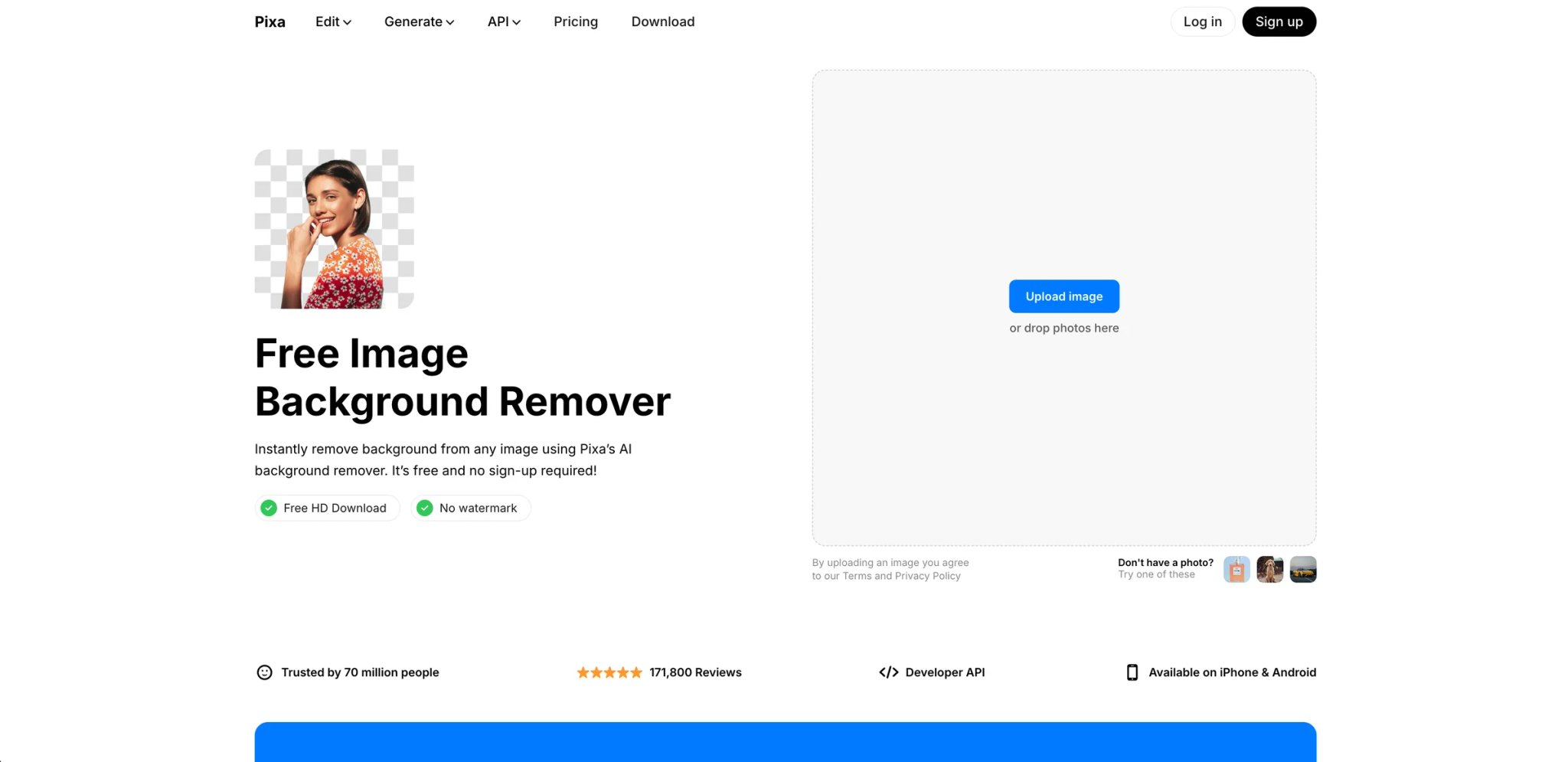
Pixelcut (now rebranded as Pixa) is a mobile-first AI photo editor that targets solopreneurs and small sellers who need quick product photo editing on their phones. The background remover is built into a broader toolkit that includes AI-generated backgrounds, product photo templates, and batch removal. At $10/month for the entry paid plan, it's one of the more affordable options for unlimited background removal with commercial licensing.
Key Features
- Mobile-First Design — Native iOS and Android app optimized for editing product photos on the go; interface is clean and fast.
- AI Background Replacement — After removal, choose from AI-generated product backgrounds or solid studio colors.
- Product Photo Templates — Pre-built templates for marketplaces like Amazon, Shopify, and Etsy standardize image dimensions and styling.
- GPU Credits for AI Edits — Pro plan includes 600 GPU credits/month for AI-intensive features beyond basic background removal.
- API Access — Developer API available; background removal costs 5 credits ($0.05) per image.
- Unlimited AI Edits — All paid plans include unlimited AI edits with daily generation limits based on tier.
Pricing & Plans
- Free: $0 — limited background removal, upscale, and AI generations
- Pro: $10/month — 600 AI credits/month, unlimited background removal & upscale, 3-person team, batch editing, commercial license
- Pro+: $30/month (Most Popular) — 3,600 AI credits/month, unlimited background removal & upscale, 10-person team, batch editing, commercial license
- Annual billing: Save 20% across all plans
- API: 5 credits ($0.05) per image; 100 free credits for new accounts
Pros & Cons
Pros:
- Affordable entry plan at $10/month with unlimited background removal and commercial license
- Mobile app is well-optimized for on-the-go product photo editing
- Marketplace-specific templates simplify listing image preparation
- API available with clear per-image credit pricing
Cons:
- Some users report billing confusion and difficulty reaching customer support
- Output quality may not match desktop-first tools for complex edge cases
- Daily generation limits can be a bottleneck for high-volume sellers
Best For
- Solopreneurs and Etsy sellers editing product photos on mobile devices
- Small business owners who prefer smartphone-based editing over desktop software
- Amazon and marketplace sellers needing standardized product image templates
- Developers building lightweight mobile-adjacent applications
Get started with Pixelcut

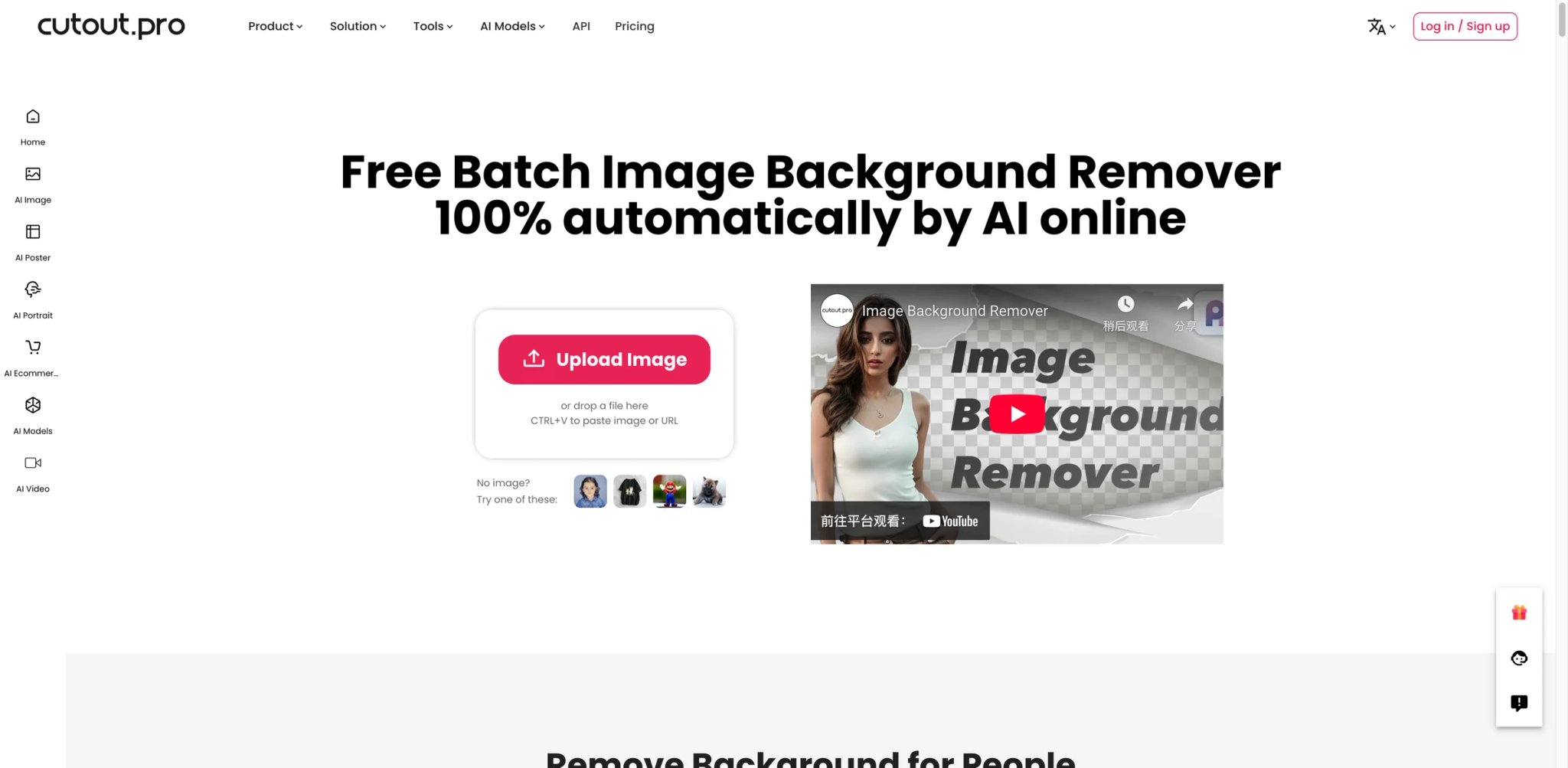
Cutout.pro offers a broad set of AI image processing tools beyond background removal — including photo enhancement, colorization, face retouching, and cartoon generation — all on a single credit-based pricing model. The background remover starts at $5/month for 80 credits, making it one of the lowest entry points for a paid tool. Unused subscription credits roll over up to 5× your monthly budget.
Key Features
- Credit-Based Flexibility — Pay only for what you use; background removal costs 1 credit per full-resolution image, or 0.25 credits for previews.
- Multi-Tool Platform — Background removal is one of 15+ AI tools including Photo Enhancer, Colorizer, and AI Art Generation — all on the same credit balance.
- API Access — Well-documented API with clear per-call pricing; API preview images cost 0.25 credits.
- Credit Rollover — Unused subscription credits roll over up to 5× your monthly budget, staying active as long as your subscription is active.
- Pay-as-you-go Credits — Non-expiring credits available from $4.99 for 30 credits; useful for irregular workflows.
- Video Background Removal — Separate video credits available; starting from $19 for 1 minute of video processing.
Pricing & Plans
- Free: 5 credits included; additional credits via referral invitations
- Subscription: $5/month (80 credits) to $69/month (1,450 credits); unused credits roll over up to 5×; 14-day money-back guarantee
- Pay-as-you-go: From $4.99 (30 credits, no expiry) to $1,399 (30,000 credits)
- Video: From $19 for 1 minute of video background removal (separate video credit system)
Pros & Cons
Pros:
- Lowest monthly entry price ($5/mo) of any paid tool in this comparison
- Credits roll over up to 5× monthly budget — generous for irregular usage patterns
- API pricing is transparent and developer-friendly with preview cost savings
- Multi-tool platform means credits can be used across background removal, enhancement, and more
Cons:
- Only 1 free credit with no ongoing free tier — less generous than competitors
- Credit consumption for HD exports varies by feature, making cost prediction less straightforward
- UI and UX feel less polished than newer tools like PhotoRoom or Canva
Best For
- Budget-conscious users who need occasional high-quality background removal
- Developers needing a low-cost API for background removal and other image processing
- Users wanting a lifetime deal to avoid recurring subscription costs
- Teams using multiple AI image processing tasks who want all credits in one account
Get started with Cutout.pro

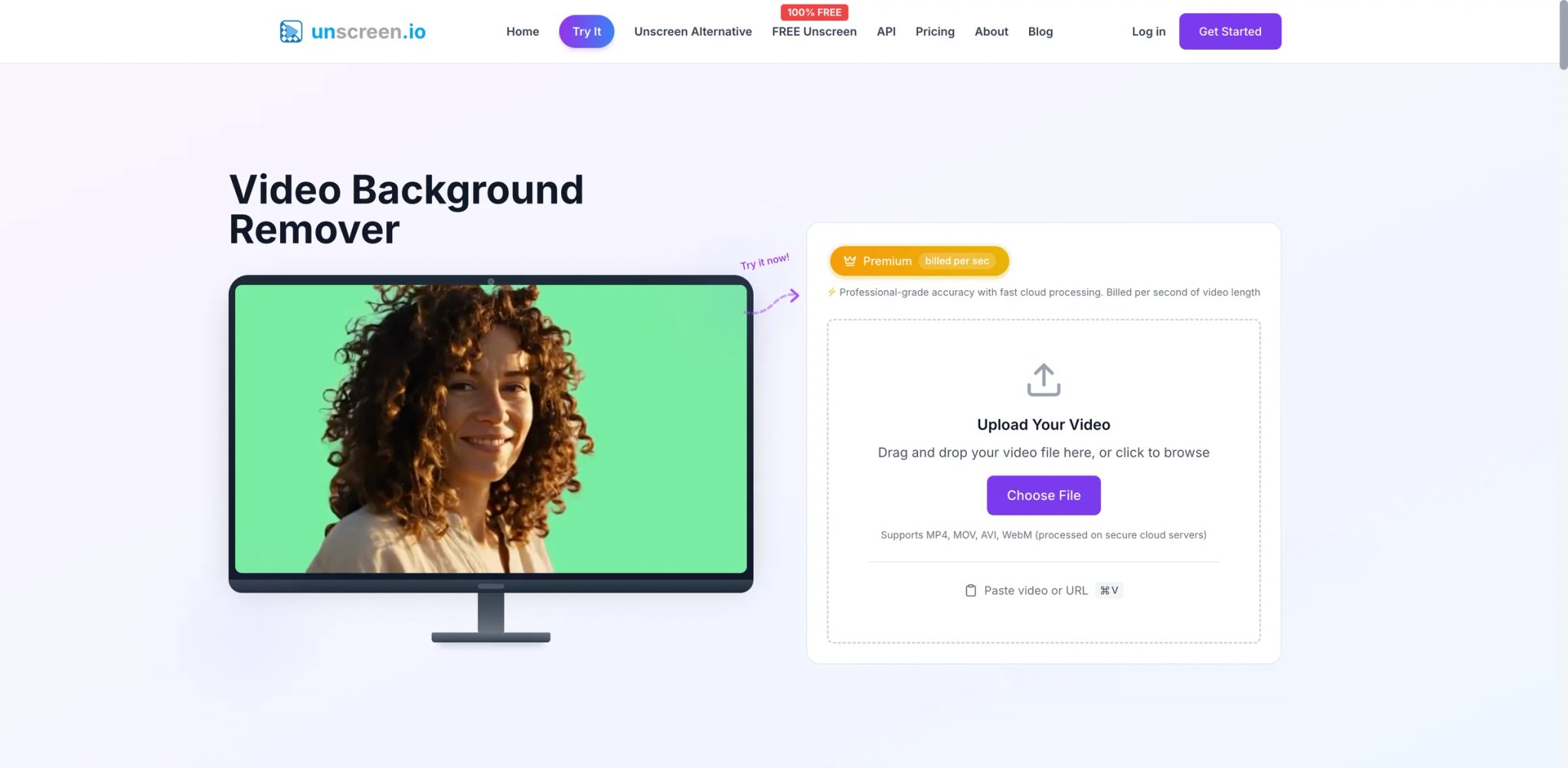
Unscreen is the only tool in this list built specifically for video background removal without a green screen. While most tools in this category focus on static images, Unscreen applies frame-by-frame AI processing to isolate moving subjects — people, animals, objects — in video clips. As of early 2026, the original unscreen.com service has transitioned to unscreen.io with expanded capabilities including 4K support, longer video limits (30 minutes vs. 5 minutes), and flexible credit pricing.
Key Features
- Frame-by-Frame Video Processing — AI analyzes each frame independently to maintain clean subject isolation across motion, lighting changes, and camera movement.
- No Green Screen Required — Works on any footage recorded in normal environments; no special setup or production equipment needed.
- 4K Resolution Support — Unscreen.io supports 4K output (vs. 1080p on the legacy platform); premium plans required.
- Free Tier with No Account — Process up to 1080p video for free with no registration; limited to WebM output and reduced bitrate.
- Credit-Based Pricing — Portrait Mode costs 1 credit/second; Studio Quality (advanced AI) costs 4 credits/second; allows pay-per-use flexibility.
- API & Commercial License — Paid plans include API access and commercial licensing for professional video production.
Pricing & Plans
- Free (unscreen.io): Unlimited 1080p processing, no account needed, WebM only, no audio, limited bitrate
- Credits: From $0.99/month (100 credits) to $99/month (10,000 credits)
- Portrait Mode: 1 credit/second of video
- Studio Quality: 4 credits/second of video
- Note: unscreen.com has shut down as of December 2025; use unscreen.io for current access
Pros & Cons
Pros:
- Only purpose-built video background removal tool in this comparison
- Free tier processes unlimited video at 1080p without account registration
- Credit-based pricing makes it cost-effective for occasional video projects
- 30-minute video length limit on paid plans covers most content creation use cases
Cons:
- Not suitable for static image background removal — video only
- Studio Quality mode consumes 4 credits/second, which can add up for longer clips
- Transition from unscreen.com to unscreen.io means some integrations may need updating
- Free tier limited to WebM export and no audio — requires post-processing for most production workflows
Best For
- Video content creators producing talking-head videos, tutorials, or social media clips
- YouTubers and streamers removing backgrounds from recorded footage without green screen setups
- Marketing teams producing professional video ads without production studio equipment
- Filmmakers and post-production teams needing frame-accurate subject isolation for compositing
Get started with Unscreen
Best AI Background Remover Tools by Use Case
Not every background remover fits every workflow. Here's how to match the right tool to your specific situation.
For E-Commerce Product Photography
If you're selling on Amazon, Etsy, Shopify, or similar platforms, consider PhotoRoom or Cutout.pro. PhotoRoom's batch editing with templates creates consistent product photos at scale, and the AI-generated backgrounds can replace plain studio shots with lifestyle imagery. Cutout.pro offers the lowest per-image cost for high-volume catalogs, with a lifetime plan that eliminates ongoing subscription costs. For an AI product photography tool that goes beyond background removal, our guide to AI product photography tools covers complementary options.
For Portrait & Headshot Editing
For professional portrait work — LinkedIn headshots, team photos, client photography — Clipdrop and remove.bg are the most reliable choices. Clipdrop's edge accuracy on hair and fine details is consistently studio-quality. remove.bg is the API standard that many Photoshop plugins and design tools use under the hood, meaning its output integrates seamlessly into professional editing workflows. If you're specifically working on LinkedIn headshots, see our best AI headshot generators guide for context on the full headshot workflow.
For Video Without a Green Screen
Unscreen is the only purpose-built option for video background removal in this list. If you're recording tutorials, social media clips, or vlogs and want to composite backgrounds in post, Unscreen's frame-by-frame processing handles motion and lighting changes better than general-purpose image tools applied to video frames. Kapwing is the better choice if you want background removal integrated into a full video editing workflow with subtitles, trimming, and dubbing.
For Designers in Creative Suites
Canva Background Remover and Adobe Express Background Remover serve designers who prefer to stay inside their primary tool. Canva's background removal is particularly powerful when followed immediately by Canva's design tools, templates, and brand kit. Adobe Express's free unlimited background removal is exceptional value, especially when paired with Firefly-powered background generation. For a broader look at AI image editing capabilities, our AI image editor category lists tools that handle the full image editing workflow.
For Developers & API Integration
remove.bg remains the API standard — well-documented, broadly integrated, and trusted in production by major platforms. PhotoRoom's API is worth evaluating for workflows that need background removal plus AI background generation in a single call. Clipdrop and Cutout.pro both offer competitive API pricing for teams building cost-sensitive pipelines.
How to Choose the Right AI Background Remover Tool
Selecting the right tool comes down to matching capabilities to your specific workflow. Follow these steps:
1. Identify Your Content Type Photo vs. video is the first fork in the road. If you need video background removal, Unscreen or Kapwing are the only real options here. For photos, most tools are comparable at basic tasks — differences emerge at scale and edge-case accuracy.
2. Estimate Your Monthly Volume Count how many images you'll process per month. Under 50: Adobe Express (free, unlimited) or remove.bg's pay-as-you-go. 50–500: PhotoRoom Pro or Cutout.pro subscription. 500+: Compare remove.bg's credit subscriptions, PhotoRoom's API, or Cutout.pro's enterprise tiers.
3. Decide Whether You Need a Suite or a Single Tool If background removal is one step in a larger workflow (design, video editing, product photography), choose a platform — Canva, Adobe Express, Kapwing, or PhotoRoom — where the entire workflow lives. If you just need clean cutouts for import into another tool, remove.bg or Clipdrop provides simpler, higher-accuracy output.
4. Check Commercial Licensing Free tiers on Picsart, Clipdrop, and others restrict commercial use. If you're creating images for paid advertising, client work, or marketplace sales, confirm that your plan includes a commercial license before processing.
5. Consider Complementary Workflows Background removal is rarely the last step. If you're preparing product images for print or large-format use, pairing a background remover with an AI image upscaler can bring cutout resolution up to print-ready quality. For full-suite editing — retouching, generative fill, and compositing — combine background removal with a dedicated AI image editor for the complete post-production workflow.
6. Test Before Committing Every tool in this list offers a free tier or trial. Test on your actual content — your specific product types, hair textures, or video footage — before purchasing a subscription. Edge accuracy varies enough across tools that a 10-minute test can save a month of frustration.
Frequently Asked Questions
What is the best free AI background remover in 2026?
Which AI background remover is best for e-commerce product photos?
Can AI background removers handle video?
What's the difference between remove.bg and Clipdrop for edge accuracy?
Do AI background removers support commercial use?
How much does an AI background remover typically cost?
Is there an AI tool that removes backgrounds from both images and video?
Get ToolWorthy Weekly
New AI tools, practical guides, and selected AI signals in one weekly brief.
For AI tool founders
Built a tool that belongs in this decision set?
Request an editorial evaluation for possible inclusion in ToolWorthy.
Submit your tool for reviewPaid submission does not guarantee a ranking, recommendation, inclusion, or editorial outcome.