



Overview
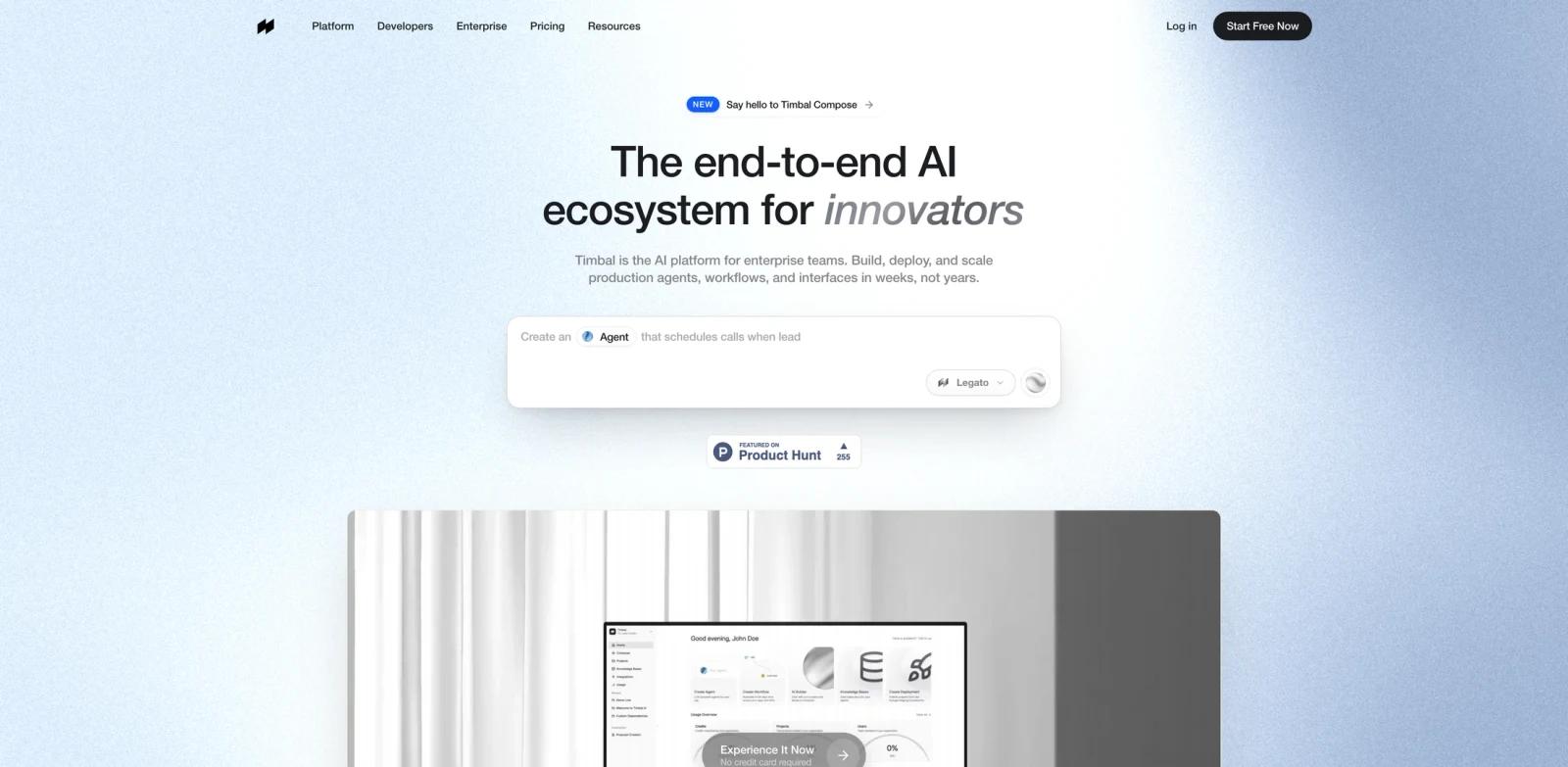
Timbal AI is an end-to-end platform for teams building production AI systems. It combines agents, workflows, interfaces, knowledge bases, integrations, monitoring, evaluation, and governance in one stack, so teams do not have to assemble separate tools for orchestration, retrieval, UI, and observability.
The product is aimed at enterprise teams and developers who need to move from AI prototypes to deployed applications. Product Hunt describes Timbal as a platform to "build AI agents, workflows, and apps in one stack," while the official site positions it as an AI ecosystem for building, deploying, and scaling production agents in weeks rather than years.
Timbal is most relevant for teams that are already past basic chatbot experiments and need reliable AI agent infrastructure: reusable workflows, governed knowledge bases, enterprise integrations, and evaluation loops for shipping AI applications to real users.
Key Features
Agent builder - Create autonomous AI agents with reasoning, memory, tools, and production deployment controls.
Workflow orchestration - Chain deterministic AI steps, branch on logic, and design repeatable workflows for business processes.
Interface creation - Build custom interfaces for the AI systems you ship, including chat-style experiences, dashboards, and other product surfaces.
Knowledge bases - Sync, chunk, retrieve, and query enterprise knowledge using a hybrid retrieval layer designed for AI applications.
Native integrations - Connect to business systems such as SAP, Salesforce, Slack, Teams, Drive, Jira, and other tools through built-in connectors.
Evaluation and governance - Monitor AI systems, evaluate output quality, and manage production behavior from the same platform used to build the application.
Integration Guide
Timbal is useful when a team needs one platform that spans AI application building and business-system connectivity. The official site lists core products for agents, workflows, interfaces, knowledge bases, and integrations, plus developer-facing tools such as a framework, SDK, CLI, API, ACE, and MCP.
For teams comparing it with a lighter AI app builder, the main distinction is scope. Timbal is not only a no-code interface layer. It is closer to a production AI platform for teams that need application logic, retrieval, evaluation, and enterprise connectors in one place.
Pricing & Plans
Timbal's public website promotes a "Start Free Now" path and says users can experience the product with no credit card required; its pricing FAQ also describes Timbal as free for individuals. Product Hunt also marks the launch as having free options.
Timbal's official pricing FAQ says the product is free for individuals, with paid team plans starting from EUR25 per month per seat and custom enterprise pricing for sovereign hosting, SLAs, or volume usage. Because Timbal is positioned for enterprise AI teams, buyers should expect a free start or trial path plus paid or enterprise pricing for production usage, scale, governance, and support.
| Plan | Price | Notes |
|---|---|---|
| Free | Free for individuals | Public site offers a "Start Free Now" / no-credit-card path; detailed free-tier usage limits were not visible in the public pricing copy |
| Teams | From EUR25/month per seat | Paid team plans; same agents, workflows, and knowledge bases are available on every plan, with usage and seats driving cost |
| Enterprise | Custom | Contact Timbal for sovereign hosting, SLAs, volume usage, enterprise controls, support, and custom deployment needs |
Do not assume enterprise pricing, usage limits, or custom deployment costs until Timbal confirms them during sales onboarding; public team pricing starts from EUR25/month per seat.
Best For
- Enterprise teams turning AI prototypes into production systems
- Product and engineering teams building internal agents, customer-facing AI interfaces, or AI-enabled dashboards
- Operations teams that need AI workflows connected to Salesforce, Slack, Teams, Drive, Jira, SAP, or similar systems
- Developers who want an integrated platform instead of stitching together orchestration, RAG, UI, and eval tools
- Teams comparing platforms such as Empromptu AI and other production AI infrastructure tools
FAQ
What is Timbal AI?
Timbal AI is a platform for building production AI agents, workflows, interfaces, knowledge bases, integrations, and evaluation loops from one stack.
Is Timbal AI only for developers?
No. Timbal includes developer-facing tools such as an SDK, CLI, API, and documentation, but the product also targets enterprise teams building AI workflows and interfaces around business systems.
Does Timbal AI have a free plan?
The official website offers a "Start Free Now" path and says no credit card is required. Product Hunt also lists free options. Timbal's public pricing FAQ lists paid team plans from EUR25 per month per seat, while enterprise rollouts use custom pricing.
What can teams build with Timbal AI?
Teams can build AI agents, deterministic workflows, custom interfaces, retrieval-backed knowledge bases, and connected AI applications that use enterprise data and systems.
How is Timbal different from a basic AI chatbot builder?
A chatbot builder usually focuses on conversation. Timbal covers more of the production AI stack, including workflow logic, knowledge retrieval, integrations, monitoring, evaluation, and governance.
Is Timbal suitable for small teams?
It can be evaluated by small teams through the free start path, but the platform is strongest when a team needs production deployment, integrations, and governance. Simple one-off automations may be easier in lighter tools.