



Overview
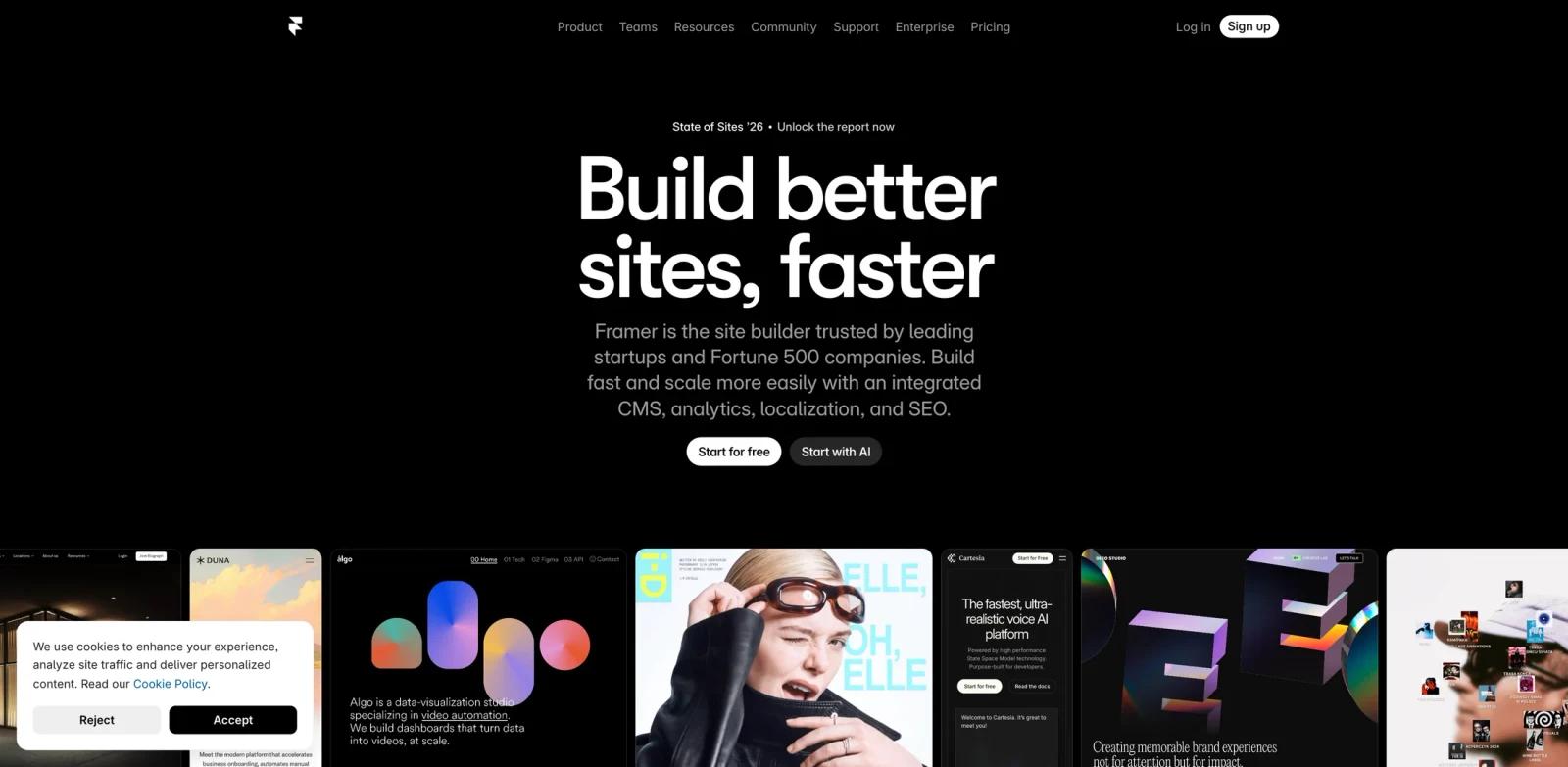
Framer started as a prototyping tool for designers who wanted more than Figma but less than a full CMS. The AI layer changed what that means: instead of starting from a blank canvas, designers now describe what they want in a chat prompt and let Framer generate the initial layout, structure, and content. The result lands in the same visual editor Framer users already know — ready to refine, not ready to throw away.
Framer started as a prototyping tool for designers who wanted more than Figma but less than a full CMS. The AI layer changed what that means: instead of starting from a blank canvas, designers now describe what they want in a chat prompt and let Framer generate the initial layout, structure, and content. The result lands in the same visual editor Framer users already know — ready to refine, not ready to throw away.
The AI features extend beyond site generation. One-click translation converts sites to multiple languages without plugin setup. Workshop lets teams build custom components — cookie banners, tabs, visual effects — without writing code. And an AI plugin system lets teams connect OpenAI, Anthropic, or Gemini models directly into their Framer workflow for tasks like image generation, text rewriting, and alt-text creation.
For teams already building on Framer, the AI additions reduce the blank-canvas friction and expand what non-developers can ship. For teams evaluating it against AI website builders like Webflow or Squarespace, the key trade-off is customization depth versus editorial structure.
Key Features
- Wireframer (AI Page Generation) — Chat with Framer AI to generate responsive pages from a text description. The output includes structural layout and starter content, placed inside the Framer editor where teams can edit every element visually.
- AI Translate — One-click site translation into multiple languages, handled automatically without installing third-party plugins. Locale management is built into the platform; the first locale is free on all plans.
- Workshop (Component Generation) — Build custom UI components — tabs, cookie notices, visual effects, interactive elements — through a guided no-code interface. Workshop extends what designers can ship without developer involvement.
- AI Plugins — Connect external AI models (OpenAI, Anthropic, Gemini) as custom plugins inside Framer to generate images, rewrite copy, or create alt text. Teams can build their own plugins or use community-published ones.
- Visual Electric Image Generation — Generate images for use in sites directly within Framer's workflow through the Visual Electric integration.
- Staging & Roles — Pro and Scale plans include staging environments and role-based permissions, supporting collaborative review workflows before publishing to production.
How It Compares
| Tool | Generation Approach | Design System | Starting Price | Free Tier |
|---|---|---|---|---|
| Framer AI | Chat prompt → responsive layout + content | Flexible, designer-controlled | $10/mo (annual) | ✅ Yes |
| Webflow AI | Prompt → multi-page site + Flowkit system | Auto-generated global variables | $14/mo (annual) | ✅ Yes |
| Wix ADI | Questionnaire → template population | Template-constrained | $17/mo | ✅ Yes |
| Squarespace | Blueprint template selection | Template-constrained | $16/mo | ❌ Trial only |
| Atoms | Prompt → app + component library | Component-first | Free + paid | ✅ Yes |
Framer AI is more designer-oriented than Wix or Squarespace — output is flexible and editable at every level, not locked into a template grid. Webflow generates a more complete multi-page foundation with a design system pre-built; Framer gives more creative control at the cost of more setup. Against simple site builders, Framer's learning curve is steeper but the ceiling is higher for custom visual work.
Pricing & Plans
Framer's pricing is per site, billed annually. Monthly billing adds approximately 20% to each plan. Editor seats are priced separately on paid plans.
| Plan | Annual Price | Monthly Price | Pages | CMS Collections | Custom Domain |
|---|---|---|---|---|---|
| Free | $0 | $0 | 1,000 | 10 | ❌ |
| Basic | $10/mo | $12/mo | 30 | 1 | ✅ |
| Pro | $30/mo | $36/mo | 150 | 10 | ✅ |
| Scale | $100/mo + usage | Annual only | 300 (+$20/100 pages, max 700) | 20 | ✅ |
| Enterprise | Custom | Custom | Custom | Custom | ✅ |
Additional editor seats: $20/month on Basic, $40/month on Pro and Scale. Scale bandwidth starts at 200 GB with additional bandwidth at $40 per 100 GB (max 2 TB). Priority support is included on Scale.
The free plan includes up to 1,000 pages (staging pages) but no custom domain — it publishes to a Framer subdomain. The first locale for AI Translate is included free on all plans; additional locales require a paid plan.
Best For
- Design-led teams and agencies that already use Framer and want AI to accelerate layout and component work without leaving their existing tool
- Portfolio builders and landing page creators who need creative control over layouts that template-based builders don't allow
- Teams building multilingual sites where one-click AI translation saves significant localization effort
- Product and marketing teams that want to embed custom AI workflows (image generation, copy rewriting) directly in their site-building process
- Smaller companies evaluating a no-code alternative to hiring a developer, who need a tool with more customization headroom than Wix or Squarespace
FAQ
Does Framer AI require a paid plan?
No. The free plan includes AI layout generation, Workshop, and AI plugins. The free plan is limited to a Framer subdomain (no custom domain) and 10 CMS collections. Any site requiring a custom domain needs at least the Basic plan ($10/month billed annually).
What does Framer AI actually generate?
Framer AI (Wireframer) generates responsive page layouts with structural sections and placeholder content based on a chat prompt. The output appears directly in Framer's visual editor, where every element can be edited, replaced, or rearranged. It generates individual pages, not a full multi-page site in one step.
How does AI Translate work?
AI Translate converts a published Framer site to additional languages automatically, without installing plugins. Locale management (publishing separate URLs per language) is handled inside Framer. The first locale is free on all plans; additional locales require paid plans.
Can I build custom AI tools inside Framer?
Yes. Framer's AI plugin system allows teams to connect OpenAI, Anthropic, or Gemini models directly into their workflow. Use cases include image generation, copy rewriting, and alt-text generation. Custom plugins can be built or published for community use.
How does Framer compare to Webflow for AI site building?
Webflow AI generates a complete multi-page site with a design system (Flowkit) in a single generation — including global color tokens, typography, and animations. Framer AI generates individual page layouts that require more manual work to extend to a full multi-page site. Webflow has a stronger structural foundation out of the box; Framer gives more creative flexibility and is closer to the traditional design tool experience. See the best AI website builders guide for a full comparison.
What is Workshop?
Workshop is Framer's no-code component builder. It allows teams to create visual effects, cookie notices, tabs, and other interactive components without writing code. Components built in Workshop are reusable across a Framer site.
How does Framer AI handle AI UI design vs full site building?
Framer sits between a UI design tool and a full site builder. Its AI layout generation is strongest for landing pages and portfolio sites where visual design quality matters. Teams building content-heavy sites with complex CMS needs may find Webflow or a dedicated CMS better suited for scale.
Is there a trial for paid plans?
Framer doesn't offer a separate time-limited trial. The free plan functions as an ongoing free tier — teams can build and publish on a Framer subdomain indefinitely without paying. Upgrading unlocks custom domains, more pages, and additional CMS collections.