



Overview
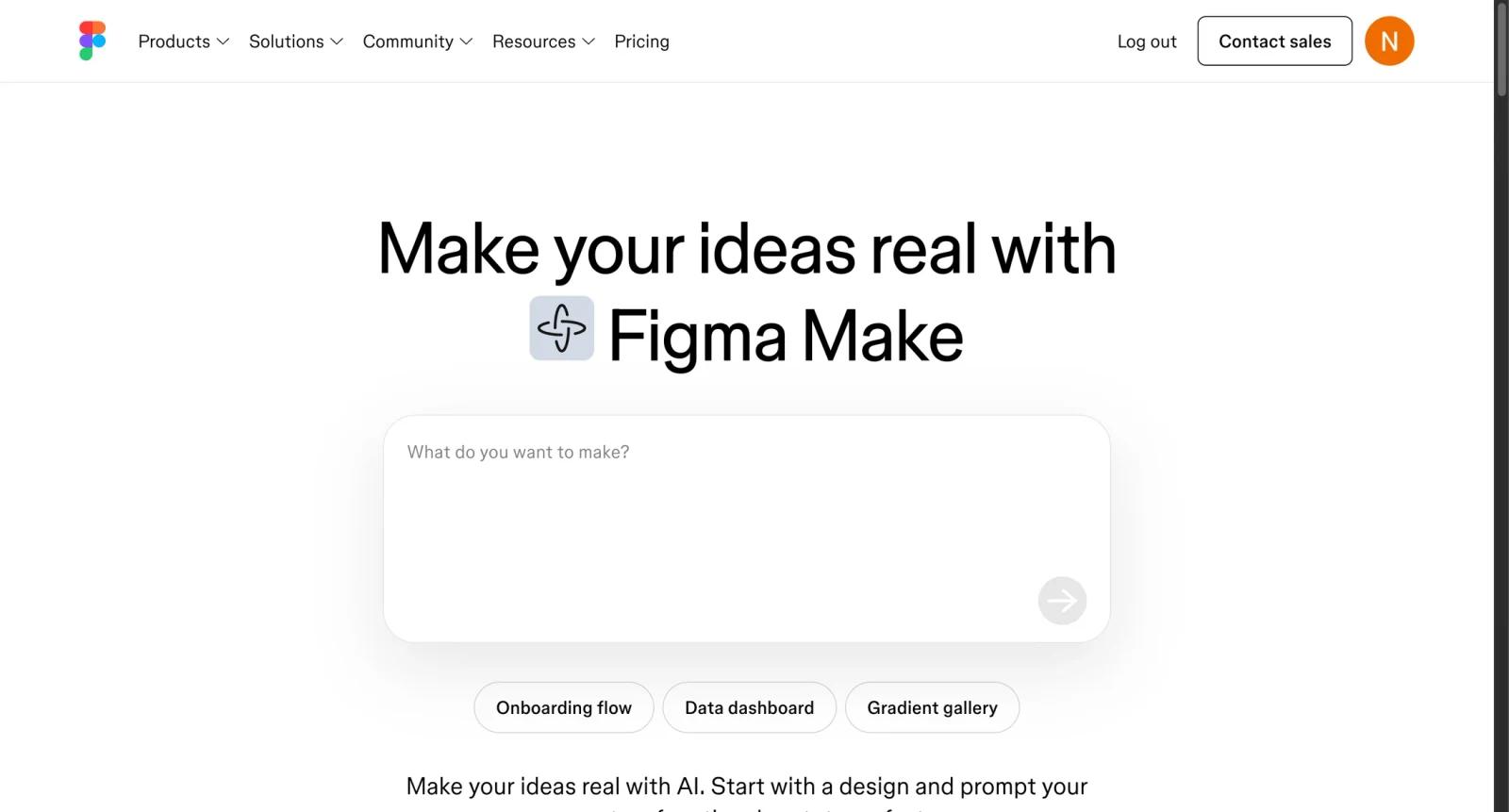
Figma Make is Figma's prompt-to-code workflow for turning natural language prompts, existing designs, and product ideas into functional prototypes or web app concepts. It sits alongside Figma Design, Dev Mode, FigJam, and Figma Slides in Figma's broader product suite.
The tool is aimed at designers, product managers, founders, and teams that want to explore interactive ideas faster than traditional prototyping. Users can prompt Figma Make to build layouts, prototype flows, and interactive UI, then share the result or connect it with developer workflows depending on access.
As of April 28, 2026, Figma says Full seat users unlock the full potential of AI features and Figma Make, including publishing or privately sharing Make files. View, Collab, and Dev seat users can create unlimited Make files in drafts and try AI features available to them.
For adjacent research, compare AI design tools, AI UI design tools, AI website design tools.
Key Features
- Prompt-to-code generation - Creates functional prototypes or web app concepts from natural language.
- Design-to-prototype workflow - Lets users bring existing Figma designs into a coded prototype experience.
- Interactive outputs - Supports richer prototypes than static click-through mockups.
- AI credit usage - Figma AI features use credits, so teams need to monitor usage and plan access.
- Sharing and publishing controls - Full seat users have broader sharing and publishing capabilities.
- Agent and code workflows - Figma Make files and code can connect with AI coding agents and Figma's broader developer ecosystem.
Pricing & Plans
Figma Make pricing is tied to Figma plans, seat types, and AI credits.
| Access path | Pricing | Best fit |
|---|---|---|
| Draft Make files | Available to View, Collab, Dev, and Full seat users within plan limits | Trying ideas and prototypes |
| Full seat access | Check Figma pricing | Publishing, sharing, and fuller AI feature use |
| Organization and Enterprise | Check Figma pricing | Larger teams needing controls, billing, and governance |
Check Figma's current pricing page for seat costs, AI credits, Make availability, and plan-specific sharing rights.
Best For
Figma Make is best for product designers, PMs, founders, and design teams that want to turn prompts and Figma designs into interactive prototypes quickly.
FAQ
What is Figma Make?
Figma Make is a prompt-to-code tool for generating functional prototypes and web app concepts from natural language and Figma designs.
Is Figma Make free?
Figma Make access depends on Figma seat type, plan, and AI credits. Some users can create draft Make files, while full access depends on plan details.
Who can publish Figma Make files?
Figma says Full seat users unlock publishing or private sharing for Make files.
Should Figma Make output go directly to production?
No. Treat generated prototypes as starting points that still need design, accessibility, security, and engineering review.
Who should use Figma Make?
Figma Make is best for users who need the workflow described in this review and want to compare it against adjacent AI tools before adopting it.
How much does Figma Make cost?
Pricing can change by plan, billing term, region, and usage limits. Check the official website for the current plan details before purchase.

