



Overview
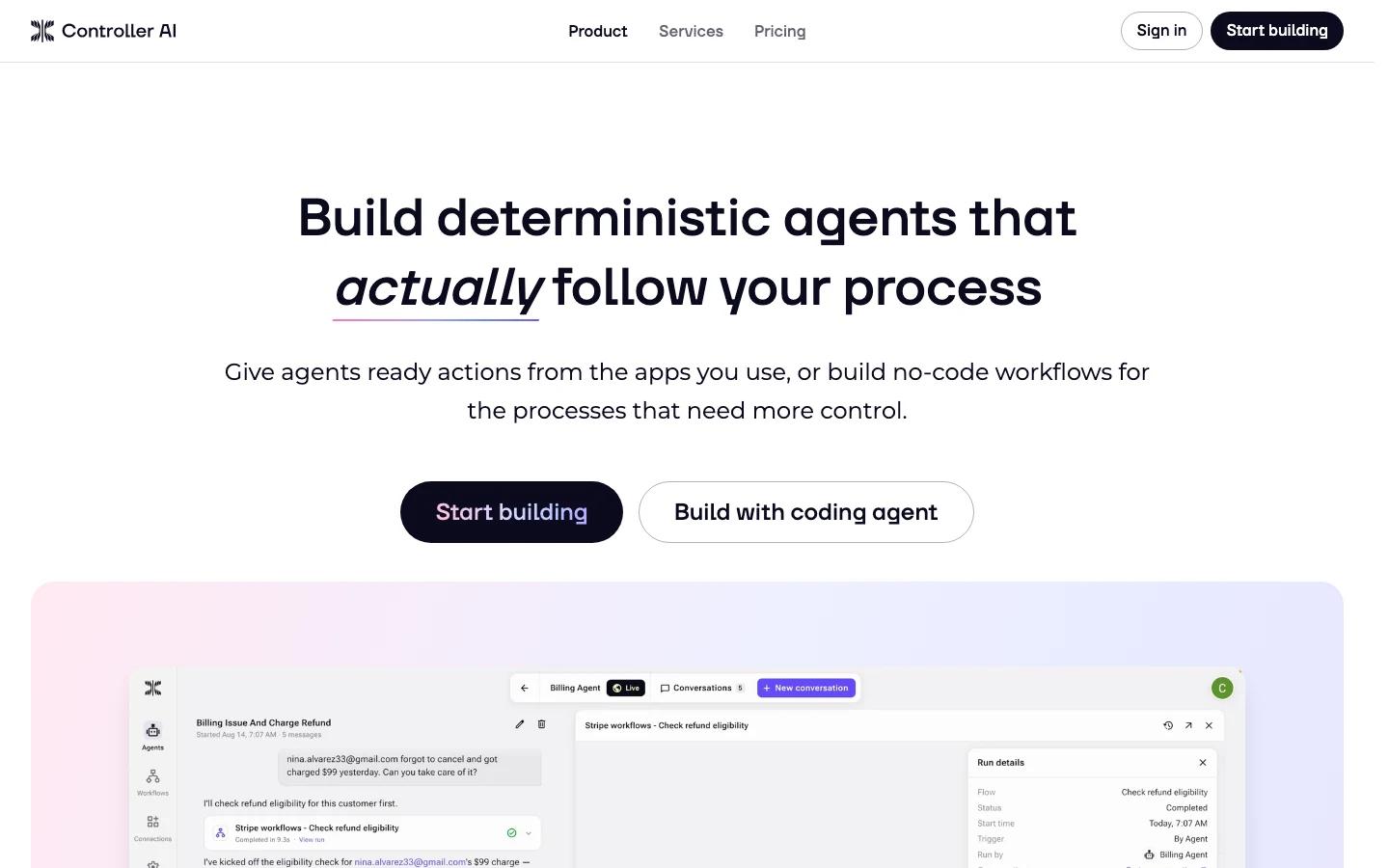
Controller AI is a workflow platform for building deterministic agents that follow a defined process. Instead of giving an agent broad autonomy and hoping the prompt captures every business rule, teams define clear workflows, attach app actions, add control points, and let the agent operate inside those boundaries.
This makes Controller relevant for teams that like the promise of AI agent automation but need more structure than a chat prompt. The product combines no-code workflow design, 2,000+ integrations, typed inputs and outputs, versioning, execution history, and approvals for consequential actions.
Controller AI appeared on Product Hunt on August 19, 2026, with the tagline "Build deterministic agent workflows that actually work." Its ranking was lower than the day's biggest launches, but the product category fit is strong: constrained agent workflows are a practical answer to unpredictable agent behavior.
Key Features
Deterministic agent workflows - Define repeatable business processes so agents execute tasks within explicit workflow boundaries.
No-code workflow builder - Build flows with branches, transformations, loops, AI operators, triggers, and state without writing application code.
Ready app actions - Give agents controlled actions from connected apps instead of unrestricted browser or system access.
Typed inputs and outputs - Reduce ambiguity by defining what data a workflow accepts and returns.
Approvals for sensitive steps - Require approval before consequential actions so teams can keep humans in the loop.
Version history and restore - Maintain development and live workflow versions, with restore windows depending on plan.
Full execution history - Inspect workflow runs for debugging, audit trails, and process improvement.
Large integration catalog - Pricing materials list 2,000+ integrations and 1,000+ integration triggers.
Pricing & Plans
Controller publishes a Free plan plus Pro and Max paid plans. Pricing reviewed on August 19, 2026, showed monthly plan prices with included usage balance.
| Plan | Price | Included Usage | Active Workflows | History |
|---|---|---|---|---|
| Free | $0/month | $5 usage included | 20 active workflows | 7 days run history and version restore |
| Pro | $99/month | $99 usage included | 150 active workflows | 90 days run history and version control |
| Max | $300/month | $300 usage included | 500 active workflows | Unlimited run history and version control |
| Custom | Contact sales | Custom | Custom | Custom rollout terms |
All listed plans include unlimited drafts, unlimited team members, unlimited connections, and access to 2,000+ integrations. Teams should confirm usage accounting before running high-volume workflows.
Best For
- Operations teams automating repeatable processes with clear decision paths
- Product teams embedding controlled agent workflows inside customer-facing tools
- Teams that want AI productivity automation with auditability and approvals
- Companies with many SaaS apps that need app actions inside constrained workflows
- Agent builders who want deterministic behavior without maintaining their own orchestration framework
FAQ
What does Controller AI do?
Controller AI helps teams build deterministic agents that follow defined workflows, use controlled app actions, and produce auditable execution history.
How is Controller AI different from a normal AI agent?
Normal agents often rely heavily on prompts and broad autonomy. Controller AI emphasizes explicit workflows, typed inputs and outputs, app actions, approvals, and versioned execution.
Is there a free plan?
Yes. The Free plan includes $5 usage, 20 active workflows, unlimited drafts, unlimited team members, unlimited connections, and 7 days of run history.
How much does Controller AI cost?
The Pro plan starts at $99 per month with $99 usage included. The Max plan is $300 per month with $300 usage included.
Who should use Controller AI?
Controller AI is best for teams that want AI agents to run business processes, but only inside clearly defined rules and approval boundaries.