



Overview
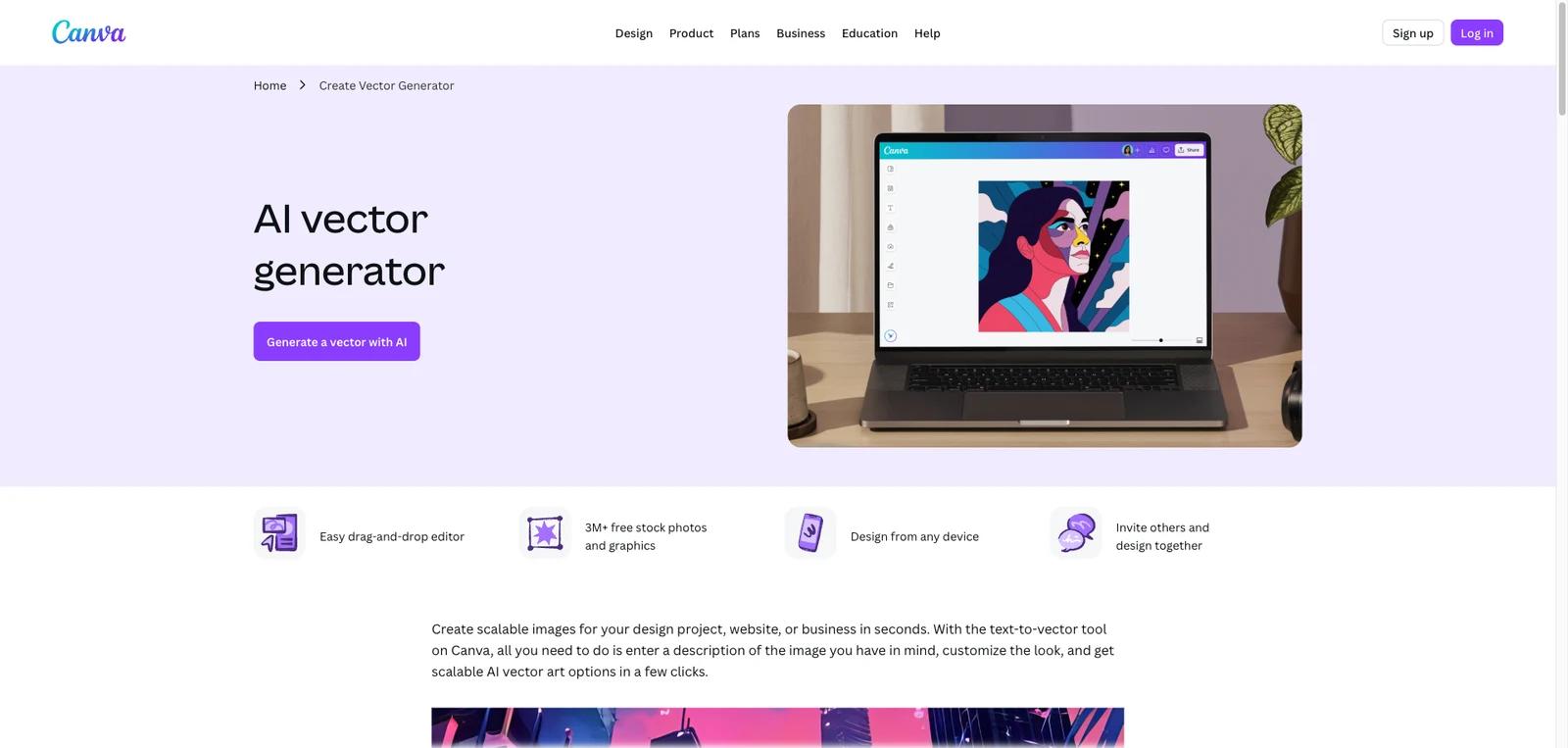
Canva AI Vector Generator is Canva’s text-to-vector creation workflow for producing scalable graphics that can be used across websites, social posts, presentations, flyers, and other design projects. The product sits inside Canva’s broader design platform rather than existing as a standalone vector app. That means the value is not just in generating an SVG-style image from a prompt, but in being able to move the result directly into the rest of your Canva workflow without tool switching.
That positioning matters because many AI image tools can generate artwork, but fewer make vector-style output feel native inside a broader design suite. Canva’s vector page emphasizes scalable output, prompt-based generation, over 30 art styles, design integration, and fast reuse across other Canva projects. For most users, the key question is not whether it can generate an image, but whether Canva’s integrated workflow is more useful than using a dedicated illustration or SVG tool elsewhere.
As of April 25, 2026, Canva publicly highlights prompt-based vector generation, 30+ art styles and sizes, SVG-format output, style-copying, drag-and-drop design editing, and direct use inside other Canva projects. For image-to-vector conversion, Canva’s FAQ indicates that SVG download is tied to Canva Pro. In practice, this is best understood as a vector-creation feature inside Canva rather than a separate specialist vector product.
For adjacent research, compare AI design tools, AI UI design tools, AI website design tools.
Key Features
Text-to-vector generation inside Canva — The tool lets users describe the image they want and generate vector-style artwork without leaving Canva.
Scalable SVG-oriented output — Canva explicitly markets the ability to create scalable vector graphics that can hold quality across very large and very small placements.
30+ art styles — The official page highlights a wide range of styles, which helps users steer output toward flatter, line-art, or more stylized vector looks.
Image vectorization and style reuse — Canva describes uploading an image to vectorize and copying a chosen vector’s style, size, and prompt into a new generation workflow, but SVG download for image-to-vector conversion should be presented as a Canva Pro-related workflow.
Native integration with other Canva designs — One of the strongest practical advantages is that generated vector art can be dropped directly into websites, presentations, flyers, social posts, and other Canva projects.
Collaborative design environment — The feature inherits Canva’s broader collaboration model, including browser access, drag-and-drop editing, and inviting others into the design workflow.
Pricing & Plans
Canva AI Vector Generator appears on Canva’s vector creation page, but the official FAQ states that Vector AI costs one credit per vector generation and that credits can be purchased on the Imagination Software website. It should not be described as simply included in Canva Free or Canva Pro.
| Offer | Pricing | Best fit |
|---|---|---|
| Vector AI credits | One credit per vector generation; credits purchased through the Imagination Software website | Users who specifically want prompt-based AI vector generation |
| Canva Pro SVG export workflow | Paid Canva upgrade may be required for SVG download in some image-to-vector workflows | Users who need SVG export and broader Canva premium design features |
| Canva Business / Enterprise | Business and Enterprise pricing is separate from Vector AI credit usage | Teams that need brand management, admin controls, collaboration, and enterprise workflows around generated assets |
The practical takeaway is that this tool should not be priced as a normal Canva Free-versus-Pro feature. For vector generation, the official FAQ says Vector AI costs one credit per generation and credits are purchased through the Imagination Software website. Canva Pro may still matter for SVG export and broader Canva editing workflows.
Best For
- Canva users who want fast vector-style assets without separate software
- Marketers and creators making social graphics, presentations, and web visuals
- Teams that want AI-generated art directly inside an existing design workflow
- Non-designers who need scalable graphics without learning illustration software
- Small businesses already using Canva that are comfortable with a credit-based vector generation workflow and may also need Canva Pro or business plans for editing, export, and team collaboration
FAQ
What is Canva AI Vector Generator?
It is Canva’s AI-powered vector creation workflow for generating scalable vector-style images from text prompts inside Canva. Pricing should be treated separately because the official FAQ says Vector AI uses one credit per generation.
Can Canva generate vector images with AI?
Yes. Canva explicitly markets AI-powered vector generation as a way to create scalable images from text prompts, with over 30 styles and SVG-format output.
Is Canva AI Vector Generator free?
Not exactly. Canva’s official vector generator FAQ states that Vector AI costs one credit per vector generation and that credits can be purchased through the Imagination Software website. Canva Pro may also be required for some SVG download workflows.
Can I use the generated vectors in other Canva projects?
Yes. That is one of the feature’s main strengths. Canva emphasizes direct reuse inside websites, presentations, flyers, social posts, and other designs.
Is this a replacement for professional vector illustration software?
Not fully. It is better suited to fast asset generation and integrated design workflows than to the deepest manual vector illustration control.
Who should use Canva AI Vector Generator?
It is best for Canva-first users, marketers, creators, and teams that want scalable AI-generated art directly inside a familiar design environment.


