

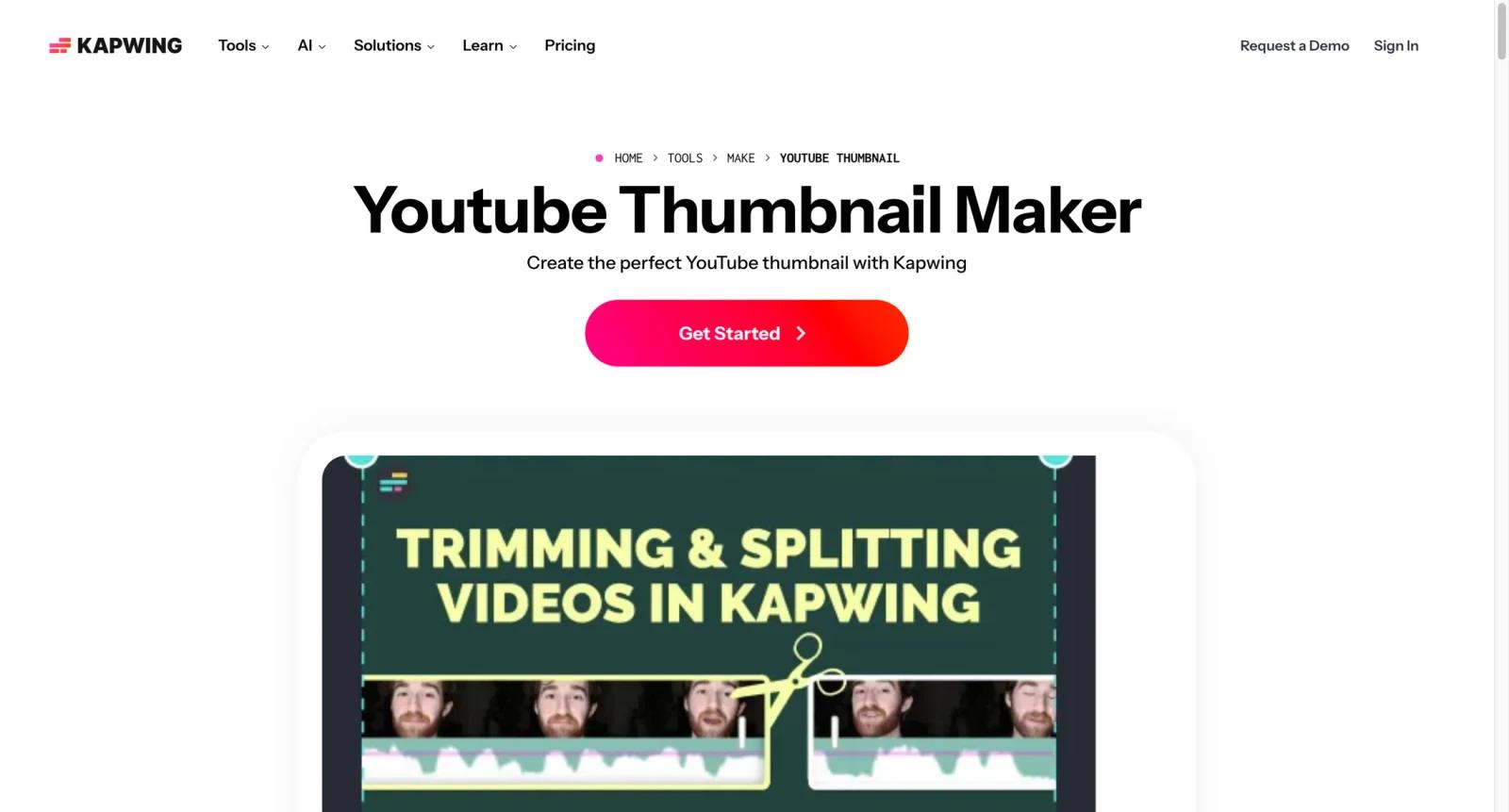


Overview
Kapwing YouTube Thumbnail Maker is a browser-based thumbnail tool inside Kapwing's broader video creation platform. It helps creators build thumbnails from video frames, uploaded images, templates, text, overlays, and quick edits without switching to a desktop graphics app.
Kapwing is different from many AI thumbnail maker tools because it sits close to the video editing workflow. A creator can pull a freeze frame from a video, add text and graphics, then reuse the same workspace for captions, clips, social edits, and other video assets. Teams comparing it with Canva Thumbnail Maker, Fotor AI Thumbnail Maker, and Adobe Express AI Thumbnail Maker should decide whether thumbnail design should live inside a video editor or a design suite.
Kapwing is best for creators who already edit video in the browser and want the thumbnail to be part of the same production workflow.
Key Features
- Thumbnail from video frames - Use a frame from an uploaded video as the base for a YouTube thumbnail.
- Browser-based editor - Add text, images, overlays, shapes, and visual elements without installing design software.
- Template and layout support - Start from thumbnail layouts instead of building every cover from a blank canvas.
- Video workflow integration - Pair thumbnails with Kapwing's clipping, resizing, subtitles, social video, and editing tools.
- Collaboration features - Paid plans support stronger team collaboration and shared video content workflows.
- Export controls - Higher-tier plans typically improve export quality, storage, and project limits.
Pricing & Plans
Kapwing offers a free plan with limits and paid plans for creators or teams that need more exports, storage, and collaboration.
| Plan area | Pricing signal | Best fit |
|---|---|---|
| Free Kapwing plan | Free with limits | Occasional creators testing thumbnails and lightweight edits |
| Paid creator plan | Paid subscription | Active creators needing fewer limits and higher-quality exports |
| Team or business plan | Paid team option | Teams collaborating on video and thumbnail production |
Check current watermark, export quality, storage, project, subtitle, and collaboration limits before choosing a plan.
Best For
- YouTubers who want thumbnails directly from video frames
- Creators already using Kapwing for clipping, captions, or social edits
- Teams making thumbnails alongside short-form video assets
- Non-designers who need quick browser-based editing
- Buyers comparing video-editor-first thumbnail workflows with design tools
FAQ
What is Kapwing YouTube Thumbnail Maker?
It is a browser-based thumbnail editor inside Kapwing for creating YouTube covers from video frames, images, text, and templates.
Is Kapwing YouTube Thumbnail Maker free?
Kapwing has a free plan with limits. Paid plans add more export quality, storage, collaboration, and fewer workflow restrictions.
Can Kapwing make thumbnails from video frames?
Yes. Kapwing highlights using a freeze frame from a video as a clickable YouTube thumbnail.
Is Kapwing good for AI thumbnails?
Kapwing is better understood as a video workflow and thumbnail editor. For AI-first image generation, Fotor or Adobe Firefly-style tools may be stronger.
How does Kapwing compare with Canva?
Kapwing is stronger when the thumbnail starts from video editing. Canva is stronger for branded template libraries and design collaboration.
Who should avoid Kapwing Thumbnail Maker?
Creators who only need AI-generated image concepts or CTR prediction may prefer a specialized AI thumbnail generator or analytics tool.


