



Overview
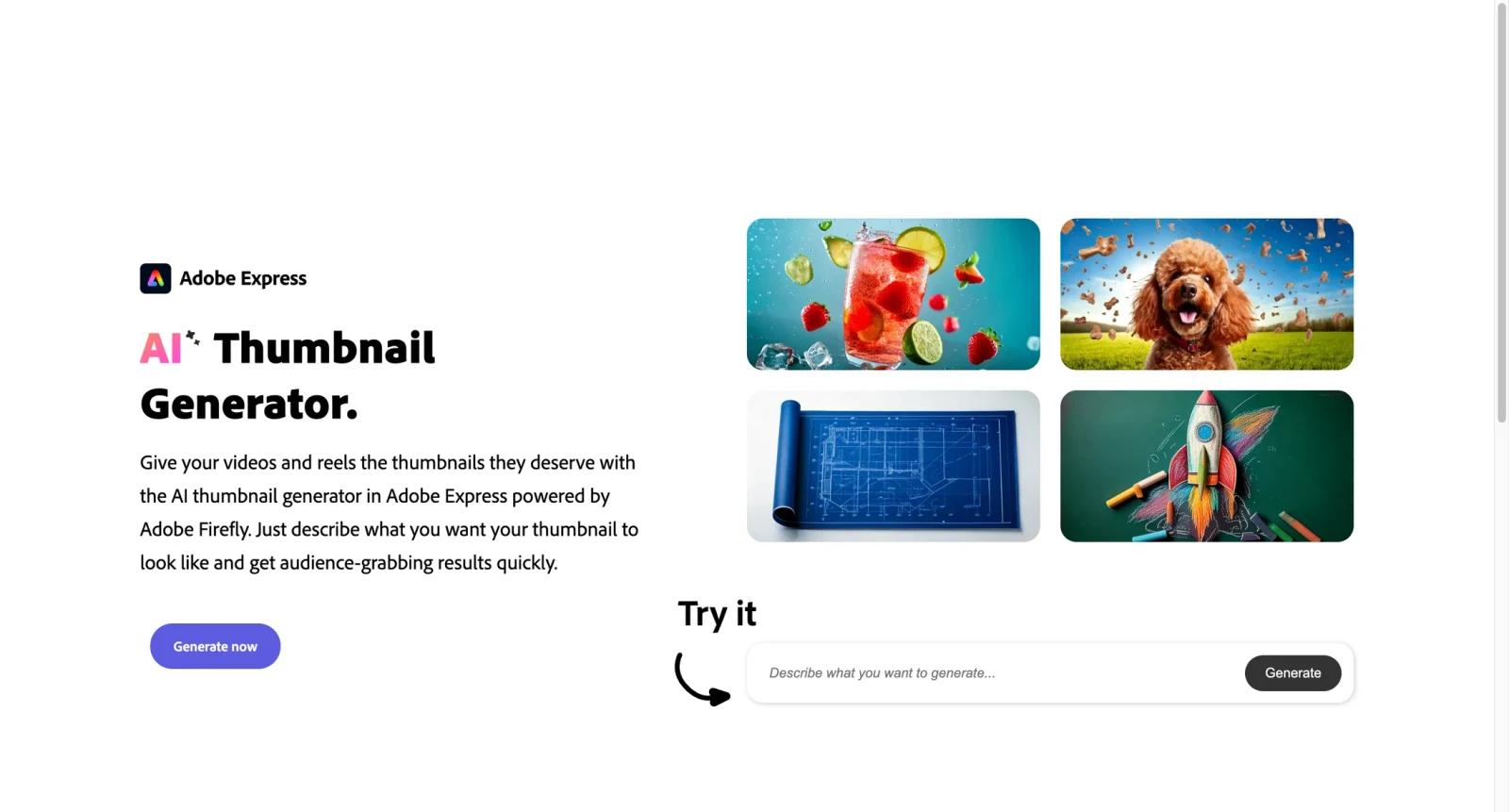
Adobe Express AI Thumbnail Maker is a browser-based thumbnail design tool for YouTubers, educators, marketers, and social teams that need clickable video covers without opening Photoshop. It combines free YouTube thumbnail templates, Adobe Stock assets, quick resizing, Firefly-powered generative tools, and Brand Kit controls inside Adobe Express.
The tool belongs in the AI thumbnail maker category, but it is strongest when a creator needs brand-safe design assets and layout control rather than a fully automated thumbnail factory. Teams comparing it with Canva Thumbnail Maker, Fotor AI Thumbnail Maker, and Kapwing YouTube Thumbnail Maker should pay attention to brand controls, Adobe ecosystem fit, and generative credit limits.
Adobe Express is best for creators who want a polished design workflow that can start from templates, their own photos, stock content, or AI-generated visual ideas.
Key Features
- YouTube thumbnail templates - Start from professionally designed 16:9 layouts and customize text, images, colors, and composition.
- Firefly-powered generative AI - Generate or adapt visuals from prompts when you do not have a strong source image for a video.
- Brand Kit support - Apply logos, colors, and fonts consistently across a channel or campaign.
- Adobe Stock and asset library - Use stock images, design elements, fonts, and backgrounds without building a layout from scratch.
- Layer-aware imports - Adobe Express can work with imported design assets such as PSD or AI files when creators already have Adobe workflows.
- Fast export and sharing - Download finished thumbnails or reuse designs across social promotion assets.
Pricing & Plans
Adobe Express has a free plan, while paid Adobe Express and Creative Cloud plans unlock more premium assets, templates, brand features, and generative credits.
| Plan area | Pricing signal | Best fit |
|---|---|---|
| Free Adobe Express access | Free plan available | Creators making occasional thumbnails from templates |
| Premium Adobe Express | Paid plan | Teams needing Brand Kit, premium assets, and more advanced editing |
| Creative Cloud ecosystem | Subscription dependent | Adobe users who want Express alongside Photoshop, Firefly, or other apps |
Confirm current generative credit limits, commercial usage rights, premium asset rules, and Brand Kit availability before relying on a workflow.
Best For
- YouTubers who want branded thumbnails without using Photoshop
- Marketing teams producing consistent video campaign thumbnails
- Educators and creators reusing templates across recurring series
- Adobe users who want Firefly and Express in the same workflow
- Teams comparing thumbnail design tools with broader AI design tools
FAQ
What is Adobe Express AI Thumbnail Maker?
It is a thumbnail design tool inside Adobe Express for creating YouTube and social video thumbnails with templates, stock assets, and AI-assisted visuals.
Is Adobe Express AI Thumbnail Maker free?
Adobe Express offers free access, while paid plans add premium templates, assets, Brand Kit features, and higher or different generative AI limits.
Does it use Adobe Firefly?
Adobe Express includes Firefly-powered generative features, which can help create or adapt images for thumbnail designs.
Is it good for YouTube thumbnails?
Yes. It is especially useful for creators who want branded, template-based thumbnails with strong visual polish.
How does it compare with Canva?
Adobe Express is stronger for Adobe ecosystem users and Firefly workflows, while Canva is often preferred for fast collaborative templates and team design libraries.
Who should avoid it?
Creators who only want automated thumbnail scoring, CTR prediction, or bulk A/B testing may need a more YouTube-specific tool.


