



Overview
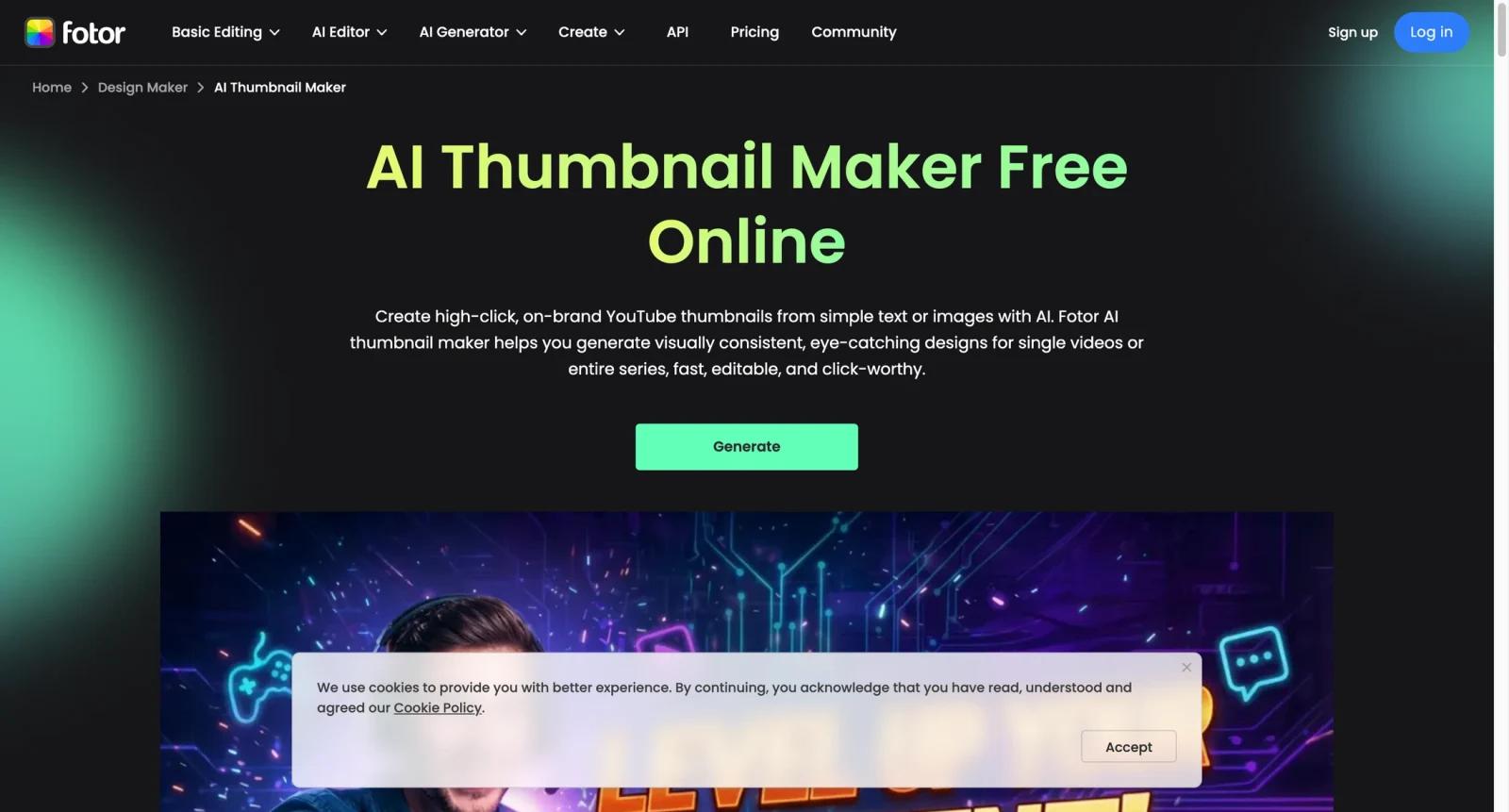
Fotor AI Thumbnail Maker is a prompt and template-based thumbnail generator for YouTube, TikTok, Instagram, Facebook, Twitch, LinkedIn, and other social formats. Users can describe a thumbnail idea, upload an image, choose a style, then refine the result with Fotor's editor.
The tool is more AI-generation oriented than many general design editors in the AI thumbnail maker category. Fotor highlights text-to-thumbnail creation, image remixing, template styles, and platform-specific sizes. Creators comparing it with Canva Thumbnail Maker, Adobe Express AI Thumbnail Maker, and Kapwing YouTube Thumbnail Maker should decide whether they need generation speed or broader design collaboration.
Fotor is best for creators who want AI to produce a strong starting thumbnail, then use editing tools to add text, sharpen composition, and keep a recognizable channel style.
Key Features
- Text-to-thumbnail generation - Describe the channel, topic, style, subject, and text treatment to generate thumbnail concepts quickly.
- Image-to-thumbnail workflow - Upload a photo or source image and use AI plus editing tools to turn it into a stronger cover.
- Style templates - Choose styles such as gaming, vlog, tutorial, beauty, tech, travel, reaction, neon, comic, and cinematic.
- Multi-platform sizes - Create thumbnails and covers for YouTube, TikTok, Instagram, Facebook, Twitch, LinkedIn, and other channels.
- Built-in image editing - Refine backgrounds, text, contrast, faces, and design elements after AI generation.
- Series consistency support - Reuse prompts and visual styles to keep thumbnails recognizable across a channel.
Pricing & Plans
Fotor offers free access to some creation workflows, with paid plans or credits for higher limits and premium features.
| Plan area | Pricing signal | Best fit |
|---|---|---|
| Free creation | Free entry option | Creators testing AI thumbnail generation |
| Paid Fotor plans or credits | Paid usage | Users needing more downloads, credits, premium edits, or higher limits |
| Business or frequent creator use | Paid plan | Channels producing thumbnails regularly across platforms |
Confirm current credit limits, watermark rules, export quality, commercial rights, and which AI features are included in each plan.
Best For
- Creators who want fast thumbnail concepts from text prompts
- YouTubers making multiple style variations before editing
- Social teams repurposing covers across several platforms
- Non-designers who prefer AI starting points over blank templates
- Buyers comparing Fotor with Canva, Adobe Express, and Kapwing
FAQ
What is Fotor AI Thumbnail Maker?
It is an AI thumbnail generator that creates and edits thumbnails from text prompts, uploaded images, and style templates.
Is Fotor AI Thumbnail Maker free?
Fotor offers free creation options, while paid plans or credits unlock higher limits, downloads, and premium AI or editing features.
Which platforms does Fotor support?
Fotor supports thumbnail and cover sizes for YouTube, TikTok, Instagram, Facebook, Twitch, LinkedIn, and other social platforms.
Is Fotor good for YouTube thumbnails?
Yes, especially when creators want quick AI-generated concepts and then edit text, faces, contrast, and layout.
How does Fotor compare with Canva?
Fotor is stronger for AI-first generation, while Canva is stronger for collaborative brand systems and template-based team design.
Who should avoid Fotor AI Thumbnail Maker?
Teams needing built-in CTR prediction, thumbnail A/B testing, or deep YouTube analytics may need a specialized packaging tool.

