



Overview
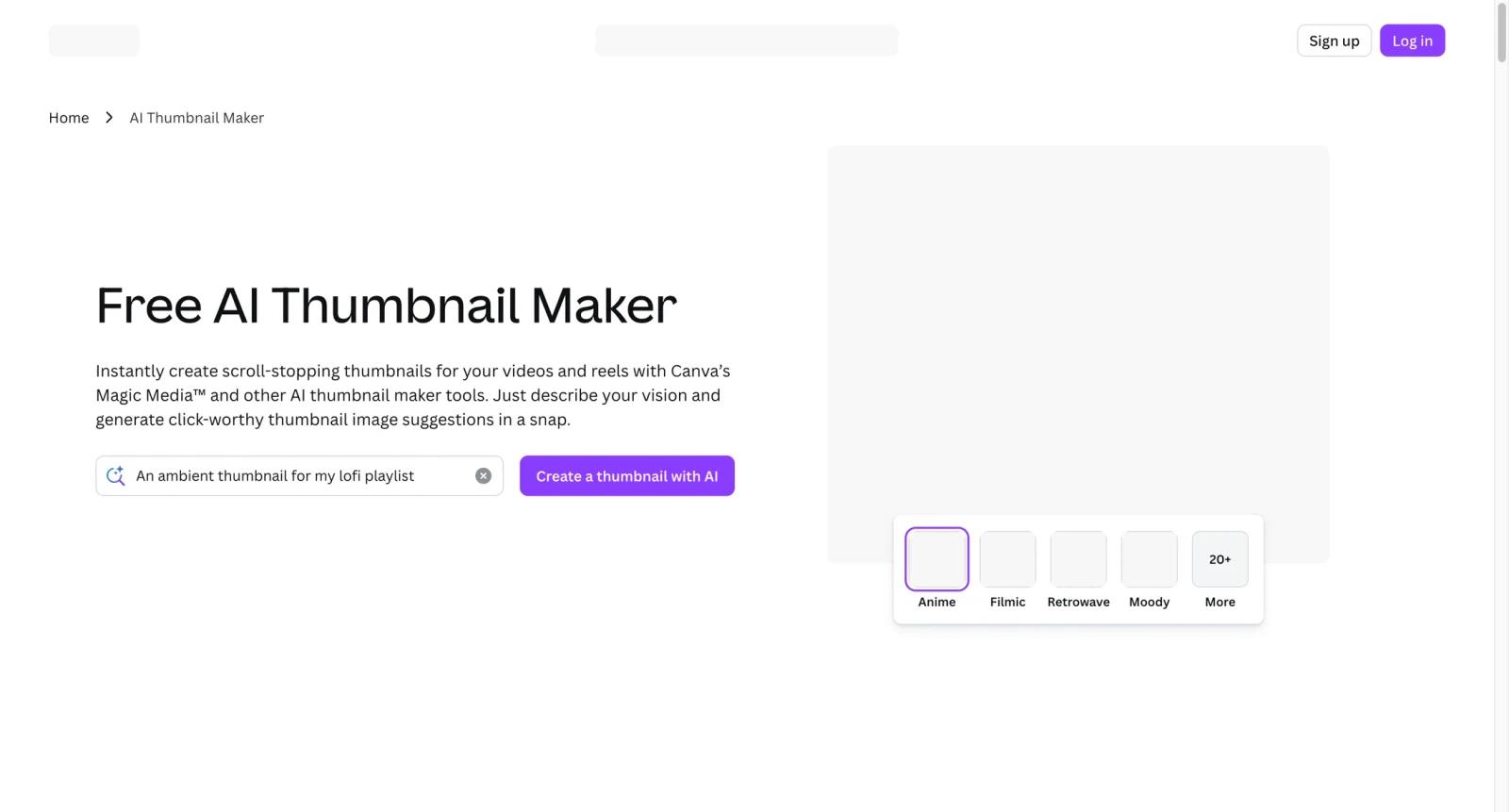
Canva Thumbnail Maker is a YouTube and social thumbnail design workflow inside Canva. It helps creators start from templates, add bold text and imagery, use AI-assisted design tools, keep thumbnails on brand, and collaborate with team members without needing professional design software.
Canva is one of the most practical options in the AI thumbnail maker category because it balances speed, design control, and team collaboration. Compared with Adobe Express AI Thumbnail Maker, it is often easier for non-designers. Compared with Fotor AI Thumbnail Maker, it is stronger for reusable brand systems and team workflows.
Canva works best when creators need a repeatable thumbnail system for a channel, campaign, or content team rather than a single AI-generated image.
Key Features
- YouTube thumbnail templates - Start from ready-made 16:9 layouts built for gaming, education, reaction, lifestyle, business, and creator content.
- AI-assisted design tools - Use Canva's AI features to generate design ideas, images, text variations, and layout starting points.
- Brand Kit - Keep colors, fonts, and logos consistent across every thumbnail in a channel or campaign.
- Drag-and-drop image editing - Add portraits, backgrounds, stickers, shapes, bold text, and effects without a complex editor.
- Team collaboration - Invite editors, marketers, or clients to comment and adjust thumbnails in real time.
- Multi-format resizing - Rework thumbnail designs into social posts, Shorts covers, banners, or campaign graphics.
Pricing & Plans
Canva has a free plan, with Canva Pro and Canva Teams adding premium assets, Brand Kit, background remover, and more collaboration or AI functionality.
| Plan area | Pricing signal | Best fit |
|---|---|---|
| Canva Free | Free plan | Solo creators making occasional thumbnails |
| Canva Pro | Paid subscription | Creators needing premium templates, Brand Kit, and stronger editing |
| Canva Teams | Paid team plan | Marketing teams collaborating on repeatable thumbnail systems |
Confirm the current AI limits, Brand Kit access, premium asset licensing, and export rules before standardizing a workflow.
Best For
- YouTubers making thumbnails for recurring series
- Small content teams collaborating on video campaigns
- Marketers who need branded thumbnails and social variants
- Creators who want templates plus AI help instead of full automation
- Teams comparing Canva with Adobe Express, Fotor, and Kapwing
FAQ
What is Canva Thumbnail Maker?
Canva Thumbnail Maker is a Canva workflow for designing YouTube and social video thumbnails with templates, AI features, Brand Kit, and exports.
Is Canva Thumbnail Maker free?
Canva has a free plan. Paid Pro and Teams plans add more premium assets, Brand Kit features, background removal, and collaboration controls.
Does Canva support AI thumbnail creation?
Yes. Canva includes AI-assisted design and image tools that can help generate ideas, layouts, and creative assets for thumbnails.
Is Canva good for YouTube thumbnails?
Yes. It is especially useful for creators who want fast, branded, editable thumbnails without a professional design tool.
How does Canva compare with Adobe Express?
Canva is often simpler for collaboration and templates, while Adobe Express may be better for users already invested in Adobe and Firefly workflows.
Who should avoid Canva Thumbnail Maker?
Creators needing automated CTR prediction, bulk thumbnail testing, or fully specialized YouTube packaging analytics may need a more focused tool.

