

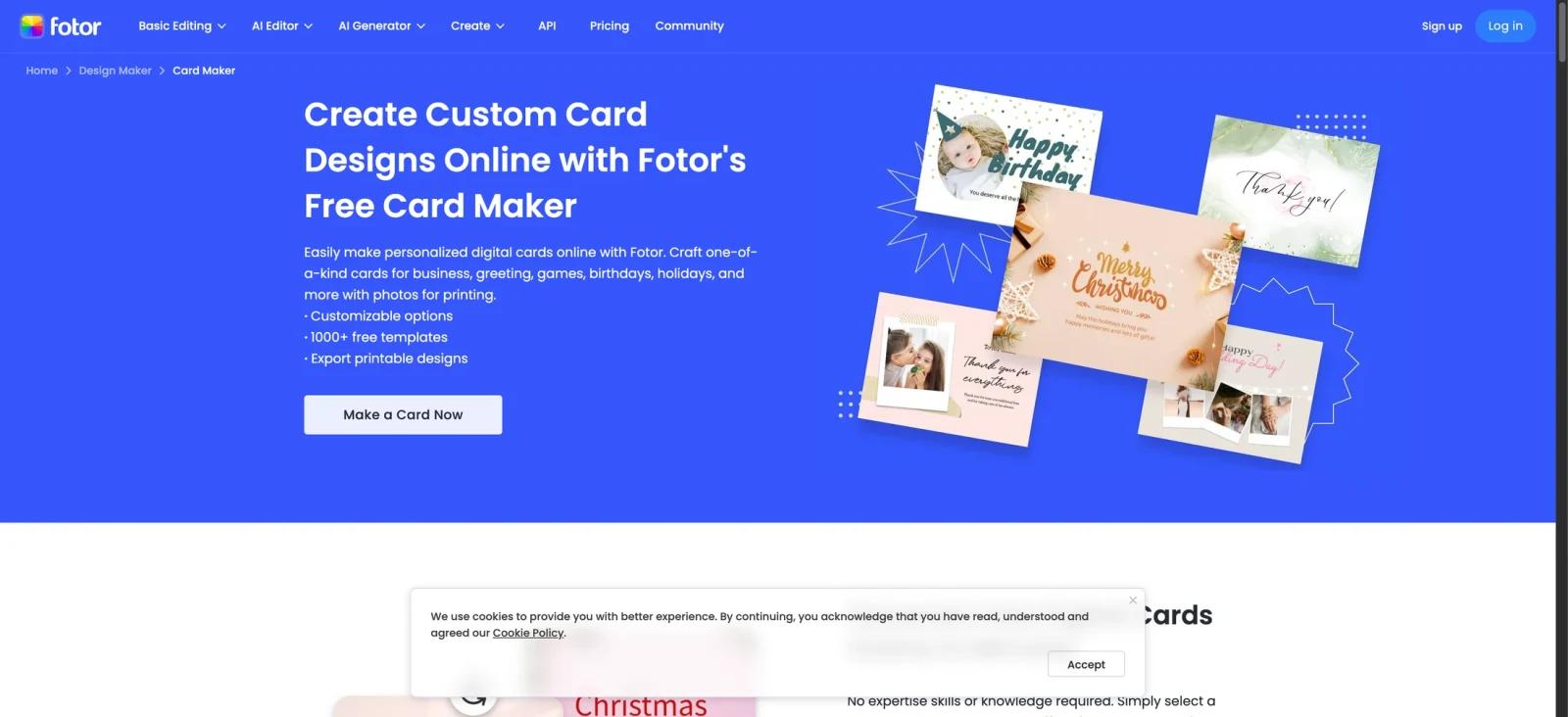


Overview
Fotor's Business Card Maker sits inside the broader Fotor design suite as a dedicated entry point for people who need a print-ready card without opening a full design app. The page hands you a template gallery, a browser editor, and the same Fotor stack of stock assets and AI tools — bundled into a workflow that goes from blank canvas to a downloadable PDF in minutes.
The target user is someone who doesn't want to learn Illustrator: freelancers, side-hustle owners, small-business operators, and anyone needing personal-brand cards on short notice. The free tier is enough to test the editor end-to-end, with the catch that exports carry a Fotor watermark until you upgrade.
Key Features
- Template-first start — Pick from a curated library of business card layouts and customize colors, fonts, and copy without designing from scratch.
- Drag-and-drop editor — Move text blocks, icons, logos, and images directly on the canvas; no separate panels or modal dialogs to learn.
- AI image generation — Generate custom backgrounds or accent imagery via Fotor's AI image generator instead of hunting through stock libraries.
- One-click background removal — Remove the background from a logo or photo before placing it on the card, useful for tight-budget brand assets — comparable to dedicated AI background remover tools but built into the same editor.
- Multi-format export — Download the finished card as JPG, PNG, or print-ready PDF, the latter sized for standard business-card cutting.
- Cloud-saved projects — Designs persist across sessions, so iterating with a client or coming back next week doesn't require re-uploading assets.
- Multilingual UI — The editor supports 10 languages including English, Spanish, French, German, Japanese, and Korean, lowering the barrier for non-English-first users.
Pricing & Plans
Fotor uses a freemium model. The Business Card Maker is reachable on every tier; what changes is watermarks, export quality, and AI credits.
| Plan | Price | What's included |
|---|---|---|
| Free (Basic) | $0 | Card editor, templates, basic export — but JPG/PNG/PDF downloads carry a Fotor watermark. Limited AI credits. 512 MB cloud storage. |
| Pro | From $8.99 / month monthly or about $3.33 / month when billed yearly | Watermark-free HD exports, transparent PNG, 100+ editing tools, 20+ AI portrait tools, 2 GB cloud storage, monthly AI credit allowance. |
| Pro+ | From $7.49 / month (annual) or $19.99 / month | Everything in Pro plus batch editing, multiple brand kits, AI slide generation, 100 GB cloud storage, higher AI credit ceiling. |
Annual billing is materially cheaper than month-to-month on every paid tier. On annual billing, Pro remains the cheaper entry plan, while Pro+ costs more and adds batch editing, multiple brand kits, AI slide generation, higher usage limits, and 100 GB cloud storage.
Best For
- Freelancers and consultants who need a single batch of cards without engaging a designer.
- Small-business owners updating cards alongside other graphic design tasks (flyers, social posts, ads).
- Side-hustle and indie operators wanting a watermark-free card under $10/month on annual billing.
- Non-designers who want a template-first flow rather than a blank Illustrator artboard.
- Multilingual teams whose members prefer working in a non-English UI for design tasks.
FAQ
Is the Business Card Maker free?
The editor and templates are free to use, but exports on the Basic plan are watermarked. Watermark-free downloads require a Pro or Pro+ subscription.
What export formats are supported?
JPG, PNG, and print-ready PDF. Pro and Pro+ unlock HD exports and transparent PNG output.
Can I print business cards directly from Fotor?
Fotor supports JPG, PNG, and PDF downloads that can be printed at home, in an office, or through a print shop; verify final sizing and bleed before production.
How many templates are available?
Fotor lists 1,000+ free card templates and a dedicated business-card template library, but the exact current count should be treated as dynamic.
Does Fotor support uploading my own logo?
Yes — logos, photos, and brand assets upload to your account and persist across designs. Pro+ adds support for multiple brand kits.
Are AI features included in the free plan?
Limited AI credits ship with the Basic plan, sufficient for a few generations or background removals per month. Steady users will hit the cap and need Pro or Pro+.
What's the difference between Pro and Pro+?
Pro+ adds batch editing, multiple brand kits, AI slide generation, higher AI credit allowances, and 100 GB cloud storage versus Pro's 2 GB. On annual billing, Pro is cheaper than Pro+, so the upgrade decision should come down to whether users need Pro+ features such as batch editing, multiple brand kits, AI slide generation, higher usage limits, and 100 GB cloud storage.
Can I cancel anytime?
Yes — subscriptions cancel anytime. Annual plans run for the term you paid for; monthly plans terminate at the end of the current billing cycle.


