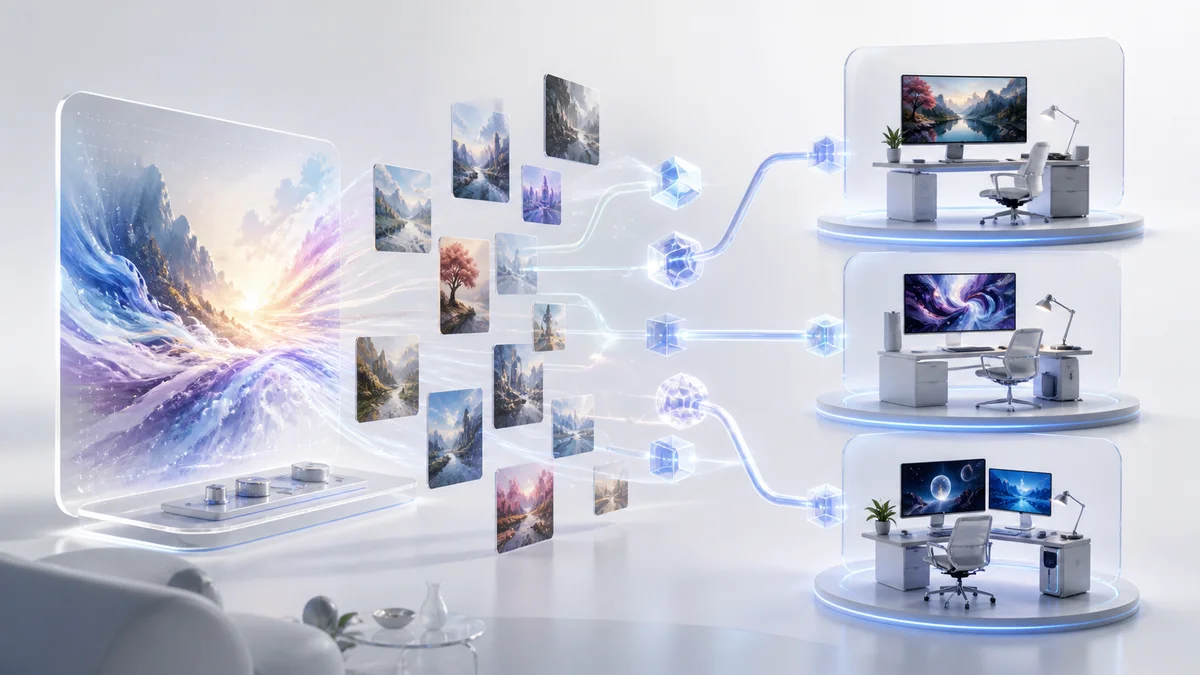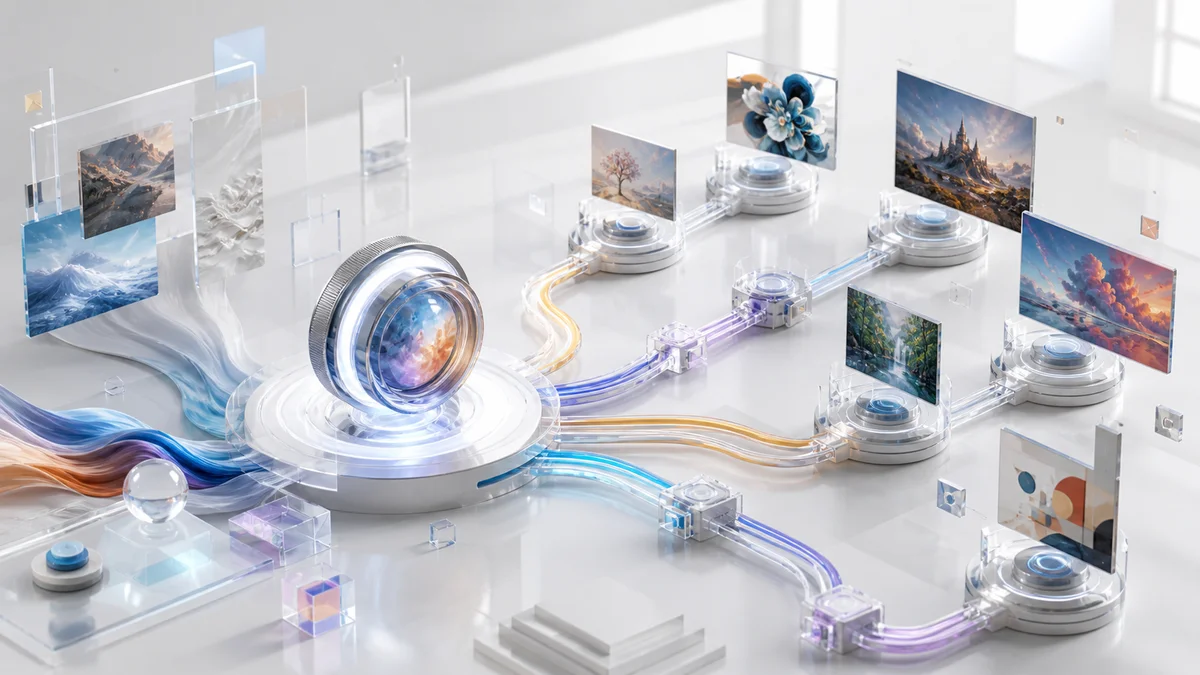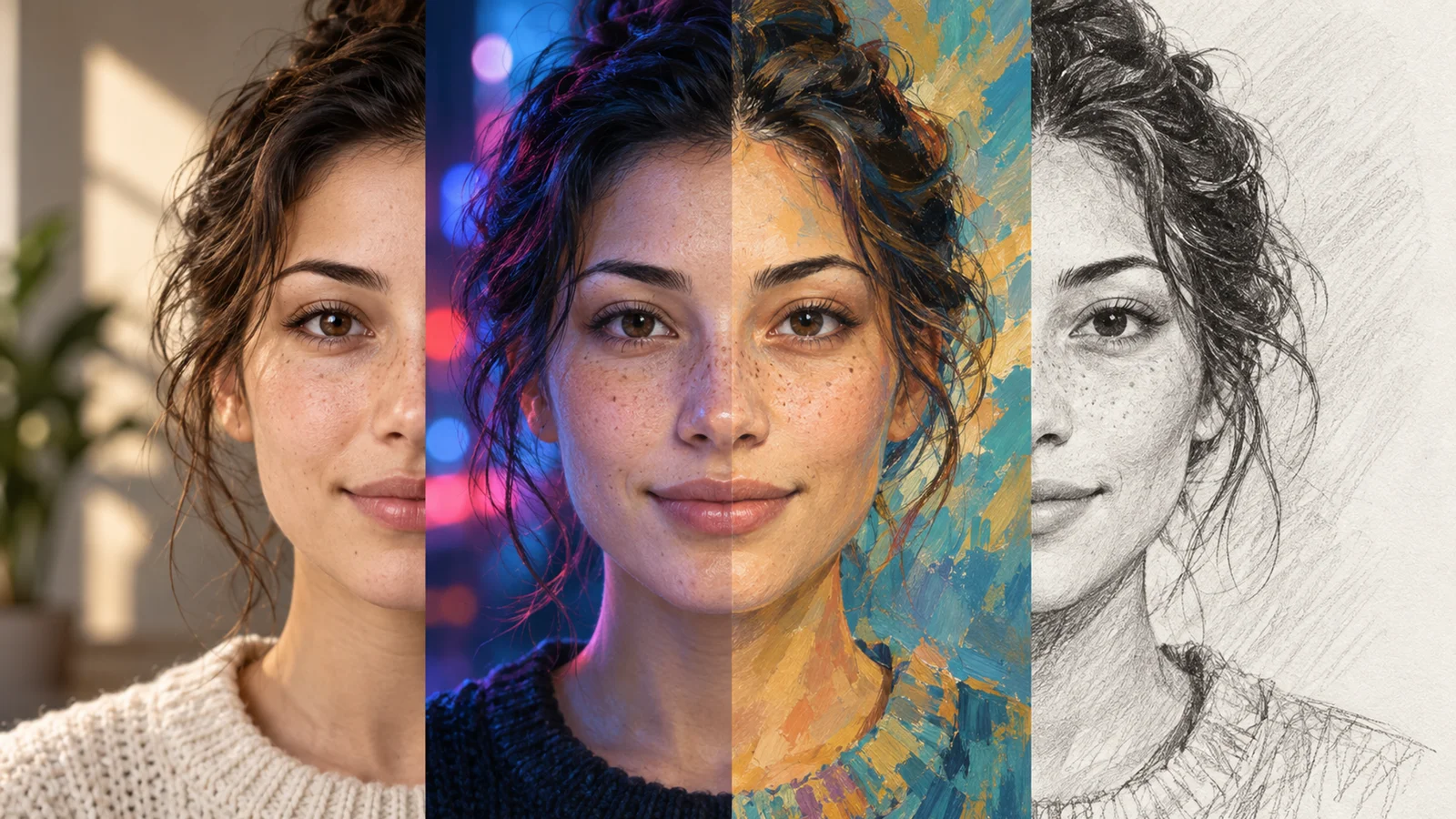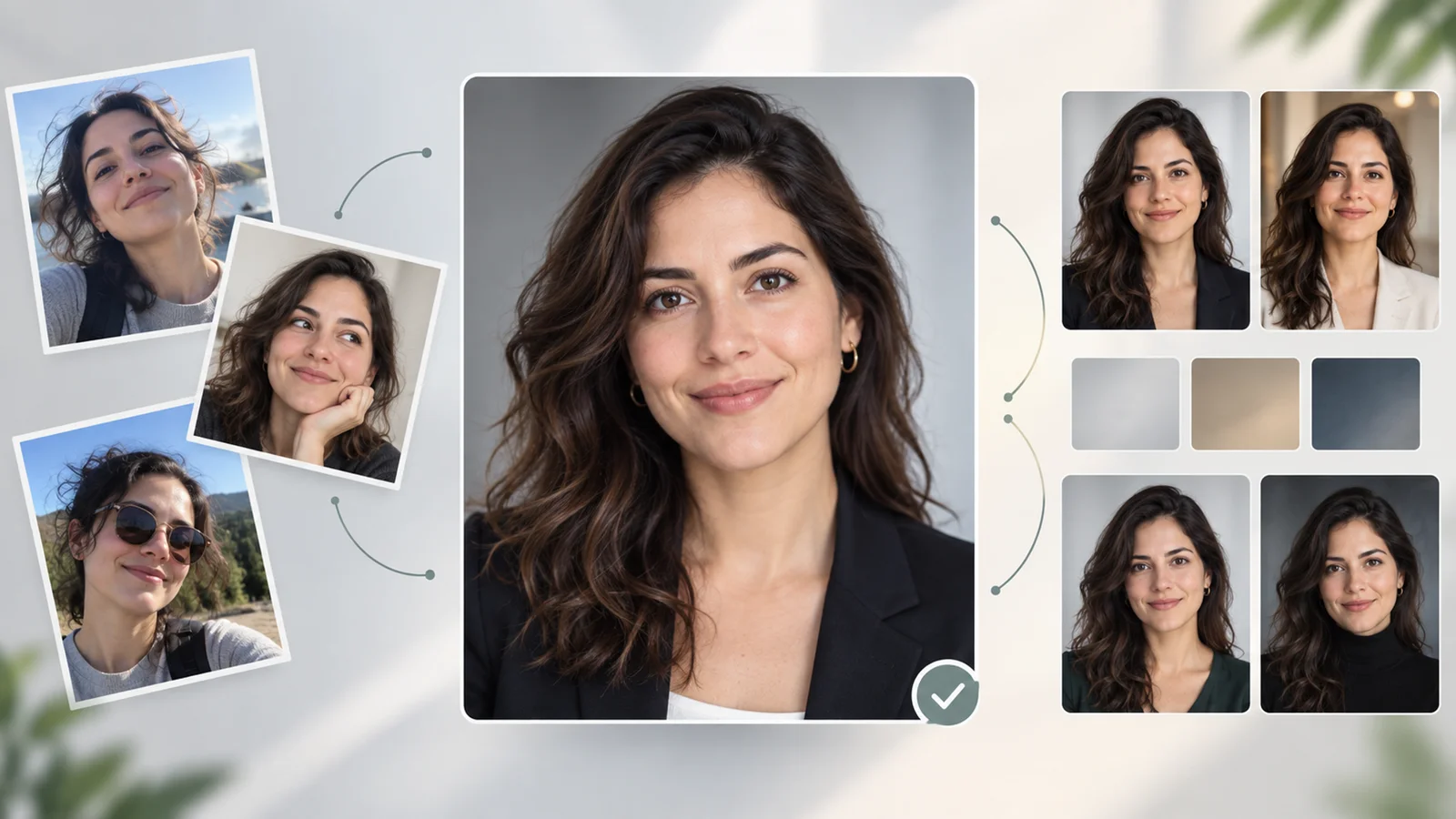
ChatGPT Images 2.6, released November 4, 2026, adds animated GIF creation. You can ask for a short loop from a prompt or start with an image you already have. It is a practical fit for a mascot waving, a simple product reveal, or a reaction sticker with one readable movement. OpenAI release announcement
Make a GIF in ChatGPT
- Ask for an animated GIF in a ChatGPT conversation. Describe the subject, the action, and how it should loop. For a product or character you already have, attach a reference image and specify the details to preserve.
- Preview the result before sharing. Watch through the point where the end meets the beginning. Check whether the subject shifts, the background flickers, or branding changes. In one ToolWorthy test in a signed-in ChatGPT web session, a text prompt returned a GIF with a file preview and a download control.
- Revise the smallest part that needs work. If the result shows animation controls, check the playback speed and inspect individual frames. The Verge reported speed and frame editing in OpenAI's launch demo. ToolWorthy's web test surfaced the file viewer and download control. We did not verify the dedicated frame editor in that session. Launch demo coverage
Create a short looping GIF from this product image. Keep the camera fixed and preserve the package shape, label, and colors. Animate one soft highlight moving across the box. Bring the final frame back to the opening pose so the loop feels continuous.
For a reaction or mascot loop, start with a blink, wave, or nod. For a product shot, compare the label and edges against the original before using the GIF in a campaign. If you need exact timing, audio, or a continuous camera move, use the GIF to preview the idea and finish the production asset in a video editor.
Compared With ChatGPT Images 2.5
ChatGPT Images 2.5 focused on sharper stills, reference fidelity, and more reliable edits over multiple rounds. The biggest change for creators in 2.6 is that a prompt or reference image can now lead to an animated output inside ChatGPT. OpenAI also reports faster still-image generation and better preservation of character and brand details during edits. If your work is primarily stills, compare how many revisions each version takes on a representative asset before changing your workflow. 2.5 announcement · 2.6 announcement
Availability in ChatGPT
OpenAI lists Images 2.6 as available globally in ChatGPT and Codex across all subscription tiers on web, desktop, and mobile. That is the published scope for the model. ToolWorthy confirmed a prompt-to-GIF result in one signed-in web session. Plan-specific GIF limits and the editor controls on desktop and mobile were outside that check. OpenAI availability
API for automated workflows
Use the Images API when you want GIF generation inside your own product or publishing workflow. OpenAI released gpt-image-2.6-flare for faster iteration and gpt-image-2.6-sunburst for work that benefits from higher detail or tighter consistency across edits. The API release documents animated GIF and SVG generation, a complexity setting for how much planning the model does, and markup-guided editing on supported 2.5 and 2.6 models. Animated GIF output uses POST /v1/images/generations. The POST /v1/images/edits endpoint does not support GIF output. SVG is a separate output option for vector assets. API usage has its own billing. OpenAI image generation guide · API pricing
If you already use 2.5 in production, keep it as a baseline. Compare 2.6 Flare and Sunburst on the same references and measure whether each produces usable results within your latency and cost limits. For GIFs, include playback and loop checks alongside visual quality.