

Overview
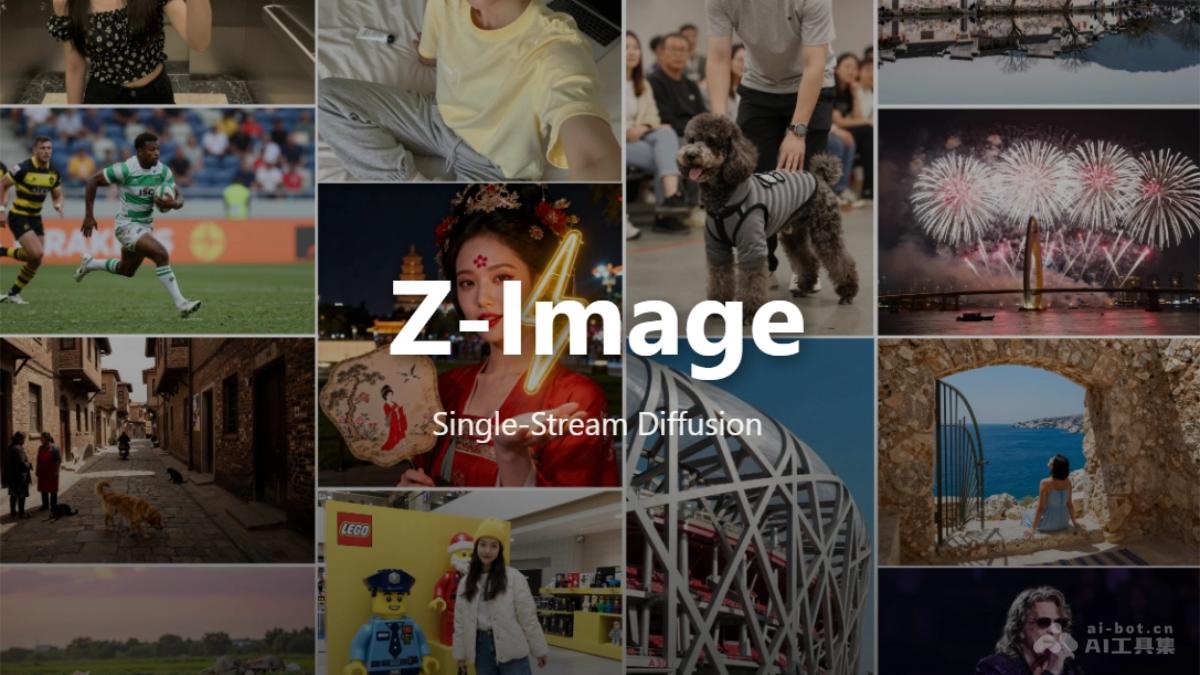
Z-Image is an efficient image generation foundation model developed by Tongyi Lab, featuring a 6-billion-parameter Scalable Single-Stream Diffusion Transformer (S3-DiT) architecture. Released as an open-source project under the Apache-2.0 license, it offers three distinct variants designed for different use cases: Z-Image-Turbo for rapid inference, Z-Image-Base for custom fine-tuning, and Z-Image-Edit for image editing tasks.
The model employs the S3-DiT architecture, which concatenates text, visual semantic tokens, and image VAE tokens into a unified input stream to maximize parameter efficiency. Z-Image distinguishes itself through its ability to render complex bilingual text in both English and Chinese, achieving competitive performance in Elo-based Human Preference Evaluations among open-source alternatives.
Built for both researchers and developers, Z-Image-Turbo achieves sub-second inference latency on enterprise-grade H800 GPUs while maintaining compatibility with 16GB VRAM consumer devices, making advanced image generation accessible across different hardware configurations.
Key Features
Three Model Variants — Offers specialized versions for different needs: Turbo for speed with 8-step inference, Base for community-driven fine-tuning, and Edit for image-to-image transformations based on natural language prompts.
Bilingual Text Rendering — Accurately renders complex English and Chinese text within generated images, enabling multilingual creative workflows without separate text processing.
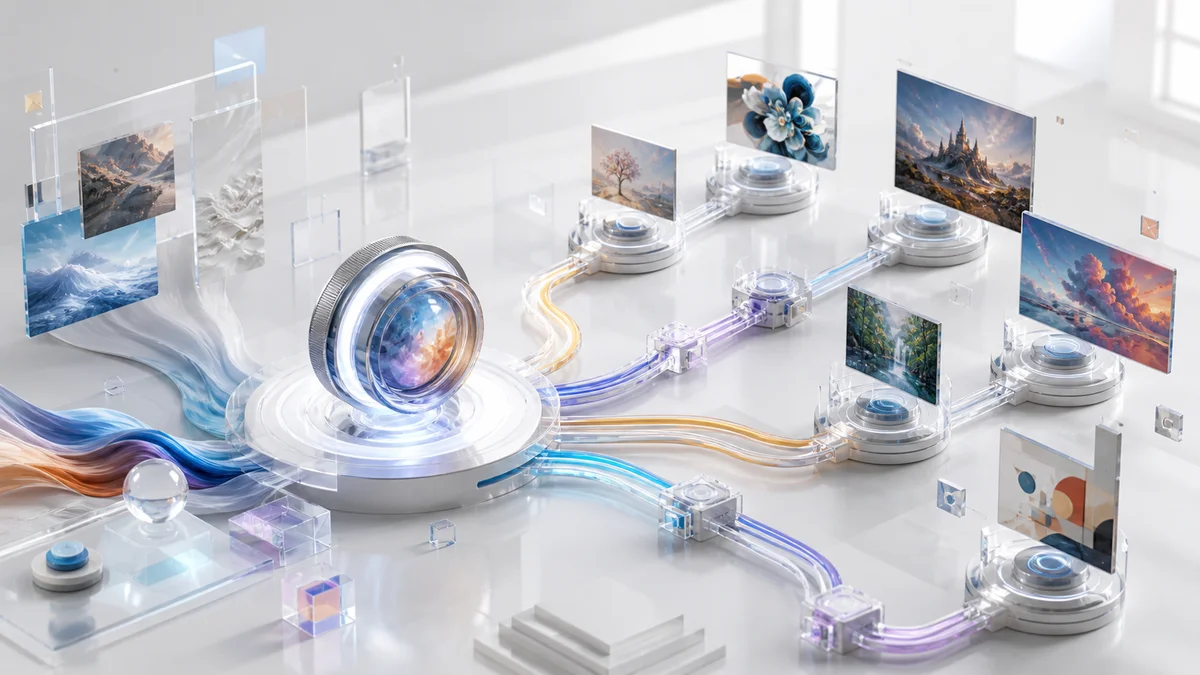
Single-Stream Architecture — Utilizes S3-DiT to process text, visual semantic tokens, and image VAE tokens in one unified stream, improving parameter efficiency compared to traditional dual-stream approaches.
Sub-Second Inference — Z-Image-Turbo combines Decoupled-DMD few-step distillation with the efficient S3-DiT architecture, enabling 8-step generation and sub-second latency on H800-class GPUs in vendor benchmarks.
Prompt Enhancement — Incorporates built-in reasoning capabilities that extend beyond surface-level descriptions, leveraging deeper world knowledge to interpret and enhance user prompts automatically.
Consumer Hardware Support — Compatible with 16GB VRAM consumer GPUs, making professional-grade image generation accessible without requiring enterprise infrastructure.
Pricing & Plans
Z-Image is an open-source project released under the Apache-2.0 license. As of now, the Z-Image-Turbo checkpoint is publicly available for free download, while Z-Image-Base and Z-Image-Edit have been announced and are planned for open-source release under the same license.
Free & Open Source
- Access to the Z-Image-Turbo checkpoint today, with Z-Image-Base and Z-Image-Edit planned for release
- Apache-2.0 licensing allows commercial and research use without per-call API fees when self-hosting
- Community-driven development and experimentation support
- Self-hosted deployment on personal infrastructure
- Third-party platforms may charge for compute and impose rate limits
Users need to provide their own compute resources. Z-Image-Turbo is optimized to run comfortably on 16GB VRAM consumer GPUs, and can achieve sub-second latency on enterprise-grade accelerators like the H800. Lower-VRAM setups may be possible with techniques like CPU offloading or quantization, but are not part of official hardware guarantees. Cloud deployment costs depend on the selected infrastructure provider.
Best For
- Developers building image generation features into applications who require self-hosted solutions without API dependencies
- Research teams exploring diffusion transformer architectures and few-step distillation techniques
- Content creators working with bilingual Chinese-English projects requiring accurate text rendering
- Businesses requiring full data control and privacy through on-premise deployment
- Machine learning practitioners looking for an open, 6B-parameter foundation to experiment with — either using Z-Image-Turbo with LoRA-style adapters today or Z-Image-Base once its full checkpoint is released
FAQ
Is Z-Image completely free to use?
Yes, Z-Image is released under the Apache-2.0 open-source license, which permits both commercial and research use without licensing fees. Users only need to cover their own compute infrastructure costs.
What hardware is required to run Z-Image?
Official documentation and vendor sites generally recommend 16GB of GPU VRAM for Z-Image-Turbo. It runs comfortably on 16GB consumer GPUs and achieves sub-second latency on enterprise hardware such as H800-class accelerators. Official documentation focuses on GPU-based inference (with optional CPU offloading for memory-constrained setups). Pure CPU-only inference is not documented or recommended and would be impractically slow for most real-world use cases.
Can Z-Image render text in languages other than English and Chinese?
Official materials focus on accurate Chinese and English text rendering, and most demos highlight these two languages. Some platforms describe broader multilingual support, but there is limited rigorous, public evaluation for other scripts, so performance in other languages may vary.
How does Z-Image-Turbo achieve such fast inference?
Z-Image-Turbo uses Decoupled-DMD, a few-step distillation algorithm that reduces the number of inference steps to 8 while maintaining image quality. This, combined with the efficient S3-DiT architecture that processes text, visual semantic tokens, and image VAE tokens in a unified stream, enables sub-second latency on compatible hardware.
What is the difference between the three Z-Image variants?
Z-Image-Turbo is optimized for speed with 8-step inference. Z-Image-Base serves as the foundation model for custom fine-tuning and development. Z-Image-Edit is specifically trained for image editing tasks, allowing transformations based on natural language instructions.
Can I fine-tune Z-Image for my specific use case?
Yes, Z-Image-Base is explicitly designed as the non-distilled foundation checkpoint for community-driven fine-tuning and custom development. Tongyi Lab has announced plans to release the Base weights under Apache-2.0; once they are available, practitioners will be able to adapt the model to domain-specific datasets. In the meantime, some users experiment with fine-tuning the distilled Turbo variant via LoRA or other lightweight adapters.
How does Z-Image perform compared to other open-source models?
According to Elo-based Human Preference Evaluations on Alibaba AI Arena, Z-Image-Turbo ranks competitively against leading proprietary and open-source models, with state-of-the-art scores among open-source systems at release time. Detailed ranking scores are listed on the Alibaba AI Arena leaderboard and can change over time as new models are evaluated.
What image resolutions does Z-Image support?
The official Quick Start examples use 1024×1024 as the default resolution, and several providers recommend 1024×1024 with 8–9 effective steps as the sweet spot for quality vs. speed. As with other DiT-based models in Diffusers, other resolutions can be used by adjusting height and width, though image quality and VRAM usage will vary. Community tooling demonstrates good results at higher effective resolutions through tiling or external upscalers, but 1024×1024 remains the most documented out-of-the-box setting.