Overview
Midjourney V7 represents a fundamental leap in AI image generation, introducing Draft Mode for 10x faster iteration at half the cost, a Photoshop-style layer editor, and Omni Reference for consistent character and object placement across scenes. Released April 3, 2025 with alpha testing announced April 4, V7 became the default model on June 17, 2025. Fast mode shipped May 2, 2025, followed by a performance optimization on May 29 that brought V7 approximately 40% faster than V6.1 (22 seconds in Fast mode vs 36 seconds, 9 seconds in Turbo vs 13 seconds). V7 delivers significantly higher image quality with richer textures and better coherence in complex details like bodies, hands, and objects, and features model personalization enabled by default, learning from your aesthetic preferences to better interpret your creative vision.
What's New
Draft Mode: 10x Faster Iteration
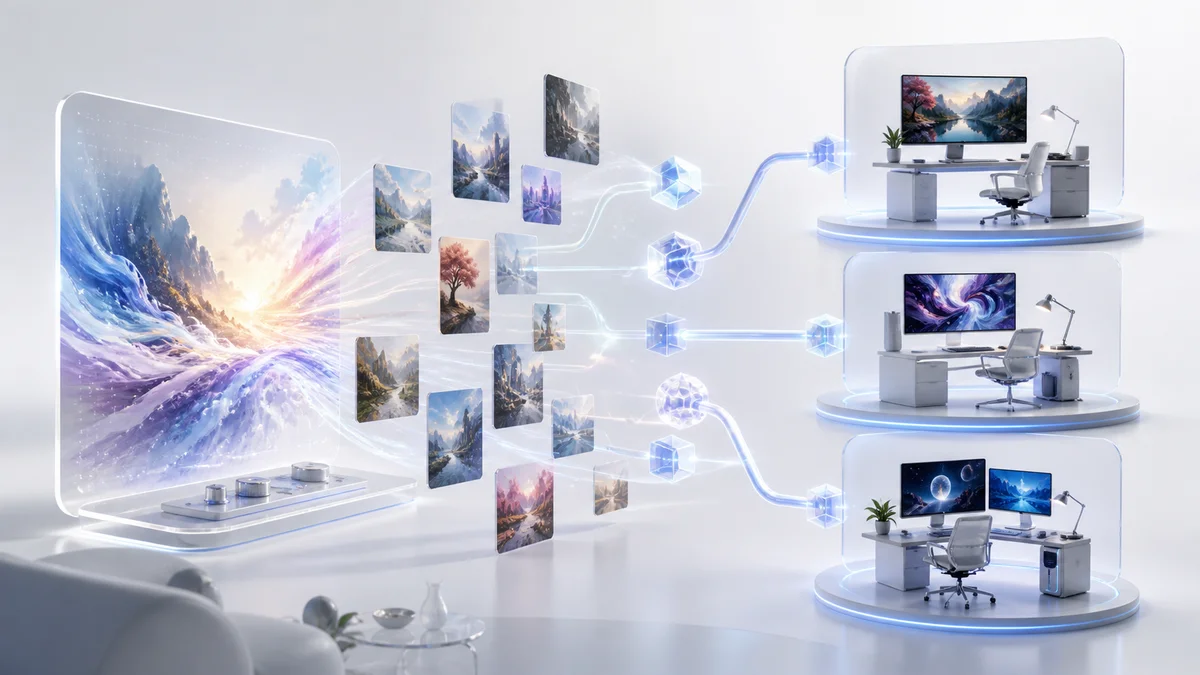
Draft Mode renders images at 10 times the speed of standard generation while costing half as much GPU time, making it ideal for rapid prototyping and creative iteration. When enabled on the web interface, the prompt bar transforms into a conversational mode where you can request changes like "swap out the cat with an owl" or "make it nighttime" and the AI will automatically manipulate the prompt and start a new job. Draft mode also supports voice input, allowing you to think out loud while images flow beneath you. While Draft images are lower quality than standard mode, the behavior and aesthetics remain consistent, making it a faithful way to iterate. When you find a composition you like, simply click "enhance" or "vary" to re-render at full quality. You can also use --draft explicitly in prompts for permutations or --repeat commands.
Advanced Image Editor with Layer Editing
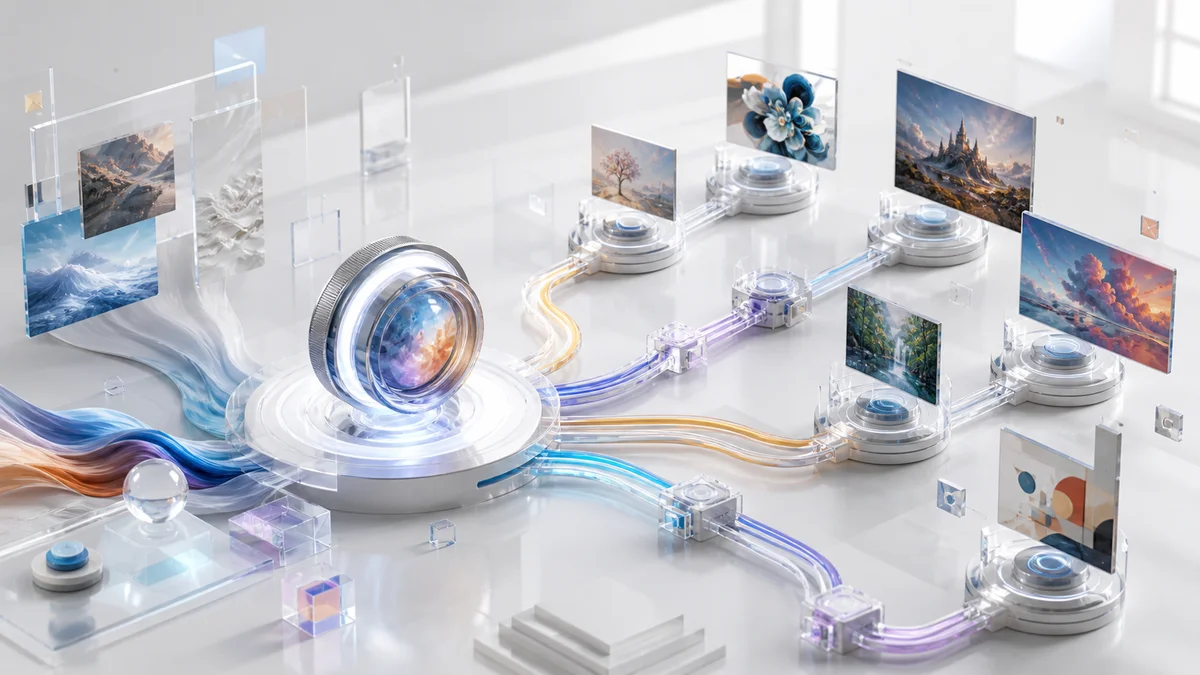
V7 introduces a Photoshop-style multi-layer editor accessible to all membership tiers, unifying the experience for editing both Midjourney-generated and externally uploaded images. The editor supports layer-based composition, allowing you to import multiple images on separate layers to create complex collages and retextures. Key tools include smart selection for precise object removal with a single click, masking and cutting capabilities, and full layout control for arranging elements. The retexture feature lets you change textures and styles of individual image elements while maintaining structural coherence. This represents Midjourney's most significant step toward becoming a complete design tool rather than just a generation platform.
Omni Reference: Unified Character and Object Consistency
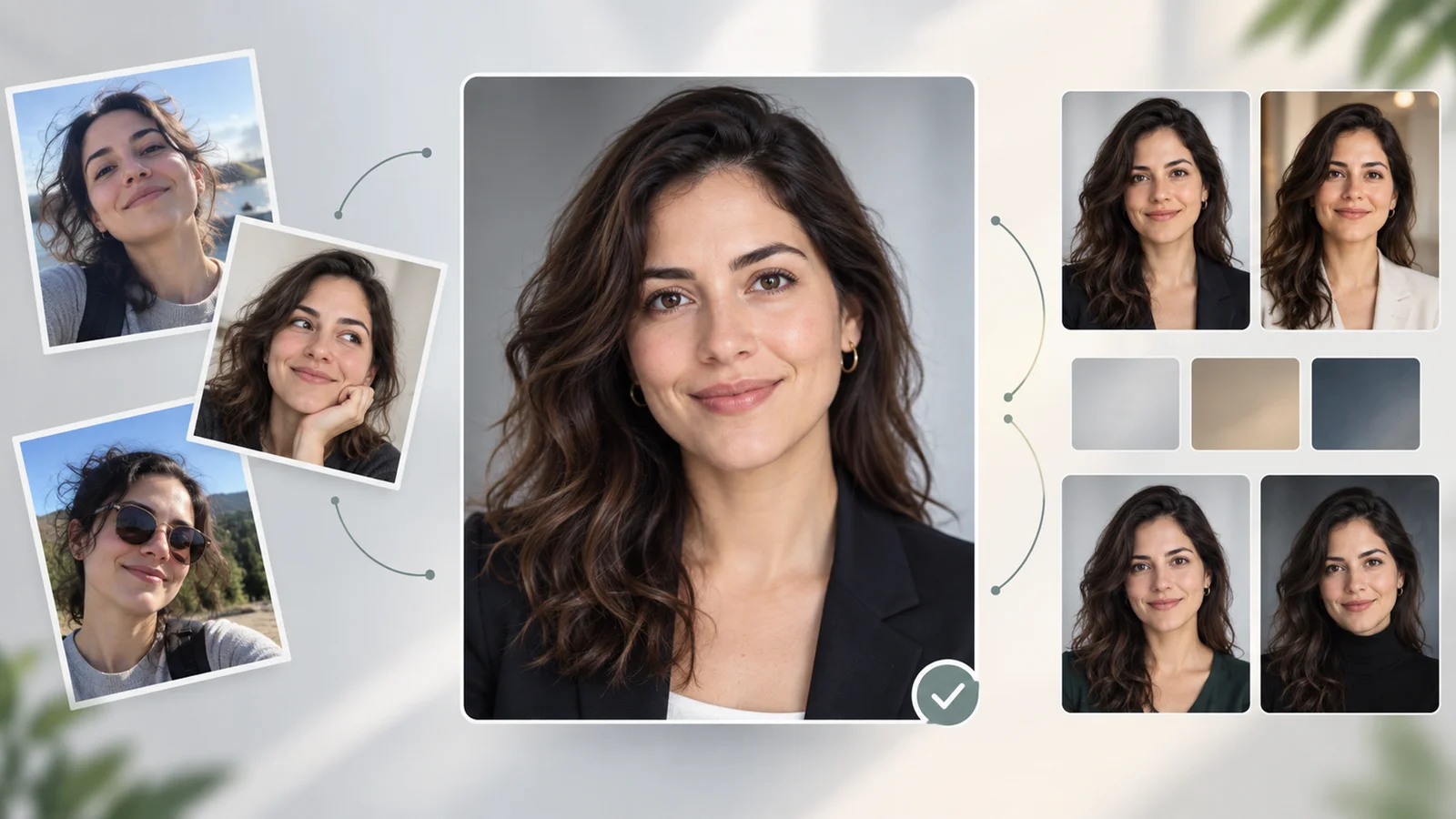
Omni Reference (--oref) replaces the previous Character Reference system with a more flexible approach that references structure and content aspects of source images simultaneously. Unlike the previous Character Reference which focused solely on facial features, Omni Reference maintains consistency across entire characters, objects, and compositional elements across multiple scenes. For style consistency, use Style Reference (--sref) in combination with Omni Reference. Note that Omni Reference costs 2x GPU time and is not compatible with certain editing operations like inpainting and outpainting. This feature is particularly powerful for storytelling, branding, and maintaining visual coherence in multi-image projects when working within the editor or generating new variations.
Model Personalization by Default
V7 is the first Midjourney model to have personalization enabled by default. Based on internal data, 85% of users prefer personalized results. Personalization requires unlocking through a 5-minute ranking process where you rate generated images to teach the AI your aesthetic preferences. Once enabled, the model adjusts its interpretation of your prompts based on what it has learned you find beautiful. You can toggle personalization on or off at any time, and the system continues learning from your interactions. This works in conjunction with Moodboards, which allow you to create visual reference boards that further guide the AI's output style.
Enhanced Image Quality and Coherence
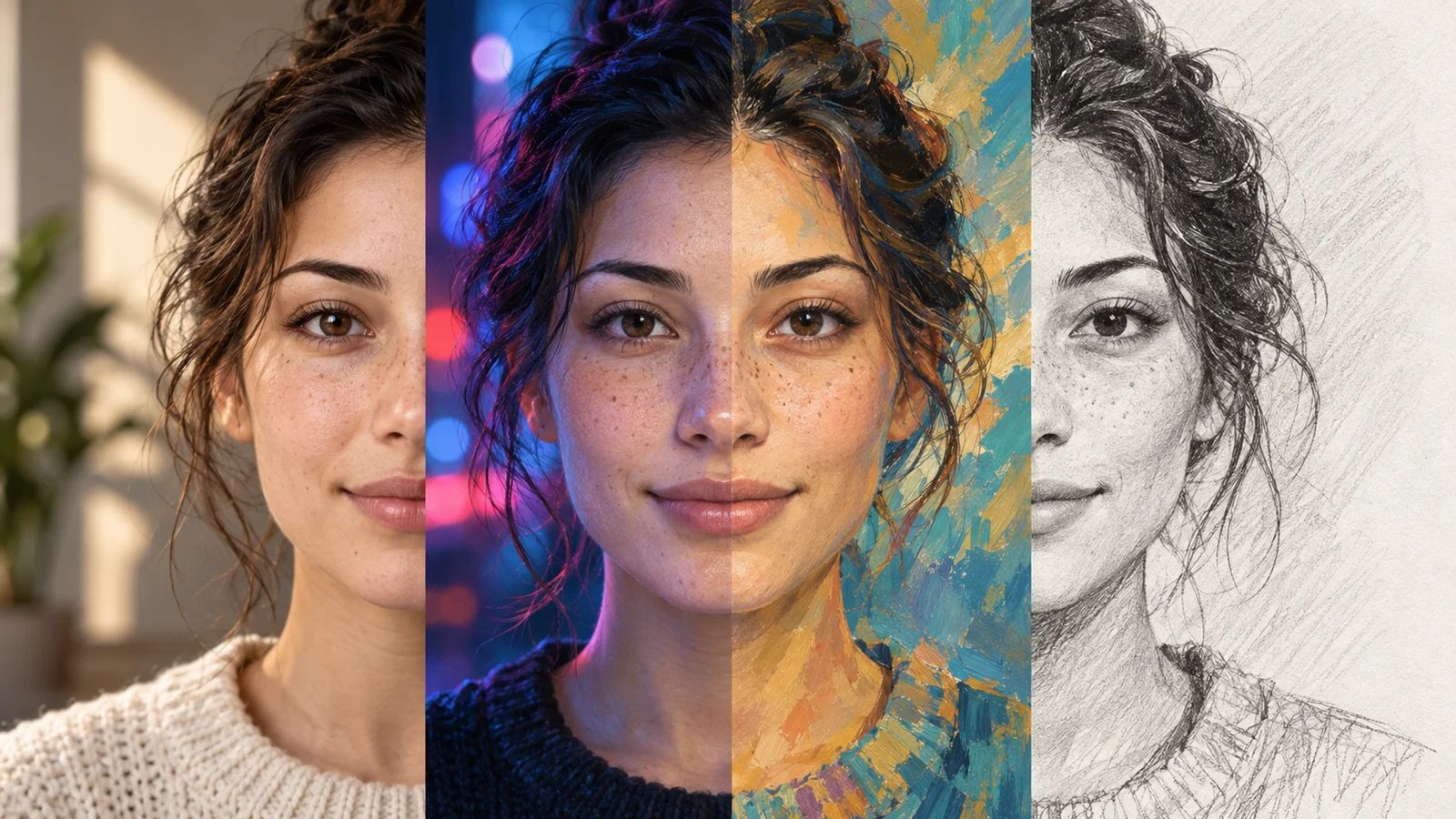
V7 delivers noticeably higher image quality with richer textures and dramatically improved coherence in complex details. Bodies, hands, and objects of all kinds show significantly better anatomical accuracy and logical spatial relationships. The model excels at interpreting both text and image prompts with greater precision, producing results that more closely match creative intent. Textures appear more realistic and detailed, with improved rendering of materials like fabric, metal, glass, and organic surfaces. While Midjourney hasn't detailed the technical training approach, V7 empirically demonstrates better understanding of complex creative briefs including abstract concepts and multi-subject scenes.
Additional Parameters and Controls
V7 supports several parameters you can add to prompts for different behaviors. The --raw parameter provides more literal prompt interpretation without personalization. An experimental --exp parameter is available for testing new capabilities. Quality settings (--q) now accept values of 1, 2, or 4, each with distinct rendering behaviors and GPU cost implications. The model supports any aspect ratio, strong and subtle variations, remix features, pan, zoom, and tile parameters, giving granular control over generation quality and creative exploration.
Pricing & Plans
Midjourney V7 is available across all existing subscription tiers with no price increase. All plans include access to Draft Mode, the Advanced Editor, and Omni Reference.
Basic Plan - $10/month (or $96/year, saving 20%)
- 3.3 hours of fast GPU time per month (~200 images)
- Draft Mode access (double your image output at half the cost)
- Multi-layer editor with smart selection
- Omni Reference and personalization
Standard Plan - $30/month (or $288/year)
- 15 hours of fast GPU time
- Unlimited relax mode generations
- All Basic features
- Priority support
Pro Plan - $60/month (or $576/year)
- 30 hours of fast GPU time
- Unlimited relax mode
- Stealth mode (private images)
- All Standard features
Mega Plan - $120/month (or $1,152/year)
- 60 hours of fast GPU time
- Unlimited relax mode
- Stealth mode
- All Pro features
- Highest priority in queues
Additional GPU time can be purchased at $4/hour across all plans. V7 Turbo mode costs 2x standard GPU time (same as V6 Turbo), while Draft Mode costs 0.5x standard GPU time. Fast mode shipped on May 2, 2025 and received further performance optimizations on May 29, 2025.
Best For
- Content creators and marketers who need to rapidly prototype visual concepts with AI image generators and iterate on ideas before final production
- Digital artists and illustrators who want to maintain consistent characters or objects across multiple scenes for storytelling or branding
- Graphic designers who need to composite AI-generated elements with traditional design work using layer-based editing
- Social media managers producing high volumes of visual content who can leverage Draft Mode's speed and cost efficiency
- Creative professionals who value aesthetic control and want AI that learns their personal style preferences through personalization
- Professional photographers and retouchers who need to enhance or manipulate existing images using AI-powered editing tools
FAQ
Can I still use V6.1 if I prefer it over V7?
Yes, you can switch between versions through your settings or by adding --v 6.1 to your prompts. V7 became the default model on June 17, 2025, but all previous versions remain accessible. Some users may prefer V6.1's behavior for certain types of prompts, and Midjourney encourages experimentation to find the best model for each use case.
How does Draft Mode quality compare to standard generation?
Draft Mode produces noticeably lower resolution and detail compared to standard or Turbo modes. It's designed for rapid iteration and exploration, not final output. The key advantage is that Draft Mode maintains consistent behavior and aesthetics with full-quality modes, so you can confidently iterate in Draft and know that your "enhance" or "vary" will produce a similar result at higher quality. Think of it as a sketch phase before creating the final artwork.
Do I need to unlock personalization to use V7?
While personalization is enabled by default in V7, you must complete a 5-minute ranking process to unlock it for your account. This involves rating generated images so the AI can learn your aesthetic preferences. You can skip this and turn personalization off, but Midjourney reports that 85% of users prefer personalized results. Personalization is optional and can be toggled on or off at any time in your settings.
What happened to Character Reference (--cref)?
Character Reference has been replaced by Omni Reference (--oref) in V7. Omni Reference is more powerful and flexible, allowing you to reference not just character faces but entire subjects, objects, and compositional elements from source images. For style consistency, combine Omni Reference with Style Reference (--sref). Note that Omni Reference costs 2x GPU time. Midjourney has hinted that further character consistency improvements are in development.
When will the V7 versions of upscaling and editing features be available?
During V7's early alpha phase, upscaling and retexture features used V6 models. Today, V7 includes Subtle and Creative Upscale options, while some expand features like Pan and Zoom Out still use V6.1 models. Midjourney continues to ship updates regularly, with Moodboards and Style Reference (--sref) already working with V7 and ongoing performance improvements. The team has indicated that further character and object reference enhancements are in development.