



Overview
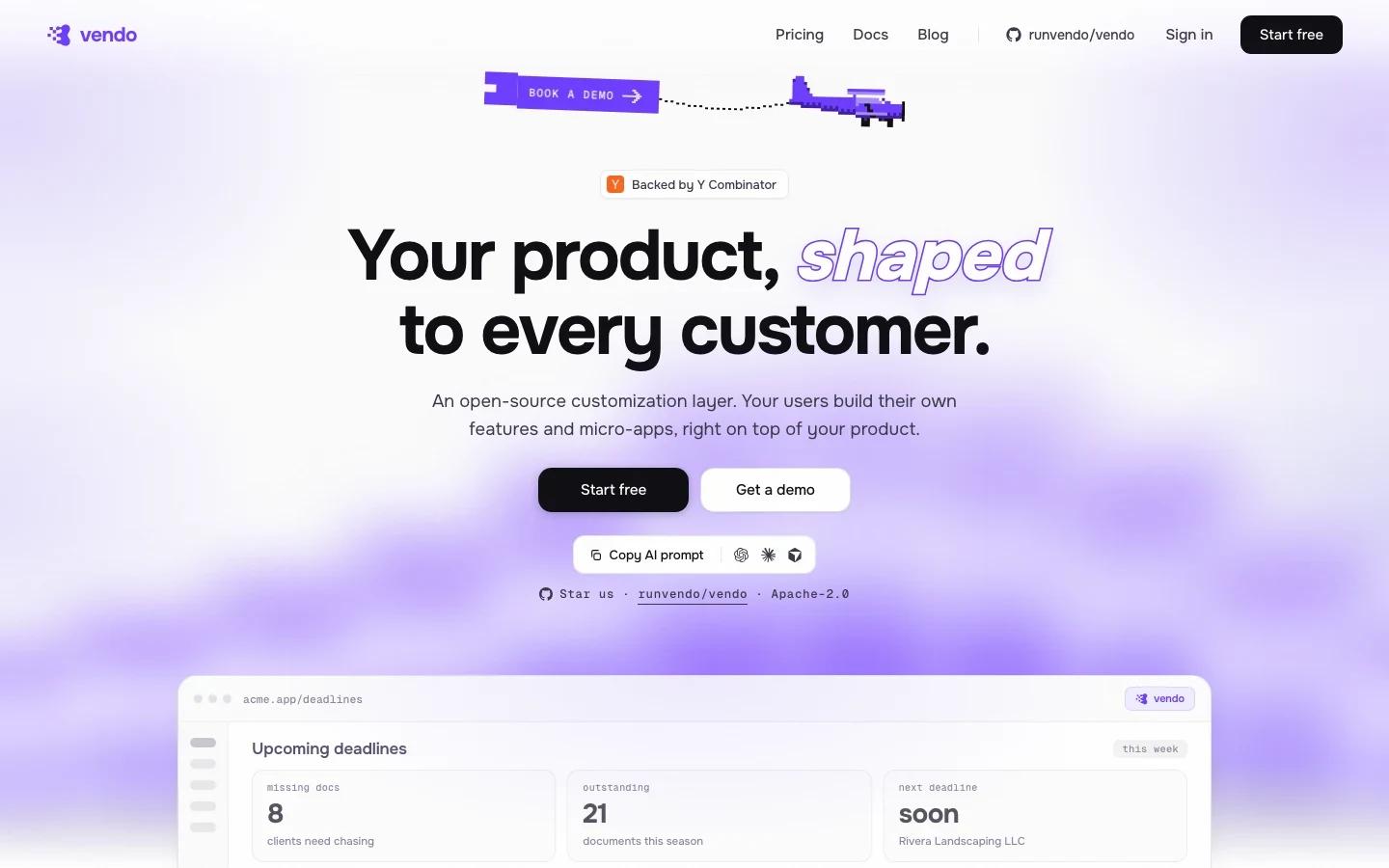
Vendo is an open-source customization layer for SaaS products. Instead of forcing every customer request into a product roadmap, Vendo lets users build feature workflows and micro-apps on top of the product they already use.
The official positioning is direct: your users build their own features and micro-apps on top of your product. Vendo learns the product's components, API, permissions, and brand patterns, then helps users create interfaces, actions, automations, and stateful workflows that still live inside the product experience.
That makes Vendo relevant for SaaS teams drowning in long-tail customization requests. It sits between internal feature development, workflow automation, and AI agent tooling. The product team keeps the core platform; advanced users get a way to shape local workflows without waiting for every feature to become first-party.
Key Features
- Embedded customization layer - Vendo is designed to live inside a SaaS product so users can build on top of the existing UI and API.
- Micro-app creation - Users can create real product extensions rather than only one-off automations or chat responses.
- Actions and automations - Vendo supports workflows that call product APIs, execute tasks, and update state.
- Product-aware setup - The official setup flow uses
npx vendo initto learn components, APIs, permissions, and brand patterns. - Multiple execution surfaces - The homepage describes workflows inside the product, through Claude or ChatGPT, and on schedules.
- Open-source repository - The project links to the public
runvendo/vendoGitHub repository.
How to Get Started
Vendo should start with one customer-facing customization problem. Good candidates include internal dashboards, repeatable account workflows, lightweight admin tools, review queues, custom reporting panels, or vertical-specific forms that only a subset of customers needs.
The engineering step is to expose the right product primitives: components, API endpoints, permission rules, and brand constraints. The product step is to decide which users can build, publish, and share custom micro-apps.
For teams already using AI productivity automation, Vendo is interesting because it brings customization into the product surface. A generic automation platform can move data between systems; Vendo is aimed at letting users extend the product itself.
Pricing & Plans
Vendo publishes a free plan and paid monthly plans on the official homepage.
| Plan | Price | Best fit |
|---|---|---|
| Free | $0/month | Evaluation and small usage with included monthly usage credit |
| Pro | $49/month | Teams building production customization workflows |
| Teams | $499/month | Larger SaaS teams needing broader collaboration and usage |
| Enterprise | Custom | Security, scale, support, and procurement needs |
The pricing page also notes included usage in the free plan, so teams should watch both subscription price and agent usage volume when comparing total cost.
Best For
- SaaS products with enterprise customers asking for custom workflows
- Developer-platform and vertical SaaS teams with strong APIs
- Product teams that want extensibility without building a full internal app platform
- Customer success teams trying to satisfy niche account requests without custom engineering every time
- Teams building AI-native product surfaces around governed AI code generation and workflow execution
Vendo is most useful when customization demand is real but fragmented. If all customers need the same missing feature, build the feature. If each customer wants something slightly different, Vendo may be the more scalable layer.
FAQ
What is Vendo?
Vendo is an open-source customization layer that lets SaaS users build their own features, micro-apps, actions, and workflows on top of a product.
Is Vendo open source?
Yes. The official site links to the public runvendo/vendo GitHub repository.
How much does Vendo cost?
The official homepage lists a Free plan, Pro at $49 per month, Teams at $499 per month, and Enterprise custom pricing.
Who should use Vendo?
Vendo fits SaaS teams that have strong APIs and recurring customer requests for custom workflows, dashboards, or product extensions.
Is Vendo an automation tool?
It overlaps with automation, but the main idea is product customization: users build micro-apps and workflows that operate inside or on top of the SaaS product.