
16 Best AI Chrome Extensions in 2026 — Tested for Real Browser Workflows
We installed 30+ AI Chrome extensions and kept the 16 that survived real daily use. Real pricing, permissions notes, and where each one actually wins.

On this page
Over the past eighteen months, the browser sidebar has turned into a real estate war. OpenAI, Anthropic, Google, and dozens of independent teams all want the same 400 pixels on the right edge of your screen — because whoever owns that strip owns the context of everything you read, write, and research. The Chrome Web Store now lists thousands of extensions tagged "AI," and the quality curve is steep: a handful are indispensable, most are thin ChatGPT wrappers with alarming permissions, and a few are genuinely novel tools you won't find as standalone web apps.
We installed 30+ of them, kept 16 that earned a permanent slot, and wrote this guide around one question: which of these is actually worth the install, and for which workflow? The list below mixes multi-model sidebars, translation engines, writing copilots, research assistants, and automation extensions. Pricing, permission scopes, and real limitations are all in here — nothing is copied from the store listing.
| Tool | Best For |
|---|---|
| Sider | Multi-model sidebar for everyday power users |
| Monica | Browser Operator and Deep Research agents |
| MaxAI | Context-aware sidebar with the cleanest free tier |
| HARPA AI | Page-aware automation for technical users |
| Tactiq | Live meeting transcripts and AI summaries |
| Merlin | All-in-one AI toolbox with 80+ built-in tools |
| Immersive Translate | Dual-language web page and PDF translation |
| Grammarly | Writing assistance with the largest install base |
| DeepL | Translation quality and AI write-in-place |
| LINER | AI search, highlights, and research workspace |
| Glasp | Social highlighting and knowledge capture |
| QuillBot | Paraphrasing, grammar, and summarizing |
| LanguageTool | Multi-language grammar at the friendliest price |
| Wordtune | Low-friction AI rewrites inline |
| Recall | Summaries that build into a personal knowledge graph |
| SciSpace | Academic research copilot for reading papers |
How We Selected and Tested
We started from public Chrome Web Store listings, extension review aggregators, and active Reddit threads in r/ChromeExtensions, r/productivity, and r/ArtificialIntelligence. From an initial pool of 30+ candidates, we dropped extensions that were thin ChatGPT wrappers, had been unmaintained for more than 18 months, or requested "read and change all your data on all websites" permissions without any documented reason. What survived went through daily use for at least a week each.
Our research combined the extensions' own store listings, official pricing pages, privacy policies, and public install counts, cross-referenced against user reports from Reddit, the Chrome Web Store review section, and independent reviews. Where pricing was unclear or conflicting across sources, we marked it explicitly instead of guessing.
Evaluation Dimensions: We evaluated each extension across 5 dimensions tailored to browser-first workflows:
- Core Workflow Depth — Does the extension actually complete AI tasks inside the browser, or does it push you to a separate web app?
- Permission Footprint — What sites does it want access to, and does the privacy policy explain why?
- Pricing Transparency — Are tiers, credit limits, and cancellation paths clearly published?
- Free Tier Quality — Is the free plan usable for real work or just a demo?
- Install Base & Update Cadence — Is it actively maintained, and do reviews reflect current behavior?
Note on Testing Scope: We tested each extension hands-on in Chrome 125+ on macOS and Windows with a fresh profile. For edge cases and long-term stability, we relied on Chrome Web Store review trends and public changelogs.
Transparency & Limitations: All pricing figures come from official pricing pages as of April 2026. Several extensions (notably Sider and Merlin) restructure credit allowances frequently — verify the current plan on the vendor site before subscribing.
Top 16 AI Chrome Extensions Compared
Before the full reviews, here's the short version. Each row covers what the extension is best at, how capable the free tier actually is, what it needs access to, and its entry-level paid price.
| Tool | Best For | Free Tier | Permission Footprint | Starting Paid Price |
|---|---|---|---|---|
| Sider | Multi-model sidebar | Usable — daily credit cap | Broad — all sites | $8.30/mo (Basic) |
| Monica | Deep research + agents | Usable — 40 daily queries | Broad — all sites | $8.30/mo (Pro, annual) |
| MaxAI | Context-aware helper | Strong — 3 Pro chats/day | Scoped per feature | $12/mo (Pro, annual) |
| HARPA AI | Page automation | Limited — feature gated | Broad — all sites | ~$12/mo |
| Tactiq | Meeting transcripts | Usable — 10 transcripts/mo | Scoped to meeting sites | $8/mo (Pro, annual) |
| Merlin | 80+ AI tools bundle | Usable — 102 daily queries | Broad — all sites | $19/mo (Pro) |
| Immersive Translate | Dual-language pages | Strong — fair-use cap | Broad — all sites | $10.42/mo (Pro, annual) |
| Grammarly | Writing anywhere | Usable — basic checks | Broad — writing sites | $12/mo annual |
| DeepL | Translation + writing | Limited — char cap | Scoped per site | $8.74/mo |
| LINER | AI research workspace | Usable — 3 advanced/day | Broad — all sites | $14.99/mo (Pro, annual) |
| Glasp | Highlighting + notes | Strong — public highlights | Scoped to supported sites | $10/mo (Pro) |
| QuillBot | Paraphrasing | Usable — 125-word cap | Scoped to writing sites | $8.33/mo (Premium, annual) |
| LanguageTool | Multi-language grammar | Strong — generous | Scoped to writing sites | $5.83/mo annual |
| Wordtune | Inline rewrites | Limited — 10 rewrites/day | Scoped to writing sites | $4.89/mo (Advanced, annual) |
| Recall | Summaries + graph | Usable — 10 summaries/mo | Scoped per site | $7/mo (Plus) |
| SciSpace | Paper reading copilot | Limited | Scoped to paper sites | $20/mo |
Detailed Reviews
Sider
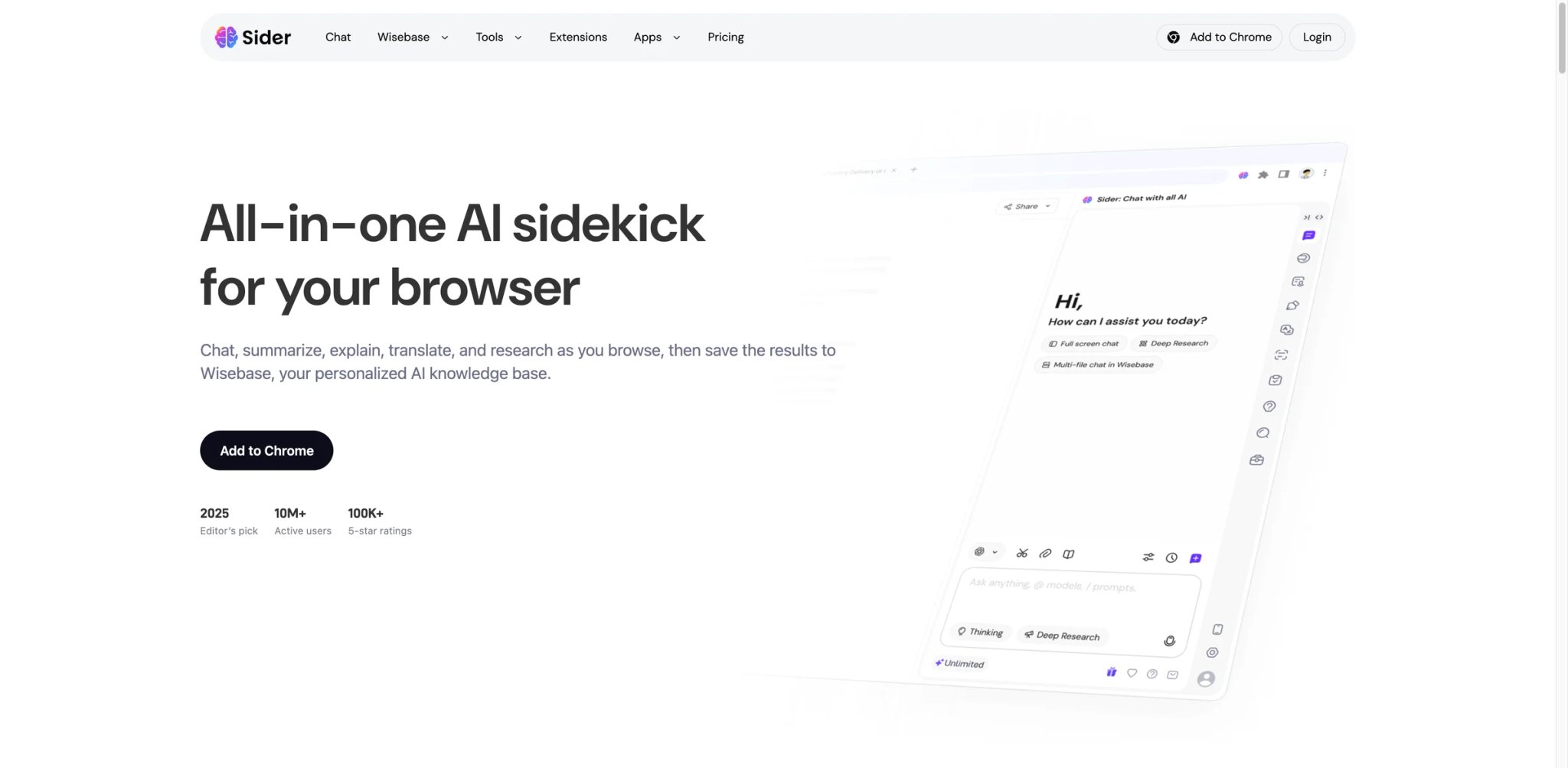
Sider sits on top of the "multi-model sidebar" category almost by default: it has more than two million active users, gives you GPT, Claude, and Gemini inside the same sidebar, and layers reading, writing, and search tools on top. The pitch isn't that any single feature is best-in-class — it's that you stop installing five extensions because Sider already bundles them.
Key Features
- Unified multi-model sidebar — Switch between GPT-4o, Claude 3.5 Sonnet, Gemini 1.5 Pro, and DeepSeek from a dropdown inside the same chat. Competitors like MaxAI do this too, but Sider's model list is the broadest we saw in daily testing.
- Reading companion for any tab — Open the sidebar on any article, PDF, or YouTube video and get summaries, translations, and follow-up Q&A without copying text. The PDF handling in particular is more reliable than the browser's built-in tools.
- Writing assistant with context-aware rewrites — Highlight any text on a page, right-click, and rewrite in tone presets or a custom instruction. The rewrite happens in place, not in a separate tab.
- ChatPDF and image input — Drop a PDF or an image directly into the sidebar and ask questions against it. Useful for students annotating research papers and analysts skimming reports.
Pricing
- Free: 30 basic credits per day (roughly 30 short model calls)
- Basic: $8.30/month — 3,600 basic credits/month plus 100 advanced credits (GPT-4o, Claude 3.5 Sonnet, Gemini 1.5 Pro)
- Pro: $16.60/month — 12,000 basic credits/month plus 300 advanced credits
- Unlimited: $25/month — unlimited basic credits plus a guaranteed 1,000+ advanced credits each month
Cost reality: Credit-based pricing makes it hard to predict your actual cost at a glance. The $8.30 Basic plan is enough for most individual readers; power users writing longform content will feel the advanced-credit cap quickly and likely need Pro or Unlimited.
Limitations
- Broad permissions: Sider requests access to read and change data on all websites. The feature scope justifies it, but privacy-sensitive users should review the permission list before installing.
- Credit math is opaque: The site does not publish a clear "one message = N credits" table, so the only way to find your true consumption is to watch the counter after a week of use.
- Feature overlap creates bloat: With writing, reading, image generation, and translation all in one extension, the sidebar UI can feel crowded compared to single-purpose tools like DeepL or Immersive Translate.
Best For
Readers and writers who want one sidebar that covers chat, summaries, rewrites, and PDF reading across every tab, and who don't mind a credit-based pricing model.
Not the right fit if you need a narrow tool (translation only, writing only), if credit limits stress you out, or if you can't justify broad "all sites" permissions.
Get started with Sider
Monica
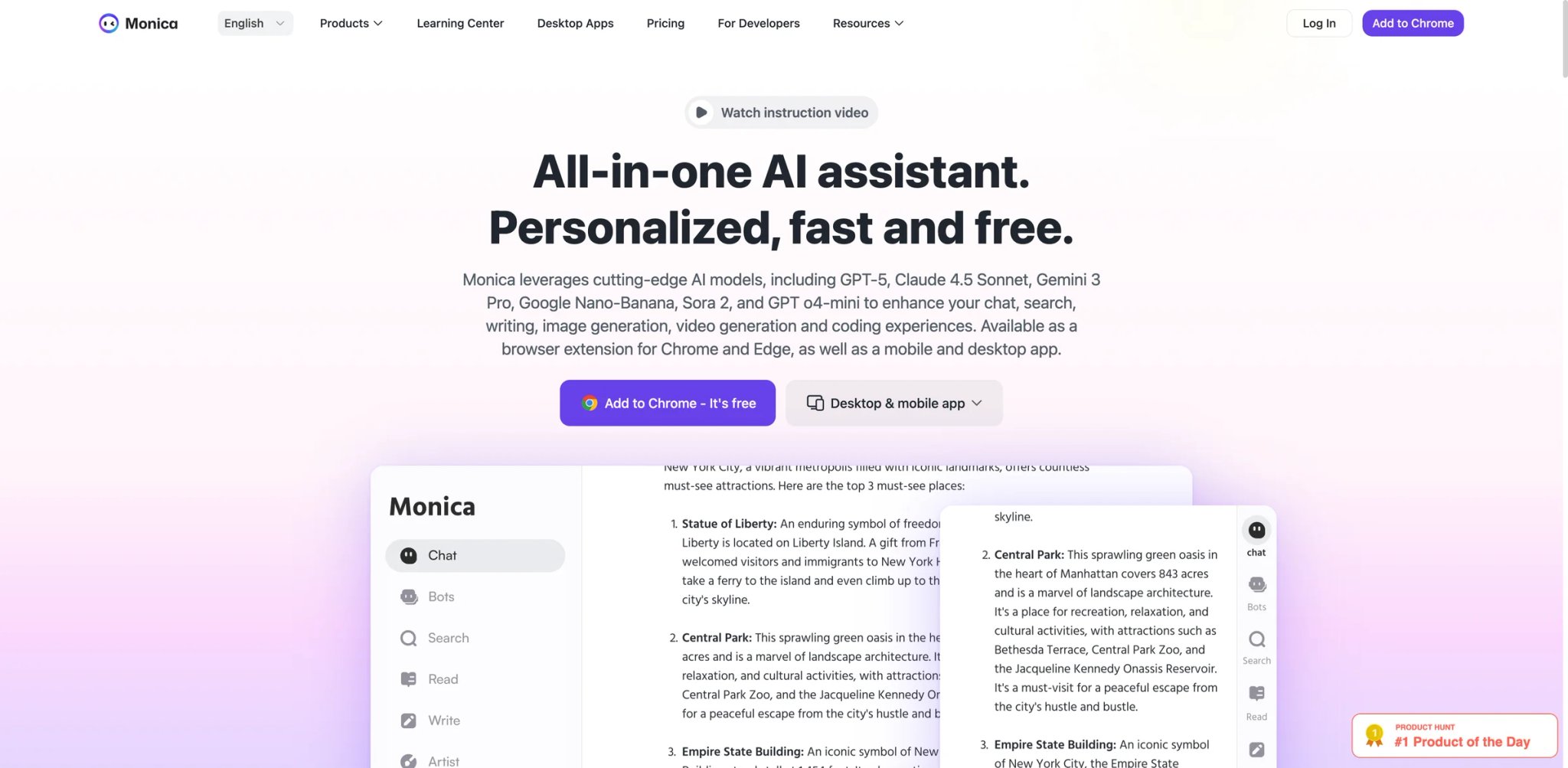
Monica went from a chat-in-sidebar clone to one of the first extensions shipping real browser agents. "Browser Operator" can navigate a site, click through flows, and complete multi-step tasks on your behalf; "Deep Research" runs iterative searches and returns a report with citations. That's a different category of product from a simple "ask the AI about this page" sidebar — and the reason Monica is on this list despite pricing that is not the cheapest.
Key Features
- Browser Operator — Give Monica a task ("find three dog-friendly hotels in Lisbon under €150 with availability next weekend") and it opens tabs, fills searches, and summarizes results. It's not perfect, but it's the most practical agent we tested inside an extension.
- Deep Research reports — A multi-step research agent that iterates on subqueries and returns a cited report. Useful for market scans and competitive analysis when a single ChatGPT prompt isn't enough.
- Slides and document generation — Generate a slide deck or a structured doc directly from a conversation. The output isn't Canva-grade, but it cuts out the "now paste into Google Slides" step.
- Multi-model backend — Switches between GPT-4o, Claude 3.5 Sonnet, and Gemini 1.5 Pro. You don't pick the model per message; Monica routes based on task.
Pricing
- Free: 40 basic queries per day
- Pro: $8.30/month billed annually ($99/year) — 5,000 basic queries/month, 200 advanced queries/month, plus 1,500 extra advanced credits/month
- Max: $16.60/month billed annually ($199/year) — unlimited basic and advanced queries, plus 4,500 extra advanced credits/month
- Ultra: $82.90/month billed annually ($995/year) — unlimited queries plus 20,000 extra advanced credits/month
Cost reality: Monica's public lineup is Pro / Max / Ultra; team subscriptions are not officially launched yet. The entry Pro tier is genuinely affordable — if you only need agents occasionally, Pro is enough, and Max is the natural upgrade once Browser Operator and Deep Research become part of your daily workflow.
Limitations
- Broad permissions by design: The Browser Operator needs to read and interact with any page, so the permission footprint is wide. Understand the trade-off before installing.
- Agent reliability is uneven: Browser Operator handles simple flows well but still fails on dynamic sites or sites with aggressive bot detection. Don't rely on it for anything with a deadline.
- Pricing page density: Monica publishes many plan variants, which can make comparison harder than it should be. Read carefully before subscribing.
Best For
Power users who want a real browsing agent and automated research inside Chrome, and who are willing to pay Pro rates for a feature set that most competitors don't yet offer.
Not the right fit if you only need a chat sidebar, or if you prefer to stay in control of every click your browser makes.
Get started with Monica
MaxAI
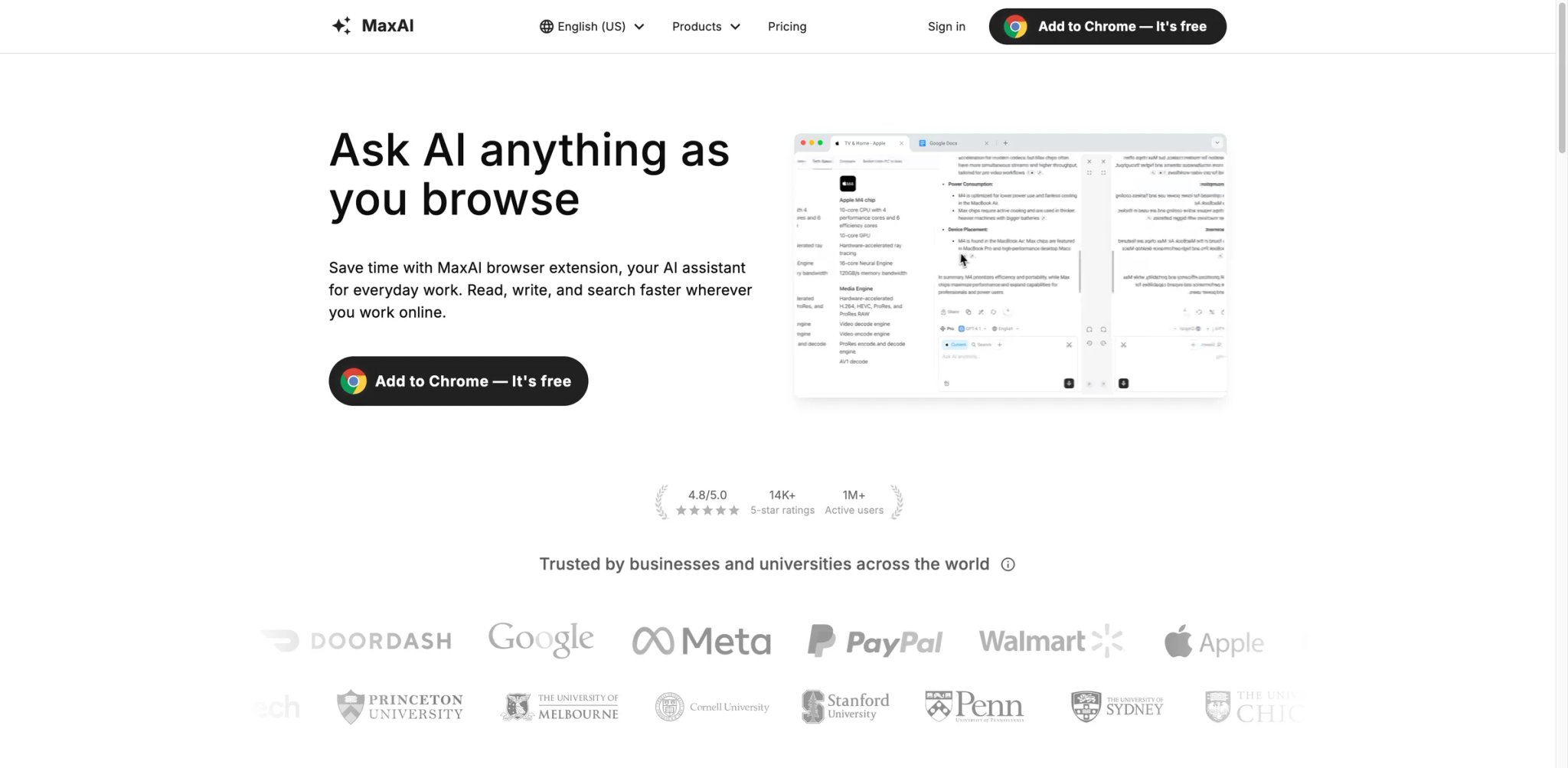
Where Sider and Monica bundle everything, MaxAI focuses hard on one thing: making the sidebar aware of what's already on your screen. Highlight a sentence, right-click, and MaxAI offers contextual actions (rewrite, explain, translate, fact-check) that pre-fill the prompt with the selected text. The result is the lowest-friction "AI assistance inside the page" workflow we tested.
Key Features
- One-click contextual actions — Highlight text anywhere (email, article, doc) and pick from a context menu: summarize, explain in simple language, translate, change tone, or ask a custom question. No prompt engineering required.
- Page-aware chat sidebar — Like other sidebars, but MaxAI auto-includes the current page's content in the context so "summarize this" or "what does the author mean in section 3?" works without copy-paste.
- Genuinely usable free tier — MaxAI publishes a clear free plan with meaningful daily limits, which makes it one of the few sidebars you can evaluate without paying first.
- Multi-model routing — Access to GPT-4, Claude, Gemini, and other models depending on plan, picked by MaxAI based on the task type.
Pricing
- Free: $0 — unlimited Free chat, 3 Pro chats per day, fast free model, and limited file uploads
- Pro: $12/member/month billed yearly ($30/month billed monthly) — unlimited Pro chat, higher upload limits, image generation, and team member management
Cost reality: The free tier is the most generous in this category for light daily use — 3 Pro chats/day is enough to sample the premium models before committing. Annual Pro at $12/month is priced in line with Grammarly Premium, which makes it a reasonable upgrade for heavy writers.
Limitations
- Model availability changes frequently: Which models are included at which tier has moved more than once in the past year. If a specific model matters to you, verify before subscribing.
- Less depth than Sider or Merlin: MaxAI is deliberately narrower — fewer "extra" features like image generation, agents, or slides. If you want a toolbox, look elsewhere.
- Scoped permissions are feature-dependent: Some features only trigger when you enable additional site access, which can surprise users who expect the free tier to "just work" everywhere.
Best For
Readers and writers who want the cleanest "highlight → act" experience inside Chrome, and who value a free tier that's usable for real work rather than a demo.
Not the right fit if you need a broad toolbox of extras (image generation, slides, agents) or if you prefer to pick your model manually on every message.
Get started with MaxAI

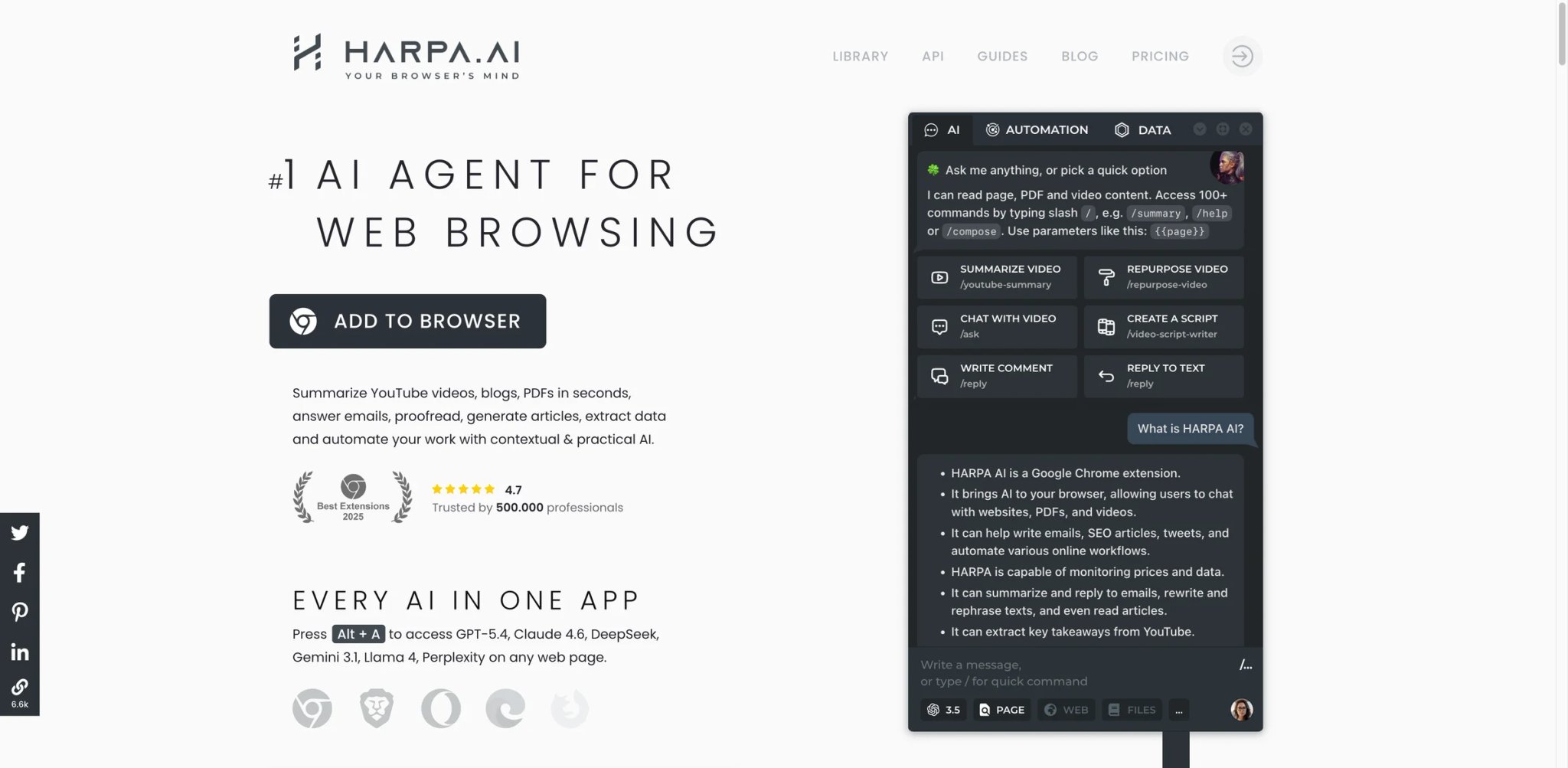
HARPA is what happens when a sidebar extension grows up into a scripting platform. Beyond chat and summaries, it supports programmable workflows: monitor a page for changes, scrape data on a schedule, trigger a chain of AI steps when a condition is met. It's the most powerful extension on this list — and the one with the steepest learning curve.
Key Features
- Custom command workflows — Build multi-step automations that combine page actions, AI prompts, and external API calls. Use cases range from competitor price monitoring to auto-summarizing incoming email.
- Website monitoring — Tell HARPA to check a page for changes on a schedule and notify you or trigger an AI summary when something updates. Useful for pricing pages, job boards, and competitive intelligence.
- Page-aware chat and commands — Standard sidebar chat with full page context, plus pre-built commands for SEO analysis, YouTube summaries, and email drafting.
- Cross-model support — Works with OpenAI, Claude, Gemini, and local models via API keys, so power users can bring their own keys and control cost.
Pricing
- Free: Limited daily uses and a reduced feature set
- Premium: Around $12/month (billed annually) — full access to workflows, monitoring, and advanced commands
- Higher tiers unlock increased limits and priority support
Cost reality: HARPA's value scales with how much automation you actually build. Casual users who just want chat will overpay; engineers and power users who use workflows daily get real leverage for the price.
Limitations
- Learning curve is real: Custom workflows require reading the docs and experimenting. Don't expect "install and forget it" the way you would with Grammarly.
- Broad permissions: To run automations across sites, HARPA asks for wide access. Not a fit for users with strict privacy policies at work.
- UI density: The feature count means the interface can feel overwhelming for first-time users. Start with preset commands before building your own.
Best For
Technical users, growth marketers, and analysts who want to automate browser tasks and repetitive AI workflows, and who are willing to invest a few hours learning the workflow builder.
Not the right fit if you only need a simple chat sidebar or if you want a tool that works out of the box with no setup.
Get started with HARPA AI
Tactiq
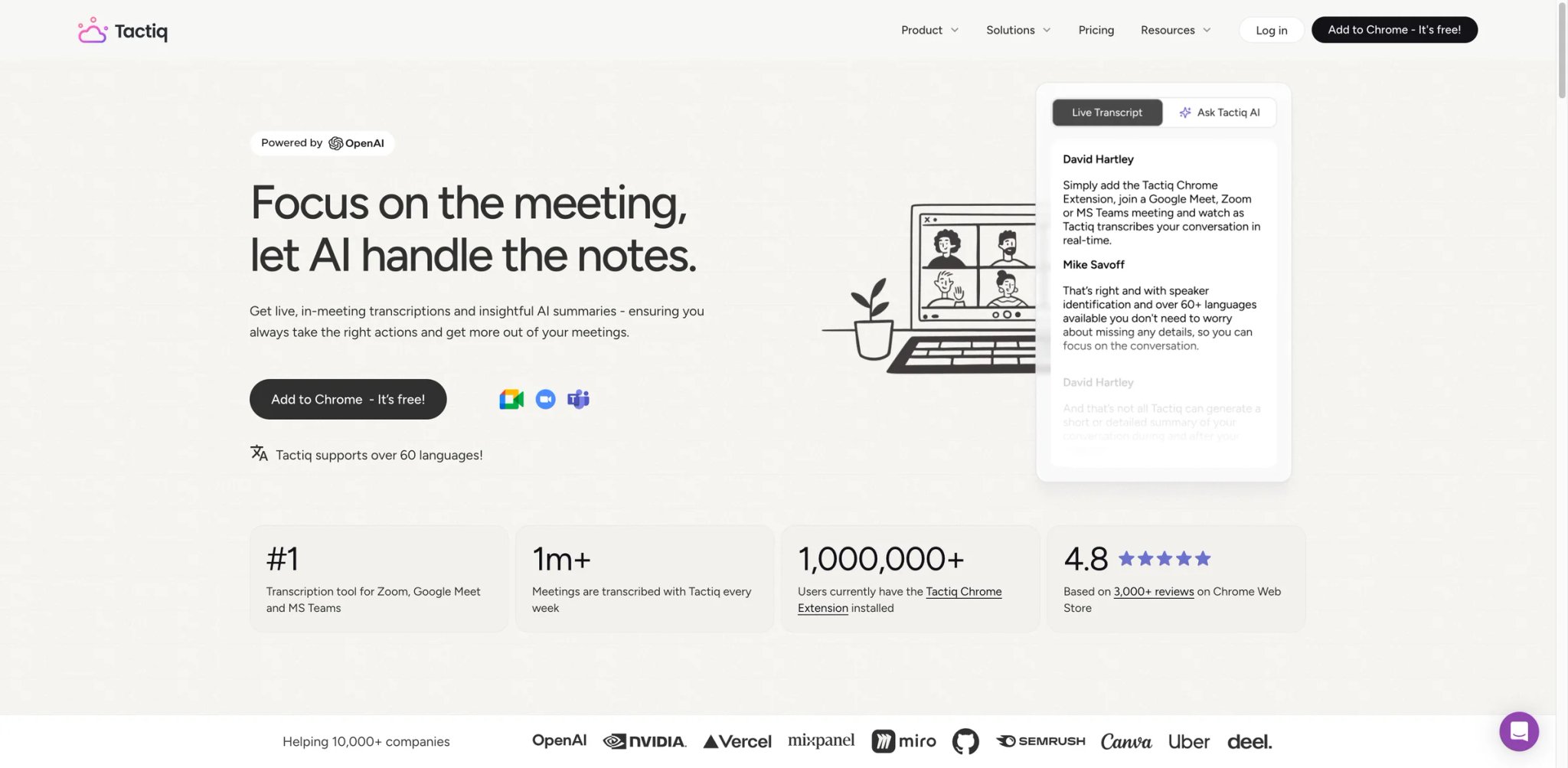
Tactiq is the only extension on this list that earns its spot by doing one thing, extremely well. It attaches to Google Meet, Zoom, and Microsoft Teams, transcribes the conversation live, and generates a structured summary with action items the moment the call ends. No bot in the meeting, no recording file to upload afterwards — it runs inside the browser tab that's already hosting the call.
Key Features
- Live in-browser transcription — Captures Google Meet, Zoom web, and Teams meetings directly in the tab. No external bot shows up as a participant, which is better for meeting etiquette and for meetings where recording bots are banned.
- AI meeting summaries and action items — When the call ends, Tactiq generates a summary, key decisions, and action items with speaker attribution. The template is customizable.
- Searchable meeting history — All transcripts sync to a personal workspace where you can search across every call. Useful for remembering what a client said two months ago.
- Integration with docs and CRMs — Push summaries into Notion, Google Docs, HubSpot, Salesforce, and similar tools without copy-pasting.
Pricing
- Free: $0 — 10 transcripts/month and 5 AI credits/month
- Pro: $8/user/month billed annually ($12 monthly) — unlimited transcripts, 10 AI credits/month, and control over automatic transcription
- Team: $16.67/user/month billed annually ($20 monthly) — unlimited AI credits and team sharing
- Business: $29.16/user/month billed annually
- Enterprise: Custom
Cost reality: Tactiq's paid entry point at $8/user/month (annual) is cheaper than most dedicated meeting AI tools, and the free tier is enough to decide whether the in-browser workflow fits. The jump to Team is only necessary once you want unlimited AI summaries or shared workspaces.
Limitations
- Meeting platforms only: Tactiq does one job. If you want a general-purpose AI sidebar, this isn't it.
- No bot mode: The fact that it runs in-browser is a feature for etiquette but a limitation if you want the meeting to keep running after you close the tab.
- Speaker attribution depends on platform: How reliably Tactiq names speakers depends on whether the underlying meeting platform exposes participant names, which is inconsistent across Zoom and Teams.
Best For
Consultants, account managers, and remote teams who live in meetings and want transcripts plus summaries without adding a bot to every call.
Not the right fit if you need post-meeting recording files, or if your company already has a contracted meeting AI platform. If transcription is a priority, our list of AI note takers for meetings covers standalone alternatives.
Get started with Tactiq

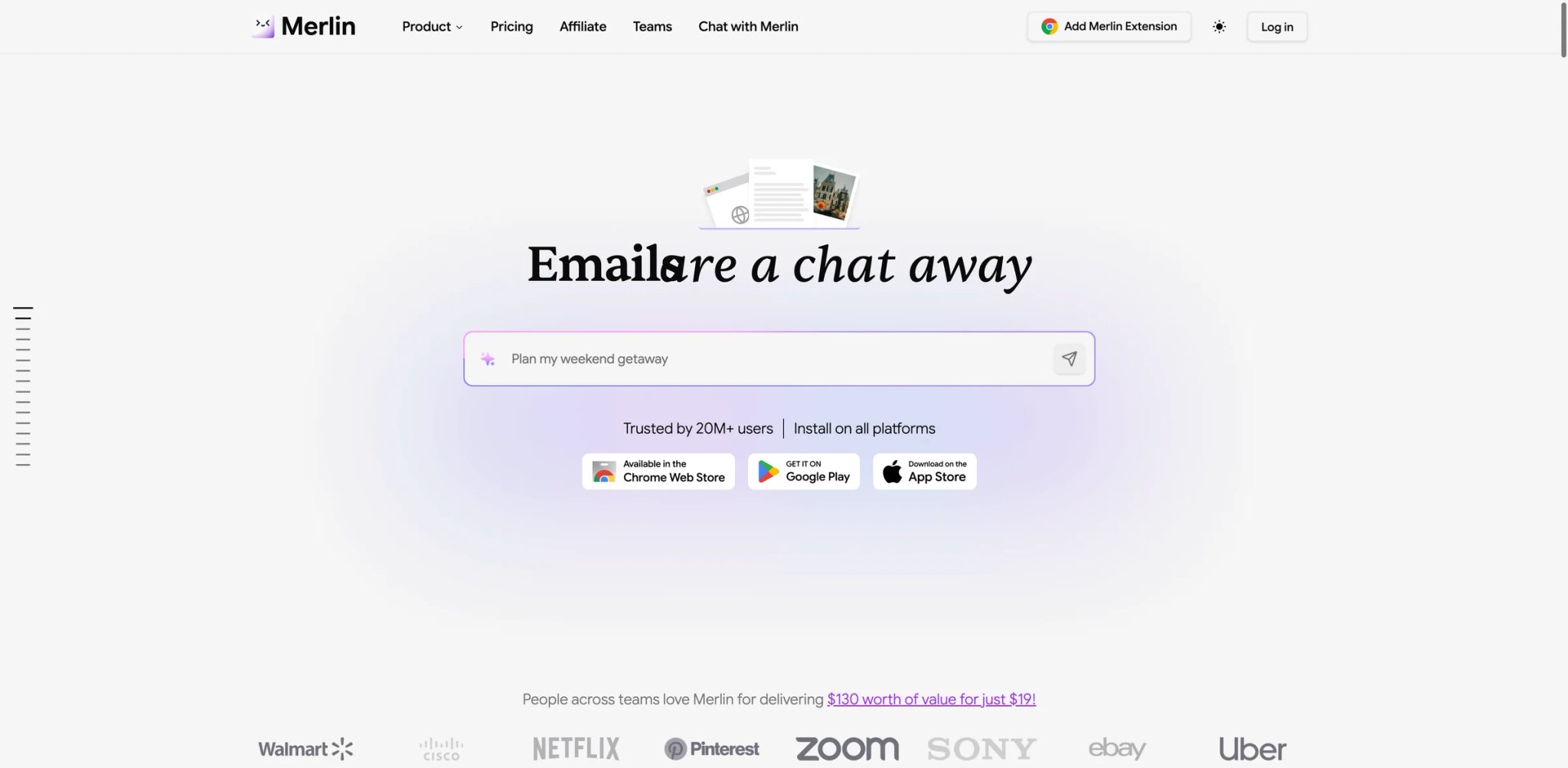
Merlin's pitch is unapologetic maximalism: 80+ AI tools in one extension, covering writing, research, images, YouTube summaries, code help, and more. In practice, you'll use maybe ten of those tools daily, but Merlin is the extension to pick if you don't want to decide — or don't want to install five different extensions for five different jobs.
Key Features
- Unified multi-model chat — GPT, Claude, Gemini, DeepSeek, Llama, and Mistral inside one sidebar with model switching per message. Useful for comparing outputs without opening separate tabs.
- 80+ built-in AI tools — Prebuilt commands for writing, summarizing, research, SEO, coding, and images. The tools are presets around the same underlying models, but the prebuilt prompts save time.
- YouTube and article summaries — One-click summaries for YouTube videos (with timestamped highlights) and long articles. Summary quality is solid for English content; other languages vary.
- Image generation inside the sidebar — Create images without leaving the page. Not as capable as dedicated image tools, but fine for thumbnails and quick mocks.
Pricing
- Free: 102 free queries per day on basic models — one of the more generous free tiers in this category
- Pro: $19/month — higher limits, access to premium models, and all 80+ tools
- Teams: $15/month per seat for 5+ users, sharing a single billing account
Cost reality: If you use more than two or three of the built-in tools regularly, Merlin Pro is reasonable. If you only want chat, a cheaper single-purpose sidebar will serve you better.
Limitations
- Feature fatigue: 80+ tools sounds great until you realize most are just preset prompts you could write yourself. The "tool count" marketing is more impressive than the underlying differentiation.
- Pricing page is dense: Merlin publishes many plan variants and promotional credits, which makes the "what will I actually pay?" question harder than it should be. Read the fine print.
- Broad permissions: Like other all-in-one sidebars, Merlin requests access to all sites to support its features. Review the permission list if that matters to you.
Best For
Users who want a single extension that covers chat, writing, research, summaries, and image generation, and who are happy trading feature depth for feature breadth.
Not the right fit if you prefer one tool that does one job well, or if you need tight control over which models process your data. We dug deeper into Merlin's pricing and real-world trade-offs in our Merlin AI review.
Get started with Merlin
Immersive Translate
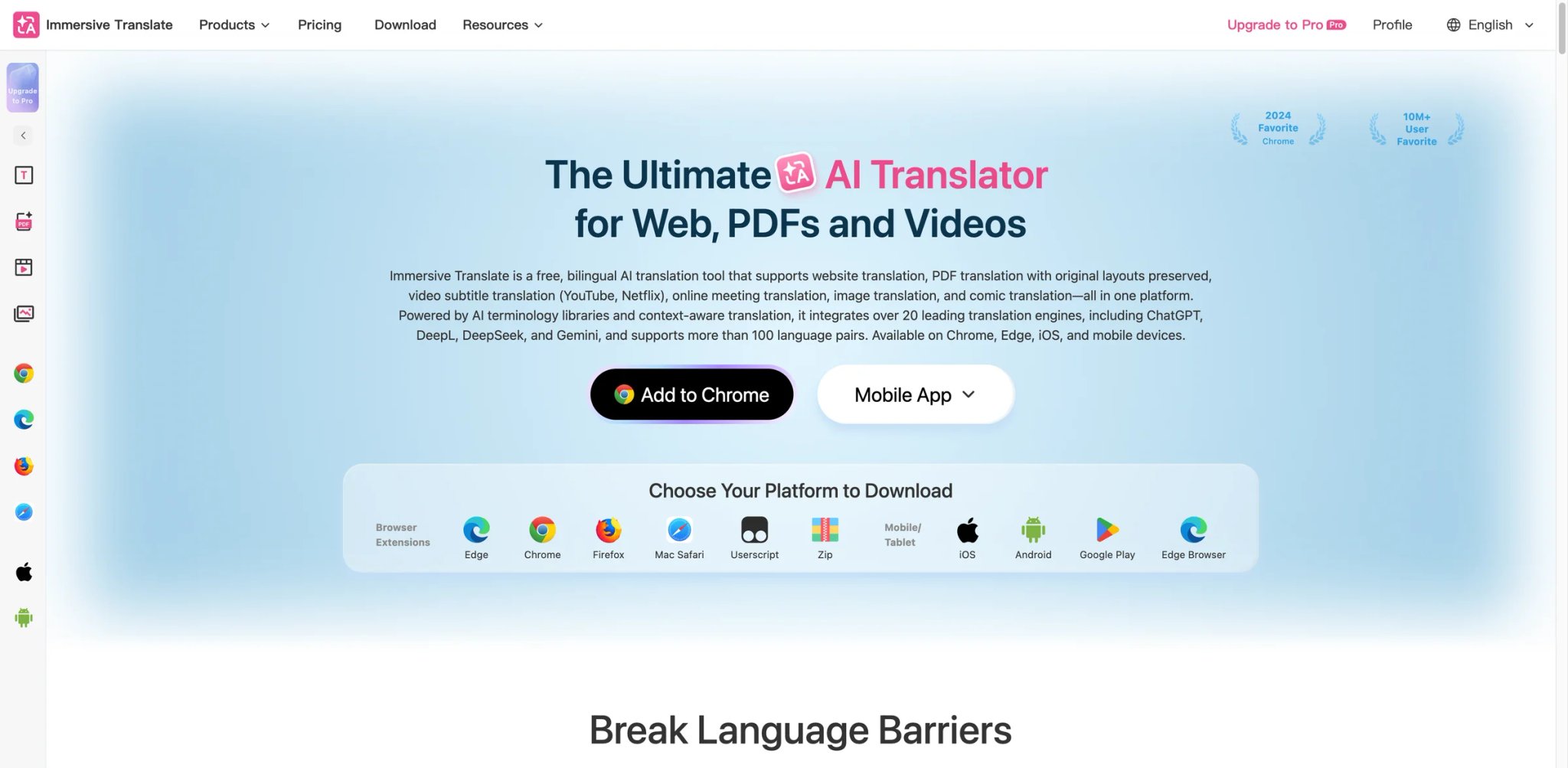
If you read in more than one language, Immersive Translate is the one extension on this list you install first. It renders any web page or PDF as a side-by-side dual-language layout — original text on one line, translation on the next — using your choice of translation engine (DeepL, Google, OpenAI, Claude, and more). The reading experience is significantly better than "translate this page" in the browser's default toolbar.
Key Features
- Dual-language rendering — Instead of replacing the page, Immersive Translate interleaves translated lines with the original. You keep context and can spot translation errors in real time.
- Engine choice — Switch between Google Translate, DeepL, OpenAI, Claude, and several others per document. Different engines win on different language pairs; being able to pick matters.
- PDF and EPUB translation — Upload PDFs or EPUBs and get dual-language versions for reading offline. Useful for research papers and imported textbooks.
- Subtitle translation for video — Translate YouTube and Netflix subtitles on the fly in dual-language format, which doubles as a language learning tool.
Pricing
- Free: Free to use with fair-use limits; registered free users get reasonable daily quotas plus core bilingual translation
- Pro Monthly: $14.99/month
- Pro Annual: $124.99/year (about $10.42/month)
- Max Monthly: $34.99/month
- Max Annual: $289.99/year (about $24.17/month)
Cost reality: The free tier is still genuinely usable for casual reading. Premium AI engine access (DeepL, OpenAI, Claude) now sits on Pro and Max, which are materially more expensive than Immersive Translate was a year ago — budget for that if you plan to translate long books or academic papers.
Limitations
- Premium engines eat quota fast: DeepL and GPT-based translation consume API quota quickly for long documents. Budget accordingly if you're translating books.
- Permission footprint: Translating any site requires broad site access. The privacy policy explains the scope, but power users with strict browser hygiene should review it.
- UI can overwhelm first-timers: The settings panel exposes a lot of engine and layout options, which is great for tinkerers and intimidating for everyone else.
Best For
Multilingual readers, language learners, and researchers who read papers in other languages and want to keep the original visible alongside the translation.
Not the right fit if you only need occasional single-word translations (a dictionary extension is lighter) or if you prefer the page to be replaced entirely by its translation.
Get started with Immersive Translate

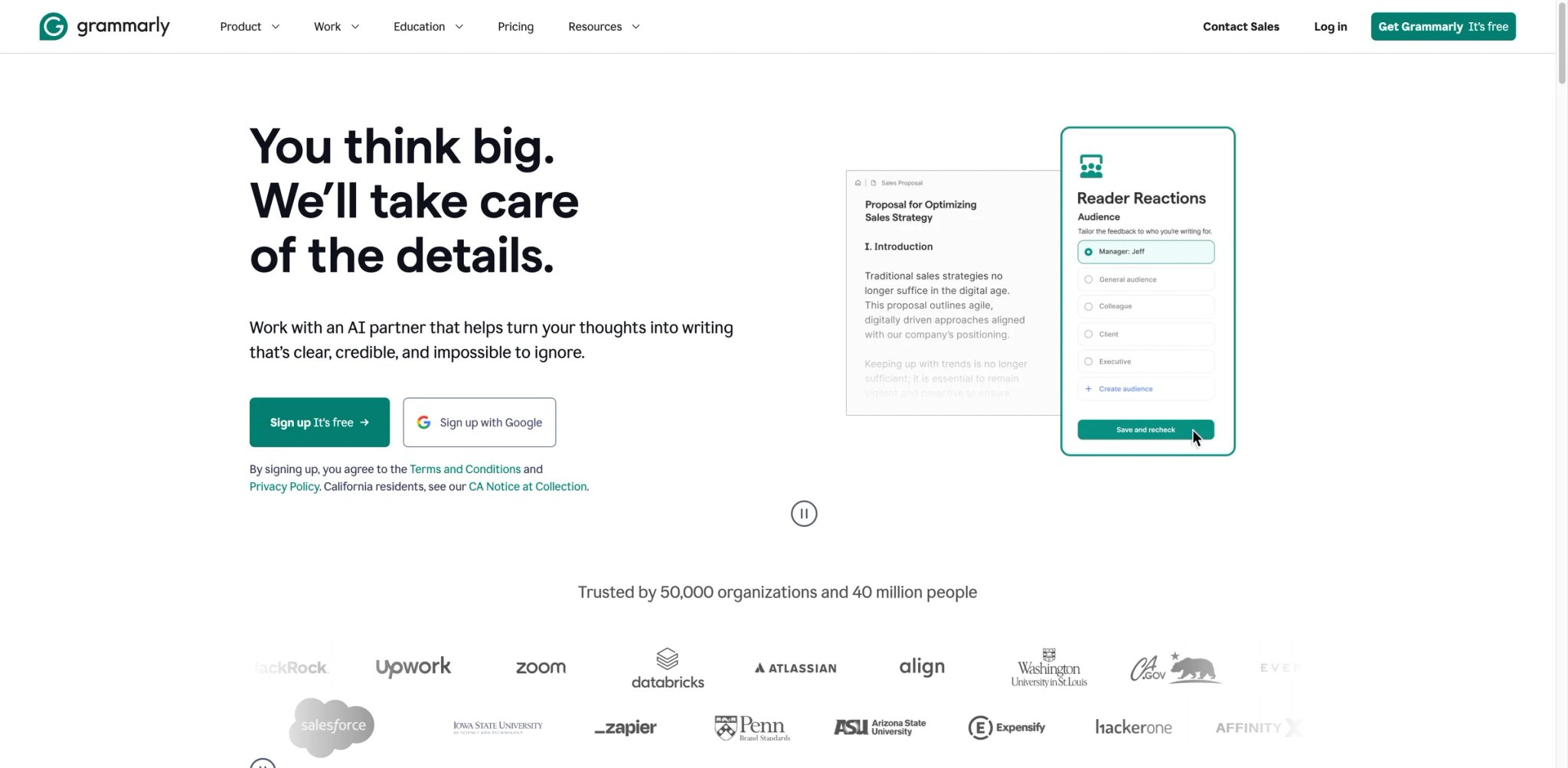
Grammarly has the largest install base of any extension on this list by a wide margin, and for a simple reason: it works on almost every site where people write, quietly, for years. The AI features added since 2023 (tone rewrites, full paragraph generation, suggested replies) bring it closer to the modern AI writing category, but the core value is still the grammar and clarity engine that runs in real time.
Key Features
- Real-time grammar and clarity — Underlines issues as you type in Gmail, Docs, LinkedIn, Slack, and most rich-text editors. Correction quality is consistently strong across formal and casual registers.
- Tone detection and rewrites — Highlights sentences that read as aggressive, hesitant, or passive and offers alternatives. Useful for email-heavy roles.
- Generative writing features — Generate replies, summaries, and rewrites from a short prompt without leaving the current text field. Newer feature, still catching up to dedicated AI writing tools.
- Brand and style consistency (Business tier) — Teams can set a style guide and Grammarly will enforce it across every writer's output. Still the best team feature in the writing extension space.
Pricing
- Free: Basic grammar, spelling, and clarity suggestions across all sites
- Pro: $12/month (billed annually) — tone rewrites, advanced suggestions, generative features
- Business: $15/user/month (billed annually) — style guide, brand voice, team analytics
Cost reality: The free tier is genuinely useful, which is rare in this category. Pro is worth it for writers who need tone and generative features regularly; everyone else can stay free for years without missing much.
Limitations
- Generative AI feels bolted on: Grammarly's AI writing features work but aren't as polished as dedicated AI writers. If generative output is your main need, Wordtune or QuillBot are stronger picks.
- Heavy editor integration can conflict: On some rich-text editors (Notion, certain CMS backends), Grammarly can interfere with formatting or undo history. Disabling it on problem sites is the workaround.
- Pricing for teams adds up: Business pricing per seat is reasonable individually but scales quickly on mid-size teams.
Best For
Anyone who writes in English professionally — especially in email, docs, and long-form content — and wants a background assistant they forget is there.
Not the right fit if you write primarily in a non-English language (use LanguageTool) or if your main need is paraphrasing rather than correctness. For a wider view of the category, see our guide to AI writing assistants.
Get started with Grammarly

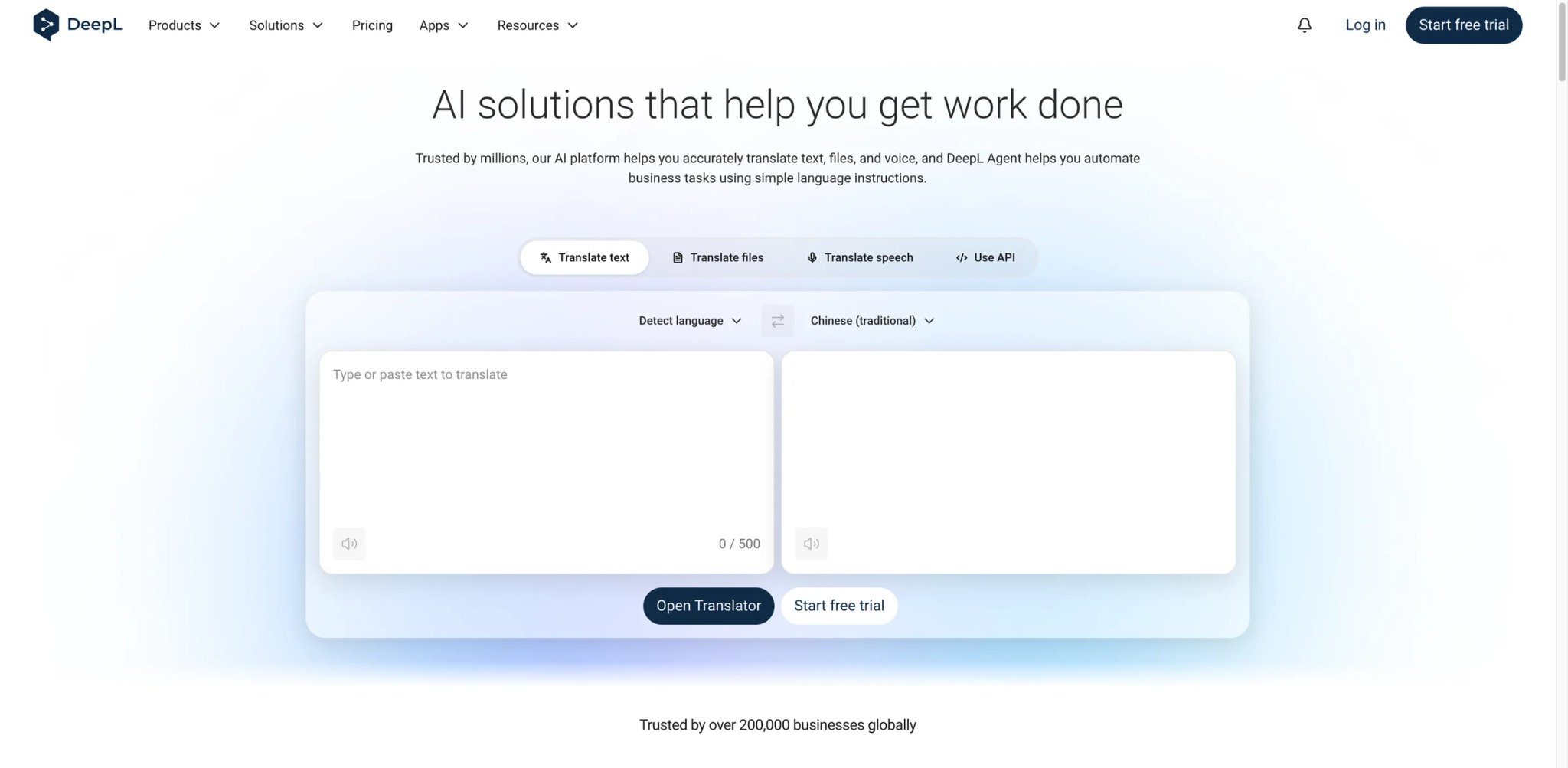
DeepL's web app has been the translation-quality benchmark for years, and the Chrome extension brings that engine into the page. Highlight text on any site and you get a translation that noticeably outperforms Google Translate for European languages. DeepL also added "Write" — an AI rewrite layer that edits for clarity and tone in the same extension — which nudges it into writing-tool territory.
Key Features
- Best-in-class European language translation — Noticeably more idiomatic than Google Translate for German, French, Spanish, Italian, Polish, and several others. English ↔ Japanese and Chinese are strong but face more competition.
- Inline translation with tone control — Highlight a sentence, right-click, and pick "Translate" or choose a tone (formal, friendly). The translation replaces or sits next to the original, depending on the editor.
- DeepL Write in the extension — Rewrites text for clarity, tone, and style without leaving the page. Works well for professional emails in English and the supported European languages.
- Secure document mode (Pro) — Translate documents end-to-end with the guarantee that DeepL doesn't store or reuse the input text for training.
Pricing
- Free: Character-capped translation plus basic Write access
- Starter: From $8.74/month (billed annually) — higher caps, secure document handling, and formal/informal tone control
- Advanced and Ultimate: Higher limits and team features
Cost reality: Free is fine for occasional translation; Starter is the sweet spot for anyone translating professional content regularly. DeepL is priced higher than Immersive Translate's entry tier because you're paying for engine quality, not just the UI.
Limitations
- Language coverage is narrower than Google: DeepL supports ~30 languages versus Google Translate's 100+. If you need Thai, Swahili, or Bengali, you'll fall back to another tool.
- Free character cap is real: Long articles and PDFs burn through the free tier quickly. Plan to upgrade or use Immersive Translate with DeepL as the engine for longer content.
- Write feature is English + European only: DeepL Write's AI rewrites are not yet available for every language DeepL translates.
Best For
Professionals translating between English and European languages who care more about translation quality than breadth, and who value the privacy guarantee on paid plans.
Not the right fit if you need broad language coverage (use Immersive Translate with multiple engines) or if your primary need is inline AI writing beyond rewrites.
Get started with DeepL
LINER
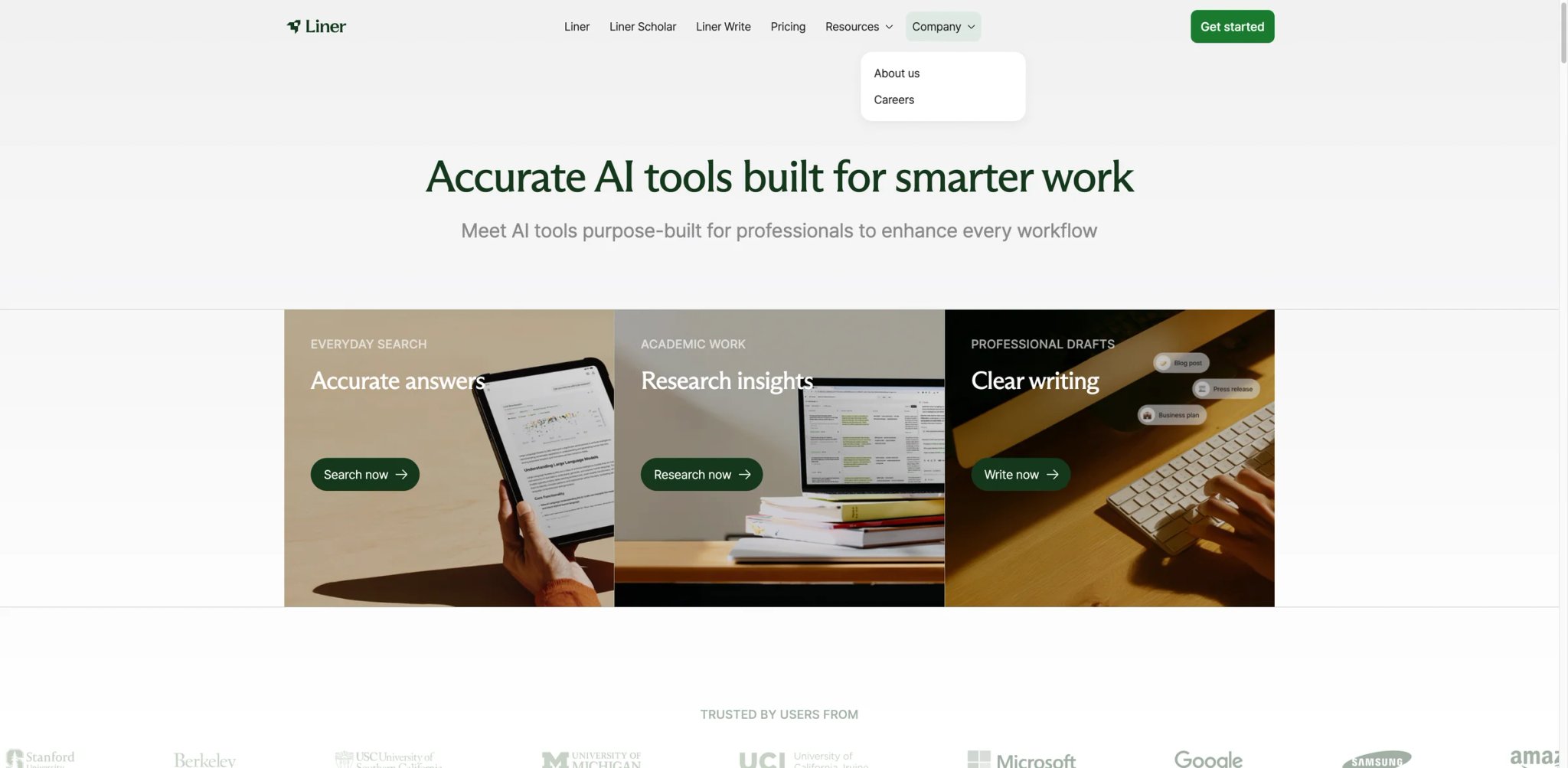
LINER started as a web highlighter and has evolved into an AI-first research workspace. The extension gives you AI-assisted search (a layer on top of Google results), one-click highlighting on any page, and a personal library where every highlight, search, and question stays linked. It occupies an interesting middle ground between a sidebar chat and a note-taking tool.
Key Features
- AI-augmented Google search — LINER injects concise, cited AI answers into your search results pages, powered by a combination of web retrieval and LLMs. Useful for quick lookups that would otherwise need multiple clicks.
- Web highlighter with AI context — Highlight any passage on any page, and LINER both saves it and can explain, summarize, or expand it in-line. Feels like reading with a margin where an AI can answer questions.
- Personal knowledge library — All highlights, answers, and conversations sync to a web dashboard where you can search across everything you've saved.
- Academic-friendly features — LINER supports citation export and has specific tooling for paper reading, making it popular with students and researchers.
Pricing
- Free: $0 — 3 Advanced Searches/day, 3 Deep Research/month, 1 file upload/day, early beta access, and answers with ads
- Pro: $14.99/month billed annually ($17.99 month-to-month) — unlimited Advanced Search, 25 Deep Research/month, and 20 file uploads/day
- Max: $29.99/month billed annually — 200 Deep Research/month and unlimited file uploads
- Team: $26.99/month per seat — Max features plus admin controls and a dedicated workspace
Cost reality: LINER is now priced more like a research AI suite than a lightweight highlight subscription, so only upgrade if you actually value the Deep Research and higher file-upload caps. For light highlighting, the free tier remains the better deal.
Limitations
- Narrower community than Sider/Monica: Smaller active user base means fewer third-party reviews and a slower stream of real-user feedback than the top sidebars.
- Library lock-in risk: Your highlights live in LINER's dashboard. Export is supported, but changing tools later means migrating data rather than just reinstalling.
- Broad permissions: To highlight on any page, LINER needs wide site access. Review the permission scope if you care about browser hygiene.
Best For
Students, researchers, and self-learners who read a lot online and want highlights, AI answers, and a personal library in the same tool.
Not the right fit if you don't highlight or save passages, or if you're already committed to a dedicated note-taking app like Notion or Obsidian.
Get started with LINER
Glasp
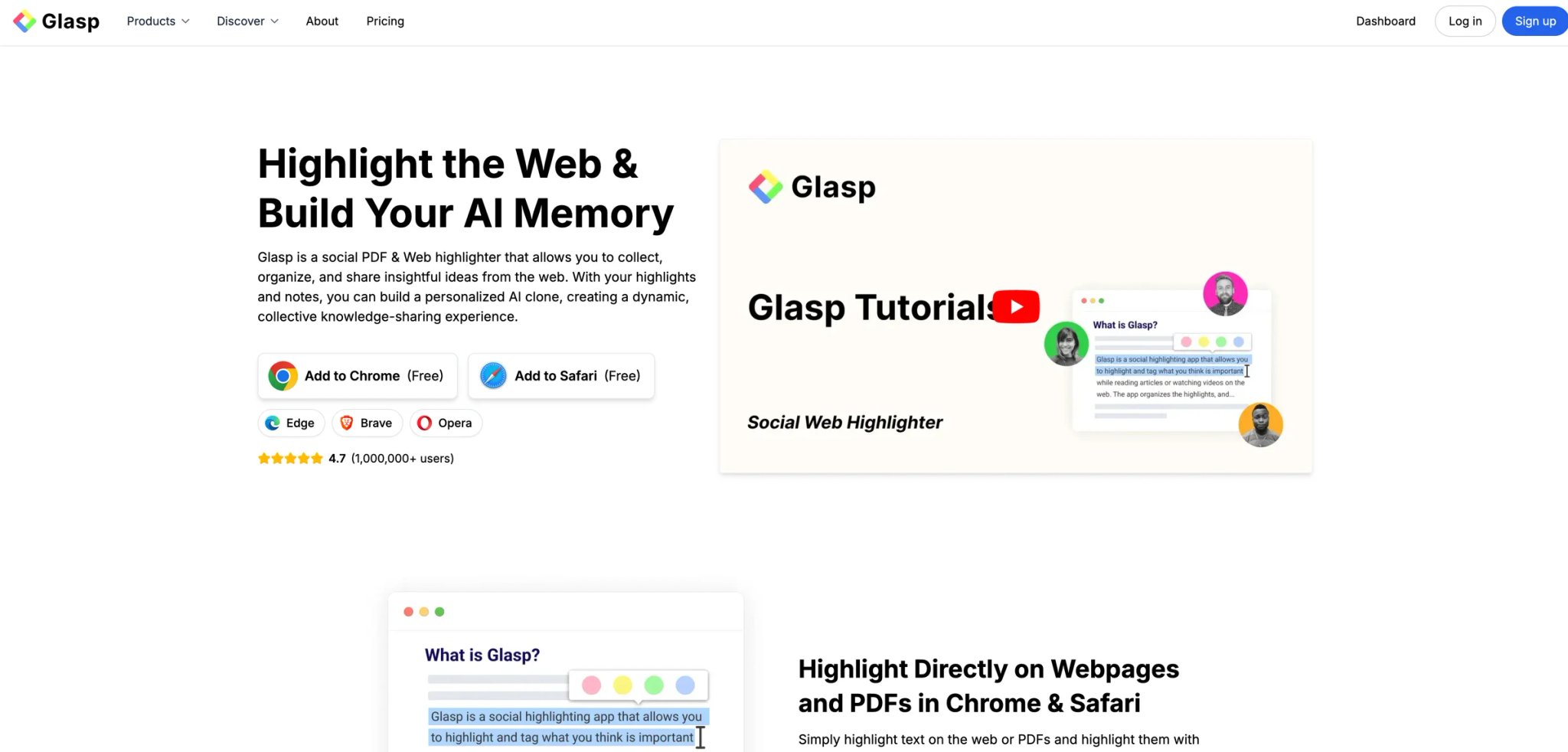
Glasp takes the "highlight and save" idea and adds a social layer: when you highlight a passage on a public article, you can see what other Glasp users have highlighted on the same page. It's closer in spirit to Goodreads than to ChatGPT — an extension for people who believe reading is better when it's visible to others — with AI features added to summarize and expand highlights.
Key Features
- Highlight and annotate any article or YouTube video — Save passages with one click, add notes, and export them to Markdown, Notion, Obsidian, or Readwise.
- Social layer on public pages — See other users' highlights on the same article. Useful for discovering what resonates with a community on long reads.
- AI-powered summaries and insights — Summarize YouTube videos and long articles, or expand a highlight into a longer note using AI.
- Export pipelines — Glasp integrates cleanly with most note-taking systems, which makes it friendly for people who already have a second-brain workflow.
Pricing
- Free: $0 — unlimited public highlights, 3 basic YouTube summaries/day, 30 PDF uploads, and 30 audio transcription minutes/month
- Pro: $10/month or $120/year billed annually
- Unlimited: $25/month or $300/year billed annually
Cost reality: Glasp is still generous on the free tier for casual readers who stick to public highlights and a few YouTube summaries a day. Private highlights and higher AI limits sit on paid tiers, so heavy users or anyone uncomfortable with public highlights should plan for Pro.
Limitations
- Social layer adds little for solo readers: If you don't care about seeing other users' highlights, Glasp's differentiator shrinks to "highlight + export + AI summary," which competes directly with LINER and Recall.
- AI features are lighter than dedicated tools: Glasp's summaries and insights are useful but less rich than Sider or Merlin. Treat it as a reading tool first.
- Narrower site support: Highlighting works best on article-style pages. Complex web apps and dashboards may not behave predictably.
Best For
Readers who want to build a habit of saving highlights from articles and YouTube, export them into their notes system, and occasionally see what others found interesting on the same page.
Not the right fit if you need a general-purpose AI sidebar or if you already have a heavy-duty note-taking setup that doesn't need another capture tool.
Get started with Glasp

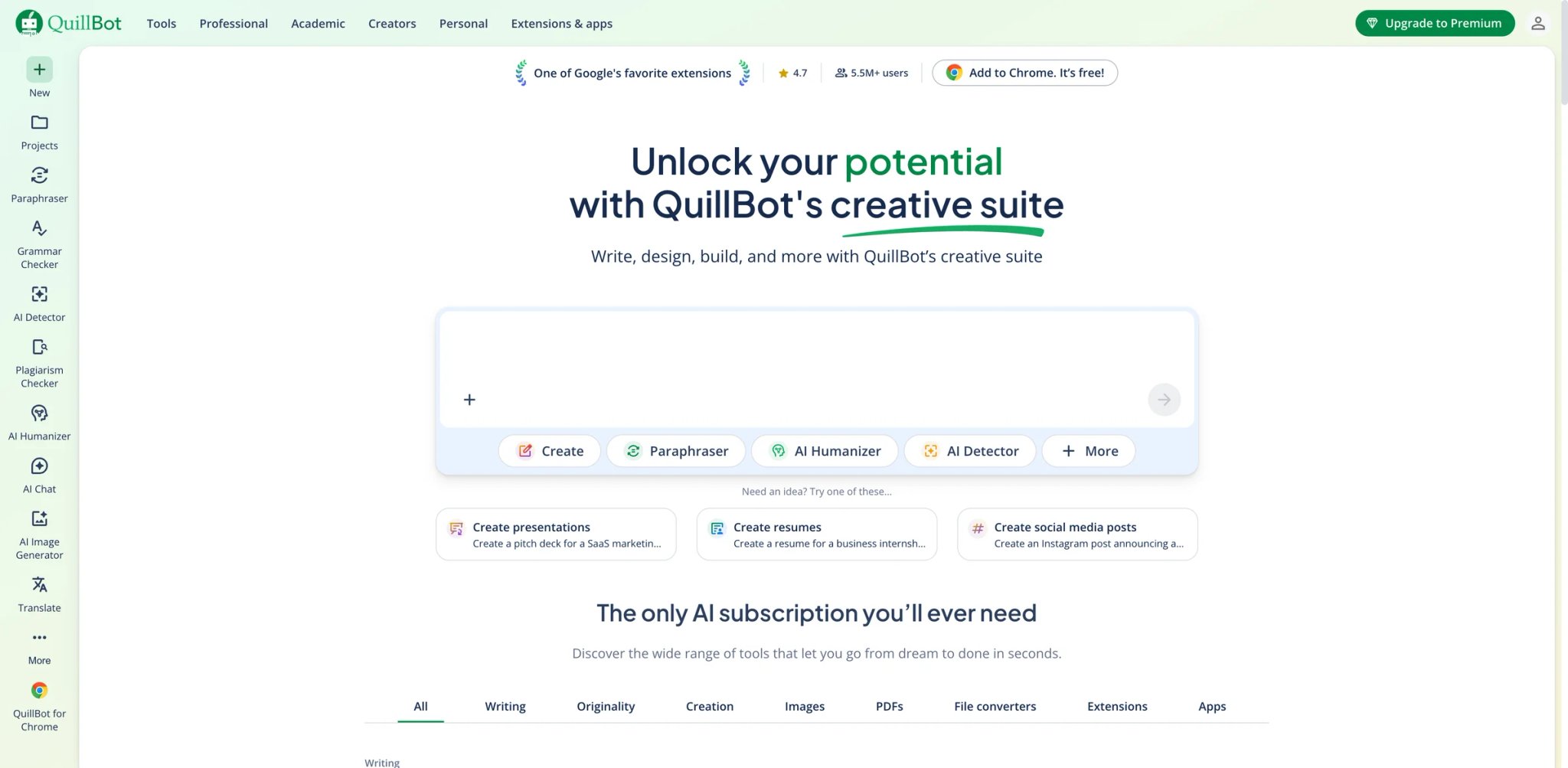
QuillBot is the paraphrasing specialist. Where Grammarly corrects and LanguageTool checks grammar, QuillBot rewrites — and it does it well enough that it's become a standard tool for students, non-native English writers, and content teams who need to produce variations of the same idea. The Chrome extension brings paraphrase, grammar, and summarize modes into the sites where you already write.
Key Features
- Paraphrase modes — Standard, Fluency, Formal, Simple, Creative, and more. Each mode rewrites with a different trade-off between faithfulness and style. Useful when a single rephrase isn't enough.
- Grammar check built in — QuillBot's grammar engine is serviceable and covers the same surface as Grammarly's free tier, though less polished.
- Summarizer and translator — Compress long passages or translate them without leaving the current tab. The summarizer offers two modes (key sentences vs paragraph).
- AI-powered writing helpers — Additional modes for tone shifting and expanding text, added over the past year.
Pricing
- Free: $0 — paraphrase up to 125 words, 2 paraphrase modes, basic grammar help, basic summaries, and limited AI Detector access
- Premium: $8.33/month billed annually — unlimited paraphrase, all modes, and plagiarism checker
- Team Plan: Available separately for organizations
Cost reality: The free tier is still enough for students who only need occasional paraphrasing under 125 words, but serious users will hit the word cap quickly. Premium at $8.33/month is reasonable; the plagiarism checker is the main differentiator beyond removing limits.
Limitations
- Quality varies by mode: Some modes (especially Creative) produce rewrites that drift from the original meaning. Always reread the output before using it.
- ESL-specific patterns: QuillBot is popular with non-native English writers, and some detection tools now flag QuillBot-style rewrites. Worth knowing if you're writing for a context where AI detection matters.
- Scope is narrow: No sidebar chat, no image generation, no agents — just paraphrase, grammar, and summaries. For a broader toolkit, this isn't the pick.
Best For
Students, non-native English writers, and content teams who rewrite or condense text as a core part of their workflow.
Not the right fit if you want a general-purpose AI sidebar, or if you write in a context where AI-paraphrased output is likely to be flagged. Readers comparing the category can check our roundup of AI paraphrasers.
Get started with QuillBot

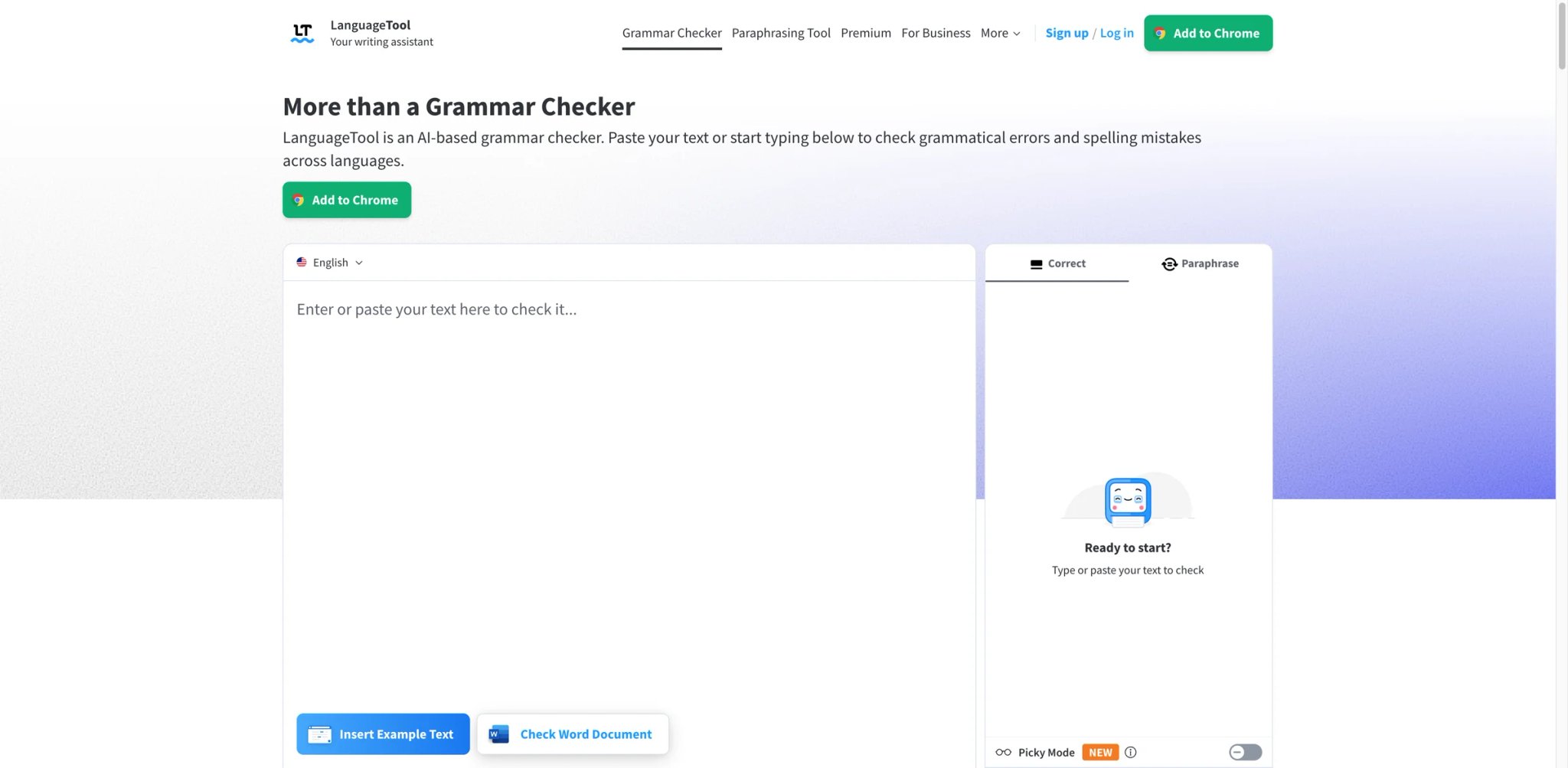
LanguageTool is the strongest multi-language grammar checker in the extension category — and one of the few with a clear, transparent privacy model, including a self-hosted option. If you write in German, French, Spanish, Dutch, or any of the 20+ supported languages, it's noticeably stronger than Grammarly's English-first coverage. Pricing is also among the friendliest on this list.
Key Features
- Grammar and style in 20+ languages — Real-time checking across German, French, Spanish, Dutch, Polish, Russian, and more, with dedicated rule sets per language rather than a single multilingual model.
- Picky mode for advanced style — Beyond grammar, LanguageTool's Picky mode catches stylistic issues (wordy constructions, weak verbs) that a standard grammar checker would miss.
- Privacy-friendly by design — The privacy policy clearly explains what data is transmitted. LanguageTool also publishes a self-hosted version for teams that can't send writing to external servers.
- AI rewrite (Premium) — A paraphrase and rewrite layer added on top of the grammar engine, useful for tightening prose.
Pricing
- Free: Grammar, spelling, and basic style checks with character cap per session
- Premium: From around $5.83/month (billed annually) — Picky mode, longer texts, and AI rewrites
- Team and Enterprise: Pricing per seat for managed deployment
Cost reality: Genuinely cheap relative to the quality delivered. The free tier is enough for casual writing; Premium pays off for professional writers in supported languages.
Limitations
- AI features are narrower: LanguageTool is not a sidebar chat, an agent, or a toolbox. It does grammar and rewrites, nothing else.
- Coverage varies by language: Some languages have deeper rule coverage than others. German, French, and Spanish are strong; less-resourced languages can feel lighter.
- Self-hosted setup is nontrivial: The self-hosted option exists but requires server setup and maintenance. Worth it for privacy-sensitive teams, overkill for individuals.
Best For
Writers working in German, French, Spanish, or other supported European languages; privacy-sensitive teams that need a self-hosted grammar checker.
Not the right fit if you only write in English (Grammarly's English coverage is polished) or if you want a broader AI toolkit beyond grammar.
Get started with LanguageTool

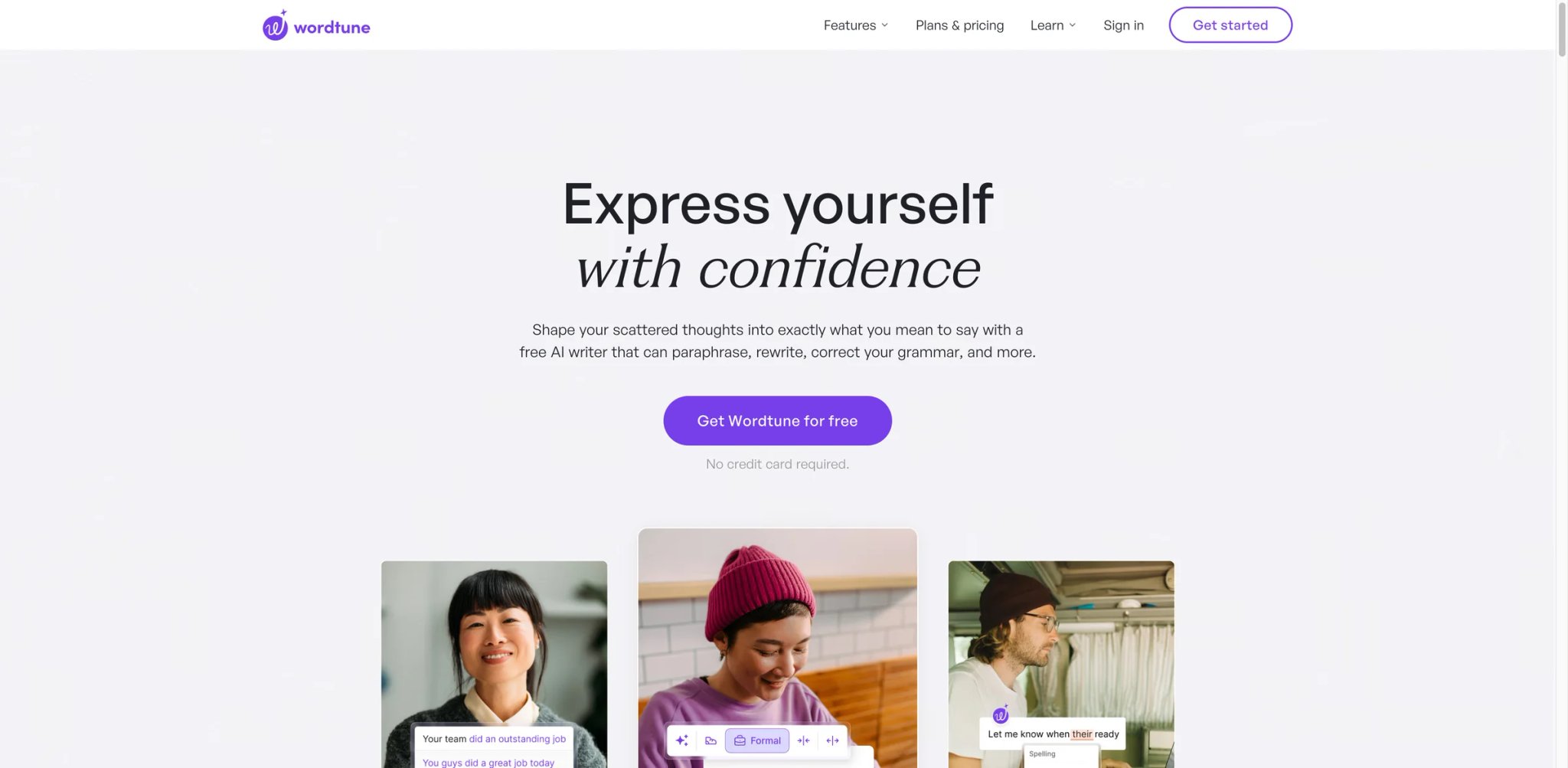
Wordtune's pitch is the lowest-friction AI rewrite experience in the browser. Highlight a sentence, and Wordtune offers rewrite options in a small popover: shorter, longer, more casual, more formal. No chat interface, no prompt writing, no tab switching. It's less powerful than a sidebar chat, but for "make this sentence cleaner right now" it's faster than almost anything.
Key Features
- One-click rewrite menu — Highlight a sentence and pick a rewrite variant (casual, formal, shorter, longer). The options appear inline, and replacements happen in place.
- AI writing spices — Add an emphasis, a fact, a counterargument, or a joke into your draft with a single click. Useful for breaking out of "blank page" paralysis.
- Read mode for summaries — Summarize long articles and YouTube videos with timestamped highlights. Secondary feature but solid.
- Multi-platform — Works across Gmail, Docs, LinkedIn, Notion, and most rich-text editors.
Pricing
- Basic: $0 — 10 rewrites & AI suggestions/day, 3 AI summaries/month, unlimited spelling and grammar
- Advanced: $4.89/month billed annually (list price $6.99 before discount) — 30 rewrites/day and 15 AI summaries/month
- Unlimited: $6.99/month billed annually (list price $9.99 before discount) — unlimited rewrites, summaries, spelling, and grammar
Cost reality: The free tier is a genuine demo at 10 rewrites/day. Advanced at $4.89/month (annual) is now cheaper than QuillBot Premium, which makes Wordtune one of the better deals for pure inline rewriting when you catch the discounted rate.
Limitations
- Narrow feature set: Wordtune deliberately doesn't try to be a chat sidebar or a grammar checker. If you want one tool for writing, Grammarly or QuillBot cover more ground.
- Rewrite variety plateaus: After a few uses on the same sentence, the suggestions start repeating. Useful for a single pass, less so for iterative refinement.
- Paid tier pricing is higher than competitors: On a per-rewrite basis, Wordtune is pricier than QuillBot for the same kind of output.
Best For
Writers who want the fastest possible inline rewrite experience and don't care about chat, summaries, or grammar beyond clean prose.
Not the right fit if you want a grammar checker, a chat sidebar, or a cheaper paraphrase tool.
Get started with Wordtune
Recall
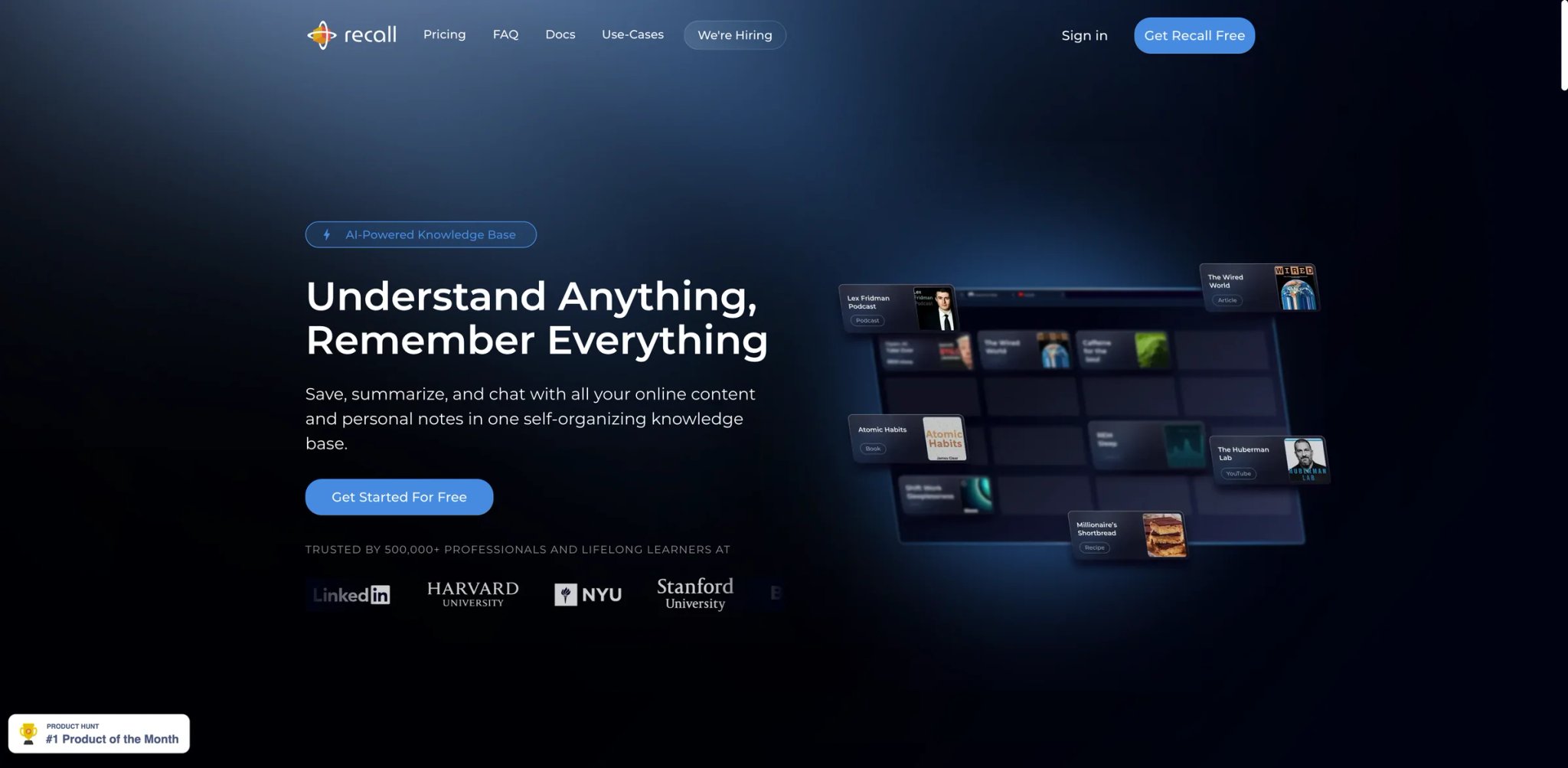
Recall's differentiator is the knowledge graph. Summarize an article, YouTube video, or PDF, and Recall doesn't just file the summary — it auto-links it to every other summary you've captured that shares concepts, people, or tools. Over time, the graph becomes a personal Wikipedia of everything you've read, with connections you didn't have to make manually. That's a meaningfully different value proposition from "summarize this page and save it."
Key Features
- AI summaries across formats — Summarize articles, YouTube videos, podcasts, and PDFs in a consistent structured format. Summaries include key points, quotes, and auto-extracted topics.
- Auto-linked knowledge graph — Every summary is automatically connected to existing entries by concept, person, company, or tool. Browsing the graph surfaces prior reading you'd forgotten.
- Spaced repetition for retention — Turns highlights and key points into review cards so you actually remember what you read. Optional, but popular among students and lifelong learners.
- Offline-first desktop companion: Recall has a desktop app that keeps your library accessible without the extension, which is unusual in this category.
Pricing
- Recall Lite: $0/month — 10 free content summaries & chats, unlimited read-it-later storage, and unlimited personal notes
- Recall Plus: $7/month — unlimited content summaries and chats, automatic categorization, automatic knowledge graph, unlimited AI quiz questions, and augmented browsing
- Recall Business: Custom pricing
- Annual billing and occasional AppSumo lifetime deals can lower the effective cost
Cost reality: Recall Plus at $7/month is the entry price on the monthly view — yearly billing offers additional savings published on the pricing page. Free is useful for deciding whether the graph idea clicks for your workflow; Plus pays off once you actively build a long-term library.
Limitations
- Works best with discipline: The graph is only as useful as the reading you commit to it. Casual users end up with a pile of summaries and no real graph.
- Smaller user base: Recall is newer than LINER and Glasp. Fewer reviews, slightly less polished in edge cases.
- Not a general-purpose sidebar: Recall captures and organizes; it doesn't chat with you about the current page the way Sider or MaxAI do.
Best For
Self-learners, researchers, and lifelong readers who want their reading history to compound into a searchable, interconnected library.
Not the right fit if you only want quick summaries with no follow-up, or if you aren't willing to invest a few minutes on capture workflow.
Get started with Recall
SciSpace
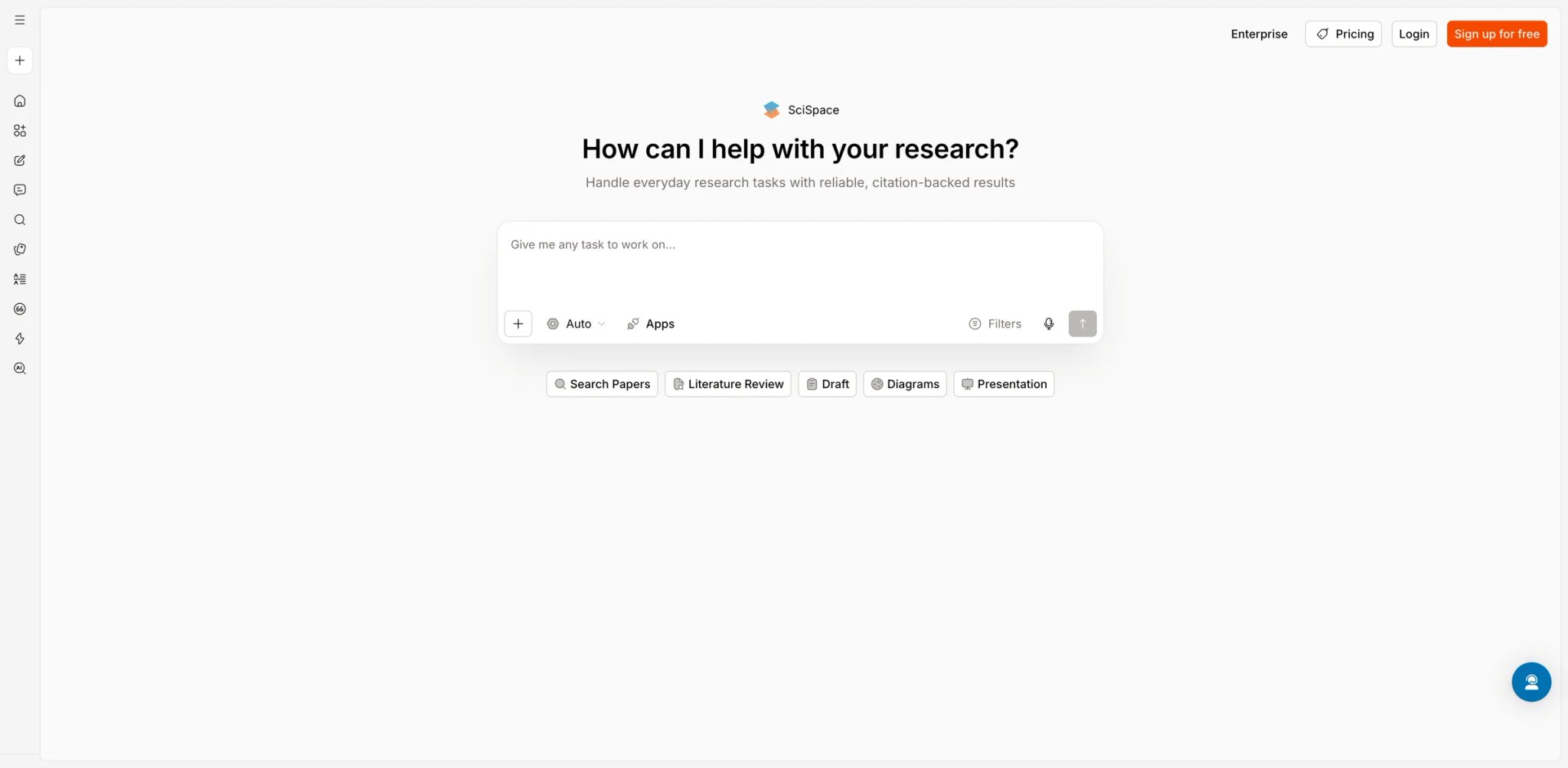
SciSpace is the extension for people who read academic papers for a living. It installs as a sidebar on arXiv, PubMed, Nature, Semantic Scholar, and similar sites, and adds paper-specific features: explain-like-I'm-five for dense paragraphs, reference lookups, citation graphs, and Q&A grounded in the full paper. It's narrower than a general AI sidebar but much more useful on the specific task of understanding a paper you didn't write.
Key Features
- Explain any paragraph in plain language — Highlight a section and get a lay-audience explanation, including formulas. This is the killer feature for grad students reading outside their sub-field.
- Citation and reference lookups — Click a citation and SciSpace fetches the referenced paper's summary inline, without you opening a new tab and searching.
- Ask questions grounded in the paper — Chat with the current paper, and SciSpace answers with citations back to specific sections. Hallucinations are rarer than a general-purpose chat because context is tightly scoped.
- Author and concept discovery — Navigate from a paper to related work by the same authors or on related concepts. Feels like a built-in literature review assistant.
Pricing
- Free: Limited paper uploads and basic Q&A
- Pro: $20/month — unlimited papers, higher Q&A limits, and advanced research features
- Team: Higher tier for labs and research groups
Cost reality: SciSpace is priced toward power users. If you're only reading a few papers a month, the free tier might be enough. Grad students and researchers reading daily will quickly justify Pro.
Limitations
- Narrowly scoped: Outside academic papers, SciSpace isn't meaningfully useful. Don't install it as a general assistant.
- Coverage varies by field: Works best for CS, biology, and medicine, where its training data is densest. Humanities and social sciences support is lighter.
- Citation accuracy isn't perfect: Grounded answers still occasionally cite the wrong section. Always verify before quoting in a paper of your own.
Best For
Grad students, researchers, and professionals who read academic papers regularly and want a reading copilot that knows how papers are structured.
Not the right fit if your reading is mostly non-academic or if you already have a reference management workflow that doesn't need another layer.
Get started with SciSpace
Best AI Chrome Extensions by Use Case
For Readers Who Want One Sidebar to Replace Five Extensions
Sider and Merlin both cover chat, reading, writing, and summaries from a single sidebar. Sider has the cleaner UI and slightly sharper reading features; Merlin wins if you care about having 80+ preset tools and a more generous free tier. Pick Sider if you'll use the sidebar daily and want a polished experience, and Merlin if you want maximal breadth without overpaying.
For Multilingual Researchers Reading Foreign-Language Sources
Immersive Translate is the default pick for anyone who reads web pages, PDFs, and subtitles across languages — the dual-language layout alone justifies the install. Pair it with DeepL as the translation engine (via API key on Immersive Translate's premium plan) for the highest-quality European language output. Solo DeepL users are better served by the DeepL extension alone.
For Consultants and Account Managers Who Live in Meetings
Tactiq is the only extension on this list built specifically around meetings, and it's the one to install if your calendar is mostly Google Meet and Zoom. The in-browser transcription approach avoids adding a bot to every call, which matters for client-facing work where an extra participant is awkward.
For Grad Students and Academic Researchers
SciSpace on arXiv/PubMed, plus Immersive Translate for cross-language papers, plus either LINER or Recall for building a personal library. This trio covers reading, translating, and retaining. Add QuillBot if paraphrasing for literature reviews is part of your workflow.
For Professional Writers Who Only Care About Output Quality
Grammarly for grammar and tone, Wordtune for inline rewrites when Grammarly's suggestions aren't enough, and DeepL Write if you work across English and European languages. Skip the multi-model sidebars unless you specifically need chat.
For Power Users Who Want to Automate Browser Tasks
HARPA AI for custom workflows and page monitoring, Monica for agent-style automation on complex sites. These two overlap partially but take different approaches: HARPA is for scripting, Monica is for natural-language agents. Pick based on whether you prefer writing rules or writing prompts.
How to Choose the Right AI Chrome Extension
-
Start from your actual workflow, not feature lists — List the three things you do most in the browser (reading long articles, replying to email, translating pages, joining meetings). Pick the extension that handles the top one first; add others only when they pull their weight.
-
Check the permission scope before installing — Extensions that request "read and change all your data on all websites" need a clear reason in their privacy policy. Sider, Monica, Merlin, and HARPA all justify it functionally, but if you work with sensitive data, scoped-permission tools like DeepL or Tactiq are safer defaults.
-
Use the free tier as a real test — MaxAI, Grammarly, Immersive Translate, Glasp, and LanguageTool all ship free tiers you can use for genuine work, not just demos. Commit to a week of daily use before paying.
-
Watch out for credit-based pricing — Sider, Monica, Merlin, and others price on credits rather than flat message counts. The headline price rarely tells the whole story; read the fine print on advanced model credits before subscribing.
-
Plan for the overlap tax — Multi-model sidebars overlap with grammar checkers, translators, and writing tools. Installing Sider plus Grammarly plus Wordtune means paying for three products that partially do the same thing. Decide whether breadth or depth matters more before stacking.
-
Verify update cadence — The AI extension space moves monthly. Before subscribing to an annual plan, check the vendor's changelog or blog for updates in the past three months. Dormant extensions are a warning sign. For a broader look at adjacent tools, browse our AI productivity tools category.
Frequently Asked Questions
Which AI Chrome extension has the best free tier for real daily use?
Are broad-permission AI extensions like Sider or Monica safe to install?
Is Grammarly still worth it with all the new AI writing extensions?
What's the difference between Immersive Translate and DeepL for translation?
Which extension handles PDF reading best?
Can I use multiple AI Chrome extensions together, or do they conflict?
Do AI Chrome extensions work in Edge, Brave, or other Chromium browsers?
Get ToolWorthy Weekly
New AI tools, practical guides, and selected AI signals in one weekly brief.
Related Posts
- 16 Best AI Scheduling Assistant Tools 2026 - Calendar & Meetings
Compare 16 AI scheduling assistant tools for calendars, meeting coordination, email scheduling, recruiting loops, pricing and workflow fit.
- 16 Best AI Email Assistant Tools 2026 - Gmail, Outlook & Teams
Compare 16 AI email assistant tools for Gmail, Outlook, shared inboxes, writing, triage, follow-ups, pricing and team workflows.
- 20 Best AI Apps 2026 — From ChatGPT to Niche Powerhouses
We evaluated 30+ AI apps across chat, code, design, video, music, and search — here are 20 that actually deliver, with real pricing and honest limitations.
For AI tool founders
Built a tool that belongs in this decision set?
Request an editorial evaluation for possible inclusion in ToolWorthy.
Submit your tool for reviewPaid submission does not guarantee a ranking, recommendation, inclusion, or editorial outcome.