
16 Best AI Email Assistant Tools 2026 - Gmail, Outlook & Teams
Compare 16 AI email assistant tools for Gmail, Outlook, shared inboxes, writing, triage, follow-ups, pricing and team workflows.

On this page
Your inbox is probably not one problem. It is a pile of small decisions: which message needs a reply now, which thread can wait, what tone to use with a client, whether a meeting needs scheduling, and how to find the one old email that has the answer. The best AI email assistant should reduce those decisions without forcing you to leave Gmail, Outlook, or your team inbox every five minutes.
This guide compares 16 AI email assistant tools for 2026 across inbox fit, AI depth, pricing, workflow risk, and real user signals. We included personal mail clients, Gmail-native assistants, Outlook assistants, shared inbox systems, and agentic workflow tools. If you only need one-off email copy, start with our AI email generator category; this article focuses on tools that can help manage an ongoing inbox workflow.
| Tool | Best For |
|---|---|
| Spike | Low-cost team inbox with AI writing and priority support |
| Missive | Collaborative inboxes that need AI plus team workflows |
| Superhuman Mail | Premium Gmail and Outlook users who value speed |
| Gmelius Meli | Google Workspace teams running shared Gmail operations |
| Spark +AI | Individuals who want AI across a polished mail client |
| MailMaestro | Outlook-heavy teams that need inbox drafting and summaries |
| Canary Mail | Budget-conscious users who prefer a dedicated mail app |
| Shortwave | Gmail users who want agentic search and organization |
| NewMail AI | Users who want AI inside existing mail clients |
| Gemini in Gmail | Google Workspace users who want native Gmail AI |
| HeyHelp | Gmail users who need sorting, tagging and draft assistance |
| Lindy | Teams connecting email to broader agent workflows |
| Jotform Gmail Agent | Customer-response teams using Gmail knowledge agents |
| Hiver | Support teams running shared inboxes inside Gmail |
| Fyxer | Executives who want priority labels, drafts and calendar context |
| Microsoft Copilot in Outlook | Microsoft 365 users who want native Outlook assistance |
How We Selected and Tested
We selected AI email assistant tools that directly help users write, reply, summarize, search, triage, categorize, follow up, schedule, or route email. Pure email marketing platforms, newsletter tools, SMTP infrastructure, deliverability products, and developer-only APIs were excluded unless they offered a clear end-user inbox assistant. We also downweighted products that only provide a generic writing box with no meaningful Gmail, Outlook, inbox, or workflow integration.
Our research combined official product pages, pricing pages, help centers, app store listings, user review platforms, and vendor security or privacy pages during the August 18, 2026 research pass. We aligned the scoring with ToolWorthy's tool selection standards, then adjusted the dimensions for the way people actually buy email software: mailbox compatibility, workflow depth, per-seat cost, AI limits, and trust around email data.
Evaluation dimensions:
- Inbox workflow fit - Whether the AI works inside Gmail, Outlook, an existing mail client, or a shared inbox instead of requiring constant copy-paste.
- AI coverage - Drafting, rewriting, summarizing, search, priority detection, labels, follow-ups, calendar actions, team routing, and knowledge grounding.
- Platform and team fit - Web access, desktop/mobile apps, Google Workspace support, Microsoft 365 support, shared inbox features, and collaboration controls.
- Pricing clarity - Public plan pricing, free tier usefulness, AI usage limits, credit systems, and whether AI costs require a sales call.
- Trust and feedback - Public user reviews, market maturity, security posture, data-use claims, and whether AI-specific feedback could be verified.
Note on testing scope: This is a public-evidence comparison, not a private inbox benchmark with each vendor connected to the same mailbox. We did not grant tools access to a live production inbox. Pricing, AI quotas, beta features, and Microsoft/Google plan eligibility can change quickly, so verify the final shortlist before rollout.
Where ToolWorthy Fits
ToolWorthy is not an AI email assistant and is not ranked in this comparison. We use it as the publishing and discovery layer for readers who want to move from a broad shortlist to related AI software categories.
Use the AI email generator category when your need is narrower than inbox management and mostly about writing better messages. For adjacent workflows, compare AI productivity tools, AI writing assistants, and AI sales assistant tools before buying a heavier inbox platform.
Top 16 AI Email Assistant Tools Compared
The right AI email assistant depends first on where your inbox lives. Gmail teams should compare Shortwave, Gmelius, HeyHelp, Hiver, Gemini, and Jotform. Outlook users should start with Microsoft Copilot, MailMaestro, Fyxer, Superhuman, Missive, or NewMail. Teams that treat email as an operational queue should look harder at Missive, Hiver, Front-style shared inbox alternatives, and workflow tools like Lindy.
| Tool | Best For | Mailbox Fit | AI Depth | Starting Price Signal |
|---|---|---|---|---|
| Spike | Affordable AI inbox for small teams | Multi-inbox | Good | Free; Pro $6/user/mo annual |
| Missive | Collaborative shared inboxes | Gmail, Outlook, IMAP | Excellent | Productive $24/user/mo annual + AI credits/BYOK |
| Superhuman Mail | Premium speed and AI context | Gmail, Outlook | Excellent | Starter $30/mo; Business needed for Auto Drafts |
| Gmelius Meli | Gmail team operations | Google Workspace | Excellent | Meli $21/user/mo; Growth for shared inboxes |
| Spark +AI | Polished personal mail client | Desktop/mobile app | Strong | Plus $10/mo |
| MailMaestro | Outlook drafting and summaries | Outlook + Gmail extension | Strong | Free; Professional/Team $12 annual |
| Canary Mail | Low-cost AI mail client | Desktop/mobile app | Good | Free; AI Copilot on Growth $36/year |
| Shortwave | Agentic Gmail search and organization | Gmail | Excellent | Free; full AI around $30/user/mo |
| NewMail AI | Existing mail-client workflow | Gmail, Outlook, Apple Mail | Strong | $25/mo monthly |
| Gemini in Gmail | Native Google Workspace AI | Gmail | Strong | Workspace from $7/user/mo annual |
| HeyHelp | Gmail sorting and drafts | Gmail | Good | Pro $20/user/mo; Connect $199 + API costs |
| Lindy | Agent workflows across apps | Web + Gmail/Outlook | Excellent | $29.99/user/mo plus credits |
| Jotform Gmail Agent | Customer replies using knowledge | Gmail | Good | Free; Bronze $34/mo annual |
| Hiver | Support queues inside Gmail | Gmail shared inbox | Strong | Free; Growth AI from $35/user/mo |
| Fyxer | Executive inbox and calendar support | Gmail, Outlook | Strong | Starter $30/user/mo; annual $22.50 |
| Microsoft Copilot in Outlook | Native Outlook AI | Microsoft 365 Outlook | Strong | Copilot Business from about $21/mo annual |
Detailed Reviews
Spike
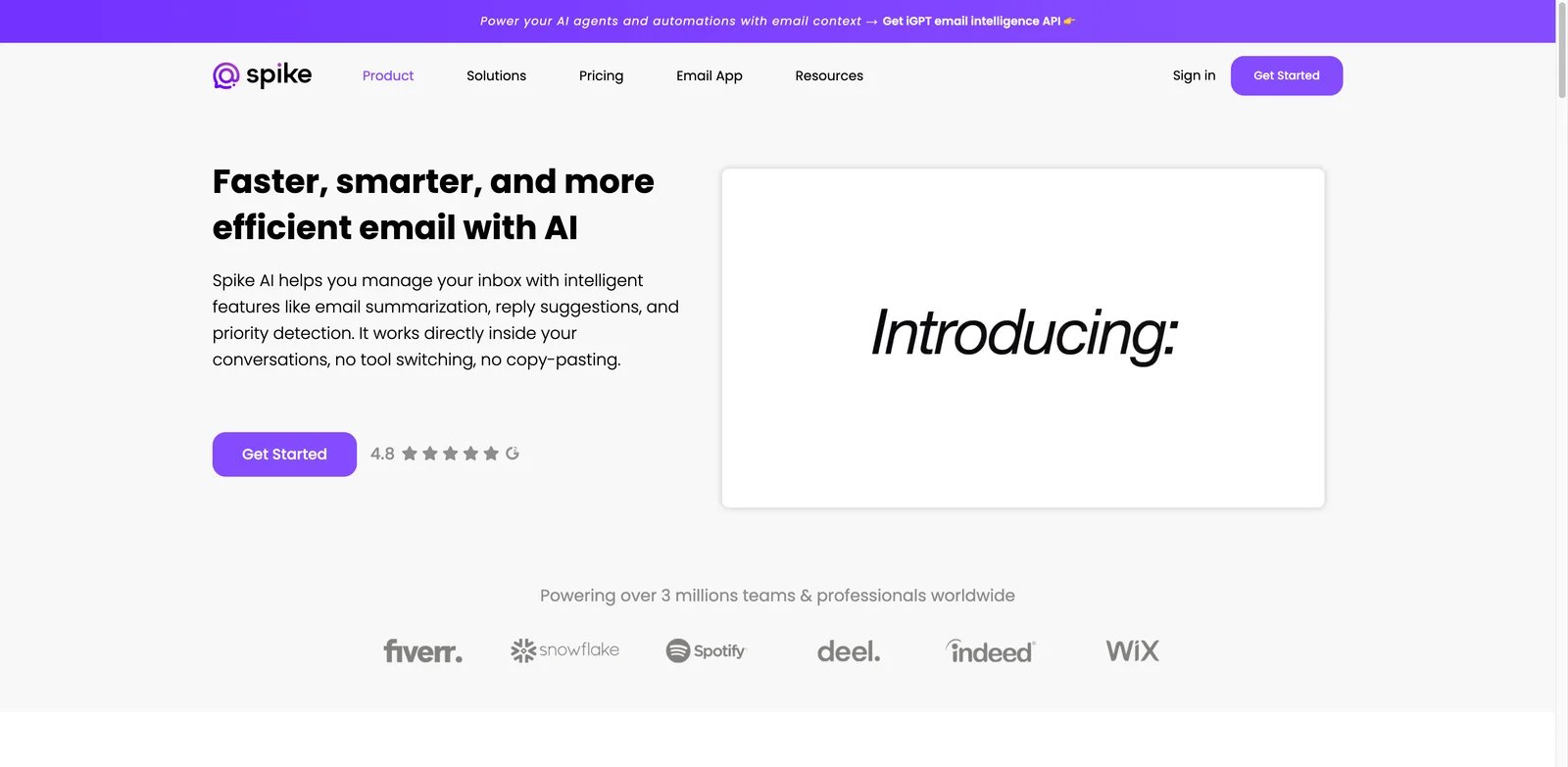
Small teams often need less inbox ceremony, not a bigger helpdesk. Spike is strongest when email has become team communication, task follow-up, and lightweight collaboration in the same place. Its AI features cover writing, summaries, priority support, and an AI feed without pushing buyers into a high per-seat price.
What Stands Out
- Low-friction inbox workflow: Spike combines email, chat-style conversations, calendar, files, and team collaboration, so AI help sits close to daily communication.
- Good value for small teams: The Pro annual price signal is far lower than premium inbox tools, which matters when every seat needs email help.
- Broad platform coverage: Web, desktop, and mobile access make Spike easier to standardize than tools locked to one browser extension.
Pricing and Cost Notes
Spike's Email App has a Free plan and Pro at $6/user/month billed annually. For a shared inbox, Spike Teamspace Team is $4/member/month billed annually, and each Shared Inbox counts as an additional billed seat. That makes it one of the best value picks in this list. The main cost question is whether your team can move into Spike's own inbox experience rather than staying inside native Gmail or Outlook.
Limitations
Spike is not the most advanced agentic email tool here. Missive, Superhuman, and Shortwave go deeper on search, automation, or team workflows. Spike also requires adoption of its interface, so it is not the right fit if the team refuses to leave the Gmail or Outlook UI.
Best For
Choose Spike if you want an affordable AI email assistant for a small team that also needs chat, calendar, and shared communication. Not the right fit if your company needs deep Google Workspace shared-inbox automation or enterprise procurement controls.
Get started with Spike
Missive
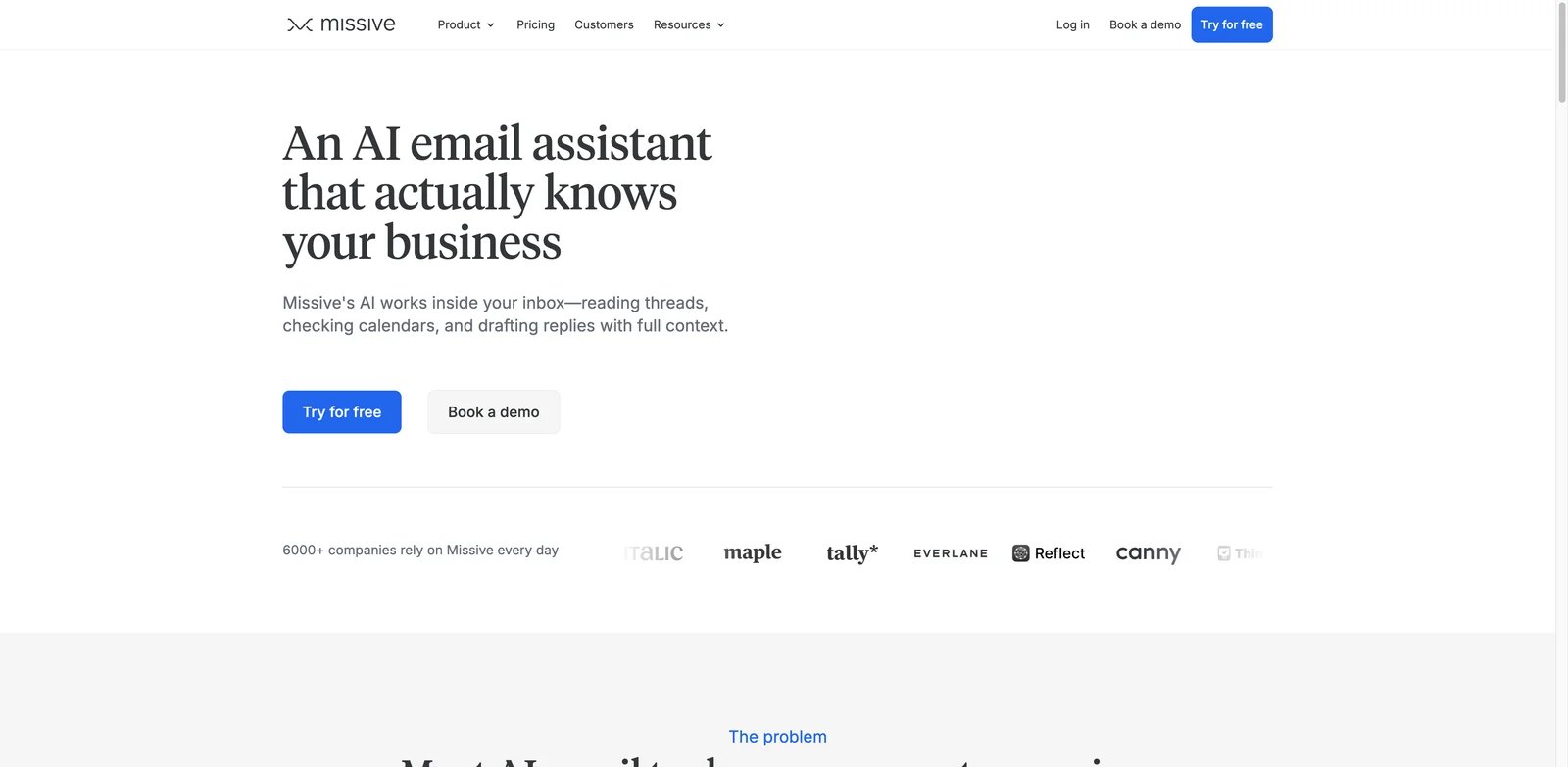
Teams that handle email together need AI to understand assignment, internal comments, shared drafts, and customer context. Missive stands out because the AI assistant is attached to a collaborative inbox, not just a personal writing box. It is especially useful when support, sales, operations, or founders already collaborate around the same threads.
What Stands Out
- Team-first email workflow: Shared inboxes, internal comments, assignments, rules, and collaborative drafting make Missive a stronger fit for group email work than solo assistants.
- High AI ceiling: The research pass found strong coverage for drafting, cross-thread context, calendar support, search, MCP, and bring-your-own-key style controls.
- Multi-provider inbox support: Gmail, Outlook, and IMAP support make Missive less locked to one ecosystem than Gmail-only products.
Pricing and Cost Notes
Missive's Productive plan is $24/user/month billed annually and unlocks AI, but AI usage requires Missive AI credits or a bring-your-own-provider API key rather than unlimited AI bundled into the seat price. That is reasonable for a shared inbox, but more expensive than lightweight personal assistants. Budget for every teammate who needs to collaborate in the inbox, not only the person sending final replies.
Limitations
Missive can be more system than a solo user needs. If you only want faster personal replies, Spike, Canary Mail, Spark, or Gemini may feel lighter. Teams also need to configure rules and collaboration habits, or Missive becomes another inbox instead of an operating layer.
Best For
Choose Missive if email is a team queue and AI needs to support assignment, drafting, search, and internal collaboration. Not the right fit if you need a simple Gmail plug-in with almost no workflow change.
Get started with Missive
Superhuman Mail
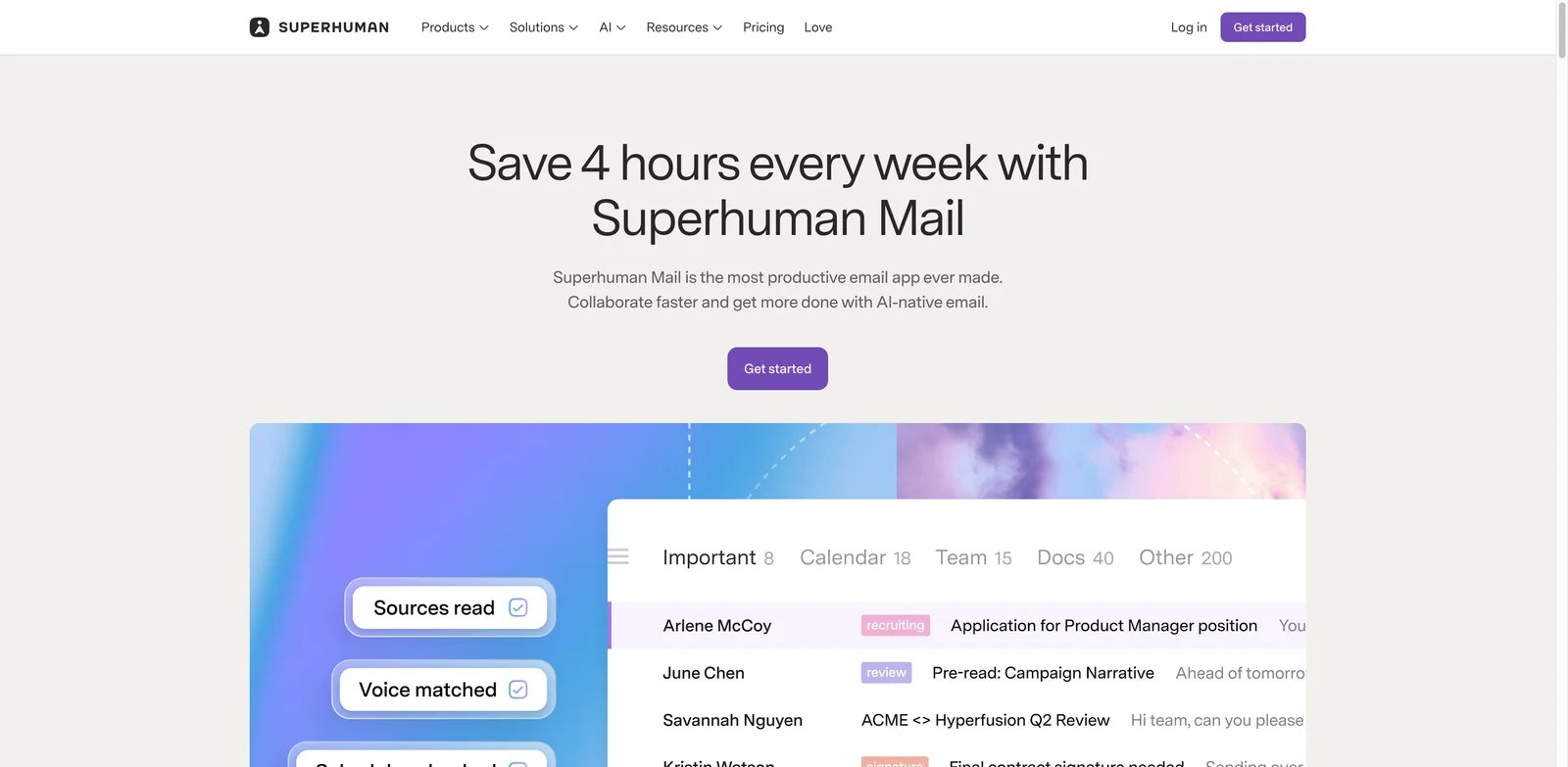
High-volume professionals usually care about seconds saved per message more than the cheapest seat price. Superhuman Mail is built for that buyer. Its AI features sit inside a premium mail client with fast search, shortcuts, follow-up habits, calendar context, Auto Drafts, and Ask AI.
What Stands Out
- Premium inbox speed: Superhuman's core value is still fast email handling; AI strengthens a workflow that already emphasizes keyboard speed and focus.
- Deep contextual assistance: Auto Drafts, Ask AI, follow-up support, and search/calendar context make it more than a standalone response generator.
- Strong market feedback: Public review signals were stronger than most AI-specific inbox tools in the research pass.
Pricing and Cost Notes
Superhuman is expensive compared with most email assistants. Starter is $30/month or $25/member/month billed annually; Auto Drafts and Ask AI require Business, which is $40/month or $33/member/month billed annually. For a founder, executive, investor, or sales leader, that may be rational. For a 40-person team, the price needs clear time-savings math.
Limitations
The biggest friction is cost. Superhuman also requires users to adopt its client and working style. It is not a shared inbox platform in the same sense as Missive or Hiver, and it may be too opinionated for teams that prefer native Gmail or Outlook.
Best For
Choose Superhuman if a personal inbox is mission-critical and saving time is worth a premium. Not the right fit if you need the cheapest AI writing helper or a support-team shared inbox.
Get started with Superhuman Mail
Gmelius Meli
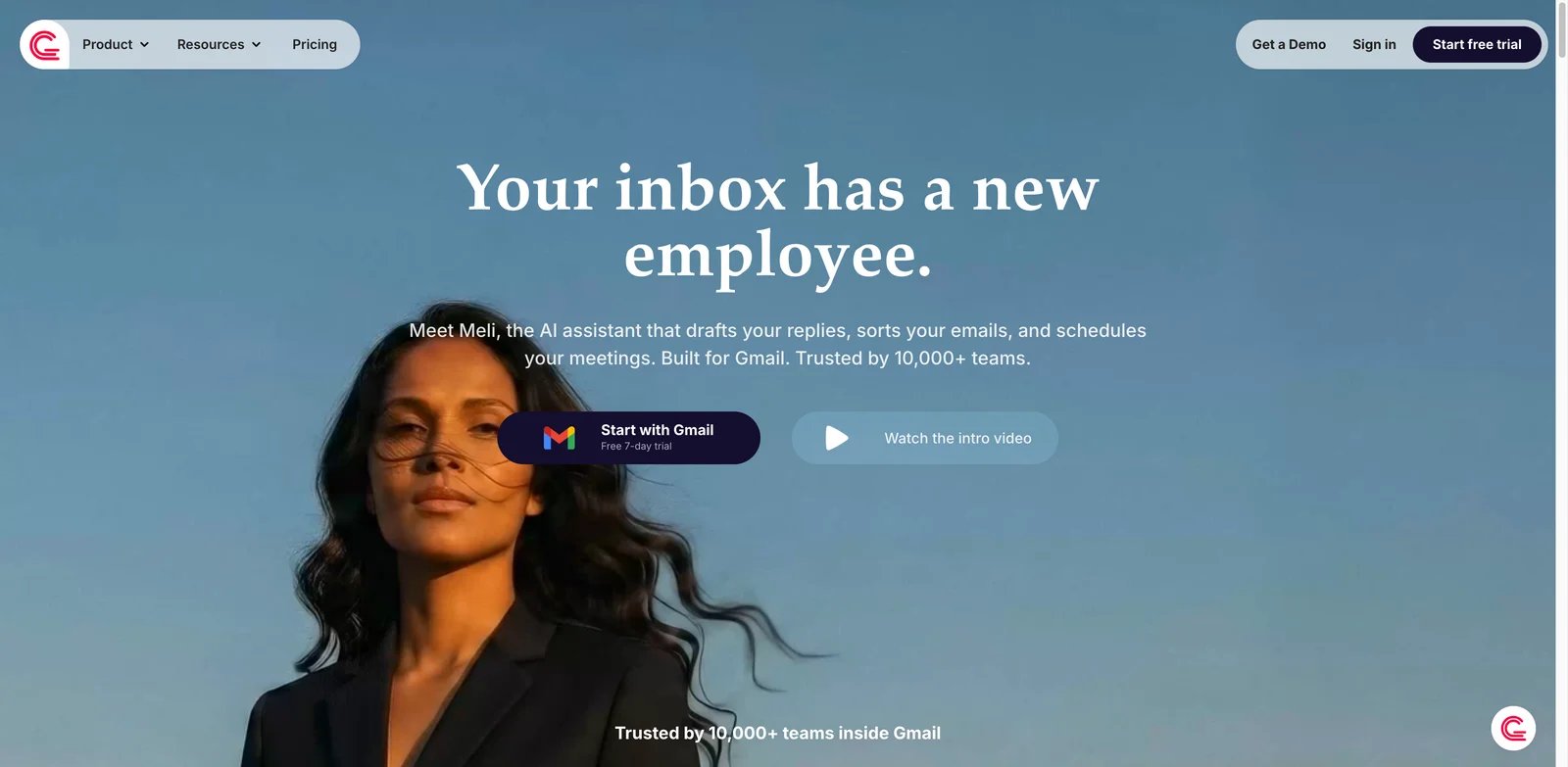
Google Workspace teams often want to keep Gmail but make it behave like an operational system. Gmelius separates these needs by tier: Meli handles AI drafting, classification, follow-ups, meetings, and inbox-zero assistance, while Growth adds shared inboxes, shared labels, automation rules, auto-assignments, and team collaboration.
What Stands Out
- Gmail-native team layer: Gmelius adds shared inbox behavior, labels, collaboration, and automation without asking users to abandon Google Workspace.
- Inbox Zero orientation: Meli is positioned around classification, follow-ups, and inbox management, not just better copy.
- Good fit for operations: Sales, support, recruiting, and back-office teams can use the same Gmail base while adding team accountability.
Pricing and Cost Notes
Meli costs $21/user/month monthly or $19/user/month billed annually; Gmail team operations with shared inboxes require Growth at $33/user/month monthly or $25/user/month billed annually. That places it below premium inbox clients but above lightweight AI writers. The real cost depends on how many Gmail users need shared workflows and AI, not only who owns the inbox.
Limitations
Gmelius is best when your organization is already committed to Gmail. Outlook or IMAP-heavy companies should look at Missive, MailMaestro, Fyxer, Superhuman, NewMail, or Microsoft Copilot instead. Setup can also require process decisions around labels, owners, and automation rules.
Best For
Choose Gmelius if you want Gmail to become a shared operational inbox with AI assistance. Not the right fit if your team is Microsoft-first or only needs individual email writing.
Get started with Gmelius Meli
Spark +AI
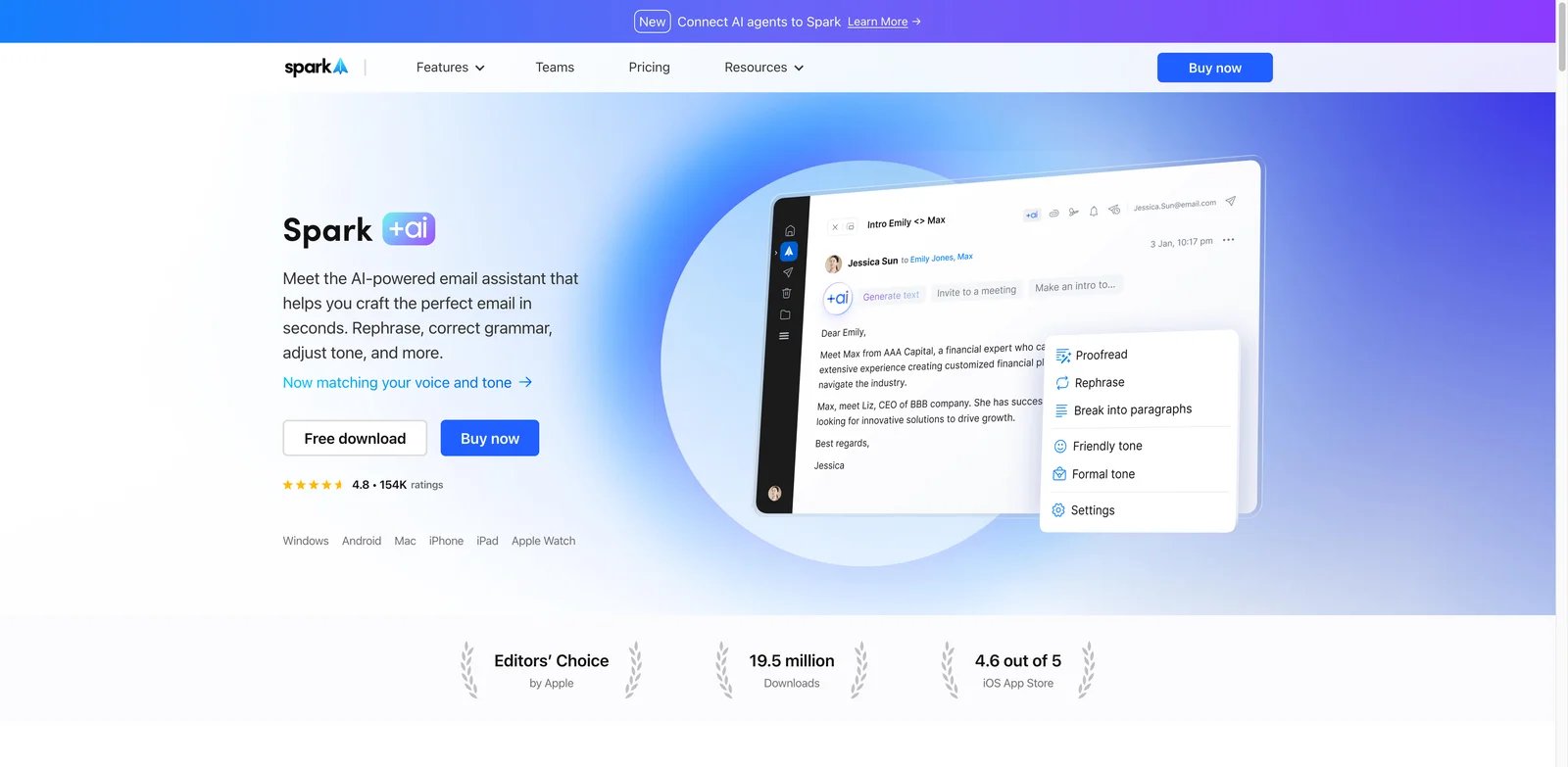
Some users do not want an enterprise shared inbox. They want a calmer personal mail client that can write, summarize, search across context, and reduce repetitive handling. Spark +AI is strongest for that use case, especially for people who already prefer Spark's desktop and mobile apps.
What Stands Out
- Personal productivity focus: Spark is designed around individual inbox handling, smart sorting, and focused mail work rather than support queues.
- AI across mailbox context: The research pass found support for asking about emails, attachments, meetings, and calendar context.
- Strong app-store signal: Spark had a much larger public app-store feedback base than many newer email assistant products.
Pricing and Cost Notes
Spark Plus was listed at $10 per month monthly or about $8.25 per month annually. That is a reasonable personal productivity price if the AI features match your daily workflow. Recheck current AI limits and which upcoming features are already live before buying.
Limitations
Spark is not a full team shared inbox in the Missive or Hiver sense. Some advanced AI features were marked as upcoming during the research pass, so avoid buying based on roadmap items. Web workflow was also less central than the app experience.
Best For
Choose Spark +AI if you want a polished personal email client with AI help across daily inbox work. Not the right fit if your team needs formal ticket ownership, routing, or shared-inbox SLAs.
Get started with Spark +AI
MailMaestro
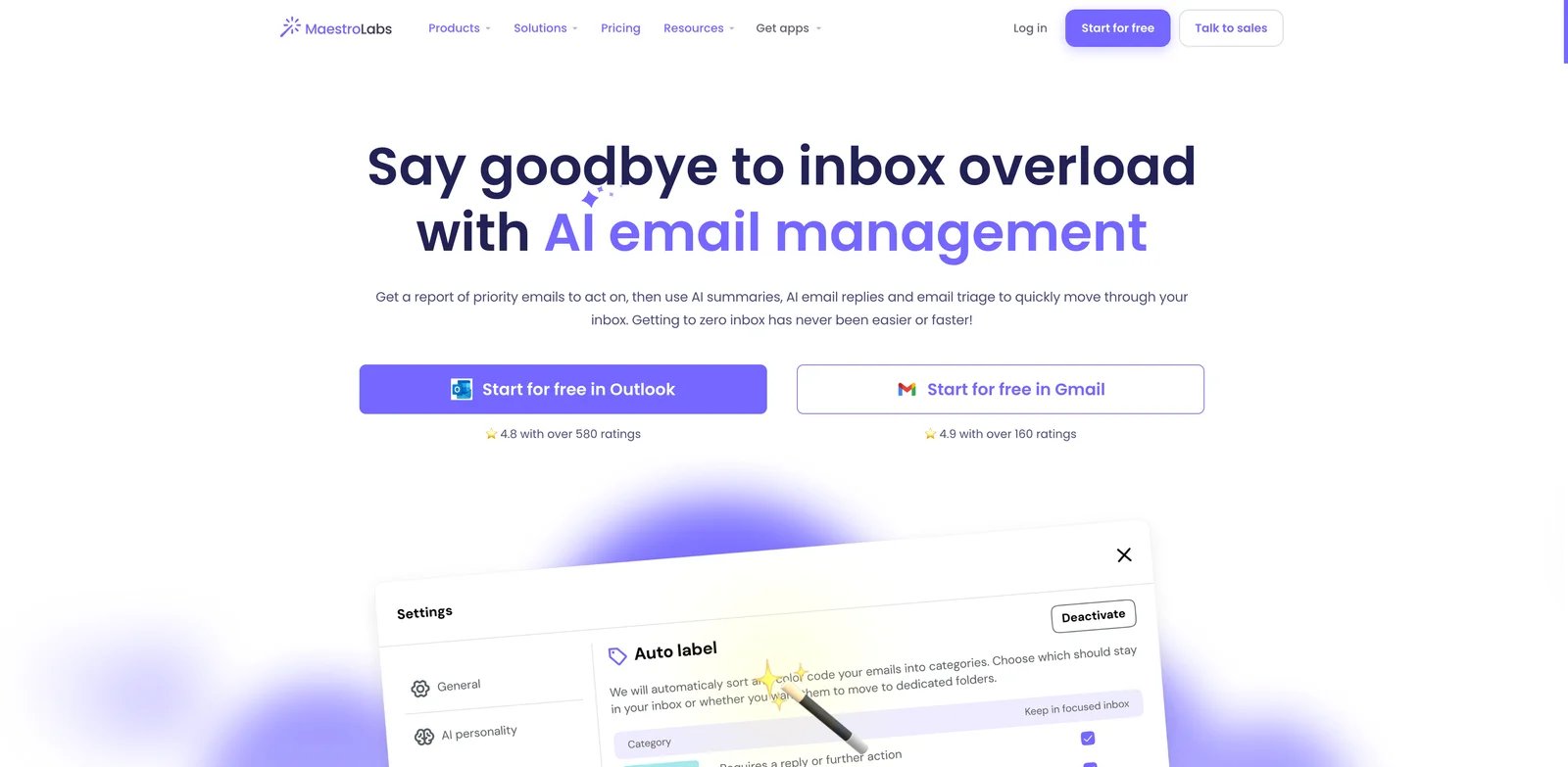
Outlook users often get worse support from Gmail-first AI tools. MailMaestro is notable because its Outlook workflow is front and center, with support for Outlook web, new Outlook, classic Outlook, and a Gmail extension. That makes it a practical shortlist option for Microsoft-heavy users who want drafting and summaries without waiting for a full Copilot rollout.
What Stands Out
- Outlook-first coverage: MailMaestro's Outlook support is deeper and clearer than many browser-extension email writers.
- Useful drafting and summary workflow: The product focuses on writing replies, summarizing threads, and managing everyday email load.
- Accessible starting path: A free tier exists, though the free AI request limit is narrow.
Pricing and Cost Notes
MailMaestro has a Free plan with 3 Compose/Reply/Improve requests per week. Professional/Team costs $15/seat/month monthly or $12/seat/month billed annually; Enterprise is contact-sales, and a 14-day full-feature trial is available. The free tier was limited to a small number of AI requests per week during this research pass, so serious users should evaluate the paid plan quickly.
Limitations
MailMaestro is not as broad as a full shared inbox or agent platform. Gmail support exists, but the strongest fit is Outlook. Teams should also compare Microsoft Copilot if they already have eligible Microsoft 365 plans.
Best For
Choose MailMaestro if you live in Outlook and want focused AI help for replies and summaries. Not the right fit if you need cross-app automation or shared-inbox ownership rules.
Get started with MailMaestro
Canary Mail
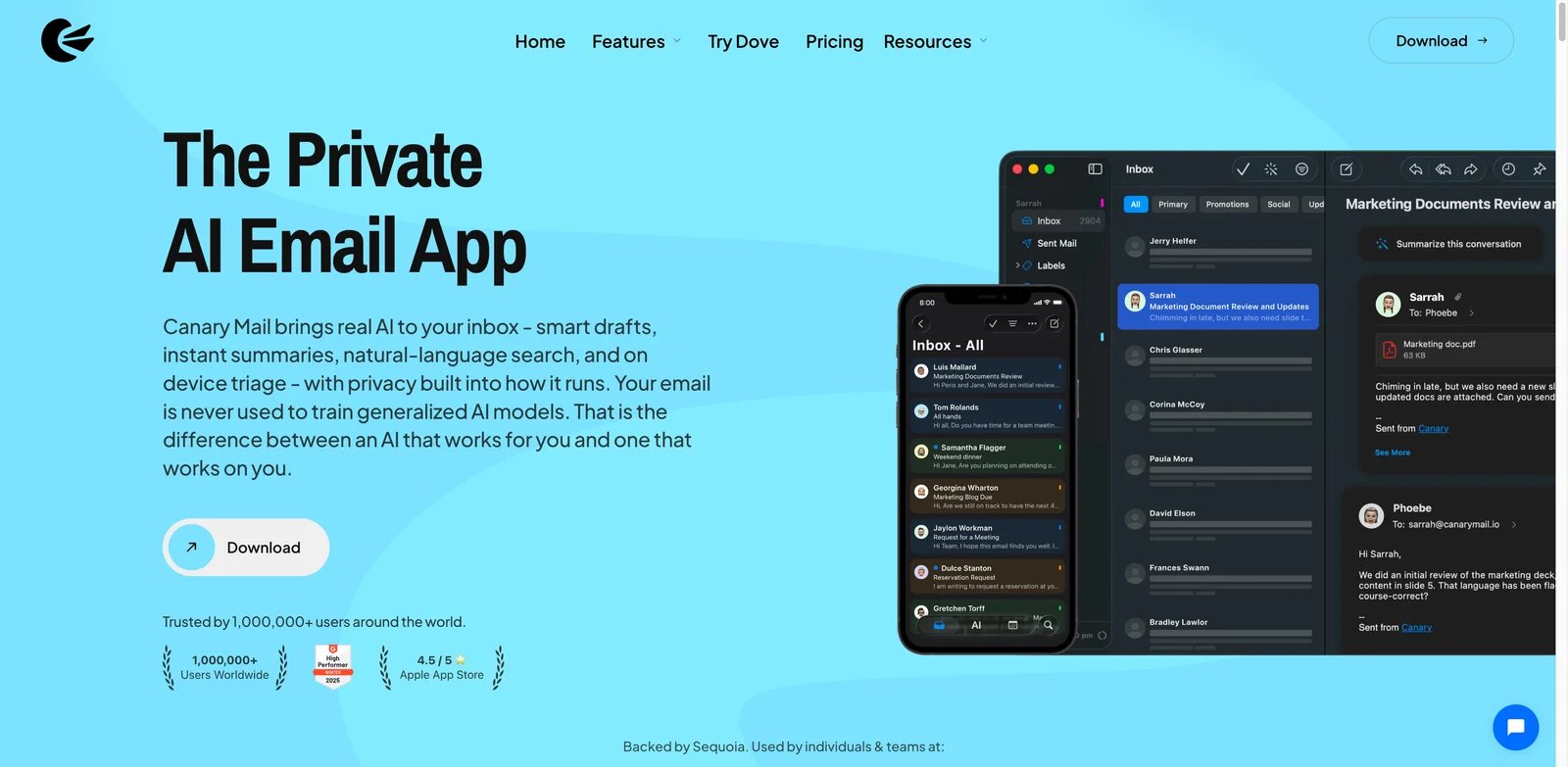
Budget-conscious users often face a bad tradeoff: cheap writing helpers are too narrow, while full AI inbox tools cost as much as a premium SaaS seat. Canary Mail is interesting because it packages AI Copilot features inside a low-cost mail client for desktop and mobile users.
What Stands Out
- Very low annual price signal: The Growth plan was listed around $3 per month on annual billing, which is unusually low for an AI mail client.
- AI Copilot inside mail: Writing, replies, summaries, and priority support fit daily email handling better than a blank AI writing assistant.
- Privacy-oriented positioning: Canary's broader product framing may appeal to users who are cautious about giving AI tools inbox access.
Pricing and Cost Notes
Canary Mail also has a Free plan, but AI Copilot starts on Growth at $3/month billed yearly at $36/year. Confirm the current AI limits, included accounts, and feature gates before buying, because low-cost plans often restrict heavy usage.
Limitations
The main tradeoff is platform style. Canary works through its own mail app, and the research pass did not verify a full web client. It is also less suitable for team queues than Missive, Gmelius, or Hiver.
Best For
Choose Canary Mail if you want a low-cost AI mail client for personal productivity. Not the right fit if your organization needs browser-first deployment or shared inbox controls.
Get started with Canary Mail
Shortwave
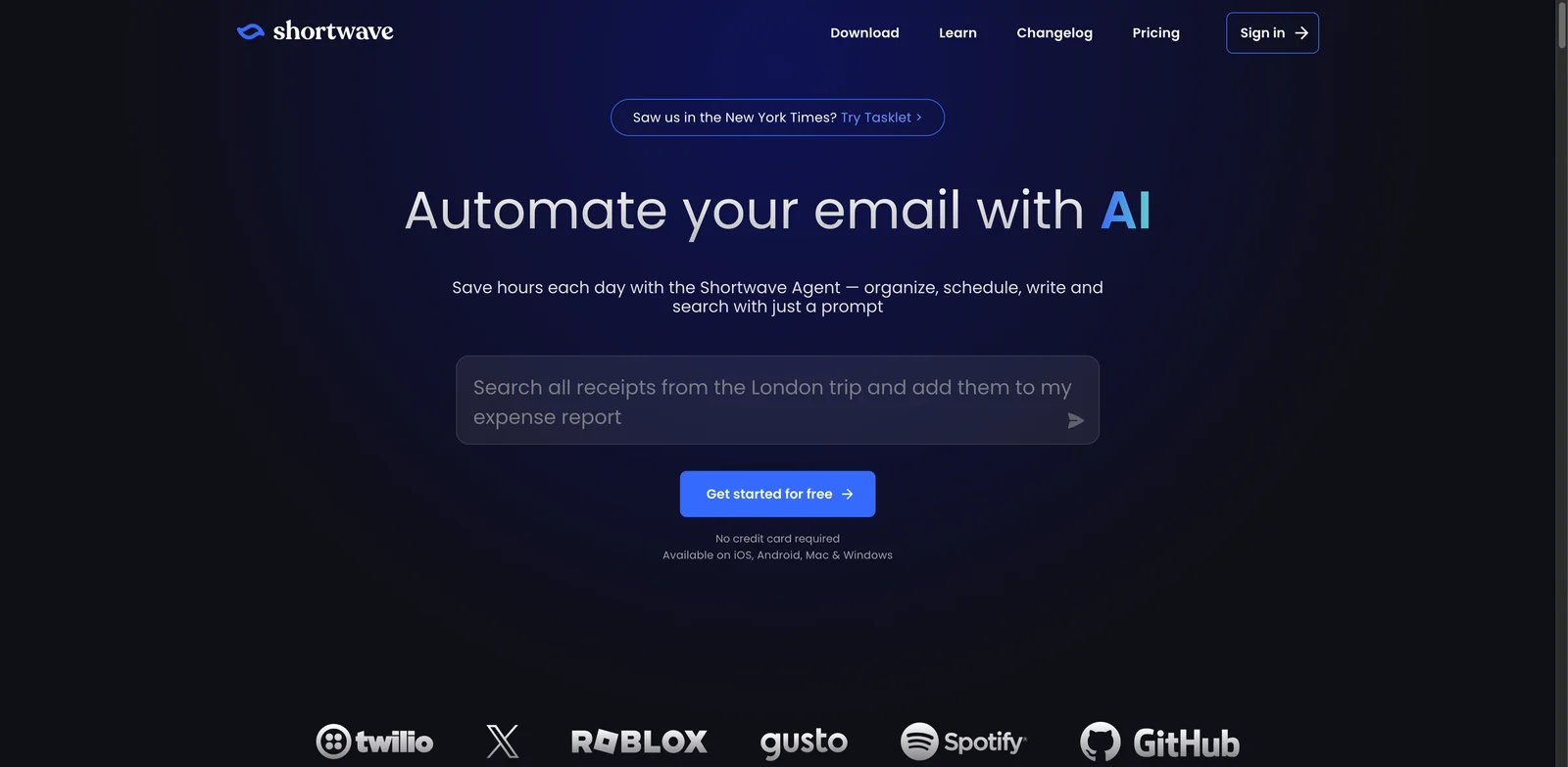
Gmail users who want the inbox to feel searchable, organized, and agent-assisted should test Shortwave early. It is one of the more innovative AI email assistants because it treats Gmail as a knowledge and workflow layer, not just a message list.
What Stands Out
- Agentic Gmail workflow: Shortwave supports AI search, writing, organization, filters, calendar context, and integrations around Gmail.
- Strong organization model: Bundles, labels, AI filters, and priority handling can reduce the hidden work of inbox maintenance.
- Useful for knowledge recall: Natural-language search across email context is one of its clearest differentiators.
Pricing and Cost Notes
Shortwave offers a free path, but full business AI was around $30 per user per month in the research pass. That means it competes with premium inbox tools, not only low-cost Gmail add-ons. Review AI quotas and daily limits before rolling it out.
Limitations
Shortwave is currently best for Gmail and Google Workspace users. Microsoft 365 and Exchange teams should not assume equivalent support. The price can also feel high if all you need is occasional reply drafting.
Best For
Choose Shortwave if your Gmail inbox has become a searchable work archive and you want AI to help organize it. Not the right fit if your team is Outlook-first or needs the lowest possible per-seat price.
Get started with Shortwave
NewMail AI
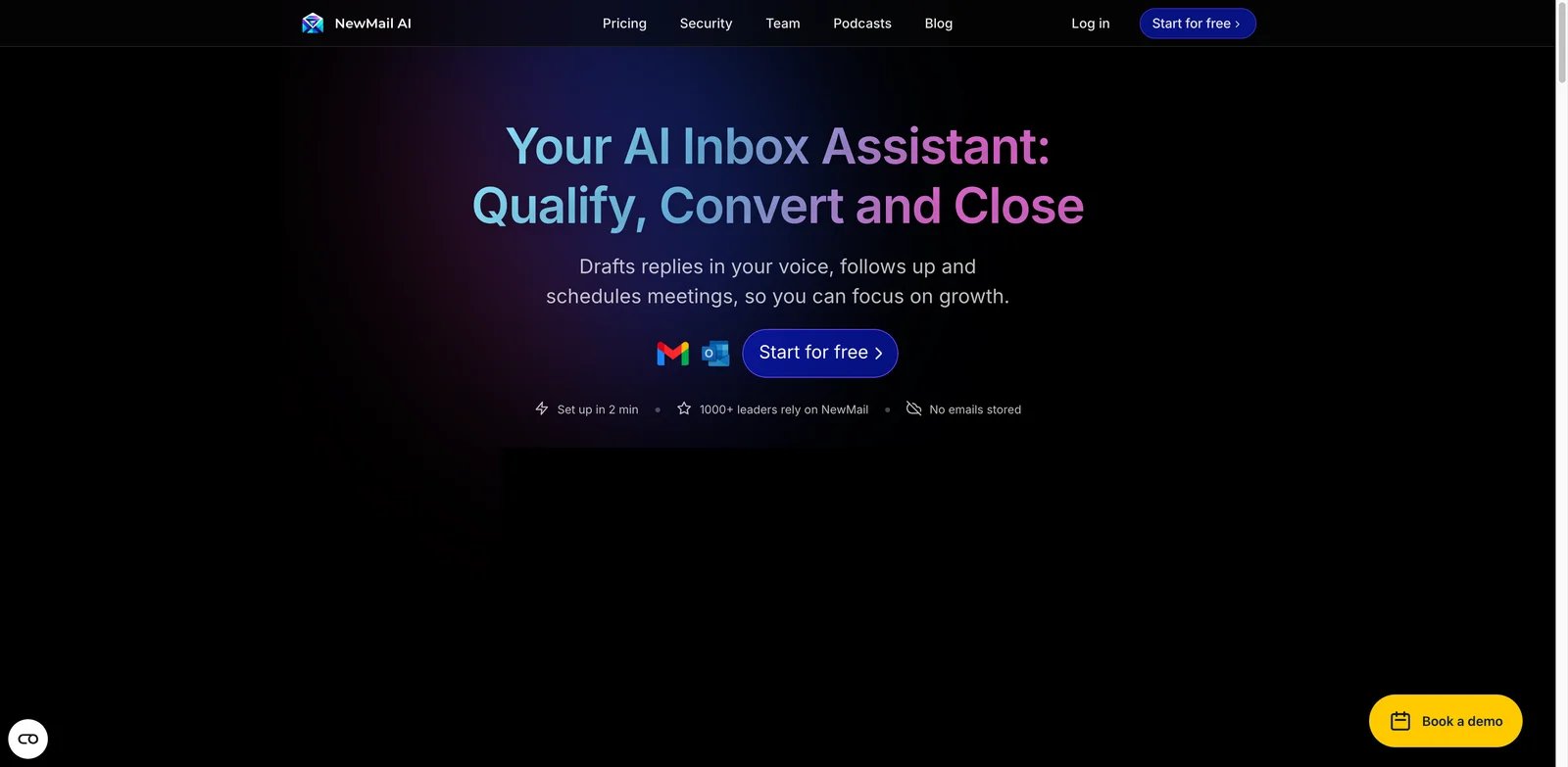
Some buyers do not want a new inbox at all. They want AI to work inside Gmail, Outlook, or Apple Mail while preserving their existing habits. NewMail AI is built around that promise, with drafts, priority inbox, categories, tasks, scheduling, and a stated zero-data-retention posture.
What Stands Out
- Existing-client workflow: NewMail is attractive if switching mail clients would create more friction than the AI saves.
- Operational inbox features: Priority inbox, categories, task extraction, and scheduling move beyond simple message drafting.
- Trust positioning: The research pass found explicit zero-data-retention messaging, which matters for inbox data.
Pricing and Cost Notes
NewMail AI was listed at $25 per month monthly or $20 per month annually, with a two-week no-card trial. That is mid-market pricing for a personal or executive inbox assistant.
Limitations
Independent user feedback was thinner than for older products, so the research score used a conservative feedback penalty. Buyers should test the trial against real daily email volume and confirm how it handles sensitive messages before paying.
Best For
Choose NewMail AI if you want AI inside existing Gmail, Outlook, or Apple Mail workflows. Not the right fit if your team wants a full collaborative inbox with assignments and internal comments.
Get started with NewMail AI
Gemini in Gmail
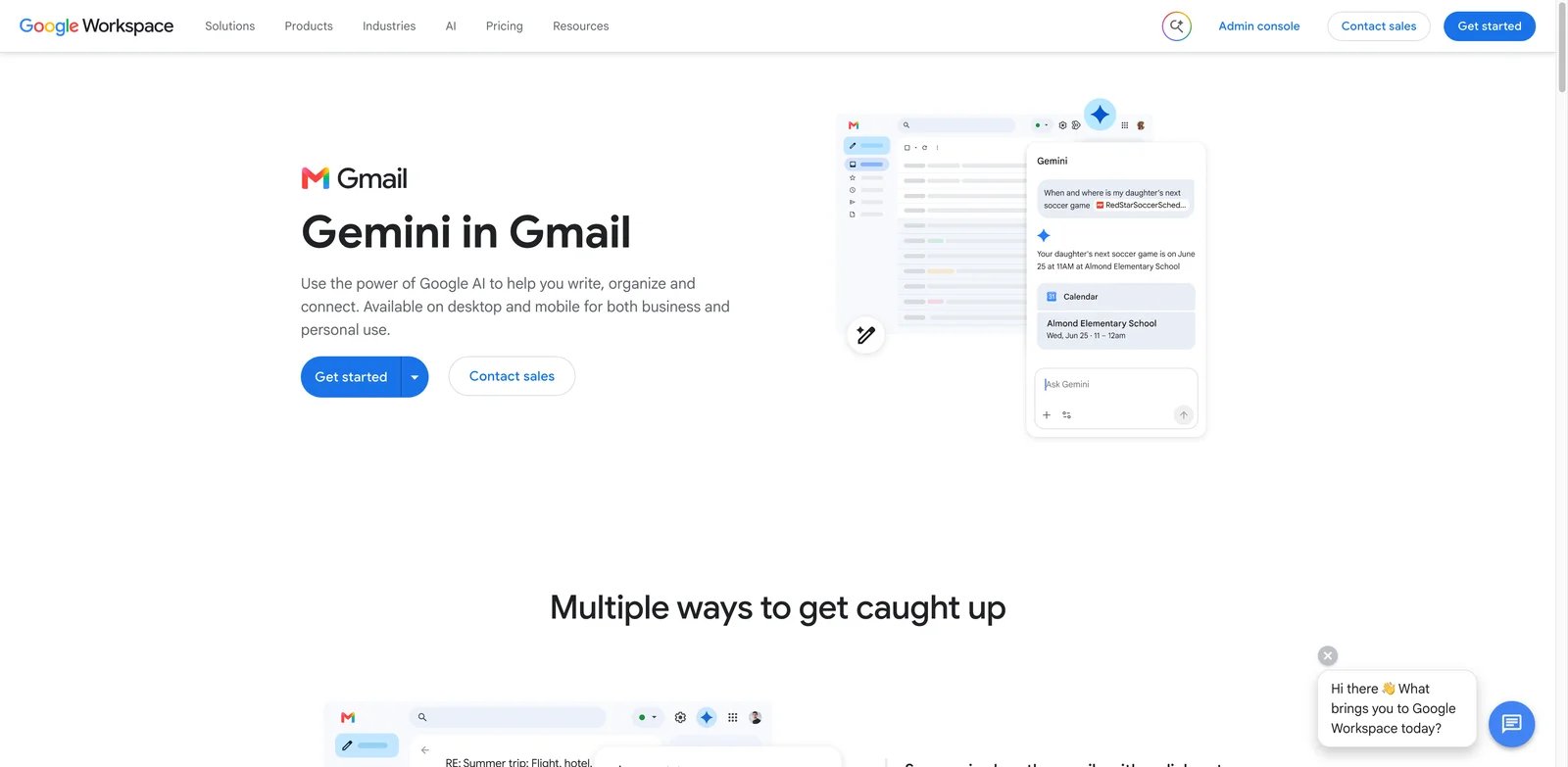
Google Workspace users often prefer native AI because it reduces procurement and training friction. Gemini in Gmail is strongest when your team already lives in Gmail, Drive, Docs, Calendar, and Workspace permissions. It can draft, polish, summarize, answer mailbox questions, and use broader Workspace context.
What Stands Out
- Native Gmail placement: Users do not need a separate inbox client or third-party extension to access core AI help.
- Workspace context: Gmail AI can become more useful when it can reason across related Google Workspace content.
- Good bundled value: If Gemini is included in or attached to the Workspace plan you already use, the marginal cost may be better than a separate email assistant.
Pricing and Cost Notes
Workspace pricing starts around $7 per user per month annually for Business Starter during this research pass, but Gemini availability depends on the current Workspace and Gemini packaging. Verify whether the needed Gmail AI features are included in your exact plan.
Limitations
Gemini in Gmail is not a full shared inbox or operations platform. It is also difficult to separate user feedback for Gmail overall from feedback for Gemini email features specifically, so we scored AI-specific feedback conservatively.
Best For
Choose Gemini in Gmail if your organization already uses Google Workspace and wants native AI for writing, summarizing, and mailbox questions. Not the right fit if you need cross-provider inbox support or shared operational workflows.
Get started with Gemini in Gmail
HeyHelp
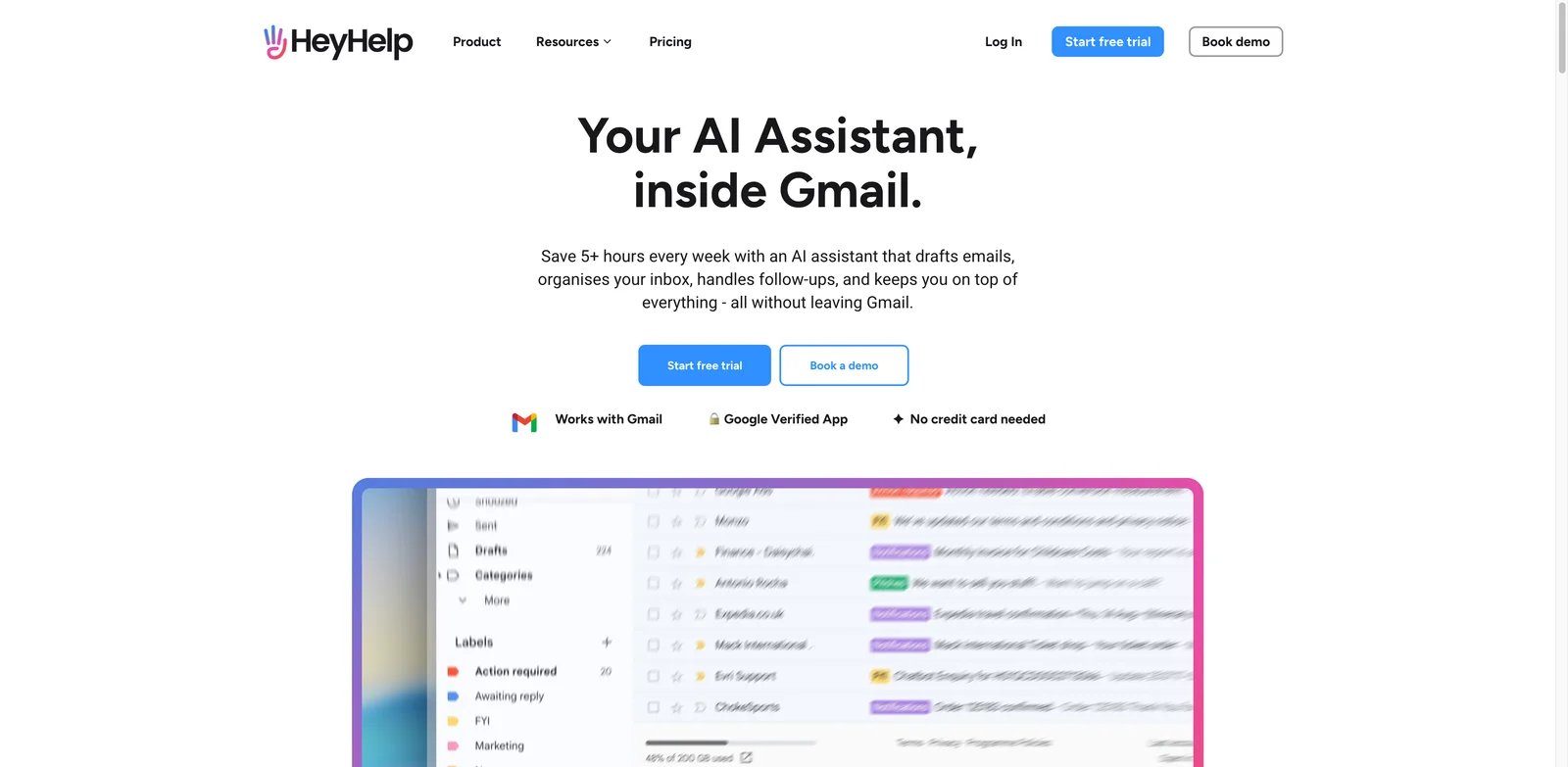
Gmail users who are drowning in labels, archives, and low-value replies may need an assistant that acts on the inbox, not just writes a better sentence. HeyHelp focuses on sorting, tagging, archiving, drafting, self-learning, and knowledge-base support.
What Stands Out
- Inbox clean-up orientation: Sorting, tagging, and archiving are valuable when the problem is too many incoming messages.
- Knowledge-backed drafting: HeyHelp can use a knowledge base to improve responses rather than relying only on the current email.
- Straightforward annual price signal: The annual price was competitive compared with premium inbox tools.
Pricing and Cost Notes
HeyHelp Pro is $20/user/month monthly or $12/user/month billed annually; the limited-time Connect option is $199 one-time for lifetime access but requires your own AI-provider API key and usage charges. The research pass also noted that some follow-up or scheduling abilities appeared roadmap-dependent, so confirm which workflows are live before buying.
Limitations
HeyHelp is Gmail-focused and had a smaller independent feedback base than mature tools. It is not the best fit for Microsoft 365 teams or teams that need a full shared inbox with assignments.
Best For
Choose HeyHelp if Gmail cleanup, tags, archiving, and draft assistance are the main pain. Not the right fit if you need Outlook support or enterprise shared inbox controls.
Get started with HeyHelp
Lindy
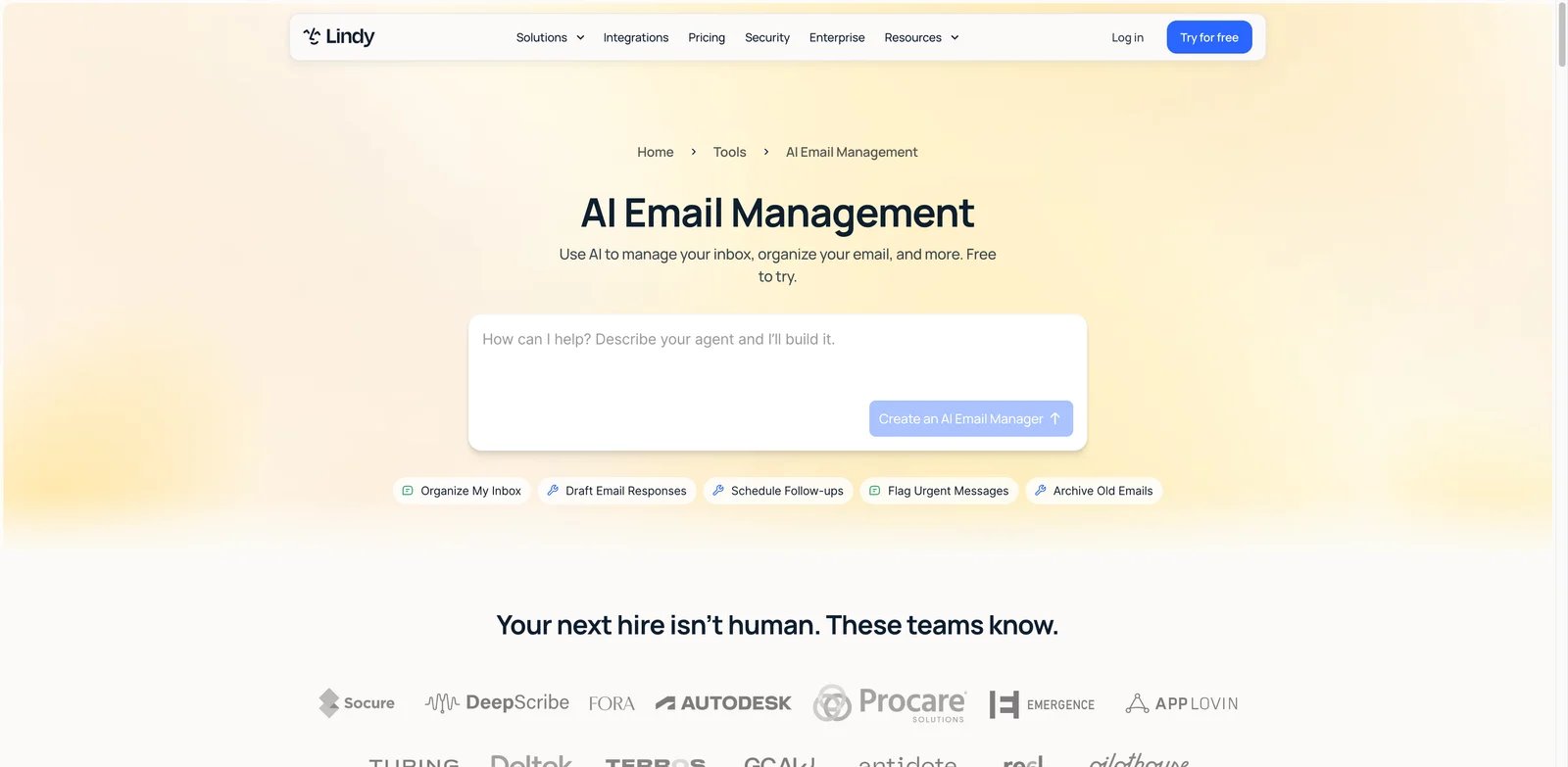
Email is rarely the final action. A reply might require a CRM update, a calendar change, a task, a Slack message, or a spreadsheet update. Lindy is valuable when the email assistant needs to become part of a wider AI workflow, not just a mailbox overlay.
What Stands Out
- Agentic workflow coverage: Lindy can organize mail, draft, follow up, flag urgent messages, and connect email to actions in other apps.
- Gmail and Outlook integrations: It is more flexible than tools locked to one mailbox provider.
- Strong automation upside: If a team already thinks in workflows, Lindy can connect email to broader AI workflow generator patterns.
Pricing and Cost Notes
Lindy Plus was listed at $29.99 per user per month with 3,000 credits. That credit system is the key buying variable. Estimate how many email actions, agent runs, and connected workflows your team will trigger before assuming the plan is enough.
Limitations
Lindy can be too much tool for someone who only wants faster replies. Credit pricing, no-rollover style limits, and workflow design time can create hidden cost. It also requires more setup judgment than a simple Gmail extension.
Best For
Choose Lindy if email is one step in a multi-app workflow. Not the right fit if your only need is rewriting a message or summarizing a thread.
Get started with Lindy
Jotform Gmail Agent
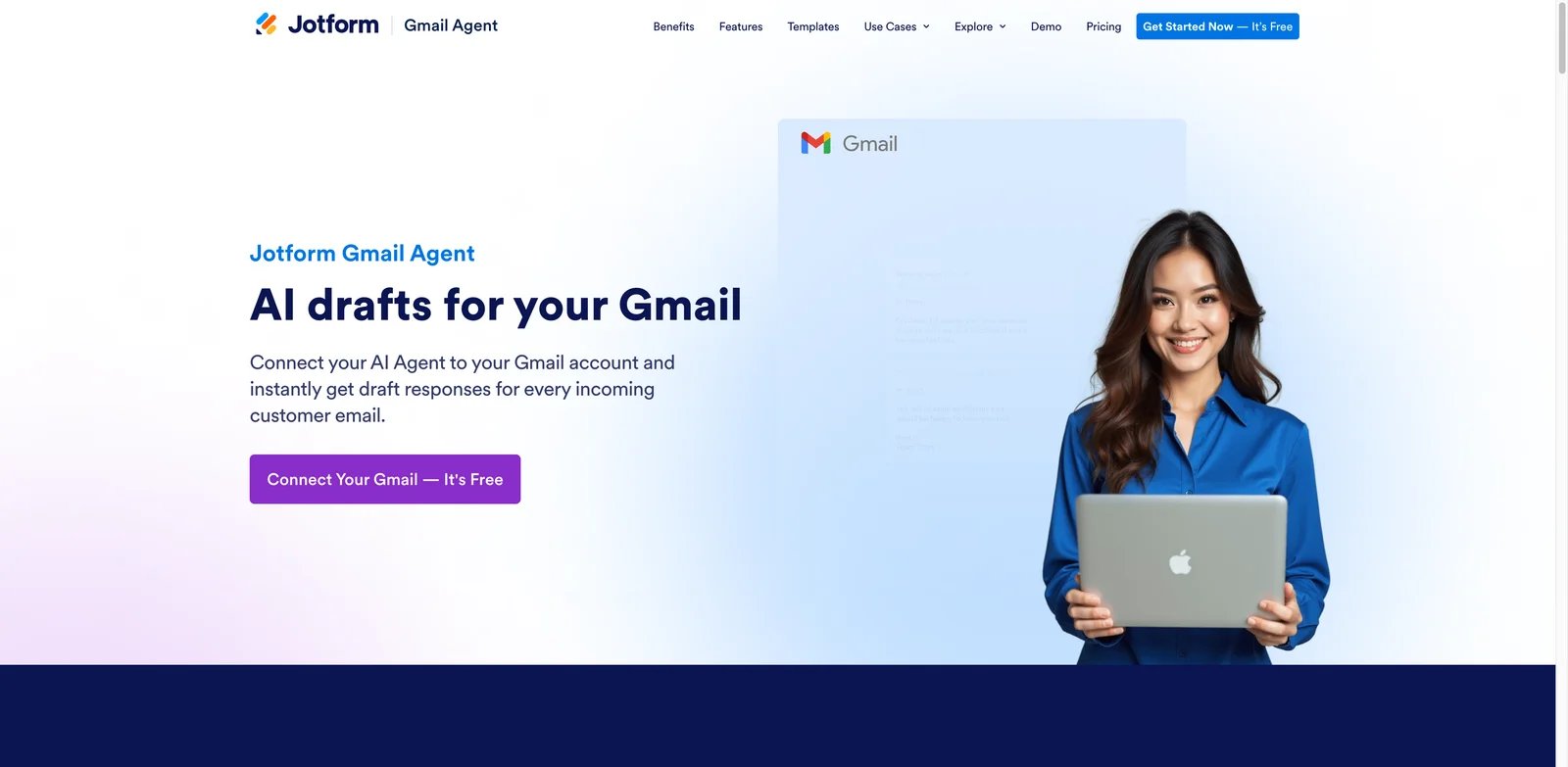
Customer-facing Gmail inboxes often need consistent answers more than elegant prose. Jotform Gmail Agent is useful when the assistant can draft replies based on company knowledge, product information, or structured inputs instead of treating every email as a blank writing task.
What Stands Out
- Knowledge-grounded customer replies: The Gmail Agent can generate drafts for customer emails using the agent's knowledge.
- Web agent model: It fits teams already using Jotform or AI agents for customer communication workflows.
- Free starting path: A free entry point lowers testing friction, although paid limits need review.
Pricing and Cost Notes
Jotform Gmail Agent uses Jotform AI Agents plan limits: Starter is free with up to 5 agents and 100 monthly conversations; Bronze is $34/month billed annually with 25 agents and 1,000 monthly conversations. Because Jotform has a broader product suite, verify the exact plan, response limits, and Gmail Agent usage limits before adoption.
Limitations
The product is more specific than a general inbox assistant. It is strongest for customer response workflows, not for executive email, shared support operations, or general Gmail cleanup. Independent feedback for the Gmail Agent itself was limited.
Best For
Choose Jotform Gmail Agent if your Gmail inbox handles repeat customer questions that benefit from knowledge-backed drafts. Not the right fit if you need a full personal email client replacement.
Get started with Jotform Gmail Agent
Hiver
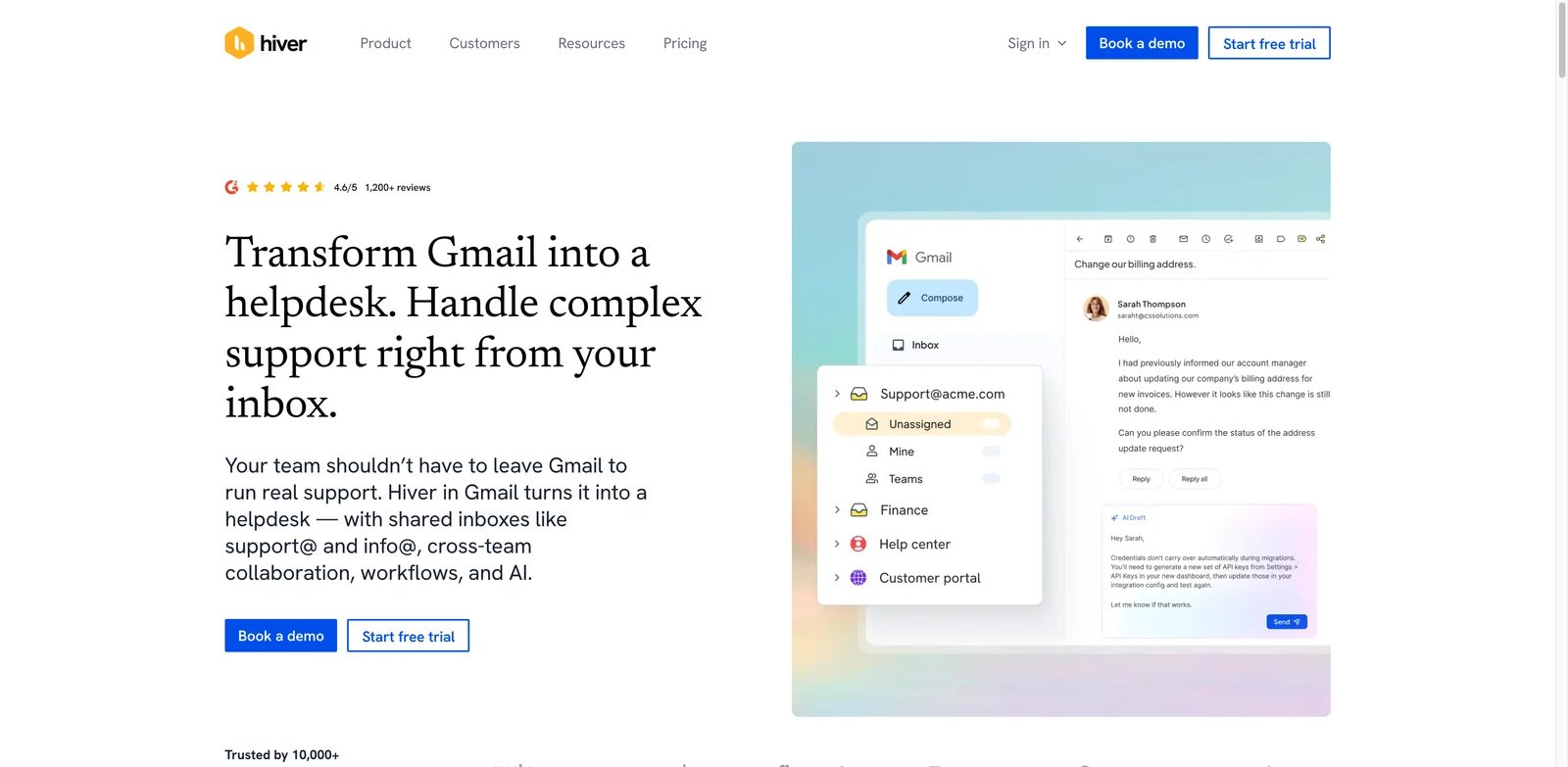
Support teams using Gmail usually hit the same wall: labels and forwarding rules are not enough once customers expect ownership, routing, and fast replies. Hiver adds a shared inbox layer inside Gmail and now includes AI Agent, Autopilot, and Copilot capabilities for service workflows.
What Stands Out
- Support queue inside Gmail: Hiver keeps agents close to Gmail while adding shared-inbox ownership and process controls.
- AI for service operations: AI Agent, Autopilot, and Copilot features are better aligned with support workflows than generic writing tools.
- No separate AI usage fee signal: The research pass found plan language emphasizing AI without separate usage fees, though buyers should confirm current terms.
Pricing and Cost Notes
Hiver now has a Free plan with shared inbox and ticketing; AI Agents and AI Copilot start on Growth at $35/user/month monthly or $25/user/month billed annually. That is support-software pricing, not personal productivity pricing. Compare it against helpdesk alternatives if your inbox is primarily customer service.
Limitations
Hiver is less relevant for solo inboxes and non-Gmail teams. It is also a support workflow product, so sales leaders or executives may prefer Superhuman, Missive, Fyxer, or NewMail.
Best For
Choose Hiver if your team runs customer support in Gmail and needs AI plus shared-inbox ownership. Not the right fit if you want a general-purpose personal email assistant.
Get started with Hiver
Fyxer
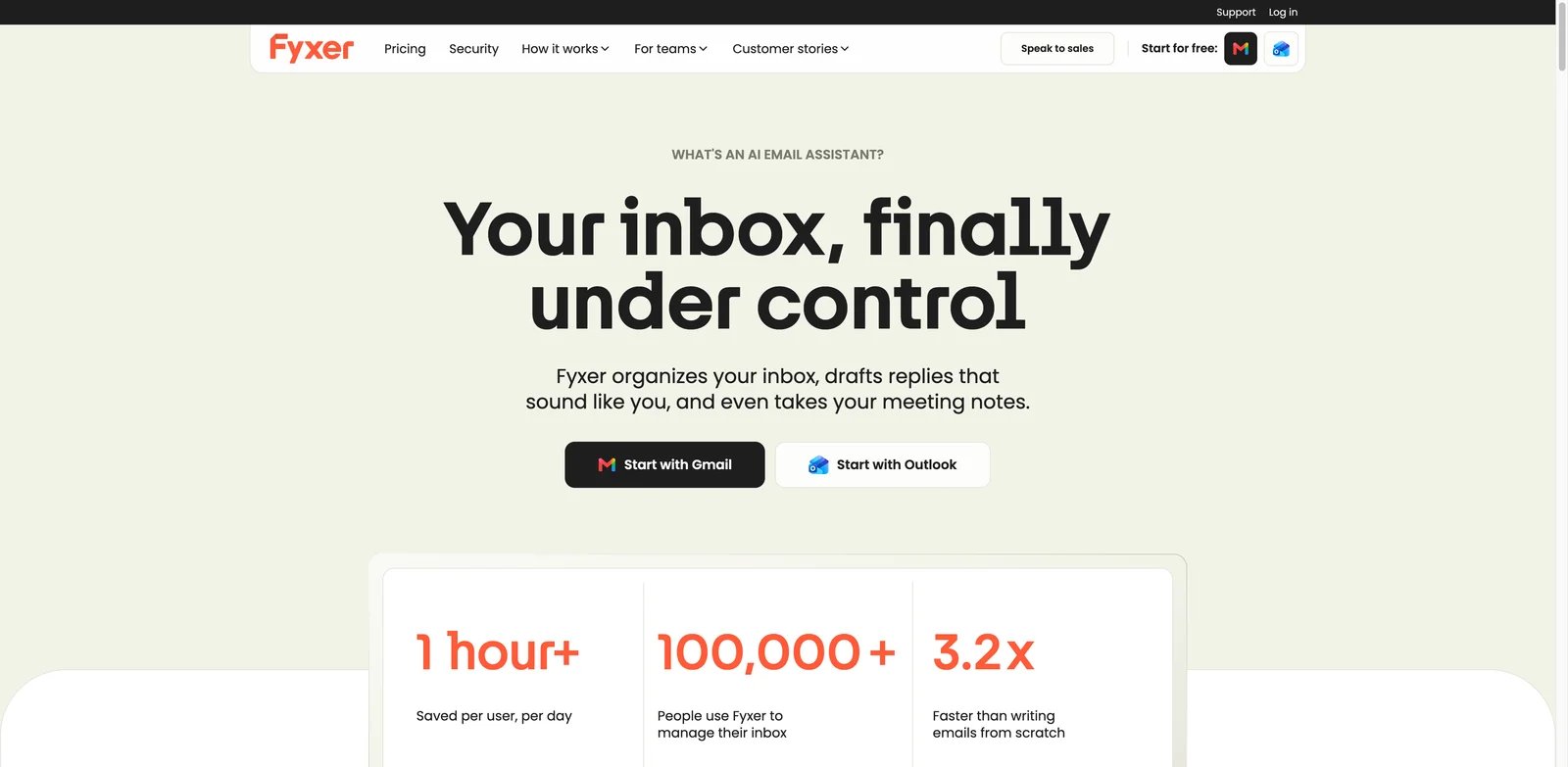
Executives, founders, and client-facing leaders usually need an assistant that decides what matters before they start writing. Fyxer focuses on priority labels, drafts, calendar support, and meeting-note context inside Gmail and Outlook.
What Stands Out
- Executive inbox orientation: Priority labels and draft support are built around reducing decision load in a high-volume inbox.
- Gmail and Outlook support: Fyxer is more flexible than tools that only serve one provider.
- Calendar and meeting context: This makes it more relevant when email work is tied to scheduling and meeting follow-up.
Pricing and Cost Notes
Fyxer Starter is $30/user/month monthly or $22.50/user/month billed annually; Professional is $50/user/month monthly or $37.50/user/month billed annually, and Enterprise is bespoke for 50+ users. Starter and Professional include a 7-day free trial, so Fyxer still sits in premium personal-assistant territory. Evaluate it based on weekly time saved, not only message-writing quality.
Limitations
Fyxer had limited stable public review data in this research pass, so buyer testing matters. It is also less of a shared inbox system than Missive, Gmelius, or Hiver.
Best For
Choose Fyxer if you want an AI assistant for priority inbox handling, drafts, and calendar-linked email work. Not the right fit if your main need is a low-cost AI writer.
Get started with Fyxer
Microsoft Copilot in Outlook
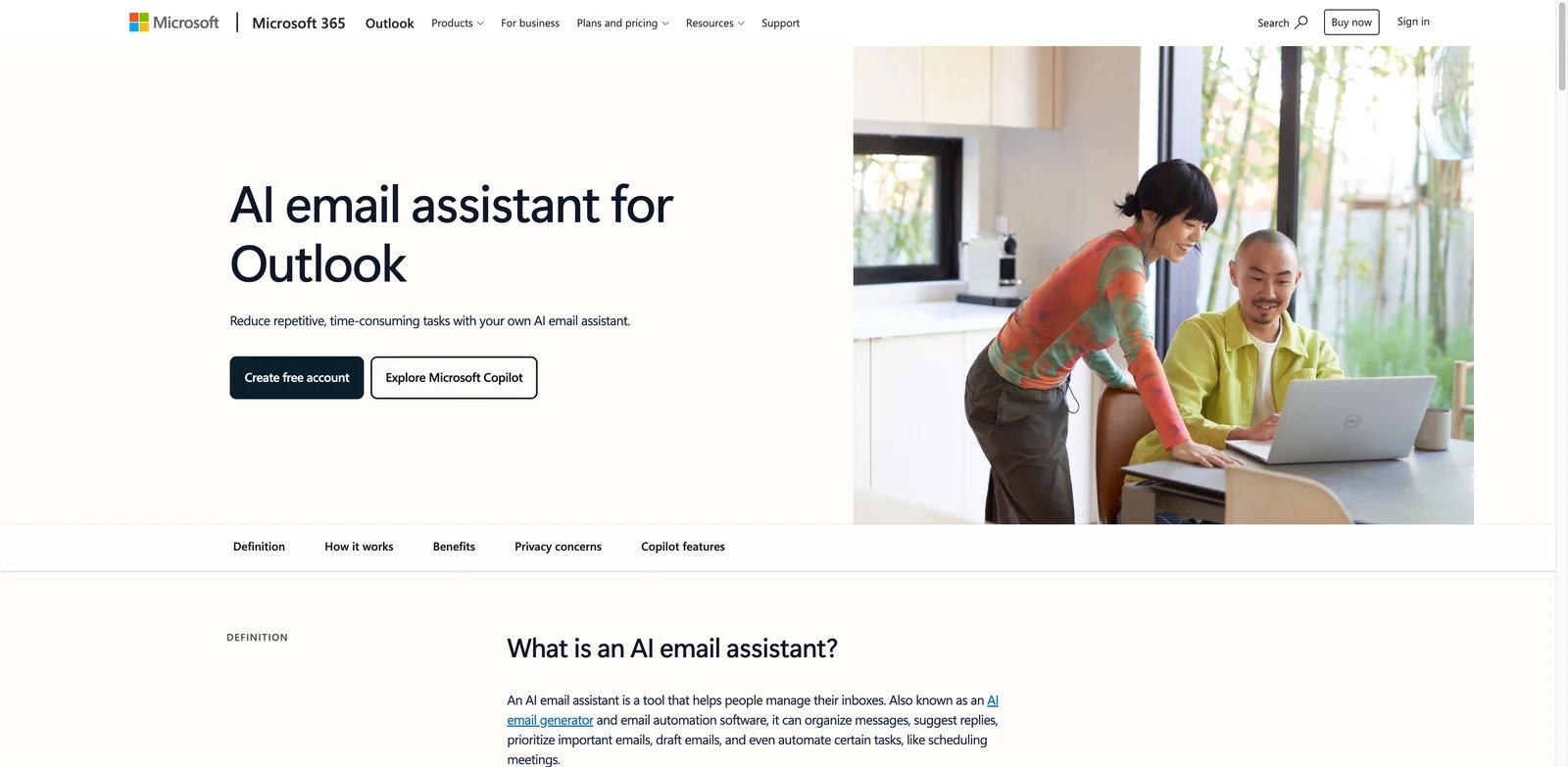
Microsoft 365 teams usually prefer native controls, identity, and admin fit over another browser extension. Copilot in Outlook is the natural first test for those teams because it can draft, edit, summarize, schedule, and work with Microsoft 365 context.
What Stands Out
- Native Outlook experience: Copilot sits where Microsoft 365 users already work, reducing rollout friction.
- Microsoft 365 context: Outlook assistance can become more useful when it connects with files, calendar, meetings, and organizational context.
- Procurement fit: Enterprise buyers may prefer one Microsoft AI contract over a separate inbox vendor.
Pricing and Cost Notes
Copilot Business pricing was listed around $25.20 monthly or $21 per month on annual list pricing during this research pass, with eligibility tied to Microsoft 365 plans. Verify exact plan requirements, promotions, and tenant eligibility before budgeting.
Limitations
Copilot is not a standalone shared inbox tool. Some mailbox types and delegated/shared workflows can have support limitations. Also, user feedback for Outlook overall cannot be cleanly treated as user feedback for Copilot email features, so we scored AI-specific feedback conservatively.
Best For
Choose Microsoft Copilot in Outlook if your organization already uses Microsoft 365 and wants native AI inside Outlook. Not the right fit if you need Gmail support, multi-inbox collaboration, or a cheaper personal assistant.
Get started with Microsoft Copilot in Outlook
Best AI Email Assistant Tools by Use Case
For teams handling a shared customer inbox
If several people touch the same inbox, start with Missive, Gmelius, or Hiver. Missive is the broadest multi-provider collaborative inbox. Gmelius is stronger if the team is all-in on Google Workspace. Hiver is best when the inbox is really a support queue that needs ownership, routing, and service-focused AI.
For executives and founders with high-stakes personal email
Superhuman, Fyxer, NewMail AI, and Spike are the most relevant starting points. Superhuman is the premium speed option. Fyxer is built around priority labels and calendar context. NewMail AI is appealing if you want to keep Gmail, Outlook, or Apple Mail. Spike is the lower-cost option if you can accept its own inbox experience.
For Google Workspace users who want native or Gmail-first AI
Gemini in Gmail is the first native option to verify if your Workspace plan already supports it. Shortwave is better if Gmail search, organization, and agentic inbox control matter more than staying in the exact Gmail UI. HeyHelp is worth testing when sorting, tagging, archiving, and drafting are the main pain.
For Outlook and Microsoft 365 teams
Microsoft Copilot in Outlook is the cleanest native fit. MailMaestro is a focused Outlook assistant for drafting and summaries. Fyxer and Superhuman are better if you want a premium assistant layer that also supports Outlook. Missive is better if the requirement is collaborative inbox work across providers.
For teams turning email into automated workflows
Lindy is the strongest fit when email needs to trigger tasks, CRM updates, follow-ups, or other app actions. Jotform Gmail Agent is better when the main workflow is customer replies grounded in a knowledge base. If sales is the real workflow behind the email, compare these against dedicated AI sales assistant tools.
How to Choose the Right AI Email Assistant
Start with mailbox fit. If the tool does not support Gmail, Outlook, Apple Mail, or the shared inbox pattern your team actually uses, its AI quality will not matter. Switching inboxes is a real adoption cost.
Next, decide whether your problem is writing, triage, collaboration, or automation. Writing-heavy users can start with Gemini, MailMaestro, Canary, or the best AI assistant tools. Triage-heavy users should test Shortwave, HeyHelp, NewMail, Fyxer, or Spike. Shared-inbox teams should prioritize Missive, Gmelius, or Hiver.
Then model cost per active inbox user. Many AI email products look affordable until every support rep, founder, assistant, and manager needs a seat. For credit-based tools such as Lindy, estimate action volume, not just seat count.
Finally, test with real messages before rollout. Use a week of non-sensitive email, compare drafts against your tone, check summary accuracy, inspect privacy settings, and measure whether the tool reduces follow-up debt. Do not buy on generated demo replies alone.
Frequently Asked Questions
What is the best AI email assistant overall?
What is the best AI email assistant for Gmail?
What is the best AI email assistant for Outlook?
Are AI email assistants safe to use with sensitive emails?
Do AI email assistants replace email marketing tools?
Should I choose a native AI tool or a separate AI email assistant?
How much should an AI email assistant cost?
Get ToolWorthy Weekly
New AI tools, practical guides, and selected AI signals in one weekly brief.
Related Posts
- 16 Best AI Scheduling Assistant Tools 2026 - Calendar & Meetings
Compare 16 AI scheduling assistant tools for calendars, meeting coordination, email scheduling, recruiting loops, pricing and workflow fit.
- 16 Best AI Chrome Extensions in 2026 — Tested for Real Browser Workflows
We installed 30+ AI Chrome extensions and kept the 16 that survived real daily use. Real pricing, permissions notes, and where each one actually wins.
- 20 Best AI Apps 2026 — From ChatGPT to Niche Powerhouses
We evaluated 30+ AI apps across chat, code, design, video, music, and search — here are 20 that actually deliver, with real pricing and honest limitations.
For AI tool founders
Built a tool that belongs in this decision set?
Request an editorial evaluation for possible inclusion in ToolWorthy.
Submit your tool for reviewPaid submission does not guarantee a ranking, recommendation, inclusion, or editorial outcome.