



Overview
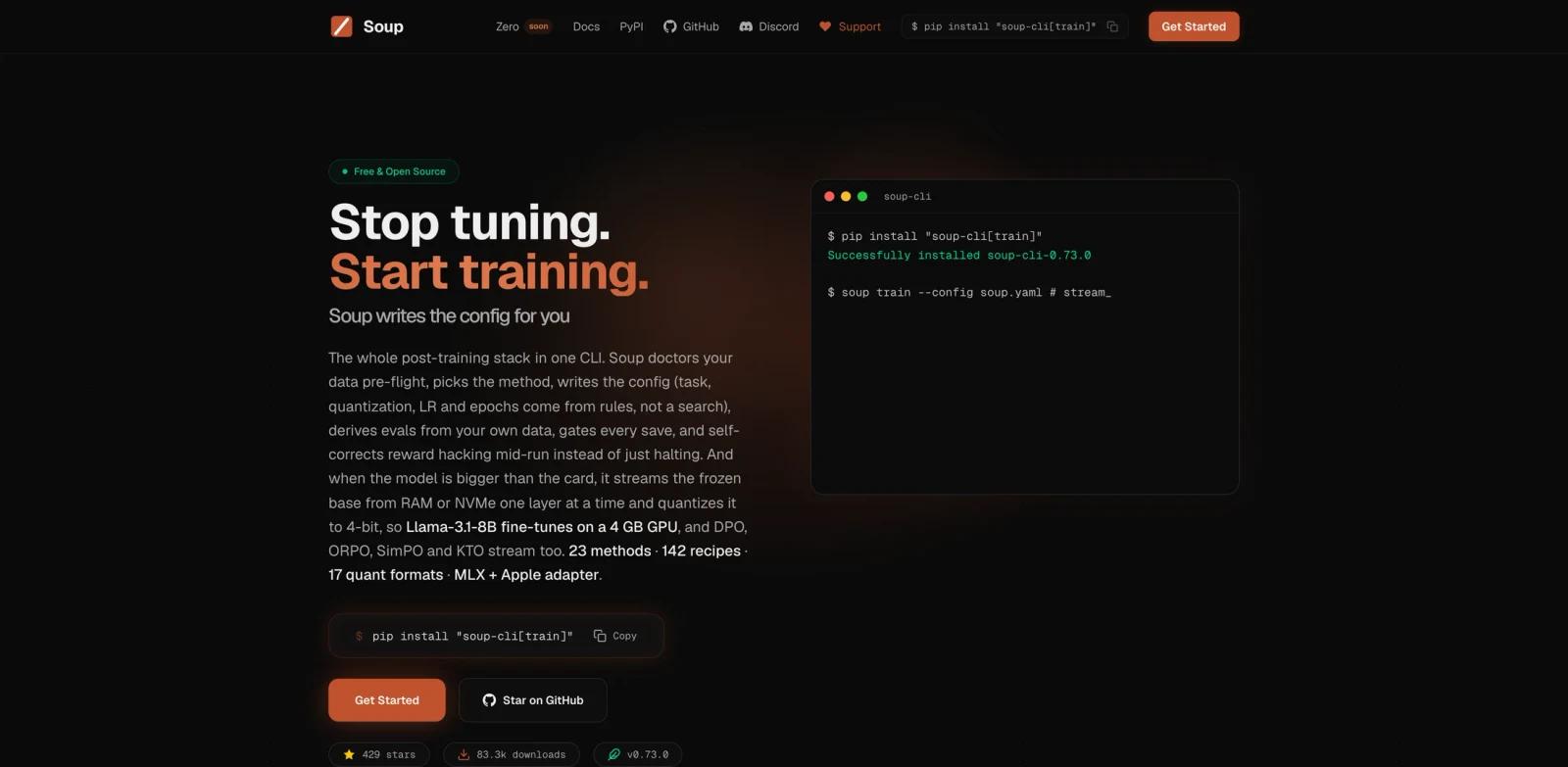
Soup CLI is a free, Apache-2.0 command-line toolkit for local LLM post-training. Its official site describes the product as a full post-training stack in one CLI: decide whether to fine-tune, check the data, train, evaluate, merge adapters, bisect regressions, produce a ship verdict, and operate the resulting model.
The main technical claim is layer streaming. Soup can keep the frozen base model in CPU RAM or NVMe and copy one decoder layer into VRAM at a time, then quantize that streamed base to NF4. The site says this allows Llama-3.1-8B fine-tuning on a 4 GB laptop GPU in measured runs, while preference training methods such as DPO, ORPO, SimPO, and KTO can stream as well.
Soup is not a hosted model API or a no-code training studio. It is a developer-facing local toolkit for teams that want control over training recipes, data checks, quantization, evaluation, adapter workflows, export, and deployment. It belongs near AI code generator and data/ML engineering tools, but its focus is post-training infrastructure.
Key Features
CLI-first fine-tuning - Installs with
pip install "soup-cli[train]"and can generate training configs rather than forcing users to hand-write every setting.Layer streaming for small GPUs - Streams the frozen base layer by layer from RAM or NVMe so peak VRAM is bounded by a smaller part of the model.
Data and eval workflow - Includes data doctor checks, semantic deduplication, topic coverage, canary tests, eval design, and eval-gated training.
Preference training support - Supports SFT plus preference and RL-style workflows such as DPO, ORPO, SimPO, KTO, GRPO, and related methods.
Adapter lifecycle tools - Provides adapter merge, arithmetic, diff, blame, branch, and bisect workflows for LoRA-based experimentation.
Broad install extras - Offers optional extras for training, fast training, MLX, serving, SGLang, eval, data tools, UI, TUI, MCP, signing, and more.
How to Get Started
The docs recommend a split install. Use pip install soup-cli for the light core without PyTorch, or pip install "soup-cli[train]" when you need the full training stack. Python 3.10 to 3.12 is supported in the current docs.
For a safe first run, start with a small supervised fine-tuning task on a non-sensitive dataset. Run soup doctor, initialize a config with soup init, train with soup train --config soup.yaml, chat with the model, and then export or serve it. If the model does not fit, enable training.stream_layers: true and read the layer streaming limits before assuming a large model will be fast.
Teams already using AI data analysis workflows should treat Soup as part of the model-building side: it can help catch data issues, but it will not replace human review of dataset purpose, licensing, privacy, and production risk.
Pricing & Plans
Soup CLI is free and open source under the Apache-2.0 license. There is no paid self-serve SaaS plan in the materials reviewed for this page.
Costs come from the user's own hardware or cloud compute. Local runs may use CUDA GPUs, Apple Silicon, or experimental CPU paths, while larger jobs may still require rented GPUs. The upcoming Soup Zero desktop workbench is described as coming soon, so pricing for that separate product should be checked when it becomes available.
Best For
- ML engineers fine-tuning local or open-weight models
- Teams that want data checks and eval gates before spending GPU time
- Developers migrating from LLaMA-Factory, Axolotl, or Unsloth configs
- Users experimenting with LoRA adapters, DPO, GRPO, quantization, or local serving
- Agent builders who want MCP-enabled post-training tools alongside AI agent workflows
FAQ
What is Soup CLI?
Soup CLI is a local LLM post-training toolkit for data checks, configuration, fine-tuning, preference training, evaluation, adapters, export, and shipping decisions.
Is Soup CLI free?
Yes. Soup CLI is free and Apache-2.0 licensed.
How do I install Soup CLI?
The docs list pip install soup-cli for the light core and pip install "soup-cli[train]" for the training stack.
What Python versions does Soup support?
The current docs list Python 3.10 to 3.12.
Can Soup train models on a 4 GB GPU?
The official site says layer streaming can fine-tune Llama-3.1-8B on a 4 GB laptop GPU in measured runs. It is marked beta, so users should review the limits and run their own checks.
Is Soup a hosted service?
No. Soup CLI runs locally or on the user's own compute. A desktop workbench called Soup Zero is described as coming soon.