

Overview
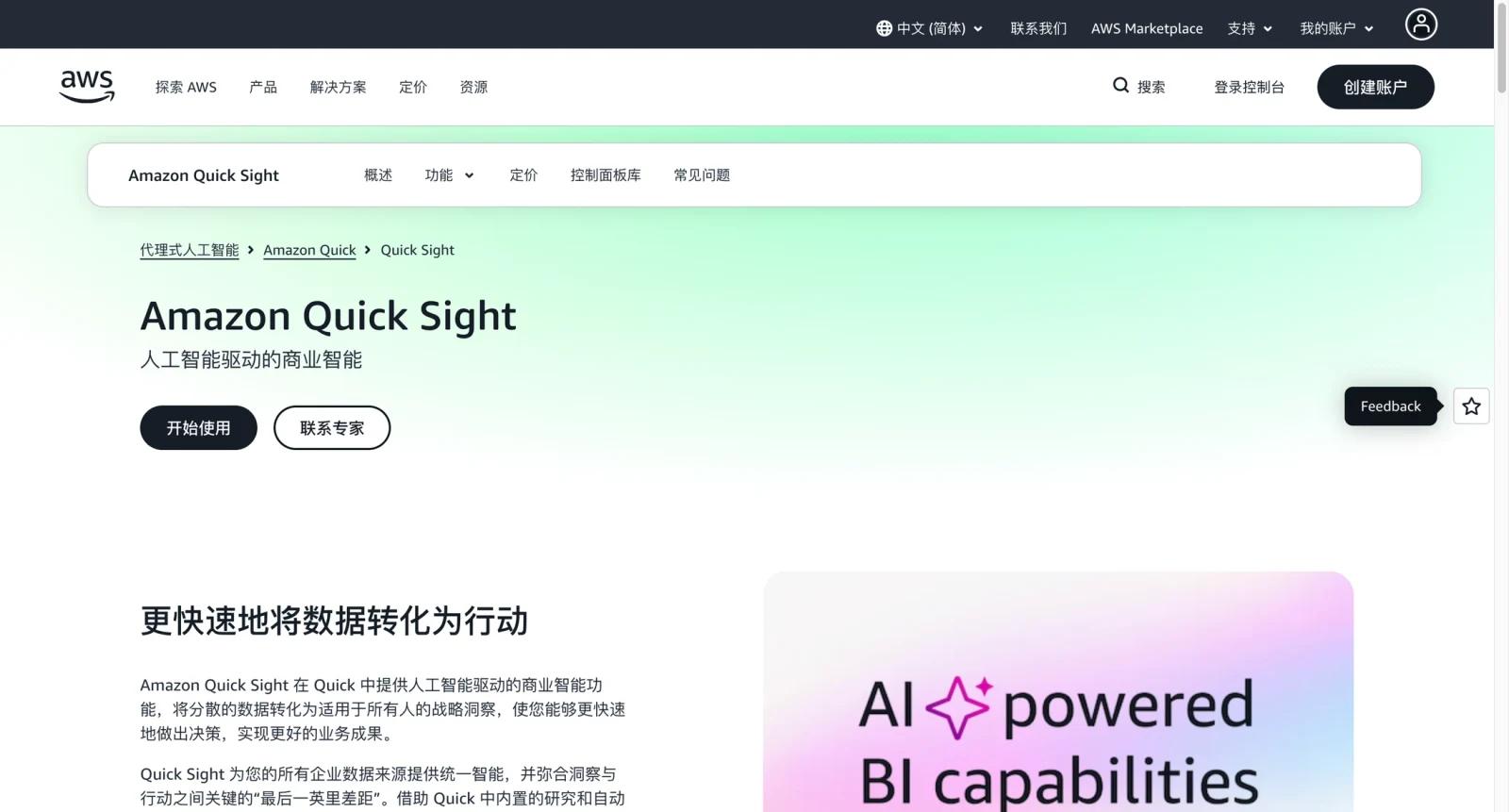
Amazon QuickSight is AWS's cloud business intelligence service for dashboards, reports, embedded analytics, and data exploration. It connects naturally with AWS data sources such as Redshift, Athena, S3, RDS, and other supported databases, while also supporting SPICE, Amazon Q capabilities, and reader or author role pricing.
QuickSight is strongest when a company is already invested in AWS. Data teams can build dashboards close to the cloud data stack, embed analytics into products, and provision users through AWS identity and billing systems. For teams comparing AI data visualization tools, QuickSight is more infrastructure-oriented than lightweight dashboard apps.
The product can be cost-effective at scale, but only if teams understand user roles, reader versus author pricing, SPICE capacity, alerts, embedded analytics, and Amazon Q-related fees. It is not the simplest BI tool for a nontechnical team starting from spreadsheets. Spreadsheet-first teams may prefer tools such as Coefficient or Zoho Sheet.
Key Features
- AWS-native BI dashboards - Build and share dashboards from AWS and third-party data sources without moving data into a separate BI vendor stack.
- Reader and author roles - Separate dashboard consumers from creators, helping teams control BI costs based on how people actually use analytics.
- Amazon Q in QuickSight - Use generative BI capabilities for natural-language questions, executive summaries, data stories, and authoring assistance in supported roles.
- SPICE in-memory engine - Use QuickSight's in-memory calculation engine to improve dashboard performance and reduce repeated source queries.
- Embedded analytics - Embed dashboards and insights into customer-facing products or internal apps using AWS-native controls.
- Alerts and anomaly detection - Monitor metric changes and trigger alerts when data shifts in meaningful ways.
Pricing & Plans
QuickSight pricing is role-based and usage-based. AWS's public pricing page lists Reader pricing from $3 per user per month, Author at $24 per user per month, and Author Pro at $40 per user per month, with additional costs for SPICE, alerts, capacity pricing, and some Pro infrastructure.
| Role or cost area | Pricing | Best fit |
|---|---|---|
| Reader | From $3/user/month | Business users consuming dashboards and reports |
| Author | $24/user/month | Analysts creating dashboards, reports, and reusable datasets |
| Author Pro | $40/user/month | Users needing advanced Amazon Q and generative BI capabilities |
| SPICE | Usage-based per GB/month | Teams needing faster in-memory dashboard performance |
| Capacity pricing | Usage-based | Embedded or large reader populations where session-based pricing fits better |
QuickSight can be inexpensive for dashboard consumers but more complex than a simple per-seat SaaS plan. Before rollout, model reader counts, author counts, Pro roles, SPICE size, embedded usage, alert volume, and AWS regional availability.
Best For
- AWS-centered data teams building dashboards from Redshift, Athena, S3, RDS, or related sources
- SaaS companies embedding customer analytics into applications
- Organizations with many dashboard readers and fewer BI authors
- Analysts comparing QuickSight with Metabase or Qlik Sense
- Teams that want generative BI through Amazon Q inside an AWS-governed environment
FAQ
What is Amazon QuickSight?
Amazon QuickSight is AWS's business intelligence service for dashboards, reports, embedded analytics, and generative BI workflows.
Is Amazon QuickSight free?
QuickSight offers ways to start and trial the service, but production use is generally priced by role, capacity, SPICE, and related usage.
How much does QuickSight cost?
AWS lists Reader pricing from $3 per user per month, Author at $24 per user per month, and Author Pro at $40 per user per month, with additional usage-based costs.
What is SPICE in QuickSight?
SPICE is QuickSight's in-memory calculation engine for faster dashboard performance and scalable analysis.
Does QuickSight include AI features?
Yes. Amazon Q in QuickSight supports generative BI workflows such as natural-language questions, dashboard assistance, summaries, and data stories in supported roles.
Is QuickSight good for embedded analytics?
Yes. Embedded analytics is one of QuickSight's strengths, especially for AWS-based SaaS products and internal applications.
How does QuickSight compare with Metabase?
QuickSight is more AWS-native and enterprise infrastructure-oriented. Metabase is often simpler for self-hosted or lightweight BI teams that want a more straightforward setup.
What should teams check before adopting QuickSight?
Model reader and author counts, SPICE storage, Amazon Q role needs, embedded analytics sessions, regional availability, identity setup, and expected dashboard refresh patterns.