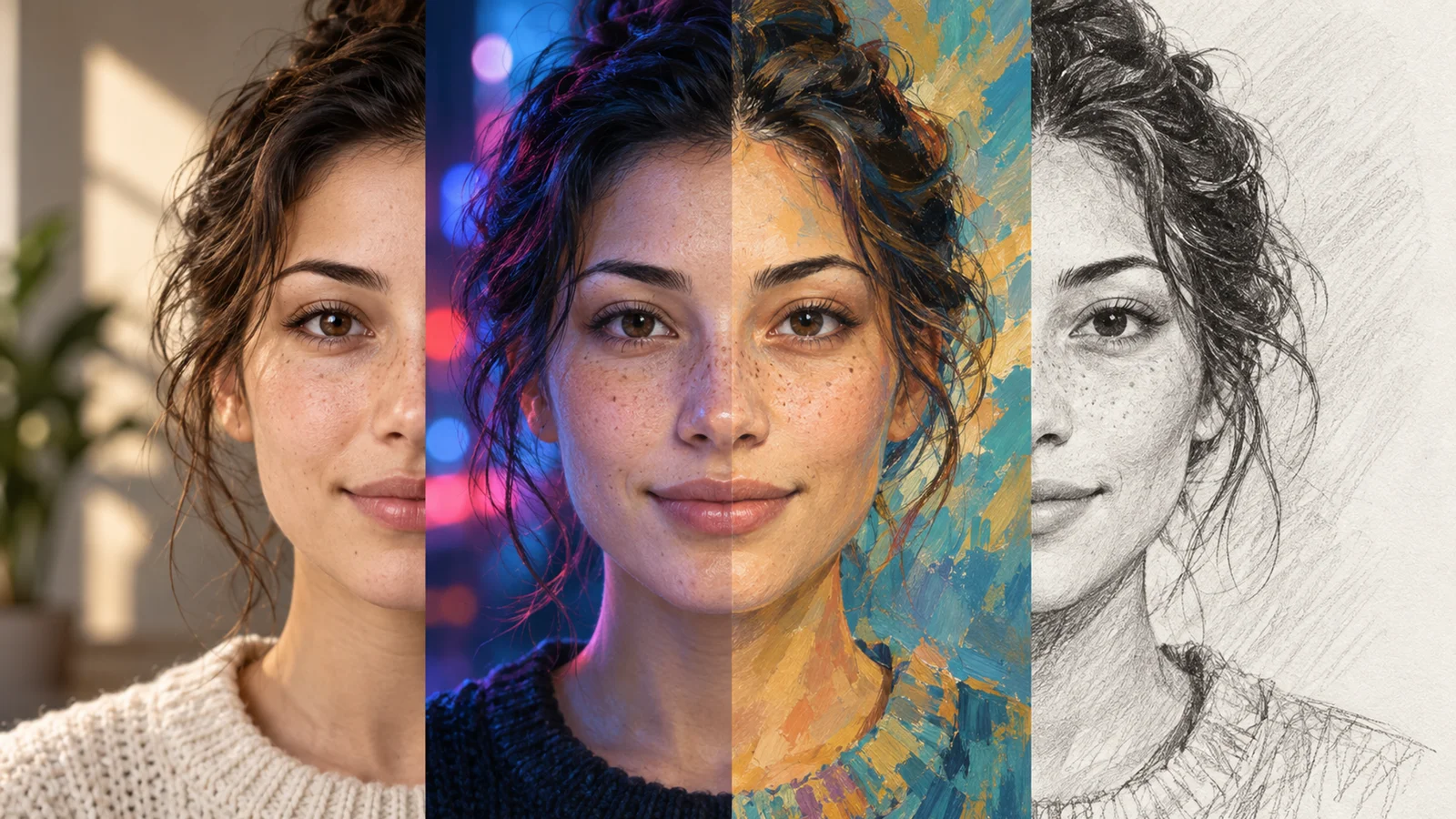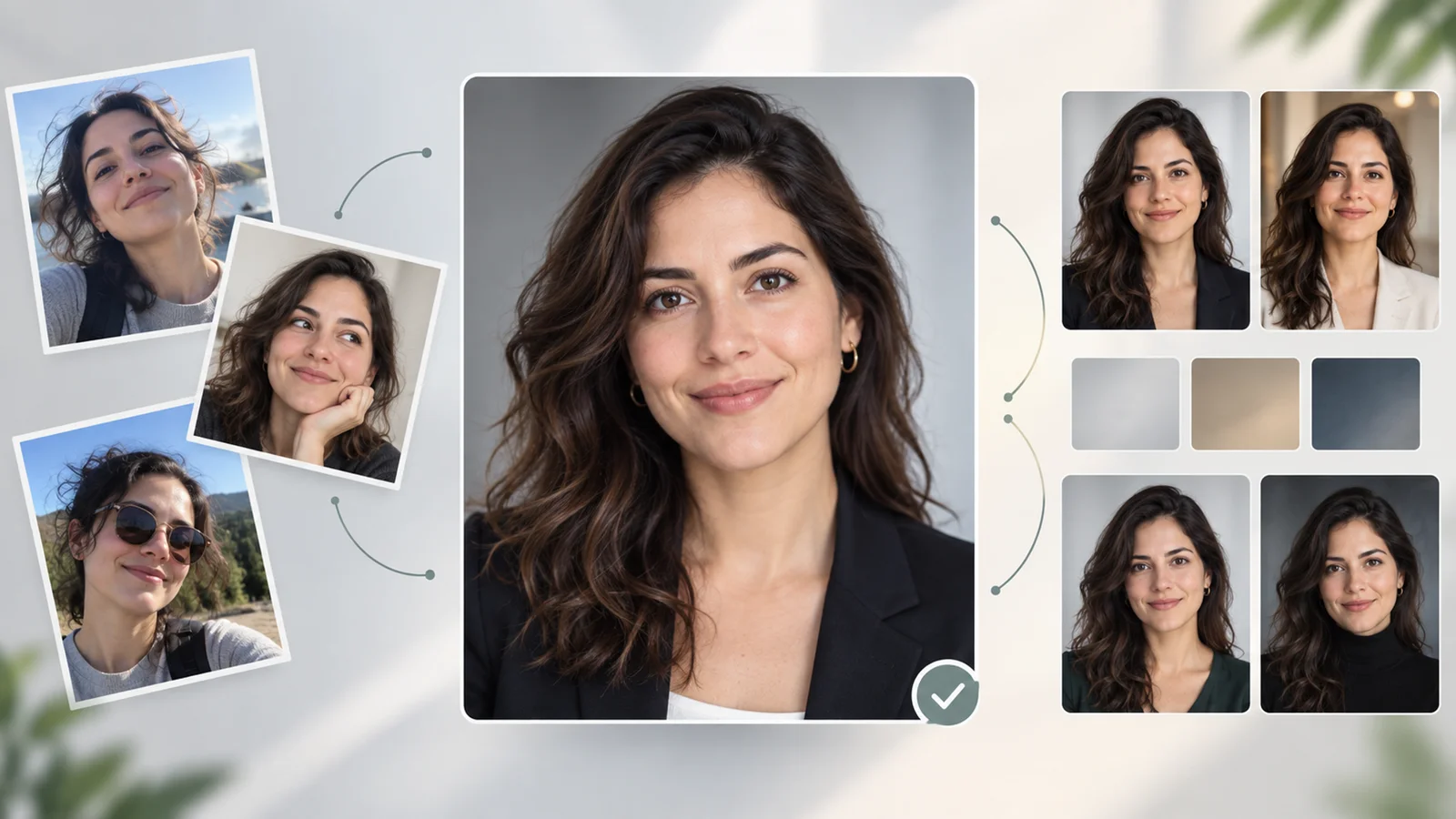
ByteDance Seed released Seedream 5.5 on November 9, 2026. Try it if your work involves repeated revisions to the same image or reusable assets that need transparent backgrounds. See the launch examples.
Compared with Seedream 5.0 Pro
Seedream 5.0 Pro already supports edits guided by spatial annotations and sketches, as well as layer separation. Seedream 5.5 focuses on keeping the rest of an image steadier as edits accumulate and adds direct generation with an alpha channel. If your workflow depends on 5.0 Pro's specific annotation or layer controls, compare the two models in the interface you use before switching. ByteDance's 5.0 Pro model guide.
What to test on your next project
| Project | What changes in 5.5 | What to check |
|---|---|---|
| Revise a product image | Repeated edits aim to preserve untouched areas. ByteDance showed 100 consecutive edits on one image. | Change one element at a time and compare the logo, product shape, and color with the original after each pass. |
| Make a cutout or overlay | Native RGBA supports both full and partial transparency. | Open the downloaded file on light and dark backgrounds and check that it has an alpha channel and clean edges. |
| Make a poster or product card | ByteDance reports clearer dense text and more natural lighting and materials. | Read every name, price, and line of small print at final size. Set critical copy in your layout editor if the output misses characters. |
Access and export
Dreamina's guide shows the model as Image 5.5 by Seedream 5.5. Check whether your account offers that model, the credits required, and the export format before moving a paid workflow. ByteDance's Chinese announcement lists a rollout in Jimeng, Doubao, Doubao Work, and the Volcano Engine Ark playground. For API projects, verify the endpoint, per-image price, and alpha output support in your provider's model documentation before switching. Dreamina guide · ByteDance's Chinese release announcement.