



Overview
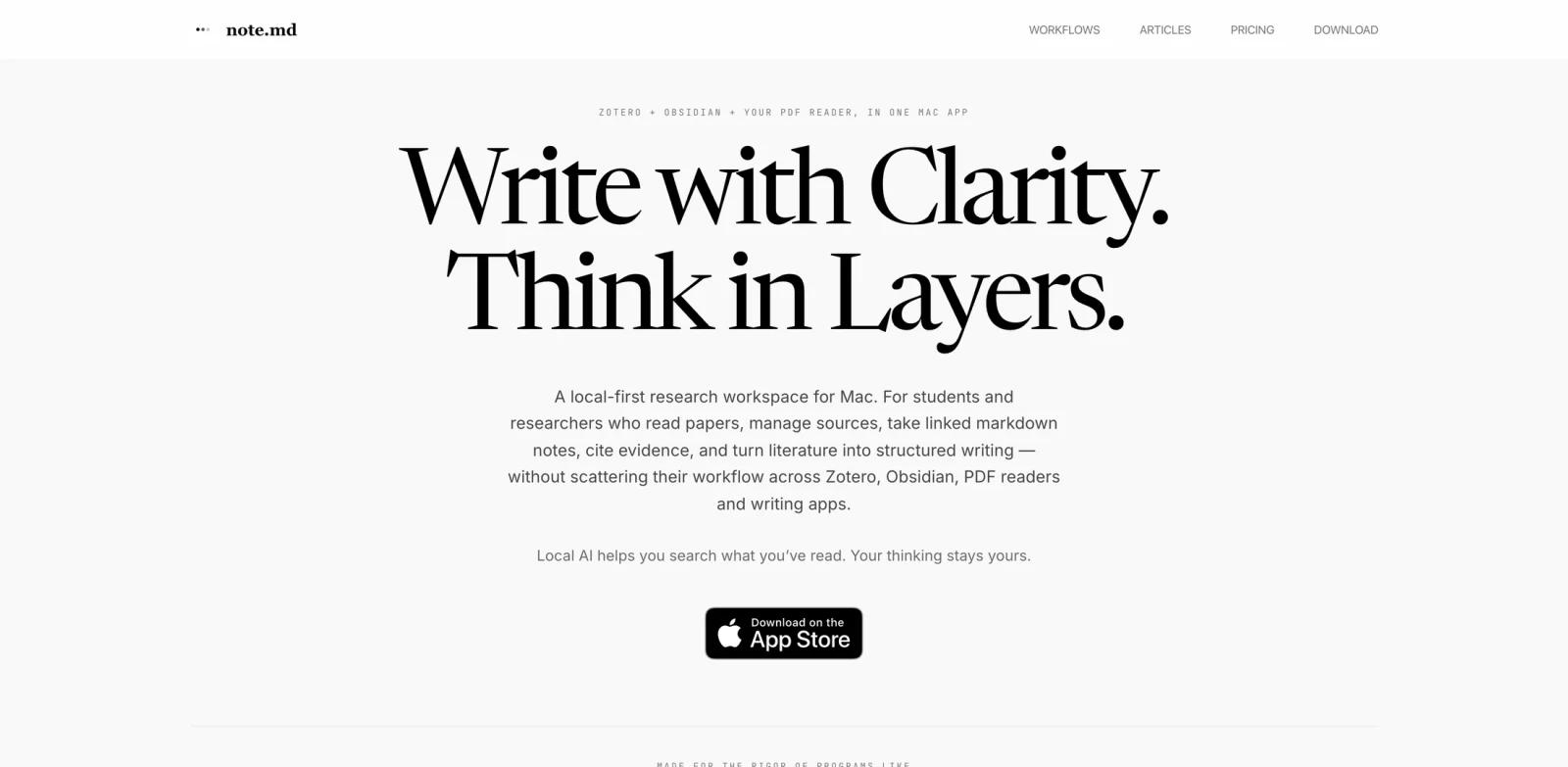
note.md is a local-first Mac app for researchers, students, and writers who want reading, citations, linked markdown notes, and drafting in one workspace. It combines pieces that are often split across Zotero, Obsidian, PDF readers, and writing apps.
The AI angle is intentionally local. Premium features unlock semantic search, automatic indexing, matrix extraction, and evidence scanning that run on the user's Mac. The app is designed to surface and organize the user's own sources rather than write the paper for them.
note.md fits the AI writing assistants and AI productivity categories. It may also interest teams thinking about local memory for AI agents, alongside tools such as MemOS.
Key Features
- Local markdown workspace - Write GitHub-flavored markdown with tables, LaTeX, linked notes, and portable plain-text files.
- PDF reading studio - Read papers beside notes, highlight passages, and keep citations linked back to evidence.
- Source management - Import PDFs, manage metadata, organize sources, and export bibliographies as
.bibfiles. - Smart citations - Generate BibTeX or APA citations from PDF metadata and insert citations into notes.
- Graph view - See relationships between notes and sources, with Neo4j export support.
- Local AI workflows - Premium unlocks semantic search, figure and table indexing, matrix extraction, and evidence scan without sending notes to a cloud model.
Pricing & Plans
note.md is free for the core writing and research workspace. Premium unlocks local AI workflows.
| Plan | Public pricing |
|---|---|
| Free | $0, local markdown editor, private vault, Reading Studio, citations, source management, graph view, Neo4j export |
| Premium Monthly | $8.99/month |
| Premium Annual | $49.99/year, about $4.17/month |
| Premium Lifetime | $99.99 one-time |
| Student Premium | $4.99/month or $29.99/year, verified through the App Store |
Purchases are managed in-app through the App Store and may vary by region.
Best For
- Students writing thesis or literature review projects
- Researchers who want PDFs, notes, and citations in one app
- Writers who prefer local markdown and portable files
- Privacy-conscious users who do not want cloud AI processing
- Mac users building a local research memory for future AI workflows
FAQ
What is note.md?
note.md is a Mac research workspace that combines markdown writing, PDF reading, source management, citations, graph view, and local AI workflows.
Is note.md free?
The core workspace is free. Premium local AI features start at $8.99/month.
Does note.md send notes to the cloud?
The official site says notes and AI features run locally on the user's Mac, and notes do not leave the machine.
What does Premium unlock?
Premium unlocks semantic search, automatic indexing, matrix extraction, and Evidence Scan.
Who should use note.md?
It is best for Mac-based students, researchers, and writers who want a private local workspace for sources, notes, citations, and structured writing.