



Overview
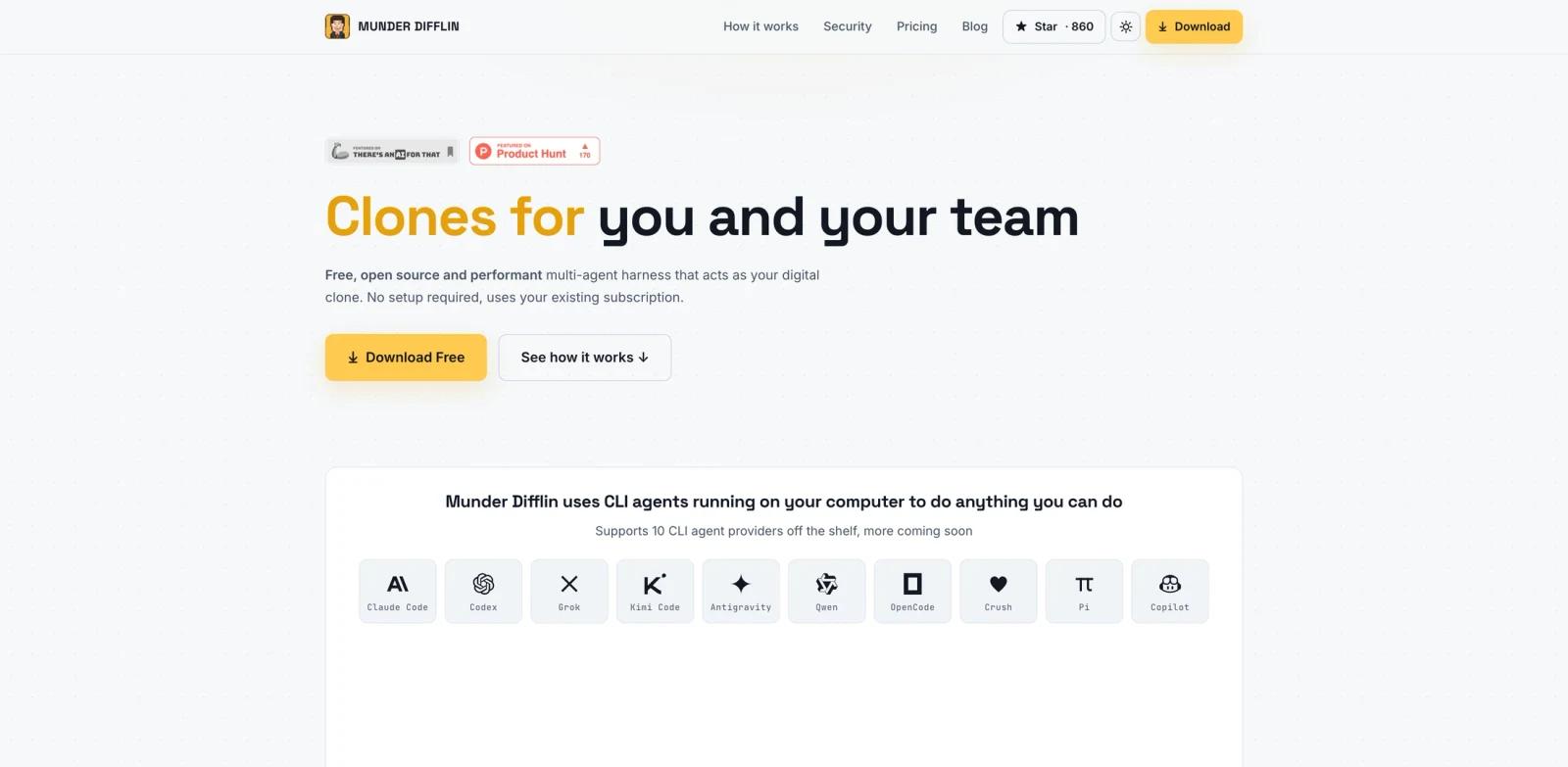
Munder Difflin is a free, open-source multi-agent harness that turns existing CLI agents into persistent work clones. Instead of giving users one more chat window, it wraps tools such as Claude Code, Codex, Grok, Kimi Code, Antigravity, Qwen, OpenCode, Crush, Pi, and Copilot so they can act like always-available assistants with local context.
The product is aimed at people who already use coding agents, terminal workflows, or scriptable work tools. A user installs a local node, connects the agent CLIs they already pay for, and creates a clone that can review pull requests, answer teammate questions, maintain docs, move files, update tickets, or keep workflows running while the user is away.
That makes Munder Difflin especially relevant for teams following the rise of AI agent infrastructure and for developers comparing Claude Code, Codex, and similar command-line assistants. It is not a model provider. It is a local control layer for making those agents feel more durable, personal, and collaborative.
Key Features
CLI agent clone layer - Turns supported command-line agents into personal work clones that can run workflows, use terminal tools, and follow your context.
Broad provider support - Official materials list Claude Code, Codex, Grok, Kimi Code, Antigravity, Qwen, OpenCode, Crush, Pi, and Copilot.
Local-first architecture - The Solo node runs on your own laptop or VM, so code, API keys, and personal context stay inside your environment by default.
Shared and personal memory - Teams can maintain shared org context while keeping each person's workflows, repositories, and notes separate.
Clone-to-clone handoffs - Team plans add end-to-end encrypted messaging so one teammate's clone can ask another clone for context or unblock a task.
Office and fullscreen modes - Users can monitor clones in an office-themed simulation or use a cleaner fullscreen view without spending model tokens on the simulation itself.
How to Get Started
Start with the free Solo setup. Download the node, install it on your machine, and connect one CLI agent you already use for low-risk tasks. A good first test is a read-heavy workflow such as summarizing repository context, drafting a changelog, checking documentation drift, or preparing a pull request review.
After the clone is useful locally, define what it is allowed to do without asking. That should include clear boundaries for file edits, command execution, external messages, repository access, and spending limits from the underlying model provider. Users running larger AI code generator workflows should also decide which tasks must still require human review.
Teams should pilot shared org context carefully. Start with docs, conventions, onboarding notes, and non-sensitive workflow instructions before adding production credentials, private customer information, or external communication tools.
Community & Ecosystem
Munder Difflin is MIT licensed and positioned as open source. That matters because the tool sits close to source code, terminal sessions, local files, agent credentials, and team knowledge. Technical buyers can inspect how the node works before trusting it with sensitive agent workflows.
The ecosystem fit is also strong. It does not ask users to abandon their current agent stack. It wraps the CLI tools many developers already compare through guides like the MCP vs A2A protocol comparison and broader agent infrastructure research.
Pricing & Plans
The Solo local app is free and open source under the MIT license. Users bring their own Claude, OpenAI, Copilot, or other agent subscriptions and API keys.
Munder Difflin also lists optional paid services: Cloud for keeping a clone running on a dedicated sandbox VM, Network for encrypted clone-to-clone communication and shared org knowledge, and team plans that combine those capabilities. Public materials describe these services as contact-based for teams. A one-time $20 Founding Supporter option is also listed to support the open-source project, but it is not required to use the Solo app.
| Option | Price | Best fit |
|---|---|---|
| Solo local | Free, MIT open source | Individuals running clones on their own machine |
| Founding Supporter | $20 one time | Users who want to support the project without changing product access |
| Cloud / Network / Teams | Contact sales | Teams needing always-on sandboxes, encrypted clone networking, and shared org context |
Best For
- Developers who already use Claude Code, Codex, OpenCode, or similar terminal agents.
- Engineering teams experimenting with persistent agent workers across pull requests, docs, and tickets.
- Technical operators who want a local-first alternative to hosted-only agent orchestration.
- Teams building shared agent knowledge bases while keeping personal context private.
- Users of tools such as Toolport who are already investing in local agent infrastructure.
FAQ
What is Munder Difflin?
Munder Difflin is a local multi-agent harness that wraps CLI agents into personal work clones. Those clones can run workflows, use terminal tools, and carry user or team context.
Is Munder Difflin free?
The Solo local app is free and open source under the MIT license. Optional Cloud, Network, and team services are sold separately.
Which AI agents does Munder Difflin support?
Official materials list Claude Code, Codex, Grok, Kimi Code, Antigravity, Qwen, OpenCode, Crush, Pi, and Copilot.
Does my code leave my laptop?
By default, the Solo node runs locally and keeps code, keys, and personal context in your environment. Cloud and team plans add hosted or networked services, so teams should review the current security terms before adopting them.
Is Munder Difflin only for developers?
No. The official site presents developer, design, product, sales, and operations examples. In practice, the strongest early fit is technical teams because CLI agents and local tooling are central to the setup.
How is it different from a normal AI chatbot?
A chatbot answers in one conversation. Munder Difflin is designed to keep an agent-like clone available around your tools, memory, and workflows, with optional team handoffs between clones.