Overview
Google Vids' April 2026 update adds major new access and creation features, including free Veo generations for personal accounts, custom avatars, directable avatars, Chrome screen recording, and direct YouTube publishing. On April 2, 2026, Google expanded Vids with free Veo 3.1 video generations for personal Google accounts and added new custom and directable avatar capabilities. Lyria 3 music generation had already started rolling out in Vids on March 25, 2026 — all within the familiar Google Workspace collaboration environment.
The headline change is accessibility: every personal Google account now gets 10 free AI video generations per month using Veo 3.1, with no Workspace subscription required. For teams already on Workspace, the update adds professional-grade AI capabilities that previously required dedicated video production tools and budgets.
What's New
Veo 3.1 Video Generation at No Cost
Google Vids now generates high-quality video clips from text prompts or uploaded photos using Veo 3.1, Google's latest video generation model. All personal Google accounts receive 10 free video generations per month, while Google AI Ultra and Workspace AI Ultra Access accounts can generate up to 1,000 videos monthly, subject to current plan and regional availability. This significantly expands free access to AI video generation inside Google Vids.
Lyria 3 Custom Music Creation
Google added AI-generated music in Vids on March 25, 2026, powered by Lyria 3 and Lyria 3 Pro. The April 2 release highlighted it alongside other new Vids updates, but it was not first introduced on April 2. Users can create original soundtracks — from 30-second clips to 3-minute tracks — that match the tone of their video. Available to Google AI Pro and Ultra subscribers, and Workspace users with appropriate plan access, this eliminates the need for stock music licensing or external AI music generator tools.
Customizable and Directable AI Avatars
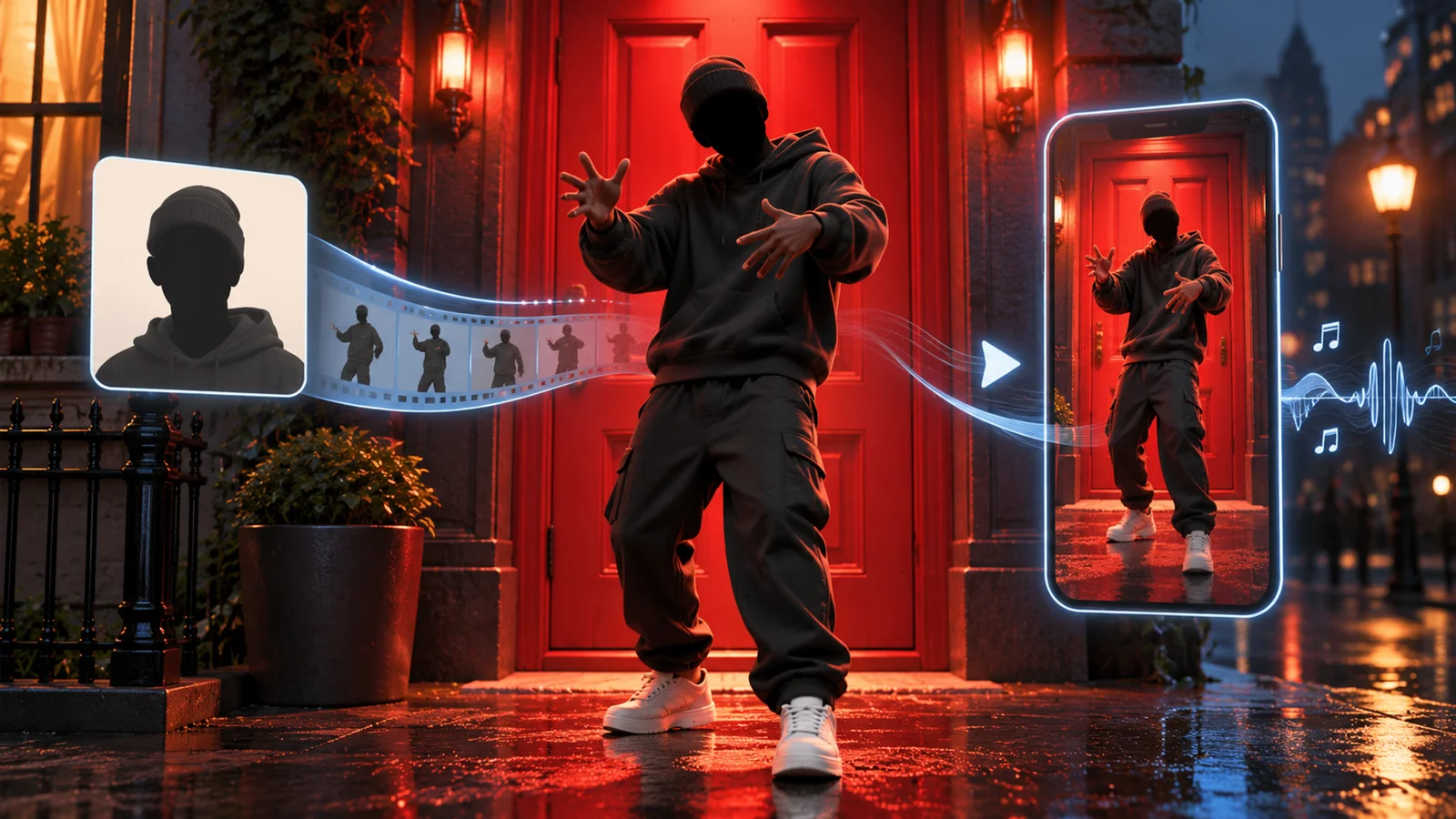
The April 2 update expands existing AI avatars with custom avatar creation and scene direction. AI avatars first launched in August 2025, and Google upgraded them to Veo 3.1 quality in December 2025. Users can customize an avatar's appearance, clothing, and background through text prompts. Directable avatars can be placed into scenes and instructed to interact with objects — like products, equipment, or props — uploaded as images. AI voiceovers and avatars now support English, French, German, Italian, Japanese, Korean, Portuguese, and Spanish.
Chrome Extension for Screen Recording
A new Chrome extension adds easy screen recording capability, allowing users to capture their screen directly and insert the recording into their Vids project. Combined with the existing teleprompter feature, this streamlines the creation of tutorials and software demos.
Direct YouTube Publishing
Videos can now be published directly to YouTube from within the Google Vids editor, removing the export-upload-publish workflow. This is particularly useful for teams producing regular social media content in vertical (9:16) or square (1:1) formats.
Pricing & Plans
Google Vids 2.0 maintains a freemium model with expanded free access.
Free Tier (All Personal Google Accounts)
- 10 Veo 3.1 video generations per month at no cost
- Basic video editing, collaboration, and sharing
- Access to stock media library and auto-generated captions
Google Workspace Business Plans
- Business Starter: $7/user/month (annual) — Core Vids features; generative AI access is promotional through at least May 31, 2026
- Business Standard: $14/user/month (annual) — Broader Workspace AI access and more storage
- Business Plus: $22/user/month (annual) — Advanced security and compliance
- Enterprise: Custom pricing
Google AI Consumer Plans
- Google AI Pro ($19.99/month) — Lyria 3 music generation, customizable avatars, higher Veo limits
- Google AI Ultra — Up to 1,000 Veo video generations per month
Best For
- Marketing teams creating social media videos, product demos, and ads across horizontal, vertical, and square formats
- HR departments scaling employee onboarding and training videos with AI avatars that don't require recording sessions
- Small businesses on Google Workspace who want AI video generation without adopting a separate video tool
- Content creators who need quick, polished video clips with custom music for YouTube, Instagram, or TikTok
- Sales teams building personalized video pitches with screen recordings and AI-generated visuals
FAQ
What's the biggest change in Google Vids 2.0?
The most impactful change is free AI video generation for all personal Google accounts. Previously, AI video features required a paid Workspace or Google AI subscription. Now every Google user gets 10 Veo 3.1 video generations per month at no cost, making AI-powered video creation accessible to anyone with a Google account.
Do I need Google Workspace to use Vids 2.0?
No. Personal Google accounts can access Google Vids with 10 free AI video generations per month. However, Eligible Google Workspace plans and Google AI plans unlock AI music, avatars, and higher generation limits. Personal Google accounts can use basic Vids features and get 10 Veo video generations per month.
How long are the AI-generated video clips?
Each Veo 3.1 generation produces an 8-second video clip from a text prompt or photo. You can combine multiple generated clips with other content (screen recordings, stock footage, uploaded media) to create videos up to 30 minutes long.
What languages do AI avatars support?
AI voiceovers and avatars support English, French, German, Italian, Japanese, Korean, Portuguese, and Spanish. However, prompt-based creation workflows like "Help me create" and storyboard generation remain English-first.
Will the free AI features stay free after May 2026?
The 10 free video generations per month for personal accounts have no announced expiration. The promotional Workspace Business Starter AI access is confirmed through at least May 31, 2026 — Google has not detailed post-promotion pricing. Google AI Pro and Ultra plans have standard subscription pricing that is not tied to any promotional window.