Overview
Kling AI 3.0 represents a major advancement in AI video generation, introducing an intelligent storyboard system that functions as a built-in AI director. This release focuses on extending creative control and video length capabilities while maintaining visual consistency across multi-shot narratives. Designed for content creators, filmmakers, and advertising professionals who need sophisticated scene planning and extended video outputs beyond traditional text-to-video limitations.
The platform now supports flexible video generation from 3 to 15 seconds with enhanced subject consistency controls through multi-reference anchoring. Combined with native multilingual audio-visual synchronization and improved text rendering, version 3.0 positions itself as a production-ready tool for serialized content creation and commercial video projects requiring narrative coherence.
What's New
Smart Storyboard System with AI Director
Kling AI 3.0 introduces an automated storyboard engine that generates structured multi-shot sequences based on prompt analysis. The system supports multi-scene storyboarding workflows, cross-scene transitions, and voice-over narration integration. This reduces the need for manual shot list creation, allowing creators to focus on narrative development while the AI manages composition decisions. The director feature analyzes script structure and determines framing, angle changes, and transition timing for coherent multi-shot sequences (specific shot grammar results vary by prompt complexity).
Extended Video Generation up to 15 Seconds
The platform now supports continuous video output ranging from 3 to 15 seconds, a significant expansion from previous 5-10 second limitations. This positions Kling AI competitively alongside other leading AI video generators in the market. This extended duration accommodates more complex action logic, environmental evolution, and character interactions within single generations. Users can flexibly adjust output length based on narrative requirements, making the tool viable for advertising demos, product showcases, and short-form storytelling that requires developed action sequences rather than static moments.
Multi-Subject Consistency Control
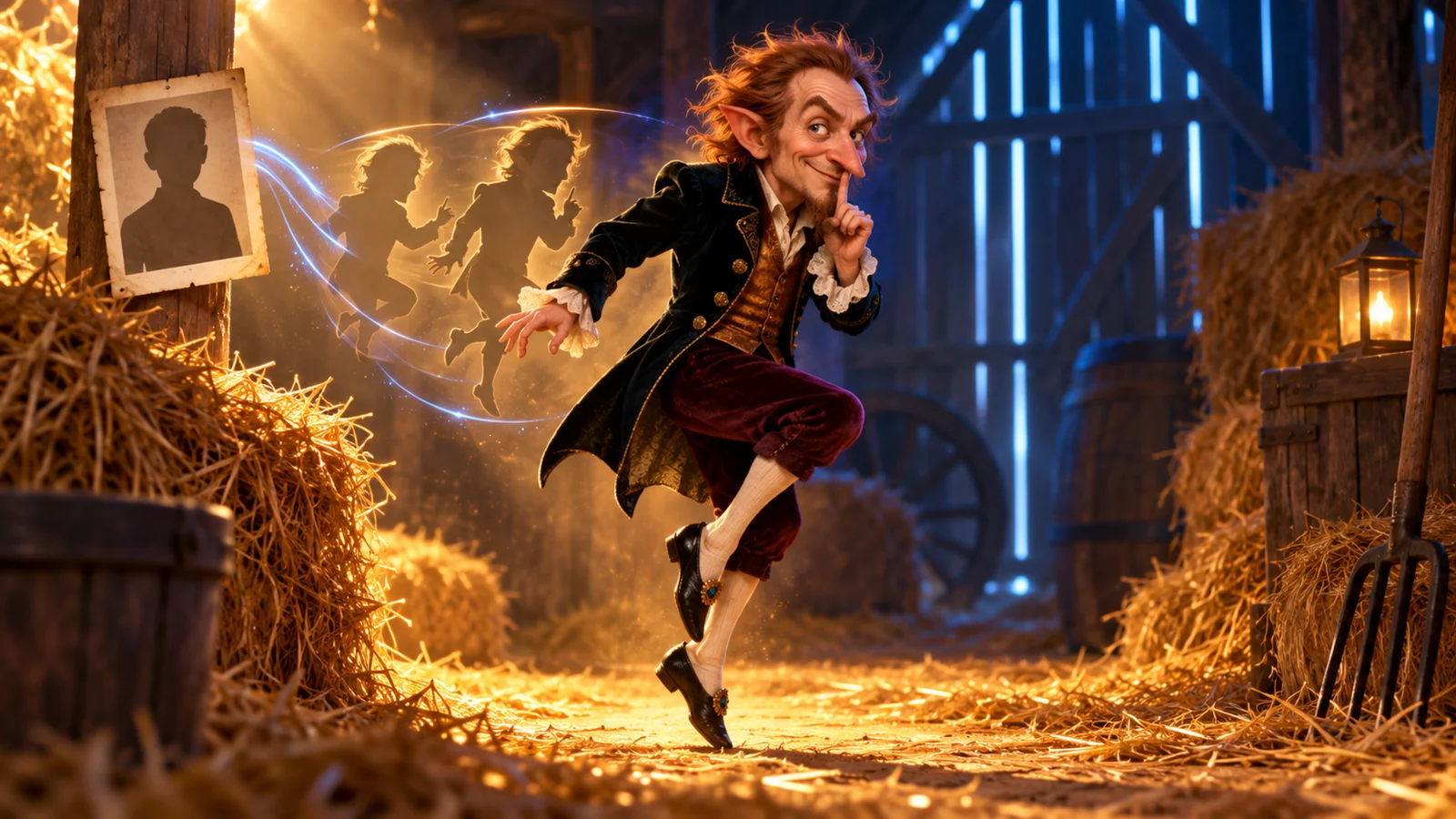
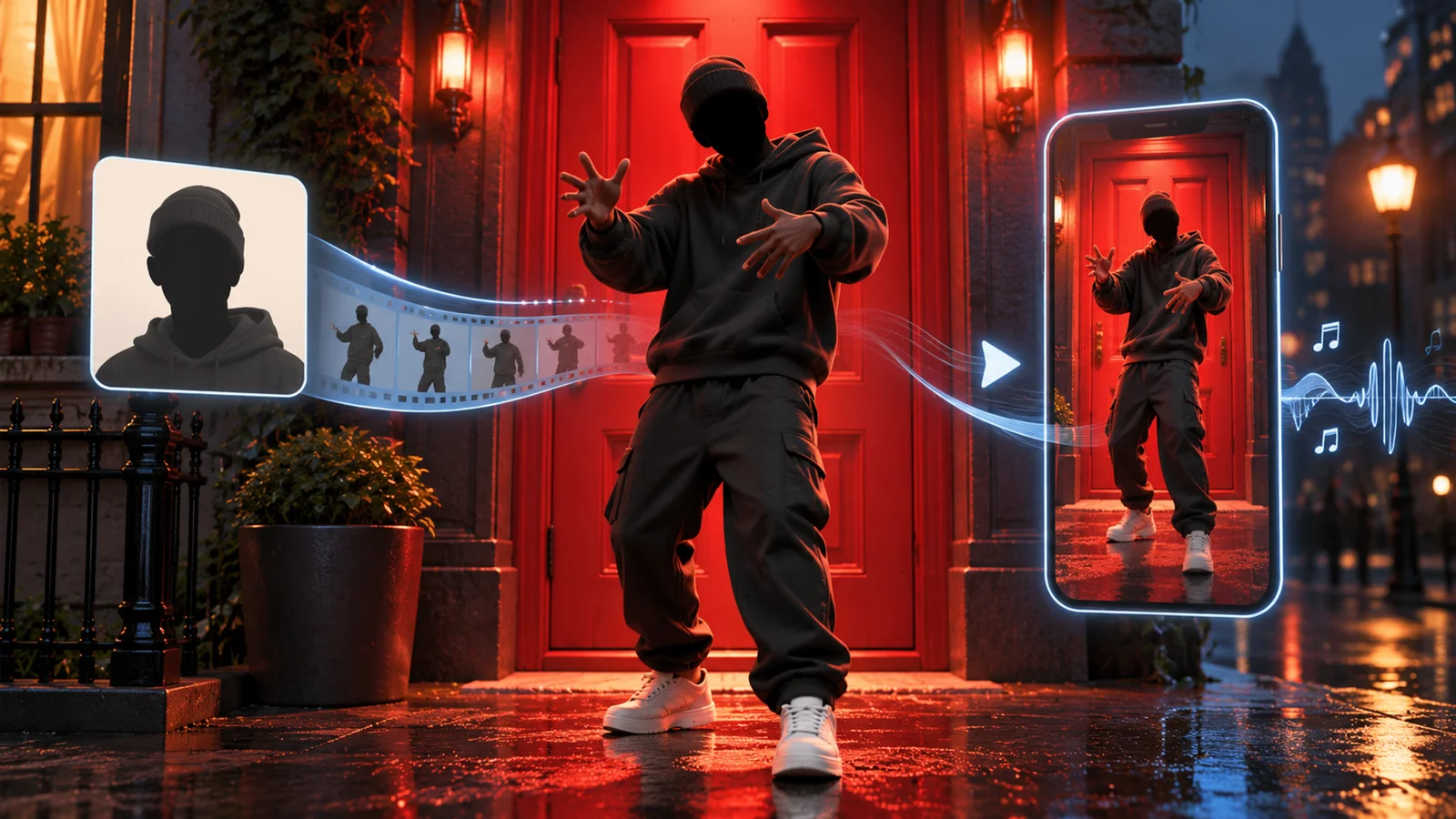
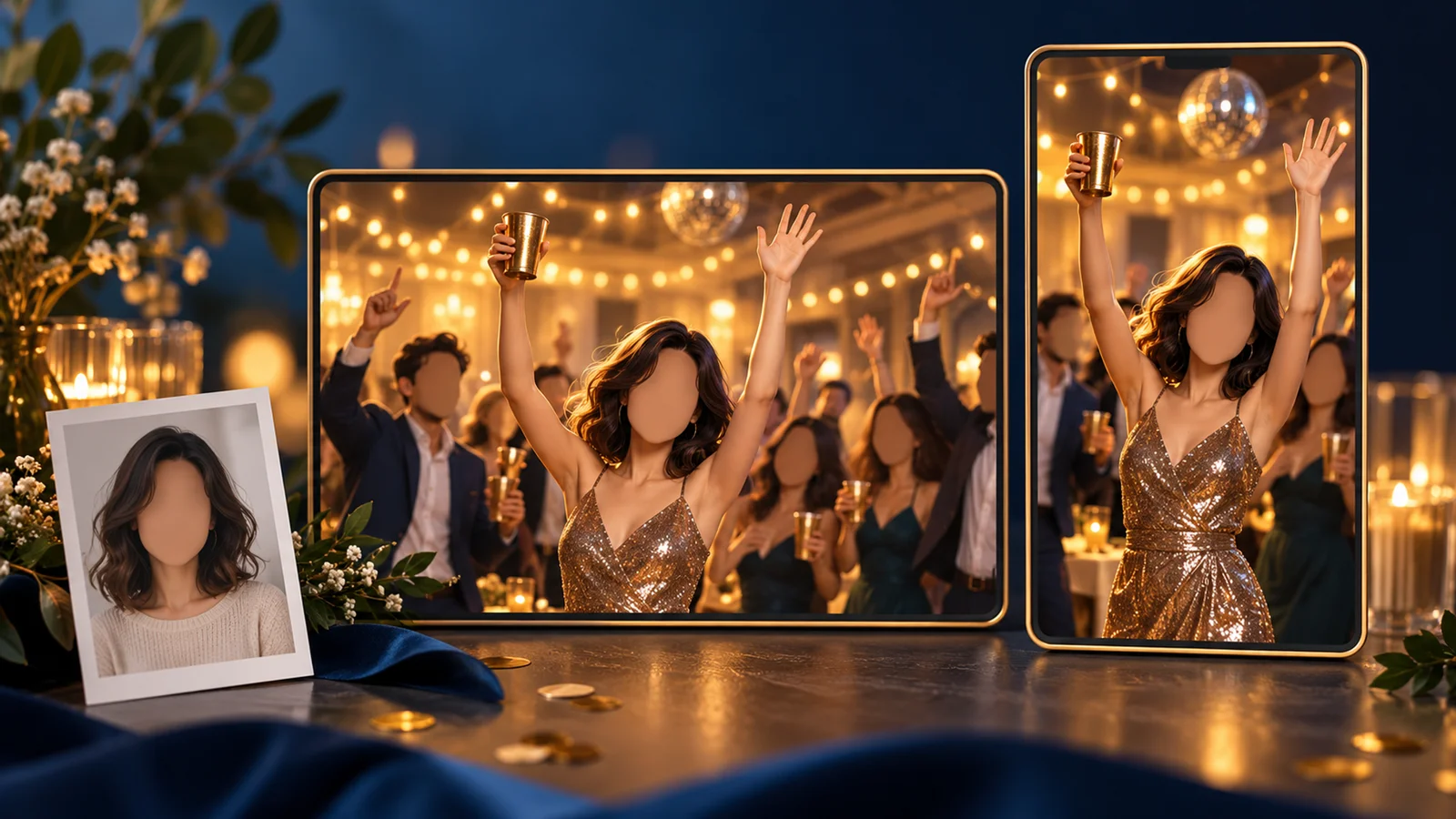
Version 3.0 implements reference-driven consistency through multiple image or video inputs for secondary anchoring. The system locks onto specific protagonist features, props, and scene elements like a casting director maintaining visual continuity across shots. This capability enables serialized content production where character identity, wardrobe consistency, and environmental details remain stable across multiple generations. The flagship Kling Video 3.0 Omni variant offers enhanced consistency with reduced image artifacts and stronger prompt adherence.
Enhanced Text Rendering for Signage
The model shows improved text generation that better preserves signage and subtitle details compared to earlier versions. Text readability has increased for common use cases, though complex fonts or small text may still experience distortion. For critical brand messaging or pricing displays, consider post-production text overlay to ensure perfect legibility. This improvement addresses a common limitation in AI video where text elements often appear distorted or illegible.
Multilingual Audio-Visual Synchronization
Building on version 2.6's audio capabilities, Kling 3.0 provides enhanced text-to-character mapping across multiple languages including Chinese, English, Japanese, Korean, and Spanish with support for authentic dialects and regional accents. The system handles multi-character reference binding (3-8 second video uploads can lock both visual appearance and voice characteristics). Audio capabilities include dialogue and voice narration synchronized to visual character movements. Additional audio features like singing, complex sound effects, and ambient audio may be available in specific scenarios—refer to official documentation for confirmed capabilities. For more on AI voice generation capabilities across platforms, explore our comprehensive category guide.
Availability & Access
Kling AI 3.0 is entering the 3.0 Era with phased rollout to selected users and subscription tiers. Access varies by region and account status—availability shown in your dashboard reflects current eligibility. The platform is accessible through the web application at klingai.com and via API at klingapi.com. New users on eligible plans receive free credits (specific allocation displayed in account dashboard) to evaluate capabilities before committing to paid subscriptions.
System Requirements & Limitations
As a cloud-based SaaS platform, Kling AI 3.0 requires only modern web browser access with stable internet connection. No local hardware requirements exist. However, the model exhibits documented limitations in specific scenarios:
- Complex Action Sequences: Fast-paced fights, intricate choreography, and scenes with many simultaneous moving characters may result in frozen subjects, unnatural limb positions, or jerky motion transitions.
- Character Consistency: While improved through multi-reference controls, facial features, outfits, body proportions, and hairstyles can vary between generations, requiring multiple attempts for brand-critical character representation.
- Extended Dialogue: Long scripts often get compressed or accelerated during generation. Rapid emotional monologues may cause lip-sync drift. Complex multi-party dialogue exchanges prove challenging within the 15-second maximum duration.
- Style Mixing: Combining too many visual styles in single prompts can produce inconsistent textures, fluctuating character design aesthetics, and style flickering across frames.
- Temporal Control: The platform lacks frame-level keyframing or precise pose control at specific timestamps. All motion dynamics derive from the initial prompt without mid-sequence adjustment capabilities.
Pricing & Plans
Kling AI operates on a credit-based subscription model with five pricing tiers tailored to different production volumes. Prices and credit allocations are subject to change—consult the official subscription page for current rates.
| Plan | Monthly Cost | Annual Cost | Monthly Credits | Key Features |
|---|---|---|---|---|
| Free | $0 | $0 | 66/day (limited) | Basic access, watermarked output |
| Standard | $6.99 | $79.20 | 660 | Watermark removal, Professional mode, 1080p |
| Pro | $25.99 | $293.04 | 3,000 | Priority processing, extended video length |
| Premier | $64.99 | $728.64 | 8,000 | High-volume production, faster queue |
| Ultra | $180 | $1,429.99 | 26,000 | Enterprise-level allocation |
Credit Consumption Rates
Credit costs vary significantly based on generation settings:
- Standard Mode (720p, no audio): 10 credits (5s) / 20 credits (10s)
- Professional Mode (1080p, no audio): 35 credits (5s) / 70 credits (10s)
- With Native Audio (Standard): 50 credits (5s) / 100 credits (10s)
- With Native Audio (Professional): ~100 credits (5s) / ~200 credits (10s)
The newest audio-visual synchronized model costs approximately 5× more than video-only generation. All paid plans include watermark removal, access to Professional mode with 1080p output, and priority processing queues.
Important: User reports indicate failed or stalled generations may consume credits, with credit refund policies varying by scenario. Check your account transaction history for actual deductions and contact support if disputed. Actual output volume runs 2-3× lower than tier credit counts suggest when using Professional mode with audio features enabled.
Annual subscriptions typically offer cost savings compared to monthly billing, with discount rates varying by tier (consult current subscription page for exact pricing). Enterprise plans with custom allocations available through direct contact.
Best For
- Short-Form Content Creators producing narrative TikTok, Instagram Reels, or YouTube Shorts requiring automated scene transitions and extended 10-15 second outputs with minimal editing.
- Advertising Agencies creating product demo videos and brand storytelling content that demand professional text rendering, multilingual audio, and 1080p output quality.
- Independent Filmmakers prototyping storyboards and visual concepts for pitch decks where AI-directed shot planning accelerates pre-visualization workflows. For comparisons with alternatives like Runway Gen-4.5, see our detailed tool reviews.
- E-commerce Marketing Teams generating product showcase videos with legible signage, pricing displays, and synchronized voice narration across multiple language markets.
- Social Media Managers producing serialized character-driven content where multi-reference consistency maintains visual continuity across episodic posts.
- Educational Content Developers creating explainer videos with complex scene sequences and multilingual narration for global learner audiences.
FAQ
Is Kling AI 3.0 suitable for commercial video production?
Yes, all paid plans include commercial usage rights with watermark removal and 1080p Professional mode output. The platform's text rendering accuracy, multilingual audio sync, and extended 15-second duration make it viable for advertising demos, product showcases, and brand storytelling. However, character consistency limitations may require multiple generation attempts for brand-critical projects, and the lack of frame-level control limits precise motion choreography compared to traditional production pipelines.
How does the smart storyboard system work?
The AI director analyzes your text prompt for narrative structure, dialogue patterns, and scene descriptions to automatically schedule shot types (wide, medium, close-up), camera positions, and transition timing. It handles complex audiovisual language including shot-reverse shots for dialogue scenes, cross-scene transitions, and voice-over narration. Users provide narrative intent through prompts rather than technical cinematography instructions, with the system determining optimal framing and angle changes to maintain visual coherence across multi-shot sequences.
What's the difference between Kling Video 3.0 and 3.0 Omni?
Kling Video 3.0 Omni represents the flagship variant with enhanced subject consistency, improved prompt adherence with fewer image artifacts, and a Video Character Subject capability that extracts core character features from 3-8 second video uploads. The Omni version reproduces character appearance, voice timbre, body proportions, and performance nuances with higher fidelity than the standard 3.0 model. Availability of Omni features varies by subscription tier, region, and rollout phase—check your account dashboard for current access status.
Can I control specific camera movements and character poses?
No, Kling AI 3.0 lacks frame-level keyframing or precise control over exact poses at specific timestamps. All motion dynamics derive from the initial text prompt without mid-sequence adjustment capabilities. The smart storyboard system automates shot selection and camera positioning based on narrative analysis rather than allowing manual cinematography control. For projects requiring precise motion choreography or specific pose sequences, traditional animation tools or video editing software remain necessary.
How many attempts typically needed to get consistent character results?
Character consistency varies based on complexity and generation settings. Simple character designs with distinctive features may achieve acceptable consistency in 2-4 attempts, while detailed characters with specific styling requirements often need 5-10 generations. Using multiple reference images through the multi-subject anchoring feature significantly improves first-attempt success rates. The Kling Video 3.0 Omni variant provides stronger consistency controls, reducing required iterations for brand-critical projects, though some variability in facial features, outfits, and body proportions remains inherent to current generation capabilities.