

Overview
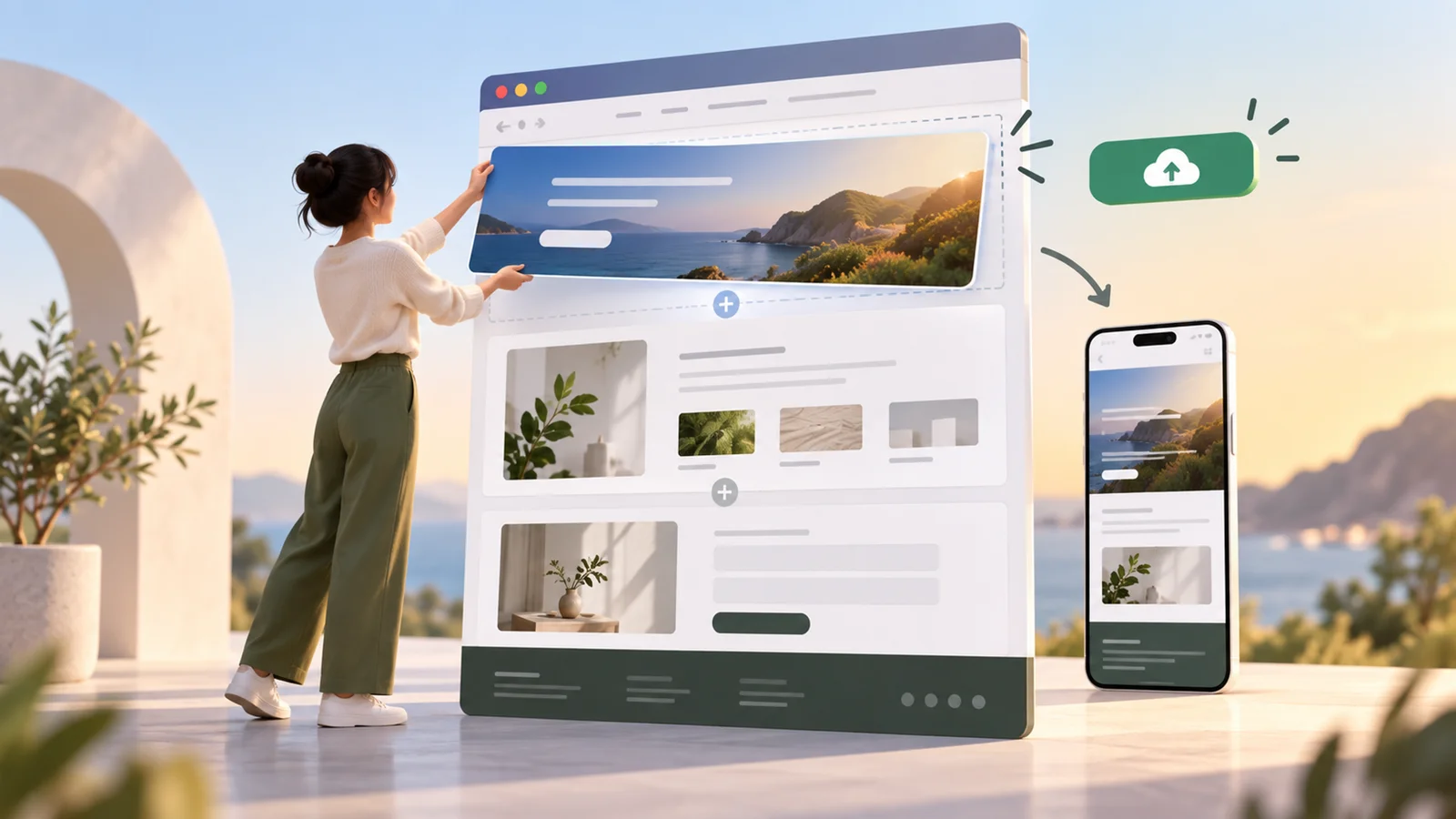
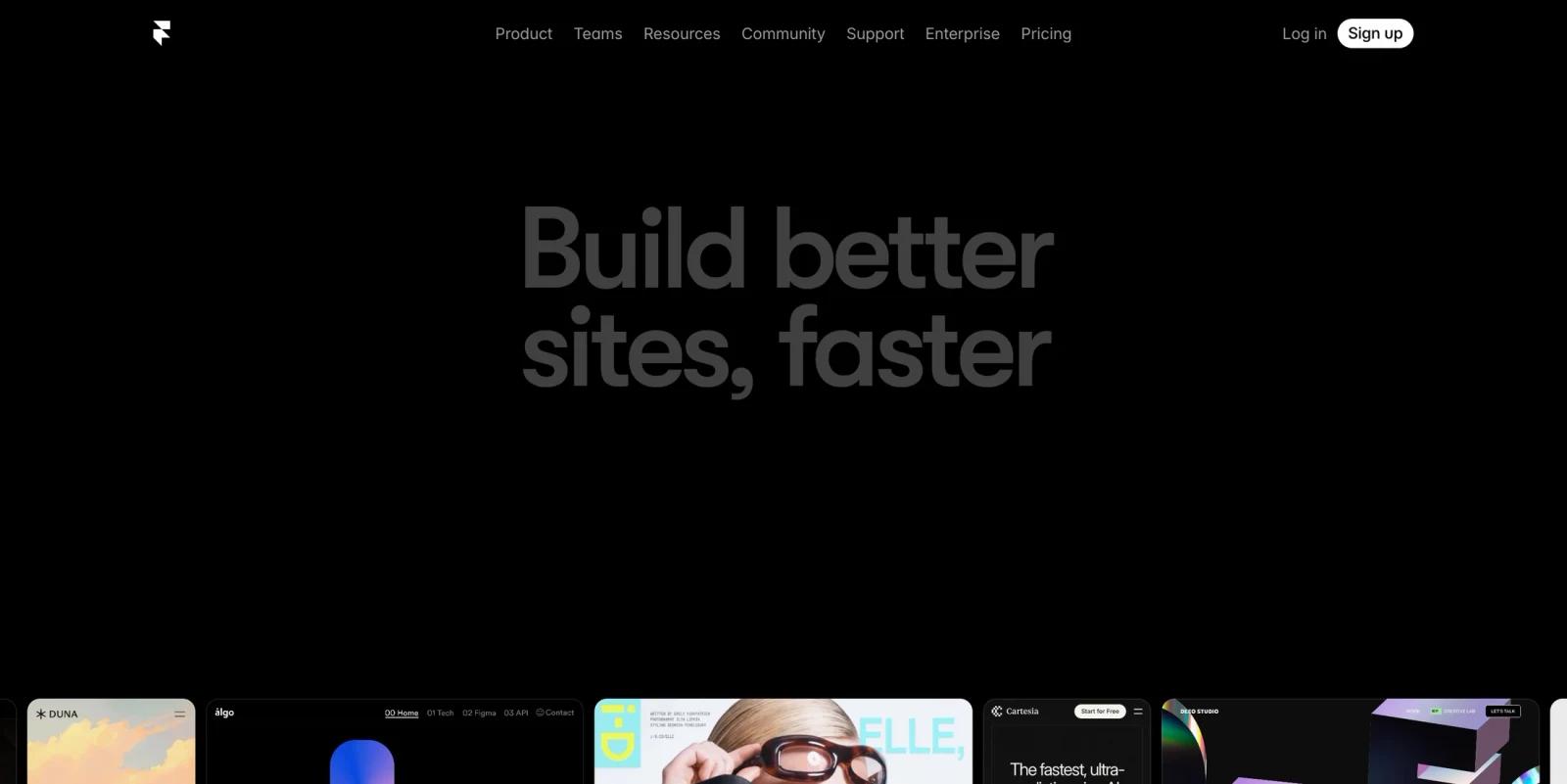
Framer is a visual website builder for creating polished, responsive websites without a traditional code handoff. It is especially popular with designers, startups, portfolios, landing pages, SaaS marketing teams, agencies, and teams that want strong visual control plus hosted publishing in one product.
Framer is broader than an AI prompt-to-site generator. Its current pricing page highlights custom domains, AI-powered design tools, hosting, SEO, staging, rollback, permissions, relational CMS, redirects, A/B testing add-ons, translation locales, analytics history, and collaboration. That combination makes it closer to a design-first website platform than a simple template builder.
As of April 28, 2026, Framer offers a Free plan plus Basic, Pro, Scale, and Enterprise options. Basic and Pro can be billed monthly or annually, while Scale is annual only and Enterprise is custom. Buyers comparing AI website builders should watch the per-site pricing model, editor seats, CMS limits, localization add-ons, bandwidth, and whether the site needs app-like backend functionality that Framer is not designed to replace.
For adjacent research, compare AI design tools, AI UI design tools.
Key Features
- Visual website design - Framer gives designers a canvas-based workflow for building responsive pages without writing production code.
- AI-powered design tools - The platform includes AI-powered design tools, but buyers should treat Framer primarily as a visual website builder rather than a fully autonomous prompt-to-site product.
- Built-in hosting and SEO - Paid plans include hosting, custom domains, fast delivery, and SEO-oriented site controls.
- CMS and relational content - CMS limits vary by plan: Basic includes 1 CMS collection and 1,000 CMS items; Pro includes 10 collections and 2,500 items; Scale starts with 20 collections and 10,000 items, with paid usage expansion.
- Collaboration - Collaboration limits vary by plan: viewers are free, Basic supports up to 2 seats with $20/month additional editors, while Pro and Scale support up to 10 seats with $40/month additional editors.
- Add-ons for growth - Localization, Convert for A/B testing/funnels, and advanced hosting are paid add-ons with limits; for example, locales are priced per locale and Convert is billed per 500,000 events.
Pricing & Plans
Framer has a free plan, paid site plans, and an Enterprise option. Prices below reflect public annual pricing; Basic and Pro also have higher monthly-billing prices, while Scale is annual only.
| Plan | Public pricing | Best fit |
|---|---|---|
| Free | $0 | Non-commercial exploration, design work, templates, or publishing on a Framer subdomain; includes 10 CMS collections, 1,000 pages, 5 MB file uploads, one free locale to try, and up to three editors in unsubscribed workspaces |
| Basic | $10/month billed annually | Personal and simple creative sites with a custom domain; includes 30 pages, 1 CMS collection, 1,000 CMS items, 10 GB monthly bandwidth, 30-day analytics history, and 2 seats |
| Pro | $30/month billed annually | Professional sites needing staging, rollback, roles and permissions, relational CMS, redirects, and higher limits; includes 150 pages, 10 CMS collections, 2,500 CMS items, 100 GB bandwidth, 90-day analytics history, and 10 seats |
| Scale | $100/month billed annually plus usage | Advanced, high-traffic sites needing flexible limits, priority support, premium CDN, custom locale regions, events, and funnels; starts with 300 pages, 20 CMS collections, 10,000 CMS items, 200 GB bandwidth, and 10 seats |
| Add-ons | Examples include locales at $20 per locale, Convert at $50 per 500,000 events, and Advanced Hosting at $200 with limits | Teams needing multilingual sites, experimentation, funnels, custom headers, rewrites, or more complex hosting setups |
Framer pricing can become more expensive when a site needs extra editors, paid locales, Convert events, CMS/page/bandwidth expansion on Scale, or advanced hosting add-ons, so model the full site cost rather than only the base plan.
Best For
Framer is best for designers, startups, agencies, and marketing teams that need visually refined websites without custom frontend engineering. It is less ideal for complex web apps, heavily transactional products, or teams that need full code ownership.
FAQ
What is Framer?
Framer is a visual website builder with design tools, CMS, hosting, collaboration, and AI-powered site features.
Is Framer free?
Yes. Framer offers a free plan for exploring the product and publishing with limits.
How much does Framer cost?
Basic starts at $10/month billed annually, Pro at $30/month billed annually, and Scale is $100/month on annual billing plus usage. Basic and Pro also support monthly billing at higher prices; Enterprise is custom.
Who should use Framer?
Framer is best for designers and teams building marketing sites, portfolios, landing pages, and content-driven websites.
Does Framer replace human review?
No. It can speed up the workflow, but important outputs should still be checked for accuracy, quality, and fit before production use.
What should teams test before buying Framer?
Test the real workflow with representative inputs, exports, integrations, collaboration needs, and any compliance requirements.