



Overview
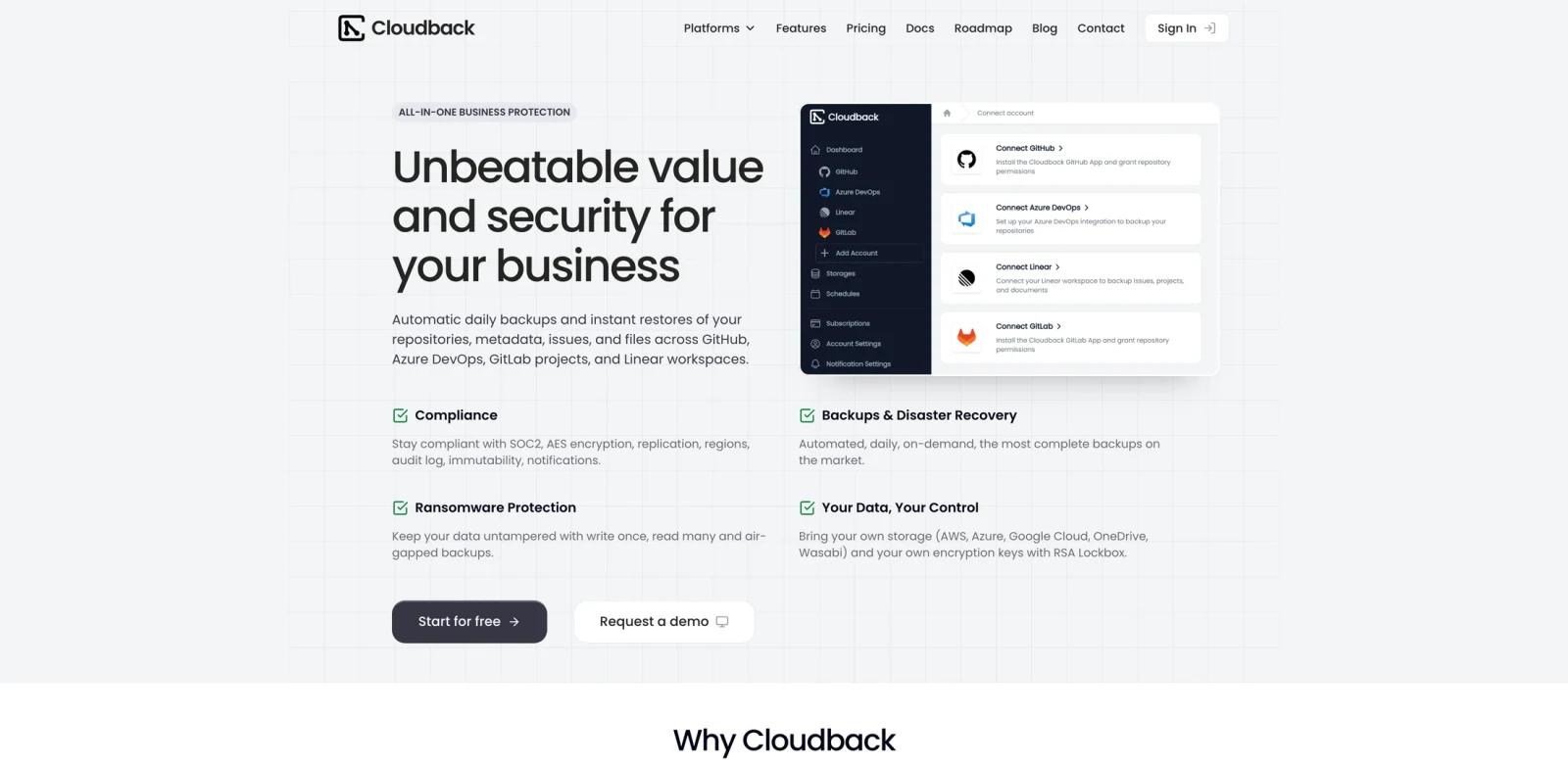
Cloudback is a backup and disaster-recovery service for GitHub, GitLab, Azure DevOps, and Linear. It captures repositories, LFS objects, issues, pull requests, projects, documents, workspace metadata, and other platform records, then stores archives in Cloudback-managed regions or customer-controlled cloud storage.
Its official MCP server adds an AI-driven management layer. Claude, Cursor, VS Code, and other compatible clients can create or update backup definitions, schedules, storage destinations, and retention policies through natural-language requests. The server runs as the myrtlelabs/cloudback-mcp Docker image.
Cloudback is not an AI-native backup engine; the AI value is its MCP administration workflow. It is relevant to AI agents that operate developer infrastructure and to teams comparing integration approaches in ToolWorthy's MCP beginner guide or MCP versus A2A comparison.
Key Features
- Multi-platform backups - Protect GitHub, GitLab, Azure DevOps, and complete Linear workspaces from one account.
- Official MCP server - Manage definitions, schedules, storage, and retention from compatible AI clients.
- Metadata coverage - Preserve issues, reviews, labels, projects, documents, attachments, and platform configuration.
- Flexible storage - Use managed regional storage or bring S3, Azure Blob, Google Cloud, Wasabi, OneDrive, and compatible services.
- Encryption controls - Encrypt archives with AES-256 and optionally use customer-managed RSA keys.
- Restore workflows - Restore individual or bulk backups, move across accounts, or convert between GitHub and GitLab.
How to Get Started
Connect a supported source account, select repositories or a Linear workspace, choose a storage destination, and confirm the backup schedule and retention policy. To use AI administration, run the official MCP Docker image and connect it to a compatible client. Use least-privilege credentials and require human review for bulk retention or deletion changes. Teams deploying many remote tools may compare API to MCP.
Pricing & Plans
| Plan | Price | Capacity |
|---|---|---|
| Free | $0 | One repository up to 100 MB |
| Basic | $10/month | 10 shared units |
| Team | $75/month | 100 shared units |
| Enterprise | $500/month | 1,000 shared units |
One GitHub or Azure DevOps repository and one GitLab project each consume one unit. Linear uses progressive member-based unit pricing. All plans include the core backup feature set.
Best For
- Engineering teams protecting Git hosting and Linear data
- Platform teams managing backup policies through AI clients
- Organizations requiring customer-controlled storage or encryption keys
- Teams planning cross-account or GitHub-to-GitLab recovery
FAQ
What does Cloudback protect?
It protects GitHub, GitLab, Azure DevOps, and Linear data, including repositories and associated metadata.
Is Cloudback free?
Yes. The free plan backs up one repository up to 100 MB. Basic starts at $10 per month.
What can the MCP server manage?
It manages backup definitions, schedules, storage destinations, and retention policies through compatible AI clients.
Can customers use their own storage?
Yes. Supported options include S3, Azure Blob, Google Cloud Storage, Wasabi, OneDrive, and S3-compatible services.
Can Cloudback restore between platforms?
It supports bidirectional GitHub and GitLab restore with conversion of platform-specific metadata.
Is the MCP server free?
The server integration is presented as part of Cloudback, while actual backup capacity follows the Cloudback subscription plan.