Overview
OpenAI Dots adds an ongoing assistant to ChatGPT. A dot can carry responsibilities across conversations, follow up as conditions change, and coordinate work while you are away. It is powered by GPT-6 Astra. OpenAI's system-card change log dates the Dots launch appendix to September 29, 2026; availability is still rolling out. Launch appendix
The practical question is whether you have work that repeatedly needs attention: keeping an event plan current, preparing updates when project details change, or investigating feedback over time. Dots is a feature rollout within ChatGPT, so the decision centers on responsibilities, access, and oversight.
What's New
Responsibilities that continue between conversations
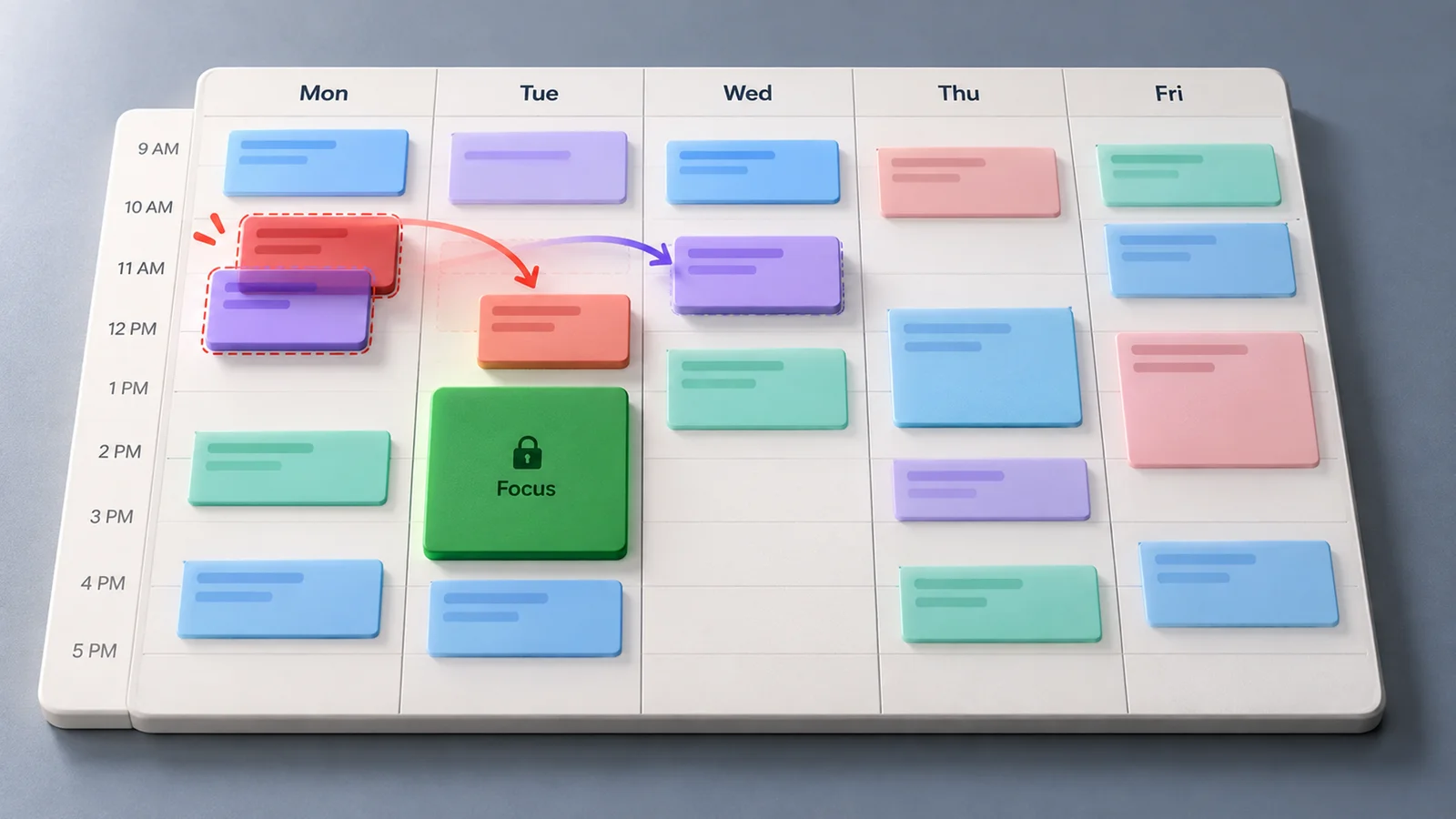
A dot can keep working after a conversation, decide when to pause and resume, and follow changing priorities. Relevant ChatGPT memory and its own saved notes help it retain preferences and decisions. Those notes are selective, rather than a complete transcript. Tasks and memory
One assistant across contact methods
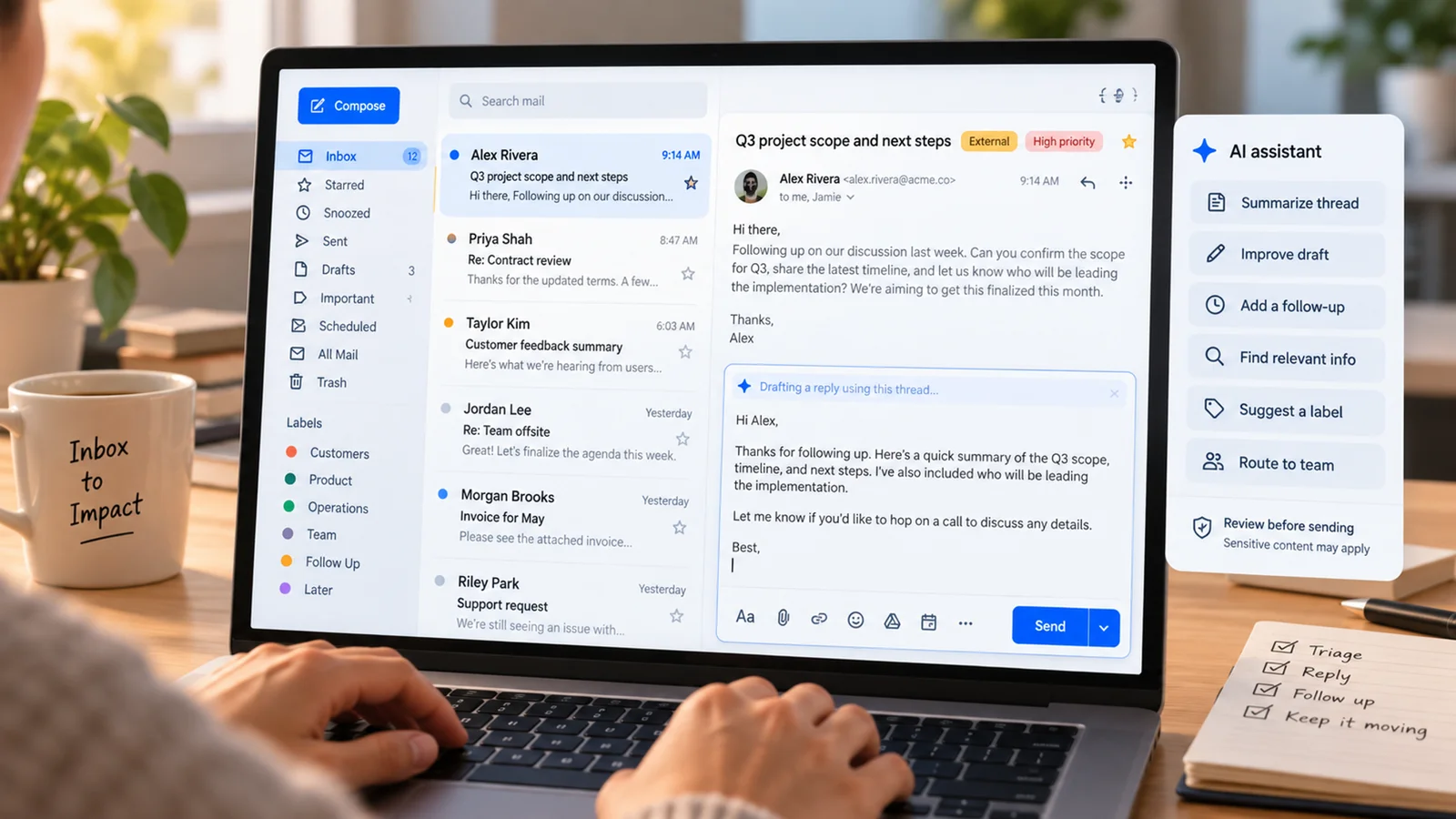
ChatGPT, Slack, and Teams can reach the same dot. Context can inform replies across channels, but messages remain in their respective conversations. Sharing private information with another audience still requires permission. Messaging guide
Cloud work with optional local access
Each dot has a cloud computer and browser, allowing cloud work while your device is off. Local work requires a connected computer to remain online with the ChatGPT app open. App connections, messaging connections, and computer access are separate setup choices. Computers and apps
Coordination of deeper work
Dots can delegate to background agents and create visible Work or Codex tasks. Existing local Codex tasks can be continued on a connected computer; cloud coding requires a Codex environment you have already configured. Activity lets you inspect progress and results. Task coordination
Compared With Previous Version
The useful baseline is the workflow you already use in ChatGPT: a conversation for a request, a Work or Codex task for deeper execution, and saved schedules for fixed recurring work. Dots brings an ongoing point of contact to coordinate responsibilities across these workflows. This is a workflow comparison, rather than a claim that memory, scheduling, or delegation first appeared with Dots.
| Your need | Existing workflow | What Dots adds |
|---|---|---|
| Answer a question or produce a draft | Start a conversation with the relevant context | Carry the request into an ongoing responsibility when needed |
| Run a coding or document task | Start and steer a Work or Codex task | Coordinate delegated work and follow up on results |
| Check something at a fixed time | Save a recurring schedule | Coordinate the scheduled responsibility alongside other work |
| Revisit changing priorities | Supply an update in the relevant task | Keep talking to the same assistant as responsibilities evolve |
These are practical ways to choose a workflow. Dots still uses a saved schedule for fixed recurring runs, and event monitoring depends on support from the connected service. Connecting a source alone does not start monitoring. Recurring work
Availability and Usage
Launch access is gradual; an eligible account may not see Dots immediately.
| Plan | Documented rollout |
|---|---|
| Pro 100, Pro 200, Pro 500 | Users over 18 outside the European Economic Area, United Kingdom, and Switzerland |
| Business Premium | Worldwide rollout |
| Enterprise | Worldwide rollout; off by default until a workspace administrator enables it |
Conversations with a dot do not count toward ChatGPT usage limits. Work and Codex tasks it starts or manages use those products' limits as usual. Plans include a deeper-work allowance, with extended limits for the first month after launch. Check account access and remaining allowances before assigning substantial recurring work. Access and limits
Create your dot in the desktop app or a desktop browser. Mobile app access follows the supporting update; mobile web is unsupported. Setup guide
Start With One Responsibility
Our recommendation is to start with one recurring need whose results you can review. For example, ask it to keep an event checklist current using specified planning documents and venue emails, flag unresolved decisions, and draft replies for review.
Provide the sources, expected result, notification destination, and decisions that need your input. If timing is fixed, specify the time zone and duration and ask it to confirm the saved schedule. Review the first result before adding more responsibilities. Getting started
Controls and Limitations
Automatic review checks actions against your instructions, permissions, custom rules, and built-in requirements. Asking for a draft does not authorize sending it. Custom rules can define ongoing boundaries, but cannot grant app access or override required safeguards. Action controls
Stopping work has several controls: Pause stops the dot's main task; stop delegated tasks through Activity and cancel recurring runs through Scheduled. Stopping work does not reverse completed actions. Stop controls
Who Should Upgrade / Who Should Wait
Try Dots now if your eligible account has access and you repeatedly track decisions, prepare evolving materials, or coordinate follow-ups. Start with a responsibility that has clear sources and a reviewable result.
Use it for development coordination when you want one assistant to investigate feedback and oversee Work or Codex tasks. Prepare the required local connection or cloud environment first.
Keep your current workflow when you mainly need occasional answers or one isolated deliverable. Wait if your account has not received access, your Enterprise administrator has not enabled it, or required connections are unavailable.