Overview
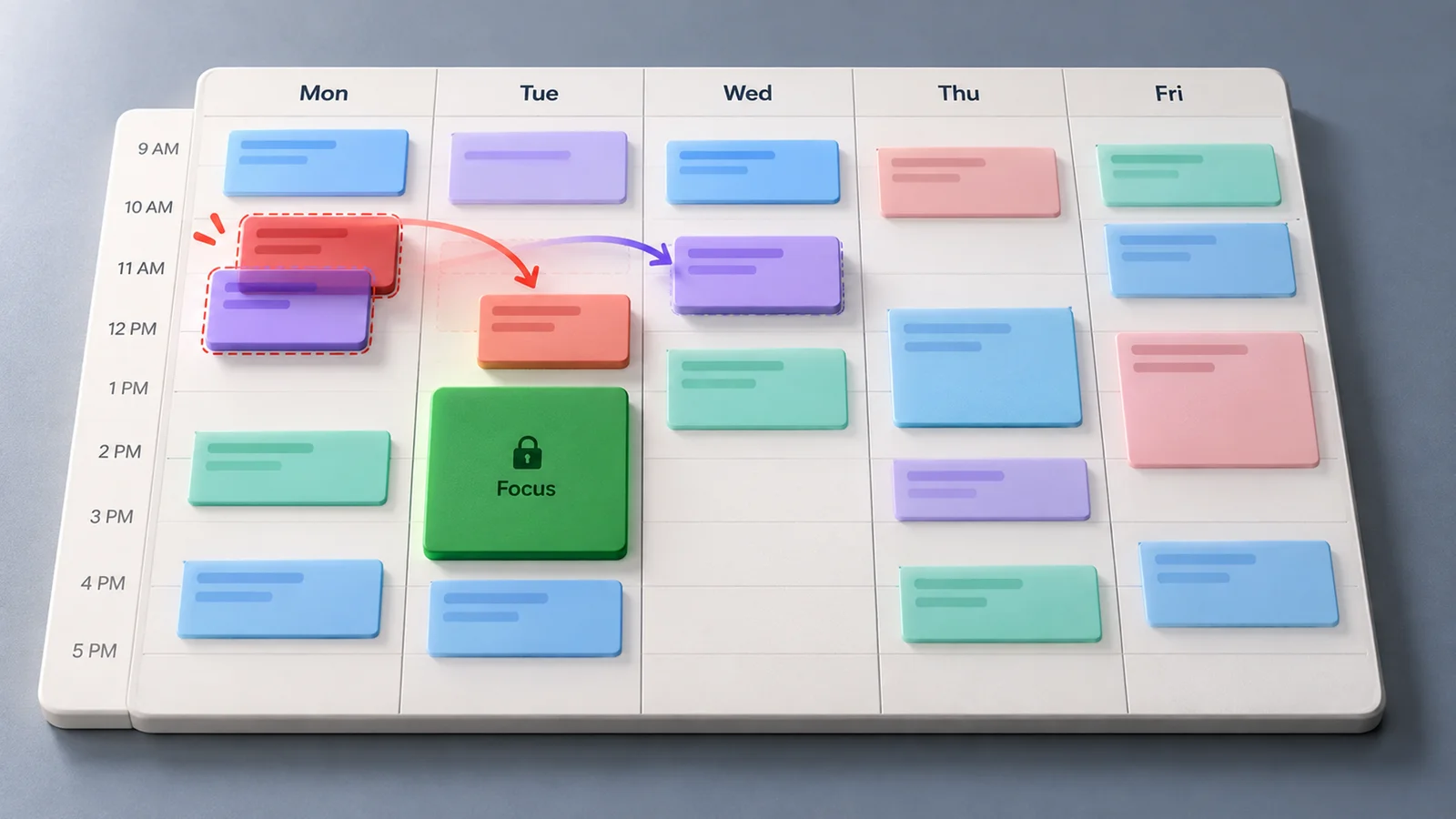
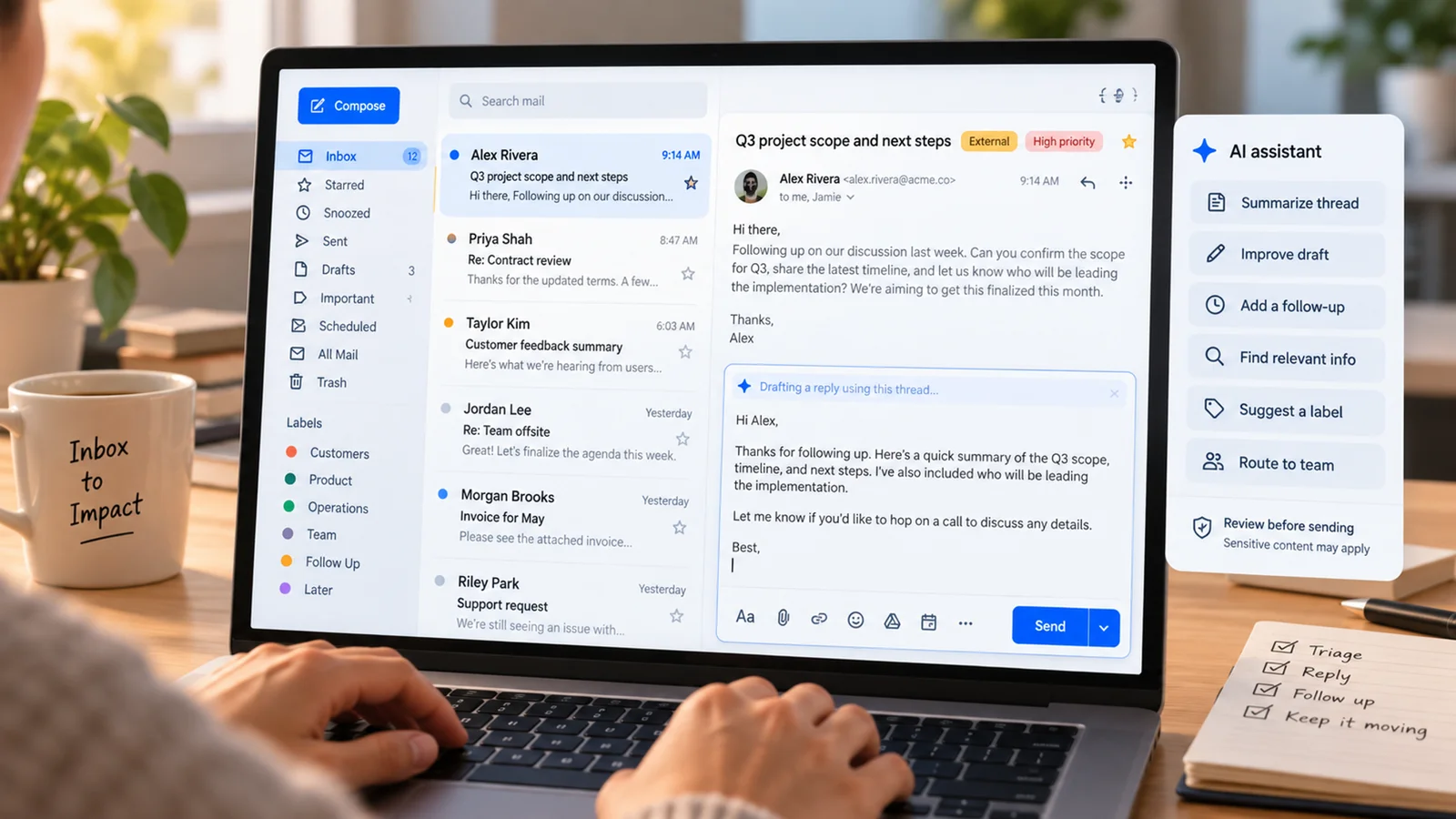
ChatGPT Space brings pages, saved files, and shared work together inside ChatGPT. Teams can develop a document with ChatGPT, edit it directly, and invite colleagues to contribute. OpenAI's weekly update for September 28–October 2, 2026 highlights this workflow where Space is available. Official weekly update
For a team preparing a launch brief, the practical benefit is a page everyone can return to: decisions, supporting material, comments, and revisions stay close to the document. Individual users can use the same approach for research notes or a personal plan. This is a feature rollout within ChatGPT; adopting it starts with checking whether your account has Space enabled.
What's New
Space combines document creation, organization, and collaboration in the following documented workflow. These capabilities describe the Space rollout; they do not imply that file storage or AI-assisted editing first appeared with it.
- Create and organize durable pages. Start a page from notes or an existing conversation. Group related pages in a space for a topic or team, with access to the group's pages for invited collaborators. Getting started
- Edit a document with people and ChatGPT. Pages support headings, lists, tables, images, files, and subpages. Select a passage for a requested revision or comment, and share edit access to work together in real time. Pages guide
- Request agent help inside the page. Discuss a revision beside the page, or mention
@ChatGPTor an available dot inline or in a comment. Slash commands generate text, images, and interactive visualizations. Agent guide
A Prompt block also lets a page retain a reusable request, such as a question about open decisions. Readers can use it to start a chat. This is useful for a team reference that needs both readable content and a starting point for follow-up work. Page blocks
Compared With Earlier ChatGPT Workflows
The relevant baseline is Library and the document workflows already available in ChatGPT. OpenAI's Enterprise guide calls Space “formerly Library.” The rollout brings pages, uploaded files, and shared content together for people and agents to collaborate. Enterprise guide
| Surface | Practical role | How to choose |
|---|---|---|
| Library (predecessor) / saved files | Keep saved material you want to find and reuse | Use Space's saved-work views to find material and develop related pages |
| Projects | Group related chats, reference files, and instructions for ongoing work | Keep a Project when shared conversation context is the main need |
| Canvas / earlier document editing | Draft or revise an individual document or code output | Consider Space when the document also needs related pages and team collaboration |
| Space | Organize pages and files, edit with agents, and collaborate on documents | Try it for a launch plan, handbook, or shared research brief |
This is our workflow recommendation based on the documented product roles. Projects also support sharing, so Space's value should be assessed around the page you need to create and maintain. Projects guide
Canvas availability has changed: OpenAI's May 28, 2026 notes removed it from GPT-5.5 Instant and Thinking, with writing and coding supported through chat blocks and temporary access through legacy models. The table describes the earlier workflow, rather than promising Canvas access in your current account. Canvas update
Access and Sharing
Start with an account that has Space enabled. Sharing options depend on the content, recipient type, account, and workspace settings. Use the roles offered in the sharing controls: View, Comment, or Edit where available. A Team invitation may offer only View and Edit. Sharing guide
Check where a collaborator's access comes from. Pages can inherit access from a space, and child pages can inherit access from their parent. Removing a direct page invitation does not revoke access inherited through another route. Share one page when that is the intended scope; invite people to the space when they should access its related pages. Inherited access
A page link does not automatically grant access to its linked source files. Those sources retain their original permissions. A summary copied into the page is visible to page collaborators, so check what the page itself reveals. Sharing a page does not share your private chats or saved memory. Content and source boundaries
For Enterprise teams, administrators can govern sharing at workspace and role level. Disabling sharing prevents new shares and permission changes; existing shared access remains. Review existing access separately when changing that policy. Enterprise controls
Start With One Shared Brief
Our recommendation is to try one document before moving a team's reference material into Space:
- Create a page from existing notes or a conversation, and add the relevant sources.
- Ask ChatGPT to organize the draft while preserving facts and links; list unresolved decisions at the end.
- Edit the result, then invite one colleague with the appropriate access.
- Confirm that the colleague can open the page and the necessary source files, and agree on which sections each person will revise.
Use a group of related pages once the brief needs supporting documents. This example combines the official setup and sharing guidance into a small adoption trial. Setup, Collaboration
Known Limitations
Keep Updated is unavailable at launch. A cadence written in a page does not schedule a task. Where supported, set up recurring work in chat and verify the saved task and an actual run. Recurring work guidance
An agent mention requests action. Specify an answer or page edit, then review the result. Collaborators may have different agent and tool access. Agent requests
Who Should Try Space / Who Should Wait
Try Space if your account has access and your team needs a document that people and agents can revise together. A handbook, planning brief, or research page with supporting material is a good first trial.
Use it individually when you want to turn useful conversations into pages you can organize and revisit.
Keep your existing workflow if a shared Project already meets your needs, your required sharing controls are unavailable, or automatic page refresh is essential. Confirm the available permissions and a working saved schedule before depending on recurring updates.