



Overview
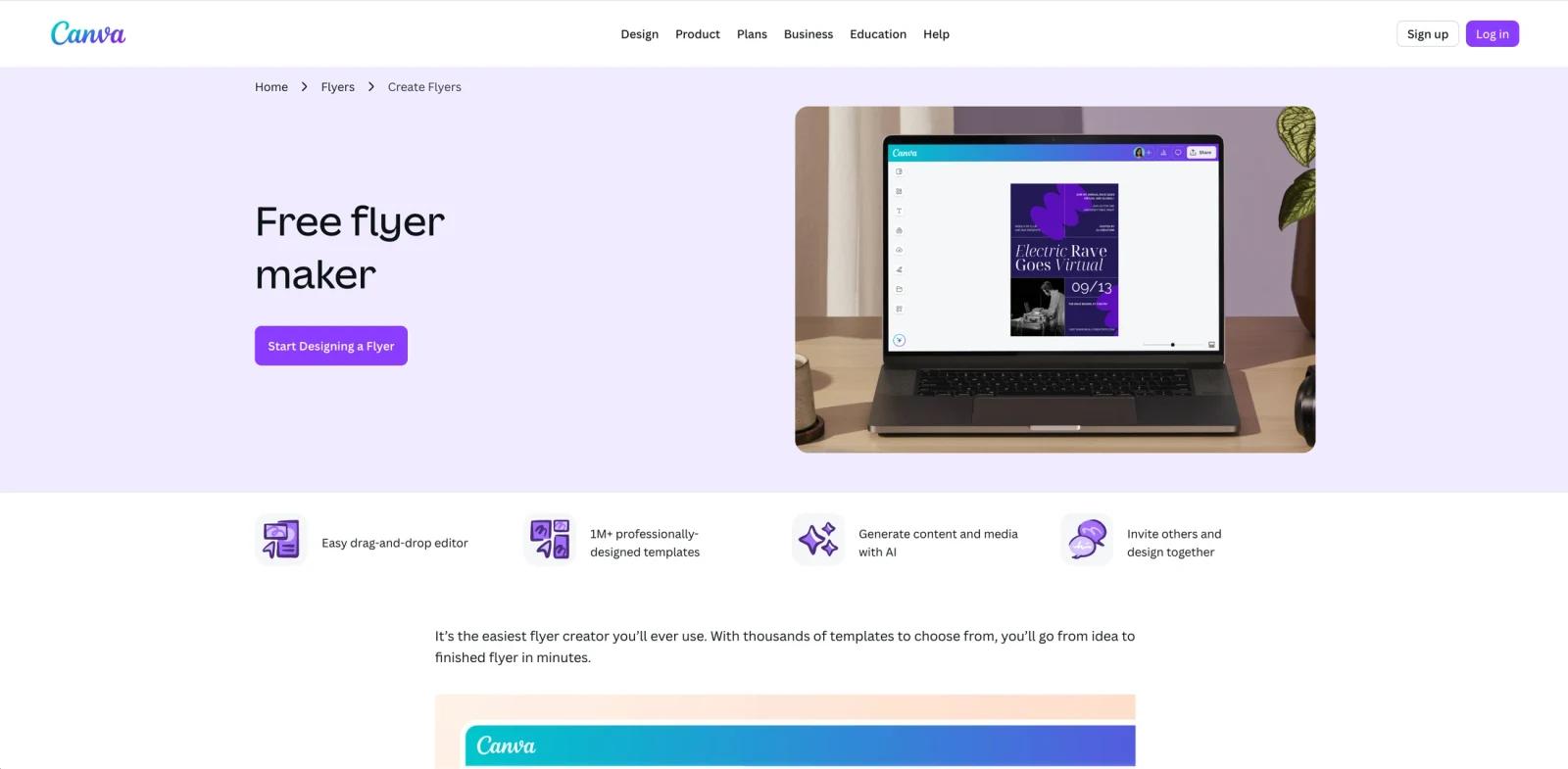
Canva AI Flyer Generator is best understood as Canva's flyer-maker workflow plus its broader Magic Studio AI toolset. The official flyer page markets a free online flyer maker with drag-and-drop editing, professionally designed templates, AI-generated content and media, collaboration, downloads, and Canva Print. In practice, the "AI flyer generator" part comes from Canva's wider AI stack rather than a single standalone flyer-only product.
That distinction matters. This is not a purpose-built niche generator that only outputs finished flyers from one prompt. Canva is a general design platform, and the flyer workflow sits inside a much broader editor. Users typically start from templates, then use Magic Write, image generation, media tools, background tools, or other Canva AI features to speed up creation. That makes the product more flexible than one-shot flyer generators, but also less "single-click" than the label can imply.
As of April 25, 2026, Canva's official flyer maker page highlights an easy drag-and-drop editor, large flyer template libraries, AI-powered content and media generation, team collaboration, downloads in common formats, and Canva Print for physical output. Canva Pro also markets broader AI features through Magic Studio and Canva AI. For most buyers, the question is not whether Canva can make a flyer, but whether they want a broad template-and-editor platform with AI assistance or a more narrowly automated design tool.
For adjacent research, compare AI design tools, AI UI design tools, AI website design tools.
Key Features
Free flyer maker with drag-and-drop editing — Canva explicitly positions the flyer maker as a free tool for creating, downloading, and sharing flyers without needing professional design software.
Large flyer template library — The official flyer page emphasizes professionally designed flyer templates across multiple use cases, which is still one of Canva's strongest practical advantages for non-designers.
AI-generated content and media — Canva's flyer maker page and broader Pro pages both tie flyer creation to AI tools for generating text and media, which helps users get from blank page to draft faster.
Magic Studio and Canva AI integration — Canva Pro markets a larger bundle of AI tools such as Magic Write, image and background tools, resizing, translation, and Canva AI, all of which can feed into flyer workflows even if they are not flyer-exclusive.
Collaboration and sharing — Canva supports inviting teammates, editing together, commenting, and sharing, which makes it more useful for small businesses, marketing teams, and agencies than a single-user poster app.
Canva Print output — The flyer page directly promotes print ordering, which matters because many flyer tools stop at digital export while Canva also supports physical production workflows.
Pricing & Plans
Canva flyer creation starts free. The official flyer page labels some AI tools as free, including Magic Write, Dream Lab, and Magic Media, while several higher-value Magic Studio tools such as Magic Edit, Magic Eraser, Magic Grab, Translate, and Magic Morph are positioned as Pro features.
| Plan layer | Pricing signal | What it means for flyer creation |
|---|---|---|
| Canva Free | Free | Create, edit, download, and share flyers with access to free templates and assets; Free accounts include limited Canva AI usage and up to 5GB of media uploads |
| Canva Pro | Public US pricing references list Canva Pro at $15/month or $120/year per person, with a free-trial path promoted | Unlocks premium content, 25+ AI-powered design features, Brand Kit, Magic Resize, Background Remover, and higher AI access than Free |
| Canva Business | $20 per person per month in public US references; Canva Teams is now a legacy path for existing subscribers rather than the main new signup option | Better fit for shared workspaces, brand management, collaboration, analytics, approvals, and multi-user design operations |
The practical pricing nuance is that Canva does not really sell a separate "AI flyer generator subscription." Instead, flyer generation lives inside the Canva product ladder. That is good for users who want one subscription covering many design tasks, but less ideal if you only want one narrow flyer-specific AI tool with a simpler pricing story.
Best For
- Small businesses and creators who need flyers quickly without hiring a designer
- Teams that already use Canva for broader content production
- Marketers who want templates plus AI-assisted editing rather than full automation
- Users who may also need posters, social assets, and print materials in one platform
- Non-designers who value speed and convenience over maximum layout control
FAQ
Is Canva's flyer maker free?
Yes. Canva's official flyer page says the flyer creator is free to use, including creating, downloading, and sharing flyers, though premium assets and broader AI tools may require paid upgrades.
Is this a separate Canva AI flyer product?
Not really. The flyer workflow sits inside Canva's larger design platform, and the AI layer comes from Canva AI and Magic Studio features that support flyer creation.
What AI features help with flyer creation?
Canva's flyer page specifically labels Magic Write, Dream Lab, and Magic Media as free AI options, while Magic Edit, Magic Eraser, Magic Grab, Translate, and Magic Morph are Pro features that can also support flyer workflows.
Can I print flyers directly from Canva?
Yes. Canva directly promotes Canva Print as part of the flyer workflow.
Who should upgrade to Canva Pro for flyers?
Users who need more premium assets, stronger AI assistance, brand tools, or a broader design workflow beyond the free tier are the clearest candidates for Canva Pro.
Is Canva better than a one-click flyer generator?
Usually if you want flexibility, templates, collaboration, and multi-format design work. If you only want the most automated possible single-prompt generation flow, a narrower AI design tool may feel simpler.


