

Overview
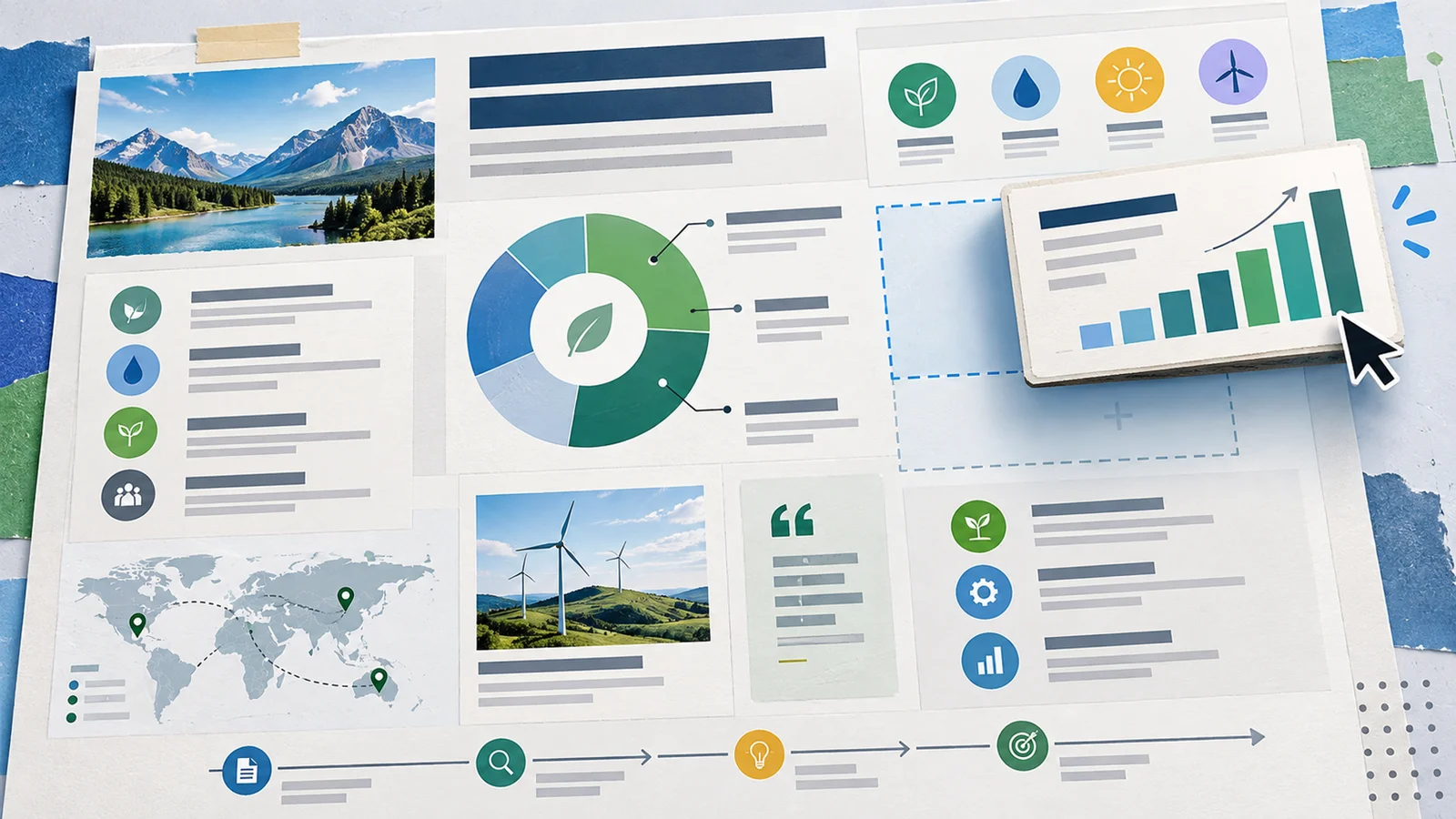
Microsoft Designer is an AI-powered graphic design and image editing app. It helps users create images, characters, logos, banners, social posts, invitations, and edited photos from prompts and source images. Designer is available as a web and mobile app, and Microsoft also integrates certain Designer features into apps such as Photos, Word, and PowerPoint.
The product is best understood as Microsoft's consumer-friendly AI design layer. It is useful when someone needs quick creative assets without opening a professional design suite. It is not a replacement for Photoshop, Illustrator, or a full brand system, but it can be effective for fast ideation, social content, presentation visuals, and lightweight photo edits.
As of April 28, 2026, Microsoft's official Designer page explains that Designer uses monthly credits for AI features. Free users receive credits, and Microsoft 365 Personal, Family, or Premium subscriptions provide up to 4X more credits for the account owner. Buyers comparing AI image generators should evaluate Designer against Microsoft's credit system, app integrations, content policy, and export needs.
For adjacent research, compare AI design tools, AI UI design tools.
Key Features
- Text-to-image creation - Designer can generate images from text prompts through Microsoft's AI image creation experience.
- Graphic design generation - Users can create social posts, logos, banners, invitations, and other simple design assets.
- AI photo editing - Designer supports image-editing workflows such as removing or changing parts of images, depending on feature availability.
- Microsoft 365 integration - Certain Designer capabilities are integrated into Microsoft apps such as Photos, Word, and PowerPoint.
- Monthly credit system - AI actions use credits, with higher credit allowances available through eligible Microsoft 365 subscriptions.
- Web and mobile access - Designer can be used through its web app and mobile apps, subject to device, language, account, and age requirements.
Pricing & Plans
Microsoft Designer is tied to Microsoft account access and the broader Microsoft 365 credit system rather than a simple standalone plan.
| Access path | Pricing | Best fit |
|---|---|---|
| Free Microsoft account | Free with monthly credits | Casual image and design generation |
| Microsoft 365 Personal, Family, or Premium | Paid Microsoft 365 subscription; provides more Designer credits for the account owner | Users who already want Office apps, storage, security, and higher Designer usage |
| Copilot Pro or Microsoft 365 Copilot context | Paid Copilot or business subscriptions may affect AI access and limits | Power users and organizations working inside Microsoft apps |
Microsoft says 1 credit is deducted when users interact with Designer AI features, such as creating an image. Credit allowances, availability, and integrations can change by plan and region.
Best For
Microsoft Designer is best for individuals, students, creators, office workers, and Microsoft 365 users who need quick AI-generated visuals. It is less ideal for professional designers who require layered file control, exact typography systems, or advanced print production.
FAQ
What is Microsoft Designer?
Microsoft Designer is an AI-powered graphic design and image editing app for creating images, social posts, logos, banners, and edited photos.
Is Microsoft Designer free?
Yes. Microsoft Designer can be used with free monthly credits, while eligible Microsoft 365 subscriptions provide more credits.
How do Microsoft Designer credits work?
Microsoft says users receive a fresh set of credits each month, and one credit is deducted when using Designer AI features such as image creation.
Who should use Microsoft Designer?
It is best for users who need quick AI visuals and already work in the Microsoft ecosystem.
How much does Microsoft Designer cost?
Pricing can change by plan, billing term, region, and usage limits. Check the official website for the current plan details before purchase.
Does Microsoft Designer replace human review?
No. It can speed up the workflow, but important outputs should still be checked for accuracy, quality, and fit before production use.