



Overview
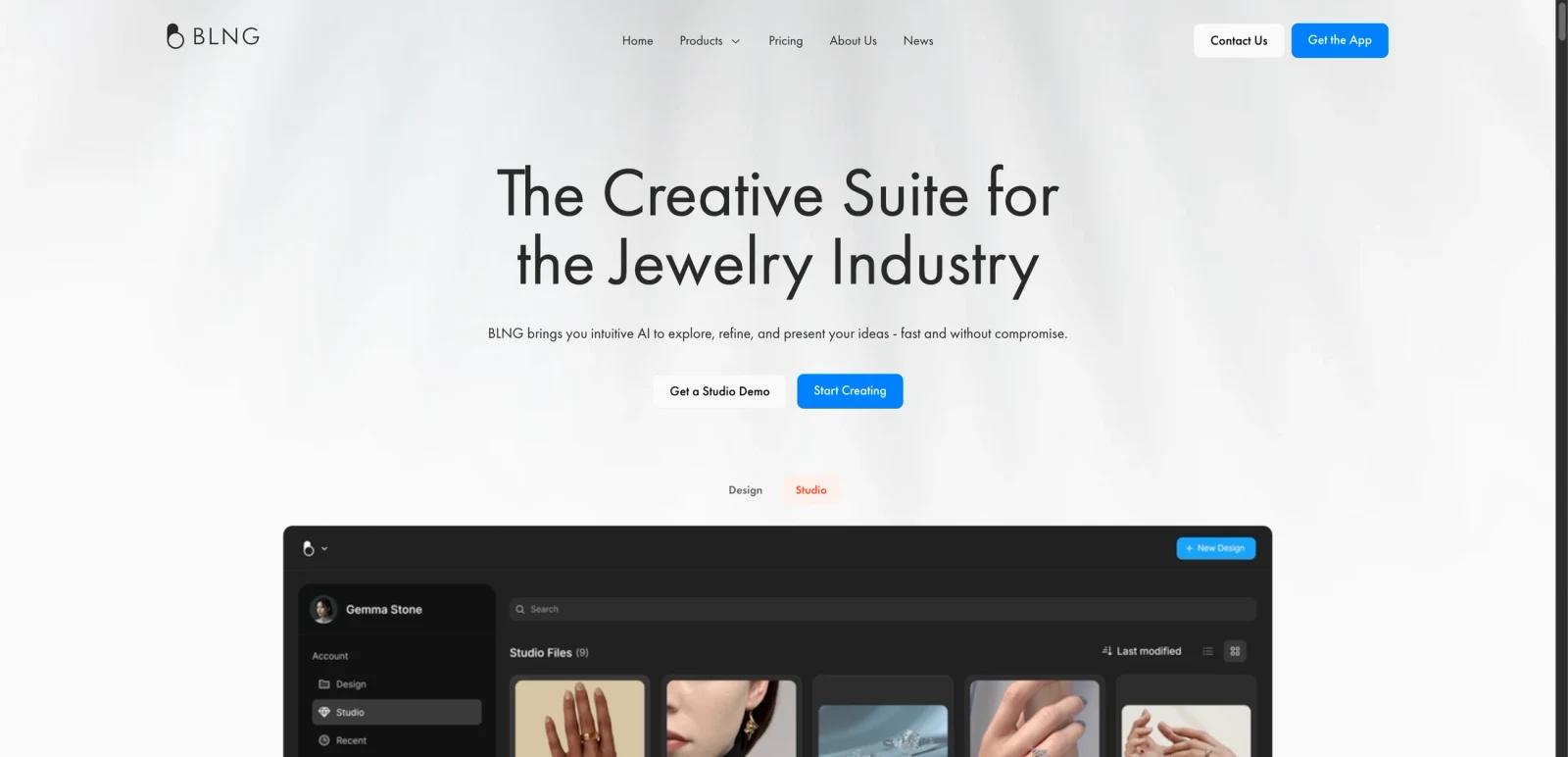
BLNG is a creative suite built specifically for the jewelry industry. Rather than being only a render generator or only a marketing studio, it combines design ideation, photorealistic jewelry rendering, marketing-content workflows, and enterprise retail experiences under one brand.
That product structure is what makes BLNG interesting. The site separates the offer into Design, Studio, and Retail, which together cover concept generation, high-fidelity visuals, and in-store customization. This means BLNG is not just a design toy for exploration; it is positioned as a workflow layer across product development, sales enablement, and marketing presentation.
As of April 25, 2026, BLNG publicly promotes text-to-render, sketch-to-render, photo-to-render, on-model virtual photography, retail customization experiences, and enterprise add-ons such as integrations, onboarding, and custom AI models. The clearest fit is jewelry brands, retailers, and studios that need both design ideation and presentation-ready assets in the same environment.
For adjacent research, compare AI design tools, AI UI design tools, AI website design tools.
Key Features
Jewelry-specific AI design workflows — BLNG Design supports prompt-based, sketch-based, doodle-based, illustration-based, and photo-based rendering for jewelry concepts.
Photorealistic jewelry renders — The homepage emphasizes realistic rendering for jewelry ideation and refinement.
Studio content production — BLNG Studio is positioned for high-fidelity marketing content, including product visuals, on-body imagery, and 360-degree showcase content.
Retail customization layer — BLNG Retail is presented as an in-store custom design experience for personalized jewelry creation.
Collaboration and refinement — Professional expands design files, history, private files, priority queue, 4K upscaling, and commercial usage rights. Team collaboration features such as shareable links, sharing permissions, team editors, file transfer, unlimited teams, and custom workspaces are Enterprise-only.
Enterprise integrations — The pricing and enterprise sections mention integration services, custom security/privacy, POS integrations, and direct manufacturer access.
Pricing & Plans
BLNG publishes pricing clearly for the Design product, while Studio and Retail enterprise workflows are sales-led.
| Plan | Pricing | Best fit |
|---|---|---|
| Starter | Free | Individuals exploring BLNG Design for personal, non-commercial use |
| Professional | $49/user/month | Jewelry professionals and small teams needing unlimited files, full privacy, 4K upscaling, and commercial usage rights |
| Enterprise | Contact sales | Organizations needing custom AI models, enterprise security, integrations, onboarding, and scaled collaboration |
The pricing page makes an important distinction: Starter is not a commercial-use plan and is limited to 1 editor, 3 design files, 24-hour history, and 4 artistic styles. If you intend to use AI-generated jewelry designs for product development, sales, client work, or marketing, BLNG’s own FAQ says you should be on Professional or Enterprise.
Best For
- Jewelry brands creating concepts and renders quickly
- Retailers offering in-store or customer-facing customization
- Studios producing jewelry marketing visuals at scale
- Teams that need commercial usage rights and collaboration controls
- Enterprises wanting custom AI or integrated jewelry workflows
FAQ
What is BLNG?
BLNG is a jewelry-industry creative suite covering AI design, marketing visuals, and retail customization workflows.
Does BLNG have a free plan?
Yes. BLNG Design has a free Starter plan.
Can I use BLNG commercially on the free plan?
No. BLNG’s pricing FAQ says the Starter plan is for personal, non-commercial use only.
How much does BLNG cost?
BLNG Design lists a Professional plan at $49/user/month, while Enterprise pricing is sales-led.
Who should use BLNG?
BLNG is best for jewelry professionals, brands, retailers, and studios that need AI-assisted design plus presentation or retail workflows.
Does BLNG replace human review?
No. It can speed up the workflow, but important outputs should still be checked for accuracy, quality, and fit before production use.
