

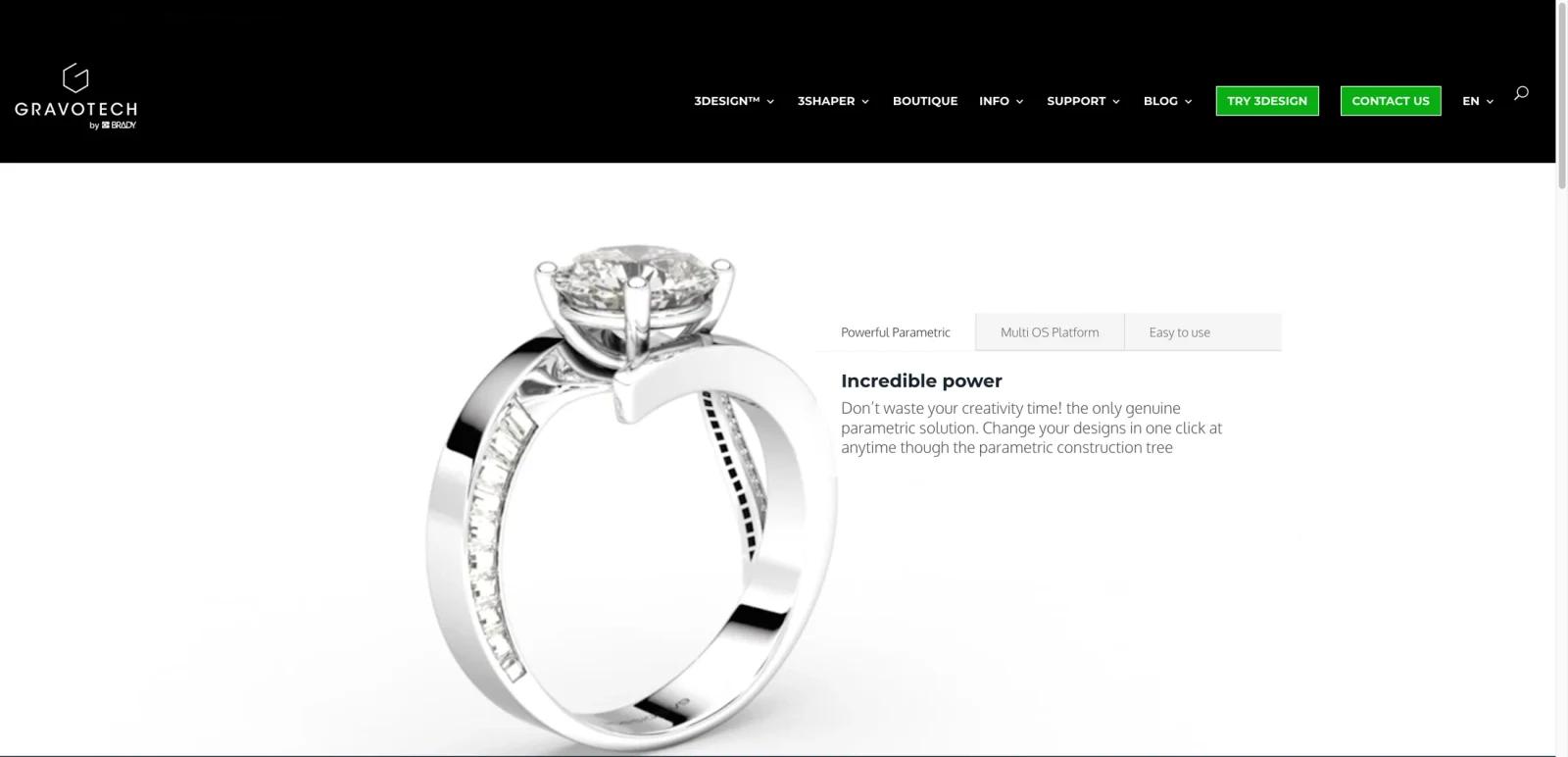


Overview
3Design is jewelry-specific CAD software for designers, setters, custom workshops, and manufacturers that need production-ready jewelry models. It is built around jewelry workflows such as ring design, stone setting, parametric editing, organic forms, and workshop handoff rather than general-purpose 3D modeling.
The product is relevant for buyers comparing AI jewelry design tools, but 3Design should be understood as professional CAD software, not a prompt-to-image generator. It is closer to MatrixGold, RhinoArtisan, and CounterSketch than to a consumer creative tool.
3Design is best for jewelers who need editable models, manufacturing accuracy, and a workflow that mirrors real bench jewelry constraints.
Key Features
- Jewelry-specific CAD workspace - Provides modeling tools built around rings, settings, stones, prongs, shanks, and workshop-ready geometry.
- Parametric editing - Lets designers adjust measurements, settings, and design variations without starting from scratch.
- Stone setting workflows - Supports jewelry-specific placement and setting operations that general CAD tools handle less directly.
- Organic modeling options - Helps designers create more sculptural forms while retaining production-oriented control.
- Mac and Windows support - 3Design promotes availability across major desktop platforms for jewelry studios.
- Manufacturing handoff - Supports production-ready modeling for workshops, jewelers, and manufacturers that need usable CAD outputs.
Pricing & Plans
3Design pricing is sales-led. Public pages invite buyers to contact the company rather than listing a simple monthly plan.
| Buying area | Pricing signal | Best fit |
|---|---|---|
| 3Design jewelry CAD | Contact sales | Designers and workshops needing professional jewelry CAD |
| Training and deployment | Custom quote factor | Teams moving from manual or general CAD workflows |
| Studio or production use | Custom quote | Workshops needing production handoff and team setup |
Ask about license type, platform support, training, updates, support, rendering modules, file exports, and manufacturing workflow requirements.
Best For
- Jewelry designers creating production-ready ring and setting models
- Custom workshops that need editable CAD for client revisions
- Manufacturers coordinating design and fabrication workflows
- Jewelers moving from hand sketches or general CAD to jewelry-specific CAD
- Buyers comparing 3Design with MatrixGold, RhinoArtisan, and CounterSketch
FAQ
What is 3Design?
3Design is jewelry CAD software for designing rings, settings, stone layouts, organic forms, and production-ready jewelry models.
How much does 3Design cost?
3Design uses quote-based pricing. Buyers should contact sales for license, training, and deployment details.
Is 3Design an AI jewelry generator?
No. It is professional jewelry CAD software. It may appear in AI jewelry design comparisons, but its main value is production CAD.
Who uses 3Design?
Jewelry designers, setters, custom workshops, and manufacturers use 3Design for editable, production-oriented jewelry models.
Does 3Design work on Mac?
3Design promotes support for Mac and Windows, but buyers should verify current system requirements.
How does 3Design compare with MatrixGold?
Both are professional jewelry CAD tools. The right choice depends on workflow preference, training, rendering needs, and workshop compatibility.
What should buyers verify?
Verify license terms, support, training, updates, exports, platform requirements, and manufacturing handoff needs.
Who should avoid 3Design?
Creators who only need quick jewelry concept images may prefer a lighter prompt-based jewelry design tool.
