



Overview
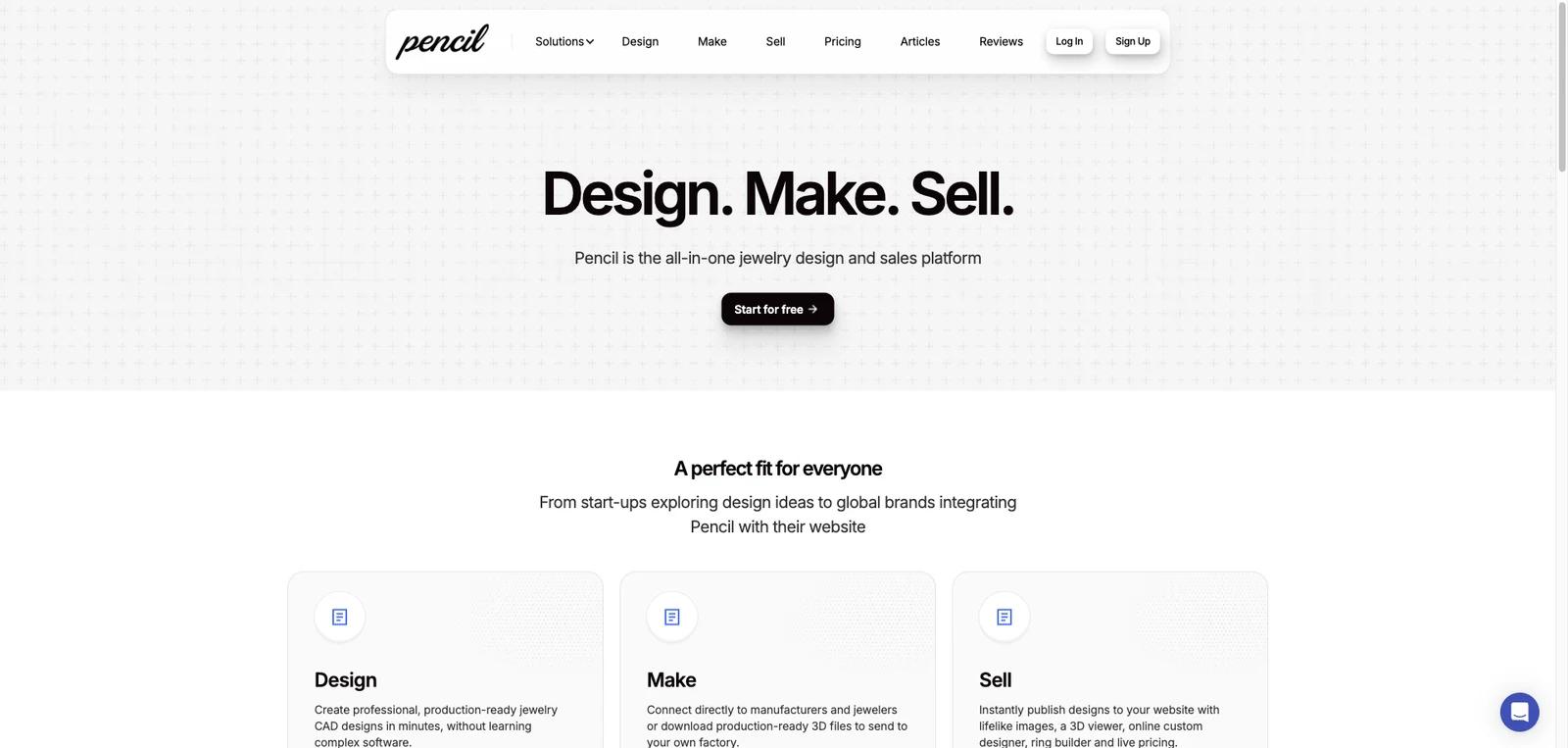
Pencil is an AI-assisted jewelry design and sales platform built for people who want to create rings, pendants, and other jewelry products without learning traditional CAD software. The product combines browser-based design tools, production-oriented exports, AI-assisted generation, and website publishing tools in a single workflow. Instead of stopping at concept creation, Pencil also pushes into manufacturing handoff and online selling.
That broader workflow is the main reason to care about it. Pencil is not just an "AI jewelry image generator." The official site positions it as an end-to-end platform for designing, making, and selling jewelry, with features for 3D design, product imagery, website integrations, and customer-facing builders. For solo jewelers, custom shops, and ecommerce brands, that makes it closer to a lightweight jewelry operating layer than a one-purpose design toy.
As of April 25, 2026, Pencil publicly highlights browser-based jewelry design, AI-assisted 3D generation, STL export, manufacturer connections, product-photo generation, website tools, and branded customer design flows. It also has transparent self-serve pricing, which makes the product easier to evaluate before contacting sales. The practical buying question is whether you want an accessible all-in-one workflow or a more traditional specialist CAD stack with deeper manual control.
For adjacent research, compare AI design tools, AI UI design tools, AI website design tools.
Key Features
Browser-based jewelry design workflow — Pencil is positioned as a web product that lets users create professional, production-ready jewelry designs without learning conventional CAD packages first.
AI-assisted design generation — The platform markets AI jewelry design capabilities that turn prompts and images into manufacturing-ready 3D concepts, which is one of its clearest differentiators from older jewelry CAD software.
Production handoff with STL export — Even the public pricing page emphasizes downloadable 3D STL files, which matters because buyers often need a path from design to workshop or factory output.
Manufacturer connection — Paid plans promote connections with manufacturers, pushing the product beyond concept sketching and into production handoff workflows.
Product photo and ecommerce tooling — Pencil markets product-photo generation, website publishing tools, and storefront integrations, making it relevant to jewelers who also sell online.
Customer-facing design flows — Higher tiers include a website ring builder, branded custom design platform, and quoting tools, which makes Pencil more valuable for businesses that want shoppers or clients involved in the design process.
Pricing & Plans
Pencil publishes straightforward self-serve pricing on its official pricing page, and the structure is easier to evaluate than many jewelry-design products.
| Plan | Pricing | Best fit |
|---|---|---|
| Free | $0 | Test the workflow with a 3-design limit, 0 AI credits, all templates and base designs, basic stone types and shapes, all stone settings, STL downloads, uploaded files, file sharing, and the core interface |
| Basic | $19/month | Individual users who want unlimited designs, all stone types, STL exports, manufacturer connections, file sharing, and are comfortable with 0 included AI credits |
| Professional | $39/month | Designers and businesses that need uploads for their own 2D and 3D files, ecommerce/product photo tools, premium stone shapes, AI elements, and 200 AI credits per month |
| Pencil Shop | $199/month | Brands that want customer-facing website tools such as a ring builder, branded custom design platform, lead capture, quoting tools, and 2000 AI credits per month |
| Enterprise | Custom | Larger brands that need custom templates, custom trained AI agents, custom features, and enterprise packaging |
This pricing model makes Pencil easy to trial before committing to a paid plan, but the lower starting price also reflects that it is a browser-native platform with a different workflow philosophy than deep desktop CAD suites. Buyers should judge it on speed, usability, and end-to-end commerce fit, not just on raw modeling depth.
Best For
- Independent jewelry designers who want faster web-based creation
- Small workshops that need production-ready files without heavyweight CAD training
- Ecommerce jewelry brands that want design and selling tools in one platform
- Teams testing AI-assisted jewelry ideation and custom design flows
- Businesses that want customer-facing ring builders or branded design experiences
FAQ
What is Pencil?
Pencil is a web-based jewelry design and sales platform that combines AI-assisted design, 3D jewelry creation, STL export, product imagery, and online selling tools.
Is Pencil a CAD replacement?
It is better understood as an accessible alternative workflow rather than a one-to-one replacement for every advanced desktop CAD setup. It aims to help users design faster without the learning curve of traditional jewelry CAD software.
Does Pencil have a free plan?
Yes. Pencil publicly lists a free plan with a 3-design limit, 0 AI credits, all templates and base designs, basic stone options, all stone settings, STL downloads, file uploads, and file sharing.
How much does Pencil cost?
The free plan is $0. Paid self-serve pricing starts at $19/month for Basic, goes to $39/month for Professional, and $199/month for Pencil Shop, with a custom Enterprise tier above that.
Can Pencil help with selling jewelry online?
Yes. That is one of the platform's stronger differentiators. Higher tiers market website integrations, ring builders, branded custom design experiences, lead capture, quoting, and product-publishing workflows.
Who should buy Pencil?
Pencil is best suited to jewelers, design-led ecommerce brands, and custom jewelry businesses that want a faster, browser-based design-to-sale workflow. Teams that mainly need deep manual CAD control may still prefer a more traditional specialist package.


