



Overview
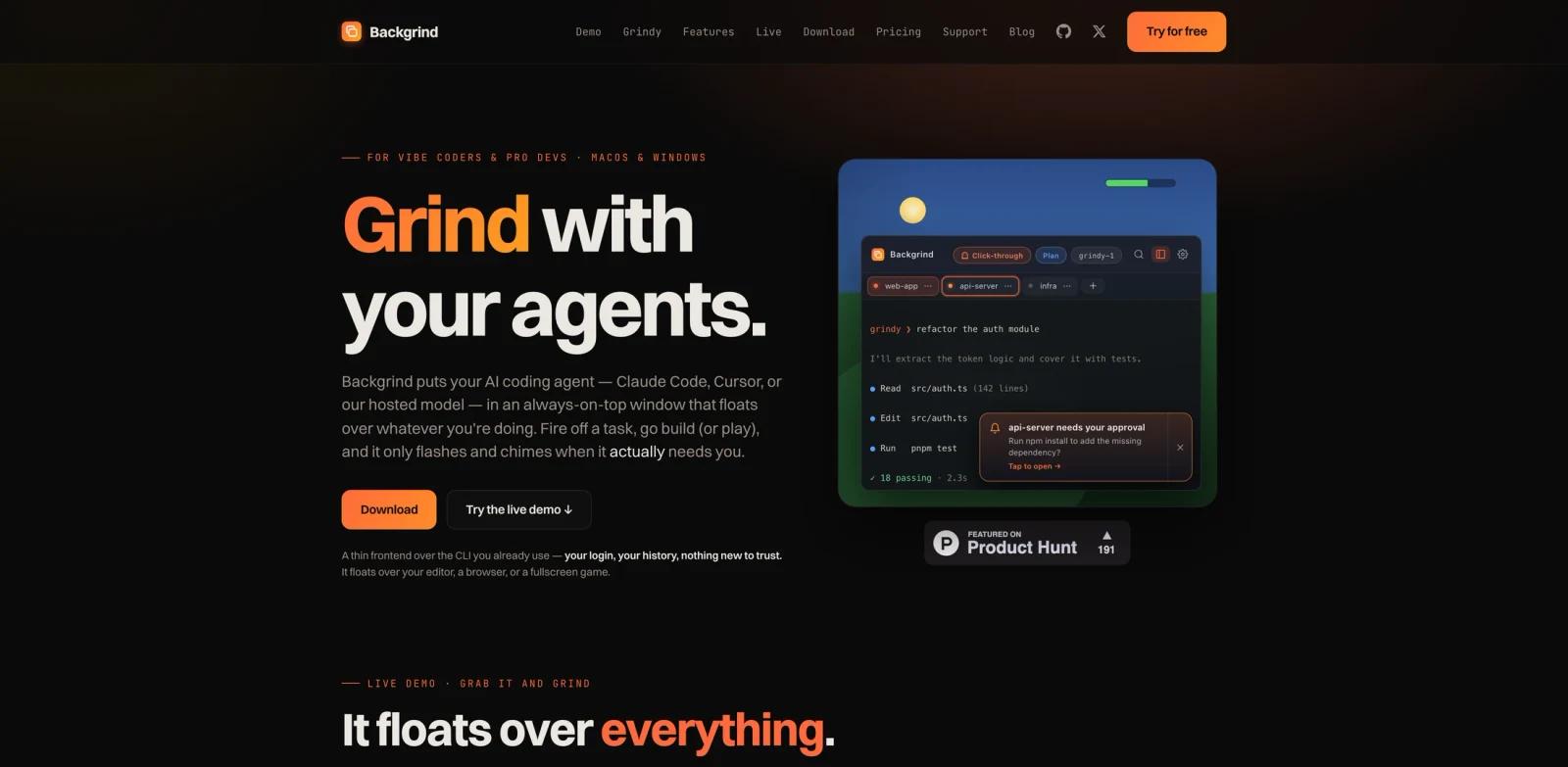
Backgrind is a desktop interface for running AI coding agents in an always-on-top window above an editor, browser, documentation, or even a borderless-fullscreen game. It wraps a user's existing Claude Code or Cursor CLI while preserving the same login, history, and hooks, and also offers a hosted coding agent called Grindy.
The window provides agent tabs, project folders, file previews, rendered Markdown, approval notifications, and a click-through mode that temporarily makes the overlay transparent to input. Live mode mirrors a session to a phone or browser through end-to-end encryption so developers can answer prompts away from the desk.
Backgrind sits between AI code generators and AI productivity tools. Developers comparing terminal-oriented workflows may also review Conan.
Key Features
- Always-on-top agent window - Keep an agent visible over other applications and summon or hide it with global shortcuts.
- Bring-your-own CLI - Run Claude Code or Cursor with existing credentials and conversation history.
- Hosted Grindy agent - Use a built-in OpenCode-based agent without installing a CLI or managing an API key.
- Multi-agent workspaces - Run several agents across different project folders and switch backends per workspace.
- Mini-IDE tools - Browse files, inspect syntax-highlighted previews, render Markdown, and follow file-and-line links.
- Encrypted Live mode - View, command, and approve desktop sessions remotely from a browser or mobile device.
How It Compares
Backgrind is not another model or editor. It is a presentation and control layer for coding agents that normally run in a terminal. Bring-your-own-CLI mode keeps agent traffic between the user and the original provider, while Grindy sends prompts to Backgrind's hosted model. Teams evaluating broader agent interfaces can also browse the AI agent category.
Pricing & Plans
| Plan | Monthly price | Main features |
|---|---|---|
| Free trial | $0 for 24 hours | Overlay, one agent, session-only projects, Claude Code and Cursor |
| Plus | $9/month | Three parallel agents, saved projects, workspaces, voice, and Live mode |
| Pro | $59/month | Unlimited agents, hosted Grindy models, cloud sync, and priority support |
Annual billing is listed at $90/year for Plus and $566/year for Pro. Hosted Grindy usage may also require metered top-ups.
Best For
- Developers delegating tasks while working in other applications
- Teams running several coding agents across repositories
- Users who want a graphical layer over terminal agents
- Developers monitoring and approving work from a phone
FAQ
Which agents does Backgrind support?
It supports Claude Code, Cursor, and its hosted Grindy agent. Codex was listed as coming soon.
Is Backgrind free?
It offers a 24-hour free trial. Plus starts at $9 per month.
Does Backgrind store Claude Code conversations?
The vendor says bring-your-own-CLI mode renders the local CLI and does not store or transmit its conversation history.
What is Live mode?
Live mode mirrors an active desktop session to a browser so users can send commands and approve actions remotely.
Which operating systems are supported?
Signed releases are available for macOS 11 or later and 64-bit Windows 10 or 11.
Does it work over games?
It can float above borderless or windowed-fullscreen applications, but not exclusive fullscreen.