



Overview
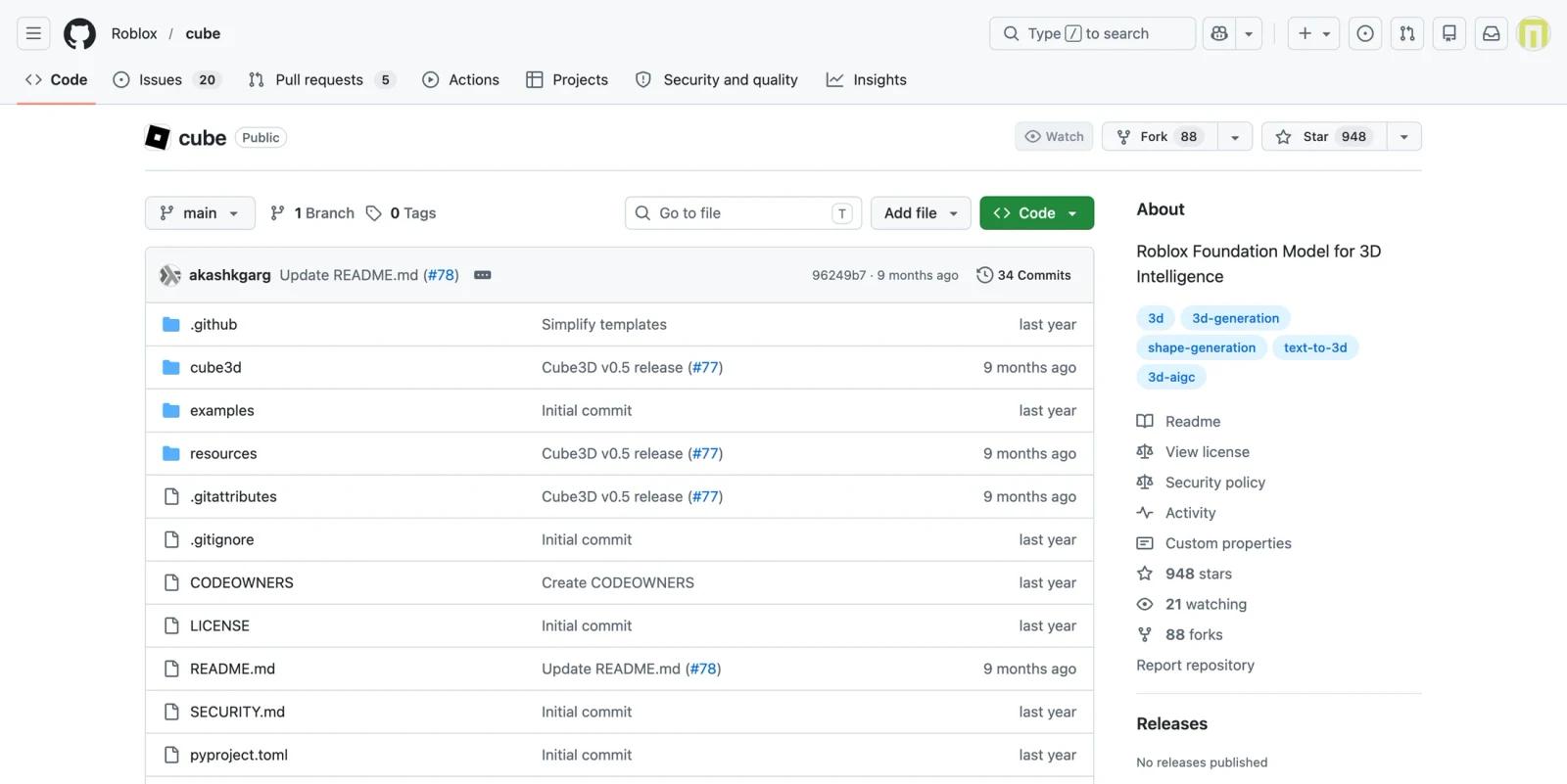
Roblox Cube 3D is Roblox's open-source foundation model work for 3D intelligence. The GitHub repository presents Cube as a generative AI system for 3D, with a shape tokenizer, a text-to-shape generation model, installation instructions, model weights, and CLI inference examples.
Unlike commercial no-code 3D generators, Cube is developer and researcher oriented. Users clone the repository, install dependencies, download model weights from Hugging Face, and run generation commands locally or in a compatible compute environment. Outputs are saved as 3D files such as .obj, and optional rendering workflows can create turntable previews when Blender is installed.
As of April 28, 2026, the repository highlights v0.5 updates with higher-fidelity 3D compositions, bounding-box conditioning, and improved prompt adherence. It belongs in the same research and prototyping decision set as AI 3D model generators, but teams should review the Research-Only RAIL-MS license before treating Cube as a commercial or production 3D asset pipeline. It requires substantially more technical setup than browser-based tools.
For adjacent research, compare AI design tools, AI UI design tools.
Key Features
- Text-to-3D generation - Cube can generate 3D shapes from natural language prompts using downloaded model weights and CLI commands.
- Public research release - The repository provides starting code and model usage instructions, making it useful for researchers, technical artists, and AI engineers, while usage should be checked against the Research-Only RAIL-MS/OpenRAIL-style license terms.
- v0.5 model improvements - The current GitHub documentation describes better text adherence, higher-fidelity compositions, and bounding-box conditioning.
- Local inference workflow - Developers can run generation with Python commands and save output models into a local output directory.
- Optional fast inference - The CLI supports a fast inference flag, but the README says it may be unavailable on GPUs with limited VRAM and does not work on macOS.
- 3D intelligence roadmap - Roblox frames Cube as an early step toward broader 3D intelligence, including objects, scenes, rigging, and behavior generation.
How to Get Started
Cube is not a hosted SaaS product, though the official README links to a Hugging Face Interactive Demo and Google Colab for trying the model. For local use, the basic setup is to clone the GitHub repository, install it in a Python environment, download the v0.5 model weights from Hugging Face, and run python -m cube3d.generate with checkpoint paths and a prompt. GPU, CUDA, MPS, Blender, and optional dependencies can affect performance and rendering support; the README recommends at least 24GB VRAM for fast inference and 16GB otherwise.
Pricing & Plans
Roblox Cube 3D is best treated as a free open-source model release rather than a hosted SaaS subscription.
| Plan | Pricing | Best fit |
|---|---|---|
| GitHub repository | Free | Developers and researchers evaluating Cube locally |
| Model weights | Free public download | Technical users who can manage storage, setup, and inference |
| Compute | Your own cost | Teams running generation on local GPUs, cloud GPUs, or lab infrastructure |
The real cost is operational: hardware, GPU time, dependency setup, and engineering time.
Best For
Roblox Cube 3D is best for AI researchers, technical artists, game developers, and teams experimenting with text-to-3D pipelines for research or prototyping. Teams should review the license terms carefully before using Cube outputs or the model workflow in commercial production. It is not the best fit for non-technical marketers or ecommerce teams that need production-ready 3D assets from a web interface.
FAQ
What is Roblox Cube 3D?
Roblox Cube 3D is an open-source generative AI system for 3D creation, including text-to-shape generation.
Is Roblox Cube 3D free?
The GitHub repository and model workflow are publicly available. Users still need their own compute environment.
What does Cube 3D output?
The repository documentation describes 3D output files such as .obj models.
Who should use Cube 3D?
It is best for technical users who can work with Python, model weights, and local or cloud GPU environments.
Who should use Roblox Cube 3D?
Roblox Cube 3D is best for users who need the workflow described in this review and want to compare it against adjacent AI tools before adopting it.
How much does Roblox Cube 3D cost?
Pricing can change by plan, billing term, region, and usage limits. Check the official website for the current plan details before purchase.


