



Overview
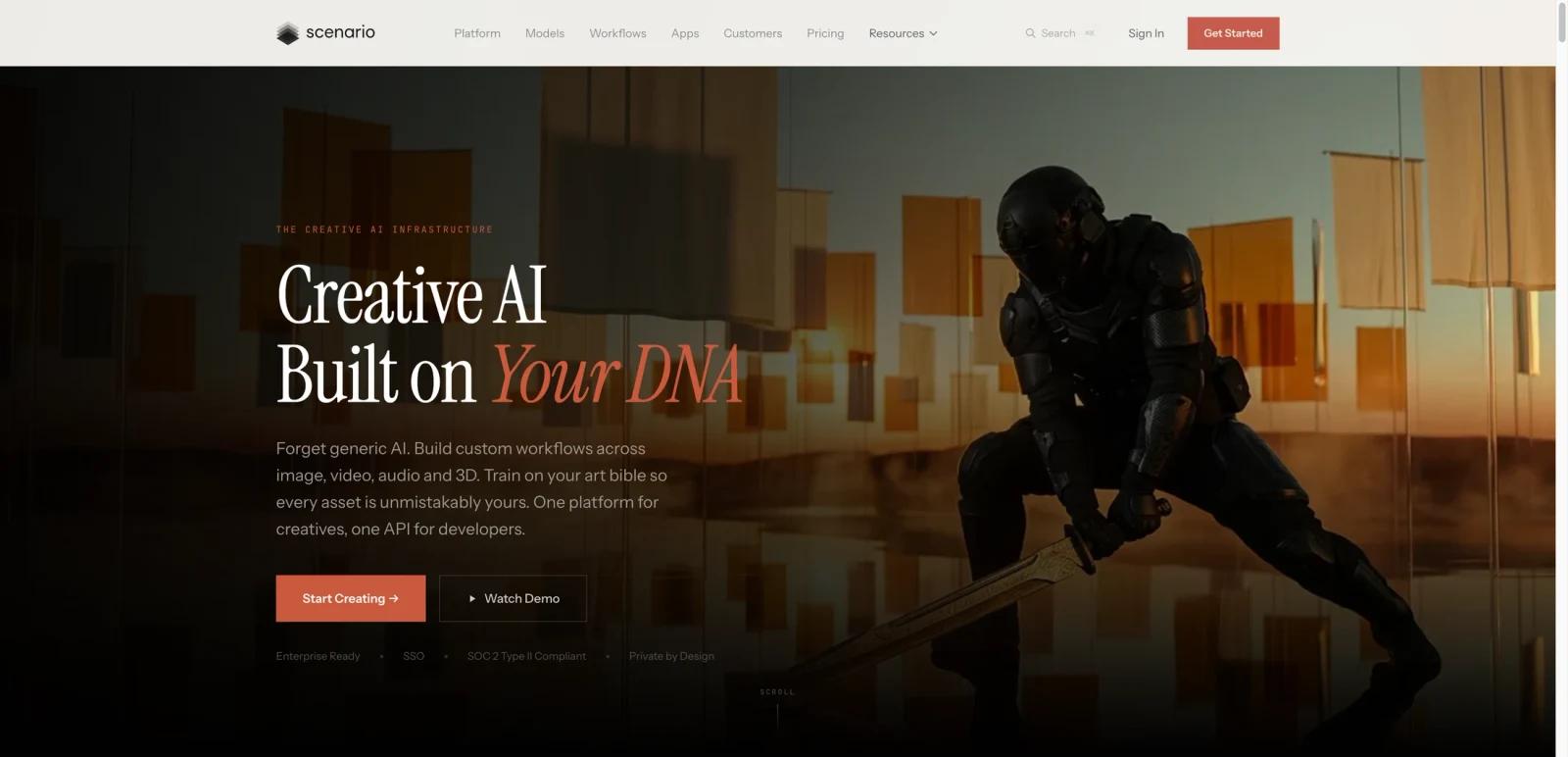
Scenario has grown from a game-asset-focused generative AI product into a broader creative AI infrastructure platform. The homepage now frames it as a system for building custom workflows across image, video, audio, and 3D, with custom-trained models, team workspaces, workflow builders, and APIs. That shift makes Scenario more relevant to creative teams than to casual hobby users.
The strongest differentiator is still consistency. Scenario is built around the idea that creative teams do not just want one-off generations; they want assets that stay on-brand and fit a defined visual system. The platform markets custom model training, private generations, workflow automation, and team collaboration rather than just prompt-based experimentation.
As of April 26, 2026, Scenario publicly offers a free tier with daily credits and paid plans from Starter through Enterprise. The platform highlights 50+ providers, 500+ models, team workspaces, custom model training, and broad support for image, video, 3D, and audio workflows.
For adjacent research, compare AI video generator tools, AI video editor tools, AI thumbnail maker tools.
Key Features
- Custom model training — Scenario lets teams train on their own style references and asset libraries for more consistent outputs.
- Multi-modal creative stack — The platform now spans image, video, 3D, and audio rather than only 2D art generation.
- Workflow builder — Teams can connect prompts, models, and post-processing into reusable production pipelines.
- API-first infrastructure — Scenario supports direct integration into internal pipelines and creative tooling.
- Private team workspace — The product emphasizes organizational privacy, governance, and enterprise controls.
- Large model library — Public positioning highlights 50+ providers and 500+ available models in one system.
Pricing & Plans
Scenario uses credits and tiered workspace plans:
| Plan | Public pricing | Best fit |
|---|---|---|
| Free | 50 free daily credits, no credit card required | Evaluation, casual experimentation, public-model testing |
| Starter | $10/month billed annually or $15 month-to-month | Individual creators exploring paid generation workflows |
| Pro | $30/month billed annually or $45 month-to-month | Power users who need custom models and broader editing/model access |
| Max | $50/month billed annually or $75 month-to-month | Small teams that need collaboration and larger monthly credit pools |
| Enterprise | Custom pricing | Organizations that need governance, SSO, and enterprise-scale controls |
Public plan materials also describe storage, credit pools, and enterprise add-ons, so actual cost depends heavily on how much generation and training you do.
Best For
- Game studios and art teams needing consistent asset generation
- Creative operations teams building repeatable AI workflows
- Agencies or brands that want private model training and stronger governance
- Developers embedding asset generation through APIs
FAQ
Is Scenario free?
Yes. Scenario publicly offers 50 free daily credits without requiring a credit card.
What is Scenario best known for?
It is best known for creative consistency, custom model training, and workflow-driven asset generation across image, video, 3D, and audio.
How much does Scenario cost?
Public pricing starts at Starter for $10/month billed annually or $15 month-to-month, with Pro, Max, and Enterprise above that.
Is Scenario only for game art?
No. Gaming is still a major use case, but Scenario now positions itself more broadly for creative teams across several industries.
What is Scenario?
Scenario is an AI tool reviewed for its core features, pricing, strengths, limitations, and best-fit workflows.
Who should use Scenario?
Scenario is best for users who need the workflow described in this review and want to compare it against adjacent AI tools before adopting it.


