Overview
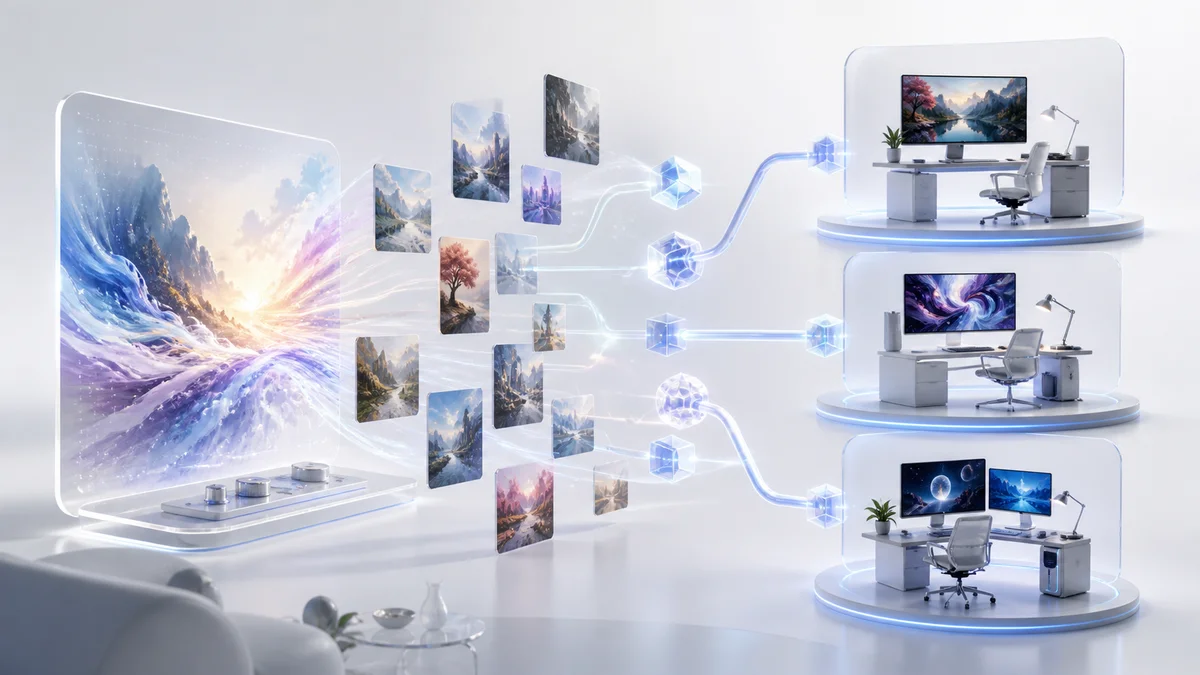
Krea is an AI creative suite designed for designers, artists, and visual content creators who need real-time image and video generation capabilities. Unlike traditional text-to-image tools that require waiting for results, Krea's interactive canvas provides instant feedback with real-time generation as you paint, sketch, or adjust prompts.
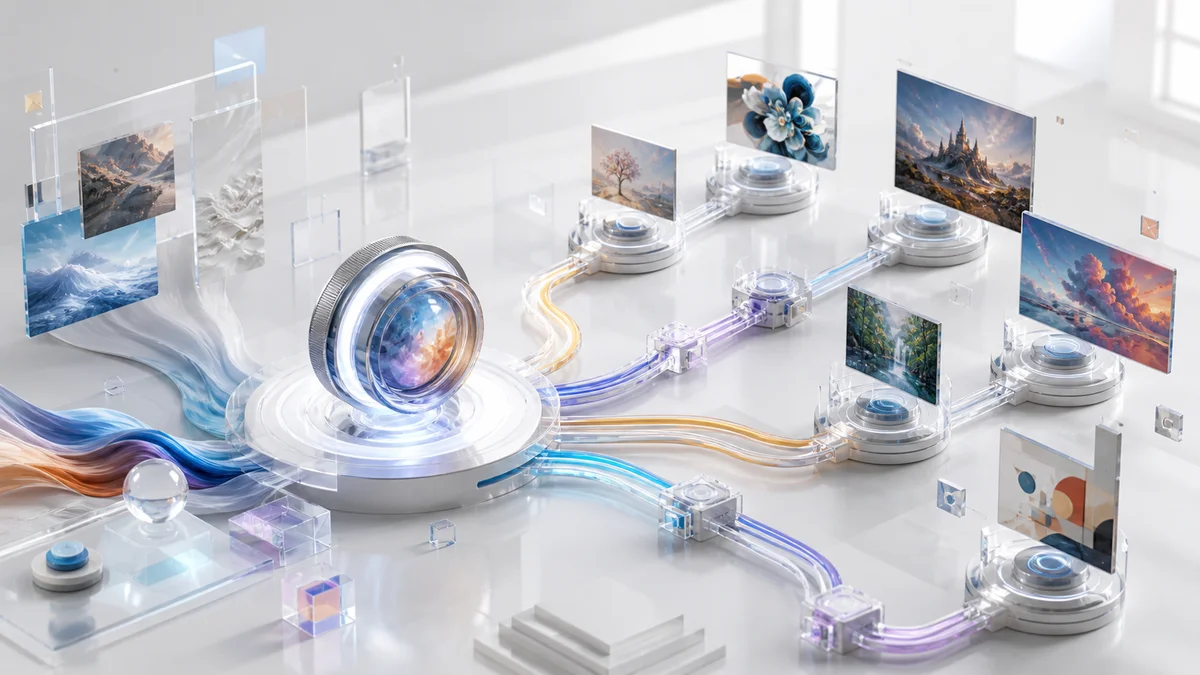
The platform combines multiple AI image generation models (Flux, Imagen 4, Ideogram, ChatGPT Image) into a unified workspace that supports image generation, AI video creation (typically 5-12 second segments, extendable), 3D object generation, and image upscaling to 22K resolution. Krea also offers LoRA training, allowing users to teach custom styles, characters, or products to the AI for personalized outputs.
Built for creative workflows, Krea bridges the gap between prompt-only tools and AI image editing software by offering visual controls, shape tools, and direct manipulation of generated content. The free tier provides 100 compute units daily, making it accessible for beginners exploring AI-assisted design.
Key Features
Real-Time Canvas — Paint, draw, or sketch on an interactive canvas and watch AI generate images in real-time with instant visual feedback as you refine your inputs, eliminating wait times between iterations.
Multi-Model Support — Access multiple AI image generation models including Krea 1, Flux, Imagen 4, Ideogram, and ChatGPT Image within one workspace, allowing you to choose the best model for typography, photorealism, or specific artistic styles.
LoRA Training — Train custom AI models by uploading at least 3 images (10-30 recommended for better results) to teach the AI your preferred styles, characters, or products, then use trigger words to apply these customizations across all your generations.
Advanced Upscaling — Enhance low-resolution images up to 22K resolution (Max plan) with AI-powered detail restoration, recovering compressed assets and preparing visuals for print or high-DPI displays.
Video Generation Suite — Create videos with typical generation lengths of 5-12 seconds per segment, extendable through scene merging (up to 60 seconds total mentioned in official sources), with access to leading AI video models (Veo3, Sora, Kling) on Pro and Max plans, including motion transfer and lip-sync capabilities.
AI-Powered Pattern Generation — Generate seamless, tileable patterns and textures from text prompts or uploaded images, useful for backgrounds, UI elements, and repetitive design assets (quality depends on model selection and prompt precision).
Pricing & Plans
Krea offers five subscription tiers with 20% discounts on annual billing:
Free Plan — $0/month
- 100 compute units per day
- Full access to real-time models
- Limited access to image, video, 3D, and lipsync models
- Image upscaling up to 2K resolution
- Limited LoRA training
Basic Plan — Starting from $9/month (pricing subject to change)
- 5,000 compute units per month
- Commercial license included
- Full access to image, 3D, and lipsync models
- Image upscaling up to 4K resolution
- Selected video models
Pro Plan — $28/month (or $35/month billed monthly)
- 20,000 compute units per month
- All video models (Veo3, Sora, Kling, etc.)
- 8 parallel image generations, 4 parallel video generations
- Full access to Krea Nodes and Apps
- Bulk discounts on extra compute units
- Early access to new features
Max Plan — $48/month (or $60/month billed monthly)
- 60,000 compute units per month
- Unlimited LoRA trainings
- Unlimited concurrency
- Image upscaling up to 22K resolution
- High priority queues
Business Plan — Starting from $50/month (pricing subject to change)
- 80,000 compute units per month
- Team-based billing with flexible seat allocation
- Usage analytics and flexible compute packs
- Team collaboration features
Enterprise Plan — Custom pricing
- Priority support with SLA
- Advanced security and compliance
- Custom integrations and deployment options
Extra compute units available as add-ons for all paid plans.
Best For
- UI/UX designers who need abstract backgrounds, gradients, and textures for interfaces and landing pages with quick iteration cycles
- Concept artists exploring color palettes, lighting scenarios, and compositional layouts without creating full manual mockups
- Marketing teams requiring consistent branded characters or product placements across visual campaigns through LoRA training
- Photographers and print designers who need to upscale low-resolution client assets to 4K or higher for professional output
- Video creators experimenting with AI-generated motion content using leading models like Sora, Veo3, and Kling in one platform
FAQ
Is there a free plan available?
Yes, Krea offers a free plan with 100 compute units per day, full access to real-time image generation models, and limited access to video, 3D, and lipsync features. Image upscaling is limited to 2K resolution on the free tier.
What payment methods are accepted?
Krea accepts major credit cards (Visa, Mastercard, American Express) for subscription payments. Annual billing provides a 20% discount compared to monthly billing.
Can I cancel my subscription anytime?
Yes, subscriptions can be cancelled at any time through your account settings. However, some user reviews mention challenges with trial cancellations and refund processing. Enterprise plans include priority support with SLA guarantees.
How do compute units work?
Compute units are consumed based on the resource intensity of each operation. Simple image generations consume fewer units than video generation or high-resolution upscaling. Unused units do not roll over to the next billing period.
Does Krea provide commercial licensing?
Yes, Basic plan and above include commercial licensing for all generated content. The free plan does not include commercial rights. Review Krea's terms of service for specific usage restrictions.
What is LoRA training and how many images do I need?
LoRA (Low-Rank Adaptation) training allows you to teach the AI custom styles, characters, or products. Krea requires a minimum of 3 images, with 10-30 images recommended for optimal results (minimum 512px resolution). Training access is limited on Free/Basic plans and unlimited on Max plans.
Which AI models does Krea support?
Krea integrates multiple models including Krea 1, Flux, Imagen 4 (Google), Ideogram, ChatGPT Image for images, and Veo3, Sora, Kling for video generation (Pro/Max plans). You can switch models within the same workspace.
What is the maximum video length I can generate?
Krea typically generates video segments of 5-12 seconds per generation. Longer sequences (up to 60 seconds total as mentioned in official documentation) can be created by extending or merging multiple segments. Video model access varies by plan: selected models on Basic, all models on Pro and Max plans.