



Overview
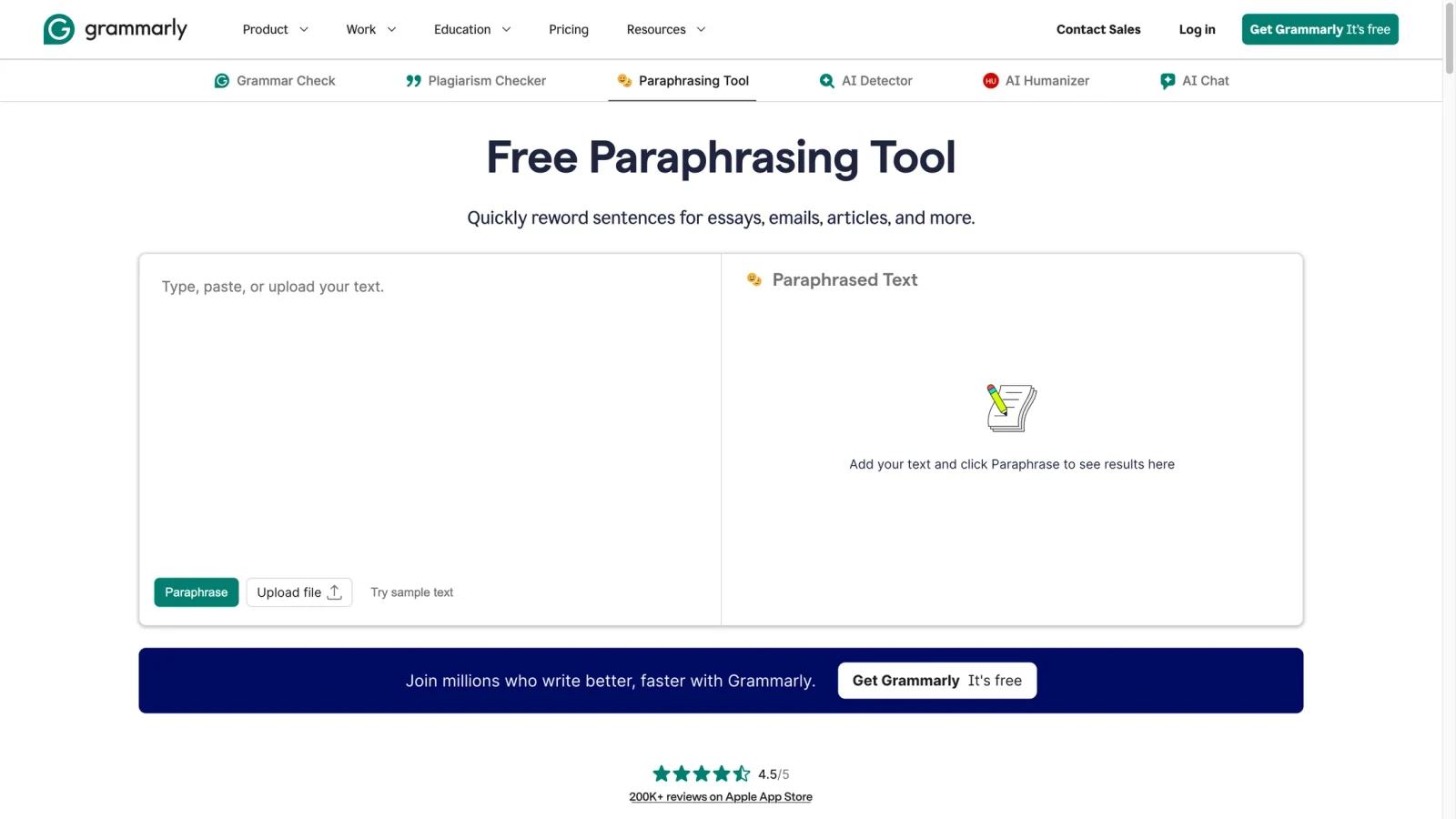
Grammarly's paraphrasing tool is the public, easy-entry version of the company's broader rewrite and AI writing stack. The page positions it as a free paraphrasing utility for essays, emails, and articles, while Grammarly's newer support docs show that the deeper Paraphraser agent experience also connects into paid plans, docs, and voice-based rewrite controls.
That distinction matters because the tool works at two levels. At the surface level, it is a free web utility for quick rewrites. At the product level, it is also part of Grammarly's larger platform for tone, voice, and writing transformation. As of April 26, 2026, the public tool page highlights style presets, custom voice options, multilingual paraphrasing, and upload-based text input.
This makes the product stronger than generic one-click spinners, especially for users already inside Grammarly's ecosystem.
For adjacent research, compare AI music generator tools, AI music generator guide, AI music video generator tools.
Key Features
- Free web paraphrasing tool - Grammarly openly offers a no-signup-needed entry path for quick rewrites on the landing page.
- Style presets - The tool supports multiple rewrite styles for adapting tone and context.
- Custom voice controls - Public messaging and support docs reference creating a custom voice for rewrites.
- Multilingual paraphrasing - Grammarly says the tool can paraphrase in multiple major languages.
- Document and upload support - Users can paste text or upload files from the tool page.
- Platform expansion path - Paid Grammarly plans expose deeper rewrite and agent workflows beyond the free public page.
Pricing & Plans
Grammarly uses a freemium model here.
| Plan posture | Public pricing posture | Best fit |
|---|---|---|
| Free paraphrasing tool | Publicly accessible and free to start | Casual users and one-off rewrites |
| Grammarly paid plans | Paid plans unlock more advanced AI writing and paraphrasing capabilities | Frequent writers and teams already using Grammarly |
| Business / enterprise access | Team and org access available through Grammarly's broader platform | Organizations standardizing writing assistance |
Grammarly support documentation says the Paraphraser agent is available to Grammarly Pro and Grammarly Plus subscribers, while free users get limited suggestions per day. That means the public page is useful for fast testing, but the full product value shows up more clearly inside paid Grammarly workflows.
Best For
- Writers who already use Grammarly
- Students and professionals needing quick rewrites
- Teams that care about tone consistency and voice control
- Users comparing free paraphrase tools with more structured writing platforms
FAQ
Is Grammarly's paraphrasing tool free?
Yes. The public web tool is free to start, though advanced paraphrasing access is broader inside paid Grammarly plans.
Does Grammarly support different rewrite styles?
Yes. Grammarly publicly highlights multiple preset styles and custom voice controls.
Can Grammarly paraphrase in multiple languages?
Yes. The current product page says the paraphrasing tool supports several major languages.
Who should use Grammarly Paraphrasing?
It is best for users who want free quick rewrites now and may benefit from deeper paid writing assistance later.
What is Grammarly Paraphrasing?
Grammarly Paraphrasing is an AI tool reviewed for its core features, pricing, strengths, limitations, and best-fit workflows.
How much does Grammarly Paraphrasing cost?
Pricing can change by plan, billing term, region, and usage limits. Check the official website for the current plan details before purchase.


