



Overview
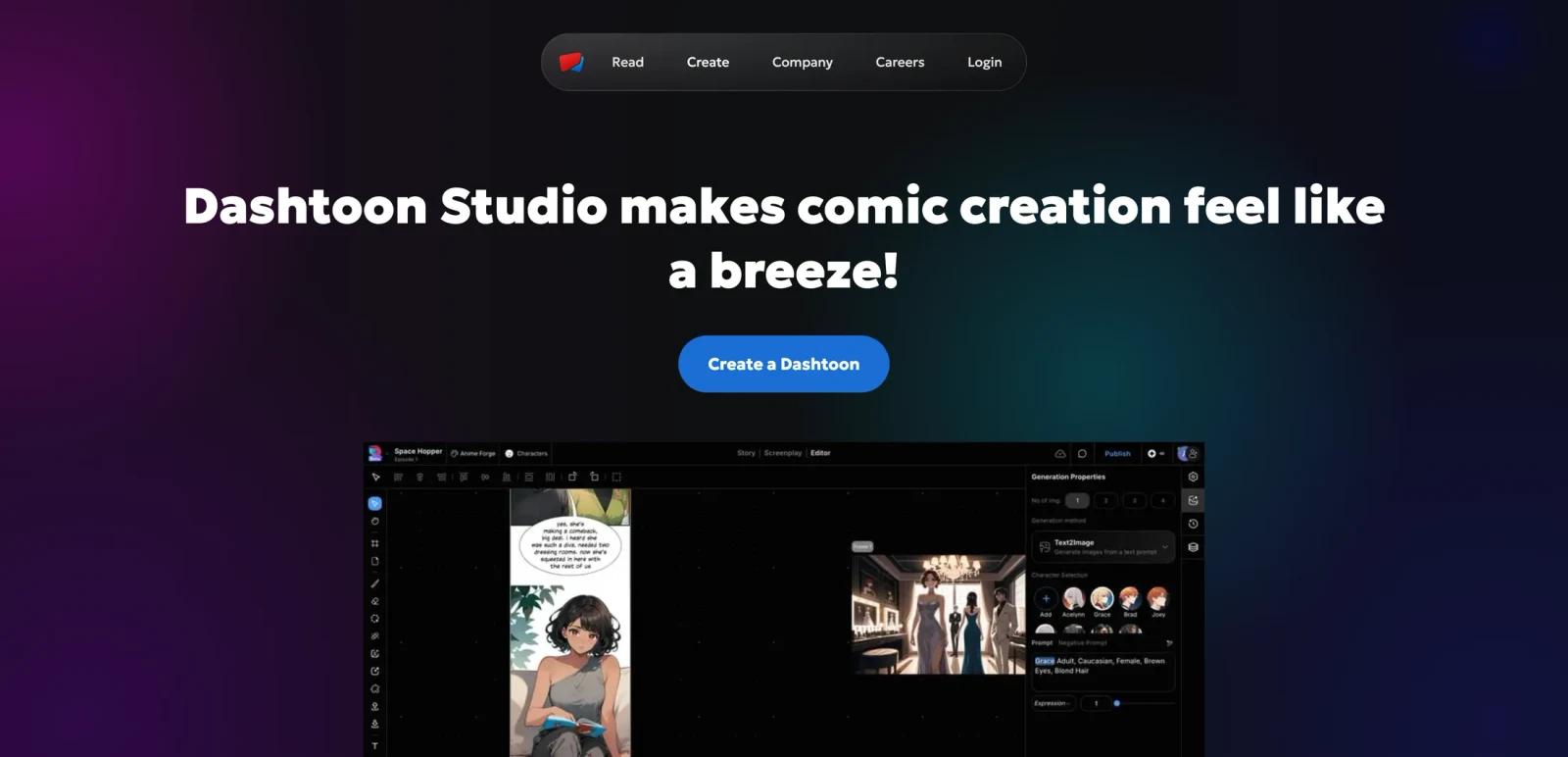
Dashtoon Studio is the creation side of Dashtoon's comics platform. Instead of focusing on single-image generation, it is positioned as an AI-assisted environment for building comic stories, characters, scenes, and publishable episodes that can later be distributed through the Dashtoon reader ecosystem.
That platform context is the main reason to care about it. Many AI art products can generate character images, but far fewer are aimed at long-form comic workflows with consistent characters, style control, comic-native tools, and publishing support. As of April 26, 2026, Dashtoon's public create page highlights consistent characters, multiple visual styles, AI-native comic tools, and publish-and-monetize workflows.
The product looks strongest for creators who want to move from idea to serialized comic without stitching together multiple tools. It is less compelling for users who only need isolated images or broad-purpose design work.
For adjacent research, compare AI design tools, AI UI design tools, AI website design tools.
Key Features
- AI-assisted comic creation - Dashtoon frames Studio around turning stories into comics rather than producing standalone art assets.
- Consistent character workflows - The public create page highlights a character library and recurring-character support.
- Style selection for comic storytelling - Users can choose among different visual styles to match a story tone.
- Comic-native AI tools - Dashtoon specifically calls out storyboard-to-comic, background removal, face fixes, and upscaling.
- Publishing and monetization path - The product is tied to Dashtoon's reader app and creator program, which is a meaningful differentiator.
- Creator program upside - Public creator-program pages say selected applicants can receive a free upgrade to the Studio Pro plan.
Pricing & Plans
Dashtoon clearly markets free access, but the public pricing story is less transparent than a normal SaaS pricing page.
| Plan | Public pricing posture | Best fit |
|---|---|---|
| Free entry | Public create pages and feature pages explicitly say users can start for free | New creators testing story, character, and comic workflows |
| Pro / paid Studio access | Referenced publicly, but not presented as a simple transparent table on the public create page | Serious creators producing ongoing comics |
| Creator Program upgrade path | Selected creators may receive a free Pro upgrade | Creators planning to publish and monetize on Dashtoon |
The safest buying read is that Dashtoon wants creators to start free, prove the workflow, and then move into Pro or creator-program support. If you need exact public package math before trying the tool, the lack of a clean pricing table is a downside.
Best For
- Comic creators and storytellers
- Solo creators testing AI-assisted comic production
- Teams exploring story-to-reader publishing pipelines
- Users who need consistent character workflows more than single-image novelty
FAQ
What is Dashtoon Studio?
Dashtoon Studio is Dashtoon's AI-assisted comic creation platform for building and publishing comics.
Is Dashtoon Studio free?
Dashtoon publicly says users can start for free, although the full public pricing table is not clearly exposed on the create page.
What can Dashtoon Studio do?
The public site highlights character consistency, visual style selection, storyboard-to-comic tools, upscaling, and publishing support.
Can creators monetize through Dashtoon?
Yes. Dashtoon publicly promotes a creator program and publishing path tied to its reader app.
Who should use Dashtoon Studio?
It is best for people creating comics or graphic stories, not for users who only need a generic AI image generator.
How much does Dashtoon Studio cost?
Pricing can change by plan, billing term, region, and usage limits. Check the official website for the current plan details before purchase.


