



Overview
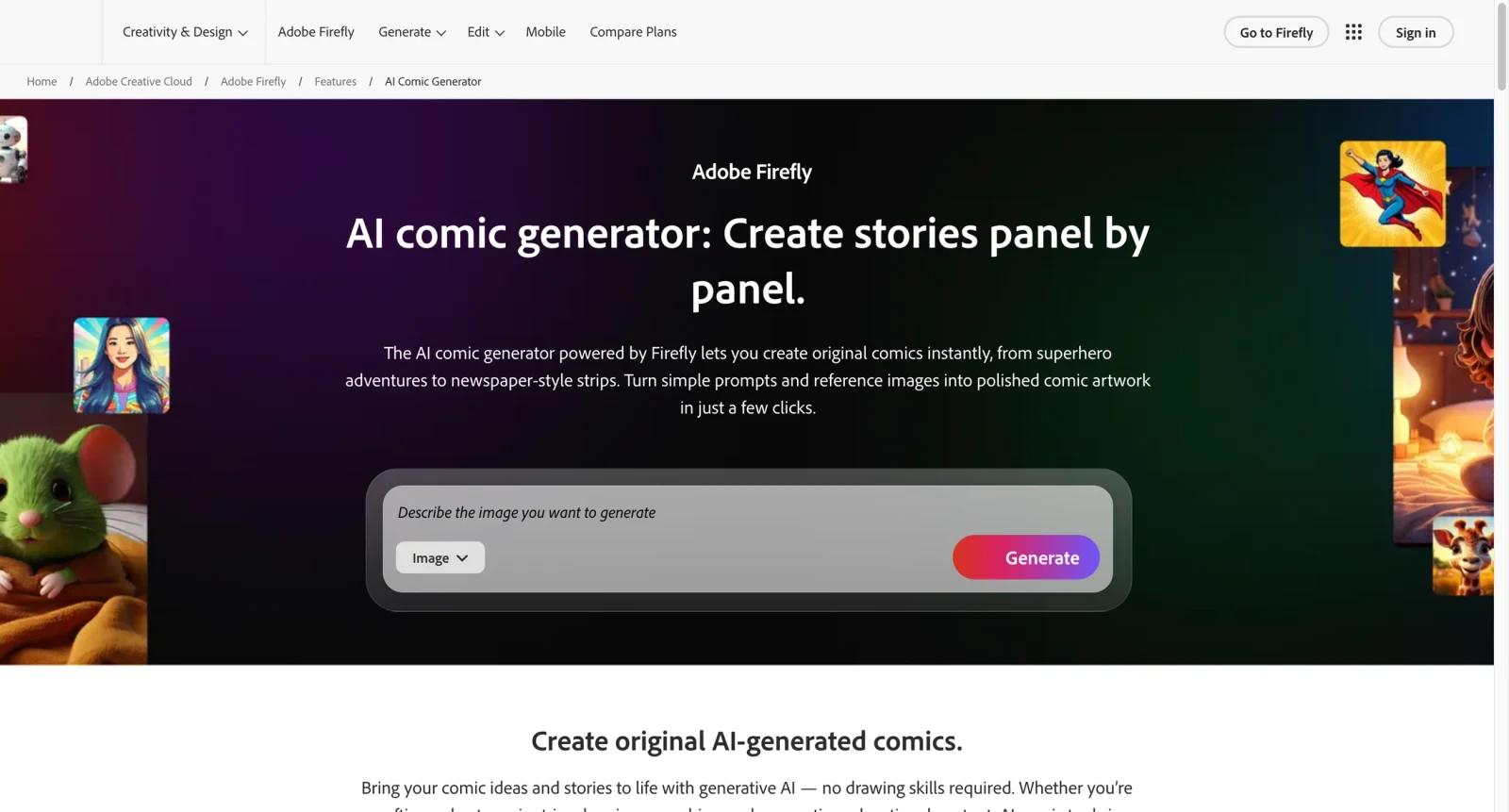
Adobe Firefly Comic Generator is a generative comic workflow for turning prompts and reference images into comic-style panels, strips, visual sequences, and storyboard assets. It is part of the Adobe Firefly ecosystem, which is designed for creative production and commercial-safety-oriented generative media.
The tool belongs in the AI comic generator category, but its biggest advantage is Adobe ecosystem fit. Creators can use Firefly for visual exploration, then refine outputs in Adobe Express, Photoshop, or other Creative Cloud tools. Compared with Arcstory, Anifusion, and ComicsMaker.ai, Firefly is less niche for manga page production but stronger for broad creative workflows and asset refinement.
Firefly is best for creators who need comic-style visuals, brand-safe exploration, and integration with a professional design stack.
Key Features
- Prompt-to-comic visuals - Generate comic-style panels from text descriptions of scenes, characters, moods, and actions.
- Reference image guidance - Use sketches, earlier panels, or image references to keep style and character direction more consistent.
- Multiple comic styles - Explore superhero, anime, classic comic, watercolor, retro, and other visual styles for different story tones.
- Firefly Boards workflow - Arrange generated visuals into visual sequences, strips, or storyboard-style layouts.
- Export options - Download generated visuals for sharing, further editing, or use in Adobe apps.
- Commercial-safety positioning - Adobe positions Firefly as trained on licensed and public-domain content, with usage rights depending on feature and plan.
Pricing & Plans
Adobe Firefly has free access with limited credits, and paid Adobe plans include more credits and premium capabilities.
| Plan area | Pricing signal | Best fit |
|---|---|---|
| Free Firefly access | Free with limits | Creators testing comic-style generation |
| Paid Firefly or Adobe plans | Paid subscription | Users needing more credits and premium generation |
| Creative Cloud workflows | Subscription dependent | Designers refining comic outputs in Adobe apps |
Confirm current credit limits, beta feature rights, commercial usage terms, export resolution, and Creative Cloud plan inclusion before using outputs commercially.
Best For
- Adobe users creating comic-style visuals and storyboards
- Marketers and educators making comic-format content
- Creators who want commercially safer generative art workflows
- Designers who plan to refine AI comic assets in Adobe tools
- Buyers comparing Firefly with Arcstory, Anifusion, and ComicsMaker.ai
FAQ
What is Adobe Firefly Comic Generator?
It is a Firefly-powered workflow for generating comic-style panels, strips, and visual story assets from prompts and references.
Is Adobe Firefly Comic Generator free?
Firefly offers free access with limited credits. Paid Adobe plans provide more credits and premium features.
Can Firefly create full comics?
It can create panels and visual sequences, but full comic production may still require layout, dialogue, editing, and consistency work.
Is Firefly commercially safe?
Adobe positions Firefly as designed for commercially safer generation, but users should check current usage rights for the feature and plan they use.
How does Firefly compare with Arcstory?
Firefly is broader and Adobe-integrated, while Arcstory is more focused on AI comic maker workflows such as character creation and covers.
Who should avoid Firefly for comics?
Creators needing highly specialized manga production, multi-page automation, or strict character consistency may prefer a dedicated comic generator.