

Overview
Canva Magic Design is an AI-assisted tool for design asset generation and brand production. The public product page positions it around practical workflows rather than novelty: users bring in a prompt, brand asset, template, or visual brief and use the product to move faster from raw input to a usable output.
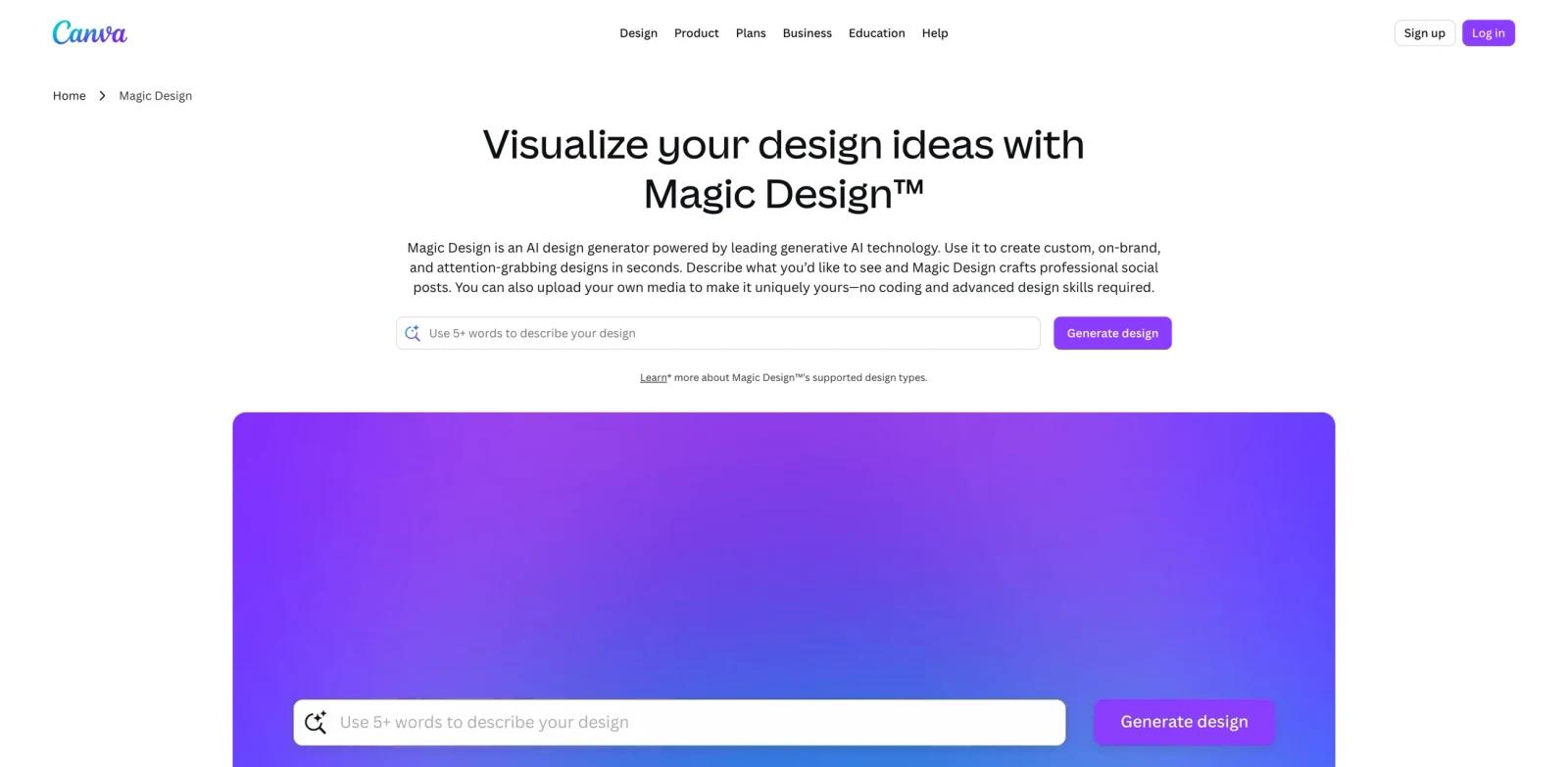
Auto-generate designs with Magic Design TM, a free AI design tool. Get refined templates based on your text and media, made just for you. The best way to evaluate it is with a realistic input from your current workflow rather than a sample prompt.
Canva Magic Design is part of a broader design stack alongside AI graphic design tools and the best AI design tools. Teams that also build interfaces should compare the workflow with AI UI design tools. The strongest fit is not just "people who want AI." It is users who already have a recurring workflow and need a faster, more consistent way to complete it without losing review control.
Key Features
- AI concept generation - Creates visual directions from prompts or templates, giving teams more starting points before they refine the final asset.
- Reusable brand production - Helps keep icons, graphics, and campaign visuals consistent across repeated creative work.
- Template-led workflows - Combines AI output with structured design surfaces so non-designers can produce usable assets faster.
- Export-ready assets - Supports practical handoff into web pages, ads, presentations, product mockups, or social content.
- Fast iteration loops - Lets teams compare several visual treatments quickly instead of waiting for one polished draft at a time.
How to Get Started
- Open Canva Magic Design from the official product page and confirm the workflow matches your intended use case.
- Prepare one realistic input: a real file, campaign brief, job description, dataset, document, video, or prompt from your current work.
- Run a first output with default settings, then review the result for accuracy, brand fit, formatting, and missing context.
- Test the export or handoff path before using it in production. For team use, check permissions, collaboration, approval, and data retention settings.
- Compare the time saved against the manual process you use today. The tool is worth adopting when it reduces repeated work without creating a heavier review burden.
Pricing & Plans
Canva Magic Design is best treated as a freemium or free-to-start product unless your team has confirmed otherwise on the live pricing page. Public product pages emphasize an accessible starting workflow, while advanced exports, collaboration, higher usage, brand controls, or commercial licensing may require a paid plan.
| Plan type | What to expect | Best fit |
|---|---|---|
| Free or starter access | A way to try the core workflow with practical limits on usage, exports, or advanced controls. | Individuals validating whether the workflow fits. |
| Paid plan | More volume, stronger export options, team features, or commercial use rights. | Teams using design asset generation and brand production repeatedly. |
| Enterprise or custom | Security, admin, procurement, support, or scaled deployment terms when offered. | Larger organizations with governance needs. |
Before committing annually, verify current usage limits, watermark rules, export formats, cancellation terms, and whether AI features are included in the advertised plan.
Best For
- brand teams creating repeatable campaign assets
- startup marketers who need icons, graphics, and mockups quickly
- product teams turning rough visual ideas into usable design directions
- creators who need consistent visuals across thumbnails, decks, and ads
- Teams comparing several tools in this category and needing a practical benchmark before committing budget
FAQ
What is Canva Magic Design used for?
Canva Magic Design is used for design asset generation and brand production. It helps users move from source material or a written instruction to a more usable output, usually with less manual setup than traditional workflows.
Is Canva Magic Design free?
Canva Magic Design appears to offer a free or free-to-start path, but limits can change by region and plan. Check the live pricing page for export limits, watermark rules, commercial rights, and paid plan thresholds.
Who should consider Canva Magic Design?
Consider Canva Magic Design if your team handles design asset generation and brand production regularly and the current process is slow, inconsistent, or too dependent on one specialist. Occasional users may still benefit, but the return is clearer when the workflow repeats every week.
What should I test before adopting it?
Test the product with real inputs, not sample prompts. Review output accuracy, editing effort, export quality, collaboration controls, privacy terms, and whether the result can move cleanly into the next tool in your workflow.
How does Canva Magic Design compare with general AI chatbots?
General chatbots are flexible, but Canva Magic Design provides a more focused workflow for design asset generation and brand production. That focus can reduce setup time, improve formatting, and make handoff easier when the output has to be published, shared, or reused.
Can teams use Canva Magic Design for client or commercial work?
Many tools in this category support professional work, but commercial usage rights vary by plan and asset type. Verify licensing, attribution, watermarking, and data usage terms before using outputs for client campaigns or paid distribution.
Does Canva Magic Design replace human review?
No. It can reduce drafting, editing, analysis, or production time, but users should still review facts, tone, formatting, accessibility, and compliance before publishing or sharing final outputs.
What are the main risks?
The main risks are over-trusting generated output, misunderstanding plan limits, uploading sensitive data without checking terms, and assuming the first result is production-ready. A lightweight review checklist solves most of these issues.
What alternatives should I compare?
Compare Canva Magic Design with category-specific tools listed in AI graphic design tools, plus adjacent workflows such as best AI design tools and AI image generators. The right alternative depends on whether you need the fastest draft, the most control, or the strongest team governance.