
10 Best Notion Alternatives 2026 - Local-First Notes, Wikis, and Workspaces
Compare 10 Notion alternatives for 2026, from Obsidian and Anytype to Coda, AppFlowy, AFFiNE, Capacities, Craft, Tana, Fibery, and Outline.

On this page
Notion is still one of the most useful workspaces on the market. That is exactly why the 2026 switching question has become more serious.
The old version of this search was simple: "What app is like Notion?" The current version is sharper. Some users want out because Notion AI now has usage allowances, rolling windows, and credits. Some are tired of large workspaces feeling slow. Some never wanted an AI-first operating system in the first place. Others simply realized they spend more time maintaining templates, dashboards, relations, and databases than doing the work those systems were supposed to support.
One r/Notion user testing the new AI allowance dashboard said Notion still did not clearly disclose "the actual allowance or how different prompts, models, and features are weighted." That is not a generic feature complaint. It is a buying signal.
This guide compares alternatives to Notion by switching reason. Some tools below are direct workspace replacements. Some are local-first knowledge systems. Some are narrower tools that replace only the part of Notion you actually used. The best Notion alternative is not the one with the longest feature list. It is the one that removes the specific friction that made Notion feel wrong.
| Tool | Best For |
|---|---|
| Obsidian | Local Markdown Notes And Offline Control |
| Anytype | Local-First Private Knowledge |
| Coda | Programmable Docs And Database Workflows |
| AppFlowy | Open-Source Notion-Style Workspaces |
| Capacities | Object-Based Personal Knowledge |
| Craft | Polished Writing And Native Apps |
| AFFiNE | Docs, Databases, And Whiteboards |
| Tana Outliner | Networked Notes With Supertags |
| Fibery | Configurable Team Operating Systems |
| Outline | Self-Hosted Team Wikis |
Why People Are Leaving Notion in 2026
These are not reasons Notion is a bad product. They are reasons a strong all-in-one workspace can become the wrong operating layer for a specific person or team.
1. AI allowances and credits stopped feeling predictable. Notion's own help center says Business and Enterprise plans include a usage allowance for some Notion AI features, measured in a rolling six-hour window and a monthly window, and that some AI features can temporarily pause when the allowance is reached. The same help page says admins can allow additional usage through Notion credits, and that Notion may update how allowances are calculated and how they work with credits. That explains why July 2026 Reddit discussions became so specific. Users were not only asking "is Notion AI expensive?" They were asking what a prompt costs, which features count, when access pauses, and whether they can forecast heavy usage before a real work session.
2. Performance and mobile lag interrupt daily work. Notion becomes more painful as it becomes more central. A slow scratchpad is annoying. A slow company wiki, task database, writing desk, CRM-lite, meeting notes system, and personal dashboard is an operating tax. In a recent r/Notion thread titled "Notion is too slow, and the problem is getting worse," the complaint was not about one missing feature. It was about delay becoming part of every click, scroll, and page load.
3. The product feels more AI-first than notes-and-databases-first. Notion's current pricing page positions Business as "the AI workspace for work that matters," with Notion Agent, AI Meeting Notes, Enterprise Search, SAML SSO, granular database permissions, and premium connections. For many teams, that is useful. For some long-time users, it changes the emotional contract. A r/Notion post summed up the reaction: the user wanted "just a great place to write," not a product that kept adding AI surfaces ahead of the core writing and organization experience.
4. Blank-canvas freedom turns into system maintenance. Notion's flexibility is real. You can build almost anything from pages, databases, relations, rollups, formulas, synced blocks, buttons, charts, templates, and dashboards. The problem is that a flexible workspace can become a second job. A r/productivity thread about the "productivity system" trap captured the pattern: people spend time perfecting the system instead of using it. Notion is not the only app that causes this, but Notion is one of the easiest places for the trap to grow.
5. Solo users do not want to pay for team and business surface area. Notion's paid plan ladder makes sense for organizations, but solo users often evaluate value differently. Plus is useful for storage, history, and unlimited blocks. Business unlocks the stronger AI workspace story. Enterprise adds controls large companies need. If you are one person who wants fast notes, private knowledge, and a predictable bill, that ladder may feel like you are buying team infrastructure you do not use.
6. Some users want local files, offline access, self-hosting, or easier exit paths. Notion has export options, but migrating a rich Notion system is not the same as downloading a folder of Markdown files. Databases, relations, formulas, views, permissions, public pages, and automations often need manual rebuilding. That is why local-first and self-hosted alternatives show up so often in migration conversations. These users are not only asking "which app has databases?" They are asking whether their knowledge base can survive a vendor change.
The key is diagnosis. If the real issue is AI cost uncertainty, start with tools where AI is optional or separate. If it is speed and offline work, start with local-first tools. If it is maintenance overhead, move narrower. If Notion was not structured enough for a team workflow, move deeper instead of simpler.
Top 14 Notion Alternatives Compared
The first row is Notion as the baseline. The next ten tools are covered in Detailed Reviews and link directly to their sections. The last four are honorable mentions for adjacent workflows where a narrower tool may be the better replacement.
| Tool | Best For | Pricing Shape | Predictable Cost? | Workspace Form | Migration Effort |
|---|---|---|---|---|---|
| Notion | All-in-one docs, databases, projects, and AI workspace | Free; Plus from $10/member/mo annually; Business from $20/member/mo annually; Enterprise custom; Custom Agents use Notion credits | Medium - seats are clear, AI allowances and credits need monitoring | All-in-one docs, databases, projects, wiki, AI workspace | Baseline |
| Obsidian | Local Markdown notes and offline control | Core app free; Sync $4/user/mo annually; Publish $8/site/mo annually | High - paid services are optional | Local Markdown knowledge base | Medium |
| Anytype | Local-first private knowledge | Free; Plus $4/mo; Pro $8/mo; Ultra $16/mo | High - AI is not the core pricing story | Local-first encrypted object workspace | Medium |
| Coda | Programmable docs and database workflows | Free; Superhuman Docs Pro $12/Doc Maker/mo annually; Business $33/Doc Maker/mo annually; editors/viewers free | High for maker-led teams | Programmable docs, tables, formulas, automations | Medium |
| AppFlowy | Open-source Notion-style workspaces | Free; Pro $10/user/mo annually; optional AI MAX and Vault add-ons | Medium - add-ons matter | Open-source Notion-style workspace | Medium |
| Capacities | Object-based personal knowledge | Free; Pro $9.99/mo annually; Believer from $12.49/mo | High for individual PKM | Object-based personal knowledge | Medium |
| Craft | Polished writing and native apps | Free; Plus currently $4.80/mo during the annual promotion; Family and Team bundles | High for solo and small teams | Writing-first docs and spaces | Low |
| AFFiNE | Docs, databases, and visual whiteboards | Free; Pro $6.75/mo; Team $10/seat/mo; AI add-on $8.90/mo annually | Medium - AI is separate | Docs, databases, edgeless canvas | Medium |
| Tana Outliner | Networked notes with supertags | Free; Plus $8/mo; Pro $14/mo; paid plans include monthly AI credits and top-ups | Medium - AI credits are metered | Outliner, graph, supertags, meeting workflows | High |
| Fibery | Configurable team operating systems | Free for small teams; Standard $12/seat/mo annually; Pro $20/seat/mo annually; Enterprise $40/seat/mo annually | High for teams | Configurable work operating system | High |
| Outline | Self-hosted team wikis | Cloud from $10/mo; on-premises Community Edition $0; Business from $4/user/mo annually with minimums | High after deployment choice | Team wiki and docs | Medium |
| Airtable | Database-first operations | Free; paid team/database plans | Medium | Database-first operations | Medium |
| Linear | Software projects and issue tracking | Free and paid team plans | High | Issue tracking, projects, roadmaps | Low |
| Todoist | Focused task management | Free and paid personal/team task plans | High | Focused task management | Low |
| ClickUp | Broad work management | Free and paid work management plans | Medium | Projects, tasks, docs, AI add-ons | Medium |
Detailed Reviews
Obsidian
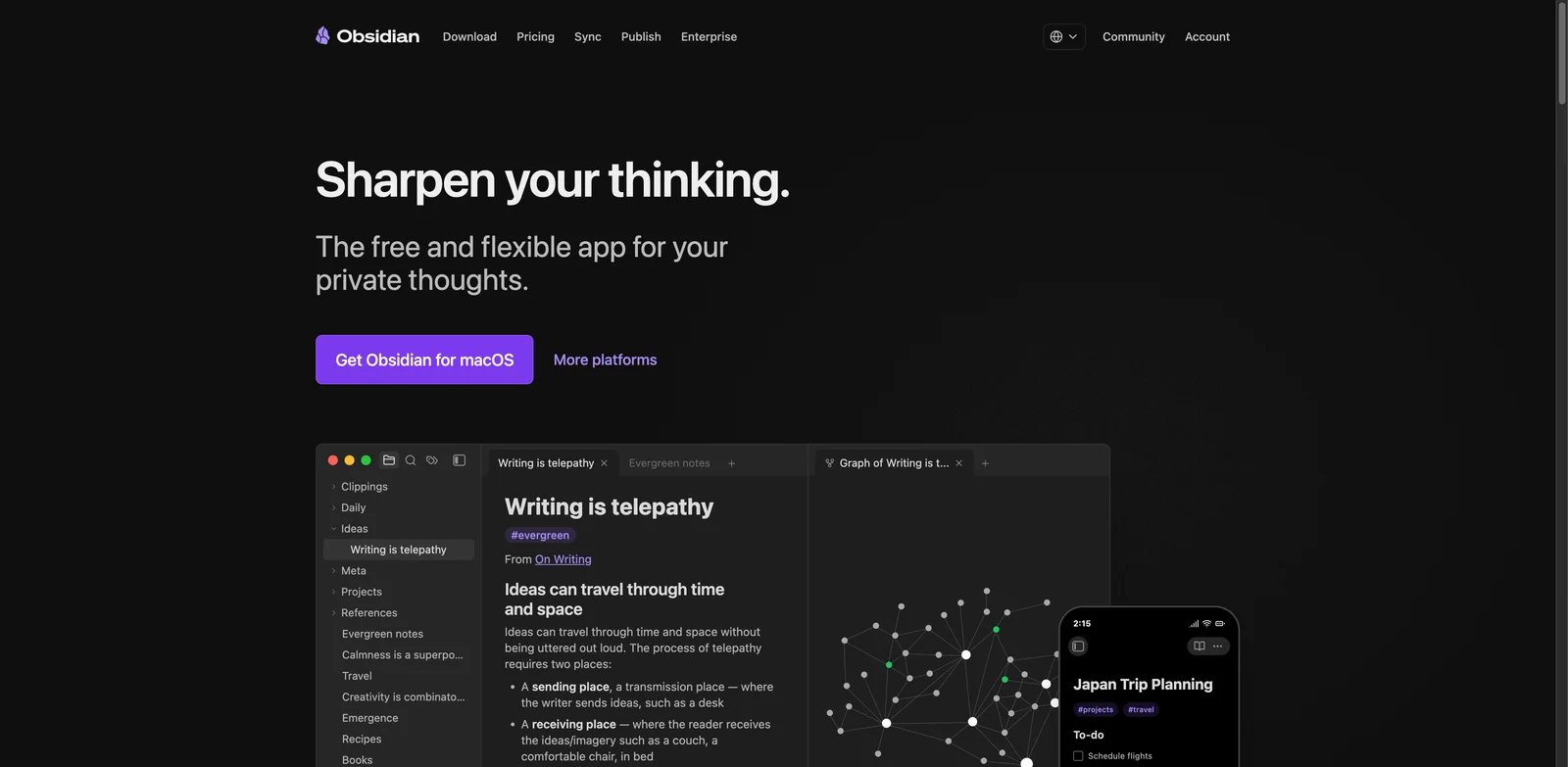
Obsidian is the cleanest Notion alternative when your main concern is ownership. The app stores notes as local Markdown files, works without a cloud account, and treats paid services such as Sync and Publish as optional add-ons rather than the center of the product. That makes it a sharp contrast to Notion's all-in-one cloud workspace.
What Obsidian solves vs Notion: Files first: Obsidian removes the fear that your notes only live inside a proprietary workspace. Your vault is a folder of Markdown files. You can sync it with Obsidian Sync, iCloud, Git, Dropbox, Syncthing, or another system if you know what you are doing. The plugin ecosystem also lets power users build workflows for backlinks, daily notes, canvases, task queries, spaced repetition, and publishing without waiting for a vendor roadmap.
Pricing vs Notion: Obsidian's core app is free. Official pricing lists Sync at $4 per user per month billed annually and Publish at $8 per site per month billed annually. A Commercial license is $50 per user per year for organizations that want to support development, but the pricing page says commercial use does not require it. Compared with Notion Plus or Business, Obsidian is cheaper for personal knowledge if you do not need a team database workspace.
Limitations: Obsidian is not a drop-in Notion replacement for shared databases, permissions, forms, dashboards, and team workflows. Plugins add power, but they also add maintenance. Collaboration is improving through shared vaults, but Notion is still easier for a nontechnical team that wants one cloud workspace.
Best for: Obsidian is best for writers, researchers, students, engineers, and solo knowledge workers who want local Markdown, offline access, and long-term file ownership. Not the right fit if you need a shared company wiki with database views, row-level permissions, and nontechnical collaboration.
Get started with Obsidian.
Anytype
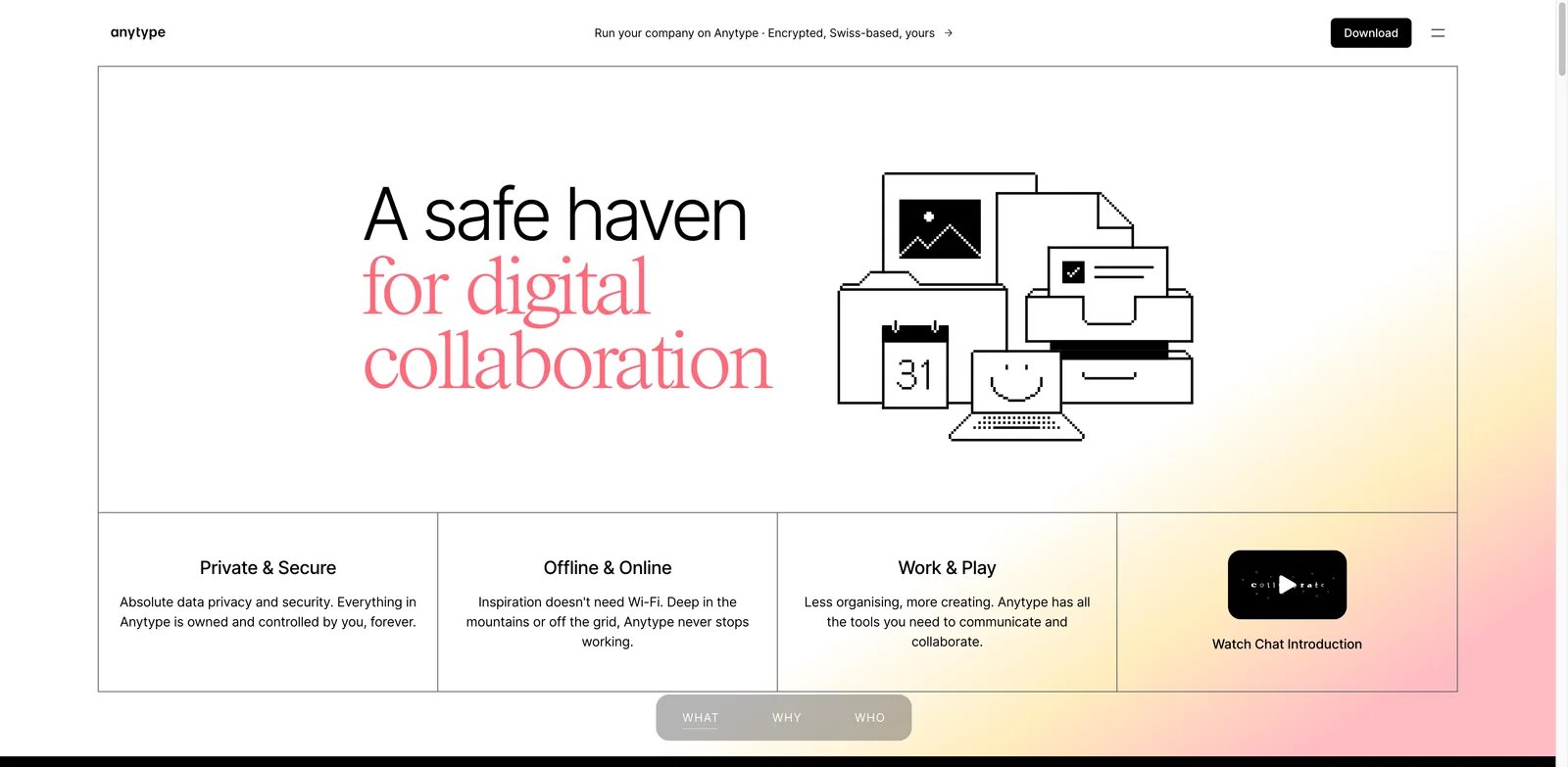
Anytype is the Notion alternative for users who like structured knowledge but do not want the usual cloud-first workspace tradeoff. It combines local-first data, end-to-end encryption, object-based organization, and a graph-style mental model. If Notion feels too centralized, Anytype is one of the first serious alternatives to test.
What Anytype solves vs Notion: Local-first bet: Anytype shifts the center of gravity from "workspace hosted by a SaaS vendor" to "objects you control." Instead of building everything from pages and databases, you organize notes, tasks, people, projects, books, areas, and collections as typed objects. That makes it appealing for users who want structure without committing every piece of personal knowledge to a team-collaboration platform.
Pricing vs Notion: Anytype's personal plans are Free, Plus at $4/month, Pro at $8/month, and Ultra at $16/month. A separate Anytype for Business cloud plan is $20 per editor per month, while its $300/month flat self-hosted Business option is still marked coming soon. Compared with Notion, Anytype's core value remains local-first ownership and privacy rather than an AI-workspace bundle.
Limitations: Anytype has a learning curve. Object types, sets, relations, and the graph model can feel abstract if you simply want a document editor. It is also not the obvious choice for a company that needs mature admin controls, simple guest sharing, integrations, and established workflows across departments.
Best for: Anytype is best for personal knowledge management, private life operating systems, local-first notes, and people leaving Notion because of data ownership concerns. Not the right fit if your main need is a polished team wiki or project-management database.
Get started with Anytype.
Coda
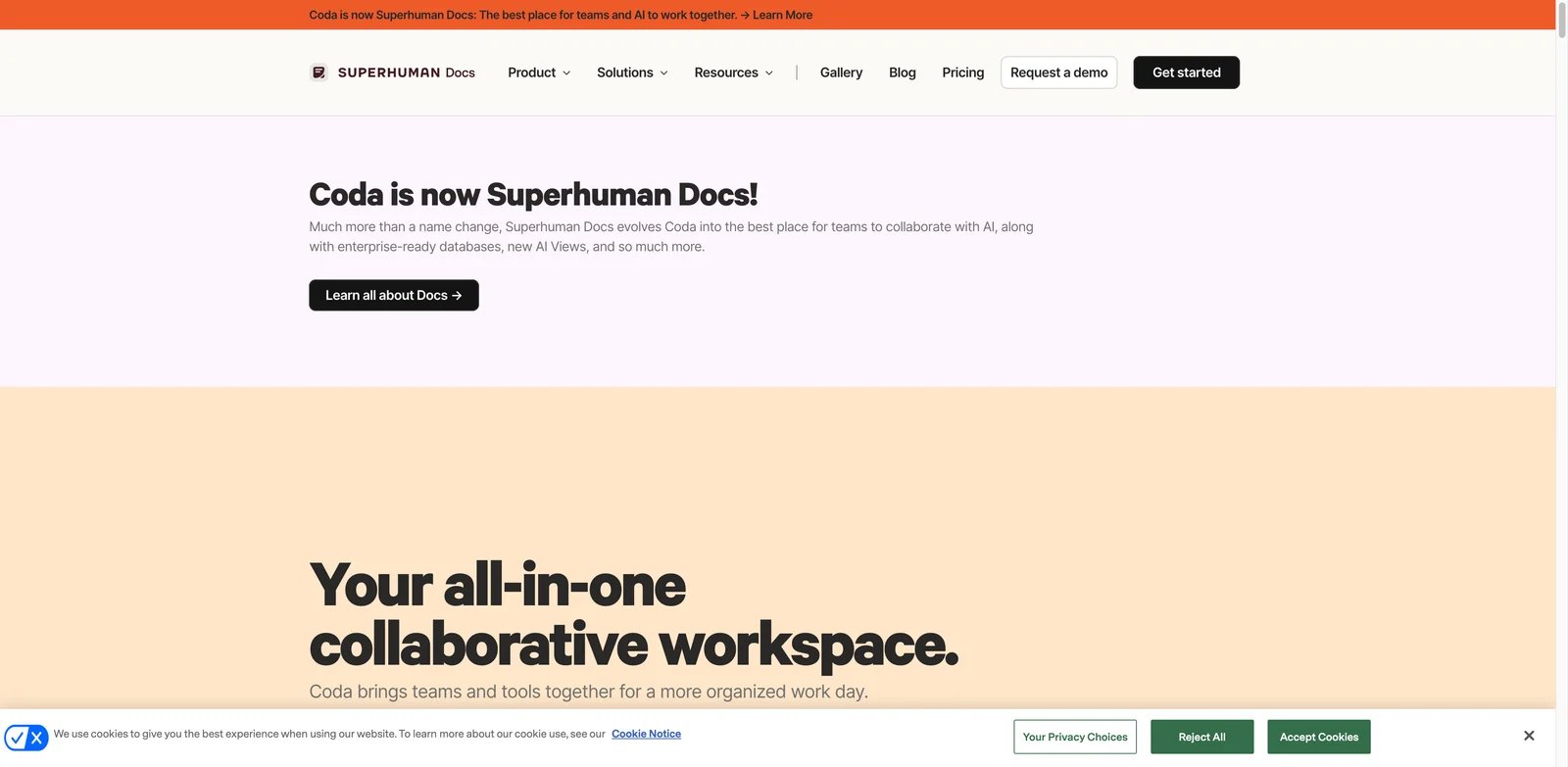
Coda became Superhuman Docs on July 8, 2026. The underlying product still offers the flexible docs, tables, formulas, buttons, Packs, and workflow logic that made Coda a strong Notion alternative. It is not local-first or a calmer writing app; it is for teams that want a doc to behave more like an application.
What Coda solves vs Notion: Maker-based economics: Coda's core advantage is programmable structure. Docs can include tables, buttons, formulas, automations, Packs, connected data, and workflow surfaces that feel more like lightweight internal tools. Coda also uses maker billing: Doc Makers are paid, while editors and viewers can be free. That can be a better economic shape than paying for every collaborator when only a few people build the system.
Pricing vs Notion: Coda became Superhuman Docs on July 8, 2026. Current Superhuman Docs pricing is Free, Pro at $12 per Doc Maker per month billed annually ($15 monthly), Business at $33 per Doc Maker per month billed annually ($40 monthly), and Enterprise custom. Editors and viewers are free. The previous Coda AI credit system is currently paused during the Docs AI beta: paid Doc Makers receive Docs AI under fair-use limits, while Free users and editors receive limited trials. Compared with Notion, maker-based billing can still be cheaper for workspaces with many editors and more expensive when most collaborators need Doc Maker access.
Limitations: Coda is not simpler than Notion. If your complaint is that you maintain too many dashboards, formulas, and internal systems, Coda can deepen that pattern. It is best when you intentionally need programmable workflows, not when you want less structure.
Best for: Coda is best for ops teams, product teams, founders, and internal-tool builders who want documents that act like apps. Not the right fit if you are leaving Notion because you want local files, offline-first notes, or a quieter writing environment.
Get started with Coda.
AppFlowy
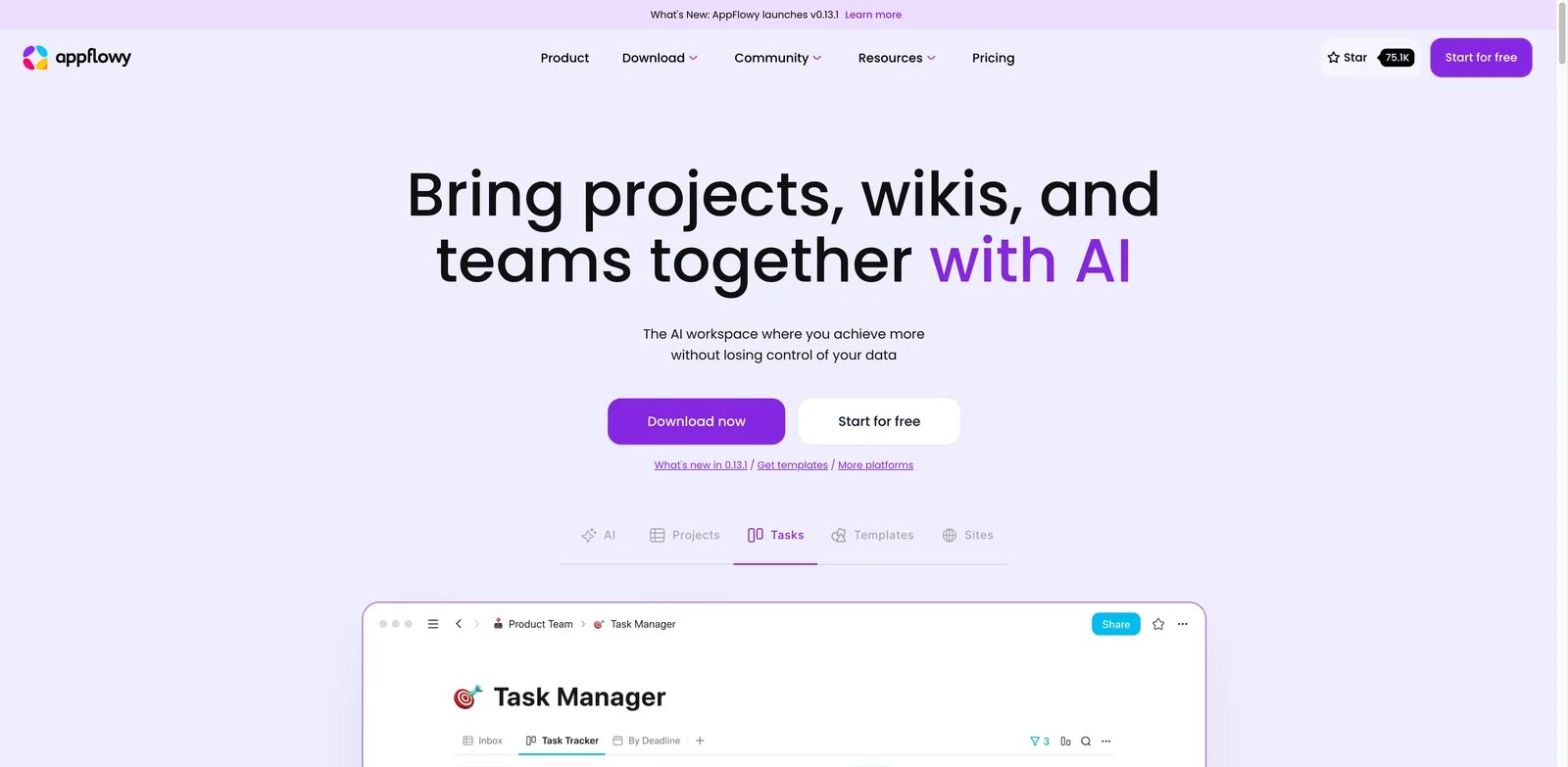
AppFlowy is the most direct open-source Notion-style alternative in this list. It keeps the familiar workspace pattern - pages, blocks, databases, collaboration - but adds an open-source and local-first orientation that Notion does not offer in the same way. If your first requirement is "Notion-like, but more controllable," AppFlowy belongs near the top of the shortlist.
What AppFlowy solves vs Notion: Open-source route: AppFlowy gives teams a recognizable workspace while offering cloud and self-hosted paths. That matters for users who want the Notion mental model but are uncomfortable with a fully proprietary cloud workspace. It also helps users who want to evaluate AI features separately from the core knowledge base.
Pricing vs Notion: AppFlowy's official pricing page lists a Free plan and Pro at $10 per user per month billed annually, with 5 GB storage on Free, unlimited storage on Pro, and AI response/image allowances. It also lists AppFlowy AI MAX at $8 per user per month billed monthly and Vault Workspace at $6 per user per month billed annually. Compared with Notion, AppFlowy can be attractive if open-source/self-hosting options matter, but AI and private-workspace add-ons can change the real cost.
Limitations: AppFlowy is younger than Notion and may not match the full ecosystem, templates, integrations, polish, and enterprise adoption of the incumbent. If your team already depends on Notion's mature sharing, database views, automations, and connected apps, migration needs a pilot.
Best for: AppFlowy is best for users who want a Notion-like workspace with open-source credibility, self-hosting options, and more control. Not the right fit if your organization needs the safest mainstream vendor with the largest template and integration ecosystem.
Get started with AppFlowy.
Capacities
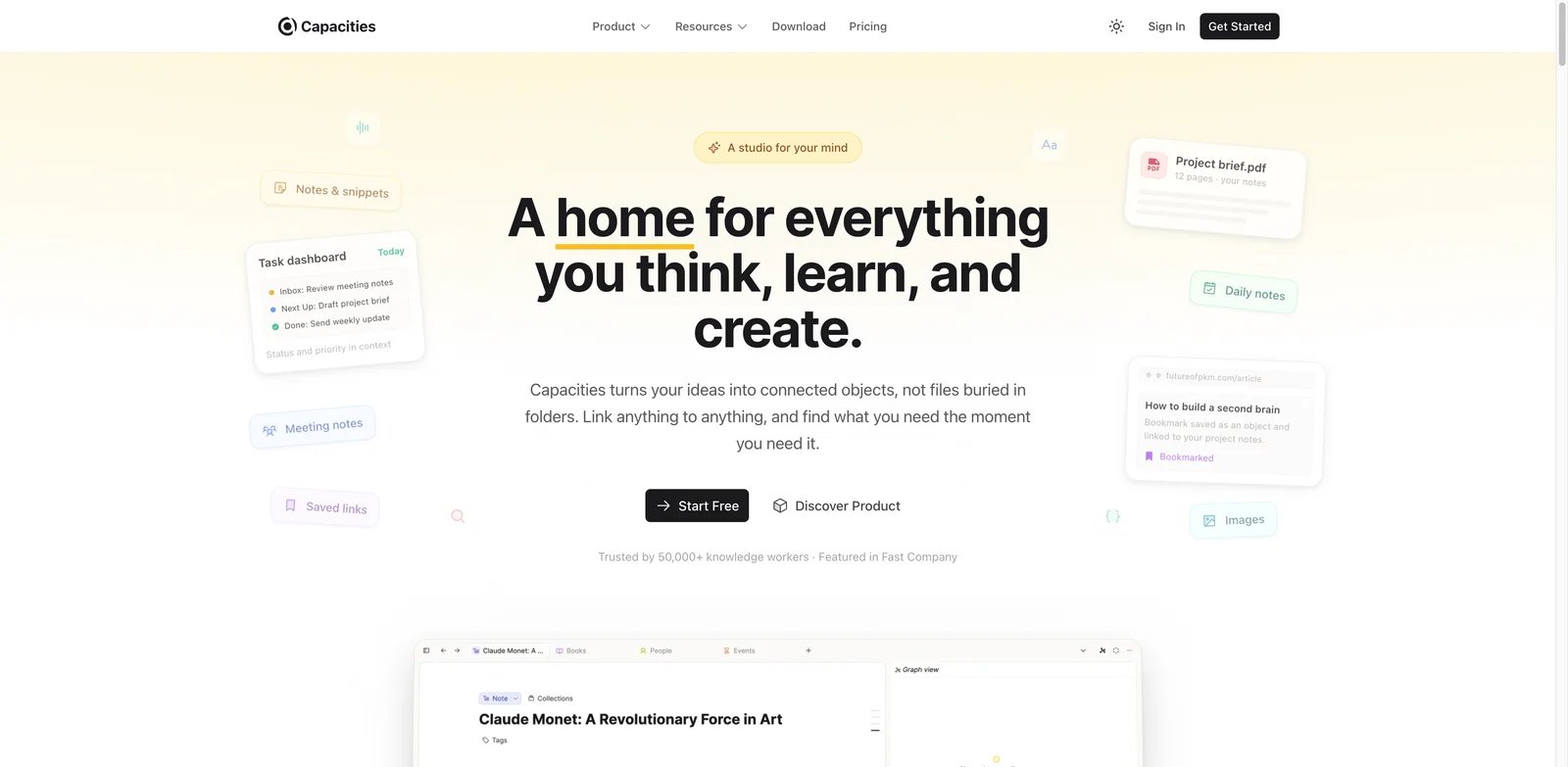
Capacities is what to test when Notion's blank canvas became the problem. It is an object-based personal knowledge tool: instead of endless pages nested inside other pages, you model things as objects such as books, people, ideas, meetings, projects, and topics. That small shift can reduce the sense that every note requires system design.
What Capacities solves vs Notion: Capacities helps users who want connected knowledge without building a full productivity operating system. Objects, backlinks, daily notes, collections, and query-like views create structure, but the product feels more opinionated than Notion. For many solo users, that is the point: fewer ways to build, fewer ways to overbuild.
Pricing vs Notion: Capacities Basic is free, Pro is $9.99/month when billed annually, and Believer starts at $12.49/month USD, while regional checkout pricing may vary. Compared with Notion, Capacities is easier to justify when the job is personal knowledge rather than team-wide docs, projects, and databases.
Limitations: Capacities is not a general company workspace. It is not the best fit for complex project management, row-level database permissions, public sites, forms, or large team operations. It also has its own mental model, so users coming from Notion still need to rebuild habits.
Best for: Capacities is best for personal knowledge, research notes, idea networks, and solo users who want more structure than plain Markdown but less workspace maintenance than Notion. Not the right fit if you need a team operating layer.
Get started with Capacities.
Craft
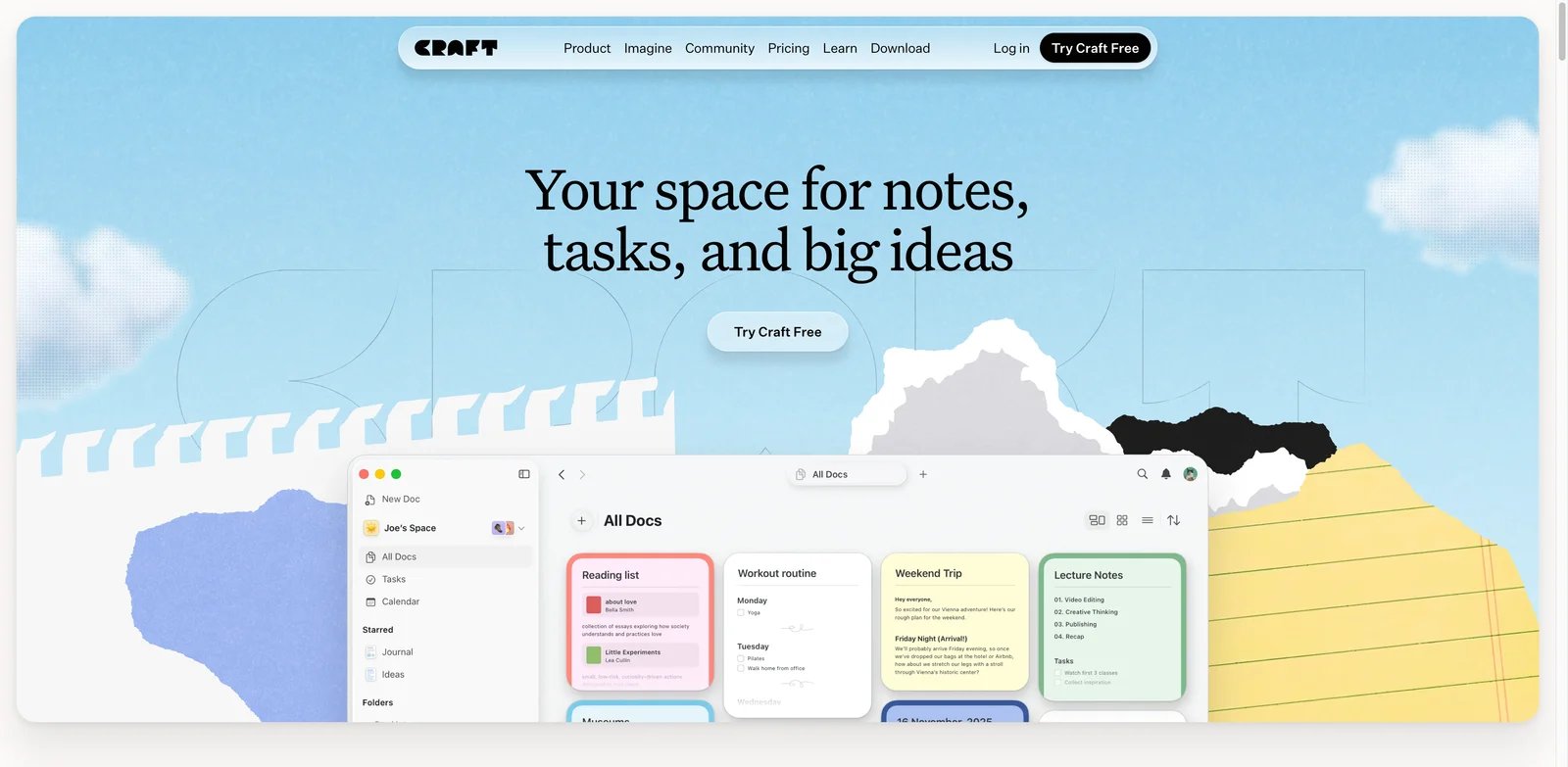
Craft is the Notion alternative for people who miss the feeling of a fast, polished writing app. It does not try to out-Notion Notion on databases. Its strength is documents, native apps, sharing, presentation-quality pages, and a calmer workspace for writing and organizing.
What Craft solves vs Notion: Writing-first trade-off: Craft is better when the page itself is the product. Notes, docs, personal plans, client-facing writeups, and lightweight team spaces can feel more polished in Craft than in a heavily structured Notion workspace. If Notion's databases and AI surfaces make writing feel heavier than it should, Craft is a cleaner direction.
Pricing vs Notion: Craft's current pricing page shows a Free plan and Plus, Family, and Team bundles. During the current annual promotion, Plus is shown at $4.80 per month, Family at $9 per month, and Team at $50 per month for up to 10 Plus accounts. Older help content has also listed standard Plus at $96 annually or $10 monthly, so verify the active checkout price before publishing a procurement recommendation. Compared with Notion, Craft can be cheaper and simpler for solo writing, but it is not trying to replace Notion Business.
Limitations: Craft is weaker if your Notion workspace depends on relational databases, filtered dashboards, complex formulas, automations, and team process tracking. It is also less appropriate if you need open-source or self-hosted control.
Best for: Craft is best for writers, consultants, students, founders, and small teams that need beautiful documents and native-app speed. Not the right fit if your Notion workspace is mostly databases and structured operations.
Get started with Craft.
AFFiNE
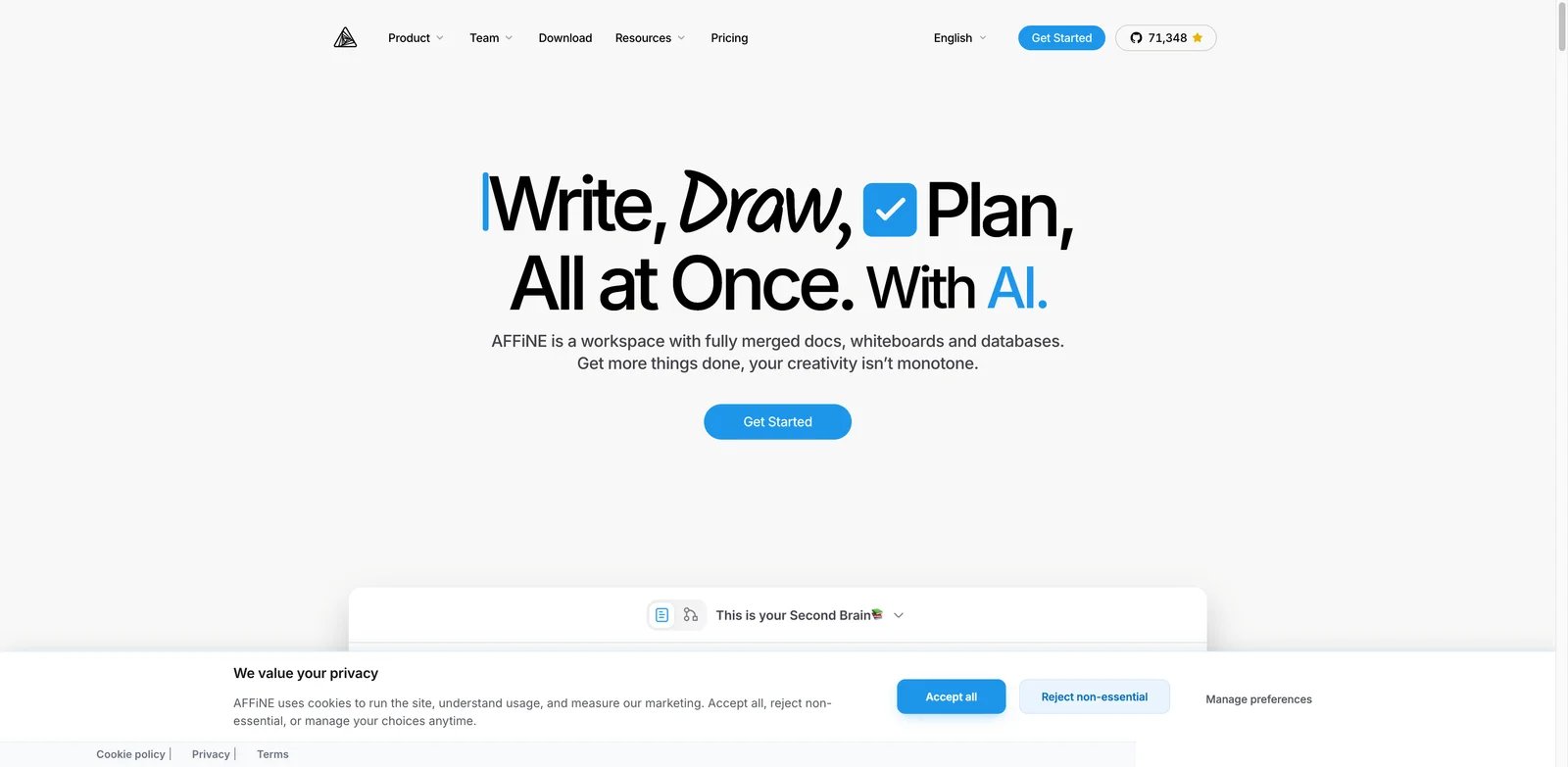
AFFiNE is a Notion alternative for users who want docs, databases, and whiteboards in one open workspace. The differentiator is the edgeless canvas: instead of treating every idea as a page or database row, AFFiNE lets teams move between documents, structured data, and visual thinking.
What AFFiNE solves vs Notion: AFFiNE is useful when Notion feels too page-bound and Miro or FigJam feels too separate. You can write, structure, and map ideas in the same product. It also has a local-first/open-source angle that appeals to users who want more control than a standard cloud workspace provides.
Pricing vs Notion: AFFiNE's official pricing page lists a Free plan, Pro at $6.75 per month, Team at $10 per seat per month, and an AFFiNE AI add-on at $8.90 per month billed annually. It also highlights self-hosting and notes that the editor is MIT-licensed while the backend has source-available enterprise terms. Compared with Notion, AFFiNE can be attractive for personal or small-team work, but AI and team use should be priced separately.
Limitations: AFFiNE's positioning is broad, and broad products need testing. If your team needs mature enterprise permissions, a massive template ecosystem, and a familiar Notion-like flow, AFFiNE may require more onboarding. Self-hosting also creates operational responsibility.
Best for: AFFiNE is best for visual thinkers, students, researchers, and teams that want docs, databases, and whiteboards without fully buying into Notion's cloud workspace. Not the right fit if you want the least risky mainstream business workspace.
Get started with AFFiNE.
Tana Outliner
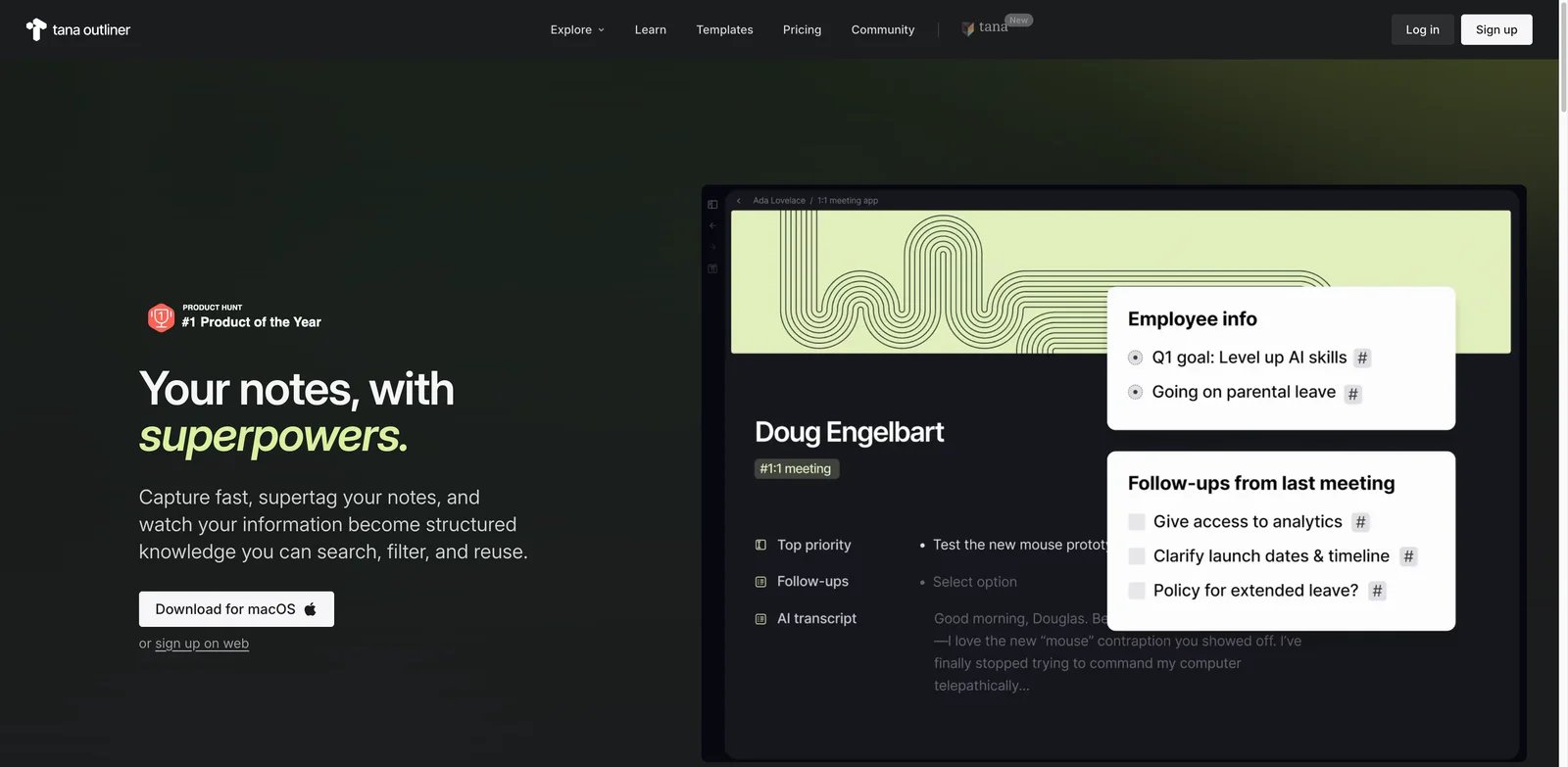
Tana Outliner is not a simple Notion clone. It is a networked outliner built around nodes, references, supertags, and increasingly meeting memory. That makes it powerful for users who think in connected notes and structured capture, but it also means migration is a conceptual change, not just an import.
What Tana Outliner solves vs Notion: Tana helps when the problem is turning messy thinking, meetings, projects, and people into reusable structured notes. Supertags let you give notes a type and fields without building a traditional database first. That can feel more fluid than Notion for knowledge workers who constantly capture and reshape information.
Pricing vs Notion: Tana Outliner currently offers Free at $0, Plus at $8/month, and Pro at $14/month; Plus and Pro include 14-day free trials. Free includes 500 monthly AI credits, Plus includes 2,000, and Pro includes 5,000, while paid users can top up credits. These are Tana Outliner plans; the separate newer Tana product has different Pro, Max, and Business pricing. Compared with Notion, Tana Outliner is cheaper at Plus and can cost more than Notion Plus at Pro, depending on how much AI and meeting transcription you use.
Limitations: Tana has a steep learning curve. If Notion already made you feel like you were maintaining a system, Tana can either solve that by giving you a better structure or make it worse by adding a new abstraction layer. It is also less obvious for traditional team wikis and broad company documentation.
Best for: Tana Outliner is best for meeting-heavy knowledge workers, researchers, founders, and teams that think in graphs, references, and structured notes. Not the right fit if you need a simple document workspace or a familiar database interface.
Get started with Tana Outliner.
Fibery
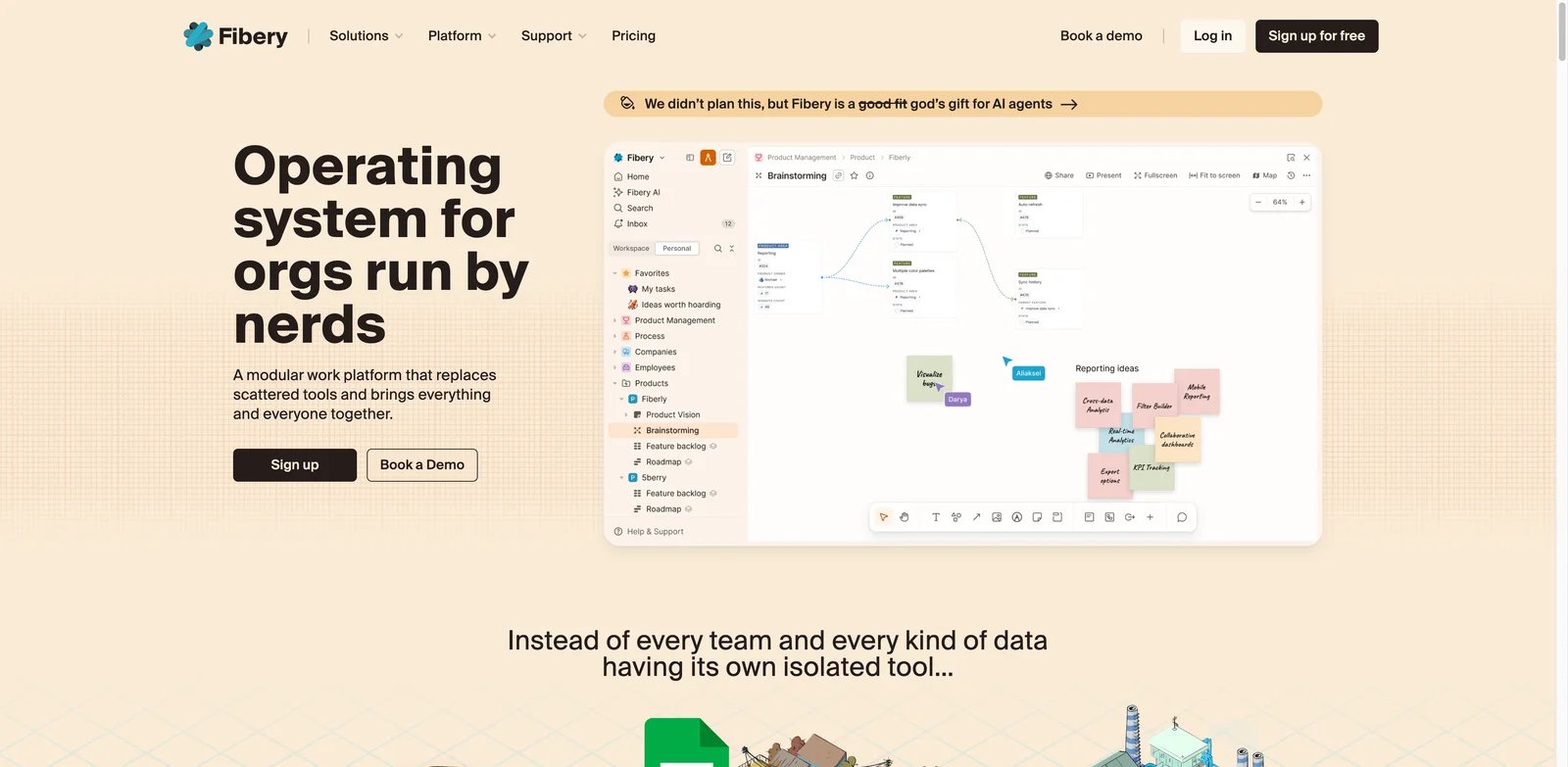
Fibery is what you choose when Notion was not structured enough. That sounds odd in a Notion alternatives article, but it is common in real teams. A company starts with Notion because it is flexible, then eventually needs stronger entities, relationships, permissions, automations, roadmaps, and cross-functional workflows.
What Fibery solves vs Notion: When Notion was not structured enough: Fibery is a configurable work operating system. It is built around databases, entities, relations, automations, whiteboards, docs, and team workflows. If your Notion workspace is slowly becoming a product-management system, CRM, roadmap, feedback database, and internal wiki, Fibery may be a more honest fit.
Pricing vs Notion: Fibery's official pricing page lists Free for small teams, Standard at $12 per seat per month billed annually, Pro at $20 per seat per month billed annually, and Enterprise at $40 per seat per month billed annually. The pricing page says AI is included and highlights free commenters and guests on paid plans. Compared with Notion Business, Fibery is competitive when the workflow depth replaces several tools, but it is overkill for personal notes.
Limitations: Fibery is not a calming replacement for Notion. It is deeper and more operational. A team should only adopt it if someone owns the data model and process design. Without that owner, Fibery can become another system to maintain.
Best for: Fibery is best for product teams, operations teams, agencies, and companies that need custom workflows and structured data. Not the right fit if you are leaving Notion because you want fewer databases and less process.
Get started with Fibery.
Outline
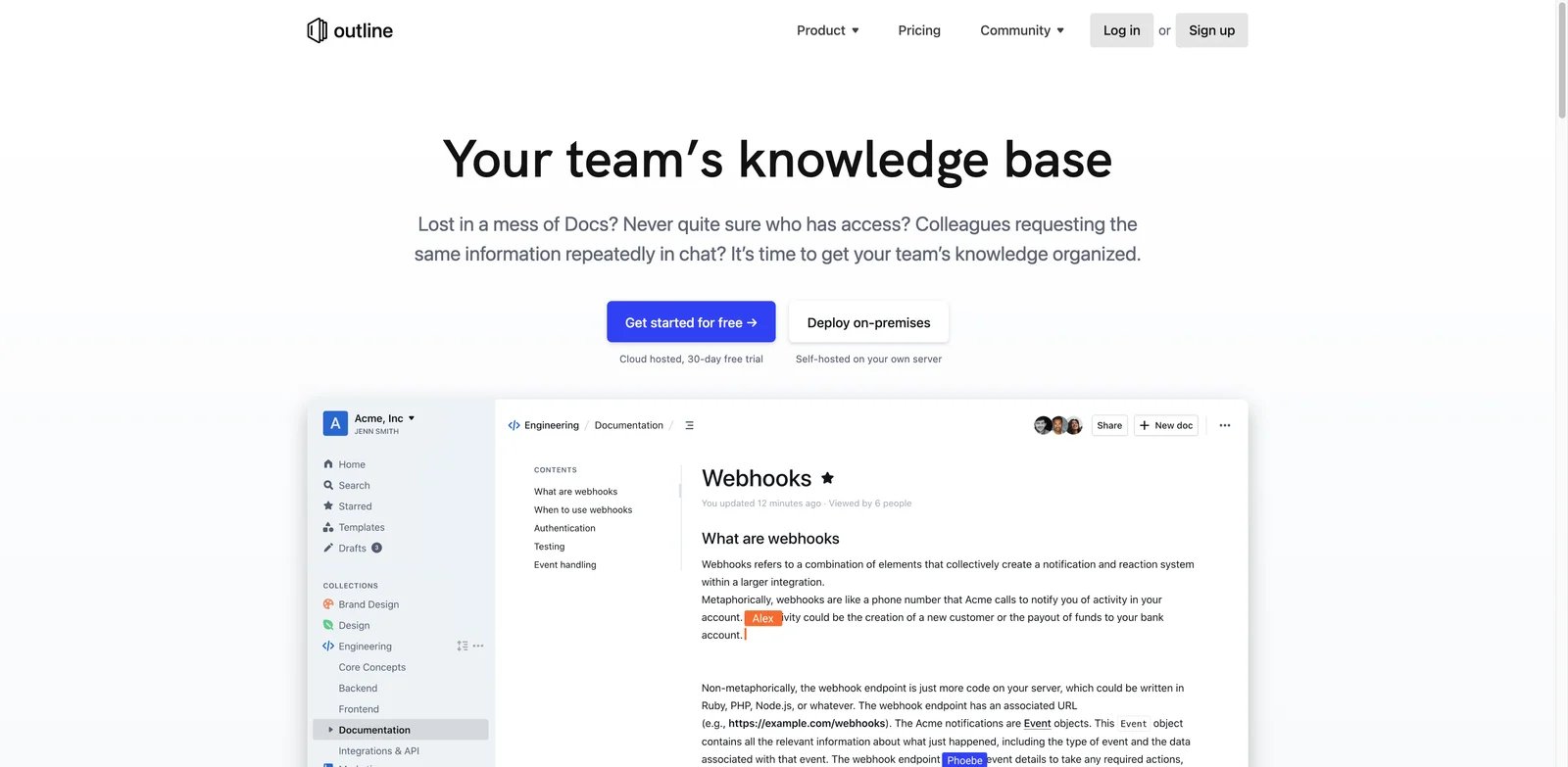
Outline is the focused wiki alternative. It does not try to replace every Notion surface. It is for teams that mainly used Notion as documentation and now want a cleaner, faster, more controllable knowledge base with cloud and self-hosted options.
What Outline solves vs Notion: Outline removes a lot of Notion's all-in-one complexity. The product is centered on team documentation, search, permissions, integrations, comments, version history, and wiki structure. If Notion's databases, projects, AI, and personal workspace features distract from the job of maintaining reliable docs, Outline is a better fit.
Pricing vs Notion: Outline separates Cloud and On-Premises pricing. Cloud costs $10/month for 1-10 members, $79/month for 11-100, and $249/month for 101-200, with annual pricing available. On-Premises offers Community Edition at $0 with limited features and no support, Business at $4 per user per month billed annually with a 10-user minimum, and Enterprise at $5 per user per month billed annually with a 100-user minimum. Compared with Notion, Outline can be predictable for teams that mainly need a wiki, but deployment choice and minimums matter.
Limitations: Outline is not a personal productivity app, not a database builder, and not a full project-management system. If your team uses Notion for tasks, CRM-like databases, forms, websites, dashboards, and AI workspace features, Outline will only replace the documentation layer.
Best for: Outline is best for teams that want a focused wiki with managed or self-hosted deployment. Not the right fit if you need one app for notes, databases, projects, forms, and AI.
Get started with Outline.
Honorable Mentions
Airtable is the better Notion alternative when the real object is structured operational data. If your Notion workspace is mostly records, views, interfaces, forms, automations, and reporting, Airtable's database-first model will feel more deliberate. It is not a better notes app. It is a better system for teams that should have been using a database product all along.
Linear belongs here for software teams that used Notion as a project tracker and became frustrated by speed, workflow discipline, or issue structure. Linear is not a wiki replacement, but it is excellent when issues, projects, cycles, roadmaps, and product execution are the center of the workflow.
Todoist is the anti-Notion choice. If your Notion system became a place where tasks go to be decorated, Todoist is a useful reset. It gives you projects, labels, filters, recurring tasks, reminders, and quick capture without inviting you to build a full personal operating system.
ClickUp is worth testing when you want tasks, docs, projects, dashboards, goals, and team work management in one place. Use it carefully: if your problem with Notion was bloat, ClickUp may reproduce that feeling. If your problem was that Notion was not project-management-native enough, ClickUp can make sense. ToolWorthy currently covers related pages such as ClickUp Project Management and ClickUp Brain.
Migrating from Notion - A Practical Guide
Migration is not just export. Treat Notion as a live workspace and move the parts in the right order.
Data and Account Migration
Start with an inventory. List every critical page, database, template, public page, form, automation, dashboard, relation, formula, file attachment, permission group, and integration. Then separate content from structure. Plain docs can usually move first. Databases need mapping. Relations, rollups, formulas, filtered views, buttons, charts, and automations often need manual rebuilding.
Export important workspaces before you start. Keep Notion read-only during the transition instead of deleting it immediately. If your team uses Notion AI Meeting Notes, Notion Agent, custom agents, forms, sites, or connected apps, document those dependencies separately. A local-first notes app will not replace them automatically.
Learning Curve by Alternative
Craft, Todoist, and Linear are the fastest migrations because they are narrower. They replace documents, tasks, or software execution rather than your whole workspace. Obsidian, Capacities, AppFlowy, AFFiNE, and Outline sit in the middle: they require some modeling, but the scope is manageable if you migrate one use case at a time.
Coda, Tana, Fibery, and Airtable are higher-learning-curve moves. They can be excellent choices, but they require a system owner. Do not migrate a messy Notion workspace into a more powerful tool without simplifying it first.
Pricing Brackets vs Notion
For free or local-first personal knowledge, start with Obsidian, Anytype, AppFlowy, and AFFiNE. For predictable solo subscriptions, compare Craft, Capacities, Obsidian Sync, and Todoist. For team docs and structured workflows, compare Superhuman Docs, Fibery, Airtable, Outline, and ClickUp against Notion Plus or Business.
The Notion baseline should be current before procurement: Free at $0, Plus from $10 per member per month billed annually, Business from $20 per member per month billed annually, Enterprise custom, and Custom Agents priced through Notion credits. Notion's AI usage allowance also deserves a separate check because it affects heavy AI users even when seat pricing looks simple.
Best Notion Alternatives by Use Case
If Your Reason Is "I want to escape unpredictable AI allowances and credits"
Start with tools where AI is optional or clearly separate from the core product. Obsidian is the safest reset because the core knowledge base is just local Markdown. Anytype is strong if privacy and local-first structure matter. AppFlowy and AFFiNE are better if you still want a Notion-like workspace but want more control over the platform direction.
Avoid moving to another AI-heavy all-in-one product without reading the AI limits. A predictable app subscription can still become unpredictable if the work you rely on is metered through credits.
If Your Reason Is "Notion feels too slow for daily work"
Use local or narrower tools. Obsidian is the strongest local-first option. Craft is better for polished writing and native document workflows. Linear is the right move if the slow part of Notion is actually project execution for a software team.
Do not evaluate speed with an empty demo workspace. Rebuild one real page, one real database, and one real weekly workflow. The tool that feels fastest with your actual data is the only result that matters.
If Your Reason Is "I want notes and knowledge management without an AI-first workspace"
Obsidian, Capacities, Craft, and Anytype are the first choices. Obsidian gives you files. Capacities gives you objects. Craft gives you polished writing. Anytype gives you private local-first structure. They all move away from the idea that every note-taking app should become an AI workspace.
If Your Reason Is "I spend too much time maintaining my productivity system"
Move narrower. Craft is good if you mostly write. Capacities is good if you need connected knowledge without building dashboards. Todoist is good if the truth is that your Notion workspace was mostly task management with extra ceremony.
The hard advice: do not choose Superhuman Docs, Fibery, Airtable, or Tana for this use case unless you actively want a more structured system and have the discipline to maintain it.
If Your Reason Is "I need local-first, offline, or self-hosted data"
Obsidian is the most file-owned option. Anytype is the strongest private object workspace. AppFlowy and AFFiNE offer open-source and local-first directions while staying closer to Notion's interface. Outline is the better choice for teams that want self-hosted documentation rather than personal knowledge management.
Be precise about what "own my data" means. Local files, exportable Markdown, self-hosted server, encrypted sync, and open-source code are different guarantees.
If Your Reason Is "I am a solo user and do not want to pay for team features"
Start with Obsidian, Capacities, Craft, and Todoist. These tools align better with individual use cases because the paid value is not mainly SSO, granular database permissions, teamspaces, or enterprise search.
Notion can still be excellent for a solo user on Free or Plus. The switch only makes sense if the product direction, speed, or data-control tradeoffs bother you enough to rebuild.
If Your Reason Is "I actually need a database or project system"
Do not replace Notion with another note app. Use Superhuman Docs if your docs need formulas, buttons, and lightweight app behavior. Use Airtable if structured records and interfaces are central. Use Fibery if your team needs deep relationships and custom workflows. Use Linear if software execution is the real job. Use ClickUp if you want broader work management and can tolerate another large platform.
How to Choose the Right Notion Alternative
-
Name the switching reason in one sentence. "Notion is bad" is not enough. "We need local Markdown notes," "AI usage is no longer predictable," "our wiki is too slow," and "we need a real product workflow system" point to different tools.
-
Rebuild one real workflow in the free tier. Do not migrate your whole workspace first. Rebuild one meeting notes flow, one project database, one personal dashboard, or one team wiki section. Use real data, not a clean demo.
-
Verify pricing, AI limits, export behavior, and offline claims. Seat prices are only the beginning. Check AI credits, storage, file limits, guests, version history, self-hosting terms, commercial use, and what happens if you cancel.
-
Run a two-week mixed period. Keep Notion read-only while the new system handles live work. At the end of two weeks, decide what moves, what stays archived, and what should be deleted instead of migrated.
Frequently Asked Questions
What is the best free alternative to Notion?
Which Notion alternative is closest to Notion?
What is the best open-source Notion alternative?
What is the best self-hosted Notion alternative?
What is the best Notion alternative for personal knowledge management?
What is the best Notion alternative for databases and structured workflows?
Can I migrate from Notion without losing databases, relations, formulas, or views?
Did Notion change its AI usage limits or credits in 2026?
Get ToolWorthy Weekly
New AI tools, practical guides, and selected AI signals in one weekly brief.
Related Posts
- 15 Best Obsidian Alternatives 2026 — Tested for Sync, AI & Databases
Leaving Obsidian over the Sync bill, plugin trust, or missing native AI? 15 alternatives — Logseq, Notion, Anytype and more — tested May 2026 with real pricing.
- 13 Best AI Article Summarizers 2026 — Free Tiers, Citation Accuracy & Real Pricing
We tested 20 AI article summarizers and picked 13 that handle URL, PDF, and YouTube with real citation accuracy. Side-by-side pricing and honest cons.
For AI tool founders
Built a tool that belongs in this decision set?
Request an editorial evaluation for possible inclusion in ToolWorthy.
Submit your tool for reviewPaid submission does not guarantee a ranking, recommendation, inclusion, or editorial outcome.