

Overview
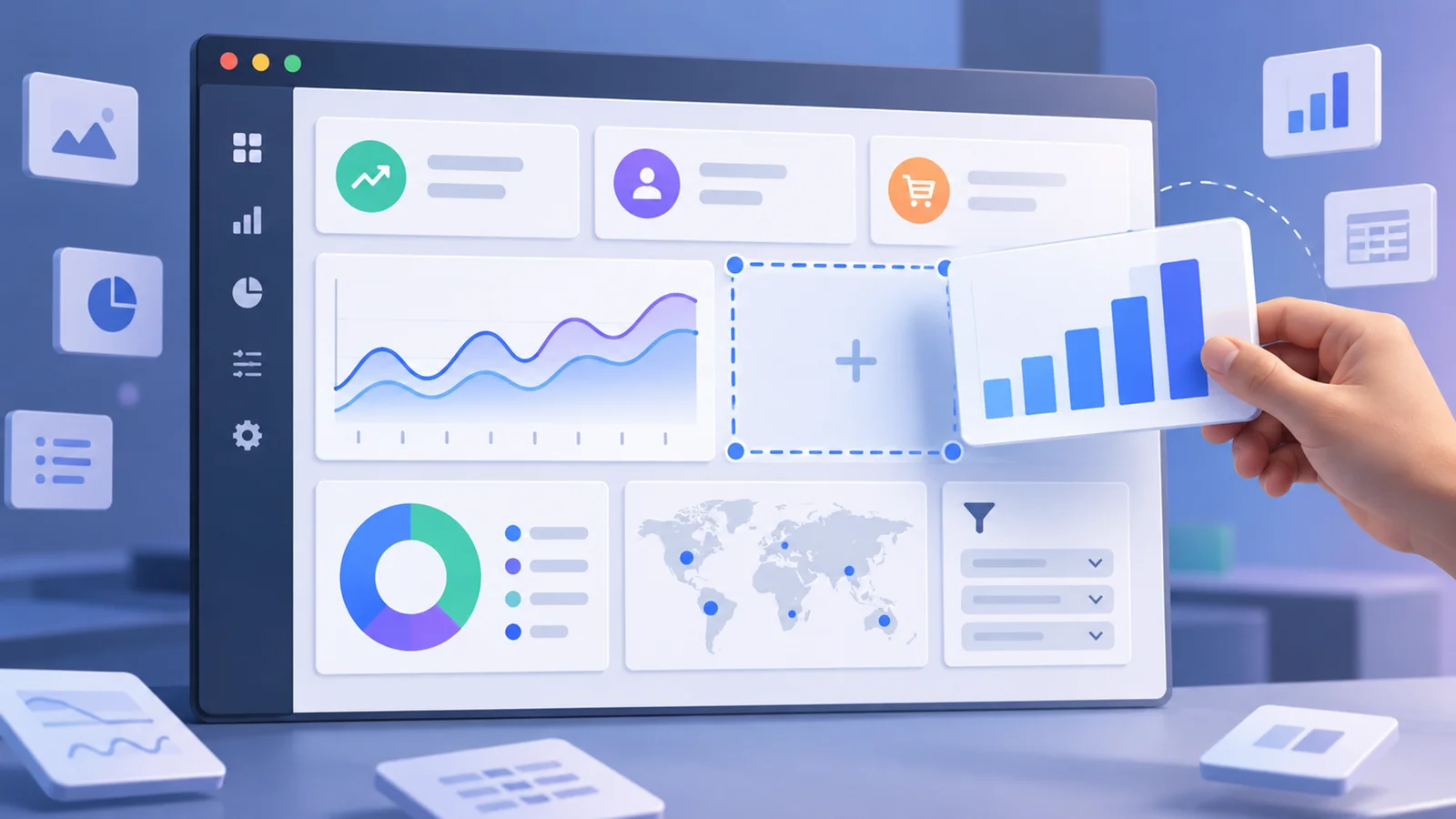
Qlik Sense is Qlik's business intelligence and analytics platform for dashboards, associative exploration, embedded analytics, alerts, and AI-supported insight discovery. It is used by data teams and business users who need more guided exploration than static reports can provide.
The defining idea is Qlik's associative engine. Instead of only moving through predefined query paths, users can explore relationships in data and see how selections affect the rest of the model. That makes Qlik useful when teams need to discover patterns rather than simply consume a fixed dashboard.
For users comparing AI data visualization tools, Qlik Sense is enterprise-grade. It should be compared with Amazon QuickSight, Metabase, and other BI platforms based on governance, data sources, embedded needs, and pricing model.
Key Features
- Associative analytics engine - Explore relationships across data instead of staying limited to linear dashboard filters.
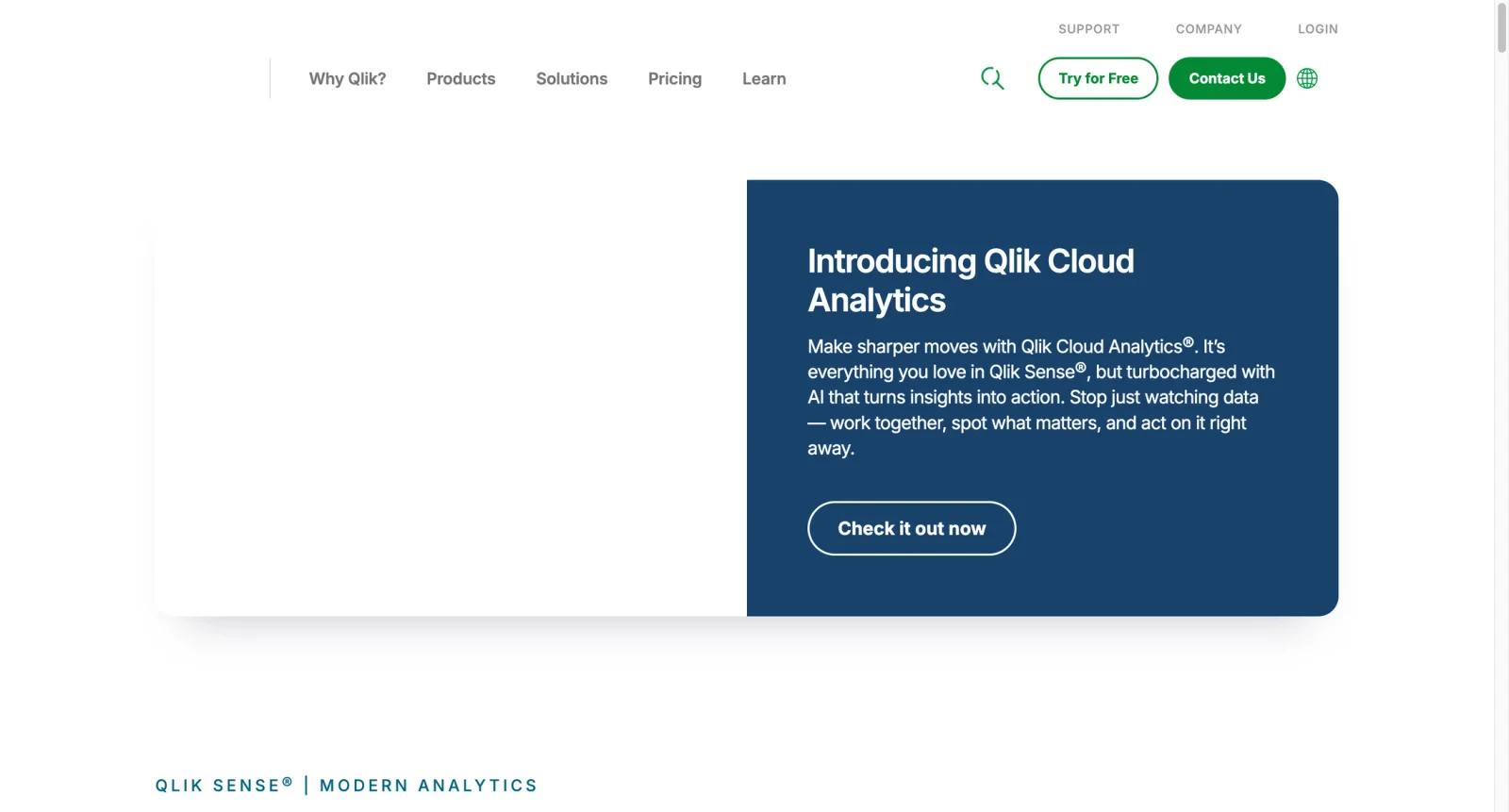
- Qlik Cloud Analytics - Use cloud analytics plans for dashboards, data loading, collaboration, and AI analytics capabilities.
- AI and augmented analytics - Support insight discovery, natural-language exploration, automation, and advanced analytics workflows depending on plan.
- Embedded analytics - Embed dashboards and analytics into applications or portals for internal and external users.
- Alerts and reporting - Monitor changes, distribute insights, and automate reporting around business metrics.
- Enterprise governance - Supports larger deployments with security, admin, data integration, and governance considerations.
Pricing & Plans
Qlik pricing is not a simple one-price SaaS subscription. Qlik Cloud Analytics plans use capacity-based pricing, with Standard, Premium, and Enterprise-style options, and pricing is based on data loaded into and saved in Qlik Cloud Analytics.
| Plan area | Pricing | Best fit |
|---|---|---|
| Standard Analytics | Quote or capacity-based pricing | Teams starting with Qlik Cloud Analytics and standard BI needs |
| Premium Analytics | Quote or capacity-based pricing | Organizations needing broader AI, automation, reporting, and enterprise analytics capabilities |
| Enterprise | Custom pricing | Large organizations needing maximum scale, governance, data integration, and enterprise AI |
Before buying, confirm capacity model, data volume, user roles, data integration needs, AutoML/reporting availability, embedded analytics costs, and whether your existing Qlik licenses are legacy user-based or newer capacity-based.
Best For
- Enterprises standardizing analytics across departments
- Data teams that need associative exploration rather than static dashboards only
- Organizations embedding analytics into products or portals
- BI teams comparing Qlik with Amazon QuickSight, Metabase, and Power BI-style workflows
- Companies with governance, automation, and enterprise AI analytics requirements
FAQ
What is Qlik Sense?
Qlik Sense is a business intelligence and analytics platform for dashboards, associative data exploration, AI-assisted insights, and embedded analytics.
How much does Qlik Sense cost?
Qlik pricing depends on plan, capacity, data volume, deployment, and enterprise needs. Buyers should use Qlik's pricing page or request a quote.
What is associative analytics?
Associative analytics lets users explore data relationships interactively instead of following only predefined query paths.
Does Qlik Sense include AI?
Yes. Qlik Cloud Analytics includes augmented analytics, AI, automation, and advanced analytics capabilities depending on plan.
Is Qlik Sense good for small teams?
It can work, but smaller teams may find lighter BI tools easier and cheaper unless they specifically need Qlik's analytics model.
How does Qlik compare with Amazon QuickSight?
QuickSight is AWS-native and role-priced. Qlik is broader enterprise analytics with associative exploration and capacity-based cloud pricing.
Can Qlik be embedded in apps?
Yes. Embedded analytics is one of Qlik's important use cases.
What should I check before buying?
Check data volume, capacity model, user roles, integrations, AutoML/reporting needs, embedded usage, governance, and partner implementation costs.