
15 Best AI Travel Planner Tools 2026 - Real Trips, Not Lists
Compare 15 AI travel planner tools for itineraries, maps, budgets, group trips, road trips, and real-time travel planning.
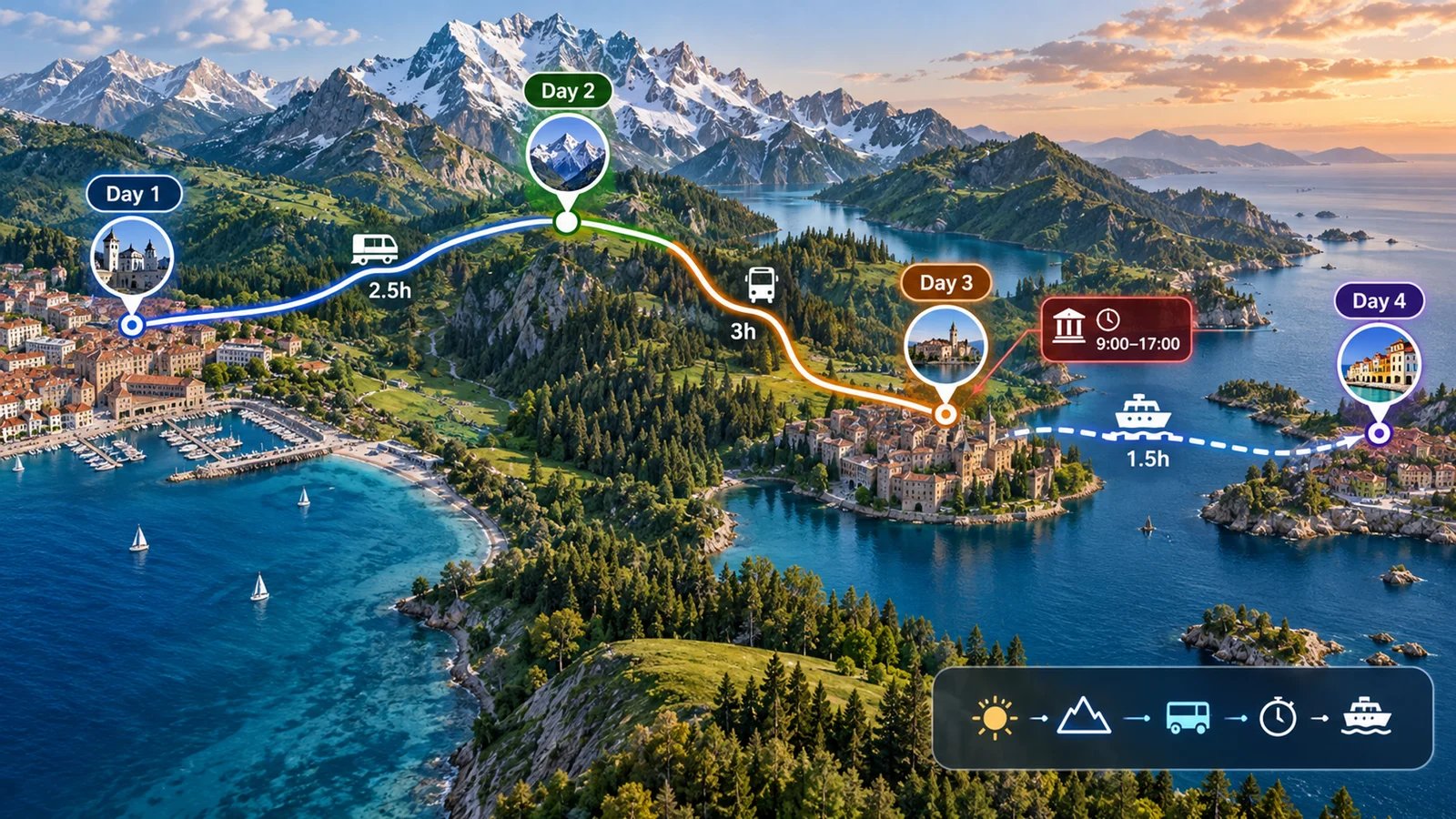
On this page
Planning a trip with generic AI sounds easy until the output turns into a pretty list you cannot actually use: attractions are too far apart, restaurant times do not match your route, the hotel area is wrong, and nobody in the group agrees on day two. The best AI travel planner tools solve a more practical problem. They turn dates, budgets, interests, bookings, maps, and real constraints into an itinerary you can edit, share, and follow.
We compared 15 AI travel planner tools using official product pages, pricing pages, app store data, privacy notes, and current product announcements. This guide focuses on workflow fit rather than novelty: whether each tool can build a real itinerary, handle changes, support maps or bookings, and avoid wasting your time with generic travel suggestions.
| Tool | Best For |
|---|---|
| Mindtrip | Visual trip planning with strong collaboration and privacy notes |
| Wanderlog | Detailed itineraries with maps, budgets, bookings, and offline planning |
| Layla | Conversational planning with real-time prices and broad travel inventory |
| KAYAK AI | Flight, hotel, and car searches inside an AI travel workflow |
| Stippl | Travelers who want planning, routes, budgets, packing, and bookings together |
| Tripadvisor Trips | Travelers who trust large review datasets and collaborative trip boards |
| Roadtrippers | Road trips, RV routes, campgrounds, and North American driving plans |
| Gemini AI Trip Planner | Google users who want trip ideas connected to Flights and Hotels |
| Tineo | Turning confirmation emails and bookings into organized itineraries |
| iMean AI | Multi-city planning with real-time flight scanning |
| Let's Trip | Free AI itineraries with hotel price monitoring |
| Trip.com TripGenie | Trip.com users planning inside a booking ecosystem |
| Copilot2trip | Map-first conversational itinerary planning |
| MonkeyTravel | Free web planning with group voting and PDF exports |
| GuideGeek | Message-based travel answers through web and chat apps |
How We Selected and Tested
We selected these AI travel planner tools based on measurable criteria: the product had to support AI-assisted itinerary generation, trip planning, route building, or travel recommendations for English-speaking users in the US, Canada, UK, or EU. We included web-first products, mobile apps, and major travel platforms when the AI travel-planning entry point was clear. We excluded ordinary booking sites, static travel blogs, itinerary templates, prompt collections, and generic assistants that do not provide a travel-specific planning workspace.
Our research methodology combined official product pages, pricing information, app store listings, privacy or terms pages, and product announcements. We also treated mergers and product consolidation as part of the research: Roam Around is now part of Layla, Trip Planner AI routes detailed planning to Layla, and Tripnotes is no longer a current product. That matters because travel-planning search results still surface old brands that no longer deserve separate ranking slots.
Evaluation Dimensions: We evaluated each tool across five dimensions:
- Itinerary depth - Whether the tool creates editable, day-by-day plans rather than one-shot text suggestions.
- Map and logistics support - Whether it handles routes, neighborhoods, road trips, booking imports, or location sequencing.
- Real-time travel context - Whether flight, hotel, activity, price, or inventory data influences recommendations.
- Cost clarity - Whether free tiers, paid plans, limits, and renewal tradeoffs are easy to understand.
- Trust signals - Whether app store ratings, user volume, privacy notes, and product maturity support the claims.
Note on Testing Scope: This guide is based on public-source product research completed on August 7, 2026 UTC. We did not claim hidden performance tests or fabricate ratings. When feedback was tied to a parent travel app rather than a standalone AI planner, we discounted that evidence.
Transparency & Limitations: Travel products change quickly, and some AI features are region-limited or app-only. Always verify current availability before building a paid travel workflow around one product.
Top 15 AI Travel Planner Tools Compared
The strongest AI travel planner tools fall into four groups. Mindtrip, Wanderlog, Stippl, and MonkeyTravel are itinerary workspaces. Layla, KAYAK AI, Trip.com TripGenie, and Tripadvisor Trips connect planning to larger travel inventories. Roadtrippers is purpose-built for driving and RV trips. Gemini, iMean, Tineo, Copilot2trip, Let's Trip, and GuideGeek cover narrower workflows such as Google-connected search, multi-city routing, booking imports, and chat-based planning.
| Tool | Best For | Free Tier | Map/Route Depth | Collaboration | Watch For |
|---|---|---|---|---|---|
| Mindtrip | Visual itinerary workspace | Free core | Strong | Strong | Smaller app-store sample |
| Wanderlog | Full trip organizer | Free core, Pro yearly | Strong | Strong | Best features in Pro |
| Layla | Conversational booking-aware planning | Free core, Premium yearly | Good | Moderate | Expedia acquisition transition |
| KAYAK AI | Search-driven flight and hotel planning | Free | Good | Limited | AI feedback tied to KAYAK app |
| Stippl | Budget, packing, route, and booking planning | Free core, Pro yearly | Strong | Good | Mobile complaints matter |
| Tripadvisor Trips | Review-backed itinerary boards | Free | Good | Good | Parent-app ratings only |
| Roadtrippers | Road trips and RV travel | AI requires Premium | Excellent for driving | Moderate | US/Canada-heavy |
| Gemini AI Trip Planner | Google Flights and Hotels users | Free core | Good | Limited | Not a dedicated trip workspace |
| Tineo | Booking imports and offline plans | Free; Ultra $4.99/mo or $40/yr | Limited | Good | No route optimization; limited public feedback |
| iMean AI | Multi-city flight-aware itineraries | Daily free quota | Good | Limited | Limited independent reviews |
| Let's Trip | Simple planning with hotel price monitoring | Free; Premium $5/mo or promotional $10/yr | Moderate | Limited | Annual promotional price may change |
| Trip.com TripGenie | Trip.com mobile users | Free | Good in app | Limited | Mobile-first |
| Copilot2trip | Interactive map planning | Free | Good | Limited | Thin feedback footprint |
| MonkeyTravel | Free group planning and PDF export | Free | Good | Strong | Mobile app not yet mature |
| GuideGeek | Chat-based local travel help | Free | Moderate | Limited | Less structured workspace |
Detailed Reviews
Mindtrip
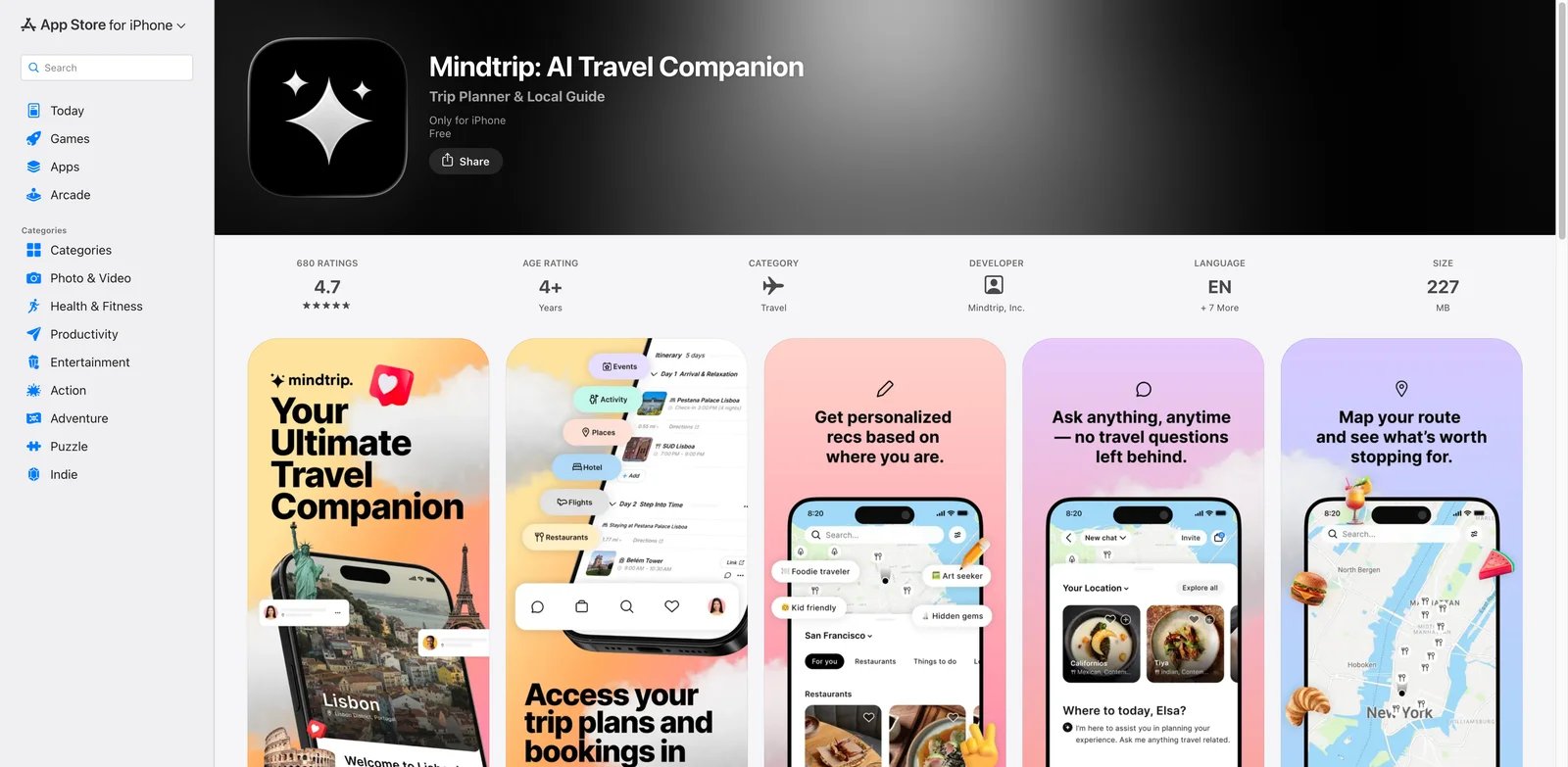
If your trip plan starts with screenshots, saved Google pins, vague restaurant ideas, and half-finished notes from friends, Mindtrip is built for that messy middle. It is the strongest fit when you want a real workspace rather than a chatbot answer. Mindtrip's public app listing and product materials emphasize visual inputs, editable itineraries, collaboration, hotels, flights, and travel data in one place.
Key Features
- Visual input becomes planning context - Mindtrip can work with screenshots, images, PDFs, and saved places. That matters when your research lives across Instagram, maps, booking emails, and blogs.
- Editable itinerary workspace - Plans are not trapped in a chat transcript. You can revise days, places, and trip structure as details change.
- Collaboration for real groups - Shared planning helps when two or more people need to vote, adjust priorities, or keep the same itinerary current.
- Clearer privacy posture - Mindtrip publicly states that it does not use identifiable personal data to train or fine-tune AI models, a useful signal for travelers uploading trip details.
Pricing & Plans
Mindtrip's App Store listing shows the iPhone app is free based on the public research snapshot. Travelers should still check the current app entry point, supported regions, and web availability before relying on it for a long trip or team workflow.
Pros & Cons
Pros: Accepts screenshots, images, and PDFs; provides editable itineraries; supports real-time collaboration; publishes a clear AI-training privacy policy.
Cons: Mindtrip's app-store sample is smaller than mature travel apps like Wanderlog or Tripadvisor, so the feedback signal is positive but not as broad. It also works best when you are willing to organize your trip inside its workspace; if you only want one quick answer, Gemini or GuideGeek may be faster.
Best For
Mindtrip is best for travelers building a multi-day trip from mixed inspiration sources. Not the right fit if your primary need is RV routing, fuel stops, or campground constraints.
Get started with Mindtrip
Wanderlog
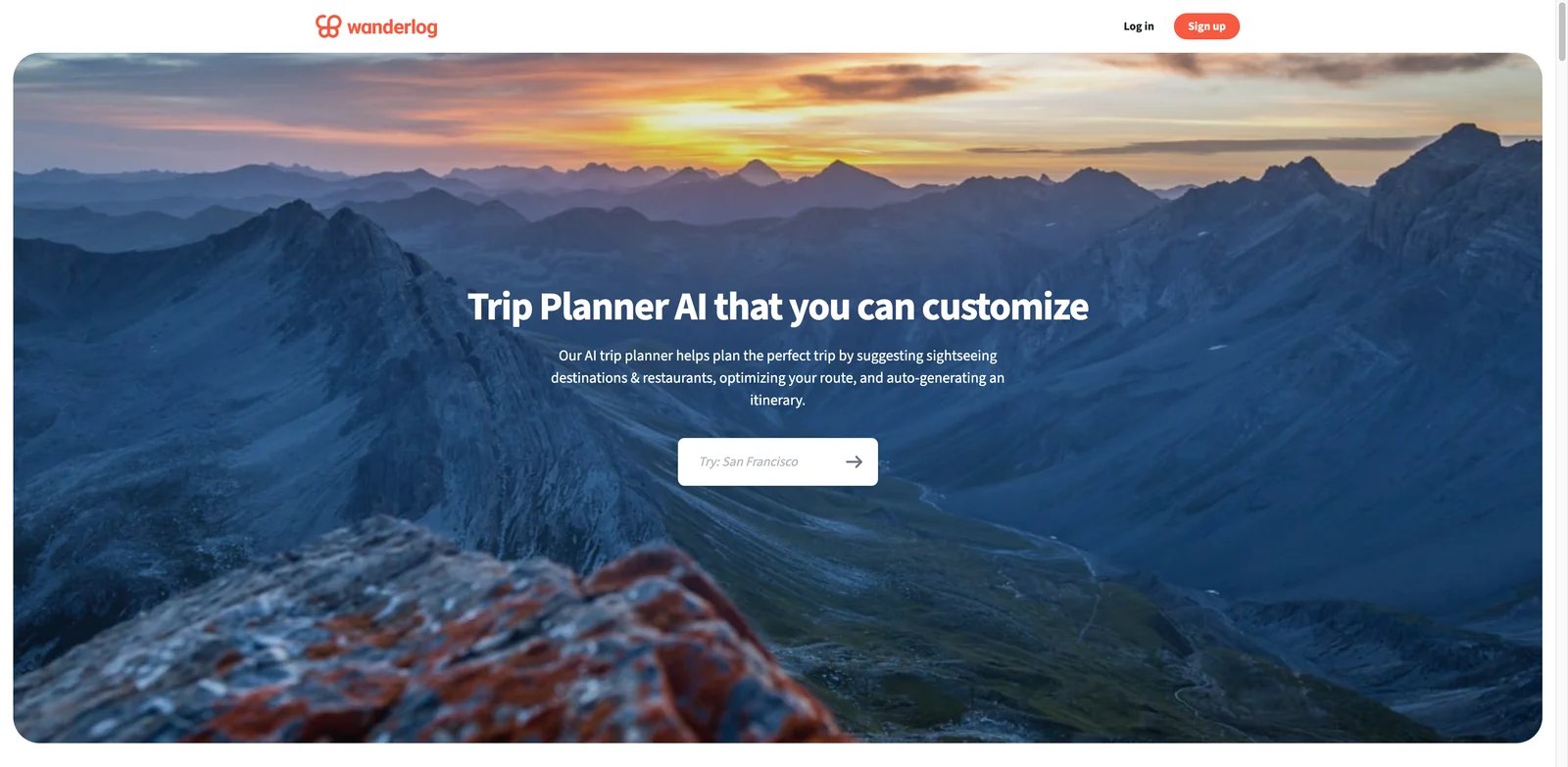
The problem with many AI itineraries is that they stop before logistics begin. Wanderlog is stronger when you care about the whole trip file: route map, daily plan, reservations, budget, notes, and collaboration. It is one of the most mature options in this list, with web, iOS, and Android support plus a large app-store review base.
Key Features
- Trip planning plus operations - Wanderlog combines AI itinerary help with maps, reservation imports, budget tracking, and notes, so the output can become the actual trip plan.
- Strong map workflow - Travelers can see where stops are, adjust order, and avoid itinerary days that look fine in text but fail geographically.
- Collaboration and sharing - Group planning is practical when friends or family need to add places and make decisions together.
- Offline and route optimization in Pro - The paid tier is most useful when you need offline access or more advanced route handling.
Pricing & Plans
Wanderlog has a free core product. Pro is $39.99 per year and includes a free trial. It adds AI assistance, offline access, route optimization, Gmail auto-import, unlimited attachments, Google Maps export, booking deals, and dark mode; regional prices and promotions may vary.
Pros & Cons
Pros: Combines itineraries, maps, reservations, budgets, and notes; supports real-time collaboration; has mature web and mobile apps; offers offline access and route optimization in Pro.
Cons: Wanderlog's free version is useful, but the features that make it feel like a serious travel operations tool are concentrated in Pro. If you dislike subscriptions for occasional travel, MonkeyTravel or Wonderplan-style free tools may feel lighter.
Best For
Wanderlog is best for travelers who want one durable trip organizer instead of a one-off AI answer. Not the right fit if you want an AI planner that also searches real-time flight and hotel inventory directly inside the same prompt.
Get started with Wanderlog

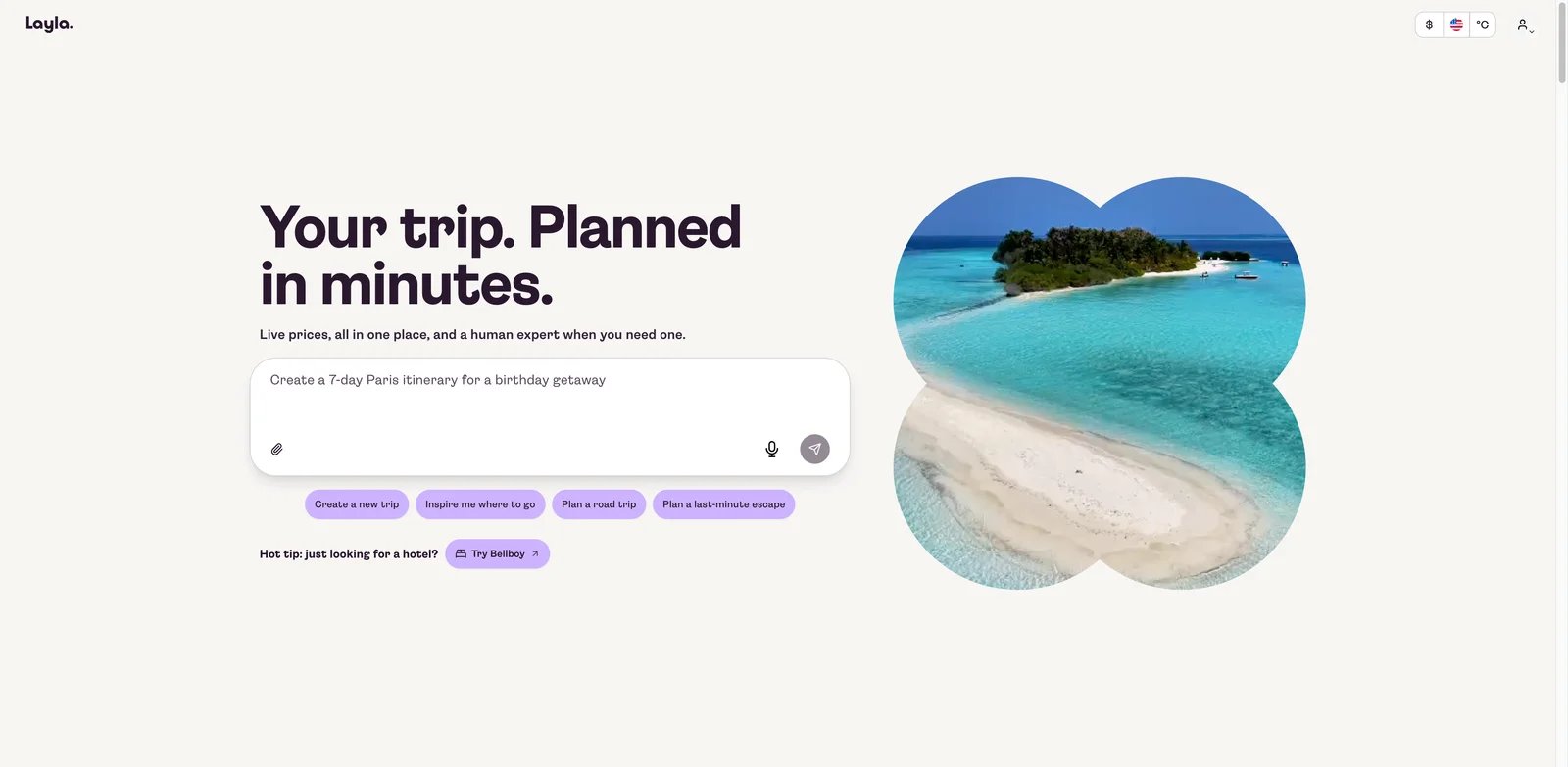
If your planning bottleneck is not ideas but decision fatigue, Layla is one of the better conversational options. It can help with destinations, full itineraries, multi-city trips, hotels, flights, and activities. The important current context is ownership: Expedia Group announced the acquisition of Layla on July 31, 2026, which may make Layla more inventory-aware over time but also means travelers should watch for product and policy changes.
Key Features
- Conversational trip building - Layla works well when you want to iterate by saying what changed: budget, pace, dates, hotel style, or destination.
- Travel inventory context - The product emphasizes real-time prices, lodging, flights, and activities rather than isolated text recommendations.
- Multi-city support - This is useful for Europe, Japan, or cross-country trips where the hard part is balancing cities, transit, and stay length.
- Consolidated brand footprint - Roam Around is now part of Layla, and Trip Planner AI routes detailed planning toward Layla, reducing duplicate tool choice.
Pricing & Plans
Layla's public research snapshot showed a free core product and Premium at $49 per year. Verify the current plan page because acquisition-related packaging can change.
Pros & Cons
Pros: Supports conversational planning; uses live travel prices and availability; handles multi-city trips; offers access to human travel experts.
Cons: The Expedia acquisition is strategically positive but operationally uncertain. Product experience, inventory access, data handling, and premium packaging may evolve. If you need a stable independent workspace today, compare Mindtrip and Wanderlog before committing.
Best For
Layla is best for travelers who prefer conversational planning with real travel inventory nearby. Not the right fit if you need heavy road-trip constraints or offline-first trip management.
Get started with Layla
KAYAK AI
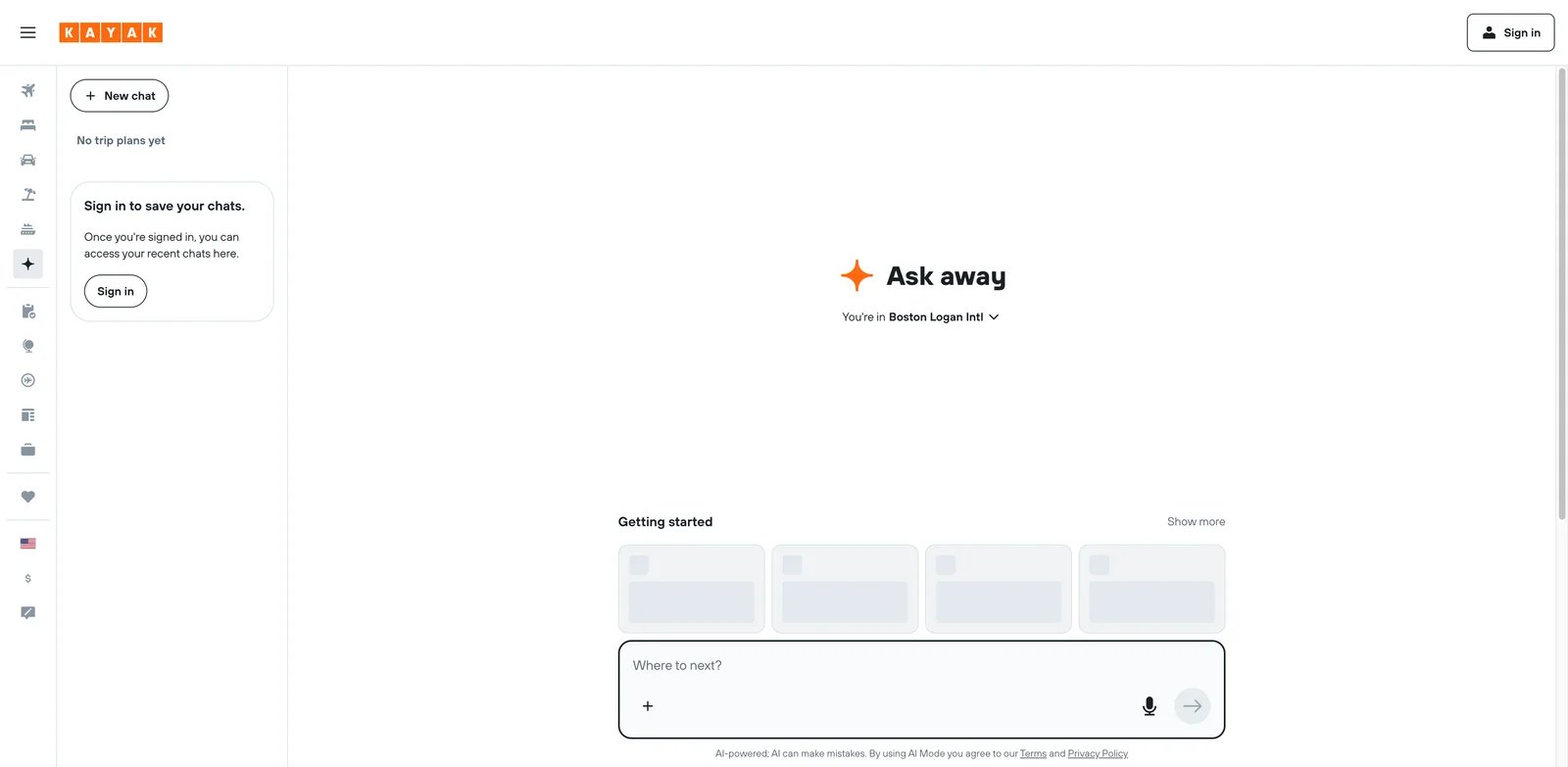
Most trip-planning tools struggle when the plan has to meet actual flight and hotel availability. KAYAK AI is strongest for travelers who want AI help near live travel search rather than a separate itinerary document. Its current Ask AI experience connects conversational planning to live flight, hotel, and rental-car results from KAYAK's search inventory.
Key Features
- Search data inside planning - KAYAK can bring flight, hotel, and car context into AI-assisted discovery, which makes it better for cost-sensitive decisions.
- Natural-language travel questions - Ask AI is useful when you know the constraint but not the exact filter, such as a cheap beach destination in a specific month.
- Mature travel platform - KAYAK's web and mobile presence is far more established than many standalone AI planners.
- No extra planner subscription - The AI entry points are positioned as part of KAYAK's free travel search experience.
Pricing & Plans
KAYAK AI is free to use as part of KAYAK's travel search ecosystem. Booking costs, fare rules, and supplier terms still depend on the travel providers shown in results.
Pros & Cons
Pros: Connects chat to live flights, hotels, and rental cars; supports natural-language constraints; uses a mature travel-search platform; is free.
Cons: KAYAK is not primarily a collaborative itinerary workspace. The app-store rating reflects the broader KAYAK product, not just AI planning. If you need a day-by-day plan with shared editing, Wanderlog or Mindtrip is a better fit.
Best For
KAYAK AI is best for travelers whose first constraint is price, dates, or availability. Not the right fit if your trip is already booked and you mainly need a polished shared itinerary.
Get started with KAYAK AI
Stippl
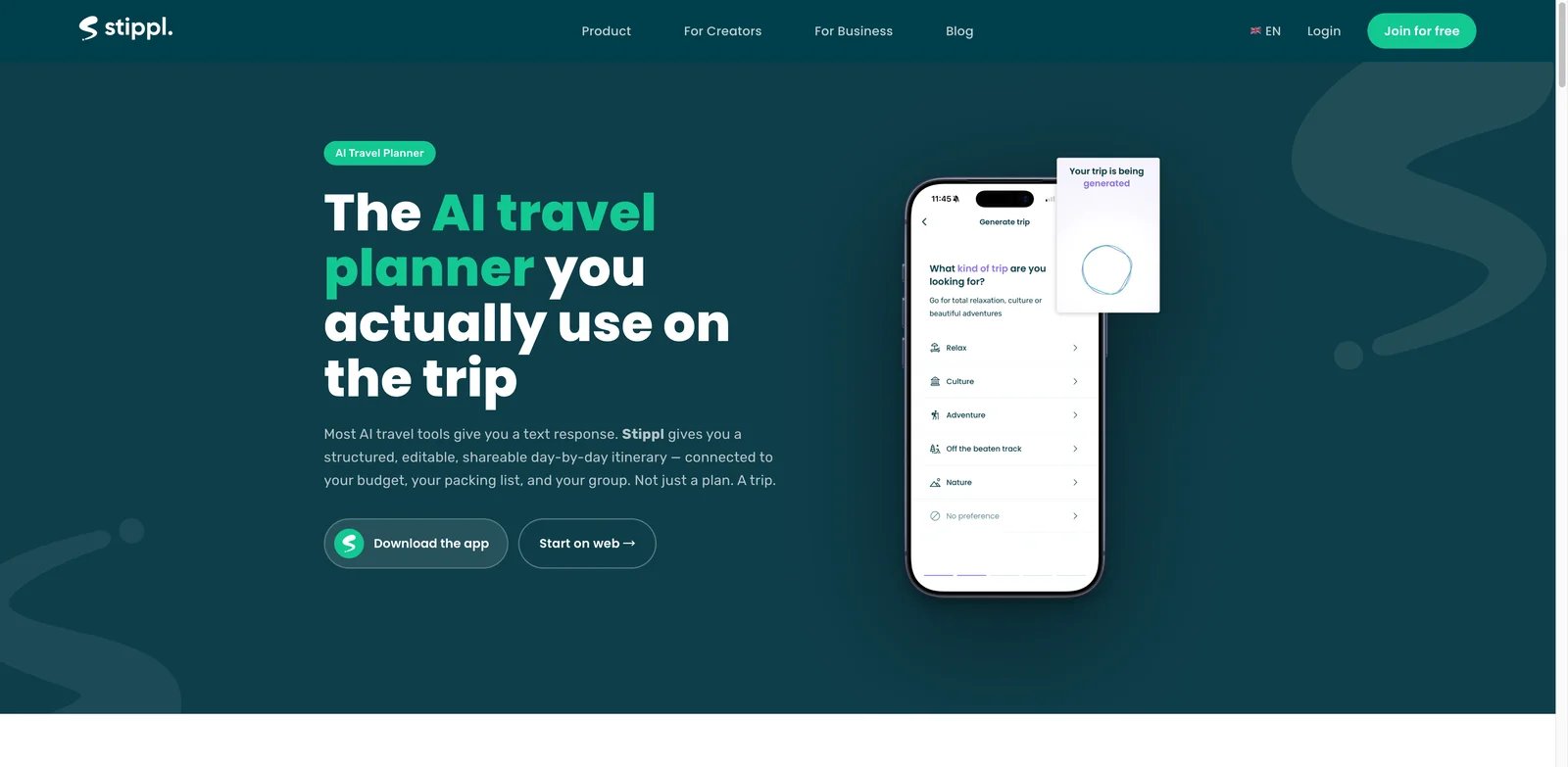
Travel planning breaks down when itinerary, route, budget, packing, and bookings live in separate tabs. Stippl tries to keep those pieces together. It supports AI itinerary generation, route planning, budgeting, packing, bookings, collaboration, and mobile access, making it a strong middle ground between a lightweight AI planner and a full travel organizer.
Key Features
- All-in-one trip workspace - Stippl combines itinerary, route, budget, packing, and bookings, which reduces the number of planning tools you need.
- AI-assisted itinerary creation - The AI planner helps create a starting structure that can then be refined manually.
- Route and budget support - This matters for travelers who want to know whether the plan works spatially and financially.
- Cross-device planning - Web, iOS, and Android support make it more practical for planning before and during the trip.
Pricing & Plans
Stippl offers a free tier and a Pro plan listed at EUR 24.99 per year in the research snapshot. Check local currency and current renewal terms before upgrading.
Pros & Cons
Pros: Combines itineraries, routes, budgets, packing, and bookings; supports AI itinerary generation; works across web, iOS, and Android.
Cons: Recent app feedback included reports of slowness or crashes, so mobile reliability should be tested with your actual trip before you depend on it abroad. Stippl also has many features, which can feel heavier than simple chat-first planners.
Best For
Stippl is best for travelers who want AI planning plus practical trip operations. Not the right fit if you want the simplest possible planner with no account or app workflow.
Get started with Stippl
Tripadvisor Trips
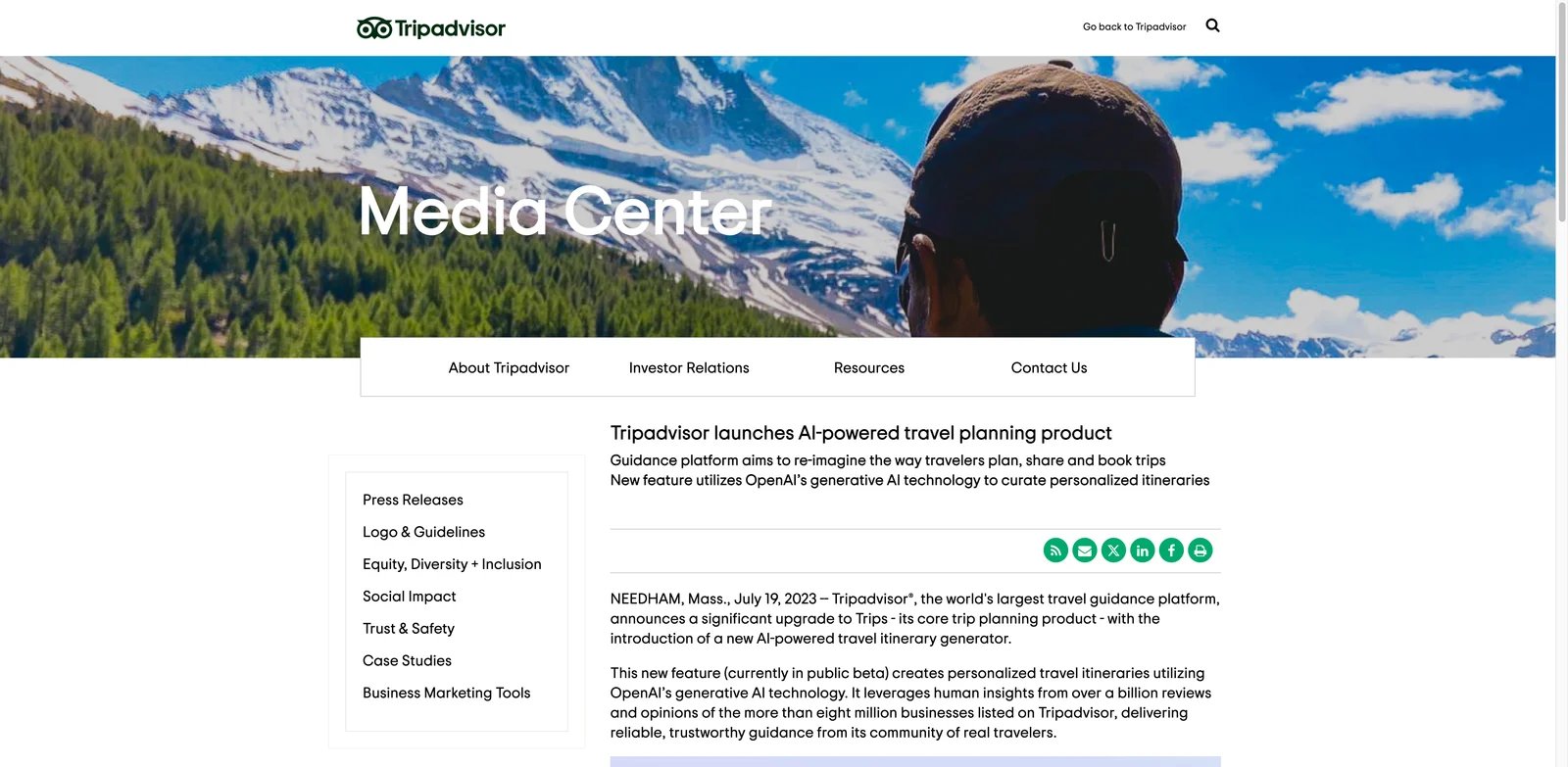
Sometimes the hard part is not generating an itinerary; it is knowing which places are worth trusting. Tripadvisor Trips is strongest when you want AI-assisted planning grounded in a massive review and booking ecosystem. It supports trip organization, recommendations, saving places, collaboration, and booking-adjacent decisions.
Key Features
- Review-backed recommendations - Tripadvisor's large review base gives the AI workflow more practical context than a blank chatbot prompt.
- Save and organize places - Travelers can build a trip board rather than losing suggestions across separate searches.
- Collaboration - Shared trips are useful for families or groups deciding between restaurants, tours, and neighborhoods.
- Booking proximity - Since Tripadvisor already connects to travel suppliers and activities, recommendations are closer to action.
Pricing & Plans
Tripadvisor Trips is free to use. Costs appear when you book hotels, activities, restaurants, or partner services.
Pros & Cons
Pros: Uses Tripadvisor's extensive review ecosystem; supports saved places and trip organization; allows collaboration; keeps booking options nearby.
Cons: Tripadvisor's app-store rating is for the full Tripadvisor app, not only AI Trips. The planning experience also inherits the platform's commercial incentives, so compare AI suggestions against your own route and budget.
Best For
Tripadvisor Trips is best for travelers who want recommendations with broad review coverage. Not the right fit if you want a clean, AI-native planning workspace without marketplace noise.
Get started with Tripadvisor Trips
Roadtrippers
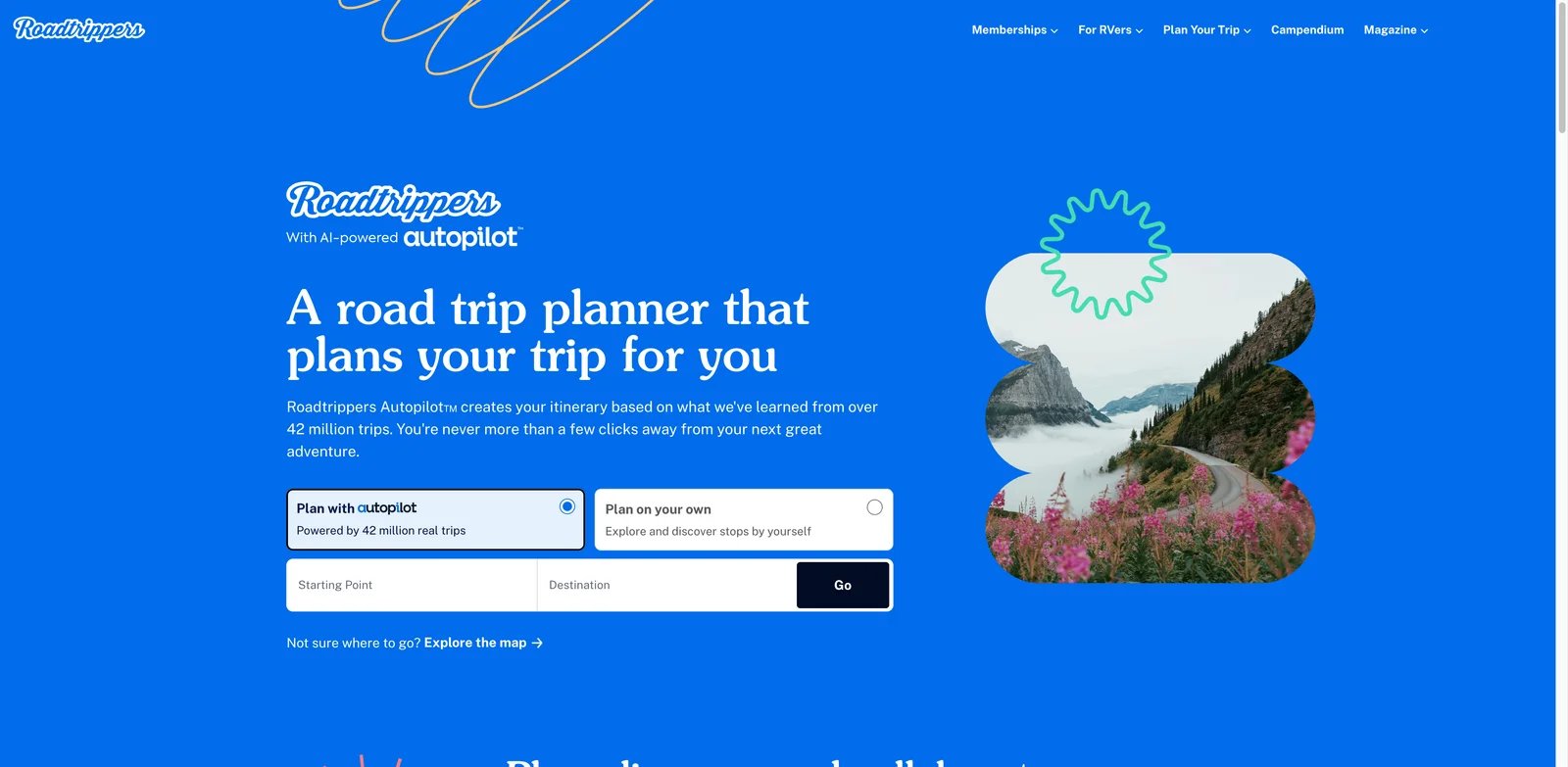
A road trip fails differently from a city break. You need drive times, fuel stops, RV-safe routes, campgrounds, detours, and offline navigation. Roadtrippers is the strongest specialist in this list for North American road trips, especially if you drive an RV or plan around outdoor stops.
Key Features
- Road-trip-specific planning - Roadtrippers understands routes, scenic stops, campgrounds, and road travel constraints better than general itinerary tools.
- Autopilot and route support - AI-assisted planning helps build routes while still keeping the map central.
- RV and vehicle context - Premium features can account for vehicle and camping needs that generic planners ignore.
- Offline navigation - This matters in rural areas where mobile coverage is unreliable.
Pricing & Plans
Roadtrippers offers Free ($0; one saved trip and three stops), Basic ($11.99/month or $35.99/year), Pro ($16.99/month or $49.99/year), and Premium ($19.99/month or $59.99/year). Autopilot, RV GPS, offline maps, live traffic, 150 stops, and unlimited saved trips require Premium; eligible users receive a seven-day trial. Free access is useful for exploring, but serious trip planning likely needs Premium.
Pros & Cons
Pros: Specializes in driving routes; offers AI-assisted Autopilot planning; supports RV constraints and campgrounds; provides offline maps in Premium.
Cons: Roadtrippers is heavily oriented toward the US and Canada. It is also less useful for dense urban trips where public transit, museum timing, and restaurant neighborhoods matter more than driving logistics.
Best For
Roadtrippers is best for road trips, RV travel, camping routes, and North American driving itineraries. Not the right fit for multi-city air travel or international city breaks.
Get started with Roadtrippers
Gemini AI Trip Planner

If you already use Google for flights, hotels, maps, and everyday search, Gemini AI Trip Planner is attractive because it can connect travel planning to familiar Google surfaces. It is best viewed as a smart planning layer, not a full trip management system.
Key Features
- Google travel context - Gemini can use Google Flights and Hotels context when helping structure travel ideas.
- Neighborhood-aware suggestions - It can group places by areas, which helps avoid unrealistic day plans.
- General AI flexibility - Gemini can answer side questions, refine constraints, and explain tradeoffs during planning.
- Free core access - For many users, the first planning workflow does not require buying a dedicated travel app.
Pricing & Plans
Gemini's core consumer access is free, with higher-capability Google AI subscription plans available separately. Travel-specific availability and model access can vary by region and account.
Pros & Cons
Pros: Connects to Google Flights and Hotels; groups activities by neighborhood; handles flexible follow-up questions; offers free core access.
Cons: Gemini is not a dedicated itinerary workspace with the same trip-board structure as Wanderlog or Mindtrip. There is also no clean standalone feedback signal for the travel planner feature, so user-feedback confidence is lower.
Best For
Gemini AI Trip Planner is best for Google users exploring trip ideas before moving to a dedicated planner. Not the right fit if you need shared editing, offline plans, booking imports, or a polished handoff itinerary.
Get started with Gemini AI Trip Planner
Tineo
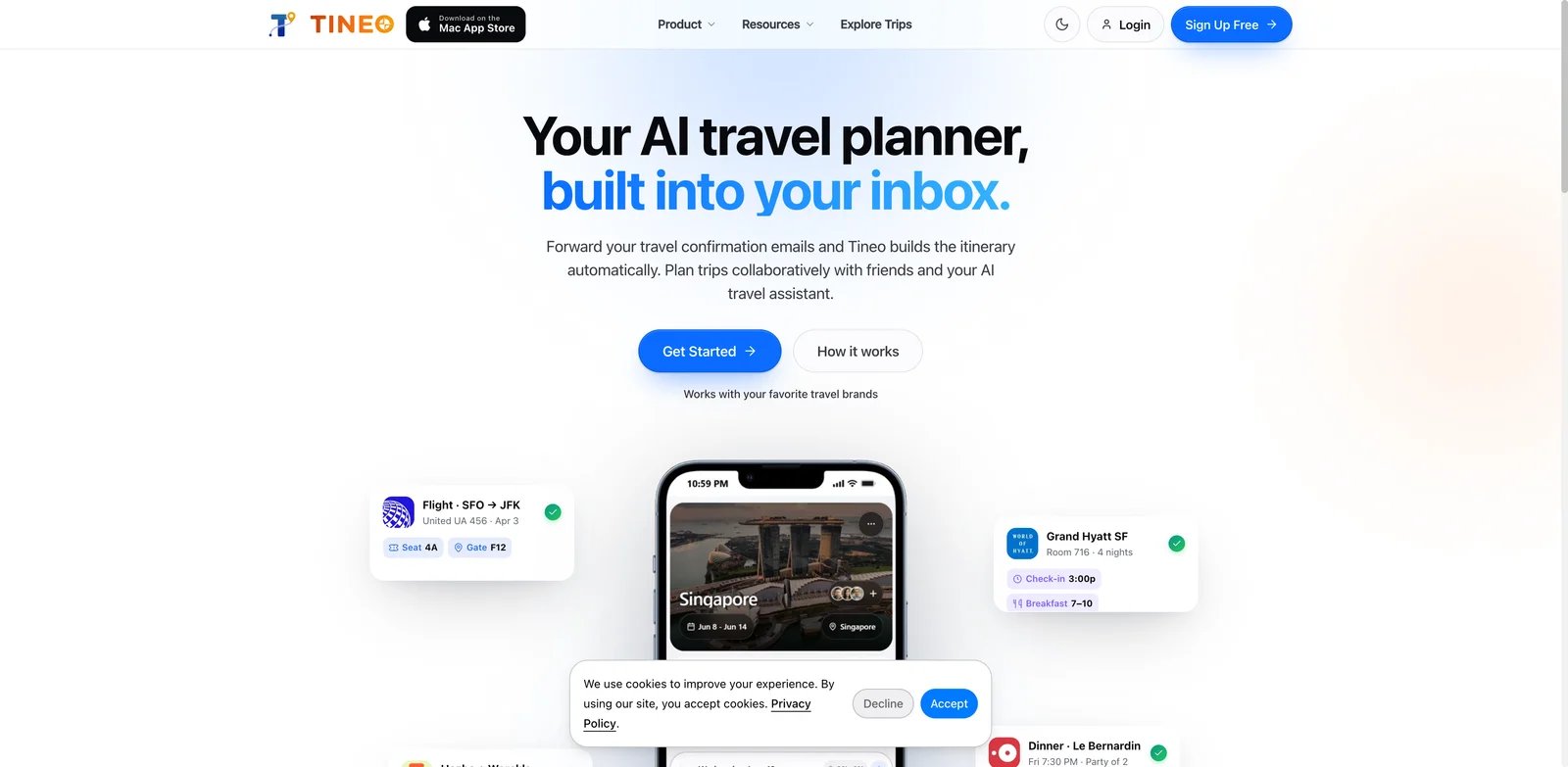
Some travelers do not need more inspiration; they need the bookings they already made to become a usable plan. Tineo focuses on turning confirmations and trip information into organized itineraries, with AI assistance, collaboration, and offline access.
Key Features
- Booking import workflow - Tineo can turn confirmation emails and travel details into structured itinerary context.
- Offline access - This is practical for travelers who need addresses and timing available without reliable data.
- AI assistant layer - The assistant helps answer trip questions and adjust plans around existing details.
- Collaboration - Shared access is useful for couples, families, or teams traveling together.
Pricing & Plans
Tineo has a Free plan at $0 and Ultra at $4.99/month or $40/year, equivalent to about $3.33/month when billed annually. Ultra adds premium AI capabilities, offline access for upcoming trips, document and trip intelligence, and expanded import workflows; a seven-day trial is available on eligible platforms and offers. Confirm current limits around imports, offline access, and AI usage before upgrading.
Pros & Cons
Pros: Converts confirmation emails into itineraries; supports shared trips; works on web, iOS, and Android; offers offline access and premium trip intelligence in Ultra.
Cons: Tineo has less independent public feedback than older travel apps. It also fits better after bookings exist; if you are still deciding where to go, Layla, KAYAK AI, or Mindtrip may be better starting points.
Best For
Tineo is best for travelers who want booking details organized into a live itinerary. Not the right fit if you need broad destination discovery or review-backed activity research.
Get started with Tineo
iMean AI
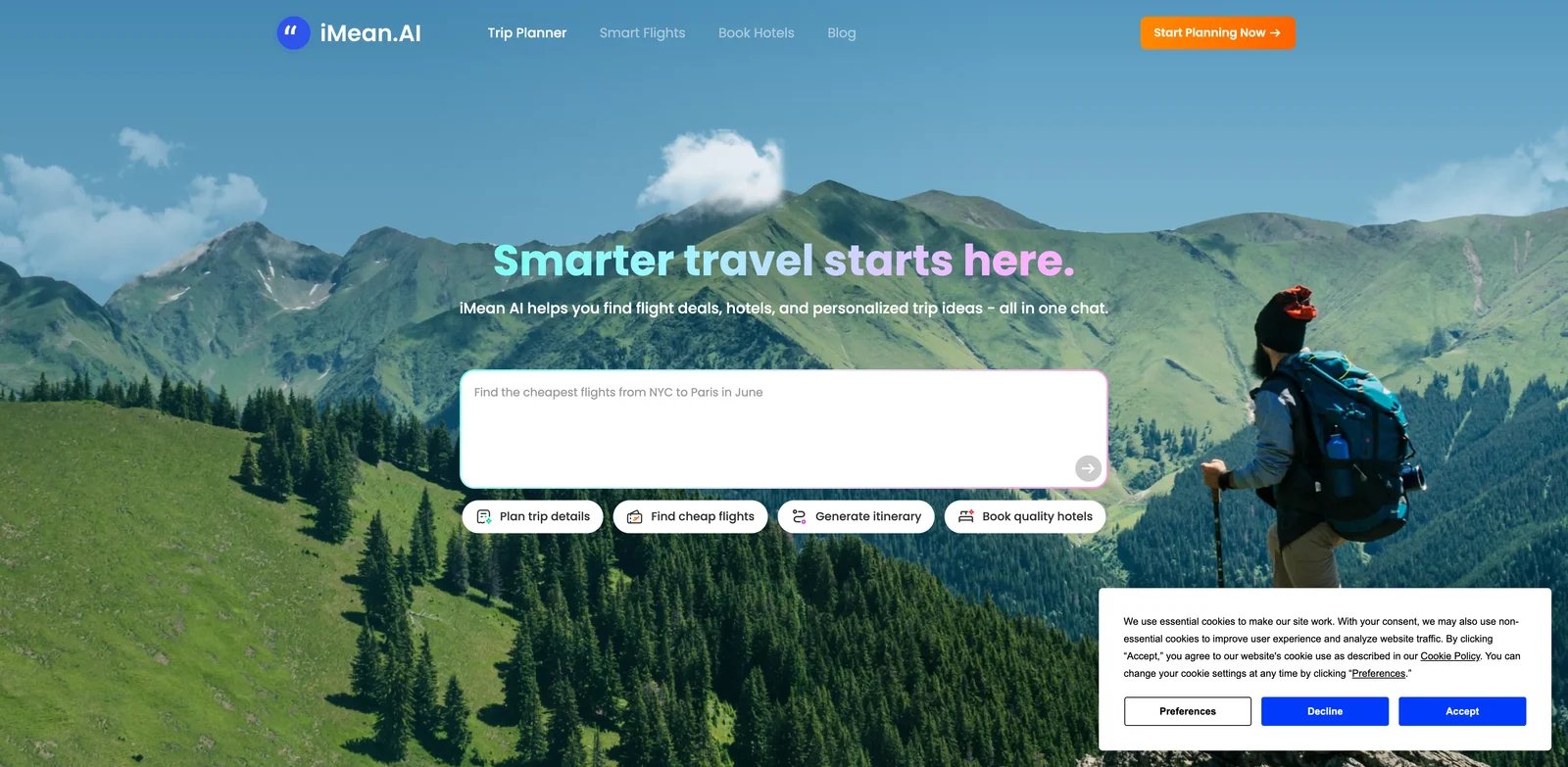
Multi-city trips are where generic itinerary generators often fail. iMean AI is built around itinerary planning with real-time flight scanning, multi-city combinations, and route optimization. That makes it more useful for travelers trying to make destinations fit together than for someone planning a simple weekend.
Key Features
- Real-time flight scanning - iMean's stronger angle is connecting itinerary ideas to flight feasibility.
- Multi-city planning - The tool is designed for trips where order and transit options matter.
- Route optimization - It helps reduce plans that look exciting but are inefficient in practice.
- Daily free quota - Casual users can test the workflow before paying.
Pricing & Plans
iMean AI listed a daily free allowance and a $6.99 per month plan in the research snapshot. Verify current usage limits because flight-aware planning can be more expensive to operate than static itineraries.
Pros & Cons
Pros: Scans real-time flight options; supports multi-city planning; optimizes trip sequencing; provides a daily free allowance.
Cons: Independent public feedback was limited in the research snapshot, so confidence is lower than for Wanderlog, Tripadvisor, or Roadtrippers. It also appears narrower than all-in-one organizers.
Best For
iMean AI is best for travelers planning multi-city trips where flights and sequencing matter. Not the right fit if you need a mature shared trip board or broad app-store validation.
Get started with iMean AI
Let's Trip
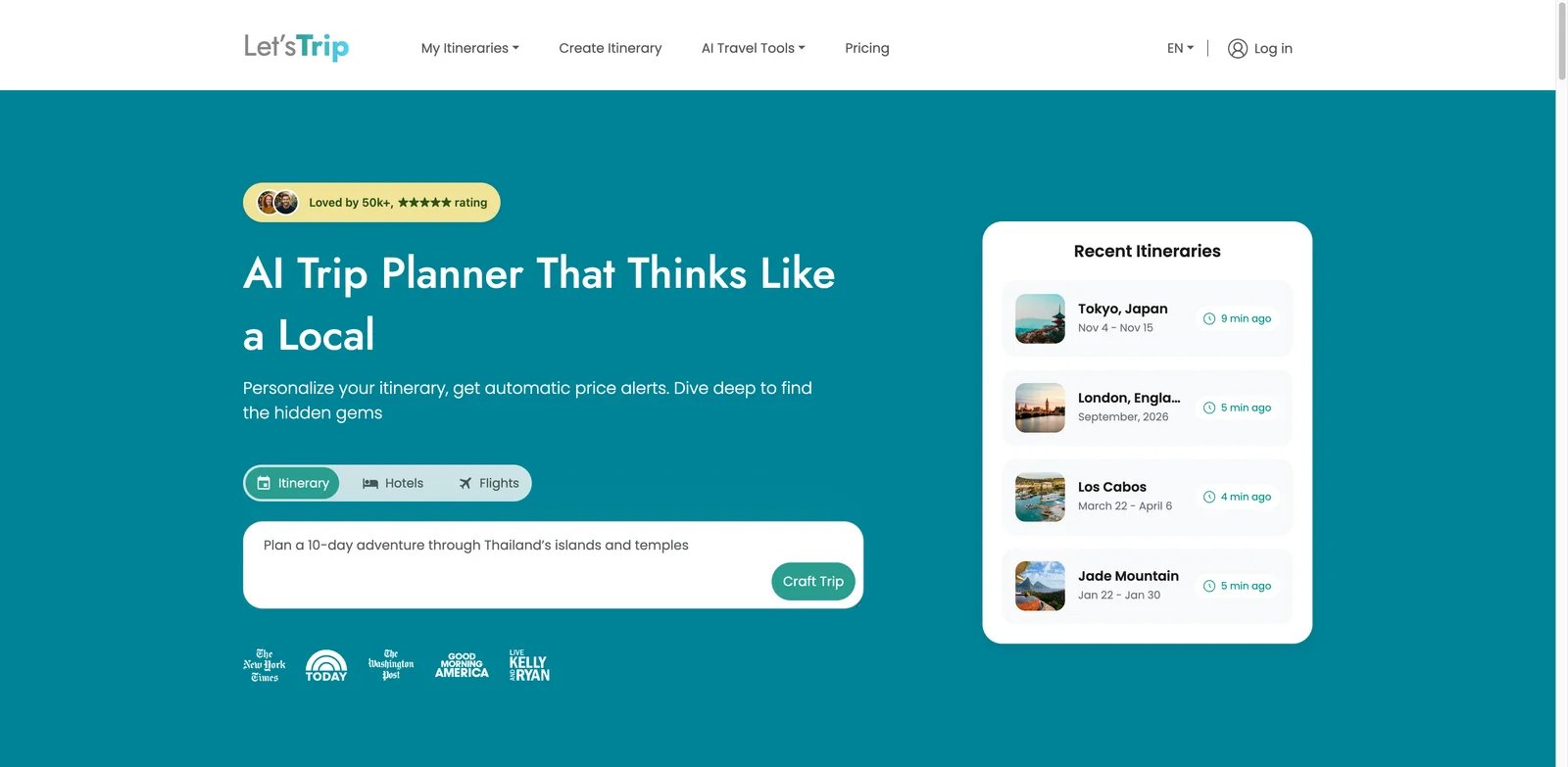
Travelers often want a first draft before they are ready to commit to a paid planner. Let's Trip is useful for that stage because it offers a free basic planning model, itinerary generation, local experience discovery, and hotel price monitoring.
Key Features
- Free itinerary starting point - It can generate a trip structure without forcing an immediate paid upgrade.
- Hotel price monitoring - Price tracking helps when accommodation timing is the expensive part of the trip.
- Local experience discovery - The tool is more useful when you need activities and neighborhoods, not just a route.
- Simple web access - It is easier to test than app-only planners.
Pricing & Plans
Let's Trip offers a free basic model. Premium is listed at $5 per month and a promotional $10 per year (regularly $50 per year), so pricing should be checked before relying on premium features.
Pros & Cons
Pros: Offers a free Basic model; supports editable itineraries and integrated maps; includes hotel-price monitoring and local-experience discovery.
Cons: The $10 annual Summer Escape price is promotional and may change. It also has less independent feedback evidence than mature travel platforms.
Best For
Let's Trip is best for early-stage itinerary drafts and hotel-aware planning. Not the right fit if you need fully verified pricing before creating an account or a mature collaboration workspace.
Get started with Let's Trip

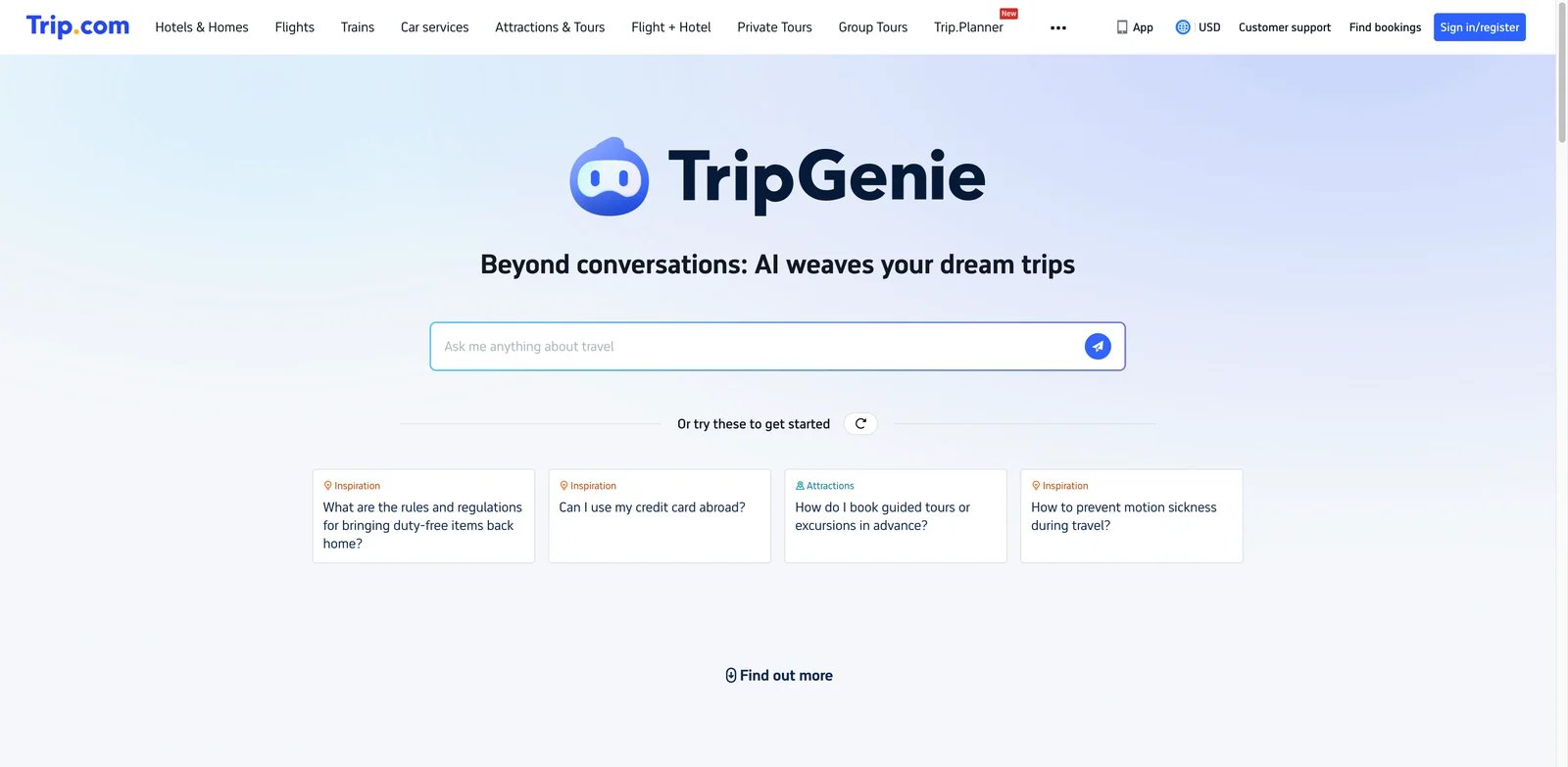
If you already book through Trip.com, planning inside the same ecosystem can reduce friction. TripGenie is Trip.com's AI travel assistant, focused on custom itineraries, travel questions, accommodation, transport, and after-sales support.
Key Features
- Booking ecosystem connection - TripGenie is useful when planning and purchasing happen inside Trip.com.
- Custom itinerary support - It can help create trip plans around destination and preference inputs.
- Travel support context - Because it sits inside a travel platform, it can help with adjacent travel questions.
- Mobile-first experience - This is convenient for travelers who plan and book on phones.
Pricing & Plans
TripGenie is positioned as a free AI feature inside Trip.com. Actual trip costs depend on bookings and supplier terms.
Pros & Cons
Pros: Connects planning to Trip.com's booking ecosystem; creates customized itineraries; answers broader travel questions; supports after-booking assistance.
Cons: The workflow is mobile-first, and the web planning experience is less central. Independent feedback for the AI feature itself is not cleanly separable from Trip.com's broader app ratings.
Best For
Trip.com TripGenie is best for travelers already using Trip.com for booking. Not the right fit if you want an independent planning workspace or do not want your planner tied to one booking platform.
Get started with Trip.com TripGenie
Copilot2trip
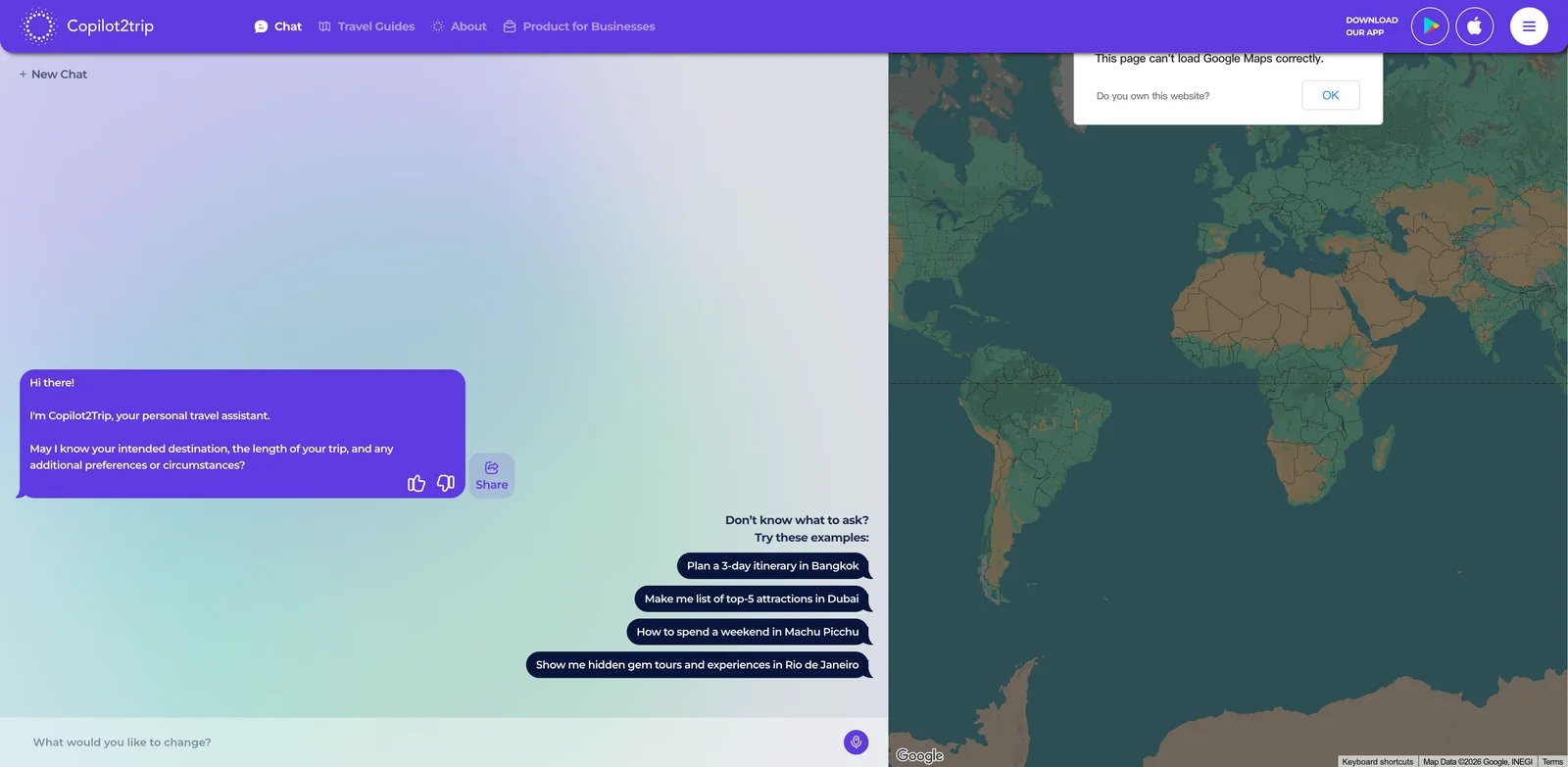
A trip planner without a map can hide bad geography until it is too late. Copilot2trip is strongest for users who want a conversational planner with an interactive map and adaptive itinerary suggestions.
Key Features
- Map-first interaction - Seeing recommendations spatially helps you avoid backtracking and overloaded days.
- Personalized suggestions - The planner adapts around preferences rather than returning a generic city checklist.
- Dynamic itinerary updates - It is useful when plans change and you need a revised route quickly.
- Free web access - You can test the product without committing to a paid app flow.
Pricing & Plans
Copilot2trip was listed as free in the research snapshot. Check current account limits and whether any export or advanced features require payment.
Pros & Cons
Pros: Provides an interactive itinerary map; supports conversational personalization; revises plans dynamically; offers free web access.
Cons: Public feedback evidence is thin compared with larger travel apps. It also lacks the broader booking, budget, and collaboration depth of Wanderlog or Stippl.
Best For
Copilot2trip is best for travelers who want map-visible itinerary planning. Not the right fit if you need app-store-proven reliability or a full travel operations workspace.
Get started with Copilot2trip
MonkeyTravel
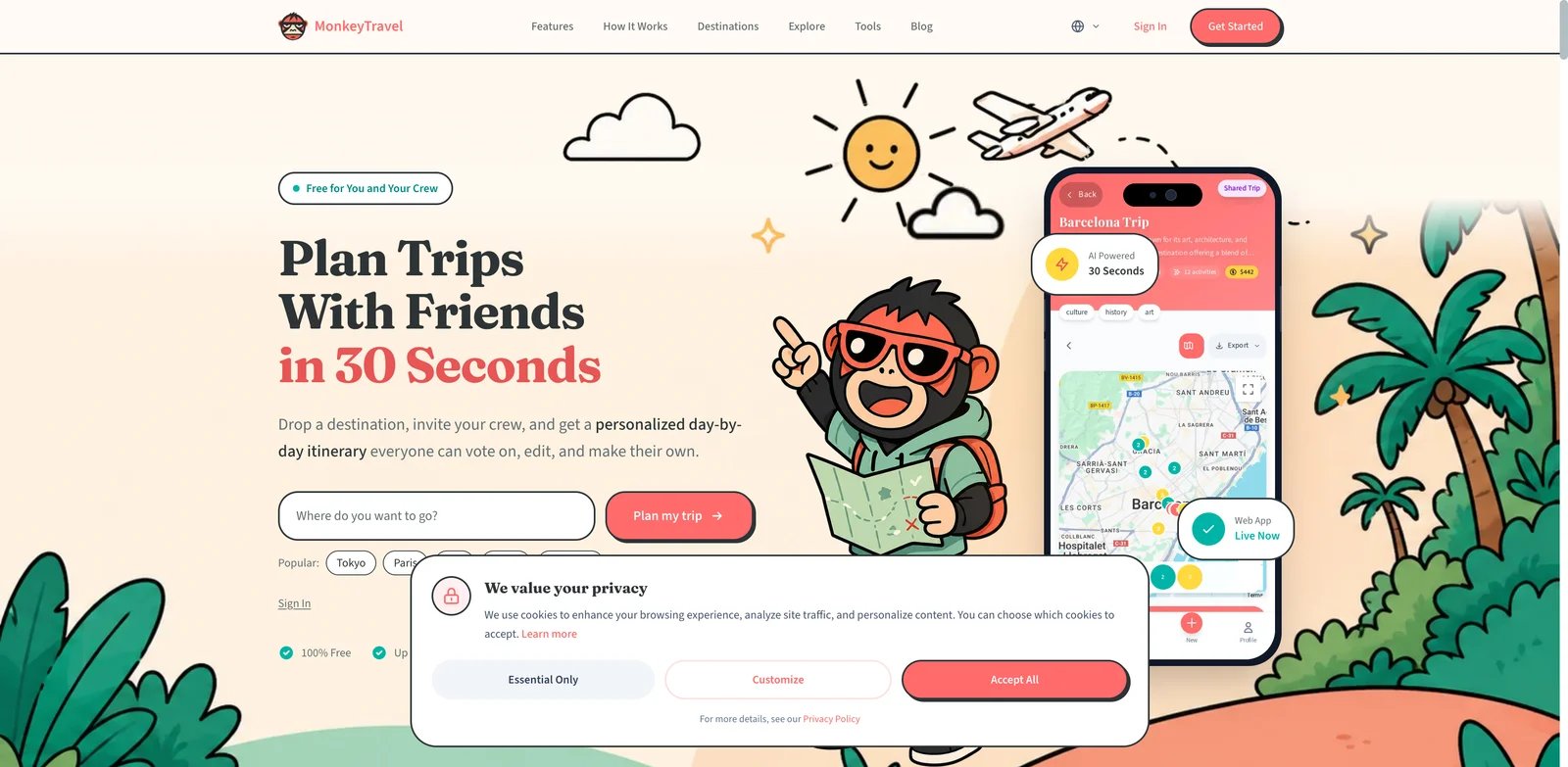
Group trips create a different planning problem: the hard part is not generating ideas, it is getting people to agree. MonkeyTravel stands out because it includes real places, prices, routes, PDF export, collaboration, and group voting in a free web product.
Key Features
- Group voting - This directly addresses the coordination problem in friend, family, and team trips.
- Route and real-place planning - The plan is grounded in actual locations rather than abstract suggestions.
- PDF export - Exporting helps when you need a shareable plan outside the app.
- Free web workflow - It is easy to test before asking a group to join.
Pricing & Plans
MonkeyTravel was listed as free in the research snapshot. Because the mobile app was not mature yet, check current product status before planning a high-stakes trip.
Pros & Cons
Pros: Supports group voting; uses real places and routes; exports plans to PDF; provides a free browser-based workflow for up to eight collaborators.
Cons: Mobile maturity and independent feedback are the main gaps. If you need proven app reliability during travel, Wanderlog or Tripadvisor may be safer.
Best For
MonkeyTravel is best for free group planning where voting and PDF export matter. Not the right fit if you need a mature mobile app for offline use during the trip.
Get started with MonkeyTravel
GuideGeek
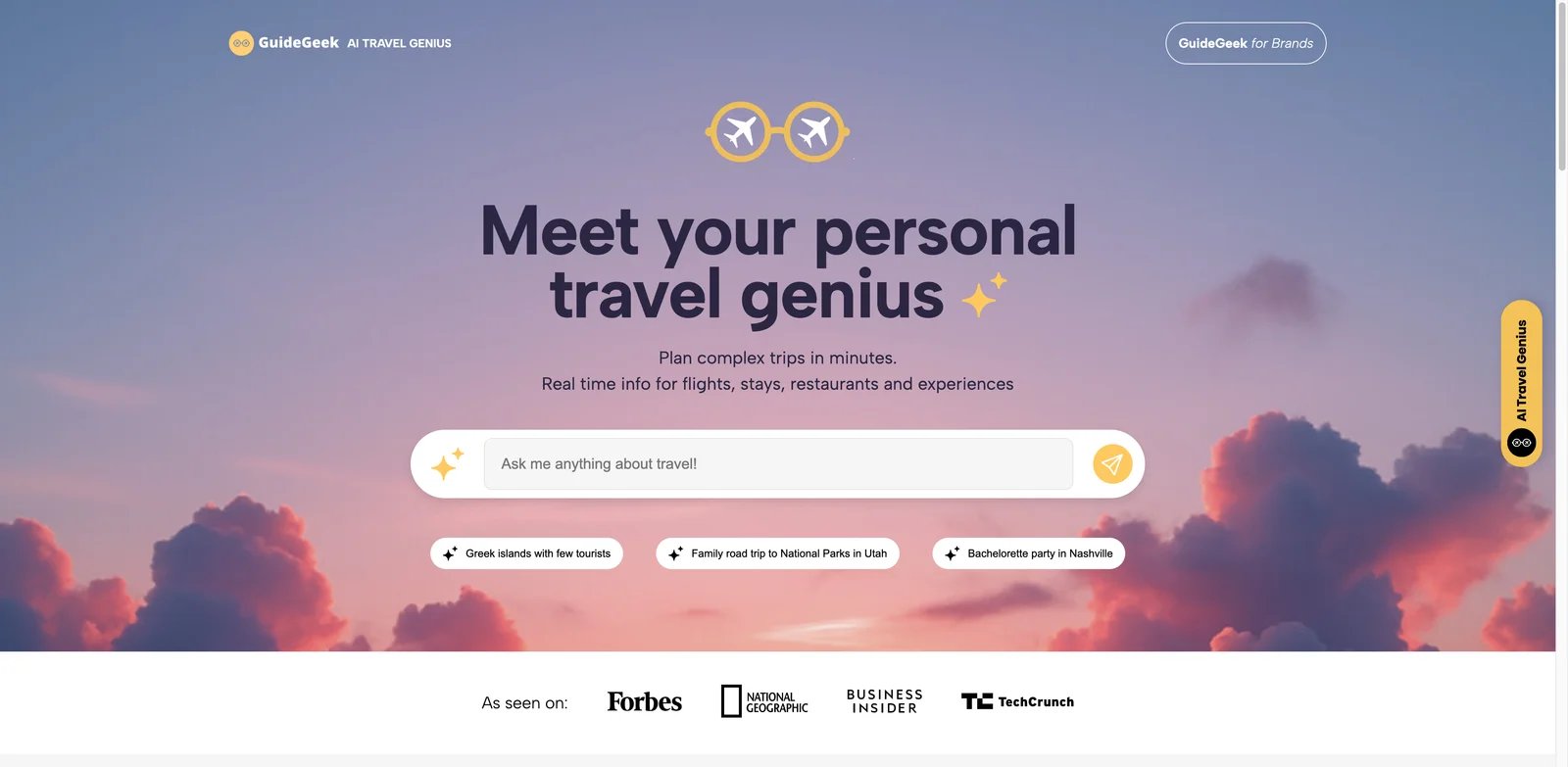
Not every travel question deserves a full itinerary workspace. GuideGeek is better when you want fast, message-based travel help through web, WhatsApp, Instagram, or Messenger. It is closer to a travel assistant than a structured trip-board product.
Key Features
- Chat-app access - Travelers can ask questions in familiar channels instead of adopting another planning app.
- Real-time travel data claims - GuideGeek emphasizes current data and price comparisons for recommendations.
- Booking-adjacent help - The product can support practical questions, not just destination inspiration.
- Low friction - It is easy to use when you need a quick answer while planning or traveling.
Pricing & Plans
GuideGeek is free in the public research snapshot. As with any chat-based travel assistant, verify whether partner bookings, premium support, or data access change the effective cost.
Pros & Cons
Pros: Works through web and Meta messaging platforms; uses real-time travel data; compares flights, hotels, and activities; is free for travelers.
Cons: GuideGeek is less structured than itinerary workspaces like Mindtrip, Wanderlog, or Stippl. If you need a shared, editable, day-by-day plan, you may outgrow it quickly.
Best For
GuideGeek is best for quick travel questions and message-based planning. Not the right fit if your main need is a durable itinerary with maps, budget, documents, and group collaboration.
Get started with GuideGeek
Best AI Travel Planner Tools by Use Case
For travelers building a complete multi-day trip
If you want the itinerary to become the working trip document, start with Wanderlog, Mindtrip, or Stippl. Wanderlog is the safest mature organizer, Mindtrip is stronger for visual inputs and collaborative planning, and Stippl is useful when you want budgets, packing, bookings, and routes in one product.
For travelers still deciding where and when to go
If your destination, dates, or budget are not fixed yet, Layla, KAYAK AI, and Gemini AI Trip Planner are better starting points. They sit closer to travel search, flights, hotels, and broad destination discovery than pure itinerary workspaces.
For group trips where agreement is the bottleneck
For family or friend trips, collaboration matters more than clever prose. MonkeyTravel is appealing because of group voting and PDF export, while Wanderlog and Mindtrip provide stronger mature workspaces for shared planning.
For road trips and RV travel
Roadtrippers is the clear specialist. It handles driving routes, road-trip stops, camping, RV constraints, and offline navigation better than general-purpose AI planners. Use it for North America road trips; use another tool for city-heavy international travel.
For quick travel questions
If you need fast answers rather than a full plan, GuideGeek, Gemini, or Layla may be enough. GuideGeek is especially low-friction because it works through web and common messaging channels.
For broader productivity workflows beyond travel, compare our best AI assistant tools and AI productivity tools guides.
How to Choose the Right AI Travel Planner Tools
Start with the trip type. A road trip needs route constraints, offline access, and stops, so Roadtrippers beats a general planner. A city break needs neighborhoods, opening hours, restaurants, and realistic walking time, so Mindtrip, Wanderlog, or Tripadvisor Trips are better fits.
Check whether the tool produces a workspace or just a response. A chatbot answer is useful for ideas, but a real trip needs editing, saving, sharing, and map review. If the output cannot survive changes, it will probably become another note you abandon.
Verify travel data freshness. For flights, hotels, rental cars, and prices, tools connected to travel inventory such as KAYAK AI, Layla, Trip.com TripGenie, and Gemini have an advantage. For subjective activity choices, Tripadvisor's review ecosystem can matter more than live prices.
Test the free tier with your real trip. Give the planner your dates, budget, hotel area, pace, and must-do places. A good AI travel planner should produce a day that makes geographic sense. If day one sends you across the city three times, do not upgrade.
Look at the handoff. If you need PDF export, offline access, group voting, booking imports, or collaboration, confirm those before paying. These details matter more than the quality of the first generated paragraph.
Finally, separate inspiration from operations. You can use Gemini or GuideGeek for ideas, KAYAK AI for price-aware search, and Wanderlog or Mindtrip for the final plan. The best setup may be two tools, but avoid paying for multiple planners that duplicate the same itinerary workspace.
If your planning problem is closer to general task management than travel, our AI agent tools and AI chatbots category pages cover broader automation and conversational options.
FAQ
What is the best AI travel planner tool overall?
Mindtrip is the strongest overall pick if you want an AI-native planning workspace with visual inputs, collaboration, and clear privacy signals. Wanderlog is the safer mature organizer if you value maps, budgets, booking imports, offline planning, and a large user-feedback base. The best choice depends on whether you want a newer AI-first workspace or a more established trip organizer.
Which AI travel planner is best for road trips?
Roadtrippers is the best fit for road trips, especially in the US and Canada. It focuses on drive routes, scenic stops, RV and camping needs, and offline navigation. General AI planners can suggest road-trip ideas, but they usually do not handle vehicle, campground, distance, and route constraints as well.
Are free AI travel planner tools good enough?
Free tools are good enough for early planning, destination ideas, and simple itineraries. Mindtrip, Wanderlog, Layla, KAYAK AI, Tripadvisor Trips, Gemini, MonkeyTravel, and GuideGeek all have useful free access based on the research snapshot. Paid plans matter when you need offline access, route optimization, premium models, RV features, or higher usage limits.
Can AI travel planners book flights and hotels?
Some can help near the booking process, but not all of them are booking agents. KAYAK AI, Layla, Trip.com TripGenie, Tripadvisor Trips, and Gemini sit closer to flights, hotels, activities, or travel inventory. Mindtrip, Wanderlog, and Stippl are stronger as planning workspaces, though they may support booking context or imports.
Is Layla still separate after Expedia acquired it?
Expedia Group announced its acquisition of Layla on July 31, 2026. At the time of the research snapshot, Layla's independent product entry remained available. That makes Layla a strong option, but users should watch for changes in accounts, pricing, data policies, and Expedia integration. For now, verify that Layla's standalone entry point and current terms still meet your needs before paying.
Why are Roam Around and Trip Planner AI not listed separately?
They were not ranked separately because the current research found that Roam Around has been acquired by Layla and Trip Planner AI routes detailed AI planning toward Layla. Listing all three as separate tools would make the article look larger while duplicating the same product path. Ranking Layla once gives readers one current product choice instead of inflating the list with legacy routes.
Which AI travel planner is best for group trips?
MonkeyTravel is the most interesting free option for group voting and PDF sharing. Wanderlog and Mindtrip are stronger if the group needs a more complete planning workspace with maps, saved places, and itinerary edits. For casual group decisions, voting may matter more than advanced AI generation. Compare participant limits, editing permissions, mobile access, and offline availability before moving an entire group into one planner.
Should I use a general AI assistant instead of a travel planner?
A general assistant is fine for brainstorming destinations, packing lists, or travel questions. Use a dedicated AI travel planner when you need maps, route order, booking imports, collaboration, offline access, or a plan that can be edited over time. For non-travel workflows, see our guide to AI apps.
Get ToolWorthy Weekly
New AI tools, practical guides, and selected AI signals in one weekly brief.
For AI tool founders
Built a tool that belongs in this decision set?
Request an editorial evaluation for possible inclusion in ToolWorthy.
Submit your tool for reviewPaid submission does not guarantee a ranking, recommendation, inclusion, or editorial outcome.