
15 Best AI Voice Cloning Tools 2026 - Consent, Quality & Pricing
Compare 15 AI voice cloning tools for creators, podcasters, video teams, localization workflows, APIs, consent controls, pricing and commercial rights.
On this page
Introduction
Voice cloning is not the same buying decision as text-to-speech. A generic AI voice generator can read a script in a stock voice; a voice cloning tool creates or reuses a specific voice identity from reference audio. That changes the evaluation. You have to care about sample requirements, consent verification, whether the clone can speak other languages, where the voice data is stored, and whether commercial usage is actually covered by your plan.
This guide compares 15 AI voice cloning tools for 2026 using ToolWorthy's five-part evaluation model: functionality, user experience, innovation, value for money and user feedback. We verified the shortlist against official product pages, pricing pages, help centers and policy pages on August 13, 2026. For adjacent workflows, compare this list with our AI voice cloning category, AI voice generator tools, and AI voice changer tools.
| Tool | Best For |
|---|---|
| ElevenLabs | Best overall voice cloning quality with creator and API workflows |
| Descript | Podcast and video edits where cloned speech fixes recordings |
| Resemble AI | Enterprise voice creation, watermarking and deployment options |
| Speechify | Creator voiceovers, dubbing and simple paid cloning access |
| LOVO AI | Genny custom voice libraries for recurring creator work |
| Murf AI | Business narration and enterprise custom voice clone projects |
| HeyGen | Voice cloning paired with avatars and translated videos |
| PlayHT | Budget clone slots, TTS and API access |
| Fliki | Cross-language cloned voice inside video creation |
| VEED | Quick browser video editing with a cloned voice option |
| Altered | Voice-to-voice production and local cloning workflows |
| Rask AI | Localization teams saving custom voice clones for translation |
| Synthesia | Corporate avatar video with verified custom voices |
| Azure AI Custom Neural Voice | Enterprise custom neural voice on Azure |
| Camb.ai | API and dubbing teams building custom voice workflows |
How We Selected and Tested
We selected tools that publicly support voice cloning, custom voices, voice replicas, professional voice clones, voice avatars or a comparable workflow where users create a reusable voice from reference audio. Pure stock-voice TTS tools were excluded. Pure live voice changers were also excluded unless they offered a reusable clone workflow, because the buyer risk is different from AI voice changer software for Discord, OBS or gaming.
We gave higher scores to products that expose a clear web or studio workflow, explain the required voice sample length, document consent or ownership checks, publish pricing, and fit a real production scenario such as podcast repair, video localization, e-learning narration, avatar content, audiobook drafts, customer training or API deployment. Tools with cloning only as a bespoke sales add-on were downweighted unless their broader workflow clearly justified inclusion.
Evaluation dimensions:
- Functionality - clone creation, sample requirements, multilingual output, editing controls, export formats, API, dubbing, avatars and reuse of saved voices.
- User Experience - browser workflow, setup speed, onboarding clarity, editing surface, collaboration and whether non-technical users can finish a real project.
- Innovation - professional clone modes, zero-shot multilingual cloning, speech-to-speech, watermarking, consent flow, voice design and deployment options.
- Value for Money - public pricing, free tier usefulness, credits, voice clone slots, commercial rights, export gates and hidden sales-led costs.
- User Feedback - market maturity, review visibility, official customer evidence and known workflow friction. When evidence was thin, we scored conservatively.
Important scope note: this is a public-evidence comparison, not a private lab benchmark of every model. Voice quality depends heavily on recording quality, accent, microphone, language pair, script style and output length. Always test the same sample and same script across your final shortlist before cloning a real client, employee or performer voice.
Top 15 AI Voice Cloning Tools Compared
Use this table as a first filter. If you need the best general-purpose clone, start with ElevenLabs, Descript, Resemble AI and Speechify. If your final output is video or localization, HeyGen, Fliki, Rask AI, Synthesia and Camb.ai may be a better fit. If procurement, watermarking or cloud governance matters most, Resemble AI or Azure should be evaluated earlier.
| Tool | Best For | Clone Workflow | Starting Price Signal | Main Watchout |
|---|---|---|---|---|
| ElevenLabs | High-fidelity creator and API cloning | Instant + Professional Voice Cloning | Starter/Creator paid tiers | Credit use and plan rights need review |
| Descript | Podcast/video repair | Voice clone inside transcript editor | Hobbyist from $16/mo annual | Clone is tied to Descript workflow |
| Resemble AI | Enterprise voice creation | Rapid Clone + Professional Clone | Open-source model available; hosted clone rates not itemized | Voice Cloning API requires Business+ |
| Speechify | Creator voiceover and dubbing | Studio voice cloning on paid tiers | Studio Starter $19/mo | Free plan excludes cloning and commercial rights |
| LOVO AI | Custom voice library | Genny custom voice from recording/upload | Paid plans; recheck current pricing | Pricing details can change by promotion |
| Murf AI | Business narration | Custom voice clone add-on/enterprise | Creator $19/mo; Business $66/mo | Cloning is not entry-tier self-serve |
| HeyGen | Avatar/video localization | Voice clone plus avatar/video output | Creator $29/mo ($24/mo annual) | Overbuilt for audio-only cloning |
| PlayHT | Low-cost clone slots + API | Voice clone slots in plans/API | Free Starter; Creator $9.99/mo | Old and new domains show differing packaging |
| Fliki | Video creators | 30-second clone inside video editor | Free start; paid for commercial use | Claims need hands-on fidelity testing |
| VEED | Browser video edits | Record once, generate voiceovers | Free try-once; paid full access | Not the deepest clone engine |
| Altered | Pro audio voice-to-voice | Rapid/local cloning + morphing | Creator $30/mo annual | More technical than creator-first tools |
| Rask AI | Video/audio localization | Emotion-preserving cloning; saved custom voices on Creator Pro+ | Creator $60/mo monthly | Expensive for cloning alone |
| Synthesia | Corporate avatar video | Voice cloning on all plans with consent verification | Basic $0; Starter $29/mo; Creator $89/mo | Video-first platform |
| Azure AI Custom Neural Voice | Enterprise Azure deployments | Custom Neural Voice approval workflow | Consumption pricing | Limited access and hosting complexity |
| Camb.ai | API and dubbing stacks | Custom voice from reference audio | Plan/API dependent | More technical buyer motion |
Detailed Reviews

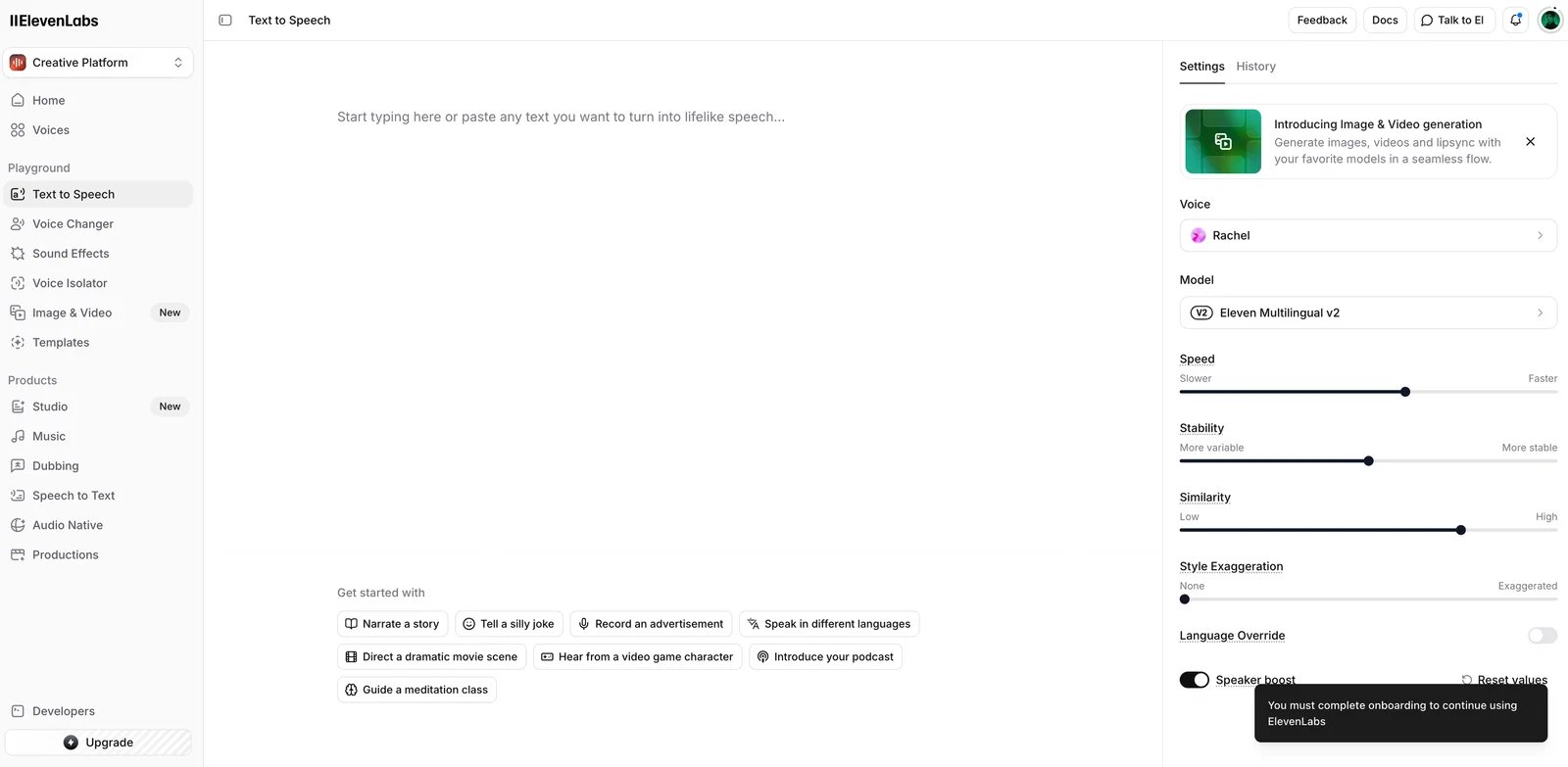
ElevenLabs is the safest first test for most buyers because it treats voice cloning as a core product, not a hidden add-on. The main split is simple: Instant Voice Cloning for fast creator work, and Professional Voice Cloning for higher-fidelity voices that require more clean spoken audio and verification.
Key Features
- Instant and professional cloning: Instant Voice Cloning is built for quick setup from short audio. Professional Voice Cloning is for more realistic output and requires a larger spoken dataset.
- Multilingual reuse: Cloned voices can be used across supported languages, making ElevenLabs practical for creators, authors, game teams and localization workflows.
- Web studio plus API: The same cloned voice can support manual production and embedded generation through developer workflows.
- Consent and traceability controls: Professional Voice Cloning includes verification requirements, and official docs describe restrictions on cloning someone else's voice.
Pricing & Plans
ElevenLabs' public pricing places Instant Voice Cloning on paid creator tiers and Professional Voice Cloning higher in the subscription ladder. The exact cost depends on credits, clone type, audio quality, workspace seats and API usage. Treat the published plan table as required reading before committing to long-form narration or multi-language dubbing.
Pros & Cons
Pros
- Strongest all-around fit for creator voice cloning
- Clear instant vs professional clone paths
- Useful web studio and API coverage
- Better consent posture than many lightweight cloners
Cons
- Credit-based pricing can be hard to forecast
- Professional quality requires clean and longer recordings
- Commercial rights and data handling vary by plan and use case
Best For
Choose ElevenLabs if you need one voice clone to support podcasts, audiobooks, YouTube narration, game dialogue, localization or API output. It is not the cheapest option for casual one-off social clips.
Get started with ElevenLabs

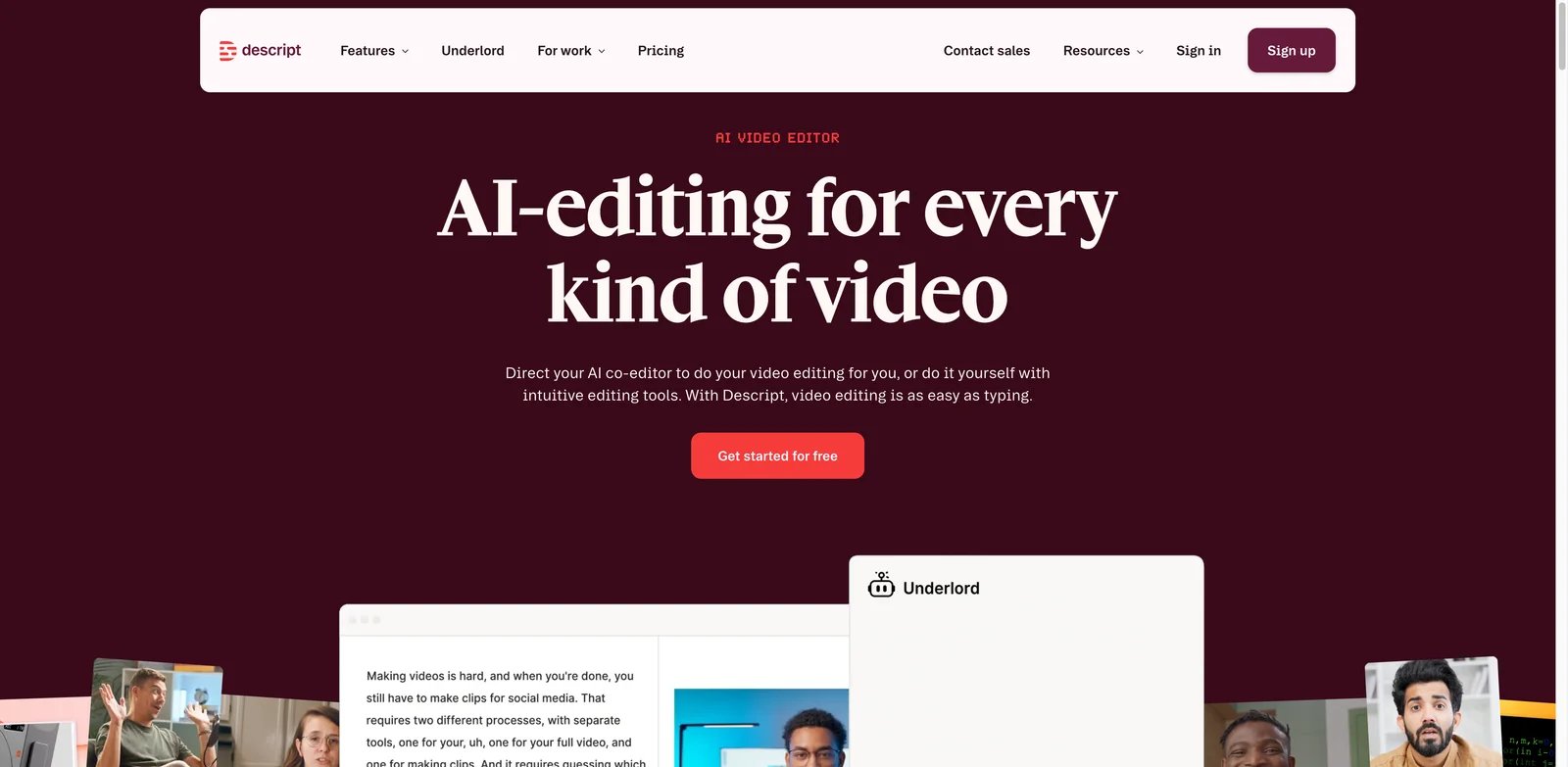
Descript is different from standalone voice cloning tools because the clone is part of the editor. If you need to fix a sentence in a podcast, regenerate a missed word, or rewrite a line inside an existing video, that is a stronger workflow than exporting audio between separate tools.
Key Features
- Voice clone inside the timeline: Create a custom AI speaker, then type replacement lines directly in the transcript editor.
- Podcast and video repair: The cloned voice is most valuable when paired with transcript editing, filler-word cleanup, Studio Sound and video export.
- Short onboarding script: Descript's public page describes a short reading workflow for building the voice clone.
- Team editing surface: Collaboration and project sharing are stronger than in many single-purpose cloners.
Pricing & Plans
Descript lists a Free tier plus paid plans such as Hobbyist and Creator. The public voice cloning page shows custom voice clones included on paid creative plans, with media hours and AI credits defining the real usage ceiling.
Pros & Cons
Pros
- Best fit for edit-driven voice cloning
- Excellent for podcast and YouTube cleanup
- Familiar transcript-based workflow
- Bundles audio, video, transcription and publishing
Cons
- Not ideal for exporting a voice model to another platform
- Clone quality depends on matching the original performance style
- Less attractive if you only need standalone TTS generation
Best For
Choose Descript if your main pain is fixing or extending existing recordings. Choose ElevenLabs or Resemble AI first if you need a reusable voice across many systems.
Get started with Descript

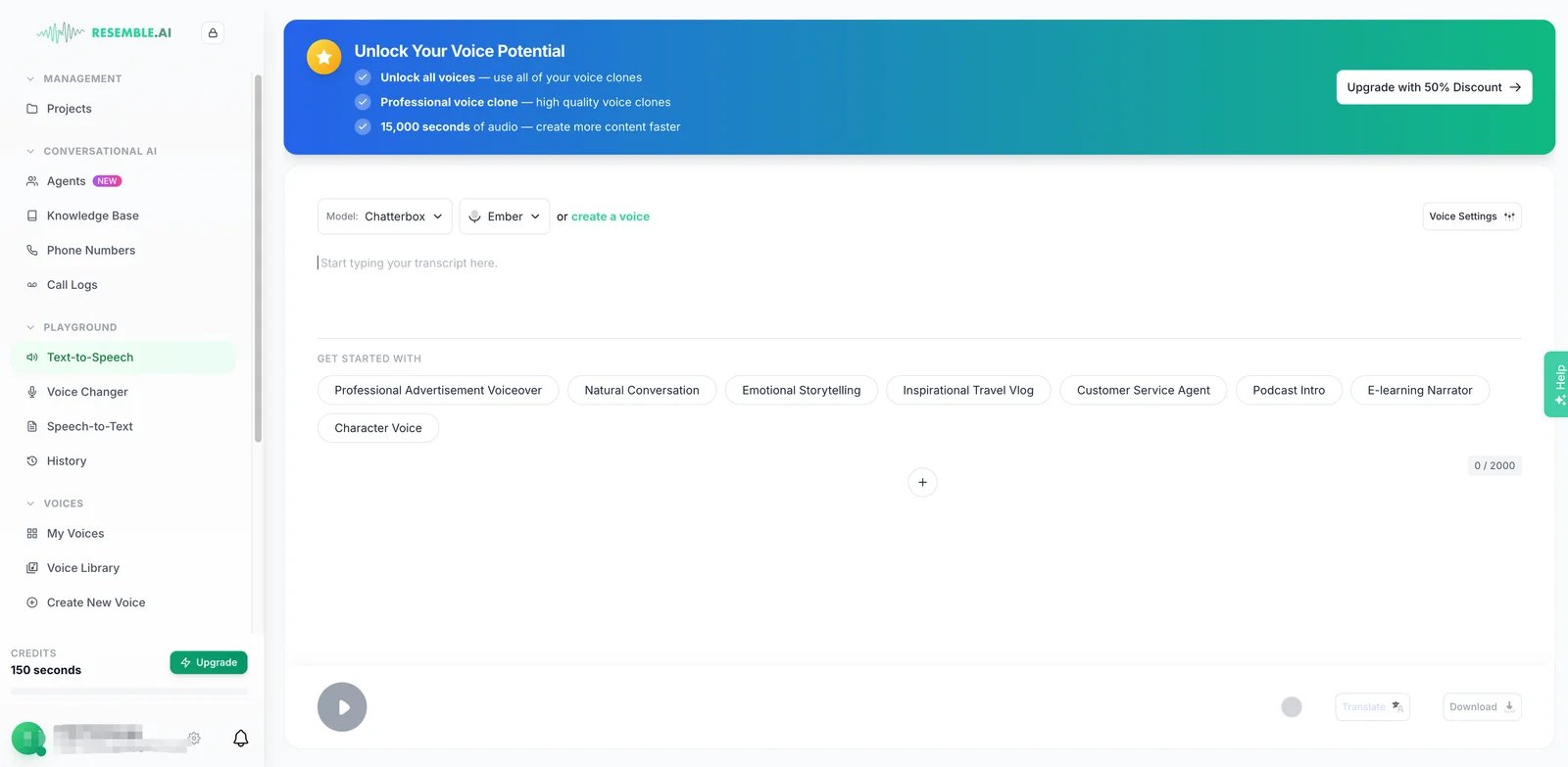
Resemble AI is strongest when voice cloning is part of a larger trust and deployment requirement. Its voice creation page emphasizes Rapid Clone, Professional Clone, multilingual cloning, watermarking, API access and on-premise deployment paths. That makes it more enterprise-oriented than most creator-first tools.
Key Features
- Rapid and professional clone paths: Resemble describes fast cloning from short samples and professional cloning from longer recordings.
- Watermarking and detection posture: Resemble's broader platform is unusually focused on deepfake detection, identity protection and provenance.
- Deployment flexibility: Cloud API, SDK, WebSocket streaming and on-premise options make it relevant for regulated teams.
- Multilingual voice generation: The voice creation workflow supports multilingual output for localization and voice agents.
Pricing & Plans
Resemble's public pricing page currently prices its detection/security suite, not the generative voice-cloning product. The voice-creation page does not itemize clone rates and states that the Voice Cloning API requires Business or higher. Buyers should confirm generative voice rates, clone quotas, API access and on-premise terms directly before procurement.
Pros & Cons
Pros
- Strong governance and watermarking story
- Good fit for API and enterprise deployments
- Professional clone path for serious voice assets
- More credible for sensitive voice workflows than lightweight tools
Cons
- Pricing can require sales clarification
- More complex than simple creator studios
- Some features are better suited to enterprise than solo creators
Best For
Choose Resemble AI if your buyer checklist includes API deployment, security review, voice provenance or on-premise needs. It is overkill for casual personal voiceovers.
Get started with Resemble AI

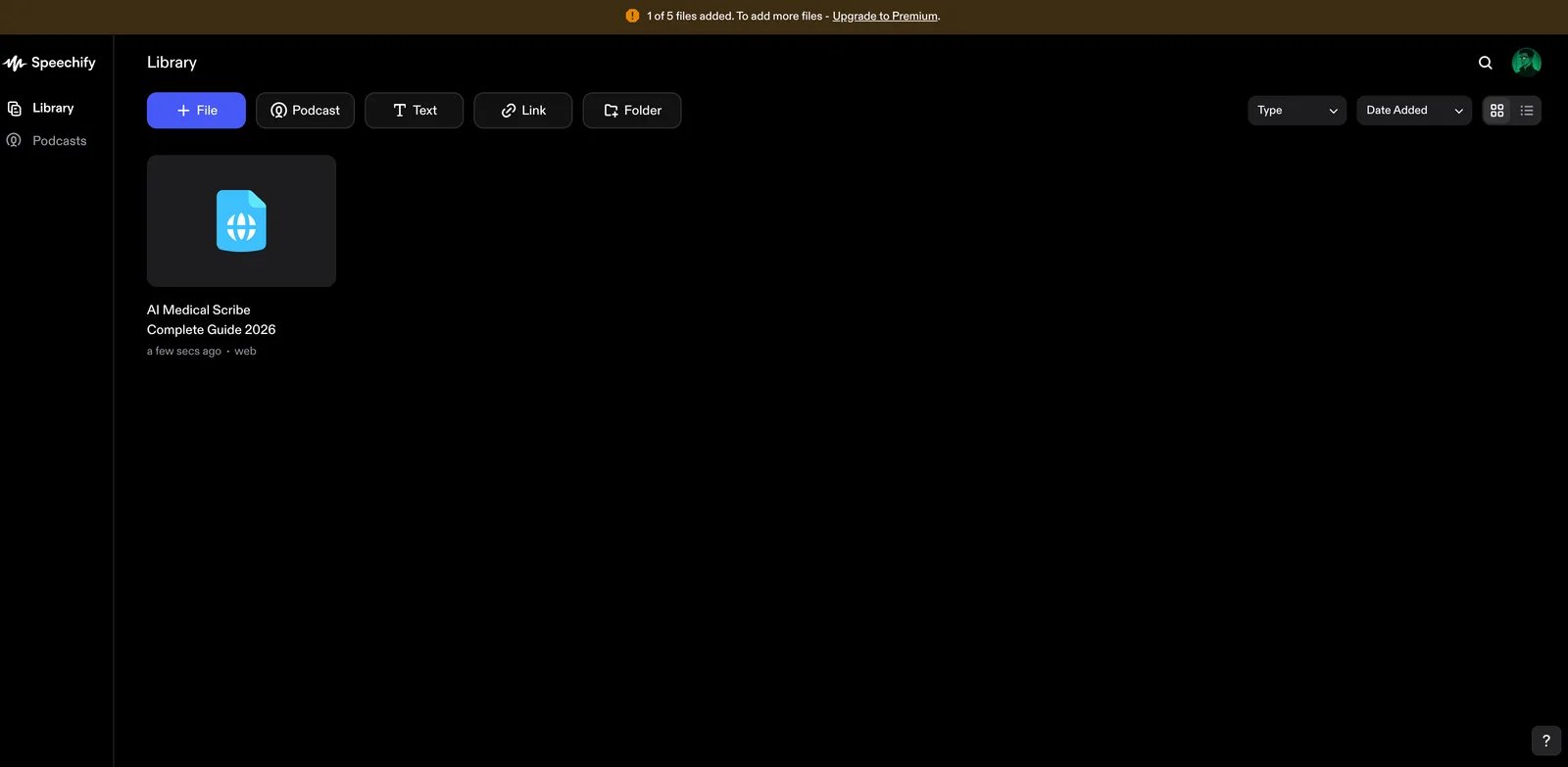
Speechify is a practical creator option because the Studio plan structure is easy to understand: the free plan lets you test the studio, while paid Studio plans add voice cloning and commercial usage rights. It is not only a reader app; the Studio product is the relevant surface for cloned voiceovers.
Key Features
- Studio voice cloning: Speechify Studio Starter includes voice cloning, while the Free Studio plan explicitly excludes it.
- Voiceover, dubbing and voice changer tools: A single credit system covers multiple audio and video workflows.
- Consent record in API docs: Speechify's API quickstart states that cloning requires speaker consent and a consent record.
- Large voice library: Useful when a project mixes cloned voices with stock narration.
Pricing & Plans
Speechify Studio Free includes credits and studio access but no voice cloning and no commercial rights. Studio Starter is listed at $19/month and includes voice cloning plus commercial usage rights. Studio Creator increases credits for regular production.
Pros & Cons
Pros
- Clear free vs paid feature boundary
- Good creator pricing for commercial use
- Bundles voiceover, dubbing and cloning
- Consent requirement is visible in developer docs
Cons
- Credit usage can vary by media type
- Reader plans and Studio plans can confuse buyers
- Less enterprise-specialized than Resemble or Azure
Best For
Choose Speechify if you want a straightforward creator studio with voice cloning, dubbing and commercial rights on a mid-priced plan.
Get started with Speechify

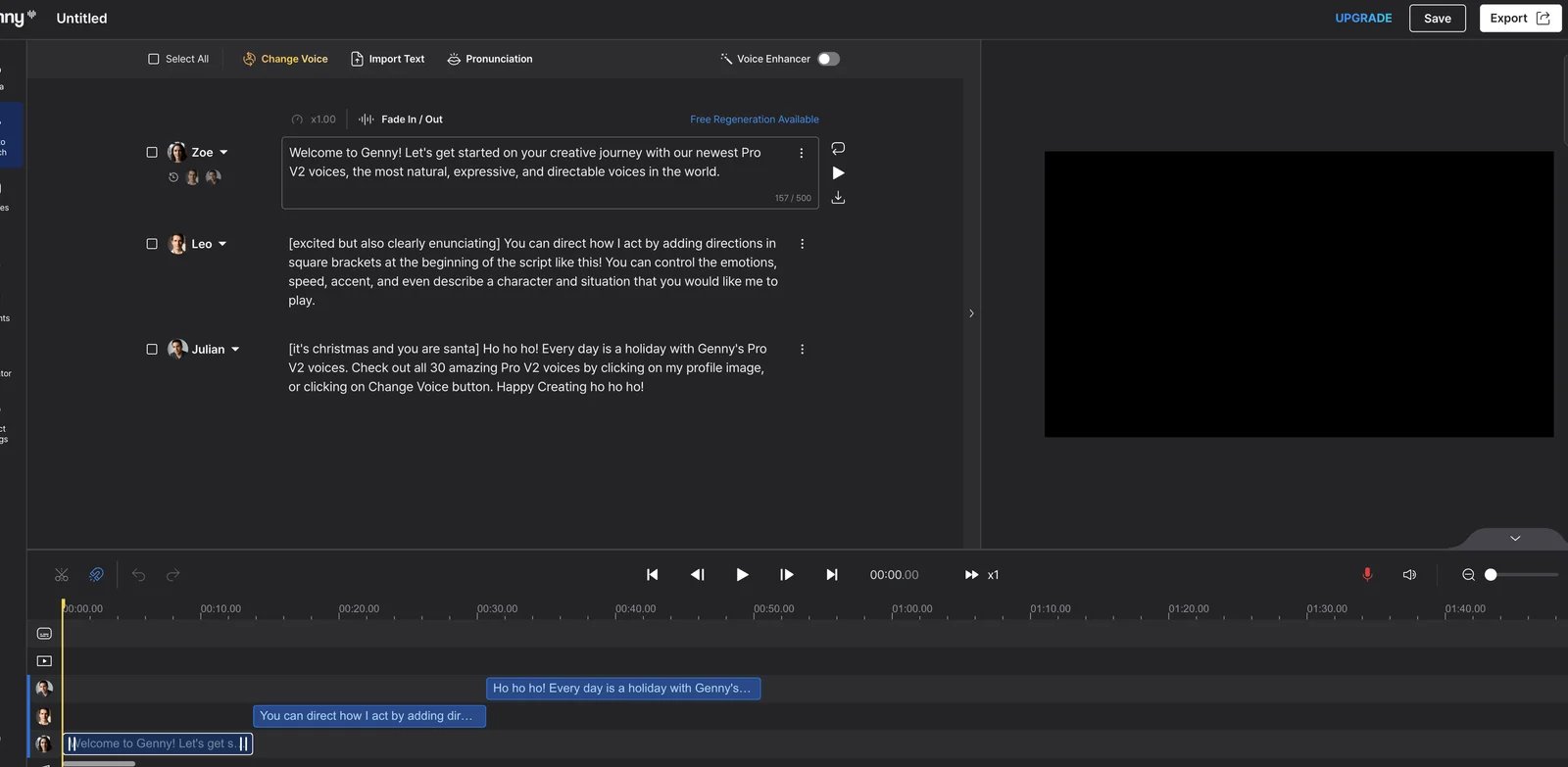
LOVO's voice cloning feature lives inside Genny, its broader voiceover and video platform. The best reason to shortlist it is custom voice library management: record or upload a voice, save the cloned voice, then reuse it across recurring scripts, ads, training materials or character content.
Key Features
- Custom voice from recording or upload: LOVO describes creating a cloned voice from about one minute of clear audio.
- Voice library workflow: Users can build and manage multiple custom voices inside Genny.
- Commercial rights on paid plans: LOVO's help center says paid subscriptions grant commercial rights to generated Genny content.
- Video and subtitle stack: The cloned voice can sit inside a broader creator workflow instead of a standalone audio app.
Pricing & Plans
LOVO pricing and promotional structure can change, so confirm current plan names, annual discounts, voice cloning limits and commercial-use wording before buying. The important buyer signal is that cloning is part of Genny, not a separate developer-only product.
Pros & Cons
Pros
- Strong creator-friendly custom voice workflow
- Useful for repeat ads, e-learning and character content
- Paid-plan commercial rights are documented
- Broader video and voiceover workspace
Cons
- Live pricing should be rechecked carefully
- Less developer-focused than ElevenLabs or Resemble
- Quality should be tested with long-form scripts before rollout
Best For
Choose LOVO if you want a creator-oriented custom voice library inside a broader voiceover platform.
Get started with LOVO AI

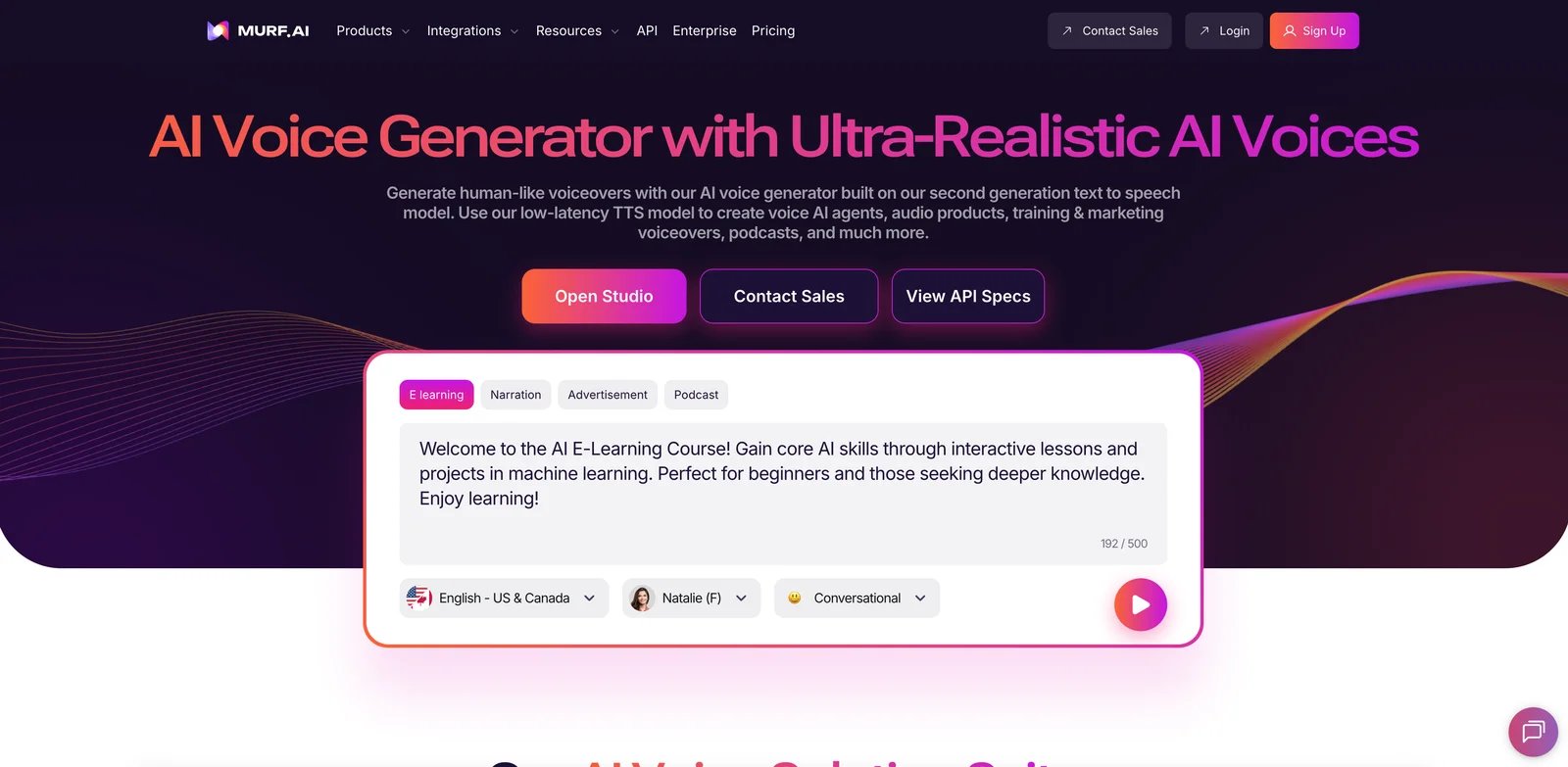
Murf AI is strongest as a business voiceover studio. It supports voice cloning, but the public pricing signals suggest custom voice clones are more of an enterprise or add-on workflow than a cheap entry-tier feature. That makes it a good fit for organizations, not hobbyist cloners.
Key Features
- Voice cloning for consistent private voices: Murf positions voice cloning around founders, trainers, educators and podcasters who need the same voice across content.
- Business-friendly studio: Projects, voice generation time, pronunciation, emphasis and collaboration features matter for repeat narration.
- Translation and dubbing adjacency: Murf also supports content localization workflows.
- Enterprise data controls: Enterprise pages reference security, data and procurement controls that matter for teams.
Pricing & Plans
Murf lists Free, Creator, Business and Enterprise paths. Creator starts around $19/month on annual billing, Business around $66/month on annual billing, and custom voice clones are presented as enterprise or add-on capacity. Verify the current pricing page before assuming cloning is included in a lower plan.
Pros & Cons
Pros
- Mature business narration workflow
- Clear public pricing for core studio plans
- Good fit for e-learning and corporate content
- Enterprise procurement path exists
Cons
- Custom cloning is not the easiest low-cost path
- Less clone-first than ElevenLabs or Resemble
- Exact cloning availability should be confirmed before purchase
Best For
Choose Murf AI if your team already needs a business voiceover studio and wants custom voice cloning as part of a larger narration process.
Get started with Murf AI

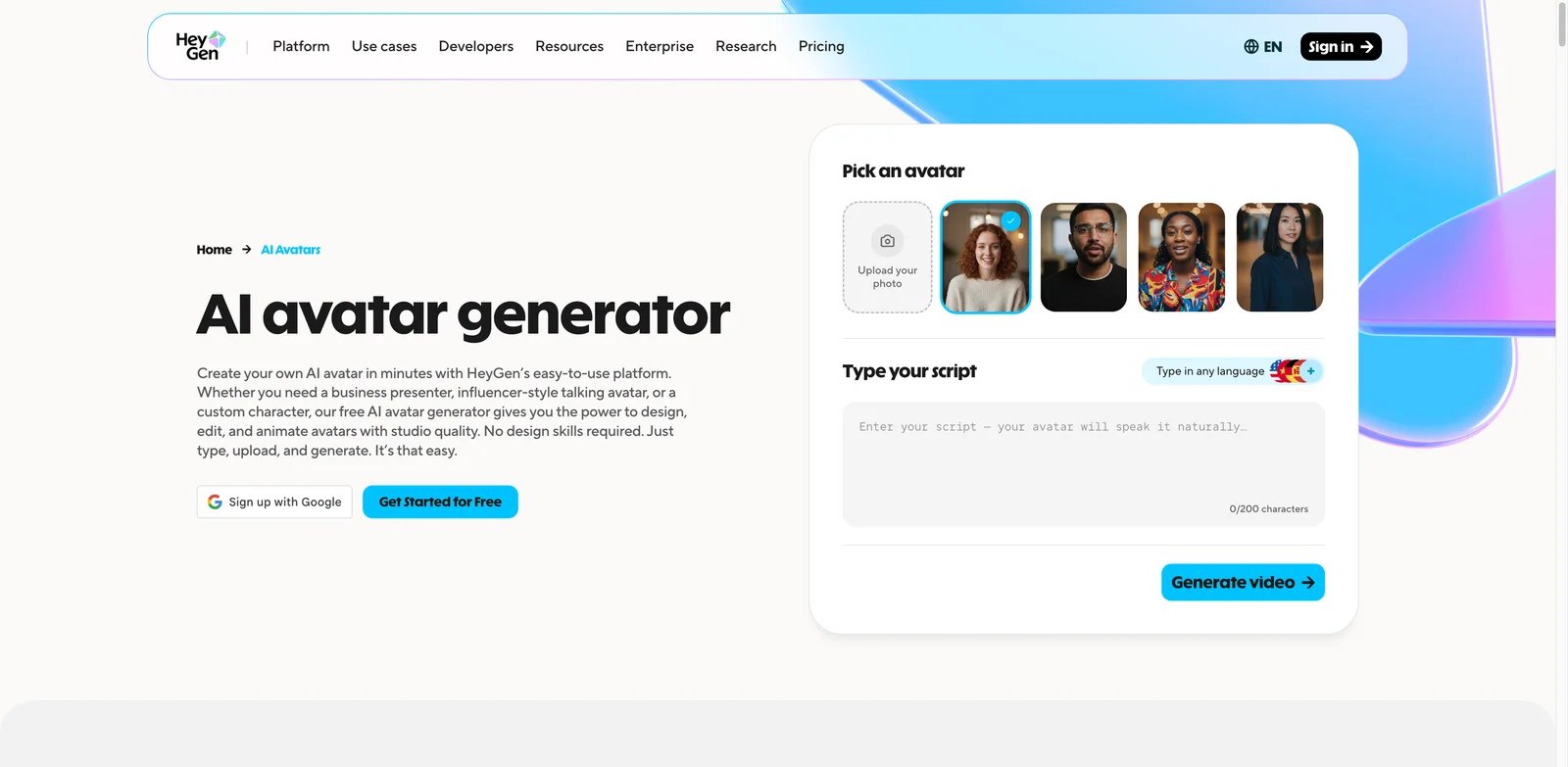
HeyGen is not the best pure audio cloner. It becomes valuable when the cloned voice needs to drive an avatar, translated video or product demo. If your final asset is a talking-head video, the integrated voice, avatar and dubbing workflow can save more time than a better standalone audio model.
Key Features
- Voice cloning across many languages: HeyGen's voice cloning page positions the clone as reusable for multilingual video.
- Avatar pairing: The same voice can be used with avatar workflows, which is the real differentiator.
- Consent-first messaging: HeyGen publicly describes consent and ownership verification before training voice models.
- Video localization stack: Voice cloning pairs with dubbing, translation and lip-sync workflows.
Pricing & Plans
HeyGen's Free plan does not include voice cloning; cloning starts on Creator at $29/month ($24/month annually), with Pro from $49/month, Business at $149/month plus $20 per additional seat, and Enterprise custom. Because credits, video length, export quality, seats and avatar limits affect the true cost, evaluate pricing around final rendered videos rather than only voice minutes.
Pros & Cons
Pros
- Strongest when cloned voice and video are one workflow
- Good fit for training, sales and marketing content
- Public consent and security claims are clearer than many video tools
- Reduces handoff between audio and avatar products
Cons
- Too heavy for audio-only cloning
- Rendering and credit costs can matter more than voice generation
- Output realism still needs script and visual review
Best For
Choose HeyGen when your cloned voice will appear in avatar videos, translated explainers or recurring presenter content.
Get started with HeyGen
PlayHT
playht.co product and pricing pages as the source of truth.Key Features
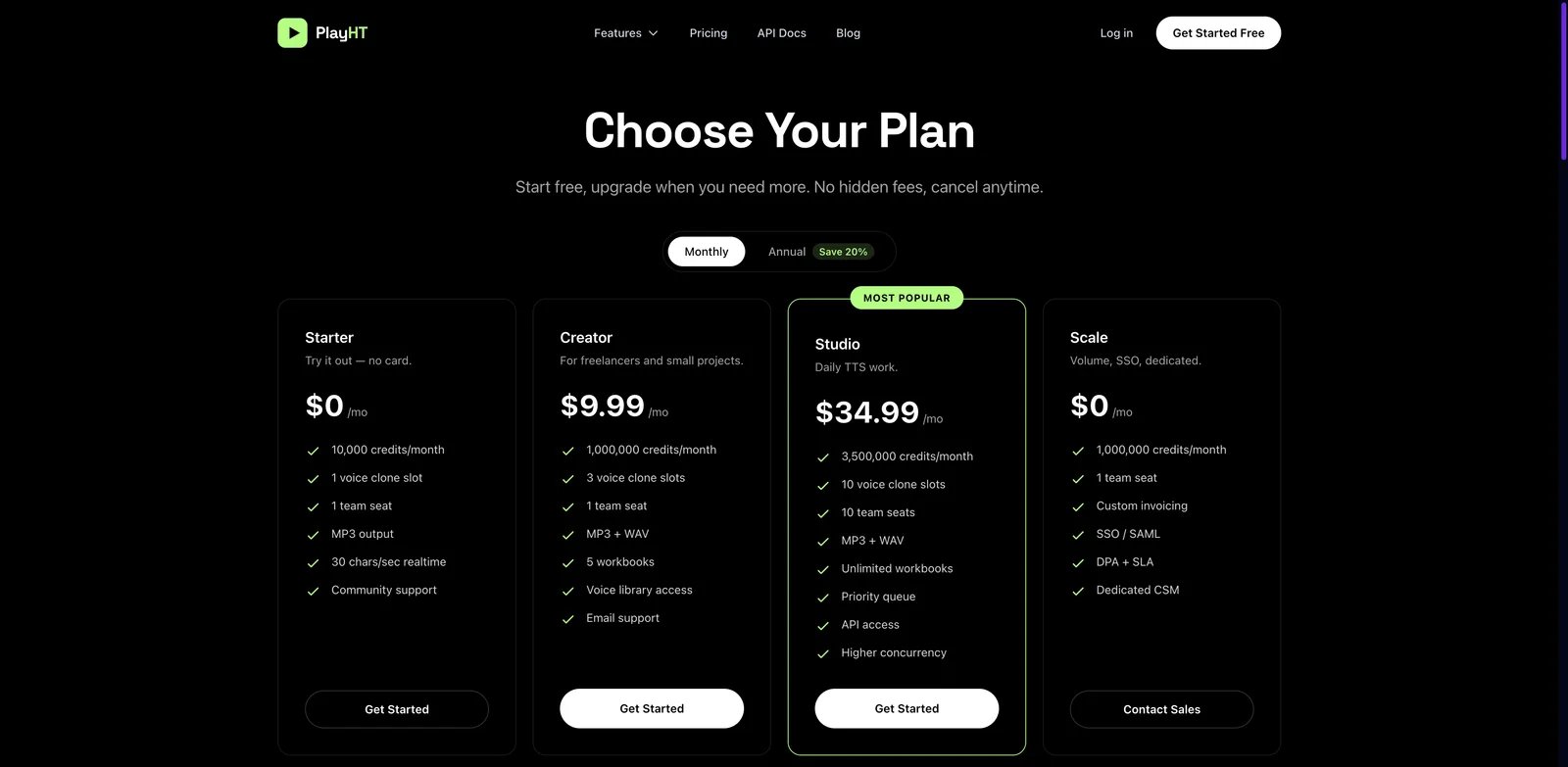
- Voice clone slots in plans: The current pricing page lists clone slots in Starter, Creator and Studio plans.
- API and studio workflow: PlayHT supports both web use and developer workflows for TTS and cloned voices.
- Instant cloning in developer docs: Official docs describe cloning a voice and using the clone for generation.
- Low entry price: The Creator plan is one of the cheaper paid clone-slot options in this list.
Pricing & Plans
PlayHT's current pricing page lists Starter at $0/month, Creator at $9.99/month, Studio at $34.99/month and Scale as sales-led. Starter includes a limited clone slot; Creator and Studio expand credits and clone slots.
Pros & Cons
Pros
- Low-cost entry compared with many cloners
- Public clone slots and API docs
- Useful for developers and creators
- Paid credits roll over per pricing FAQ
Cons
- Old
play.htand newerplayht.copages can show different packaging - Enterprise trust posture is less prominent than Resemble or Azure
- Buyers should verify commercial terms for their exact plan
Best For
Choose PlayHT if you want an affordable cloned-voice workflow with API access and can tolerate some packaging ambiguity.
Get started with PlayHT

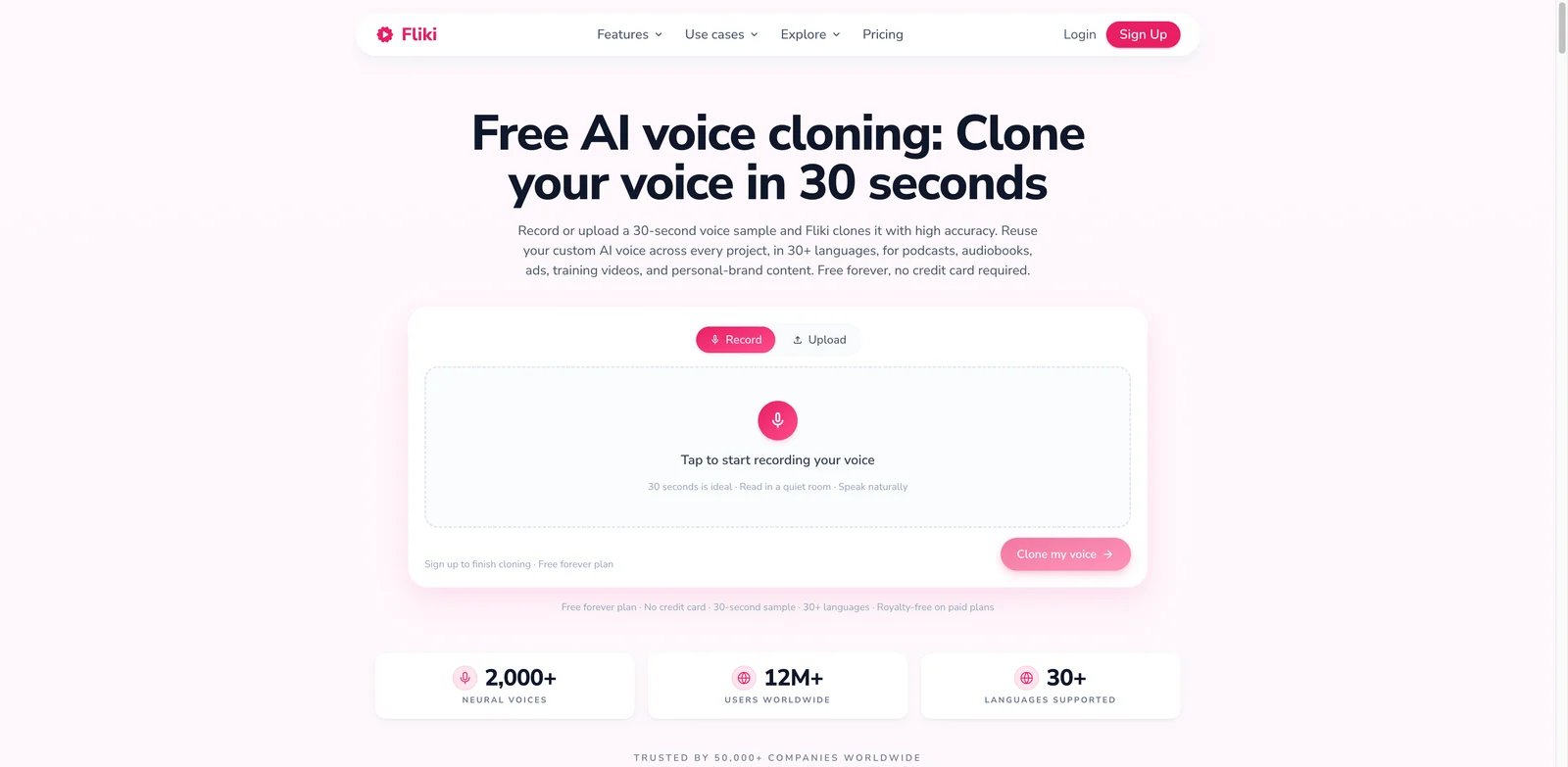
Fliki is a video-first creator tool with a voice cloning feature. It is appealing when you want a cloned voice to live alongside stock voices, AI avatars, captions and script-to-video generation in one browser workspace.
Key Features
- Short-sample voice cloning: Fliki's page describes cloning from a 30-second sample, with upload or browser recording.
- Cross-language output: The cloned voice can be used across supported languages for multilingual content.
- Video editor integration: Voice cloning is bundled with video creation, avatars and captions.
- Commercial rights on paid plans: Fliki states paid plans include commercial usage rights for created content.
Pricing & Plans
Fliki has a free start and paid tiers such as Standard, Premium and Enterprise. Paid tiers expand credits, output length, HD exports, brand features, API access and commercial rights. Because credit usage varies by video length and optional AI features, estimate a real monthly workload before paying annually.
Pros & Cons
Pros
- Fast creator workflow
- Good for multilingual social and training videos
- Bundles cloned voice with visuals and captions
- Free start is useful for testing
Cons
- Voice fidelity claims should be tested before production
- Broad video feature set can make pricing harder to model
- Less suitable for enterprise-only audio deployment
Best For
Choose Fliki if you need a cloned voice inside a lightweight video creation workflow, not as a standalone audio model.
Get started with Fliki

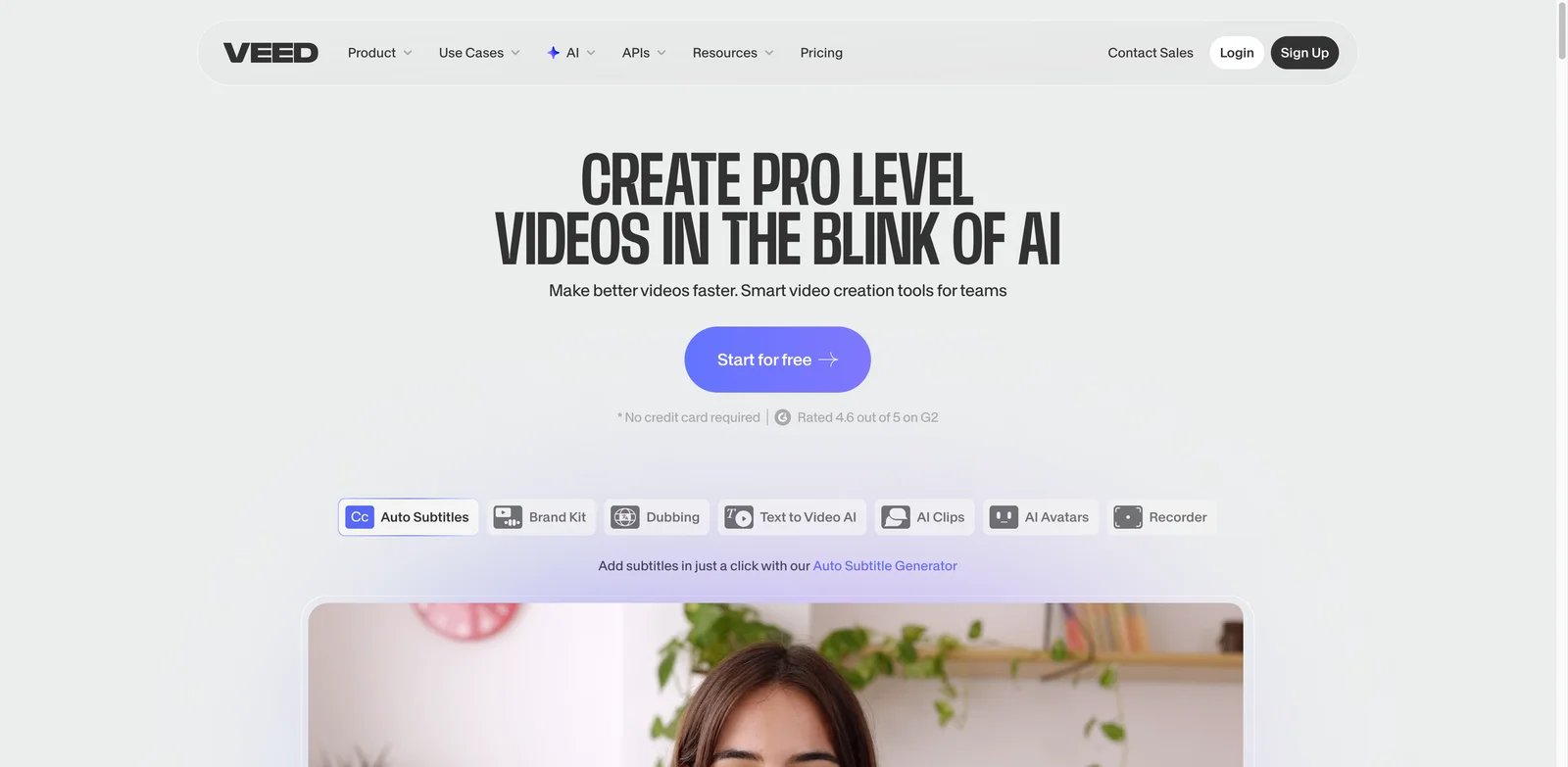
VEED is a convenience pick. It lets creators record a voice once and generate voiceovers inside the same browser editor used for subtitles, clips and exports. It should not be mistaken for a high-end voice research platform, but for simple video tasks the workflow is efficient.
Key Features
- Voice cloning in under a few minutes: VEED describes recording a voice and generating scripted voiceovers in multiple languages.
- Browser video editor: The cloned voice can be used directly inside a video project.
- Subtitles and cleanup tools: Helpful when the job includes captioning, trimming and publishing.
- Free test path: The voice cloning page says the tool can be tried for free once before upgrading.
Pricing & Plans
VEED's voice cloning page points buyers to paid plans for full access. Since VEED packaging can vary by export quality, storage, subtitles, AI features and team controls, verify pricing around the whole video workflow.
Pros & Cons
Pros
- Very approachable for non-technical video creators
- Good all-in-one browser workflow
- Useful for quick social videos and marketing clips
- Low friction compared with enterprise tools
Cons
- Not the deepest voice cloning engine
- Free access is only a test path
- Commercial rights and export limits require plan review
Best For
Choose VEED if you need quick cloned-voice videos and value editing convenience over maximum voice fidelity.
Get started with VEED

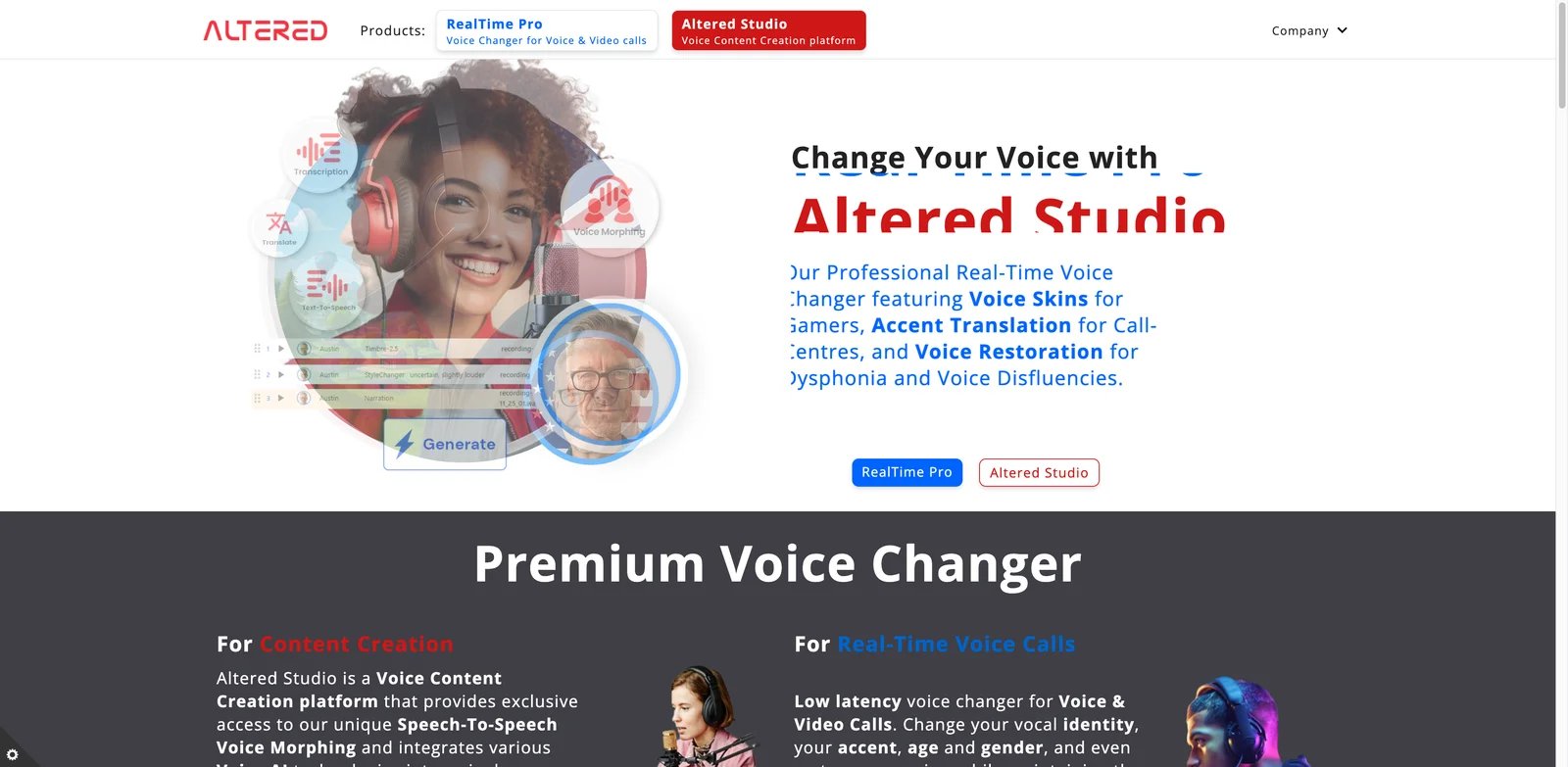
Altered is closer to a pro audio voice transformation system than a simple TTS clone app. It supports local voice cloning, rapid voice cloning and voice morphing, which makes it useful for studios, audio producers and voice actors who care about performance control.
Key Features
- Local and rapid voice cloning: Public pricing lists local voice cloning and rapid voice cloning across plans.
- Voice morphing: Altered focuses on preserving performance while changing voice identity, which is useful for scripted acting.
- Desktop and online workflow: Higher-value use cases often assume the desktop app and suitable GPU resources.
- Commercial license ladder: Creator and Professional plans separate attribution, creator and commercial licensing.
Pricing & Plans
Altered lists Free, Creator, Professional and Enterprise tiers. Creator is listed at $30/month billed annually, while Professional is listed at $90/month billed annually and adds stronger commercial usage and output controls.
Pros & Cons
Pros
- Strong for voice-to-voice performance work
- Local workflow options
- Clearer license ladder than many small tools
- Useful for studios and audio professionals
Cons
- More technical than creator-first web tools
- Some local workflows require GPU capability
- Less attractive for simple text-to-speech voiceovers
Best For
Choose Altered if you need voice performance transformation, local cloning or pro audio control rather than a simple cloned TTS narrator.
Get started with Altered
Rask AI
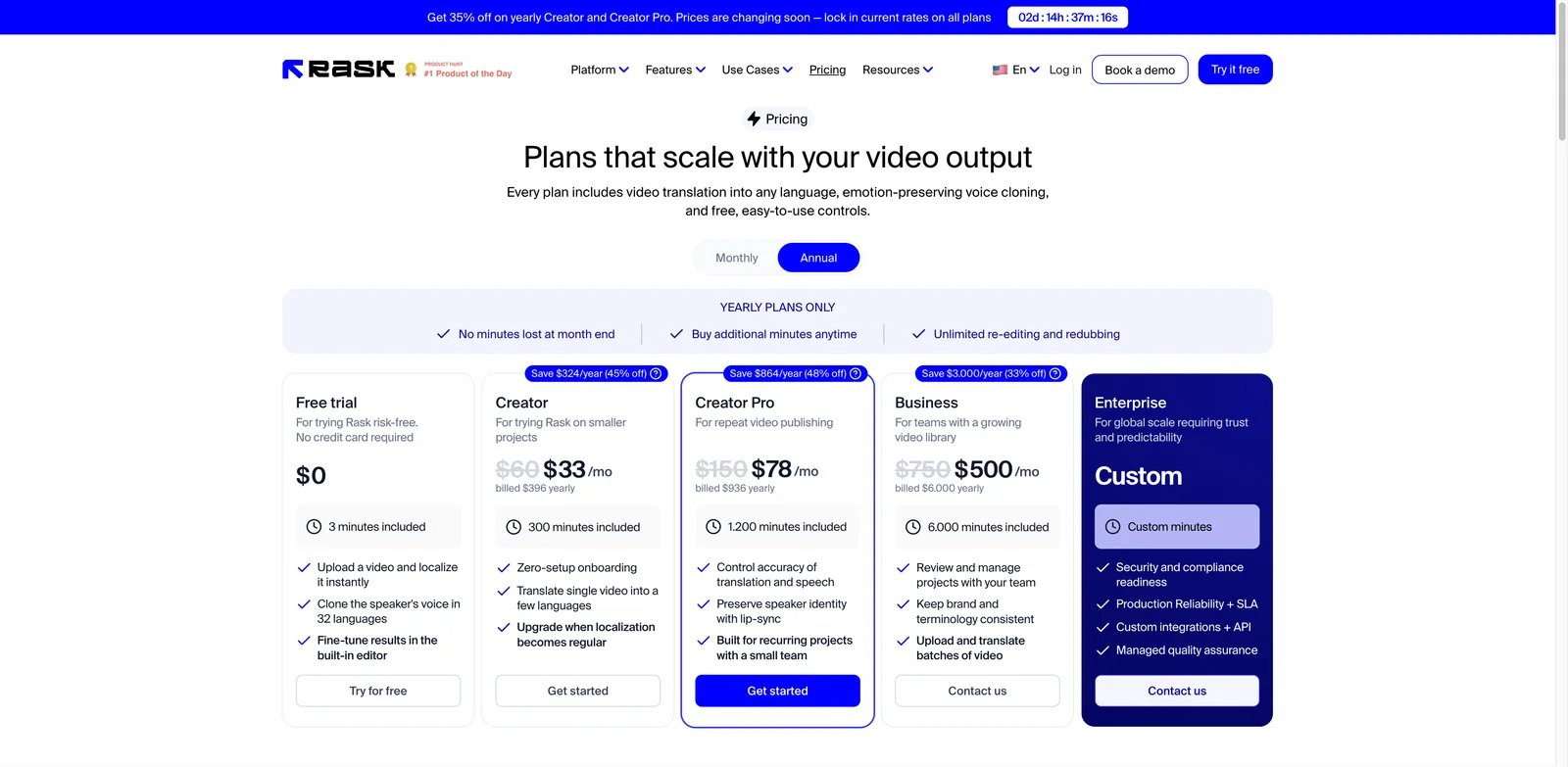
Rask AI is a localization tool first and a voice cloning tool second. That is not a weakness if your real problem is translating videos while preserving speaker identity. It becomes expensive if all you wanted was a personal voice clone for short narration.
Key Features
- Emotion-preserving voice cloning in localization: Rask's pricing page says plans include video translation and emotion-preserving voice cloning.
- Saved custom voices on higher tiers: Rask help docs describe a Voice Clone Library with plan-based limits for reusable custom voices.
- Editor for translated projects: Users can adjust translation, script, subtitles and voice output in the same workflow.
- API starts on Creator Pro: Creator Pro has limited API access, Business adds production API + webhooks, and Enterprise adds dedicated API and integrations.
Pricing & Plans
Rask lists a free trial plus Creator, Creator Pro, Business and Enterprise plans. Monthly Creator pricing starts at $60/month, while annual billing reduces effective monthly cost. Emotion-preserving voice cloning is included on every plan; Creator Pro and above add saved custom voices that can be reused across future projects.
Pros & Cons
Pros
- Strong for recurring localization
- Built around video/audio translation rather than isolated TTS
- Saved voice clone library on higher tiers
- Paid API path for scaling teams
Cons
- Expensive for audio-only cloning
- Saved reusable custom voices require Creator Pro or higher
- Workflow assumes video or audio localization
Best For
Choose Rask AI if your cloned voice needs to follow a translated video or training library across languages.
Get started with Rask AI

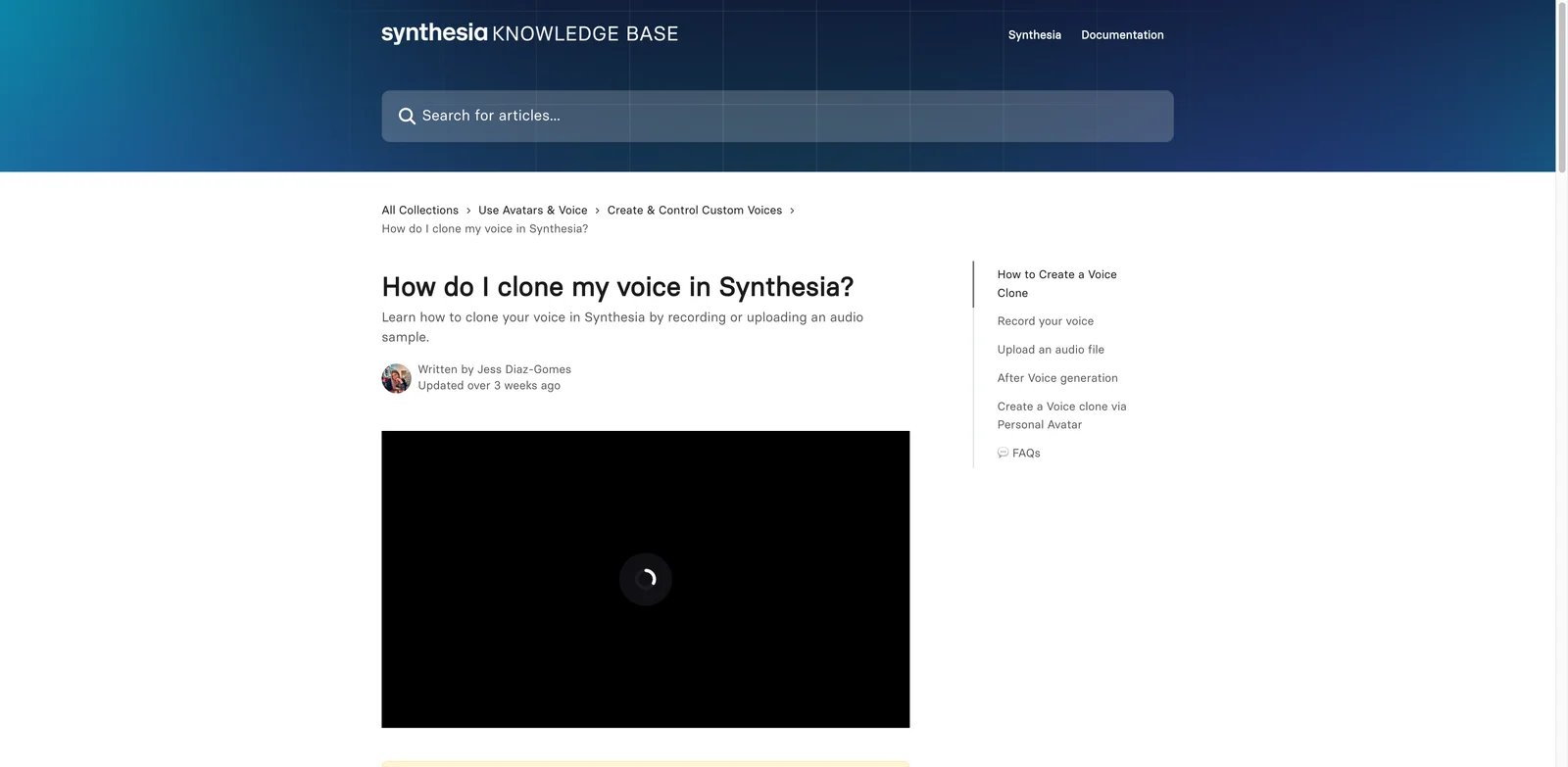
Synthesia belongs here because its voice clone workflow is documented and consent-focused, but it should be evaluated as part of an avatar video platform. If the final deliverable is internal training, onboarding or corporate communication, that packaging can make sense.
Key Features
- Voice clone from recording or upload: Synthesia's help center documents recording and upload flows.
- Consent passcode: The voice speaker must provide consent by reading a randomly generated passcode.
- Multi-language custom voices: Custom voices can be used in multiple languages, with some languages restricted by plan.
- Avatar integration: Voice clone creation can also happen through personal avatar workflows.
Pricing & Plans
Synthesia offers Basic at $0/month, Starter at $29/month ($264/year), Creator at $89/month ($804/year), and Enterprise at custom pricing. Voice cloning is available on all plans, although some languages are Enterprise-only. Because voice cloning sits inside the broader platform, price the whole avatar workflow rather than the voice feature alone.
Pros & Cons
Pros
- Strong corporate video context
- Clear consent step in help docs
- Useful for training and internal communications
- Fits teams already using Synthesia avatars
Cons
- Not a standalone audio cloning tool
- Some language or advanced features can be enterprise-gated
- Less flexible for API-first audio generation
Best For
Choose Synthesia if you need a verified custom voice for avatar videos, training modules or corporate communication.
Get started with Synthesia

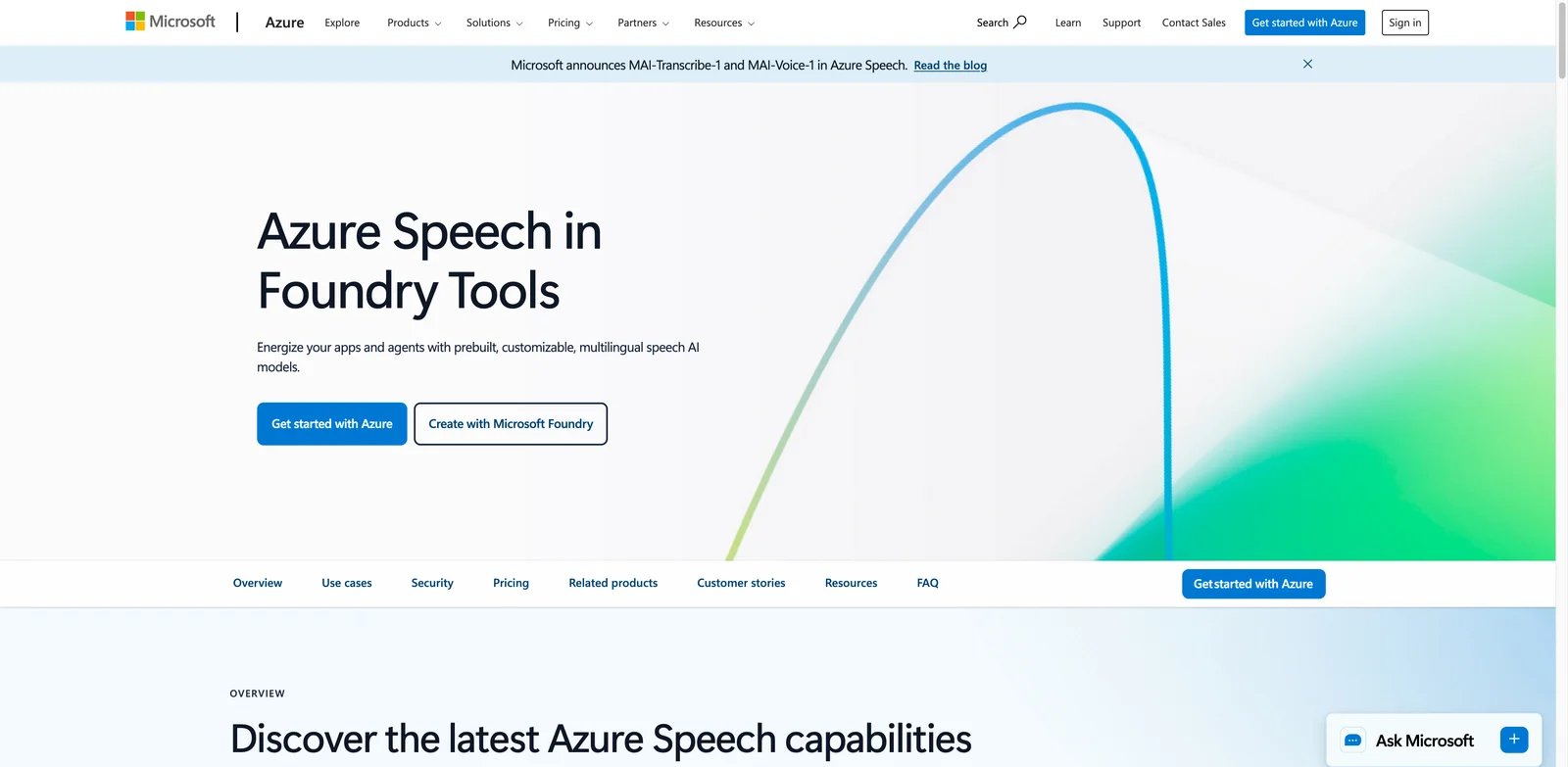
Azure AI Custom Neural Voice is the enterprise engineering option. It is not designed for creators who want a voice clone in five minutes. It is for organizations that already operate in Azure and need custom voice deployment under cloud governance, approvals and compliance review.
Key Features
- Custom Neural Voice: Build custom voices inside the Azure AI Speech ecosystem.
- Enterprise governance: Azure security, data handling, regions and procurement controls matter for large organizations.
- Speech Studio and API integration: Custom voices can be used through Azure speech workflows.
- High-control deployment path: Better suited to production systems than one-off creator content.
Pricing & Plans
Azure uses consumption-based speech pricing, and Custom Neural Voice historically includes training, synthesis and endpoint hosting costs. Microsoft documentation and support references also note approval and limited-access requirements. Confirm current pricing and eligibility with Microsoft before planning a project.
Pros & Cons
Pros
- Strong enterprise cloud fit
- Good for regulated or high-volume systems
- Integrates with Azure architecture
- More control than creator SaaS tools
Cons
- Not self-serve for casual users
- Setup and approval process can be slow
- Pricing is harder to estimate than subscription tools
Best For
Choose Azure AI Custom Neural Voice if your organization needs a governed custom voice inside an existing Azure deployment.
Get started with Azure AI Custom Neural Voice
Camb.ai
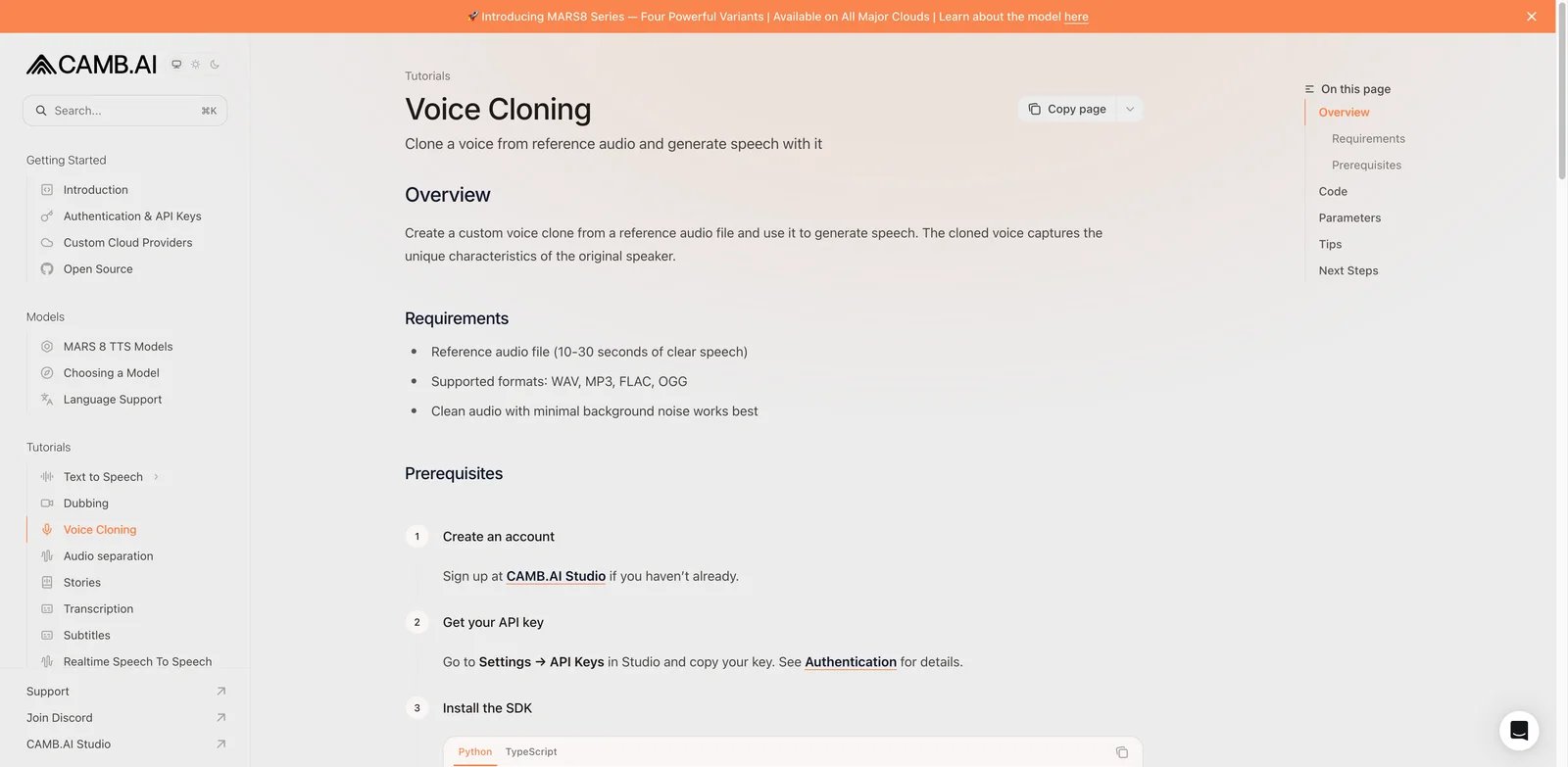
Camb.ai is a technical localization and dubbing option. Its documentation describes creating a custom voice clone from reference audio and using it for speech generation. That makes it relevant for teams that can work with APIs or a more technical studio process.
Key Features
- Reference-audio voice cloning: Camb.ai docs describe cloning from 10-30 seconds of clear speech.
- Supported audio formats: WAV, MP3, FLAC and OGG are documented for the tutorial flow.
- API workflow: The product is friendly to teams building dubbing or localization systems.
- Audio enhancement option: The custom voice endpoint includes fields such as audio enhancement and metadata.
Pricing & Plans
Camb.ai pricing and access can depend on studio/API usage and customer scale. Confirm current plan limits, commercial terms, supported languages and voice ownership before building around it.
Pros & Cons
Pros
- Clear technical docs for cloning
- Good fit for dubbing and localization teams
- Short sample requirement
- API-oriented workflow
Cons
- Less friendly for solo creators
- Pricing is less transparent than simple subscription tools
- Requires technical validation before production
Best For
Choose Camb.ai if you are building voice cloning into a dubbing, localization or developer workflow and can validate the API yourself.
Get started with Camb.ai
Best AI Voice Cloning Tools by Use Case
For most creators, start with ElevenLabs, Descript and Speechify. ElevenLabs is the strongest general clone platform, Descript is best when the clone fixes existing recordings, and Speechify gives creators a simpler paid Studio path.
For business and enterprise teams, shortlist Resemble AI, Murf AI, Azure AI Custom Neural Voice and Synthesia. The right choice depends on whether the final output is an audio asset, a governed API, a corporate narration workflow or avatar video.
For video localization, compare HeyGen, Fliki, Rask AI, Synthesia and Camb.ai. These tools are less about cloning a voice in isolation and more about keeping speaker identity across translated videos.
For pro audio and performance transformation, test Altered. It is a better fit for voice-to-voice production than for simple typed narration.
How to Choose the Right AI Voice Cloning Tool
Start with the final workflow: standalone audio, podcast repair, avatar video, localization or API deployment. Then compare sample requirements, clone reuse, multilingual output, consent verification, commercial rights, deletion controls, export and API limits, and total monthly cost. A stronger voice model can still be the wrong choice if its licensing, workflow or deployment model does not fit production.
Voice Cloning Safety Checklist
Before you clone any real person's voice, confirm these points in writing:
- You have explicit permission from the voice owner for the exact use case.
- The person understands whether the clone will be used commercially, internally, publicly or in ads.
- The platform's terms allow the intended output and distribution.
- You know whether the original samples or generated outputs can be used for model training.
- You can delete the clone or revoke access if the voice owner asks.
- You have a human review step before publishing cloned speech.
Voice cloning can save production time, but it also creates identity, consent and fraud risk. The safest vendors make consent visible in the workflow instead of hiding it in a checkbox.
Tools We Did Not Rank
Some adjacent tools are useful but did not fit this article's scope. Kits AI is strong for singing voice conversion and licensed artist voices, but this guide focuses on spoken voice cloning. Voicemod, Dubbing AI and HitPaw VoicePea are better evaluated as real-time voice changers. Dubverse says custom voice cloning can be arranged separately, but it is not included in standard subscriptions. WellSaid Labs remains a strong enterprise TTS studio, but public self-serve voice-cloning evidence was weaker than the selected tools during this pass.
Frequently Asked Questions
What is the best AI voice cloning tool overall?
What is the safest AI voice cloning tool for enterprises?
Can I legally clone someone else's voice?
Which voice cloning tool is best for video localization?
Is free AI voice cloning good enough?
How much audio do I need for voice cloning?
What should I test before buying?
Get ToolWorthy Weekly
New AI tools, practical guides, and selected AI signals in one weekly brief.
Related Posts
- 13 Best AI Podcast Generators 2026 — Tested for Voice Quality, Credits & Real Automation
Robotic audio, vanishing credits, and hidden manual steps — we compared 13 AI podcast generators in 2026 to find which ones actually deliver publish-ready audio.
- Top 10 AI Voice Generator Tools 2026 - Compared by Workflow
Compare 10 top AI voice generators with web studios for creators. Expert analysis of text-to-speech, voice cloning, dubbing tools, and voice agents with pricing, features, and commercial licensing.
For AI tool founders
Built a tool that belongs in this decision set?
Request an editorial evaluation for possible inclusion in ToolWorthy.
Submit your tool for reviewPaid submission does not guarantee a ranking, recommendation, inclusion, or editorial outcome.