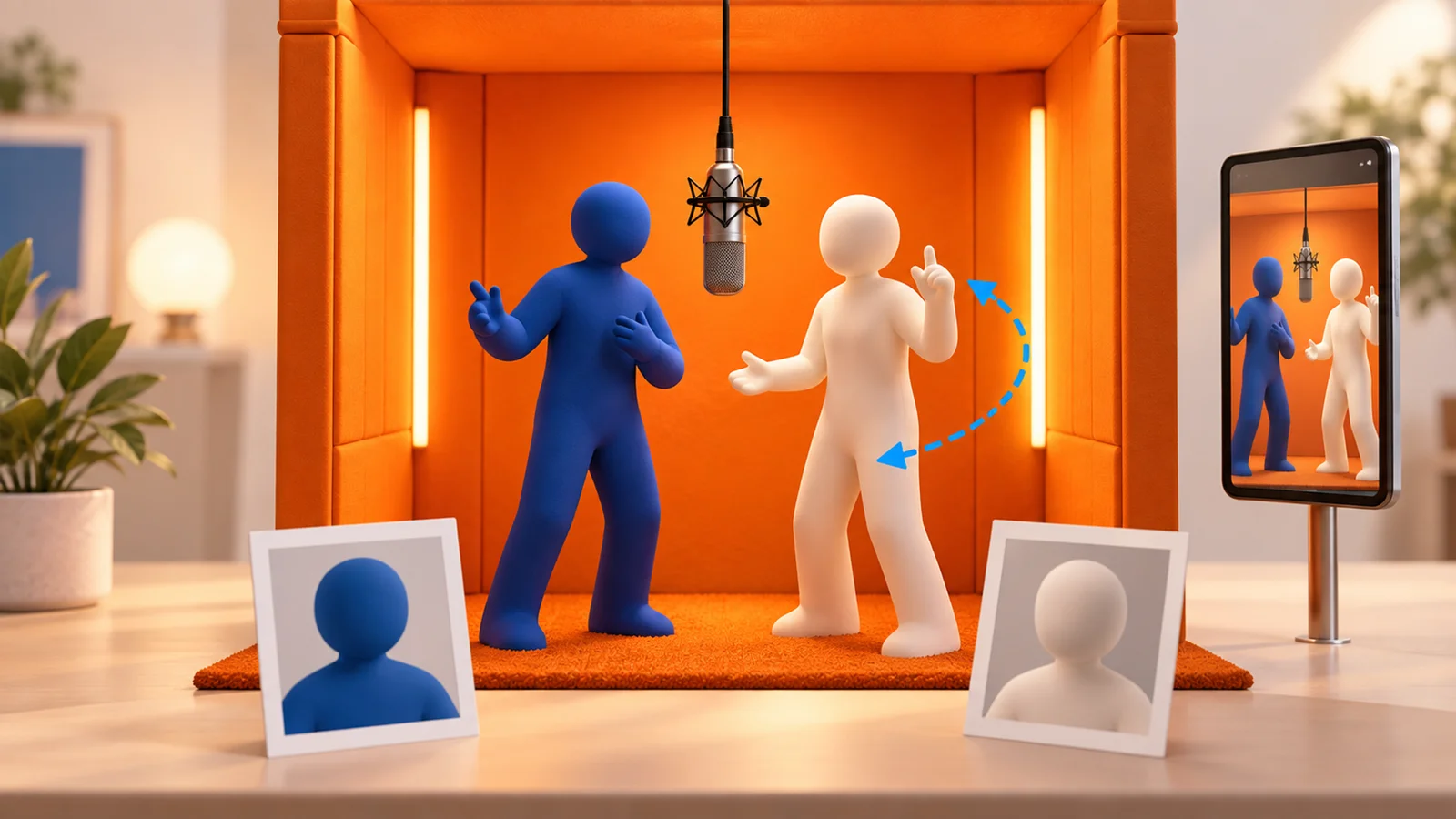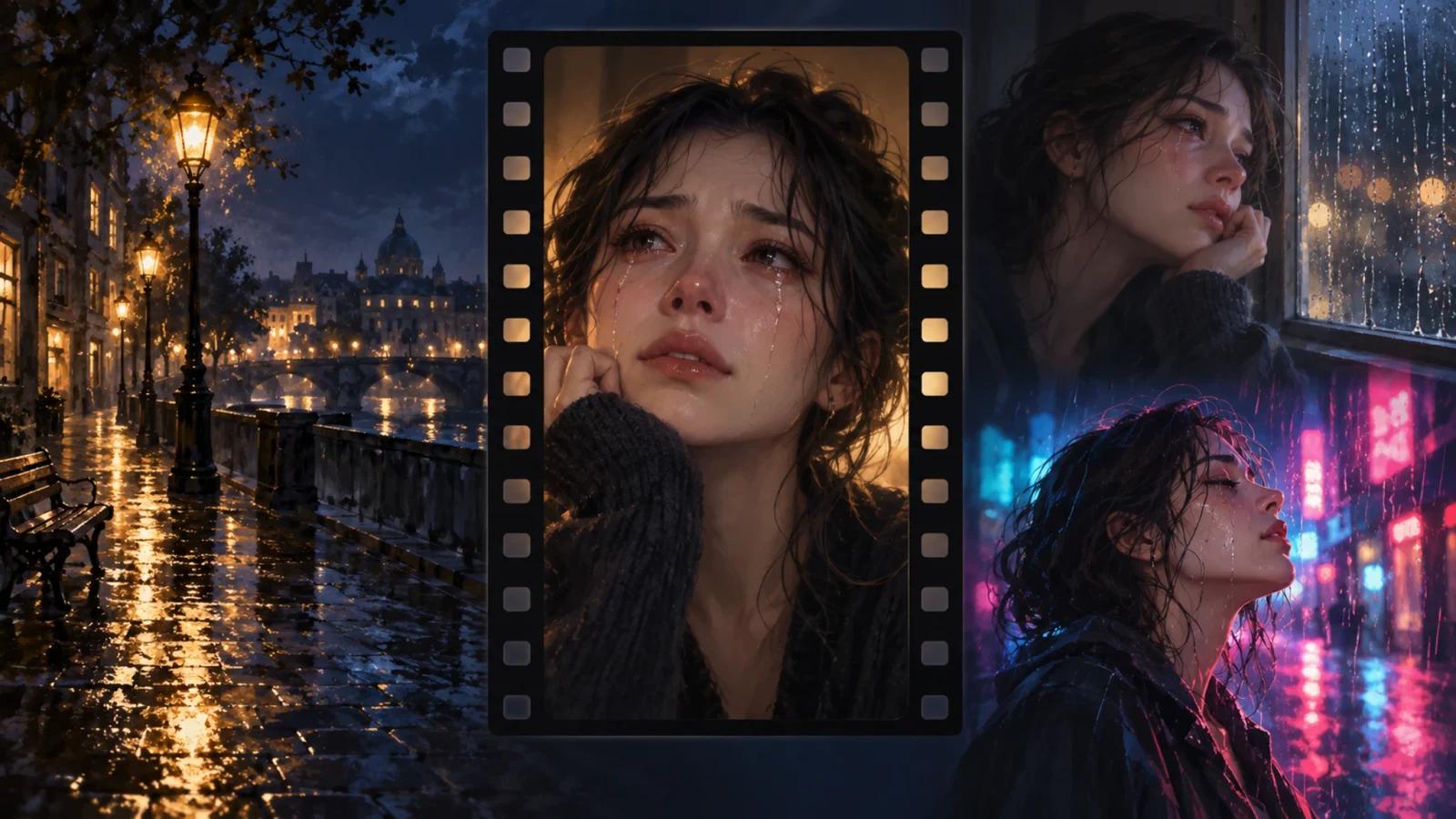


AI Crying is a browser-based AI crying video generator that turns one selfie into an emotional over-the-shoulder scene. Choose Him or Her, then receive an eight-second vertical clip for a social post. One-time video packs provide a simple way to create one clip or several takes.
From a Selfie to an Over-the-Shoulder Scene
Upload a clear, front-facing selfie with both eyes visible and choose who the subject looks toward. Him places a man's shoulder in the foreground; Her uses a woman's shoulder. The scene takes place at night with warm city lights behind the subject.
The website describes three emotional beats: the subject looks up with a smile, the expression begins to break, and tears appear. The documented output is an eight-second, vertical 9:16 MP4, with an estimated generation time of four to eight minutes.
The clip is silent and watermark-free. Add a soundtrack, captions or other finishing touches in TikTok, CapCut or your preferred video editor before posting.
One-Time Video Packs
AI Crying offers three packs:
| Pack | Price | Included videos |
|---|---|---|
| 1 Video | USD 9.99 | 1 |
| 3 Videos | USD 19.99 | 3 |
| 10 Videos | USD 39.99 | 10 |
Each video credit creates one video. Packs are one-time purchases, and the service works without an account or subscription. Credits do not expire and are tied to a private pack link, which you can keep for later generations.
Free Templates and a Prompt Builder
The templates page provides seven free scene prompts, including the original over-the-shoulder shot, a night-street walk-away, close-up tears, holding back tears, crying in the rain, a car-window scene and a train-station goodbye.
Its free prompt builder lets you select a scene, who the subject looks at, crying intensity, ending and length. You can add a detail to preserve, then copy the assembled prompt into an image-to-video tool with your selfie. This prompt-writing workflow complements the homepage generator's prepared over-the-shoulder scene.
Sharing and Photo Handling
The terms permit personal and social-media use of generated videos. Add audio that is appropriate for your intended use, and upload a photo of yourself or a person who has agreed to appear in the AI scene.
According to the privacy policy, photos are sent to the AI video provider to generate the clip. The policy states that photos are not used for model training and that uploaded photos and generated videos are automatically deleted after 30 days. Earlier deletion can be requested through support. Download the finished MP4 to keep it in your own library.
AI Crying suits creators who want a prepared emotional selfie clip with an eight-second format and one-time pricing. For more portrait-animation workflows, browse the AI video generator category.
Sources & Verification
Last verified: October 6, 2026.
Source-based research from the official product materials below. No hands-on testing was performed for this update.